1. Introduzzjoni
This manual provides detailed instructions for using your Xiaomi Pad 7 tablet. It covers everything from initial setup to advanced features, ensuring you can maximize your device's potential. Please read this guide thoroughly to understand all functionalities and maintain optimal performance of your tablet.
Note: The images included in this manual are of the "Xiaomi Pad 7 User Guide" book, which provides the content for this digital manual. They do not depict the Xiaomi Pad 7 tablet itself.
2. Setup Inizjali
Follow these steps to set up your Xiaomi Pad 7 for the first time:
- Unboxing u Ixgħel: Carefully remove your tablet from its packaging. Press and hold the power button until the Xiaomi logo appears.
- Lingwa u Reġjun: Select your preferred language and region from the on-screen prompts.
- Qabbad mal-Wi-Fi: Choose your Wi-Fi network and enter the password to connect to the internet. This is essential for downloading updates and setting up your Google account.
- Setup tal-Kont Google: Sign in with your existing Google account or create a new one. This allows access to the Google Play Store, Gmail, and other Google services.
- Xiaomi Account (Optional): Consider signing in or creating a Xiaomi account for access to Xiaomi Cloud services, device synchronization, and other exclusive features.
- Trasferiment tad-Data: If you are upgrading from another device, follow the on-screen instructions to transfer your data.
- Setup tas-Sigurtà: Set up a screen lock method (PIN, pattern, password, fingerprint, or face unlock) to protect your device.
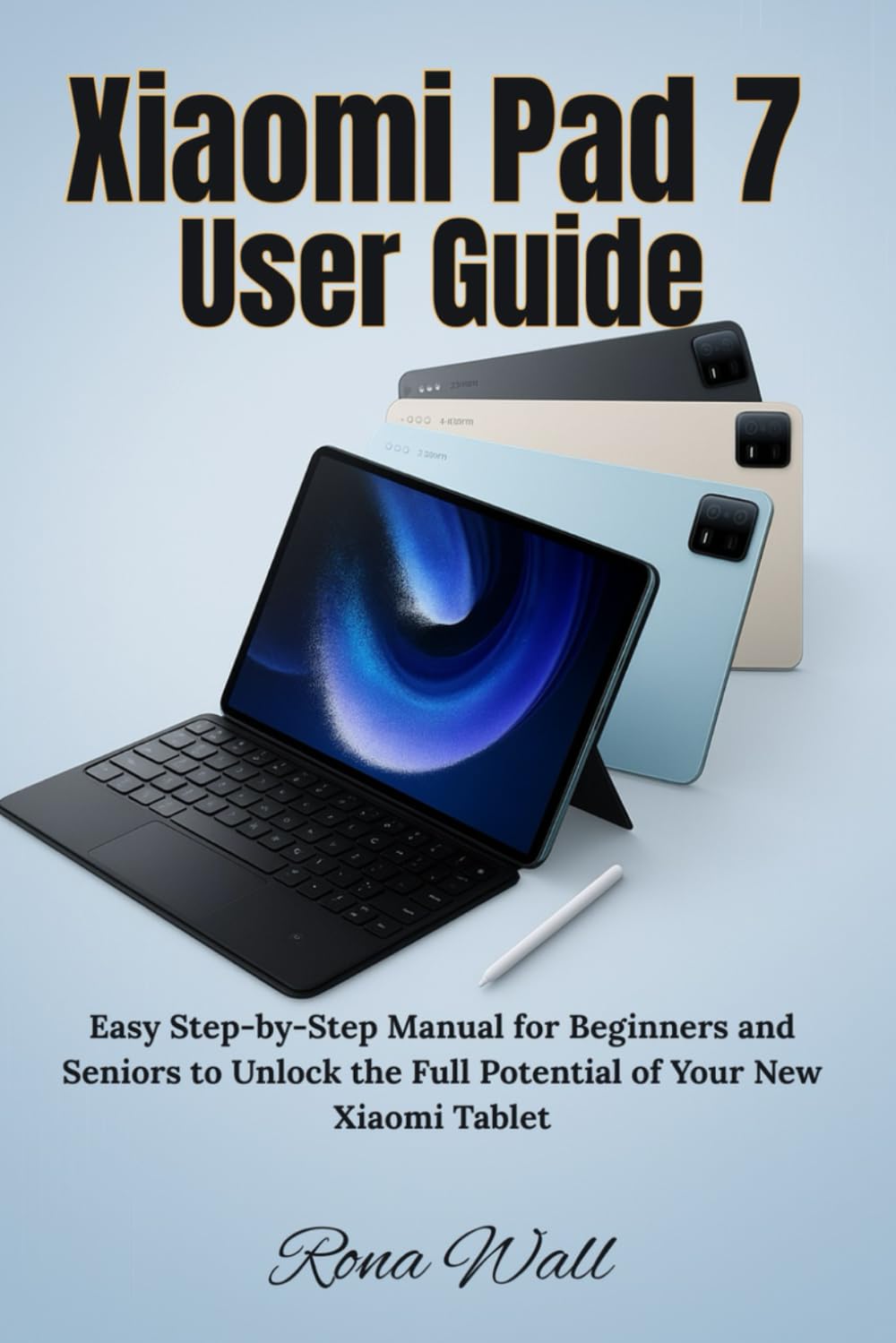
Image: Front cover of the "Xiaomi Pad 7 User Guide" book. This book provides the content for this manual.
3. Device Operation and Navigation
3.1 Tqassim Fiżiku
Familiarize yourself with the physical buttons and ports on your Xiaomi Pad 7:
- Buttuna tal-Qawwa: Located on the top/side, used to turn the device on/off, lock/unlock the screen, and restart.
- Buttuni tal-Volum: Located on the side, used to adjust media volume, call volume, and notification volume.
- Port USB-C: Located at the bottom, used for charging, data transfer, and connecting accessories.
- Kelliema: Typically located on the sides for audio output.
- Mikrofoni: For voice input during calls or recordings.
3.2 Ġesti tat-Touchscreen
Navigate your tablet using intuitive touch gestures:
- Tektek: Select an item, open an app, or confirm an action.
- Stampa Twila: Aċċessa l-menus kuntestwali jew iċċaqlaq l-ikoni.
- Swipe: Scroll through pages, switch between home screens, or dismiss notifications.
- Agħfas biex Tiżżumja: Kabbar jew tiċkien kontenut bħal ritratti u web paġni.
- Two-Finger Swipe: Often used for specific app functions or scrolling.
3.3 Notification Panel and Quick Settings
Swipe down from the top of the screen to access:
- Notifiki: View alerts from apps and the system.
- Settings ta' malajr: Toggle Wi-Fi, Bluetooth, screen brightness, rotation lock, and more.
4. Key Features and Customization
4.1 Personalization Tools
Customize your Xiaomi Pad 7 to reflect your style:
- Sfondi u Temi: Change your home screen and lock screen backgrounds. Explore various themes to alter the entire look and feel of your MIUI interface.
- widgets: Żid widgets mal-iskrin tad-dar tiegħek għal aċċess rapidu għall-informazzjoni u l-funzjonijiet tal-app.
- Tqassim tal-iskrin tad-dar: Organize app icons, create folders, and adjust grid size.
4.2 Produttività u Multitasking
Enhance your efficiency with these features:
- Skrin maqsum: Run two apps side-by-side simultaneously.
- Twieqi li Jżommu f'wiċċ l-ilma: Open apps in resizable, movable windows over other applications.
- Smart Keyboard and Stylus Support: Connect compatible accessories for improved typing and drawing experiences.
4.3 Entertainment Essentials
Your Xiaomi Pad 7 is designed for immersive entertainment:
- Daqq tal-Midja: Enjoy videos, music, and podcasts using pre-installed apps or downloaded streaming services.
- Modalità Qari: Optimize the screen for comfortable reading, reducing eye strain.
- Logħob: Download and play a wide range of games from the Google Play Store.
4.4 Camera and Gallery Mastery
Capture and manage your memories:
- Teħid ta' Ritratti u Vidjows: Use the camera app to capture high-quality images and record videos. Explore various modes like Portrait, Panorama, and Pro mode.
- Gallery Features: Organize, view, and perform basic edits on your photos and videos.
- Qsim: Easily share your media through social media, messaging apps, or cloud services.
4.5 Xiaomi Cloud and Account Services
Leverage Xiaomi's ecosystem for data management:
- Backup fuq il-Cloud: Back up your photos, contacts, messages, and app data to Xiaomi Cloud.
- Sinkronizzazzjoni tal-Apparat: Synchronize data across multiple Xiaomi devices.
- Sib Apparat: Locate, lock, or erase your device remotely if it's lost or stolen.
4.6 Security and Privacy Settings
Protect your tablet and personal information:
- Lock tal-Iskrin: Configure PIN, pattern, password, fingerprint, or face unlock.
- Permessi tal-App: Manage which apps have access to your camera, microphone, location, and other sensitive data.
- Dashboard tal-Privatezza: Monitor app access to your privacy-sensitive data.
- Aġġornamenti tas-Sigurtà: Ensure your system is always up-to-date with the latest security patches.
4.7 Advanced Features and Tips
Explore additional functionalities for enhanced control:
- Ottimizzazzjoni tal-Batterija: Utilize power-saving modes and monitor battery usage to extend battery life.
- Għażliet għall-Iżviluppatur: (For advanced users) Access settings for debugging, animation scales, and other system-level controls.
- Aġġornamenti tas-Sistema: Regularly check for and install MIUI system updates to get new features and performance improvements.
5. Manutenzjoni
Proper maintenance ensures the longevity and optimal performance of your Xiaomi Pad 7:
- Tindif: Uża drapp artab u mingħajr suf biex tnaddaf l-iskrin u l-qafas. Evita kimiċi ħarxa jew materjali li joborxu.
- Aġġornamenti tas-Software: Always keep your operating system and apps updated to the latest versions for security and performance enhancements.
- Kura tal-batterija: Avoid extreme temperatures. Do not let the battery drain completely regularly, and avoid keeping it at 100% charge for extended periods.
- Ġestjoni tal-Ħażna: Regularly clear cache, delete unnecessary files, u ddiżinstalla l-apps mhux użati biex tillibera l-ispazju tal-ħażna.

Image: Back cover of the "Xiaomi Pad 7 User Guide" book, showing the ISBN barcode.
6. Issolvi l-problemi ta' Kwistjonijiet Komuni
Hawn huma soluzzjonijiet għal xi problemi komuni li tista' tiltaqa' magħhom:
- L-Apparat Mhux Jixgħel: Ensure the battery is charged. Connect to a charger and wait a few minutes before attempting to power on again. If unresponsive, try a forced restart (usually by holding the power button for 10-15 seconds).
- L-Applikazzjonijiet Jikkraxxjaw jew Jiffriżaw: Close the app and reopen it. Clear the app's cache and data in Settings > Apps. If the issue persists, uninstall and reinstall the app.
- Problemi ta' Konnettività Wi-Fi/Bluetooth: Toggle Wi-Fi/Bluetooth off and on. Restart your tablet and your router/Bluetooth device. Forget the network/device and reconnect.
- Prestazzjoni bil-mod: Close background apps. Clear cache. Restart the device. Ensure sufficient free storage space.
- Batterija Tbattal malajr: Check battery usage in Settings to identify power-hungry apps. Reduce screen brightness, disable unnecessary features (GPS, Bluetooth, Wi-Fi when not in use).
- Irrisettjar tal-Fabbrika: As a last resort, if software issues persist, you can perform a factory reset (Settings > About tablet > Factory reset). Twissija: Dan se jħassar id-dejta kollha fuq l-apparat tiegħek. Agħmel backup tad-dejta importanti qabel ma tipproċedi.
7. Speċifikazzjonijiet
Detailed technical specifications for the Xiaomi Pad 7 tablet are typically found on the official Xiaomi website, product packaging, or within the device's settings (Settings > About tablet). Key specifications generally include:
- Wiri: Screen size, resolution, panel type.
- Proċessur: CPU model and core count.
- Memorja (RAM): Amount of RAM.
- Ħażna: Internal storage capacity.
- Kameras: Front and rear camera megapixels and features.
- Batterija: Battery capacity (mAh).
- Sistema Operattiva: Android version and MIUI version.
- Konnettività: Wi-Fi standards, Bluetooth version, cellular support (if applicable).
- Dimensjonijiet u Piż: Physical size and weight of the tablet.
Please refer to the official Xiaomi product page for the most accurate and up-to-date specifications for your specific Xiaomi Pad 7 model.
8. Garanzija u Appoġġ
8.1 Informazzjoni dwar Garanzija
Your Xiaomi Pad 7 comes with a limited warranty. The terms and conditions of the warranty vary by region and retailer. Please refer to the warranty card included with your product or visit the official Xiaomi webis-sit għal informazzjoni dettaljata dwar il-garanzija speċifika għax-xiri tiegħek.
Typically, the warranty covers manufacturing defects but does not cover damage caused by misuse, accidents, unauthorized repairs, or normal wear and tear.
8.2 Appoġġ għall-Klijent
For technical assistance, service, or further inquiries, please contact Xiaomi customer support through one of the following channels:
- Xiaomi Uffiċjali Websit: Żur mi.com/global/support għal FAQs, gwidi għas-soluzzjoni tal-problemi, u għażliet ta' kuntatt.
- Ċentri tas-Servizzi: Locate authorized Xiaomi service centers in your region.
- Appoġġ tat-Telefon: Check the Xiaomi support websit għal numri tat-telefon tas-servizz tal-konsumatur lokali.
Meta tikkuntattja l-appoġġ, jekk jogħġbok żomm in-numru tas-serje tat-tagħmir tiegħek u l-prova tax-xiri faċilment disponibbli.