1. Introduzzjoni
This manual provides essential information for the proper use and maintenance of your SUNKTA TX12-D Smart Watch. Please read it thoroughly before operating the device to ensure optimal performance and longevity.
Vidjo: Fuqview of the SUNKTA TX12 Smart Watch features and design.
2. X'hemm fil-Kaxxa
Upon unboxing your SUNKTA TX12-D Smart Watch, verify that all the following items are included:
- SUNKTA TX12-D Smart Watch (1 unit)
- Charging Cable (USB) (1 unit)
- Charging Cable (Type-C) (1 unit)
- Metal Watch Band (1 unit)
- Silicone Watch Band (1 unit)
- Manwal għall-Utent (unità waħda)

Image: The SUNKTA TX12-D Smart Watch and its included accessories: two charging cables, a metal band, and a silicone band.
3. Karatteristiċi tal-prodott
3.1 Design & Durability
The TX12-D features a TC4 titanium alloy monocoque dual-metal case, offering a lightweight yet robust design with exceptional shock resistance. Its space gray finish provides a modern aesthetic. The watch is designed to withstand various environmental conditions.

Image: The smartwatch showcasing its robust construction and resistance to water, shock, and dust.
3.2 Wiri
Equipped with a 2.01-inch TFT HD full screen, the display offers a resolution of 320x390 pixels for clear and vibrant visuals. The 816D highly responsive touch technology ensures smooth interaction.
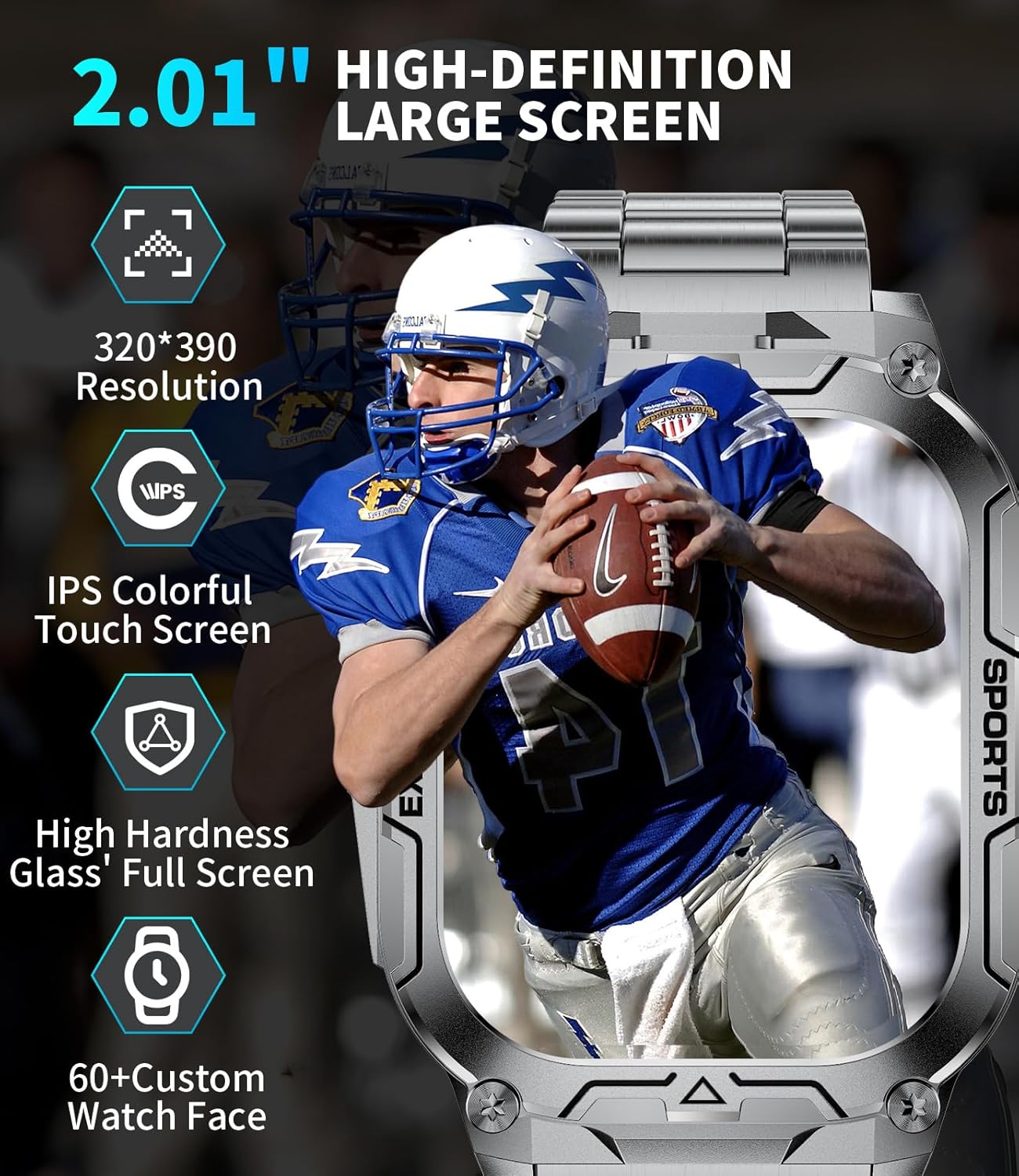
Image: The watch display with a clear interface, emphasizing its high-definition screen.
3.3 Performance & Connectivity
The TX12-D is powered by an RTL8773EWE dual-core chip, providing efficient performance and reduced power consumption. It supports BLE 5.3 for stable Bluetooth connectivity, enabling high-definition calls and voice assistant interactions through its 8Ω speaker and 42dB microphone.
3.4 Ħajja tal-Batterija u Iċċarġjar
A 900mAh lithium polymer battery offers 7-10 days of typical daily use. The intelligent segmented charging technology prolongs battery lifespan. Two magnetic charging cables (USB and Type-C) are included for versatile charging.

Image: Visual representation of the watch's extended battery life and charging efficiency.
3.5 Traċċar tas-Saħħa
The smartwatch continuously monitors your heart rate, blood oxygen, and blood pressure. It also provides automatic sleep tracking, analyzing awake, light, and deep sleep patterns. All data can be synchronized with the companion app for comprehensive health insights. Note: Measurements are for reference only and are not medical data.

Image: The watch interface showing various health monitoring metrics.
3.6 Modalità Sportiva
With over 100 sports modes, including walking, running, cycling, and tennis, the watch tracks key metrics such as steps, distance, calories, and exercise duration to help optimize your training.

Image: The watch showing its sports tracking interface with multiple activity options.
3.7 Karatteristiċi Smart
The TX12-D offers a range of practical features:
- Bluetooth Calling & Notifications: Make and receive calls directly from your wrist. Get real-time alerts from social apps like Facebook, Twitter, and WhatsApp.
- Assistent tal-Vuċi AI: Interact with your watch using voice commands.
- Flashlight: A built-in flashlight for convenience in low-light conditions.
- Tfakkiriet: Sedentary reminder, water intake reminder, alarm clock.
- Wirja tat-Temp: View kundizzjonijiet tat-temp attwali.
- Kontroll tal-Mużika: Manage music playback on your connected smartphone.
- Shutter tal-kamera: Ikkontrolla l-kamera tat-telefon tiegħek mill-bogħod.
- Sib Telefon: Sib l-ismartphone mitluf tiegħek.

Image: The smartwatch displaying its flashlight function.

Image: The watch interface showing call functions, voice assistant, and app notifications.
4. Setup
4.1 Iċċarġjar tal-Arloġġ Intelliġenti
Before initial use, fully charge your smartwatch using one of the provided magnetic charging cables. Connect the magnetic end to the charging points on the back of the watch and the USB or Type-C end to a compatible power source. The innovative charging technology automatically switches to trickle charging once the battery reaches 80% capacity to prolong its lifespan.
4.2 App Download & Pairing
To unlock the full potential of your SUNKTA TX12-D Smart Watch, download the companion app from your smartphone's app store (compatible with iOS 8.0 and Android 4.4 or above). Follow the in-app instructions to pair your watch via Bluetooth.

Image: Visual guide for connecting the smartwatch to your phone.
4.3 Adjusting the Watch Band
The watch comes with two interchangeable bands: a metal strap and a silicone strap. Use the provided tool to adjust the metal strap length by removing or adding links as needed. The silicone strap can be easily attached or detached using its quick-release pins.
Video: Instructions on how to adjust the watch strap for a comfortable fit.
5. Istruzzjonijiet Operattivi
5.1 Navigazzjoni Bażika
- Touchscreen: Skrolla lejn ix-xellug, lejn il-lemin, 'il fuq, jew 'l isfel biex tinnaviga fil-menus u l-karatteristiċi. Tektek biex tagħżel.
- Buttuni tal-ġenb: Use the physical buttons on the side for quick access to specific functions or to return to the home screen.
5.2 Using Specific Features
- Tagħmel Sejħiet: Once paired, use the watch's dial pad or contact list to initiate calls.
- Monitoraġġ tas-Saħħa: Access Heart Rate, Blood Oxygen, and Blood Pressure from the main menu. Ensure the watch is snug on your wrist for accurate readings.
- Modi sportivi: Select your desired activity from the sports menu to begin tracking.
- Flashlight: Activate the flashlight feature from the quick settings menu.
- Assistent tal-Vuċi: Tap the voice assistant icon and speak your command.
Video: Demonstration of barometer, altimeter, and compass functions on a smartwatch.
6. Manutenzjoni
- Tindif: Regularly wipe the watch screen and body with a soft, dry cloth. For stubborn dirt, use a slightly damp drapp u sapun ħafif, imbagħad nixxef sewwa.
- Reżistenza għall-Ilma: The watch is 5ATM waterproof, protecting it from splashes, rain, and sweat. Avoid prolonged submersion in water or exposure to hot water/steam.
- Iċċarġjar: Use only the provided charging cables. Ensure the charging contacts are clean and dry before connecting.
- Ħażna: Aħżen l-arloġġ f'post frisk u niexef meta ma tkunx qed tużah. Evita temperaturi estremi.
7 Issolvi l-problemi
- L-arloġġ ma jixgħelx: Ensure the watch is fully charged. Connect it to a charger for at least 30 minutes.
- Ma tistax tqabbad mat-telefon: Make sure Bluetooth is enabled on your phone and the watch. Ensure the watch is within range and not connected to another device. Restart both devices and try again.
- Qari tas-saħħa mhux preċiż: Kun żgur li l-arloġġ jintlibes sew fuq il-polz tiegħek, la issikkat wisq u lanqas maħlul wisq. Naddaf is-sensor fuq wara tal-arloġġ.
- Notifiki mhux riċevuti: Check app settings on your phone to ensure notifications are enabled for the watch. Verify that the companion app is running in the background.
- Ħajja qasira tal-batterija: Naqqas il-luminożità tal-iskrin, iddiżattiva l-karatteristiċi mhux meħtieġa, u kun żgur li l-arloġġ ikun iċċarġjat kompletament.
8. Speċifikazzjonijiet
| Karatteristika | Speċifikazzjoni |
|---|---|
| Brand | SUNKTA |
| Mudell | TX12-D |
| Daqs tal-Wiri | 2.01 Pulzier |
| Tip ta 'Wiri | TFT LCD |
| Riżoluzzjoni | 320 x 390 |
| Ħażna tal-Memorja | 128 MB |
| Sistema Operattiva | Android Devices, iOS Devices |
| Kapaċità tal-batterija | 900 Milliamp Sigħat (Polimeru tal-Litju) |
| Konnettività | Bluetooth 5.3 |
| Reżistenza għall-Ilma | 5ATM |
| Input tal-Interface tal-Bniedem | Microphone, Touchscreen |
| Karatteristiċi Speċjali | Flashlight, Phone Call, Notifications, Heart Rate Monitor, Sleep Monitor, Multisport Tracker, Music Player, Activity Tracker, Pedometer |
9. Garanzija u Appoġġ
SUNKTA offers a 24-month worry-free product warranty, which includes replacement, return, or accessory replacement services. For any questions or concerns regarding your smartwatch, please do not hesitate to contact our customer support team. We are committed to providing the necessary support.


