1. Introduzzjoni
This manual provides essential information for setting up, operating, and maintaining your NIMO 15.6-inch FHD Laptop (Model N152). Please read through these instructions carefully to ensure optimal performance and longevity of your device.
2. Setup
2.1 Tneħħija tal-kaxxa u Spezzjoni Inizjali
Upon receiving your NIMO laptop, carefully open the packaging and ensure all components are present and undamaged. The box should contain:
- 1 x NIMO N152 Laptop
- 1 x Type-C 65W PD Fast Charger
- 1 x Manwal tal-Utent (dan id-dokument)
- Windows 11 Home (installat minn qabel)
2.2 L-Ewwel Tixgħel u l-Iċċarġjar
Before first use, connect the laptop to the 65W Type-C PD Fast Charger. A full charge is recommended. The laptop can provide up to 2 hours of use from a 15-minute charge.

Immaġni: The included 65W PD GaN USB-C Adapter, designed for fast and efficient charging of your NIMO laptop and other compatible devices.
2.3 Konfigurazzjoni tas-Sistema Operattiva (Windows 11 Home)
Follow the on-screen prompts to complete the initial setup of Windows 11 Home. This includes selecting your region, connecting to a Wi-Fi network, and creating a user account.
2.4 Konfigurazzjoni tas-Sensor tal-Marki tas-Swaba'
For enhanced security and quick login, configure the built-in fingerprint sensor located on the touchpad during the Windows setup or via Windows Settings.

Immaġni: Close-up of the fingerprint sensor integrated into the touchpad, allowing for secure and instant login.
3. Operating Your NIMO Laptop
3.1 Wiri
The NIMO N152 features a 15.6-inch Full HD (1920x1080) IPS display, providing clear and vibrant visuals for work, study, and entertainment.
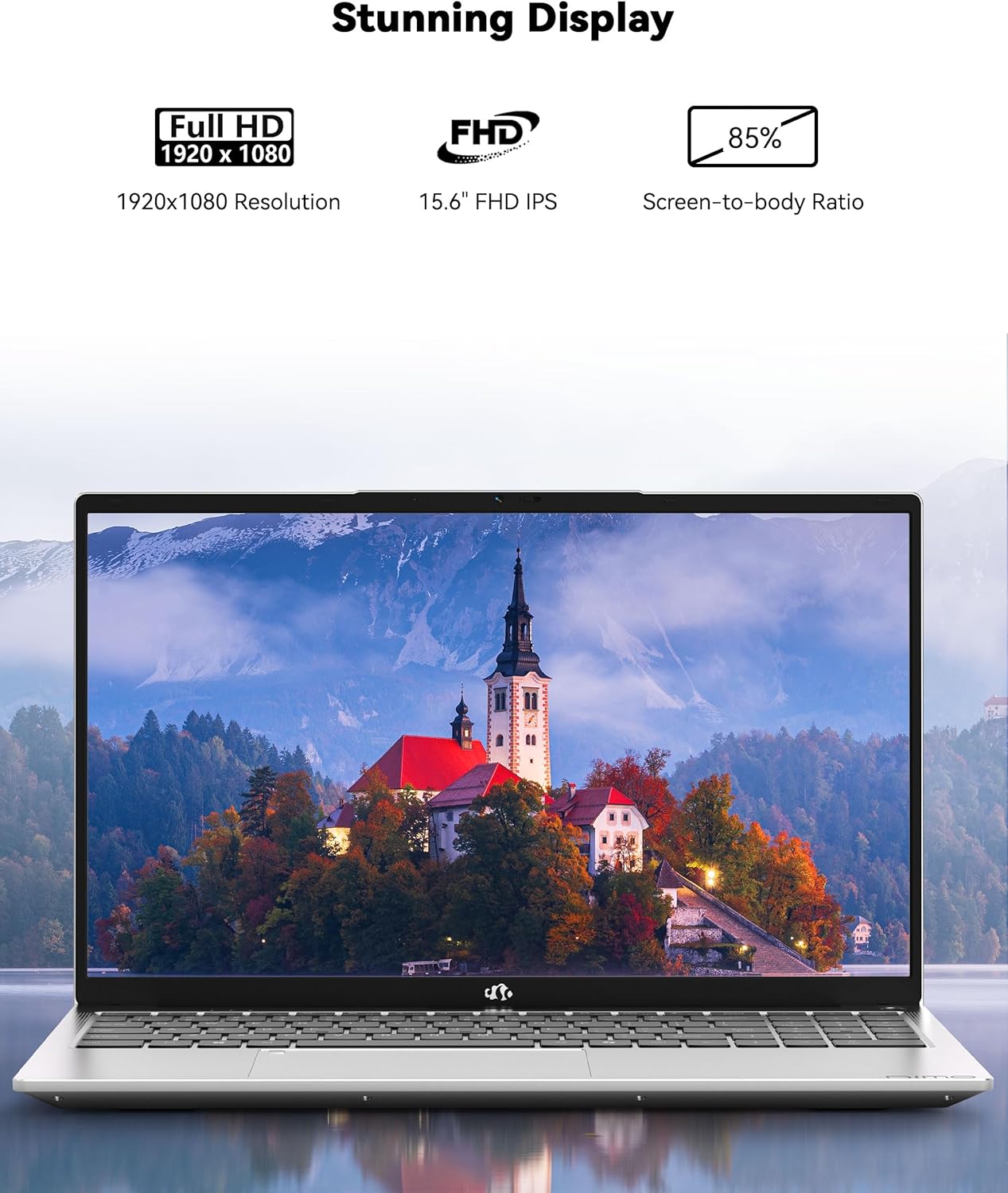
Immaġni: The NIMO laptop showcasing its 15.6-inch Full HD IPS display with vivid colors and sharp details.
3.2 Tastiera u Touchpad
The laptop is equipped with an ergonomic backlit keyboard, allowing for comfortable typing in various lighting conditions. The touchpad supports multi-touch gestures and includes an integrated fingerprint sensor for secure access.
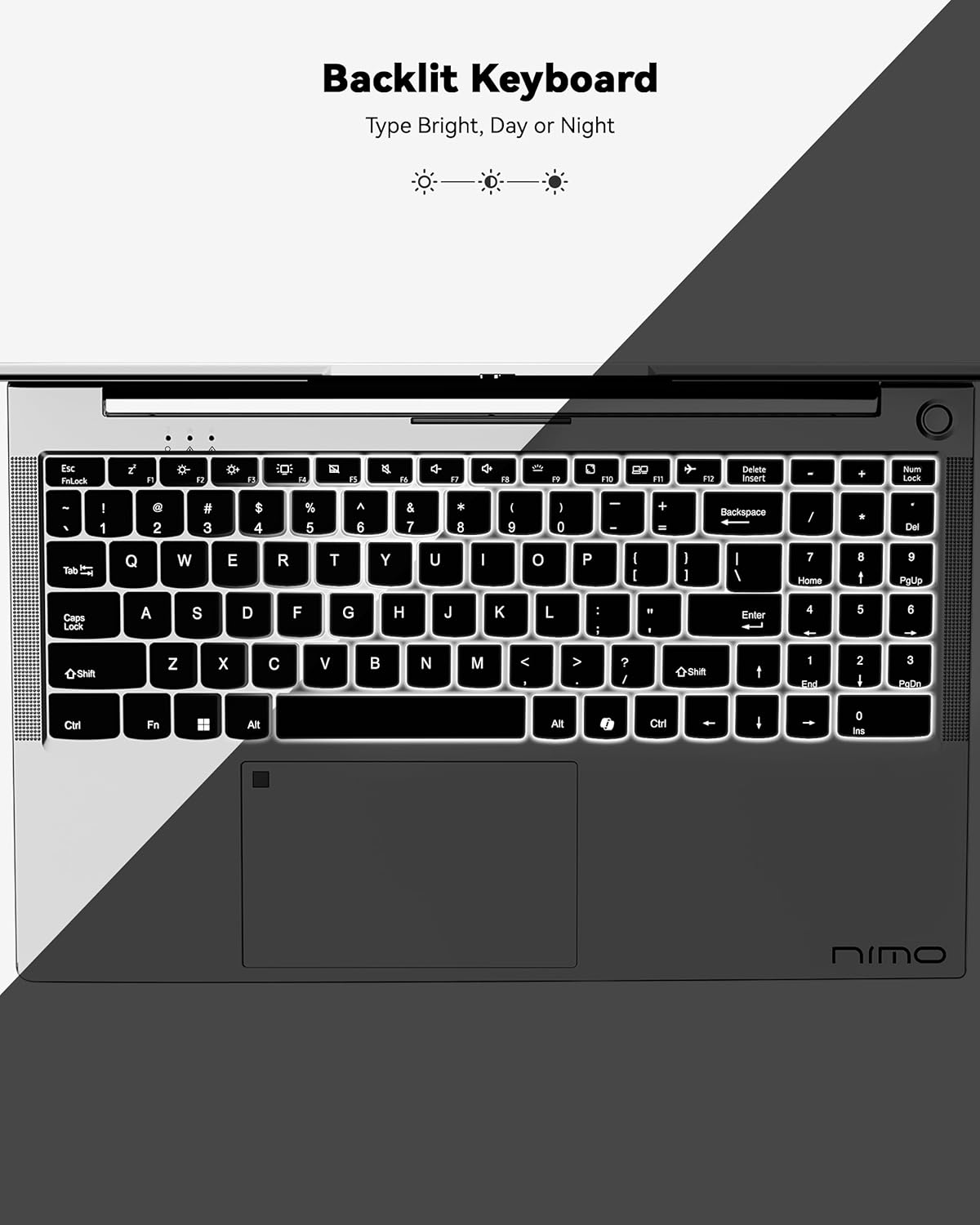
Immaġni: A view of the backlit keyboard, illustrating its illumination for use in low-light environments.
3.3 Portijiet u Konnettività
The NIMO N152 offers a range of ports for versatile connectivity:
- USB 2.0: 1 port
- USB 3.0: 3 portijiet
- Tip-Ċ: Għall-iċċarġjar u t-trasferiment tad-dejta
- HDMI 1.4: For external display connections
- Micro SD Reader: For memory cards
- Awdjo Jack: For headphones/microphone
- Kensington Lock: For security

Immaġni: Ġenb view of the NIMO laptop, highlighting the various input/output ports available for connecting peripherals and external devices.
Wireless connectivity includes Wi-Fi 5 (802.11a/b/g/n/ac) and Bluetooth 5.2.
3.4 Webkamera u awdjo
The laptop features a 2 MP webcam for video calls and online meetings. Dual 2W, 4Ω speakers provide audio output.
3.5 Prestazzjoni
Powered by an AMD Ryzen 5 processor with 4 cores up to 3.7GHz, 8GB DDR4 RAM, and a 256GB SSD, the NIMO N152 is designed for smooth multitasking and quick application loading.
Vidjow: An fuqview of the NIMO 15.6-inch FHD Laptop, demonstrating its use for students, home, and work environments.
Vidjow: Uriasing the NIMO Laptop as a versatile tool for work and study, suitable for various settings and tasks.
4. Manutenzjoni
4.1 Kura tal-Batterija
The laptop is equipped with a 54WH battery, offering an average battery life of 9 hours. To prolong battery lifespan, avoid extreme temperatures and fully discharging the battery frequently. The 65W PD fast charger supports quick power-ups.

Immaġni: Intern view of the laptop highlighting the 54WH battery and smart battery optimization features.
4.2 Upgradability
The NIMO N152 features an expandable RAM slot for easy self-upgrades and an upgradable SSD slot, allowing you to expand storage as needed.
5 Issolvi l-problemi
If you encounter any issues with your NIMO laptop, please refer to the following general troubleshooting tips:
- Kwistjonijiet ta' Enerġija: Ensure the charger is properly connected and the power outlet is functional. Try a different outlet if necessary.
- Prestazzjoni Lag: Close unnecessary applications, check for Windows updates, and ensure sufficient free storage space.
- Problemi ta' Konnettività: Restart your Wi-Fi router and the laptop. Check network settings to ensure correct connection.
- Kwistjonijiet tas-Software: Ensure all drivers and software are up to date. Consider running a system diagnostic or restoring to a previous point if a recent change caused the issue.
For persistent problems, contact NIMO customer support.
6. Speċifikazzjonijiet
| Karatteristika | Speċifikazzjoni |
|---|---|
| Brand | NIMO |
| Isem tal-Mudell | NIMO N152 |
| Daqs tal-Iskrin | 15.6 Pulzier |
| Riżoluzzjoni tal-Iskrin | 1920 x 1080 pixel (FHD) |
| Proċessur | AMD Ryzen 5 (4 Cores, up to 3.7 GHz) |
| RAM | 8 GB DDR4 (Upgradable) |
| Hard Drive | 256 GB SSD (Upgradable) |
| Koproċessur tal-Grafika | AMD Integrated graphics |
| Sistema Operattiva | Windows 11 Home |
| Tip bla fili | 802.11a/b/g/n/ac (Wi-Fi 5) |
| Bluetooth | BT5.2 |
| Portijiet USB | 1x USB 2.0, 3x USB 3.0 |
| Portijiet Oħrajn | Type-C (65W PD), HDMI, Micro SD, Audio Jack, Kensington Lock |
| Webcam | 2 MP |
| Ħajja Medja tal-Batterija | 9 Sigħat |
| Piż tal-oġġett | 3.75 liri |
| Dimensjonijiet tal-Prodott | 14.07 x 8.98 x 0.76 pulzieri |
| Karatteristiċi Speċjali | Backlit Keyboard, Fingerprint Reader, HD Audio, Numeric Keypad |
7. Garanzija u Appoġġ
Your NIMO N152 Laptop comes with a Garanzija ta' 2 snin mill-manifattur. Additionally, NIMO offers a 90-day hassle-free return and exchange policy. For any product-related questions, technical assistance, or warranty claims, please contact NIMO customer support.
NIMO is committed to providing professional and high-quality customer service. You can find contact information on the official NIMO webpaġna tas-sit jew tal-prodott.
Vidjow: A seller-provided video highlighting features of a NIMO laptop, including its design and functionality.
Vidjow: A seller-provided video demonstrating the NIMO laptop with a Ryzen 5 3500U processor, showcasinil-kapaċitajiet tiegħu.


