Introduzzjoni
This manual provides comprehensive instructions for the KEF Muo High-Fidelity Portable Speaker. Please read this manual thoroughly before using your speaker to ensure proper operation and to maximize its performance and longevity. Keep this manual for future reference.
X'hemm fil-Kaxxa
Iċċekkja li l-oġġetti kollha huma preżenti fl-imballaġġ:
- Muo Bluetooth Speaker
- Kejbil tal-Enerġija
- Gwida Quick Start
- Removable carrying strap
Prodott Overview
The KEF Muo is a compact, high-fidelity portable speaker designed for exceptional audio quality and durability. It features intuitive controls and versatile placement options.

Image: KEF Muo Portable Speaker in Midnight Black, shown at an angle with its removable carrying strap attached.

Immaġni: Fuq view of the KEF Muo speaker, highlighting the power, function, volume down, and volume up buttons.
Kontrolli u Indikaturi
- Buttuna tal-Qawwa: Located on the top panel, used to turn the speaker on or off.
- Buttuna tal-Funzjoni: For Bluetooth pairing and other modes.
- Buttuni tal-Volum (+/-): Jaġġusta l-volum tal-plejbek.
- Indikatur LED: Provides status feedback for power, charging, and Bluetooth connection.
- Port USB-C: Għall-iċċarġjar tal-ispiker.
- Buttuna ta' Tqabbil tal-Bluetooth: Dedicated button on the back for initiating Bluetooth pairing.

Immaġni: Wara view of the KEF Muo speaker, showing the USB-C charging port and the Bluetooth pairing button.
Setup
1. Iċċarġja l-Ispeaker
Before first use, fully charge the KEF Muo speaker. Connect the provided power cable to the USB-C port on the back of the speaker and plug the other end into a suitable USB power adapter (not included). The LED indicator will show charging status. A full charge provides up to 24 hours of playback, and a 15-minute quick charge can provide an additional 3 hours.
2. Tixgħil / Mitfi
- To power on, press and hold the Power button until the LED indicator illuminates.
- Biex titfi, agħfas u żomm il-buttuna tal-Enerġija mill-ġdid sakemm l-indikatur LED jintefa.
3. Tqabbil tal-Bluetooth
- Kun żgur li l-kelliem ikun mixgħul.
- Press the Bluetooth pairing button on the back of the speaker. The LED indicator will flash, indicating it is in pairing mode.
- On your device (smartphone, tablet), navigate to the Bluetooth settings and select "KEF Muo" from the list of available devices.
- Ladarba konness, l-indikatur LED se juri dawl solidu.
The KEF Muo supports Bluetooth 5.4 with aptX Adaptive for high-resolution audio and a stable connection.

Image: A user's hand gently touching the top control panel of the KEF Muo speaker, demonstrating interaction with the touch controls.
4. True Wireless Stereo Pairing (Optional)
For an enhanced stereo soundstage, two KEF Muo speakers can be paired wirelessly:
- Ensure both Muo speakers are powered on and not connected to any other Bluetooth device.
- On the first speaker, press and hold the Function button until the LED indicator flashes a specific pattern (refer to Quick Start Guide for exact pattern). This speaker will become the left channel.
- Repeat the process for the second speaker. This speaker will become the right channel.
- Once paired, the LED indicators on both speakers will confirm the stereo connection.
- Connect your device to the left channel speaker via Bluetooth as described in step 3.
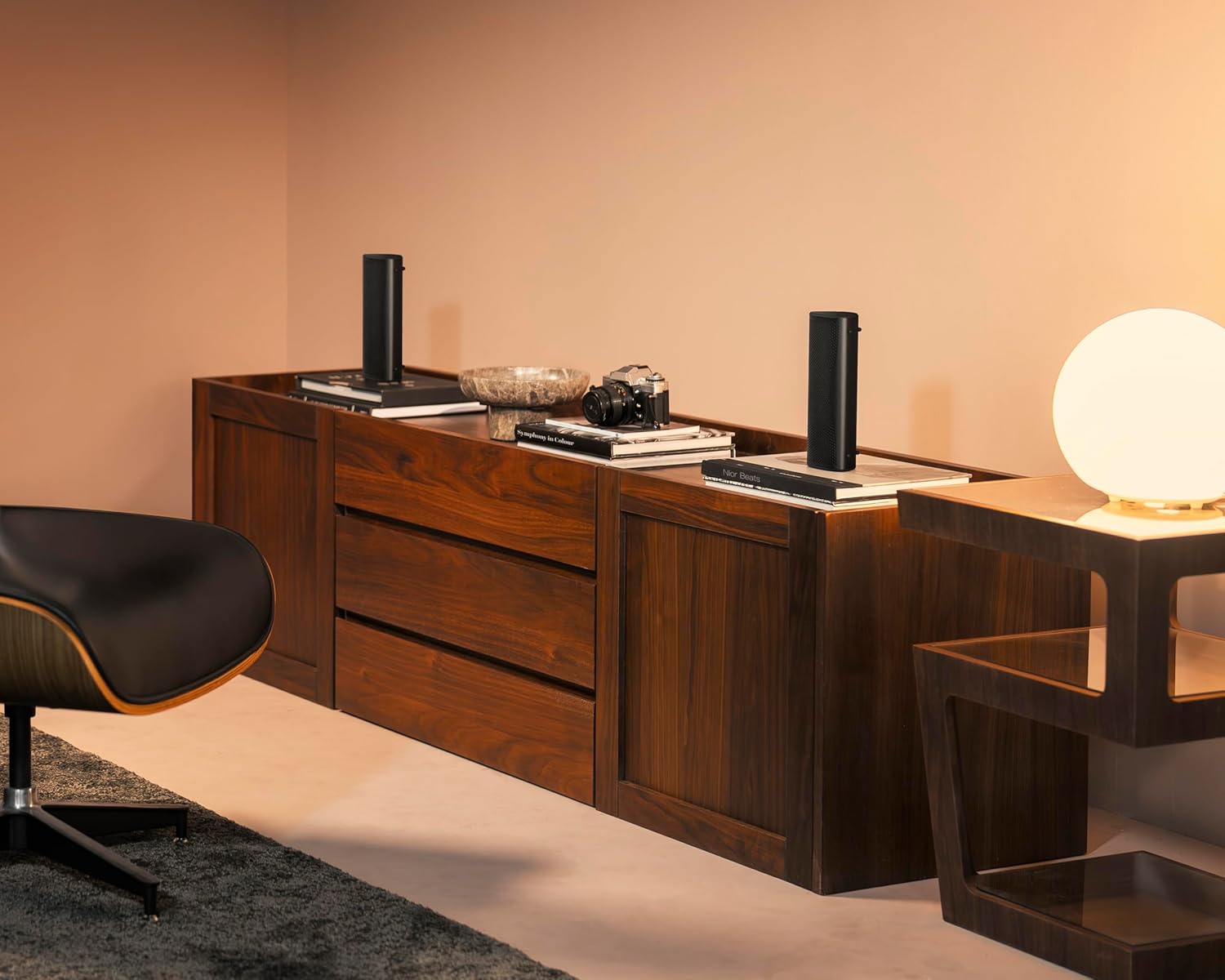
Image: Two KEF Muo speakers positioned in a living space, demonstrating a True Wireless Stereo setup for immersive audio.
Jopera l-Ispeaker
Daqq Awdjo
- Play/Pawsa: Agħfas il-buttuna Funzjoni darba.
- Track li jmiss: Double-press the Function button.
- Track preċedenti: Triple-press the Function button.
- Kontroll tal-Volum: Use the '+' and '-' buttons on the top panel.
Funzjonijiet ta' Sejħa
The KEF Muo includes a built-in microphone for hands-free calling when connected to a smartphone.
- Tweġiba/Tmiem Sejħa: Agħfas il-buttuna Funzjoni darba.
- Irrifjuta Sejħa: Agħfas u żomm il-buttuna Funzjoni.
Manutenzjoni
Tindif
Imsaħ il-kelliem b 'soft, damp cloth. Avoid using abrasive cleaners or solvents. Ensure the USB-C port cover is securely closed before cleaning or exposing to moisture.
Karatteristiċi li ma jgħaddix ilma minnhom u li ma jgħaddix trab
The KEF Muo is rated IP67, meaning it is protected against dust ingress and can withstand immersion in water up to 1 meter for 30 minutes. Always ensure the USB-C port cover is fully sealed to maintain its waterproof integrity. After exposure to water, dry the speaker thoroughly before charging.
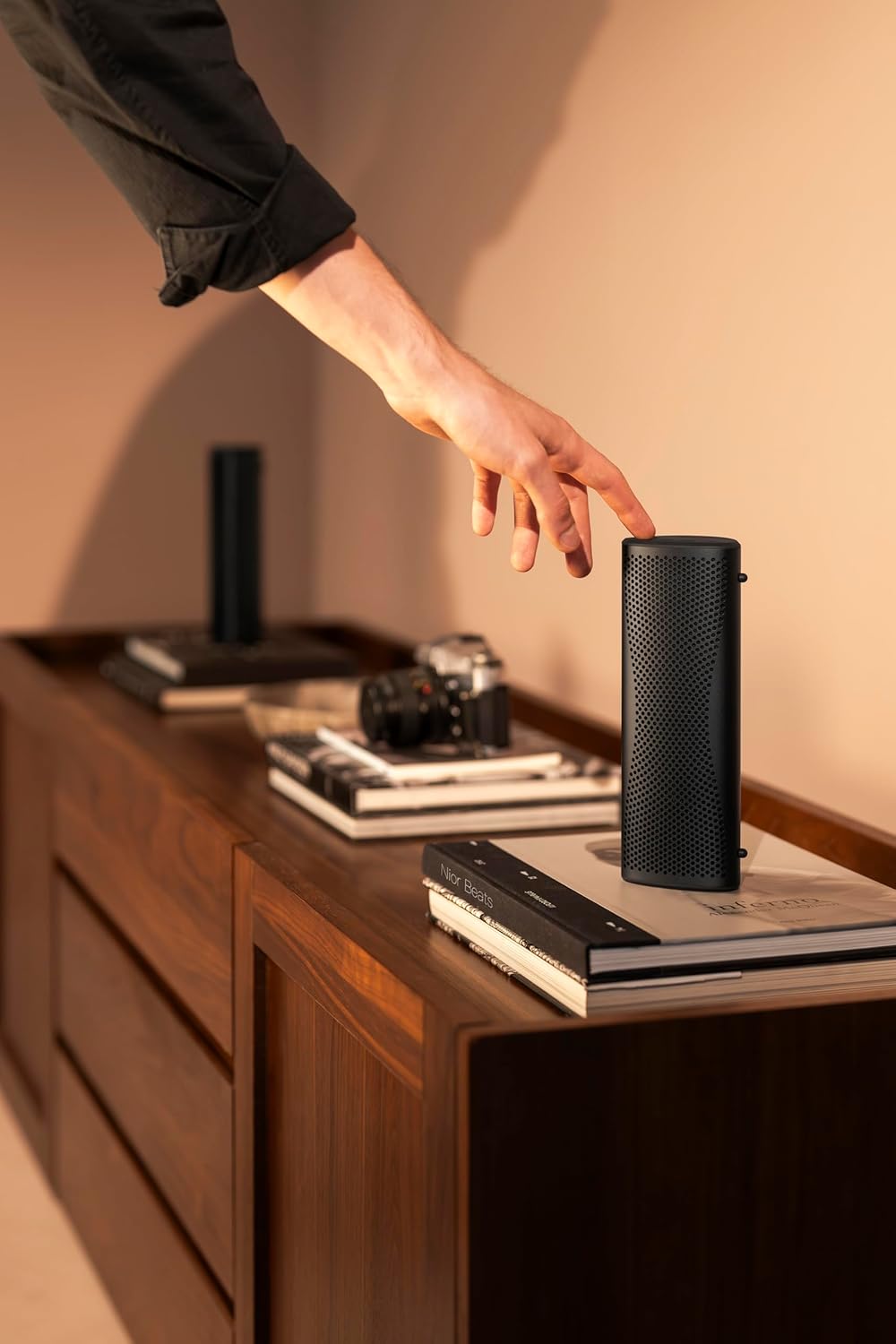
Image: The KEF Muo speaker standing on a wet wooden bench, illustrating its IP67 waterproof capability.
Kura tal-batterija
To prolong battery life, avoid fully discharging the speaker frequently. Store the speaker in a cool, dry place when not in use for extended periods. Charge the battery periodically if stored for a long time.
Issolvi l-problemi
| Problema | Kawża Possibbli | Soluzzjoni |
|---|---|---|
| L-ispiker ma jixgħelx | Batterija baxxa; Il-buttuna tal-qawwa mhux ippressata sew | Charge the speaker; Press and hold the Power button for a few seconds |
| Ma nistax nqabbad permezz tal-Bluetooth | Speaker not in pairing mode; Device Bluetooth off; Interference | Ensure speaker is in pairing mode (flashing LED); Enable Bluetooth on your device; Move closer to the speaker; Restart both devices |
| L-ebda ħoss | Volume too low; Device not connected; Audio source issue | Increase volume on speaker and device; Re-establish Bluetooth connection; Check audio playback on your device |
| Kwalità tal-ħoss fqira | Weak Bluetooth signal; Interference; Low battery | Move device closer to speaker; Avoid obstacles; Charge the speaker |
| True Wireless Stereo pairing fails | Incorrect pairing sequence; Speakers too far apart | Follow TWS pairing instructions carefully; Ensure speakers are within close proximity |
Speċifikazzjonijiet
| Karatteristika | Dettall |
|---|---|
| Isem tal-Mudell | Muo |
| Numru tal-Mudell tal-Oġġett | SP4105C2AA |
| Brand | KEF |
| Materjal | Aluminju |
| Tip ta' Kelliem | Speaker li jista ’jinġarr |
| Karatteristiċi Speċjali | Built-in Microphone, Dustproof, Hi-Res Audio, Portable, Waterproof |
| Użi Rakkomandati | For Music Players, For Smartphones or Tablets, For Surround Sound Systems |
| Apparati Kompatibbli | Smartphone, Pillola |
| Surround Sound Channel Konfigurazzjoni | 2.0 |
| Kulur | Nofs il-lejl Iswed |
| Dimensjonijiet tal-Prodott | 2.3"D x 3.2"W x 8.5"H |
| Piż tal-oġġett | 1.6 Liri |
| Klassifikazzjoni li ma jgħaddix ilma minnha | IP67 |
| Metodu ta' Kontroll | Mess |
| Teknoloġija tal-Komunikazzjoni mingħajr Fili | Bluetooth 5.4 aptX Adattiv |
| Qawwa tal-Ħruġ Massimu tal-Ispeaker | 30 Watts |
| Teknoloġija tal-Konnettività | Bluetooth, USB |
| Modalità tal-Ħruġ tal-Awdjo | Stereo |
| Sors tal-Enerġija | Mħaddma bil-batterija (batterija tal-Lithium Metal inkluża) |
| Tip ta' Sewwieq Awdjo | Dynamic Driver (Racetrack driver and P-Flex Surround technology) |
| UPC | 637203051807 |
Garanzija u Appoġġ
Informazzjoni dwar Garanzija
The KEF Muo Portable Speaker comes with a Limited Warranty. Please refer to the warranty card included in your product packaging or visit the official KEF websit għal termini u kundizzjonijiet dettaljati.
Appoġġ għall-Klijent
For technical assistance, troubleshooting, or further inquiries, please visit the official KEF support website or contact their customer service department. Contact information can typically be found on the KEF webis-sit jew fil-Gwida ta' Bidu Mgħaġġel.


