1. Introduzzjoni
Welcome to the user manual for your new realme Note 70T 4G Smartphone. This guide provides essential information to help you set up, operate, and maintain your device. The realme Note 70T is designed for a responsive and enjoyable user experience, featuring a large display, long-lasting battery, and robust protection.
Key highlights of your device include:
- 6.75-inch 90Hz Display: Experience exceptionally smooth visuals for all your daily tasks.
- 6000mAh Long-lasting Battery: Enjoy extended usage without frequent recharges.
- Kamera 32MP: Capture sharp and clear photos in various lighting conditions.
- Powerful Octa-core Processor: Ensures smooth multitasking and app performance.
- ArmorShell Protection & IP54 Rating: Provides durability against dust, splashes, and minor bumps.
2. Setup
2.1 Tneħħija tal-kaxxa u Spezzjoni Inizjali
Carefully unbox your realme Note 70T and check for all included accessories. Ensure the device is free from any visible damage.
2.2 Daħħal il-Karta SIM u l-Karta MicroSD
Locate the SIM card tray on the side of your device. Use the provided SIM ejector tool to open the tray. Insert your Nano-SIM card(s) and/or a MicroSD card (for expanded storage) into the designated slots. Ensure the cards are correctly oriented before reinserting the tray.
2.3 Tixgħel/Jitfi
- Biex Tixgħel: Press and hold the Power button (located on the side) until the realme logo appears.
- Biex Tifi: Agħfas u żomm il-buttuna tal-Power, imbagħad agħżel 'Power Off' mill-għażliet fuq l-iskrin.
- Biex terġa' tibda: Agħfas u żomm il-buttuna tal-Power, imbagħad agħżel 'Restart' mill-għażliet fuq l-iskrin.
2.4 Wizard tas-Setup Inizjali
Malli tixgħel l-apparat għall-ewwel darba, segwi l-istruzzjonijiet fuq l-iskrin biex tlesti s-setup inizjali, inkluż l-għażla tal-lingwa, il-konnessjoni Wi-Fi, is-setup tal-kont Google, u s-settings tas-sigurtà.
3. Karatteristiċi ewlenin
3.1 Wiri

The realme Note 70T features a large 6.75-inch display with a 90Hz refresh rate, providing smooth scrolling and responsive interactions. The display offers a resolution of 1080 x 2400 pixels, ensuring clear and vibrant visuals. Note: While marketed with a 90Hz display, the device supports up to a 120Hz refresh rate for an even smoother experience in compatible applications.
3.2 Batterija

Equipped with a massive 6000mAh battery, the realme Note 70T delivers exceptional battery life, allowing for up to 2 days of usage on a single charge. It supports 15W fast charging to quickly power up your device.
3.3 Kamera

The device features a 32MP main camera (as per product features) with AI enhancements for sharp and clear photos. It includes features like AI Image Matting, AI Clear Face, and Night Mode to optimize your photography in various conditions. The front-facing camera is 8MP.
3.4 Processor and Performance

The realme Note 70T is powered by a powerful octa-core processor (Mediatek Dimensity 9400) with a CPU speed of 1.8 GHz, ensuring smooth performance for multitasking, browsing, and light gaming. It comes with 4GB of RAM and 128GB of internal storage, expandable via MicroSD.
3.5 Durabilità u Disinn
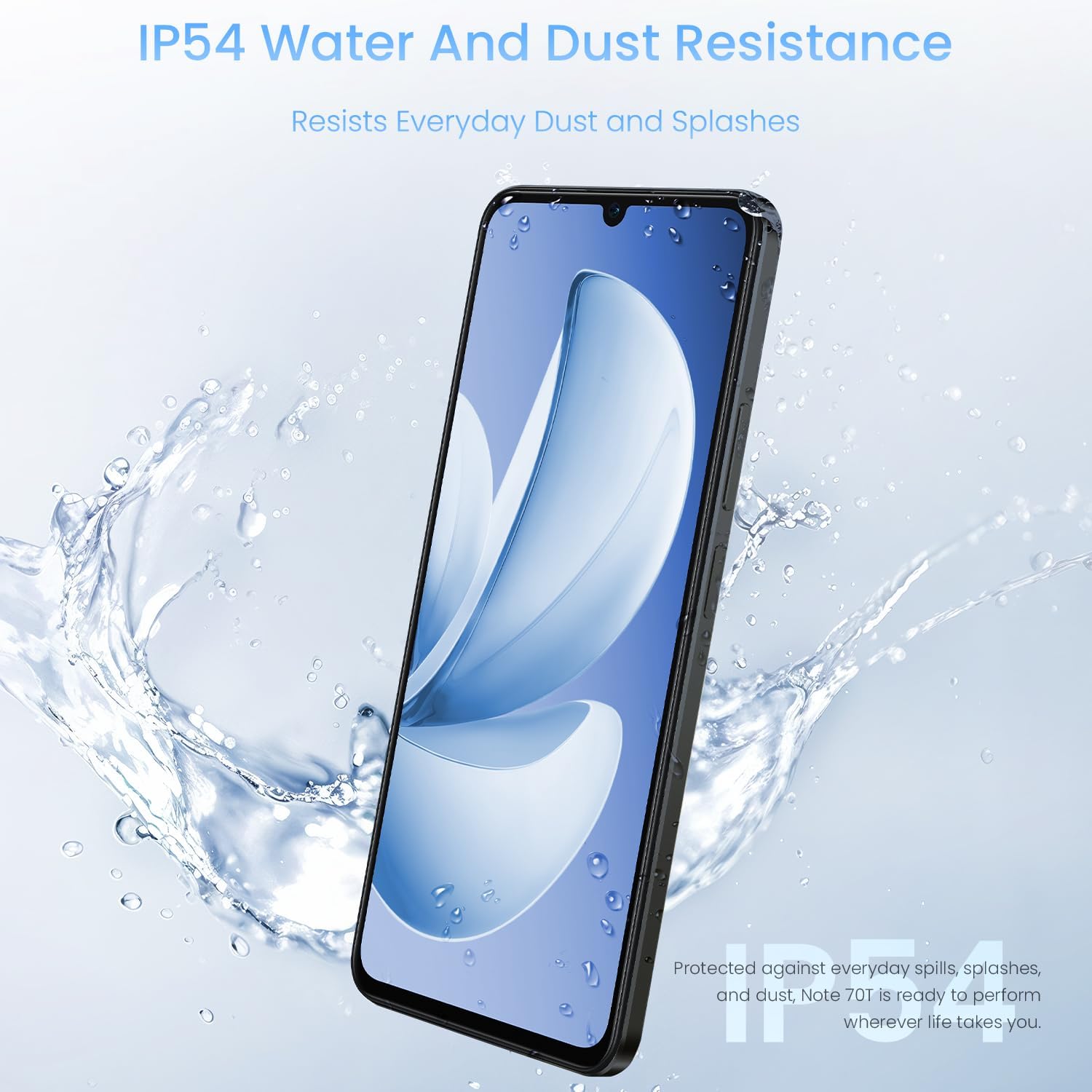
The device is built with ArmorShell Protection and an IP54 rating, making it resistant to dust and accidental water splashes. Its ultra-slim 7.94mm design and military-grade durability ensure it can withstand daily wear and tear.

The phone has passed military-grade shock resistance tests, capable of withstanding drops from 1.8 meters and up to 33 KG of capable weight.
4. Istruzzjonijiet Operattivi
4.1 User Interface Features

- Large Folder: Scroll and open apps directly without opening the folder.
- Wiri Dejjem Mixgħul: Diverse content can be displayed when the screen is off.
- Mini Capsule: Interact with allowed apps or functions in the top area of the screen.
- Privacy Safe: Encryption of various files such as photo albums, videos, and documents.
4.2 Smart Touch

The Smart Touch feature provides responsive and accurate interaction even with wet hands, oily hands, gloves, or through waterproof bags.
4.3 AI Boost

AI Boost optimizes frequently used applications for superior smoothness, ensuring a lag-free experience.
4.4 Pulse Light

The Pulse Light feature provides various interactions to keep you informed at a glance, with 9 optional colors and 5 glowing modes.
5. Manutenzjoni
To ensure the longevity and optimal performance of your realme Note 70T, follow these maintenance guidelines:
- Tindif: Uża drapp artab u mingħajr suf biex tnaddaf l-iskrin u l-qafas. Evita materjali li joborxu jew kimiċi ħarxa.
- Reżistenza għall-Ilma u t-Trab: The IP54 rating means the device is resistant to dust and splashes. However, it is not waterproof. Avoid submerging the device in water or exposing it to high-pressure water jets.
- Temperatura: Ħaddem l-apparat fil-firxiet ta' temperatura rakkomandati. Sħana jew kesħa estremi jistgħu jaffettwaw il-ħajja u l-prestazzjoni tal-batterija.
- Aġġornamenti tas-Software: Regularly update your device's software to benefit from the latest security patches and feature enhancements.
6 Issolvi l-problemi
If you encounter any issues with your realme Note 70T, try the following basic troubleshooting steps:
- L-apparat ma jirrispondix: Agħfas u żomm il-buttuna tal-Power għal madwar 10 sekondi biex terġa' tibda.
- Batterija Tbattal malajr: Check for background apps consuming excessive power. Adjust screen brightness and disable unnecessary features like GPS or Wi-Fi when not in use.
- Kwistjonijiet tan-Netwerk: Ensure your SIM card is correctly inserted. Try toggling Airplane Mode on and off. If issues persist, contact your network provider.
- L-App Tiġġarraf: Clear the cache and data for the problematic app in Settings > Apps. If the issue continues, reinstall the app.
- Ħażna Mimlija: Ħassar bla bżonn files, photos, or videos. Consider moving media to a MicroSD card or cloud storage.
Għal kwistjonijiet aktar kumplessi, irreferi għall-appoġġ uffiċjali ta' realme. websit jew ikkuntattja lis-servizz tal-konsumatur.
7. Speċifikazzjonijiet
| Karatteristika | Dettall |
|---|---|
| Isem tal-Mudell | realme Note 70T |
| Numru tal-Mudell tal-Oġġett | RMX5313 |
| Sistema Operattiva | Android 14 |
| Daqs tal-Iskrin | 6.75 Pulzier |
| Riżoluzzjoni | 1080 x 2400 |
| Riffriskar Rata | Up to 120 Hz (90Hz typical) |
| Mudell tas-CPU | Mediatek Dimensity 9400 (Octa-core) |
| Veloċità tas-CPU | 1.8 GHz |
| Daqs tal-Memorja RAM Installata | 4 GB |
| Kapaċità tal-Ħżin tal-Memorja | 128 GB |
| Kamera ta' wara | 32MP (Prinċipali) |
| Kamera ta' Quddiem | 8MP |
| Kapaċità tal-batterija | 6000 Milliamp Sigħat |
| Ħin tal-Iċċarġjar | 3.0 (15W Fast Charging) |
| Reżistenza għall-Ilma u t-Trab | IP54 |
| Piż tal-oġġett | 13.4 uqija |
| Awdjo Jack | 3.5 mm |
8. X'hemm fil-Kaxxa
Your realme Note 70T package includes:
- realme Note 70T Smartphone
- Kejbil USB (għall-iċċarġjar u t-trasferiment tad-dejta)
- Gwida Quick Start
- Għodda Ejector SIM
- Kaxxa Protettiva (tista' tvarja skont ir-reġjun/pakkett)
9. Garanzija u Appoġġ
Your realme Note 70T comes with a standard manufacturer's warranty. For specific warranty details and duration, please refer to the warranty card included in your product packaging or visit the official realme support websit.
Additional protection plans, such as a 2-Year Protection Plan, may be available for purchase separately.
For technical support, troubleshooting assistance, or service inquiries, please contact realme customer support through their official channels.


