Introduzzjoni
This manual provides essential information for the NIMO 15.6-inch Light Gaming Laptop N15A. It covers setup, operation, maintenance, troubleshooting, and product specifications. Please read this manual thoroughly before using your new laptop to ensure proper function and longevity.

Image: NIMO 15.6-inch Light Gaming Laptop N15A, showcasinid-displej u t-tastiera sħaħ tiegħu.
Kontenut tal-Pakkett
Verify that all items listed below are present in your product packaging. If any items are missing or damaged, please contact NIMO customer support.
- 1 x Laptop NIMO N15A
- 1 x Ċarġer Veloċi tat-Tip Ċ 100W PD
- 1 x Manwal għall-Utent
- Sistema Operattiva Windows 11 Home (installata minn qabel)
Prodott Overview
The NIMO N15A laptop is designed for balanced performance, featuring an AMD Ryzen 7 Pro 6850U processor, 32GB LPDDR5 RAM, and a 1TB PCIe 4.0 SSD. It includes a 15.6-inch Full HD IPS display, a backlit keyboard, and an integrated fingerprint reader for secure access.
Karatteristiċi ewlenin:
- Proċessur: AMD Ryzen 7 Pro 6850U with 8 Cores and 16 Threads, up to 4.7GHz.
- Grafika: GPU AMD Radeon 680M integrata.
- Memorja: 32GB LPDDR5 RAM for efficient multitasking.
- Ħażna: SSD PCIe 4.0 ta' 1TB għal ħinijiet ta' booting u aċċess għad-dejta veloċi.
- Wiri: Wiri IPS ta' 15.6 pulzieri Full HD (1920x1080) kontra d-dija.
- Iċċarġjar: 100W USB-C Power Delivery fast charging.
- Sigurtà: Integrated fingerprint reader for secure login.
- Tastiera: Backlit keyboard for use in various lighting conditions.

Image: Visual representation of the AMD Ryzen 7 Pro 6850U processor's core and thread count, and turbo boost speed.
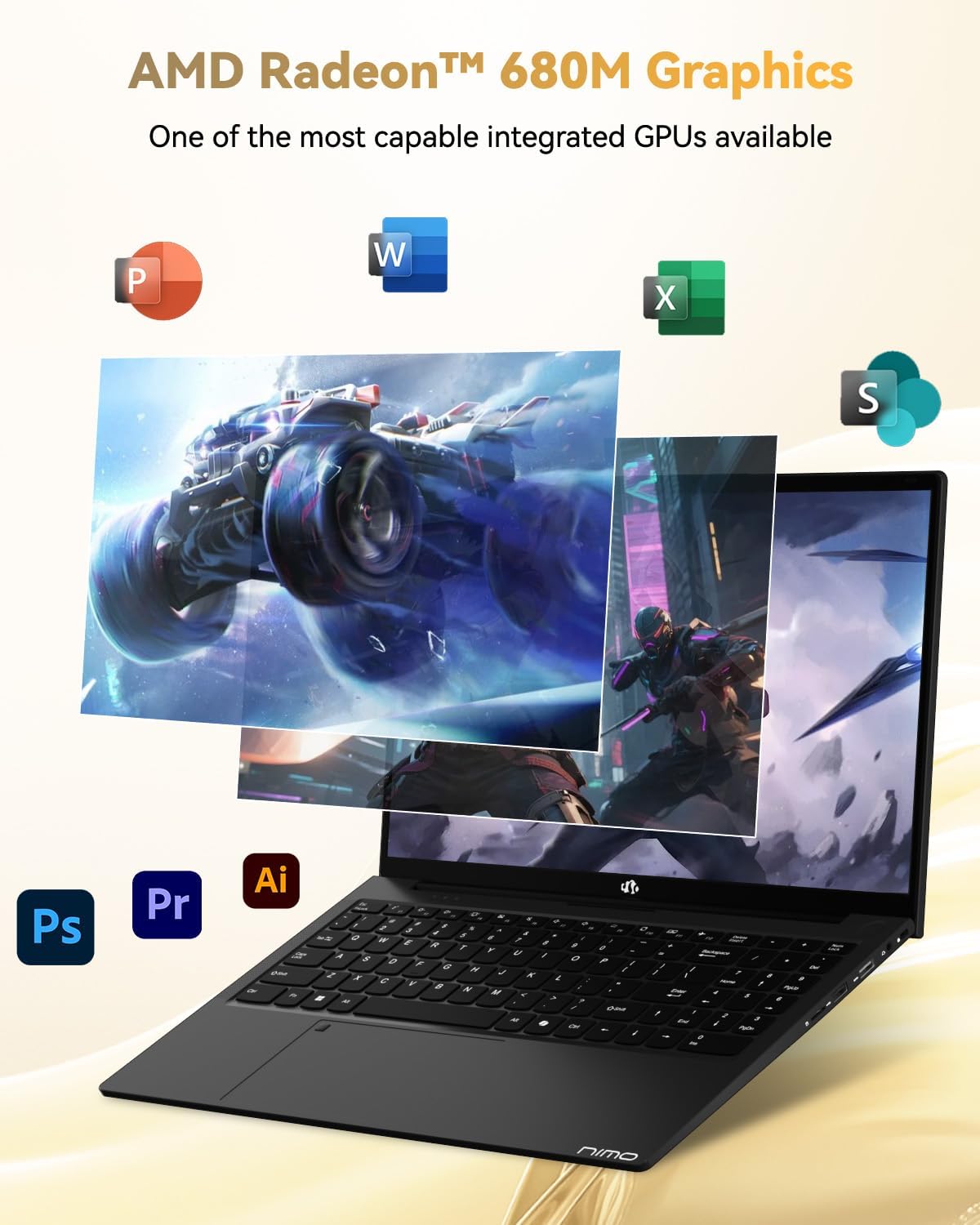
Image: Illustration highlighting the capabilities of the AMD Radeon 680M integrated graphics for various applications.

Image: Diagram showing the 32GB LPDDR5 RAM and 1TB PCIe 4.0 SSD for seamless multitasking and ample ħażna.
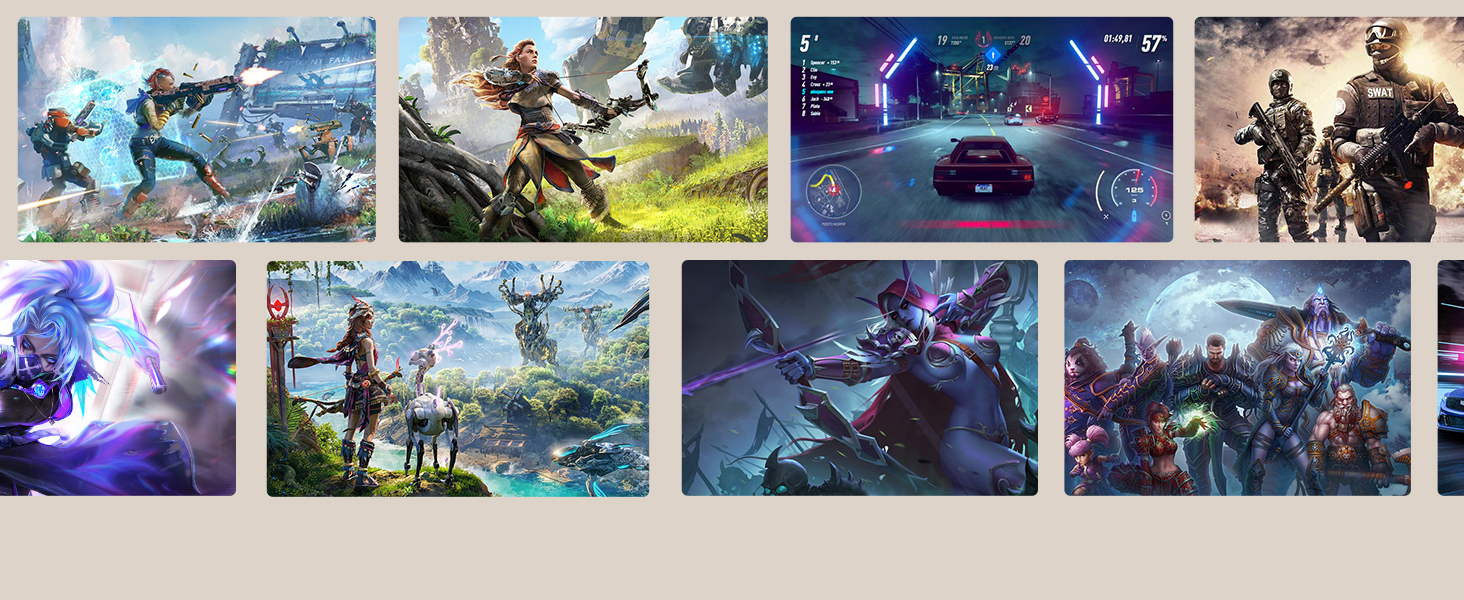
Image: The NIMO N15A laptop displaying a vibrant image on its 15.6-inch Full HD IPS screen.
Portijiet u Konnettività:

Image: Diagram illustrating the various ports on the NIMO N15A laptop, including USB, HDMI, and Type-C.
- Mikro SD Reader
- USB 2.0 Port
- USB 3.2 Ports (multiple)
- Jack tal-headphone
- Slott ta 'Kensington Lock
- Type-C (Multifunction) Ports (supporting charging and data transfer)
- Port HDMI
Setup
1. Initial Charging and Power On:
- Connect the provided 100W Type-C PD Fast Charger to the laptop's Type-C charging port and a power outlet.
- Allow the laptop to charge for at least 30 minutes before initial use, or until the charging indicator shows sufficient battery.
- Press the power button located on the keyboard to turn on the laptop.

Image: Illustration of the NIMO N15A laptop being charged with the 100W Type-C PD Fast Charger.
2. Windows 11 Initial Setup:
Follow the on-screen prompts to complete the Windows 11 setup process. This typically includes:
- L-għażla tar-reġjun u d-disinn tat-tastiera tiegħek.
- Konnessjoni ma 'netwerk Wi-Fi.
- Idħol b'kont tal-Microsoft jew toħloq kont lokali.
- Setting up a PIN or password.
- Configuring privacy settings.
Istruzzjonijiet Operattivi
Ġestjoni tal-Enerġija:
- Qawwa Mixgħul: Agħfas il-buttuna tal-qawwa.
- Modalità Sleep: Agħlaq l-għatu jew agħfas il-buttuna tal-qawwa fil-qosor.
- Itfi: Click the Start button, then Power, then Shut down.
- Ibda mill-ġdid: Click the Start button, then Power, then Restart.
Tastiera u Touchpad:

Immaġni: Close-up view of the NIMO N15A laptop's backlit keyboard and the integrated fingerprint reader on the touchpad.
- Tastiera backlit: Use the dedicated function key (usually Fn + Fx) to toggle the keyboard backlight on/off and adjust brightness levels.
- Qarrej tal-marki tas-swaba': The fingerprint reader is integrated into the touchpad. During Windows setup, you can configure your fingerprint for secure, quick login.
- Touchpad ta' preċiżjoni: Jappoġġja ġesti multi-touch għan-navigazzjoni. Irreferi għas-settings tal-Windows għall-adattament.
Konnessjoni Periferali:
Utilize the various ports to connect external devices such as monitors, printers, external storage, and audio devices.
- Apparat USB: Plug USB devices into the available USB 2.0 or USB 3.2 ports.
- Display Estern: Connect an external monitor or TV using the HDMI port or a compatible Type-C adapter.
- Awdjo: Uża l-jack tal-headphones ta' 3.5mm għall-headphones jew għall-ispikers esterni.
Privatezza tal-Kamera:

Image: Illustration of the NIMO N15A laptop's built-in privacy camera switch, allowing users to easily disable the webcam.
The NIMO N15A laptop features a built-in privacy camera switch. This allows you to physically disable the 2.0MP webkamera meta ma tkunx qed tintuża, u b'hekk tiżgura l-privatezza tiegħek.
Manutenzjoni
Cleaning the Laptop:
- Power off the laptop and disconnect the charger before cleaning.
- Uża drapp ratba u mingħajr ħelu ftit dampNaddaf bl-ilma jew b'tindif tal-iskrin għall-wiri.
- Għat-tastiera u x-chassis, uża drapp artab. Evita kimiċi ħarxa jew materjali li joborxu.
- Uża arja kkompressata biex tneħħi t-trab miċ-ċwievet u l-ventijiet tat-tastiera.
Kura tal-batterija:
- Evita li tiċċarġja l-batterija kompletament ta' spiss.
- Aħżen il-laptop f'post frisk u niexef jekk ma tużahx għal perjodi twal, bil-batterija ċċarġjata għal madwar 50-70%.
- Use only the original NIMO 100W Type-C PD Fast Charger.
Aġġornamenti tas-Software:
- Iċċekkja u installa regolarment aġġornamenti tal-Windows biex tiżgura l-istabbiltà u s-sigurtà tas-sistema.
- Keep device drivers updated, especially for graphics and chipset, by checking the NIMO support website or Windows Update.
Issolvi l-problemi
| Problema | Soluzzjoni Possibbli |
|---|---|
| Il-laptop ma jixgħelx. | Ensure the charger is properly connected and the power outlet is functional. Allow the battery to charge for at least 30 minutes. If the issue persists, contact support. |
| Id-displej huwa vojt jew jitteptep. | Try connecting an external monitor to check if the issue is with the laptop's display. Adjust display brightness. Restart the laptop. |
| Prestazzjoni bil-mod. | Close unnecessary applications. Check for background processes consuming high resources. Ensure sufficient free storage space. Run a system scan for malware. |
| Id-dawl ta' wara tat-tastiera mhux qed jaħdem. | Press the dedicated function key combination (e.g., Fn + Fx) to toggle or adjust the backlight. Check keyboard settings in Windows. |
| Fingerprint reader not responding. | Ensure your finger is clean and dry. Re-register your fingerprint in Windows settings. Restart the laptop. |
For issues not listed here or if solutions do not resolve the problem, please refer to the Warranty and Support section for assistance.
Speċifikazzjonijiet
| Karatteristika | Dettall |
|---|---|
| Brand | NIMO |
| Isem tal-Mudell | NIMO N15AL (N15A) |
| Daqs tal-Iskrin | 15.6 Pulzier |
| Riżoluzzjoni tal-Iskrin | 1920 x 1080 pixels (Full HD) |
| Proċessur | AMD Ryzen 7 Pro 6850U (8 Cores, up to 4.7 GHz) |
| RAM | 32 GB LPDDR5 (6400 MHz) |
| Hard Drive | 1024 GB SSD (PCIe 4.0, Solid State) |
| Koproċessur tal-Grafika | AMD Radeon 680M (Integrata) |
| Sistema Operattiva | Windows 11 |
| Tip bla fili | 802.11a/b/g/n/ac |
| Portijiet USB 2.0 | 1 |
| Portijiet USB 3.0/3.2 | 4 |
| Ħajja Medja tal-Batterija | 9 Sigħat |
| Piż tal-oġġett | 3.75 liri |
| Dimensjonijiet tal-Prodott | 14.07 x 8.98 x 0.76 pulzieri |
| Kulur | Iswed |
| Wara WebCam Riżoluzzjoni | 2 MP |
| Karatteristiċi Speċjali | Tastiera b'dawl minn wara, Qarrej tal-marki tas-swaba', Awdjo HD, Tastiera Numerika |
Garanzija u Appoġġ
NIMO provides comprehensive support for your laptop.
- Garanzija: Your NIMO N15A laptop comes with a 2-year manufacturer's warranty.
- Politika ta' Ritorn: A 90-day hassle-free return policy is offered from the date of purchase.
- Appoġġ għall-Klijent: For technical assistance, warranty claims, or product-related inquiries, please contact NIMO customer support.
Contact information for support is typically available on the official NIMO website or through the product's packaging.
Informazzjoni dwar is-Sigurtà
Importanti: Read and follow these safety guidelines to prevent damage to your device or personal injury.
- Use only original chargers and regularly inspect cables for damage.
- Handle the laptop by its base and consider using a protective case. Avoid placing heavy objects on it.
- Place the laptop on a hard, flat surface to ensure proper ventilation and prevent overheating. Keep it away from extreme temperatures and moisture.
- Do not overcharge the battery. Discontinue use if the battery shows signs of swelling or damage.
- Set strong passwords, keep software updated, use antivirus software, and regularly back up your data.
- In case of liquid spills, immediately unplug the laptop and allow it to dry completely before attempting to power it on.
- For any issues, consult qualified professionals. Do not attempt to disassemble or repair the device yourself.
Ċaħda Legali
This NIMO laptop is provided "as is," without express or implied warranties, except for any applicable manufacturer's limited warranty. Implied warranties of merchantability or fitness for a specific purpose are disclaimed. NIMO is not liable for damages resulting from misuse (e.g., non-approved chargers, unauthorized repairs), physical damage, or failure to adhere to safety guidelines, including data loss or business interruption. Users are responsible for regularly backing up their data. This disclaimer does not exclude liability for manufacturing defects or violations of mandatory local laws. By using this laptop, you accept these terms, which are governed by the laws of the applicable jurisdiction.


