1. Introduzzjoni
This manual provides essential information and instructions for using your new vivo Y31 Pro 5G smartphone. Please read this manual thoroughly to ensure proper operation and to maximize your device's capabilities. Keep this manual for future reference.

Immaġni 1.1: Minn quddiem u minn wara view of the vivo Y31 Pro 5G in Dreamy White.
The vivo Y31 Pro 5G is designed to offer a powerful and reliable mobile experience, featuring a high-resolution camera, long-lasting battery, and robust performance.
2. X'hemm fil-Kaxxa
Upon unboxing your vivo Y31 Pro 5G, verify that all the following items are included:
- vivo Y31 Pro 5G Smartphone
- Kawża tat-Telefon
- Power Adapter (44W FlashCharge compatible)
- Kejbil USB (Tip-Ċ)
- SIM Trej Ejector
- Screen Protector (Pre-applied)
- Gwida Quick Start (dan il-manwal)
3. Layout tal-Apparat
Familiarize yourself with the physical components of your vivo Y31 Pro 5G.

Stampa 3.1: Quddiem view of the vivo Y31 Pro 5G, highlighting the display and front camera.

Immaġni 3.2: Fuq u isfel views of the device, illustrating the USB-C port, speaker grille, and microphone.
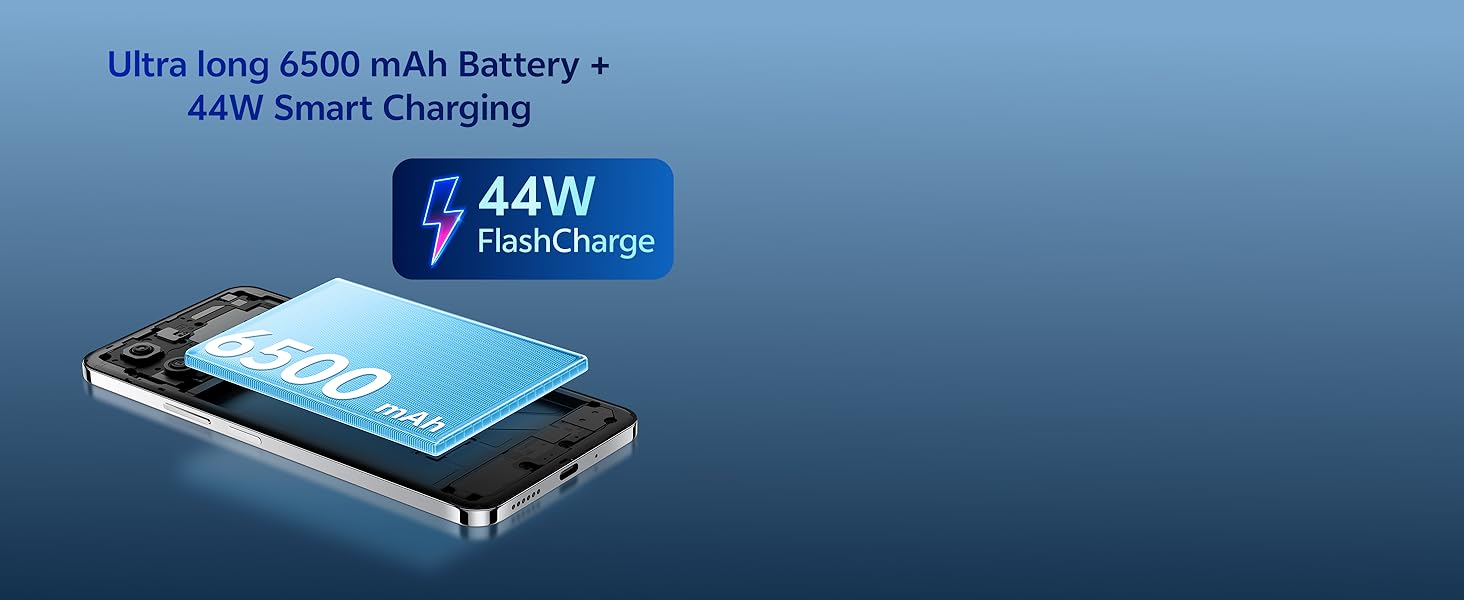
Image 3.3: The vivo Y31 Pro 5G is available in Dreamy White and Mocha Brown.
- Kamera ta' quddiem: Jinsab fiċ-ċentru ta' fuq tal-wiri.
- Buttuni tal-Volum: On the right side, used to adjust media and call volume.
- Buttuna tal-Enerġija/Sensor tal-Marki tas-Swaba': On the right side, below the volume buttons. Used to power on/off the device and for fingerprint authentication.
- Port USB tat-Tip Ċ: Fil-qiegħ, għall-iċċarġjar u t-trasferiment tad-dejta.
- Grille tal-Ispeaker: At the bottom, for audio output.
- Trej tal-SIM Card: On the left side, for inserting Nano-SIM cards.
- Kameras ta' wara: Jinsab fuq ix-xellug ta' fuq tal-pannell ta' wara.
4. Setup
4.1. Daħħal is-SIM Card
- Sib it-trej tal-kard SIM fuq in-naħa tax-xellug tat-telefon.
- Daħħal l-għodda tal-ejecter tat-trej tas-SIM fit-toqba ż-żgħira ħdejn it-trej u agħfas sew sakemm it-trej joħroġ 'il barra.
- Poġġi l-kard(s) Nano-SIM tiegħek fit-trej bil-kuntatti tad-deheb iħarsu 'l isfel. Kun żgur li huma mqiegħda sew.
- Erġa' daħħal it-trej fit-telefon bir-reqqa sakemm tikklikkja f'postu.
4.2. L-Ewwel Tixgħel u l-Konfigurazzjoni
- Press and hold the Power button until the vivo logo appears.
- Segwi l-istruzzjonijiet fuq l-iskrin biex tagħżel il-lingwa u r-reġjun tiegħek, u tikkonnettja ma' netwerk Wi-Fi.
- Idħol bil-kont Google tiegħek jew oħloq wieħed ġdid.
- Set up a screen lock (PIN, pattern, password, fingerprint, or face unlock) for security.
- Review u aċċetta t-termini u l-kundizzjonijiet biex tlesti s-setup.
5. Istruzzjonijiet Operattivi
5.1. Ixgħel/Itfi u Erġa' Ibda
- Qawwa Mixgħul: Press and hold the Power button until the device vibrates and the vivo logo appears.
- Itfi: Press and hold the Power button for a few seconds, then tap "Power off" on the screen.
- Ibda mill-ġdid: Press and hold the Power button for a few seconds, then tap "Restart" on the screen.
5.2. Navigazzjoni Bażika
- Tektek: Touch an icon or option to open or select it.
- Swipe: Iddreggja subgħajk fuq l-iskrin biex tiskrollja jew tinnaviga bejn l-iskrins.
- Oqros: Uża żewġ swaba’ biex tkabbar jew tkabbar l-immaġnijiet u web paġni.
- Skrin tad-dar: Swipe up from the bottom of the screen (if using gesture navigation) or tap the Home button to return to the main screen.
- Apps riċenti: Swipe up from the bottom and hold (if using gesture navigation) or tap the Recent Apps button to view u aqleb bejn applikazzjonijiet miftuħa.
5.3. Karatteristiċi tas-Sigurtà
- Nisfruttaw il-marki tas-swaba': Irreġistra l-marki tas-swaba' tiegħek f' Settings > Sigurtà > marki tas-swaba. Place your registered finger on the power button to unlock.
- Face Unlock: Register your face in Settings > Security > Face. Lift the phone to your face to unlock.
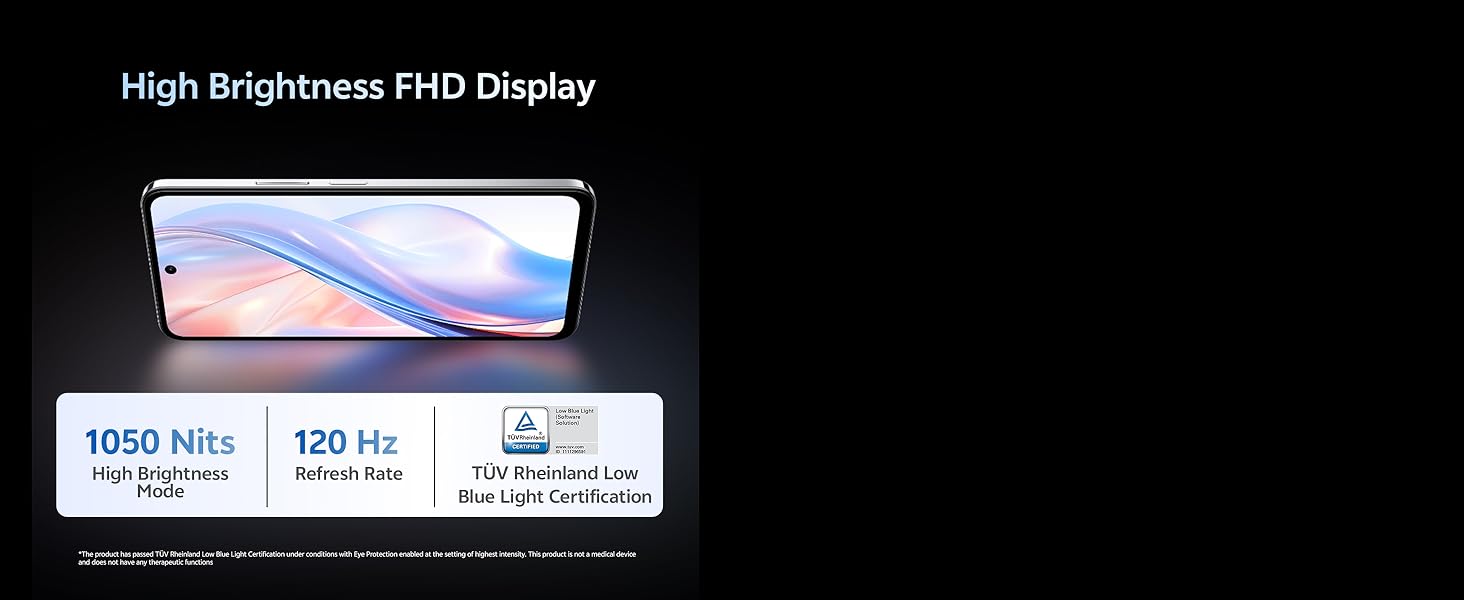
Image 5.1: The vivo Y31 Pro 5G is powered by the MediaTek Dimensity 7300 Processor.
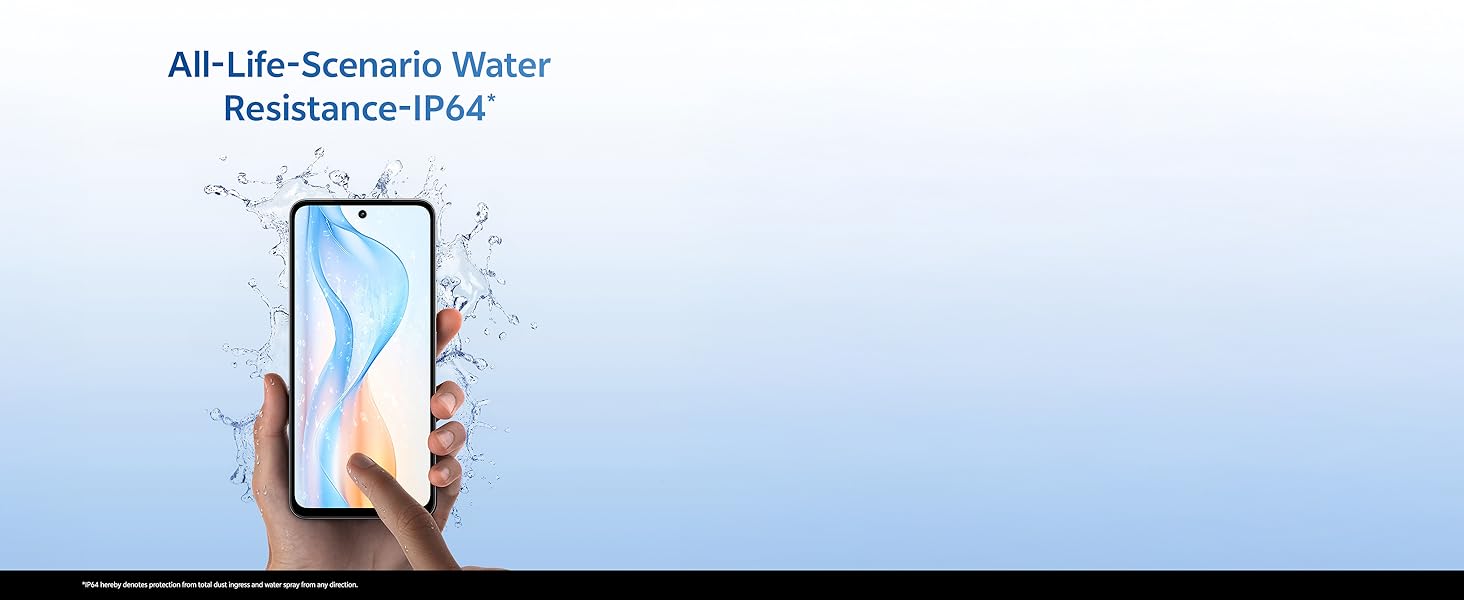
Image 5.2: The device features Dual Stereo Speakers for enhanced audio experience.
6. Karatteristiċi tal-Kamera
The vivo Y31 Pro 5G is equipped with a versatile camera system to capture your moments.
- Kamera ta' wara: 50 MP Main Camera + 2 MP Bokeh Camera.
- Kamera ta' quddiem: 8 MP Selfie Camera.
- Reġistrazzjoni tal-vidjo: Jappoġġja r-reġistrazzjoni tal-vidjow 4K.
6.1. L-Użu tal-App tal-Kamera
- Iftaħ l-app tal-Kamera mill-iskrin tad-dar tiegħek jew mill-kexxun tal-apps.
- Swipe left or right to switch between modes (Photo, Portrait, Video, Night, Pro, etc.).
- Tektek il-buttuna tax-shutter biex tieħu ritratt jew tibda/twaqqaf ir-reġistrazzjoni tal-vidjow.
- Tektek l-ikona tas-swiċċ tal-kamera biex taqleb bejn il-kameras ta' quddiem u ta' wara.
6.2. AI Suite Features
Enhance your photos with built-in AI tools:
- AI Erase: Remove unwanted objects or people from your photos.
- AI Photo Enhance: Automatically optimize photo quality for better colors and details.

Image 6.1: Detail of the 50MP HD Main Camera and 2MP Bokeh Camera.
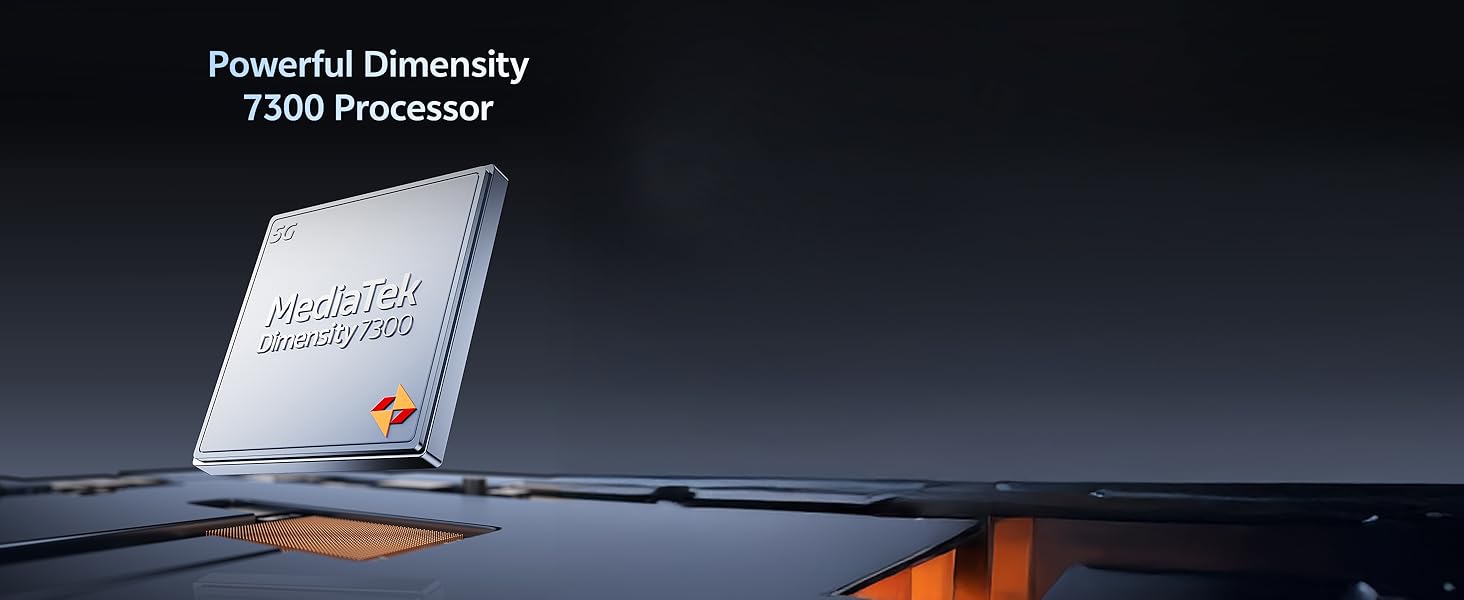
Image 6.2: The vivo Y31 Pro 5G supports 4K video recording.
7. Batterija u Iċċarġjar
Your vivo Y31 Pro 5G is equipped with a large 6500 mAh battery and supports 44W FlashCharge for quick power-ups.
7.1. Iċċarġja l-Apparat Tiegħek
- Connect the USB cable to the Power Adapter.
- Ipplaggja l-Adapter tal-Enerġija fi żbokk tal-ħajt.
- Connect the USB Type-C end of the cable to the phone's charging port.
- The charging indicator will appear on the screen. Use only vivo-approved chargers and cables for optimal performance and safety.
7.2. Pariri dwar l-Ottimizzazzjoni tal-Batterija
- Naqqas il-luminożità tal-iskrin.
- Ippermetti l-Modalità Skura.
- Agħlaq l-apps mhux użati li jaħdmu fl-isfond.
- Itfi Wi-Fi, Bluetooth, u GPS meta ma jkunux qed jintużaw.
- Utilize the phone's built-in battery saver modes.
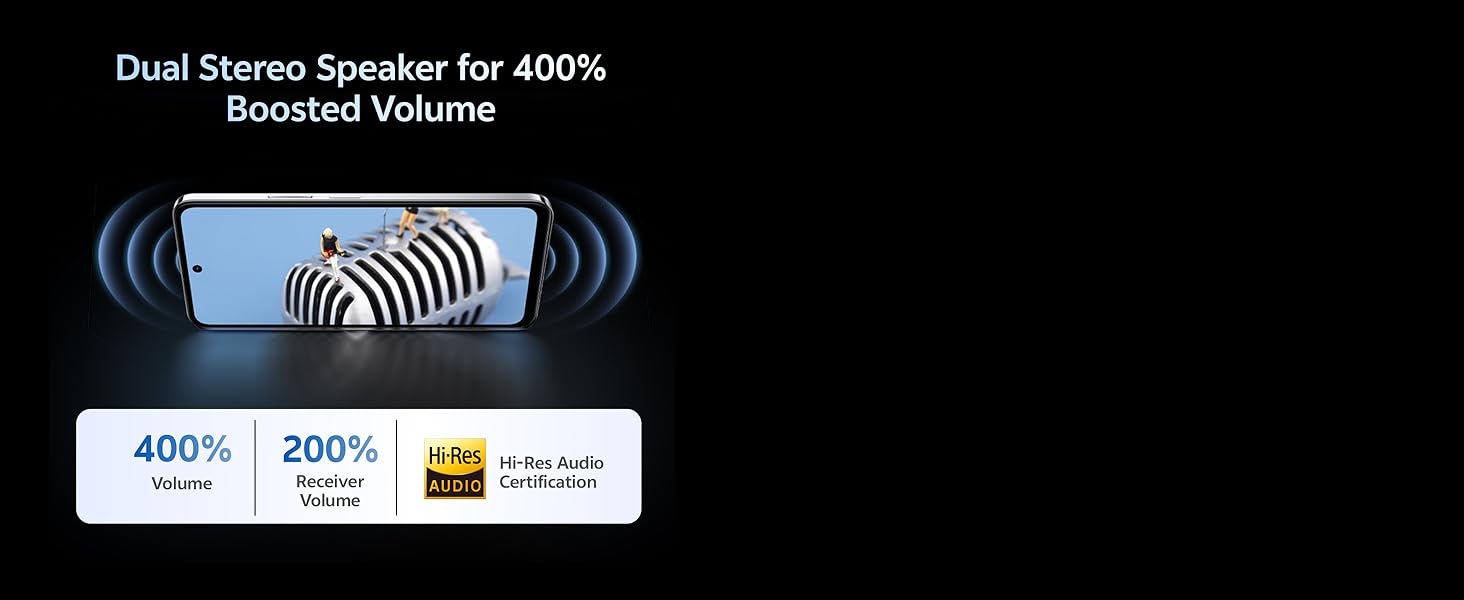
Image 7.1: The vivo Y31 Pro 5G features a 6500 mAh battery with 44W FlashCharge.
8. Karatteristiċi tal-Wiri
Experience vibrant visuals on the vivo Y31 Pro 5G's advanced display.
- Daqs: 17.06 ċm (6.72-il pulzier)
- Riżoluzzjoni: 2408 x 1080 (FHD)
- Luminożità: Up to 1050 Nits in High Brightness Mode.
- Rata ta' Aġġornar: 120 Hz for smooth scrolling and animations.
- Protezzjoni tal-għajnejn: TÜV Rheinland Low Blue Light Certification for reduced eye strain.
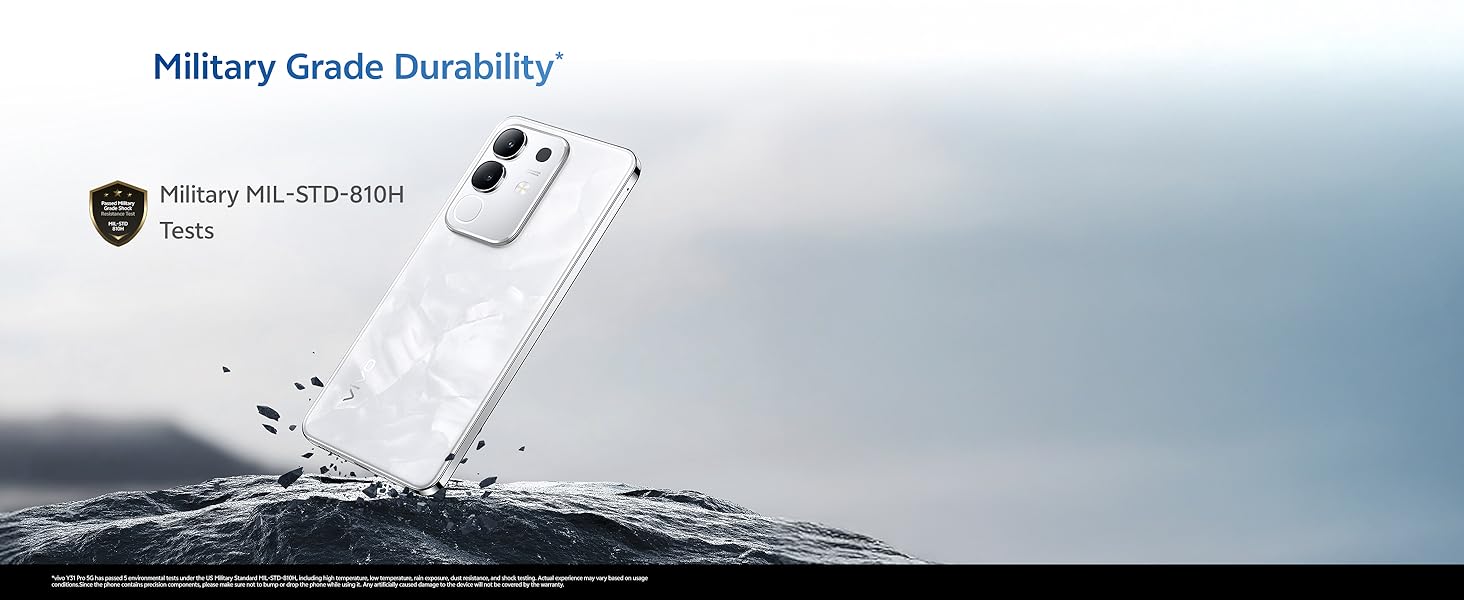
Image 8.1: The vivo Y31 Pro 5G features a High Brightness FHD Display with a 120 Hz refresh rate.
9. Durabilità u Reżistenza għall-Ilma
The vivo Y31 Pro 5G is built to withstand daily challenges.
- Military Grade Durability: Tested to MIL-STD-810H standards for enhanced resilience against drops and environmental factors.
- Reżistenza għall-Ilma IP64: Provides protection against dust ingress and splashes of water from any direction. This rating does not imply full waterproofing; avoid submerging the device.
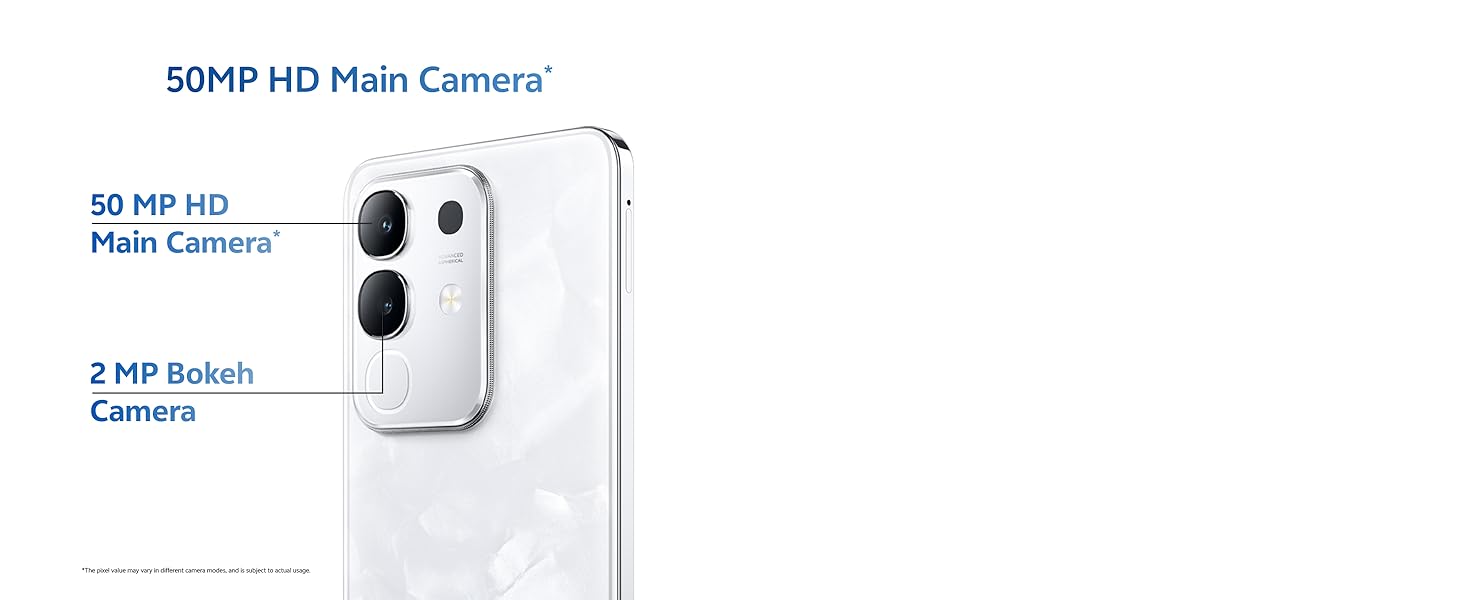
Image 9.1: The vivo Y31 Pro 5G undergoes Military Grade Durability testing.
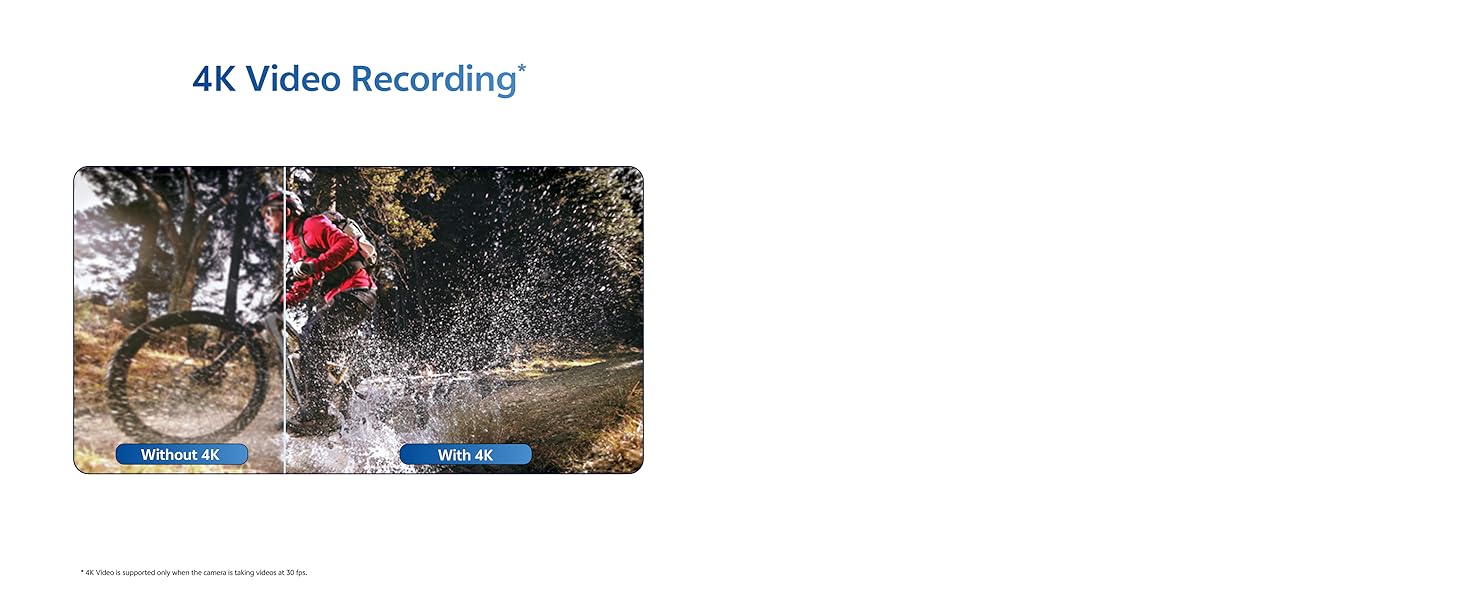
Image 9.2: The device offers IP64 water resistance for protection against splashes.
10. Manutenzjoni
Manutenzjoni xierqa tiżgura l-lonġevità u l-prestazzjoni ottimali tat-tagħmir tiegħek.
10.1. Tindif tal-Apparat
- Uża drapp artab u mingħajr suf biex timsaħ l-iskrin u l-qafas.
- Evita li tuża kimiċi ħarxa, materjali li joborxu, jew sprejs tal-ajrusol.
- Gently clean ports with a soft brush if dust accumulates.
10.2. Aġġornamenti tas-Software
Iċċekkja u installa aġġornamenti tas-softwer regolarment biex tiżgura li t-tagħmir tiegħek ikollu l-aħħar karatteristiċi, irqajja tas-sigurtà, u titjib fil-prestazzjoni. Mur fuq Settings > System update biex tiċċekkja għal aġġornamenti.
10.3. Ġestjoni tal-Ħażna
To maintain optimal performance, periodically manage your device's storage:
- Ħassar bla bżonn files, ritratti, u vidjows.
- Iddiżinstalla l-applikazzjonijiet mhux użati.
- Neħħi d-dejta tal-cache għall-apps fi Settings > Apps > [Isem tal-App] > Ħażna u cache.
11 Issolvi l-problemi
This section addresses common issues you might encounter with your vivo Y31 Pro 5G.
11.1. Kwistjonijiet Komuni u Soluzzjonijiet
| Ħruġ | Soluzzjoni |
|---|---|
| Apparat mhux qed jixgħel | Ensure the battery is charged. Connect to the charger for at least 10 minutes, then try powering on. If it still doesn't turn on, perform a forced restart by holding the Power button for 10-15 seconds. |
| L-apps jiġġarraf jew jiffriża | Neħħi l-cache tal-app (Settings > Apps > [Isem tal-App] > Ħażna u cache > Neħħi l-cache). If the issue persists, uninstall and reinstall the app. Ensure your phone's software is up to date. |
| Sinjal tan-netwerk fqir | Check if your SIM card is properly inserted. Try restarting the phone. Ensure you are in an area with network coverage. Reset network settings (Settings > Sistema > Għażliet ta' reset > Irrisettja Wi-Fi, mobbli u Bluetooth). |
| Il-batterija tiskula malajr | Review użu tal-batterija fi Settings> Battery to identify power-hungry apps. Reduce screen brightness, disable unnecessary features (GPS, Bluetooth, Wi-Fi), and close background apps. |
11.2. Irrisettja l-Fabbrika
Jekk tiltaqa' ma' problemi persistenti tas-softwer, reset tal-fabbrika jista' jsolvihom. Twissija: Dan se jħassar id-dejta kollha fuq it-telefon tiegħek. Agħmel backup tad-dejta importanti qabel ma tipproċedi.
- Mur fuq Settings > Sistema > Għażliet ta' Reset.
- Agħżel Ħassar id-dejta kollha (reset tal-fabbrika).
- Ikkonferma d-deċiżjoni tiegħek u daħħal il-PIN/password tiegħek jekk tintalab.
- It-telefon jerġa' jibda u jibda l-proċess ta' reset.
12. Speċifikazzjonijiet
Detailed technical specifications for the vivo Y31 Pro 5G.
| Karatteristika | Dettall |
|---|---|
| Isem tal-Mudell | Y31 Pro |
| Sistema Operattiva | Funtouch OS 15 |
| Proċessur | MediaTek Dimensity 7300 (CPU Speed: 2, 2.5 GHz) |
| RAM | 8 GB |
| Ħażna Interna | 256 GB (variant specific) |
| Daqs tal-Wiri | 17.06 ċm (6.72-il pulzier) |
| Riżoluzzjoni tal-Wiri | 2408 x 1080 (FHD) |
| Uri Rata ta' Aġġornar | 120 Hz |
| Kamera ta' wara | 50 MP + 2 MP |
| Kamera ta' Quddiem | 8 MP |
| Kapaċità tal-batterija | 6500 mAh |
| Iċċarġjar | 44W FlashCharge |
| Konnettività | 5G, Bluetooth, Wi-Fi, GPS |
| Dimensjonijiet (LxWxH) | 16.6 x 7.6 x 0.8 ċm |
| Piż | 208 g |
| Reżistenza għall-Ilma | IP64 |
| Durabilità | Military MIL-STD-810H Tested |
| Kulur | Dreamy White (variant specific) |
13. Garanzija u Appoġġ
13.1. Informazzjoni dwar Garanzija
Your vivo Y31 Pro 5G comes with a standard manufacturer's warranty. Please refer to the warranty card included in your product packaging for specific terms, conditions, and duration. Keep your proof of purchase for warranty claims.
13.2. Appoġġ għall-Klijent
For further assistance, technical support, or service inquiries, please contact vivo customer support through their official website or authorized service centers. You can find contact details on the vivo official webis-sit jew fid-dokumentazzjoni tal-garanzija tiegħek.
Online resources and FAQs may also be available on the official vivo support page: vivo India Support


