1. Introduzzjoni
This manual provides essential information for the safe and efficient use of your realme 14 Pro Lite Smartphone. Please read it carefully before using your device.
Kontenut tal-Pakkett:
Meta tiftaħ il-pakkett, kun żgur li l-oġġetti kollha huma preżenti:
- realme 14 Pro Lite Smartphone
- Cable USB
- Adapter 45W
- Kawża Protettiva
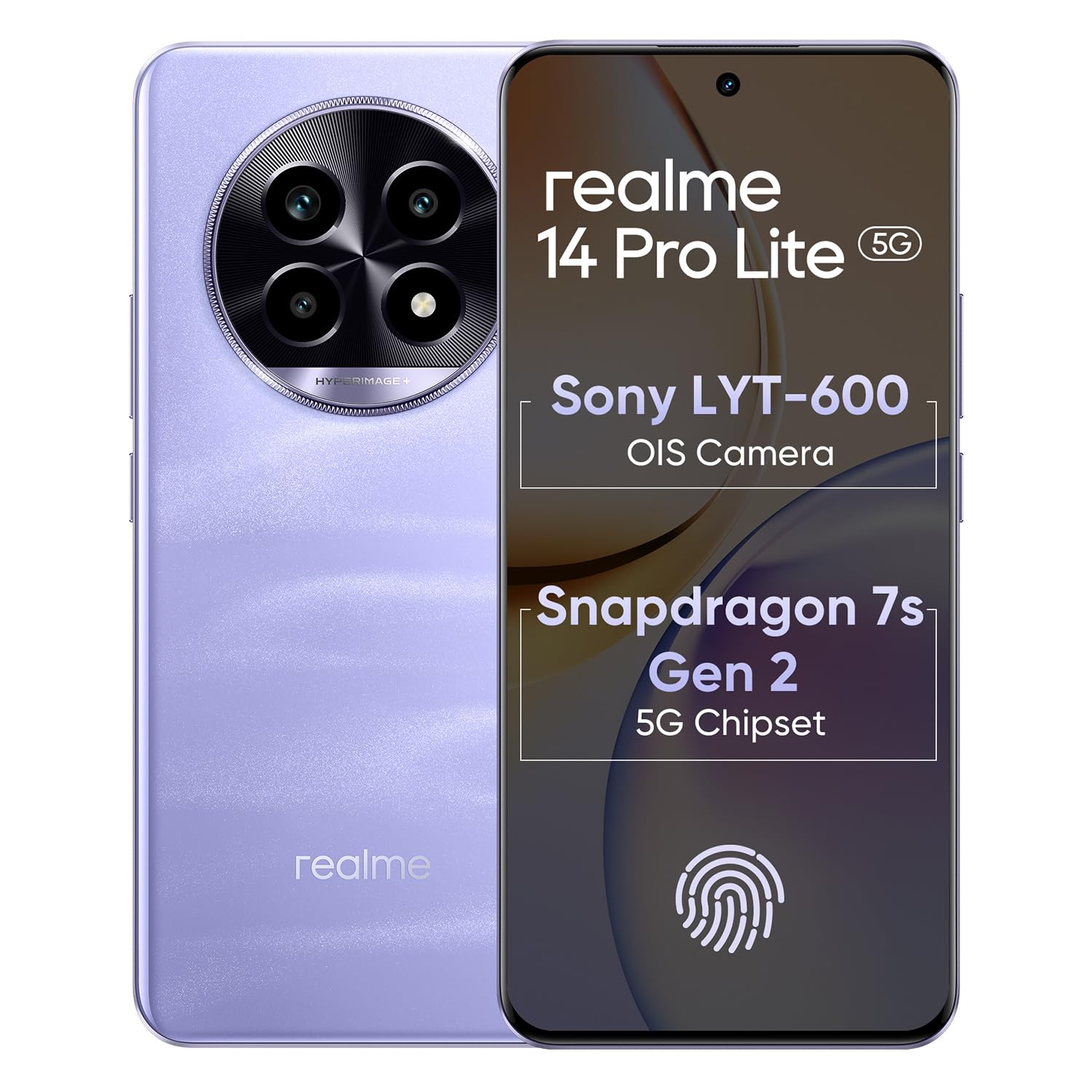
Image 1.1: The realme 14 Pro Lite Smartphone, showcasinid-disinn tiegħu.
2. Setup
2.1. Installazzjoni tal-Karta SIM u l-Karta MicroSD
- Sib it-trej tal-kard SIM fuq il-ġenb tat-tagħmir tiegħek.
- Daħħal l-għodda tal-ejecter tas-SIM fit-toqba ż-żgħira ħdejn it-trej u imbotta bil-mod sakemm it-trej joħroġ 'il barra.
- Poġġi l-kards Nano-SIM tiegħek (sa tnejn) u/jew kard microSD fl-islottijiet apposta fuq it-trej. Kun żgur li l-kuntatti tad-deheb iħarsu 'l isfel.
- Erġa' daħħal it-trej fit-telefon bir-reqqa sakemm tikklikkja f'postu.
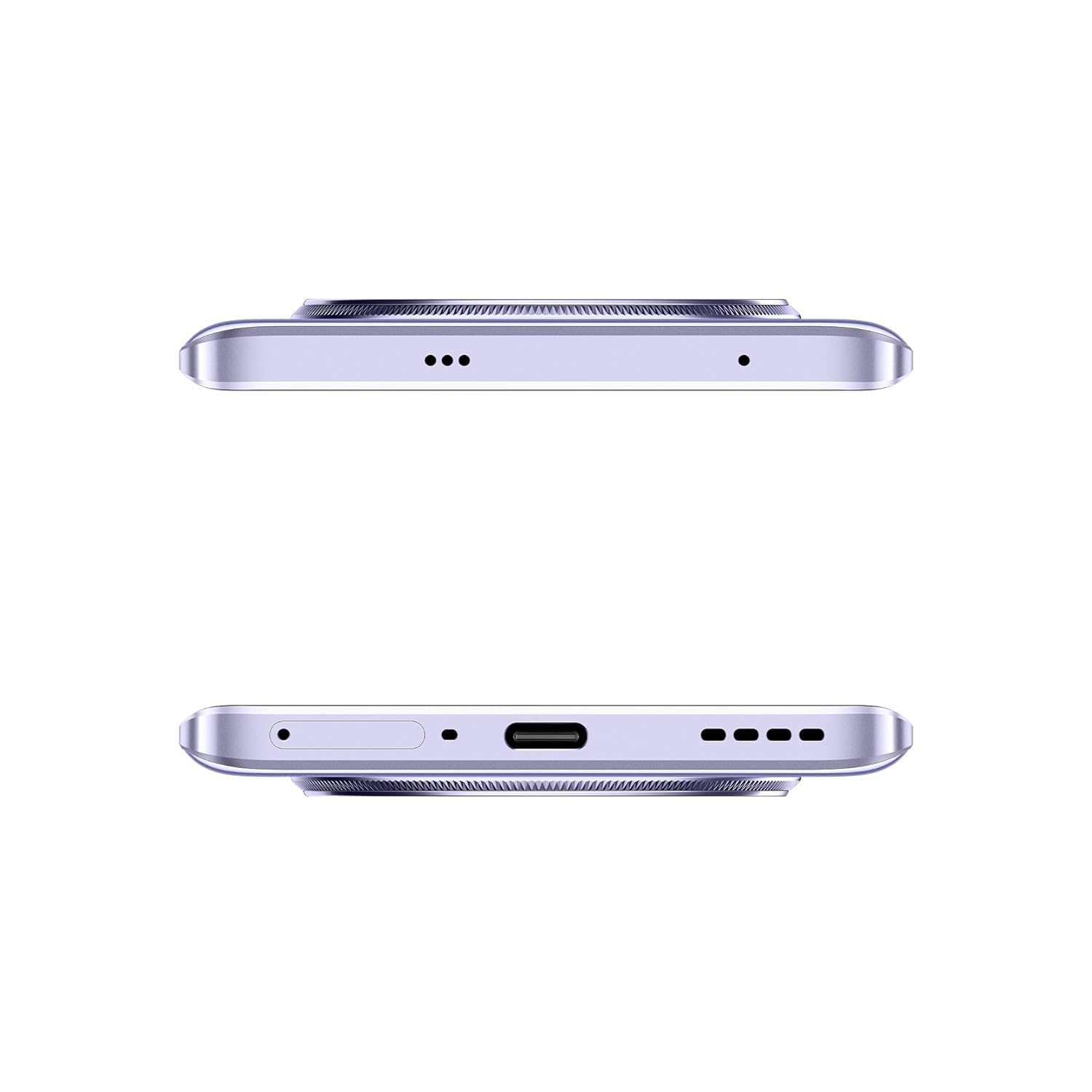
Immaġni 2.1: Ġenb view of the realme 14 Pro Lite, indicating the SIM card tray position.
2.2. Iċċarġjar tal-Apparat
Connect the 45W adapter to a power outlet and the USB cable to the phone's charging port. The device supports 45W SuperVOOC fast charging. It is recommended to fully charge the device before first use.
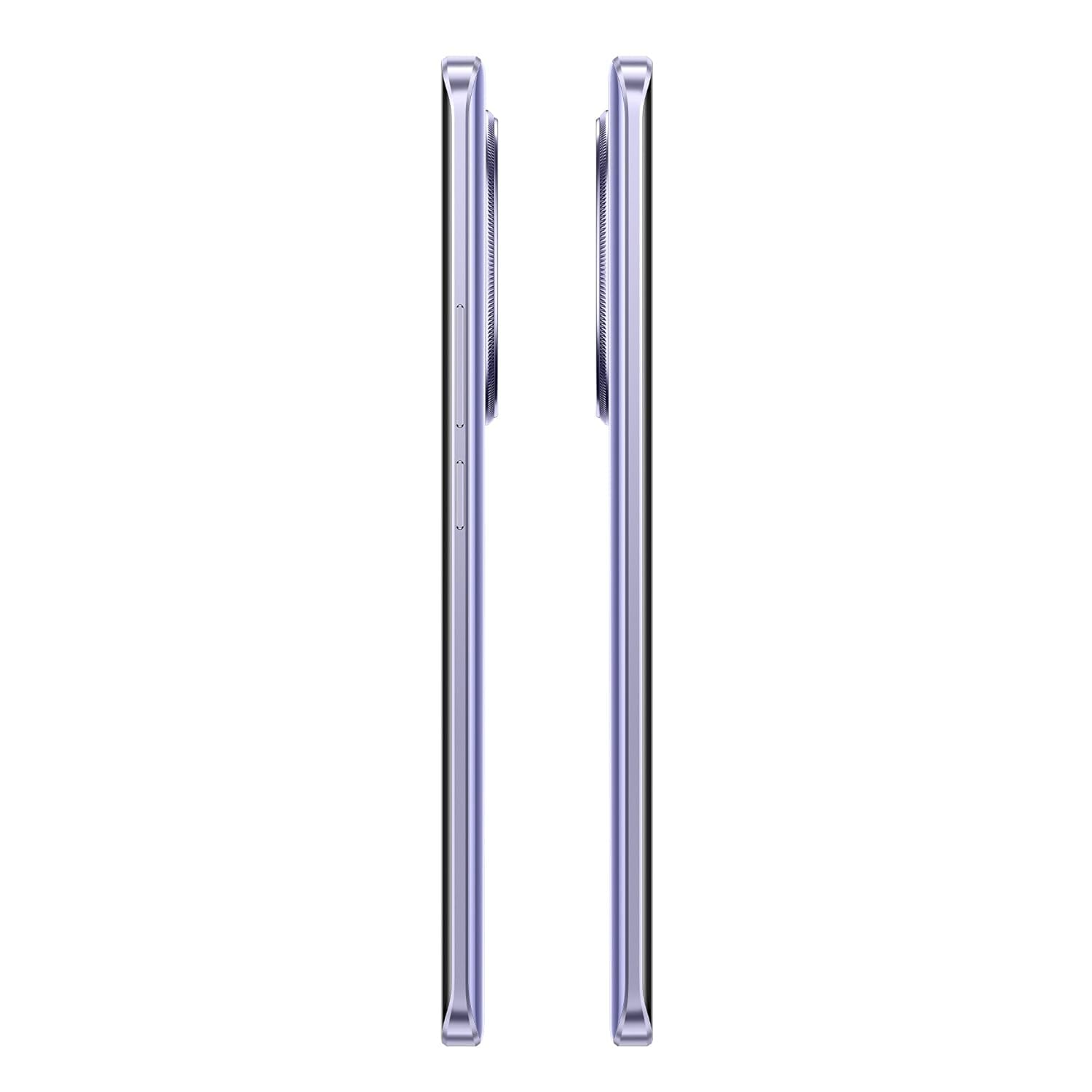
Immaġni 2.2: Il-qiegħ view of the realme 14 Pro Lite, highlighting the USB-C charging port.
2.3. Tixgħel u Setup Inizjali
Press and hold the Power button located on the side of the device until the realme logo appears. Follow the on-screen instructions to select your language, connect to Wi-Fi, and set up your Google account.
3. Istruzzjonijiet Operattivi
3.1. Wiri u Navigazzjoni
Your realme 14 Pro Lite features a 6.7-inch OLED Flow Display with a 120Hz refresh rate for smooth visuals and a 2000Hz instant touch sampling rate for responsive interaction. Navigate the Android 14 operating system with realme UI 5.0 using gestures or on-screen buttons.
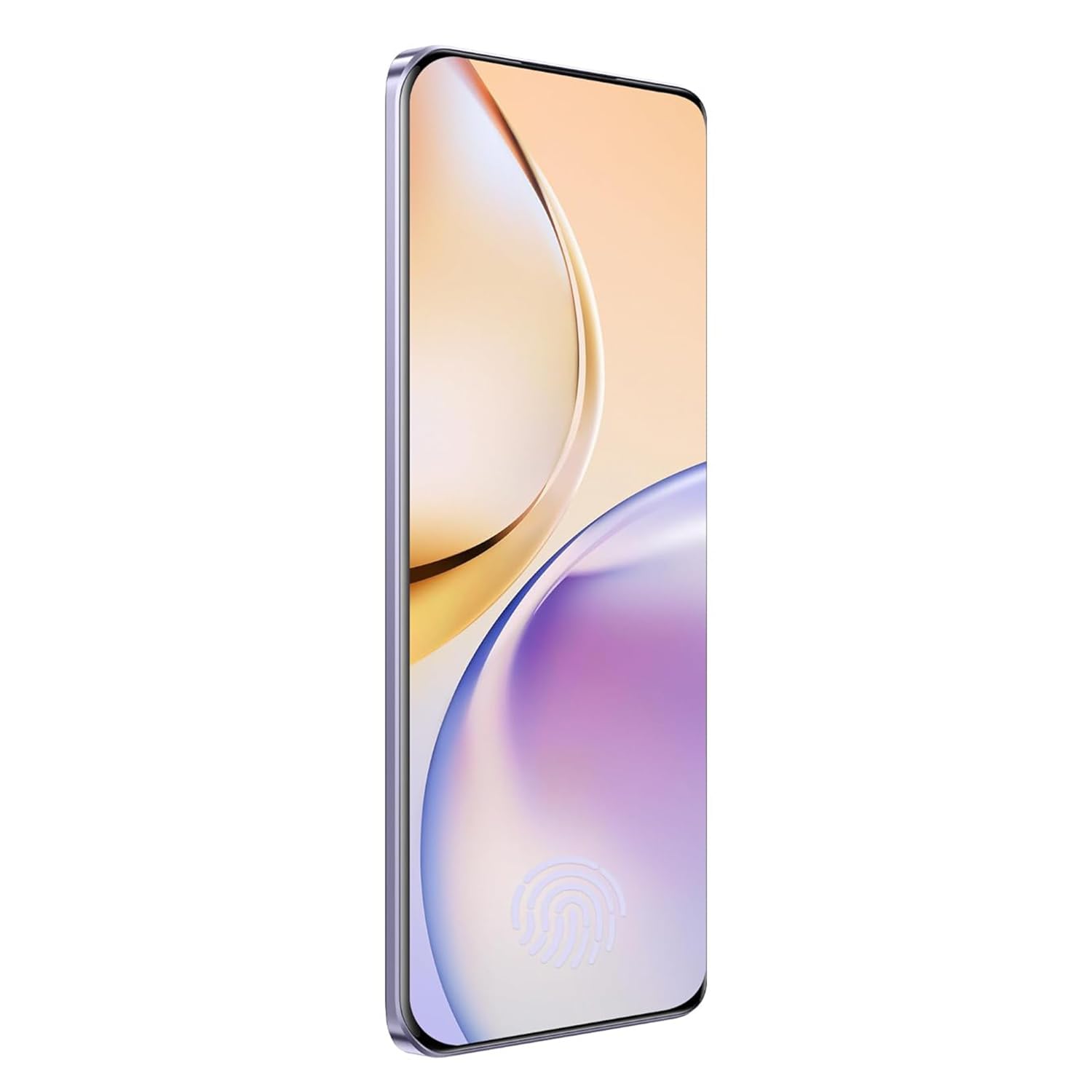
Stampa 3.1: Quddiem view of the realme 14 Pro Lite, showcasinid-displej tiegħu.
3.2. Prestazzjoni u Konnettività
The device is powered by a Snapdragon 7s Gen 2 4nm 5G Chipset, ensuring efficient performance for various tasks. Connectivity options include Bluetooth, USB, and Wi-Fi. For 5G network access, ensure you have a compatible SIM card and service plan.
3.3. Użu tal-kamera
Utilize the integrated camera system for photography and videography. Open the Camera application from your home screen or app drawer. Select modes such as Photo, Video, Portrait, or Night mode as desired. Tap the shutter button to capture images or start/stop video recording.

Immaġni 3.2: Wara view of the realme 14 Pro Lite, highlighting the camera module.
4. Manutenzjoni
4.1. Kura tal-batterija
- Evita li tesponi l-apparat għal temperaturi estremi.
- Use only the provided 45W adapter and USB cable for charging.
- Tħallix l-apparat jiċċarġja għal perjodi twal wara li jilħaq il-100%.
4.2. Aġġornamenti tas-Software
Iċċekkja u installa aġġornamenti tas-softwer regolarment biex tiżgura prestazzjoni ottimali, sigurtà, u aċċess għal karatteristiċi ġodda. Mur fuq Settings > About device > realme UI version biex tiċċekkja għal aġġornamenti.
4.3. Tindif tal-Apparat Tiegħek
Use a soft, lint-free cloth to clean the screen and body of the phone. Avoid using harsh chemicals or abrasive materials. Do not immerse the device in water.
5 Issolvi l-problemi
5.1. L-Apparat Mhux Qed Jixgħel
- Kun żgur li l-batterija hija ċċarġjata. Qabbad il-ċarġer u stenna ftit minuti qabel ma tipprova tixgħelha mill-ġdid.
- Agħfas u żomm il-buttuna tal-Power għal mill-inqas 10-15-il sekonda biex terġa' tibda.
5.2. Kwistjonijiet ta' Konnettività (Wi-Fi/Bluetooth)
- Toggle Wi-Fi or Bluetooth off and on again.
- Ibda mill-ġdid it-tagħmir tiegħek.
- Insieh in-netwerk/apparat u pprova erġa' kkonnettja.
5.3. L-Applikazzjonijiet Jiġġarraf jew Jiffriża
- Clear the cache and data for the problematic app via Settings > Apps > [Isem tal-App] > Ħażna.
- Iddiżinstalla u installa mill-ġdid l-app.
- Kun żgur li s-softwer tat-tagħmir tiegħek huwa aġġornat.
6. Speċifikazzjonijiet
| Karatteristika | Dettall |
|---|---|
| Isem tal-Mudell | realme 14 Pro Lite |
| Sistema Operattiva | Android 14 (with realme UI 5.0) |
| Proċessur | Snapdragon 7s Gen 2 4nm 5G Chipset |
| Wiri | 6.7-inch OLED Flow Display, 120Hz Refresh Rate, 2412x1080 Resolution |
| RAM | 8GB |
| Ħażna Interna | 128GB (expandable up to 1TB with microSD) |
| Kapaċità tal-batterija | 5200mAh |
| Iċċarġjar | 45W SuperVOOC Charge |
| Konnettività | 5G, Bluetooth, USB, Wi-Fi, GPS |
| Dimensjonijiet (LxWxH) | 16.13 x 7.39 x 0.82 ċm |
| Piż | 183 g |
7. Garanzija u Appoġġ
7.1. Informazzjoni dwar Garanzija
Your realme 14 Pro Lite Smartphone comes with a standard manufacturer's warranty. Please refer to the warranty card included in your package or visit the official realme websit għal termini u kundizzjonijiet dettaljati dwar il-kopertura u t-tul tal-garanzija.
7.2. Appoġġ għall-Klijent
For technical assistance, service, or further inquiries, please contact realme customer support. You can find contact details, FAQs, and support resources on the official realme websit:
8. Vidjows Uffiċjali tal-Prodott
No official product videos from the seller were found in the provided data. Please visit the official realme website or authorized channels for any available video guides or demonstrations.


