1. Introduzzjoni
The Baseus Inspire XP1 Adaptive Noise Cancelling Earbuds are designed to provide a high-fidelity audio experience with advanced noise cancellation capabilities. Featuring Sound by Bose technology and Dolby Spatial Audio, these earbuds offer immersive sound and clear communication. This manual provides instructions for setup, operation, and maintenance to ensure optimal performance.
2. Kontenut tal-Pakkett
Ivverifika li l-oġġetti kollha huma preżenti fil-pakkett tiegħek:
- Baseus Inspire XP1 Noise Cancelling Wireless Earbuds
- Kawża tal-Iċċarġjar
- Eartips (daqsijiet S/M/L)
- Cable tal-Iċċarġjar tal-USB-C
- Manwal għall-Utent

Image: Package contents of the Baseus Inspire XP1 earbuds.
3. Prodott Aktarview
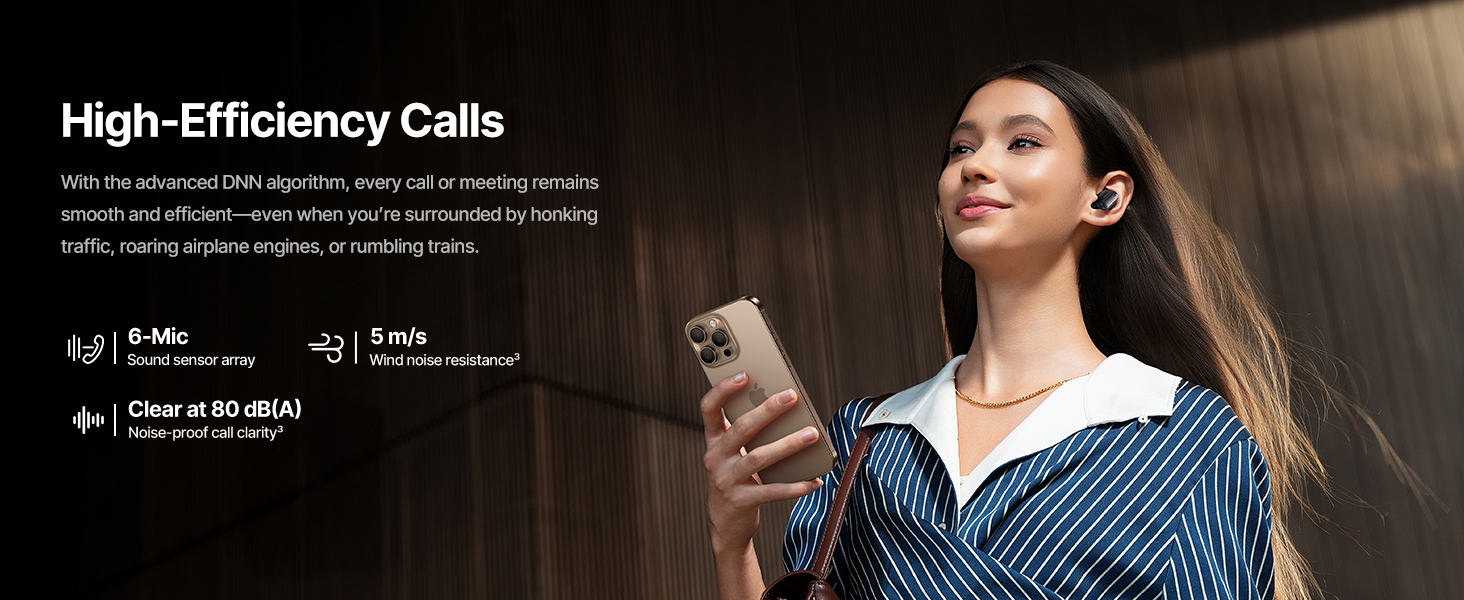
The Baseus Inspire XP1 earbuds feature a contoured in-ear fit with umbrella-shaped liquid silicone tips for comfort and noise isolation. They are equipped with a 6-mic sound sensor array for clear calls and touch-sensitive surfaces for control.

Image: Baseus Inspire XP1 Earbuds.
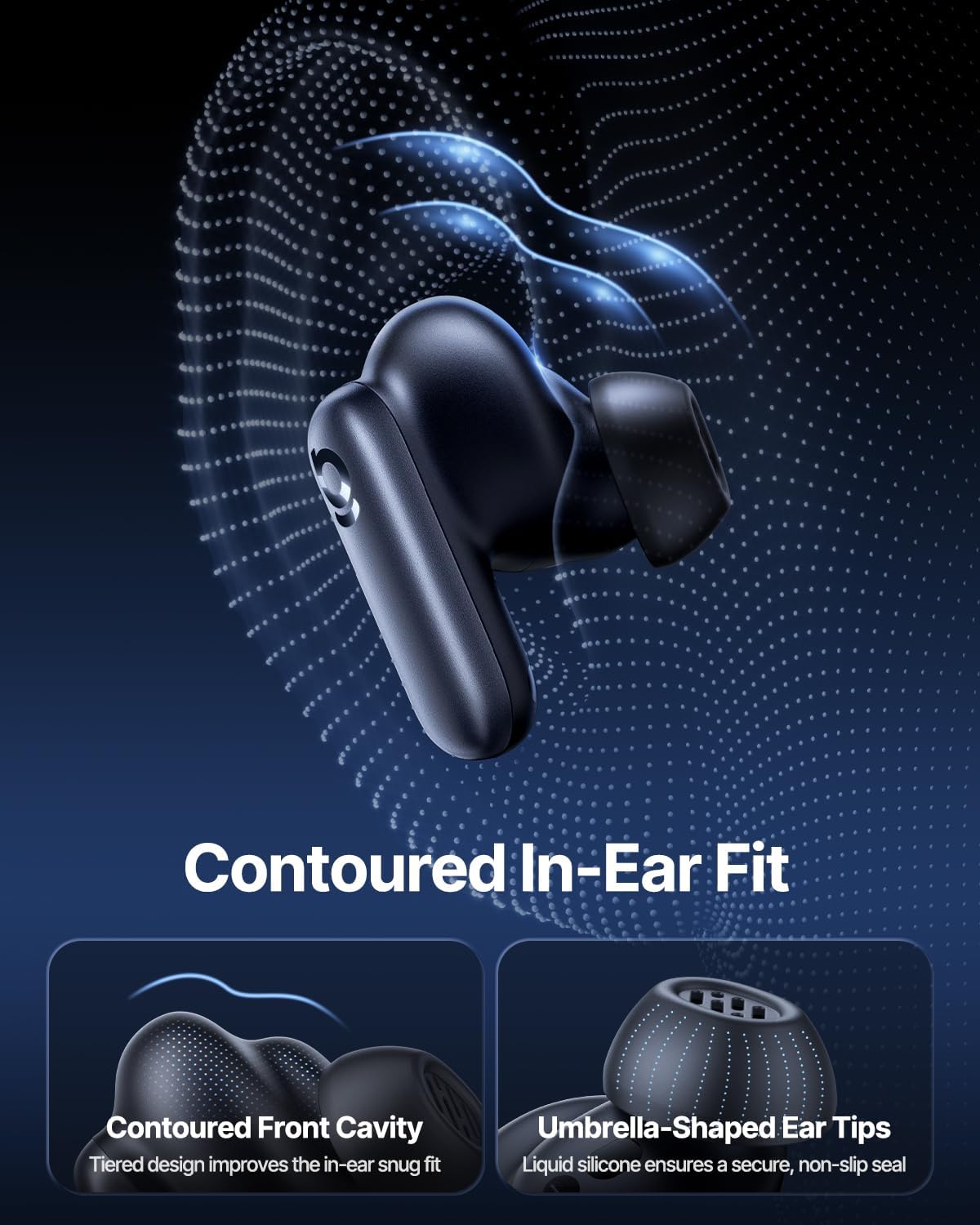
Image: Contoured In-Ear Fit and Umbrella-Shaped Ear Tips.
4. Setup
4.1 It-tqabbil inizjali
- Iċċarġja l-Earbuds: Place both earbuds into the charging case and close the lid. Connect the USB-C charging cable to the case and a power source. The indicator light on the case will show charging status.
- Attiva l-Modalità ta' Tqabbil: Open the charging case. The earbuds will automatically enter pairing mode, indicated by a flashing light on the earbuds or case.
- Qabbad permezz tal-Bluetooth: Fuq l-apparat tiegħek (smartphone, tablet, laptop), mur fis-settings tal-Bluetooth u attiva l-Bluetooth. Fittex għal "Baseus Inspire XP1" in the list of available devices and select it to connect.
- Konferma: Once connected, a voice prompt will confirm successful pairing, and the indicator light will turn solid or off.
4.2 Installazzjoni tal-App Baseus
For full functionality, including Dolby Audio, custom EQ settings, and adaptive tuning, download the official Baseus App from your device's app store (iOS App Store or Google Play Store). The app allows for personalized control of your listening experience.
Immaġni: Interfaċċja tal-Kontroll tal-App Intelliġenti.
5. Istruzzjonijiet Operattivi
5.1 Power On/Off
- Qawwa Mixgħul: Iftaħ il-kaxxa tal-iċċarġjar, u l-earbuds jixegħlu awtomatikament u jippruvaw jikkonnettjaw mal-aħħar apparat imqabbad.
- Itfi: Poġġi l-earbuds lura fil-kaxxa tal-iċċarġjar u agħlaq l-għatu. Dawn jintfew awtomatikament u jibdew jiċċarġjaw.
5.2 Kontrolli touch
The earbuds feature touch-sensitive surfaces for various functions:
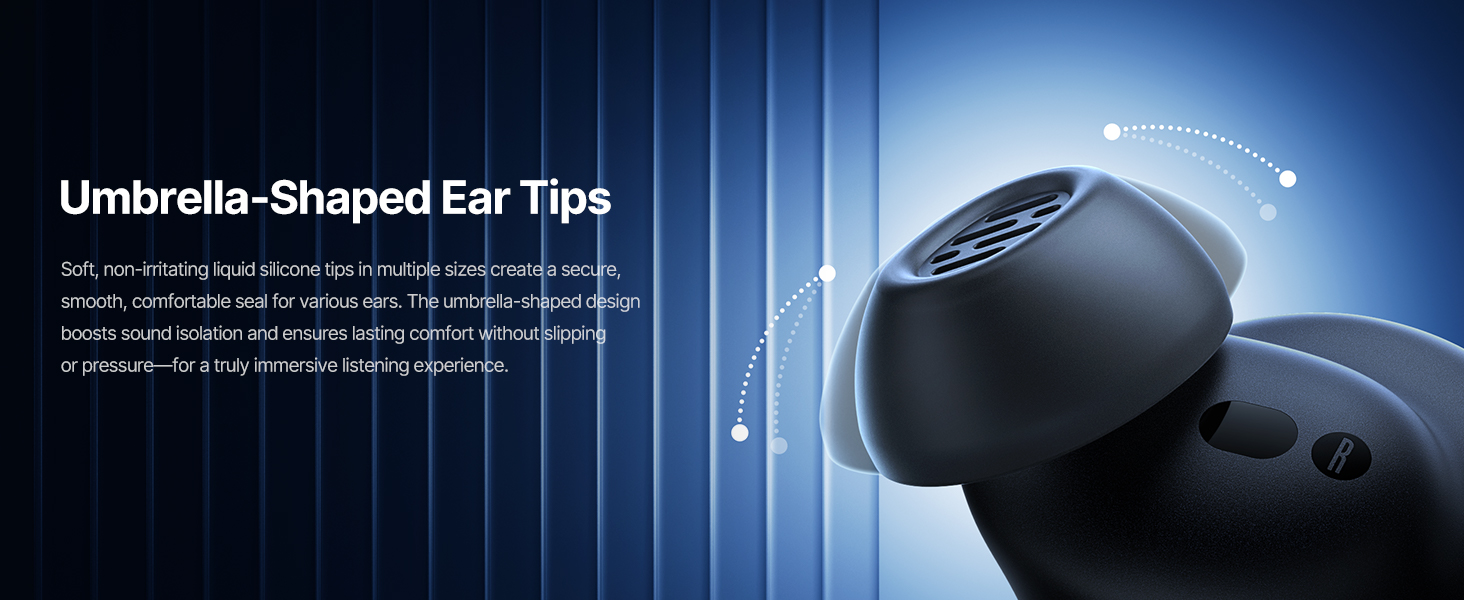
Image: Touch Control Guide.
- Ilgħab/Pawża Mużika: Tektek darbtejn fuq kwalunkwe earbud.
- Tweġiba/Tmiem Sejħiet: Tektek darbtejn fuq kwalunkwe earbud.
- Tiċħad Sejħiet: Tektek u żomm jew earbud għal 1.5 sekondi.
- Ibdel il-Modalità ANC/Trasparenza: Tektek u żomm jew earbud għal 1.5 sekondi.
- Attiva l-Assistent tal-Vuċi: Tektek tliet darbiet fuq kwalunkwe earbud.
5.3 Adaptive Noise Cancellation (ANC) and Transparency Mode
The Inspire XP1 earbuds feature Premium Adaptive ANC, which dynamically adjusts noise reduction up to -50 dB based on your environment. Transparency Mode allows you to hear your surroundings without removing the earbuds.

Image: Premium Adaptive ANC in use.
Switch between ANC and Transparency Mode by tapping and holding the touch surface for 1.5 seconds, or manage settings via the Baseus App.
5.4 High-Efficiency Clear Calls
Equipped with a 6-mic sound sensor array and AI algorithms, the earbuds provide clear calls by reducing wind noise and environmental distractions up to 80 dB(A).
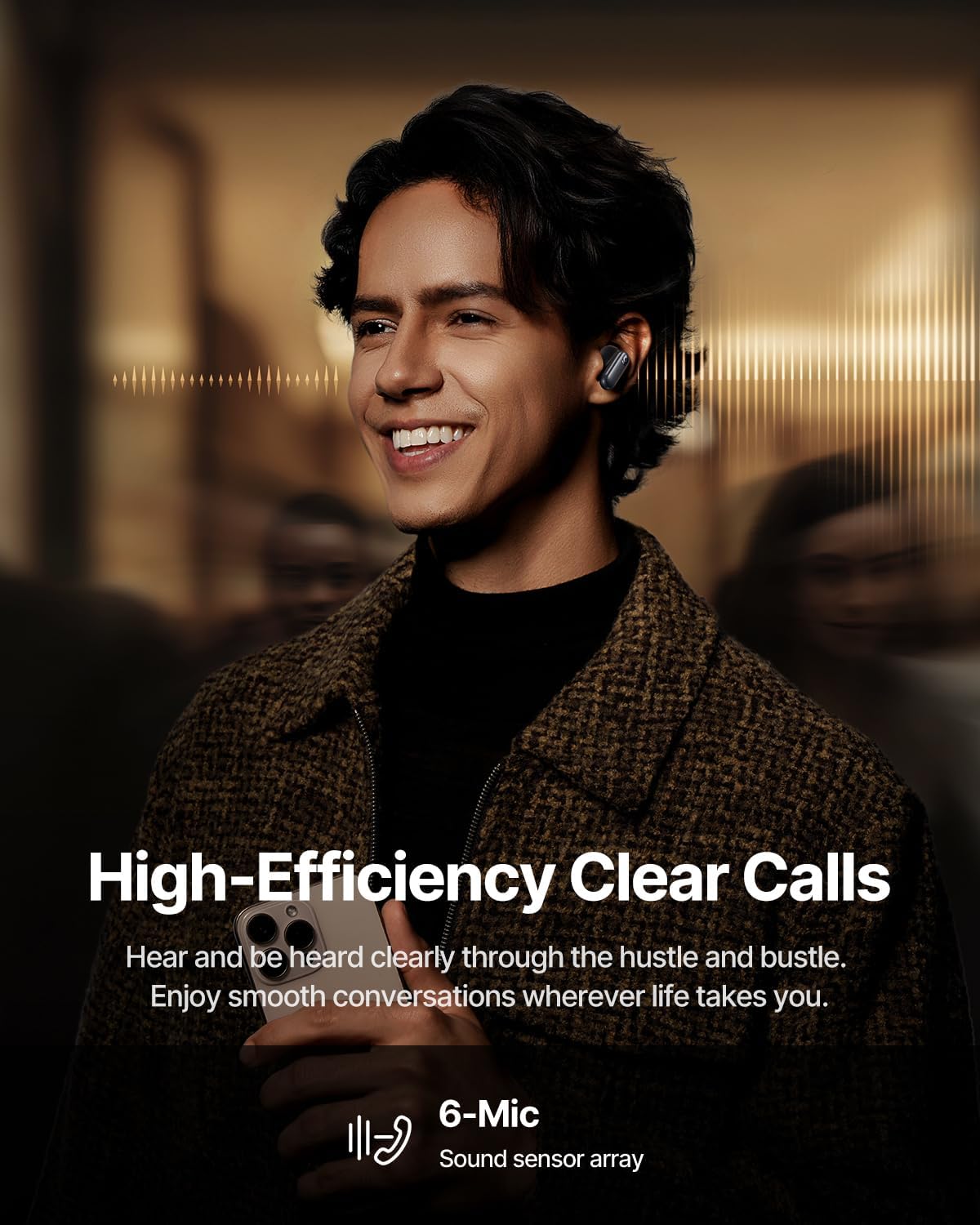
Image: High-Efficiency Clear Calls.
5.5 Iċċarġjar u Ħajja tal-Batterija
The earbuds offer extended playtime with the charging case:
- ANC Mitfi: Up to 8 hours per charge, and up to 45 hours with the charging case.
- ANC Mixgħul: Up to 6 hours per charge, and up to 35 hours with the charging case.
- Ħlas ta' malajr: 10 minuti ta' ċċarġjar jipprovdu madwar 2.5 sigħat ta' daqq.

Image: Day-and-Night Playtime.
5.6 Instant Multipoint Connection
Utilize Baseus Smart-Connect and Bluetooth 6.1 for seamless switching between two paired devices, such as a phone and a laptop, enabling uninterrupted calls and multitasking.
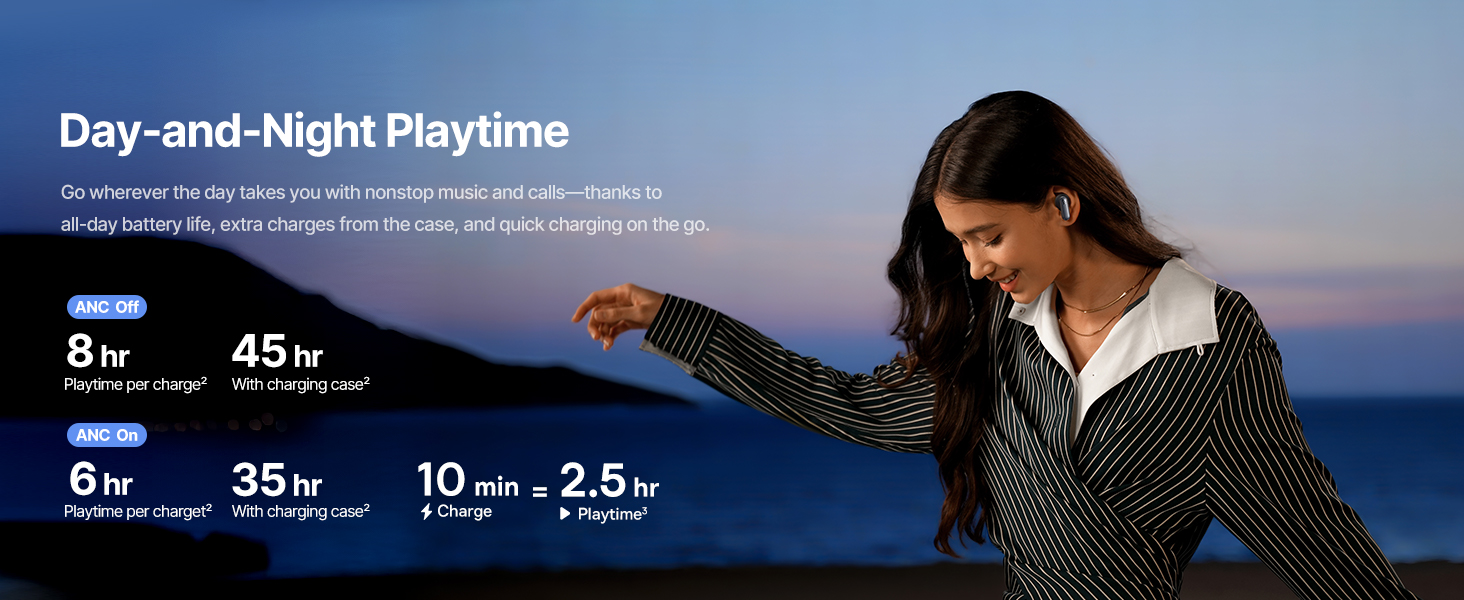
Image: Instant Multipoint Connection.
6. Manutenzjoni
- Tindif: Regularly clean the earbuds and charging case with a soft, dry, lint-free cloth. Do not use abrasive materials or harsh chemicals.
- Widnejn: Neħħi u naddaf il-ponot tal-widnejn tas-silikon b'sapun ħafif u ilma jekk meħtieġ. Kun żgur li jkunu niexfa għalkollox qabel ma terġa' twaħħalhom.
- Portijiet tal-Iċċarġjar: Żomm il-port tal-iċċarġjar USB-C ħieles mit-trab u l-fdalijiet.
- Ħażna: When not in use, store the earbuds in their charging case to protect them and maintain battery life. Avoid extreme temperatures.
7 Issolvi l-problemi
7.1 Il-Earbuds Mhux qed Jiġu Pairing
- Ensure the earbuds are charged and the charging case lid is open.
- Itfi u ixgħel il-Bluetooth tat-tagħmir tiegħek.
- Insieh l-apparat fis-settings tal-Bluetooth tiegħek u pprova erġa' waħħalh.
- Try resetting the earbuds (refer to the Baseus App or Baseus support for specific reset instructions).
7.2 Ebda Ħoss jew Volum Baxx
- Iċċekkja l-livelli tal-volum kemm fuq l-apparat tiegħek kif ukoll fuq il-earbuds.
- Kun żgur li l-earbuds huma mqiegħda sew f'widnejk.
- Ivverifika li l-earbuds huma konnessi mal-output awdjo korrett fuq l-apparat tiegħek.
- Naddaf kwalunkwe debris mill-ispikers tal-earbuds.
7.3 Kwistjonijiet ta' Iċċarġjar
- Kun żgur li l-kejbil tal-iċċarġjar huwa konness sew kemm mal-kaxxa kif ukoll mas-sors tal-enerġija.
- Ipprova kejbil USB-C u adapter tal-enerġija differenti.
- Naddaf il-kuntatti tal-iċċarġjar kemm fuq il-earbuds kif ukoll ġewwa l-kaxxa.
8. Speċifikazzjonijiet
Image: Product Specifications.
| Isem tal-Mudell | Baseus Inspire XP1 |
| Teknoloġija tal-Konnettività | Bluetooth 6.1, Mingħajr Fili |
| Teknoloġija tal-Komunikazzjoni mingħajr Fili | Bluetooth 6.1 |
| Kontroll tal-Ħoss | Adaptive Noise Cancellation, Environmental Noise Cancellation |
| Daqs tas-Sewwieq tal-Awdjo | 10 Millimetru |
| Medda ta' Frekwenzi | 20 Hz - 20,000 Hz |
| Ħajja tal-Batterija (ANC Mitfi) | 8 Hours (earbuds), 45 Hours (with charging case) |
| Port tal-Iċċarġjar | USB-C |
| Metodu ta' Kontroll | App, Touch |
| Materjal | Silikonju |
| Piż tal-oġġett | 7.8 uqija |
9. Garanzija u Appoġġ
Baseus products are covered by a limited warranty. For detailed warranty information, product support, or to contact customer service, please visit the official Baseus webis-sit jew irreferi għall-karta tal-garanzija inkluża fil-pakkett tiegħek.
Tista 'wkoll iżżur il- Ħanut Baseus fuq Amazon għal aktar riżorsi u informazzjoni dwar il-prodott.


