Introduzzjoni
This manual provides essential information for setting up, operating, maintaining, and troubleshooting your HP 15 Laptop. Please read this guide thoroughly to ensure proper use and to maximize the performance and longevity of your device.

Immaġni: Fuqview of the HP 15 Laptop highlighting its main components and features.
Setup
1. Initial Power-On and Windows 11 Pro Setup
- Connect the provided AC power adapter to the laptop and a power outlet.
- Iftaħ l-għatu tal-laptop u agħfas il-buttuna tal-qawwa.
- Follow the on-screen instructions to complete the Windows 11 Pro setup. This includes selecting your region, language, connecting to a Wi-Fi network, and creating a user account.
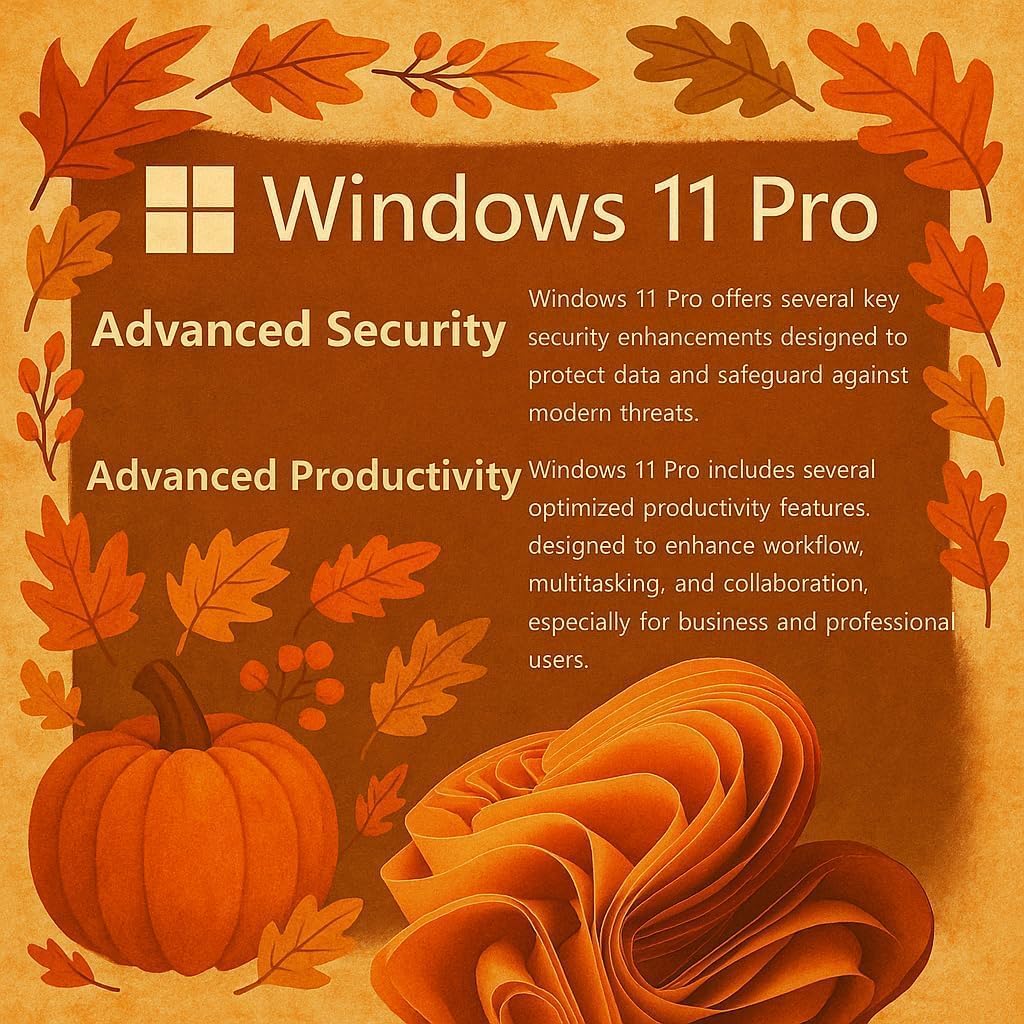
Image: Visual representation of Windows 11 Pro features, emphasizing security and productivity.
2. Microsoft Office 365 Activation
Your laptop includes Microsoft Office 365. To activate it:
- Locate the instructions included in your package for redeeming your Microsoft Office license key.
- Follow the provided steps to install and activate Word, Excel, PowerPoint, Outlook, and other Office applications.
3. Connecting Peripherals and External Devices
The HP 15 Laptop offers various ports for connectivity:
- USB Type-C (5Gbps): For modern USB-C devices and data transfer.
- USB Type-A (5Gbps): Two ports for standard USB devices like mice, keyboards, or external drives.
- HDMI 1.4b: Qabbad ma' displays jew projetturi esterni.
- SD Media Card Reader: Għat-trasferiment files from SD cards.
- Jack tal-Headphone / Mikrofonu Combo: Għad-dħul/ħruġ tal-awdjo.
- Port tal-Enerġija AC: Għall-konnessjoni tal-adapter tal-enerġija.

Immaġni: Dettaljata view of the laptop's side profiles, indicating the location and type of each port and slot.
Operating Your HP 15 Laptop
1. Karatteristiċi tal-Wiri
The 15.6-inch Full HD (1920 x 1080) IPS display features narrow bezels and an anti-glare coating for comfortable viewing. It provides clear and vibrant visuals for various tasks.

Image: Visual comparison demonstrating the superior clarity of the 1080p Full HD display.
2. Prestazzjoni u Multitasking
Your HP 15 Laptop is equipped with an Intel N4120 Quad-Core Processor, capable of turbo boosting up to 2.6 GHz, and Intel UHD Graphics. With 16GB DDR4 RAM and a 512GB SSD, it delivers responsive performance for daily computing tasks, multitasking, and quick application loading.

Immaġni: Dettaljata view of the Intel Celeron N4120 Processor specifications.
3. Using Copilot AI
The laptop is Copilot AI-ready, integrating an AI assistant within Windows and Microsoft 365. Copilot helps streamline tasks, generate content, and enhance productivity. Access it through the Windows interface to utilize its features.

Image: The Copilot AI interface on the Windows desktop.
4. Konnettività bla fili
The laptop supports Realtek RTL8822CE 802.11ac (2x2) Wi-Fi for internet access and Bluetooth 5.0 for connecting wireless peripherals like headphones or speakers.
Manutenzjoni
1. Tindif tal-Laptop Tiegħek
- Uża drapp ratba u mingħajr ħelu ftit dampNaddaf bl-ilma jew b'prodott tat-tindif tal-iskrin biex tnaddaf id-displej.
- Għat-tastiera u x-chassis, uża drapp artab. Evita kimiċi ħarxa jew materjali li joborxu.
- Kun żgur li l-laptop ikun mitfi u skonnettjat qabel ma tnaddaf.
2. Kura tal-batterija
- Biex ittawwal il-ħajja tal-batterija, evita temperaturi estremi.
- Periodically allow the battery to discharge to around 20% before recharging.
- Jekk se taħżen il-laptop għal perjodu estiż, kun żgur li l-batterija tkun iċċarġjata għal madwar 50%.
3. Aġġornamenti tas-Software
Iċċekkja u installa aġġornamenti tal-Windows regolarment biex tiżgura li s-sistema tiegħek għandha l-aħħar irqajja tas-sigurtà u titjib fil-prestazzjoni. Mur fuq Settings > Aġġornament tal-Windows biex timmaniġġja l-aġġornamenti.
Issolvi l-problemi
Kwistjonijiet Komuni u Soluzzjonijiet
- Il-laptop ma jixgħelx: Ensure the AC adapter is securely connected and the power outlet is functional. Try a different outlet. If using battery, ensure it has sufficient charge.
- Problemi bil-wiri (l-ebda immaġni, teptip): Erġa' ibda l-laptop. Jekk imqabbad ma' monitor estern, ipprova skonnettjah. Iċċekkja s-settings tal-wiri fil-Windows.
- Ebda konnessjoni Wi-Fi: Verify Wi-Fi is enabled in Windows settings. Restart your router and modem. Check for updated Wi-Fi drivers.
- Prestazzjoni bil-mod: Close unnecessary applications. Check Task Manager for resource-intensive processes. Ensure sufficient free space on the SSD. Run a disk cleanup.
For more detailed troubleshooting or issues not covered here, please refer to the official HP support webis-sit jew ikkuntattja s-servizz tal-klijenti tal-HP.
Speċifikazzjonijiet
| Karatteristika | Dettall |
|---|---|
| Brand | HP |
| Isem tal-Mudell | G9 |
| Daqs tal-Iskrin | 15.6 Pulzier |
| Riżoluzzjoni tal-Iskrin | 1920 x 1080 pixels (Full HD) |
| Proċessur | Intel N4120 (2.6 GHz Celeron, 4 Cores) |
| RAM | 16 GB DDR4 |
| Hard Drive | SSD ta' 512 GB (PCIE x 4) |
| Koproċessur tal-Grafika | Grafika Intel UHD (Integrata) |
| Sistema Operattiva | Windows 11 Pro |
| Tip bla fili | 802.11ac, Bluetooth 5.0 |
| Portijiet USB | 1 x USB Type-C, 2 x USB Type-A |
| Port HDMI | 1 x HDMI 1.4b |
| Qarrej tal-Kard | SD Media Card Reader |
| Karatteristiċi Speċjali | Anti Glare Coating, HD Audio, Memory Card Slot, Numeric Keypad |
| Kulur | Fidda |
| Piż tal-oġġett | 6 liri |
| Dimensjonijiet tal-Prodott | 14.09 x 0.78 x 9.53 pulzieri |
Garanzija u Appoġġ
1. Garanzija tal-Prodott
Your HP 15 Laptop is covered by a standard manufacturer's warranty. Please refer to the warranty documentation included with your product for specific terms, conditions, and duration. Keep your proof of purchase for warranty claims.
2. Appoġġ Tekniku
Għal assistenza teknika, downloads ta' sewwieqa, jew aktar appoġġ, jekk jogħġbok żur is-sit uffiċjali tal-appoġġ tal-HP website. You may need your product's serial number, typically found on a label on the bottom of the laptop or in the system information within Windows.
Appoġġ HP Websit: support.hp.com