1. Introduzzjoni
This manual provides essential information for setting up, operating, and maintaining your GEEKOM GT2 Mega Ai Mini PC. This compact desktop computer features an Intel Core Ultra 9 285H processor with integrated Intel Arc 140T GPU, 32GB DDR5 RAM, and a 2TB SSD. It comes pre-installed with Windows 11 Pro and offers advanced connectivity options including Dual 2.5G LAN, WiFi 7, and USB4 ports.
Please read this manual thoroughly before using the device to ensure proper functionality and longevity.
2. X'hemm fil-Kaxxa
Iċċekkja li l-oġġetti kollha huma preżenti fl-imballaġġ:
- 1 x GEEKOM GT2 MEGA Mini PC
- 1 x Cable HDMI
- 1 x Muntatura VESA
- 1 x Adapter tal-Enerġija
- 1 x Gwida għall-Utent (dan id-dokument)
3. Prodott Aktarview
3.1 Portijiet ta' Quddiem u ta' Wara
The GEEKOM GT2 Mega Mini PC is equipped with a variety of ports for versatile connectivity.

- Portijiet ta' quddiem: Power Button, 3x USB 3.2 Gen2 Type-A, 1x SD 4.0 Card Reader, 1x 3.5mm Headset Jack.
- Portijiet ta' wara: 1x Kensington Lock, 1x DC In, 2x HDMI 2.0 (4K@120Hz), 1x USB 3.2 Gen2 Type-A, 1x USB 2.0 Type-A, 2x 2.5G LAN RJ45, 2x USB4 Type-C (40Gbps, 8K video, 15W PD).
3.2 Internal Components and Expandability
The mini PC is designed for efficient performance and offers storage expansion options.

- RAM: Dual-channel DDR5 5600MHz SODIMM, expandable up to 128GB.
- SSD: One M.2 2280 NVMe PCIe Gen4 x4 SSD slot (up to 4TB) and one M.2 2242 SATA III SSD slot (up to 2TB).
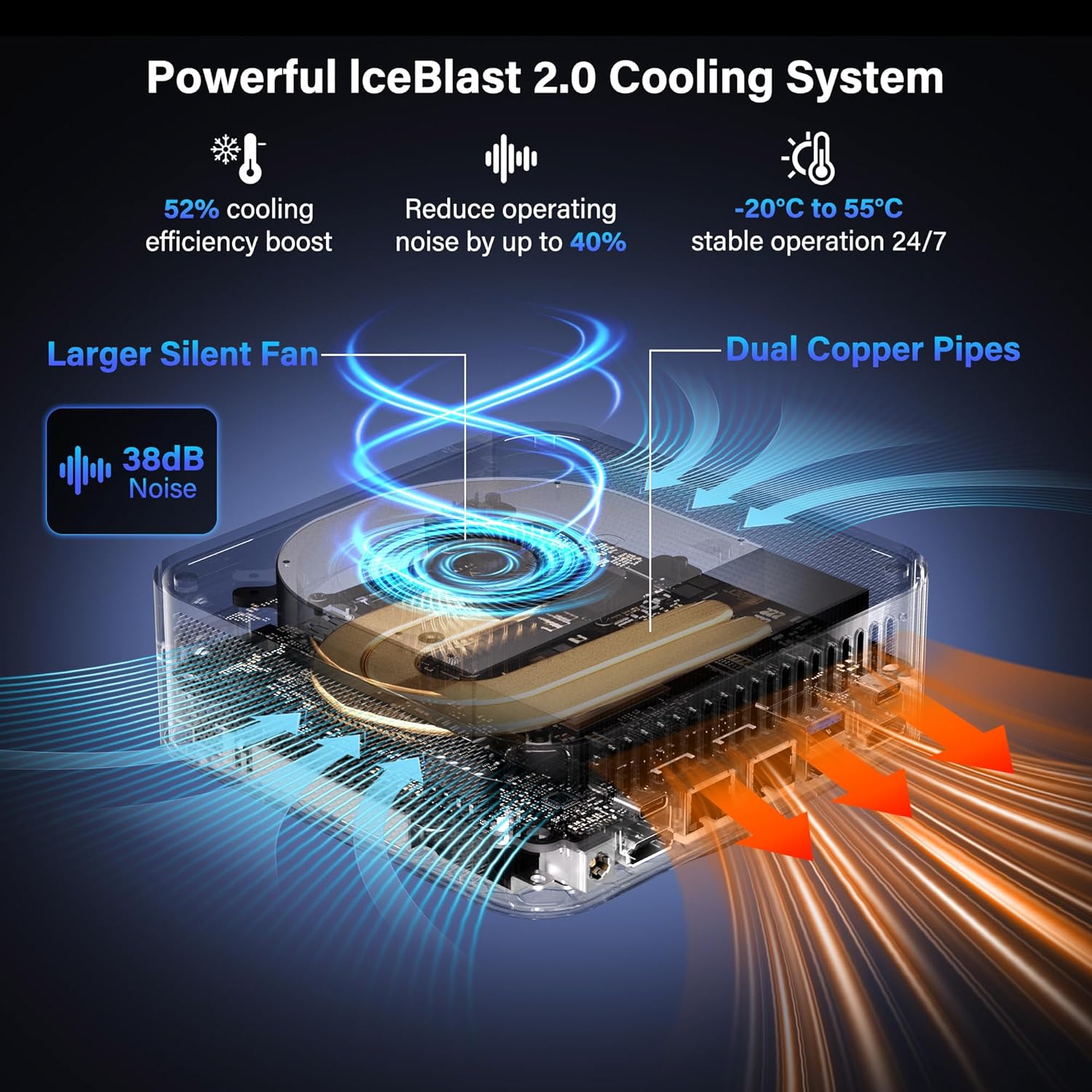
- Tkessiħ: IceBlast 2.0 cooling system with dual copper heat pipes and a large silent fan.
4. Istruzzjonijiet ta' Setup
4.1 Konnessjoni Inizjali
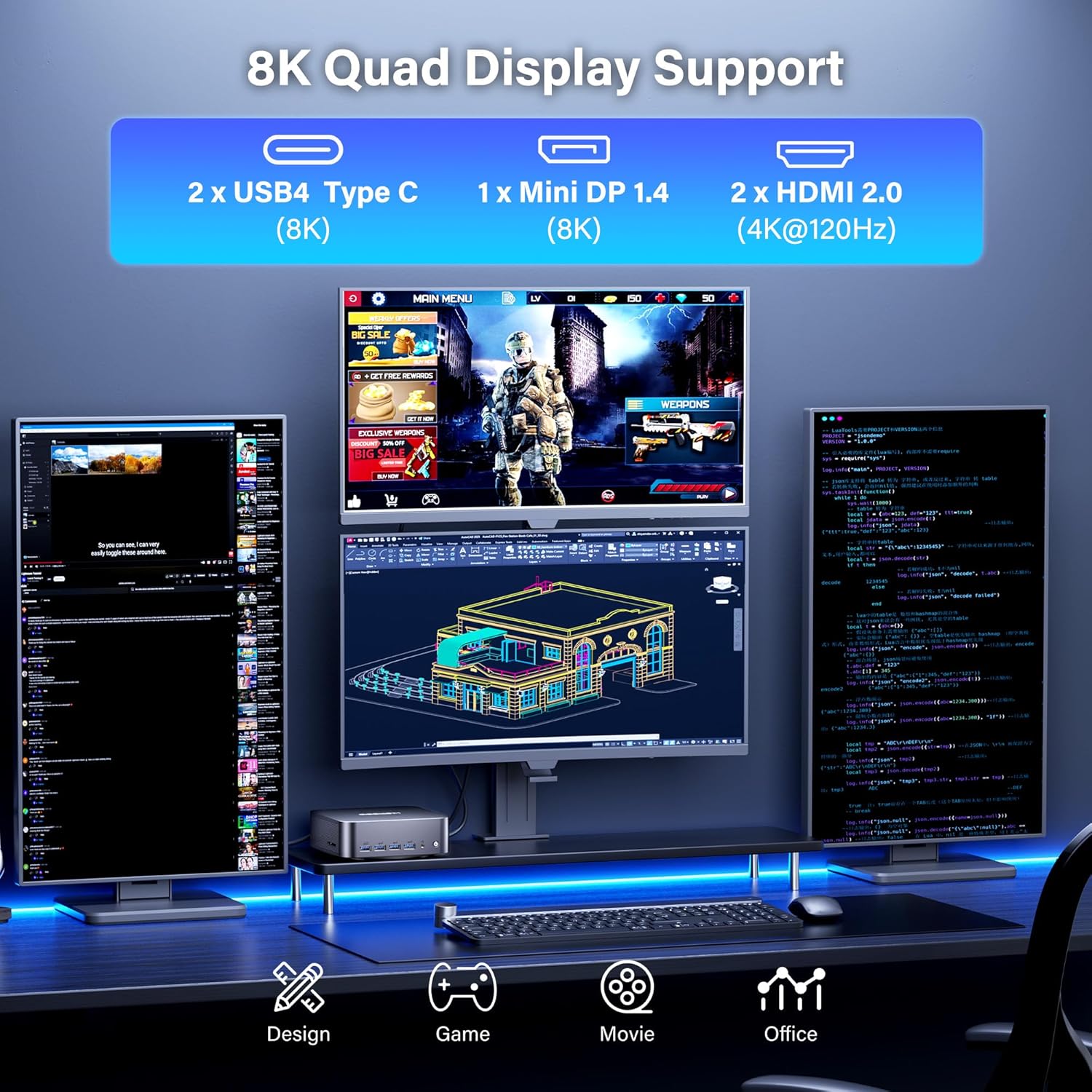
- Qabbad id-Displej: Use the provided HDMI cable or a Mini DP/USB4 cable to connect your monitor(s) to the mini PC. The device supports up to four displays simultaneously (2x 8K, 2x 4K).
- Ikkonnettja l-Periferali: Ipplaggja t-tastiera, il-maws, u kwalunkwe apparat USB ieħor tiegħek fil-portijiet USB disponibbli.
- Qabbad in-Netwerk: For wired internet, connect an Ethernet cable to one of the 2.5G LAN ports. For wireless, ensure your WiFi network is available.
- Qabbad l-Enerġija: Plug the power adapter into the DC In port on the mini PC, then connect the adapter to a power outlet.
- Qawwa Mixgħul: Press the power button located on the front of the mini PC.

4.2 Installazzjoni tal-Muntatura VESA (Mhux obbligatorja)
The GEEKOM GT2 Mega Mini PC can be mounted to the back of a VESA-compatible monitor to save desk space.
- Waħħal il-bracket tal-immuntar VESA man-naħa ta' wara tal-monitor tiegħek billi tuża l-viti pprovduti.
- Slide the mini PC onto the VESA mount until it clicks securely into place.

5. Istruzzjonijiet Operattivi
5.1 First Boot and Windows 11 Pro Setup
Upon first boot, the system will guide you through the Windows 11 Pro setup process. Follow the on-screen instructions to configure your language, region, network, and user account.

5.2 Multi-Display Configuration
The GT2 Mega supports up to four displays. To configure multiple displays in Windows:
- Connect all desired monitors to the available HDMI, Mini DP, or USB4 ports.
- Ikklikkja bil-lemin fuq id-desktop u agħżel "Settings tal-wiri".
- In the Display settings, you can detect, arrange, and configure the resolution and orientation of each monitor.
6. Manutenzjoni
6.1 Tindif
- Kun żgur li l-apparat ikun mitfi u splaggjat qabel it-tindif.
- Use a soft, dry cloth to wipe the exterior of the mini PC.
- For dust accumulation in vents, use compressed air carefully. Do not insert objects into the vents.
6.2 Aġġornamenti tas-Software
Aġġorna s-sistema operattiva u d-drivers tal-Windows tiegħek regolarment biex tiżgura prestazzjoni u sigurtà ottimali.
- Aġġornamenti tal-Windows: Mur f'Settings > Windows Update u ċċekkja għal aġġornamenti.
- Aġġornamenti tas-sewwieq: Visit the GEEKOM official website or Intel's support page for the latest drivers for your processor and graphics.
6.3 Sistema tat-tkessiħ
The IceBlast 2.0 cooling system is designed for efficient heat dissipation. Ensure proper airflow around the device by not blocking the vents.

7 Issolvi l-problemi
7.1 Kwistjonijiet Ġenerali
- Ebda Qawwa: Kun żgur li l-adapter tal-enerġija huwa konness sew kemm mal-mini PC kif ukoll ma' sokit tal-enerġija li jaħdem.
- Ebda Display: Check all display cable connections. Ensure the monitor is powered on and set to the correct input source. Try a different cable or monitor if possible.
- Periferali Mhux Rilevat: Reconnect the peripheral to a different USB port. Ensure drivers are installed if required.
- Prestazzjoni bil-mod: Check for background applications consuming resources. Ensure sufficient free storage space. Consider updating drivers and Windows.
7.2 Windows 11 Pro Initial Setup Issue (PIN Creation)
If you encounter an issue during the initial Windows 11 Pro setup where the PIN creation screen does not appear or freezes, follow these steps:
- When the PIN screen appears to be stuck, press Shift + F10 simultaneously. A Command Prompt window should appear. Leave this window open.
- Agħfas Alt + Tab several times. This should bring the PIN input screen to the foreground.
- Enter your PIN and proceed with the setup.
- If the Windows 11 sign-in screen appears to be stuck after setup, press and hold the Shift key while clicking the Power icon (bottom right of screen) and selecting "Restart".
- From the blue "Choose an option" screen, select "Troubleshoot".
- Select "Reset this PC".
- Choose "Keep my files" (or "Remove everything" if you prefer a clean reset).
- Select "Local reinstall".
- Follow the prompts to complete the reset process. After the reset, the Windows setup should proceed normally.
8. Speċifikazzjonijiet
| Karatteristika | Dettall |
|---|---|
| Proċessur | Intel Core Ultra 9 285H (5.4 GHz, 16 Cores) |
| Grafika | Intel Arc 140T GPU (Integrated) |
| RAM | 32GB DDR5 5600MHz (Expandable to 128GB) |
| Ħażna | 2TB NVMe PCIe Gen4 x4 SSD (Supports up to 4TB), 1x M.2 2242 SATA III SSD slot (Supports up to 2TB) |
| Sistema Operattiva | Windows 11 Pro |
| Wiri Output | 2x HDMI 2.0 (4K@120Hz), 1x Mini DP 1.4 (8K), 2x USB4 Type-C (8K) - Supports Quad Display |
| Konnettività | WiFi 7, Bluetooth 5.4, Dual 2.5G LAN |
| Portijiet USB | 2x USB4 Type-C, 4x USB 3.2 Gen2 Type-A, 1x USB 2.0 Type-A |
| Portijiet Oħrajn | 1x SD 4.0 Card Reader, 1x 3.5mm Headset Jack, 1x Kensington Lock |
| Dimensjonijiet (LxWxH) | 8.94 x 6.92 x 5.27 pulzieri |
| Piż | 3.65 liri |
| Sistema tat-tkessiħ | IceBlast 2.0 (Dual Copper Pipes, Silent Fan) |
9. Garanzija u Appoġġ
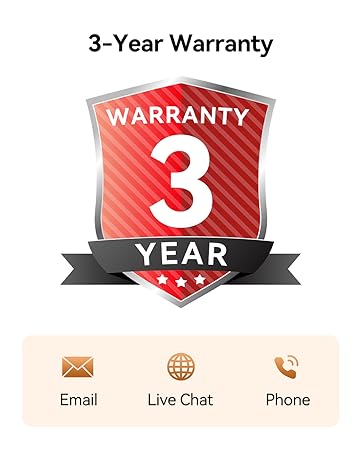
The GEEKOM GT2 Mega Mini PC comes with a 3-year warranty. For technical assistance or warranty claims, please contact GEEKOM customer support.
9.1 Ikkuntattja l-Appoġġ
You can reach GEEKOM support through the following methods:
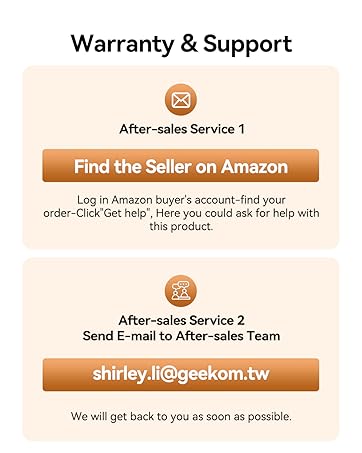
- Email: Ikkuntattja lit-tim ta' wara l-bejgħ fuq shirley.li@geekom.tw.
- Amazon Seller Page: If purchased on Amazon, log into your Amazon buyer's account, find your order, and click "Get help" to contact the seller.
To ensure authenticity and warranty coverage, always purchase GEEKOM products from the Official Amazon Store or GEEKOM's official websit.


