Introduzzjoni
Welcome to the user manual for your HUAWEI FreeBuds SE 4 ANC earbuds. These excellent wireless earbuds are designed for daily immersion, offering true noise-canceling capabilities at an accessible price point. The adaptive hybrid active noise cancellation intelligently adjusts between three modes (Ultra, General, Light), effectively silencing up to 24 dB of ambient noise. They are ideal for various environments, including air travel, commuting, or busy offices.
Enjoy an impressive 50 hours of total playtime. With a quick 10-minute charge, you can get 4 hours of music playback, ensuring battery concerns are a thing of the past. The earbuds are lightweight, weighing only 4.3 grams each, and come with three sizes of hypoallergenic ear tips for all-day comfort and optimal noise isolation. Equipped with three-directional sound pickup microphones, your voice is clearly distinguished, and background noise is blocked, ensuring stable and clear calls. The earbuds also feature IP54 dust and splash resistance, applicable to the earbuds themselves, not the charging case. The HUAWEI FreeBuds SE 4 ANC have undergone 26 rigorous tests to ensure durability and reliability.
Informazzjoni dwar is-Sigurtà
Please read this safety information carefully before using your HUAWEI FreeBuds SE 4 ANC earbuds to ensure proper and safe operation. Keep this manual for future reference.
- Protezzjoni tas-Smigħ: Evita li tisma' f'livelli ta' volum għoljin għal perjodi estiżi biex tevita ħsara fis-smigħ.
- Sigurtà tas-Sewqan: Do not use earbuds while driving or cycling, as this may distract you and cause accidents.
- Apparat Mediku: If you have a pacemaker or other medical device, consult your physician before using the earbuds.
- Periklu ta' fgar: Keep earbuds and small parts away from children and pets to prevent accidental ingestion.
- Temperatura: Do not expose the earbuds or charging case to extreme temperatures (below 0°C or above 45°C).
- Tindif: Uża drapp artab u niexef għat-tindif. Evita li tuża kimiċi ħarxa jew materjali li joborxu.
- Reżistenza għall-Ilma: The earbuds are IP54 dust and splash resistant. This rating does not apply to the charging case. Avoid submerging the earbuds in water.
Gwida ta' Setup
1. Unboxing
Carefully remove the earbuds and charging case from the packaging. Check that all included components are present: earbuds, charging case, USB-C charging cable, and ear tips (various sizes).
2. Iċċarġjar tal-Earbuds u l-Kaxxa
Before first use, fully charge the earbuds and charging case. Place the earbuds into the charging case and close the lid. Connect the USB-C charging cable to the charging port on the case and a power adapter. The indicator light on the case will show charging status.

Image: The HUAWEI FreeBuds SE 4 ANC charging case with earbuds, illustrating the 50-hour total listening time. A single charge can provide a full week of listening, and a 10-minute fast charge offers 4 hours of music playback.
A full charge provides up to 50 hours of total listening time. For quick power, a 10-minute charge can provide approximately 4 hours of music playback.
3. It-tqabbil mat-Tagħmir Tiegħek
- Kun żgur li l-earbuds jinsabu fil-kaxxa tal-iċċarġjar u li l-għatu huwa miftuħ.
- Press and hold the Function button on the charging case for 2 seconds until the indicator light flashes white, indicating pairing mode.
- Fuq l-apparat tiegħek (smartphone, tablet, laptop), attiva l-Bluetooth.
- Fittex għal available Bluetooth devices and select "HUAWEI FreeBuds SE 4 ANC" from the list.
- Once connected, the indicator light on the charging case will turn off.
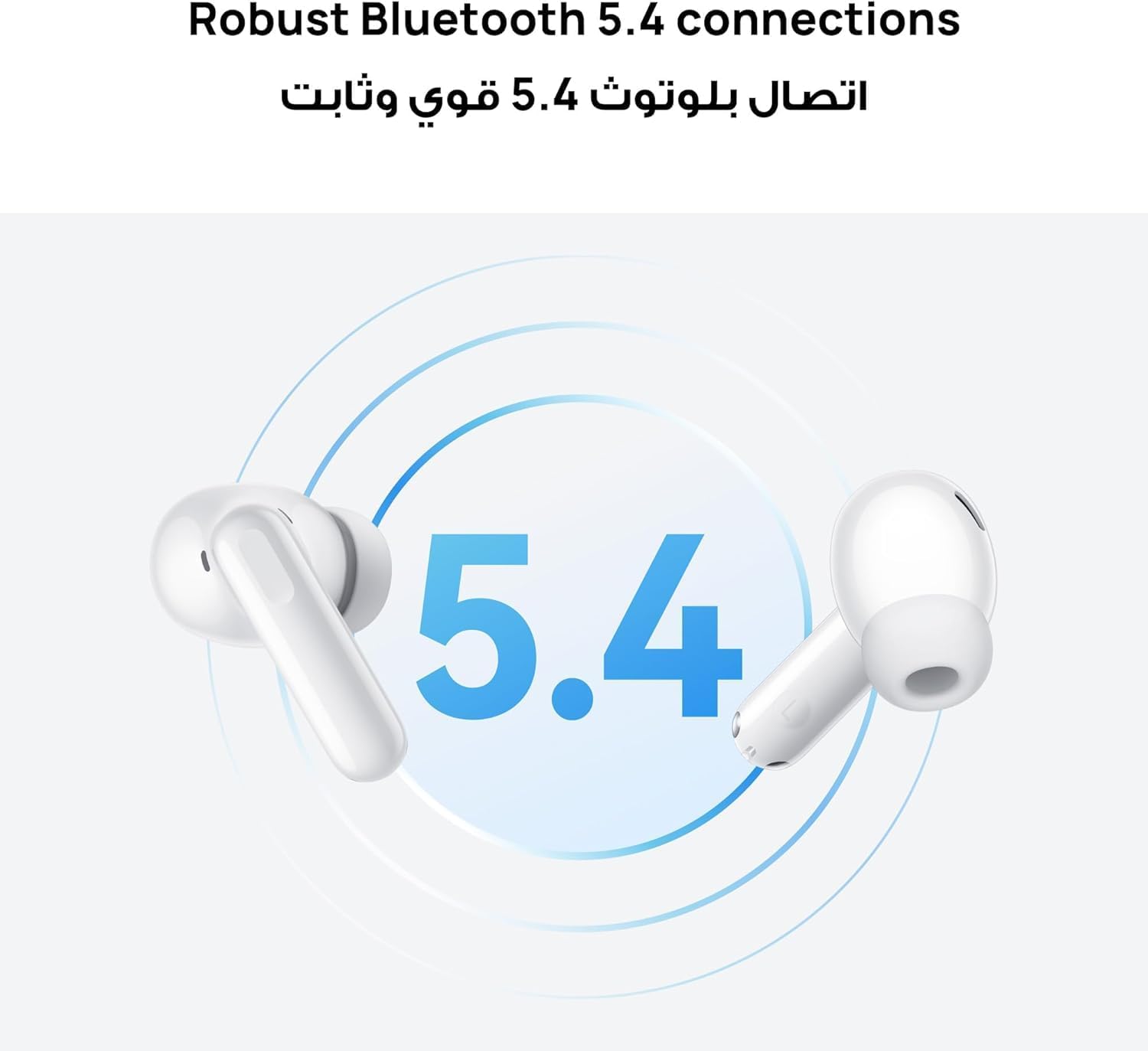
Image: Two HUAWEI FreeBuds SE 4 ANC earbuds showcasing their robust Bluetooth 5.4 connection. This advanced Bluetooth version ensures stable and continuous connectivity for clear audio and calls.
The earbuds utilize robust Bluetooth 5.4 for a stable and reliable connection with compatible devices, including iOS, Android, and EMUI phones, as well as desktop computers, laptops, tablets, and car audio systems.
Istruzzjonijiet Operattivi
1. Touch Kontrolli
The HUAWEI FreeBuds SE 4 ANC earbuds feature intuitive touch controls. The specific actions can often be customized via the HUAWEI AI Life app.
| Azzjoni | Funzjoni |
|---|---|
| Tektek darbtejn | Daqq / Issospendi mużika, Tweġiba / Tmiem is-sejħa |
| Pressa twila | Switch ANC modes (Noise Cancellation, Awareness, Off), Reject call |
| Swipe 'l fuq/' l isfel | Adjust volume (if enabled in app) |
2. Modi ta' Kanċellazzjoni Attiva tal-Istorbju (ANC)
The earbuds offer Hybrid Active Noise Cancellation with three intelligent modes to adapt to your environment:
- Modalità Ultra: For extremely noisy environments like airplanes or trains.
- Modalità Ġenerali: Suitable for moderately noisy places like offices or cafes.
- Modalità Dawl: Best for quiet environments where you want a subtle reduction in background hum.
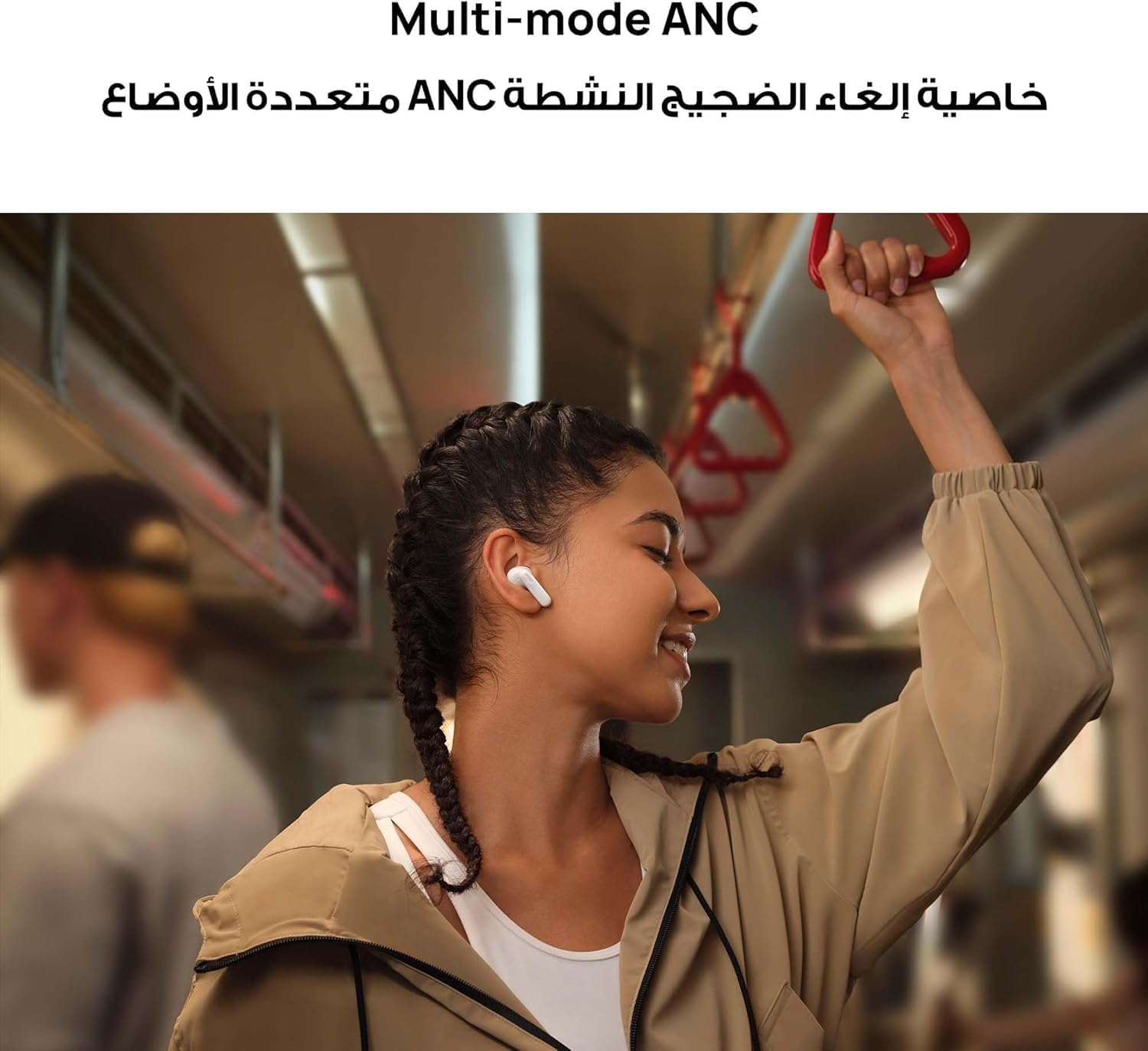
Image: A woman wearing HUAWEI FreeBuds SE 4 ANC earbuds in a public transport setting, demonstrating the effectiveness of the multi-mode active noise cancellation feature in blocking ambient sounds.
You can switch between these modes by long-pressing the touch area on either earbud or through the HUAWEI AI Life app.
3. Tagħmel u Riċeviment Sejħiet
The FreeBuds SE 4 ANC are equipped with three-directional sound pickup microphones that enhance your voice and suppress background noise, ensuring clear and stable calls even in noisy environments.

Image: A man using HUAWEI FreeBuds SE 4 ANC earbuds for a phone call, highlighting the clear calling feature enabled by the 3-mic sound pickup technology that isolates voice from background noise.
- Tweġiba/Tmiem Sejħa: Tektek darbtejn jew earbud.
- Irrifjuta Sejħa: Agħfas fit-tul fuq kwalunkwe earbud.
Manutenzjoni
1. Tindif
Tindif regolari jgħin biex iżomm prestazzjoni u iġjene ottimali:
- Earbuds: Gently wipe the earbuds with a soft, dry, lint-free cloth. Remove ear tips and clean them with mild soap and water, then dry thoroughly before reattaching.
- Każ tal-Iċċarġjar: Wipe the charging case with a soft, dry, lint-free cloth. Avoid getting moisture into the charging port.
- Kuntatti tal-Iċċarġjar: If necessary, use a dry cotton swab to gently clean the charging contacts on both the earbuds and inside the case.
2. Ħażna
When not in use, store the earbuds in their charging case to protect them from dust, scratches, and loss. Store the case in a cool, dry place away from direct sunlight and extreme temperatures.
3. Reżistenza għall-Ilma u t-Trab
The HUAWEI FreeBuds SE 4 ANC earbuds are rated IP54 for dust and splash resistance. This means they are protected against limited dust ingress and water splashes from any direction. This rating makes them suitable for daily workouts and light rain exposure.

Image: The HUAWEI FreeBuds SE 4 ANC earbuds demonstrating their IP54 dust and splash resistance. This feature ensures durability against sweat and light water exposure, making them suitable for active use.
Important: The IP54 rating applies only to the earbuds themselves, not the charging case. Do not expose the charging case to water or excessive moisture.
Issolvi l-problemi
If you encounter issues with your HUAWEI FreeBuds SE 4 ANC, try the following solutions:
- Ebda Ħoss/Kwalità tal-Ħoss Fqira:
- Kun żgur li l-earbuds huma ċċarġjati.
- Check Bluetooth connection and ensure earbuds are selected as the audio output.
- Clean the ear tips and speaker mesh.
- Ipprova daqsijiet differenti ta' ponta tal-widnejn għal siġill aħjar.
- Earbuds Mhux Tqabbil:
- Ensure earbuds are in pairing mode (white indicator light flashing).
- Iddiżattiva u erġa' attiva l-Bluetooth fuq l-apparat tiegħek.
- Insieh l-apparat fis-settings tal-Bluetooth tiegħek u erġa' pprova tqabbad.
- Reset the earbuds (see below).
- Active Noise Cancellation Not Working:
- Ensure ANC is enabled via touch control or the AI Life app.
- Check for a proper seal with your ear canal; try different ear tip sizes.
- Kwistjonijiet ta' Kwalità tas-Sejħiet:
- Kun żgur li l-mikrofoni mhumiex ostakolati.
- Jekk possibbli, mur f'ambjent aktar kwiet.
- Issettjar mill-ġdid tal-Earbuds:
- Place both earbuds in the charging case and keep the lid open.
- Press and hold the Function button on the case for 10 seconds until the indicator light flashes red, then white. This will reset the earbuds to factory settings and clear pairing information.
For further assistance, please refer to the official HUAWEI support resources or contact customer service.
Speċifikazzjonijiet
| Karatteristika | Dettall |
|---|---|
| Isem tal-Mudell | Fuji-T010 |
| Teknoloġija tal-Konnettività | Bluetooth, Mingħajr Fili |
| Teknoloġija tal-Komunikazzjoni mingħajr Fili | Bluetooth 5.4 |
| Kontroll tal-Ħoss | Hybrid Active Noise Cancellation (up to 24 dB) |
| Ħajja tal-Batterija (Totali) | Sa 50 sigħat |
| Iċċarġjar Mgħaġġel | 10 minuti ta' ħlas għal sagħtejn ta' daqq |
| Piż tal-Earbud | Approx. 4.3 grams (0.15 ounces) per earbud |
| Piż Totali tal-Oġġett | 41 gramma |
| Livell ta 'Reżistenza għall-Ilma | IP54 (earbuds biss) |
| Mikrofoni | Three-directional sound pickup microphones |
| Tip ta' Kontroll | Touch kontroll |
| Apparati Kompatibbli | Desktop computers, Laptops, Car audio systems, Tablets, Mobile phones (iOS, Android, EMUI) |
| Komponenti Inklużi | Ear tips, USB-C Cable, Charging case, Ear cushions |
| Materjal | Silikon (ponot tal-widnejn) |
| Rispons ta' Frekwenza | 20 KHz |
| Sensittività | 24 dB |
| Jack tal-headphone | Bla Jack |
| Kulur | Abjad |
Informazzjoni dwar Garanzija
Your HUAWEI FreeBuds SE 4 ANC earbuds come with a standard manufacturer's warranty. Additionally, extended warranty options may be available from third-party providers, such as a one-year or two-year extended warranty from Boxy. Please retain your proof of purchase for warranty claims.
For specific warranty terms and conditions, refer to the warranty card included with your product or visit the official HUAWEI websit. Il-kopertura tal-garanzija tipikament tinkludi difetti fil-materjali u x-xogħol taħt użu normali.
Appoġġ għall-Klijent
For the best experience and to unlock all features of your HUAWEI FreeBuds SE 4 ANC, download the HUAWEI AI Life app from your device's app store. The app allows for customization of touch controls, ANC mode switching, firmware updates, and more.
If you require further assistance, have questions, or need to report an issue, please contact HUAWEI customer support through their official channels. You can also visit the official HUAWEI Store on Amazon għal informazzjoni dwar il-prodott u riżorsi ta' appoġġ.


