1. Introduzzjoni
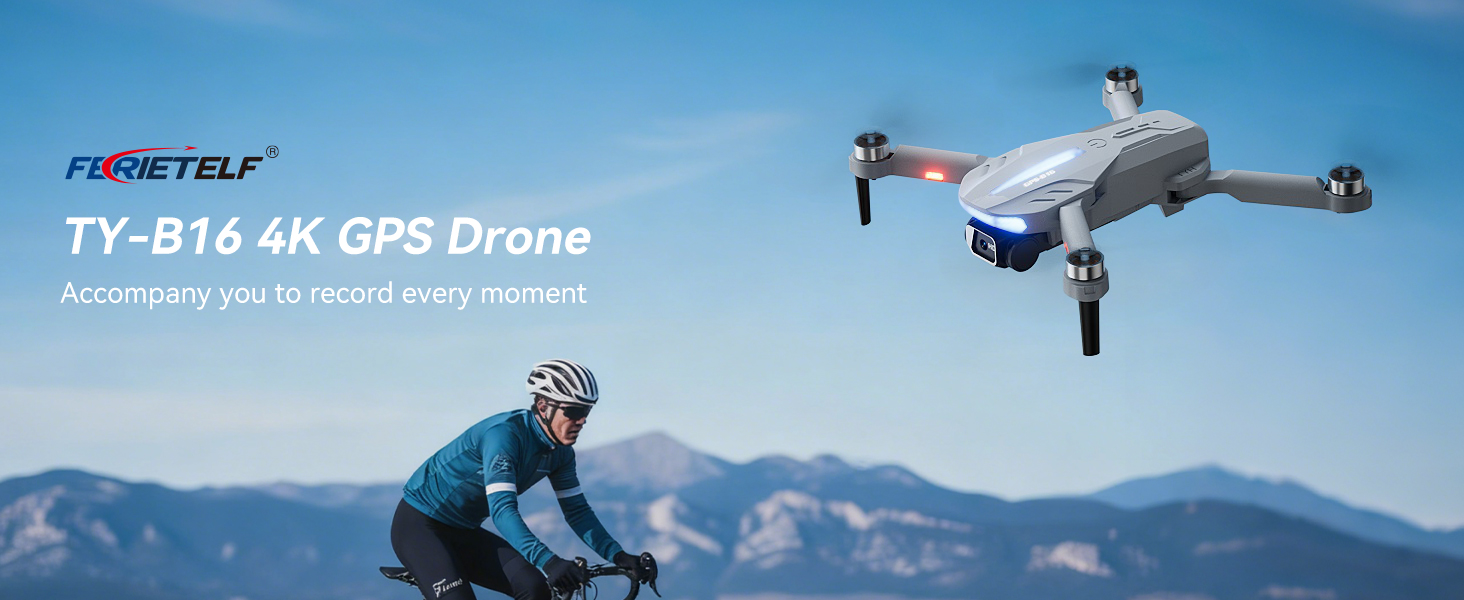
This manual provides essential instructions for the safe operation and maintenance of your FERIETELF B16 GPS Drone with Camera 4K. Please read this guide thoroughly before first use to ensure proper setup and optimal flight experience. The B16 drone is designed for ease of use, featuring a lightweight, foldable design and advanced flight capabilities.
2. Kontenut tal-Pakkett
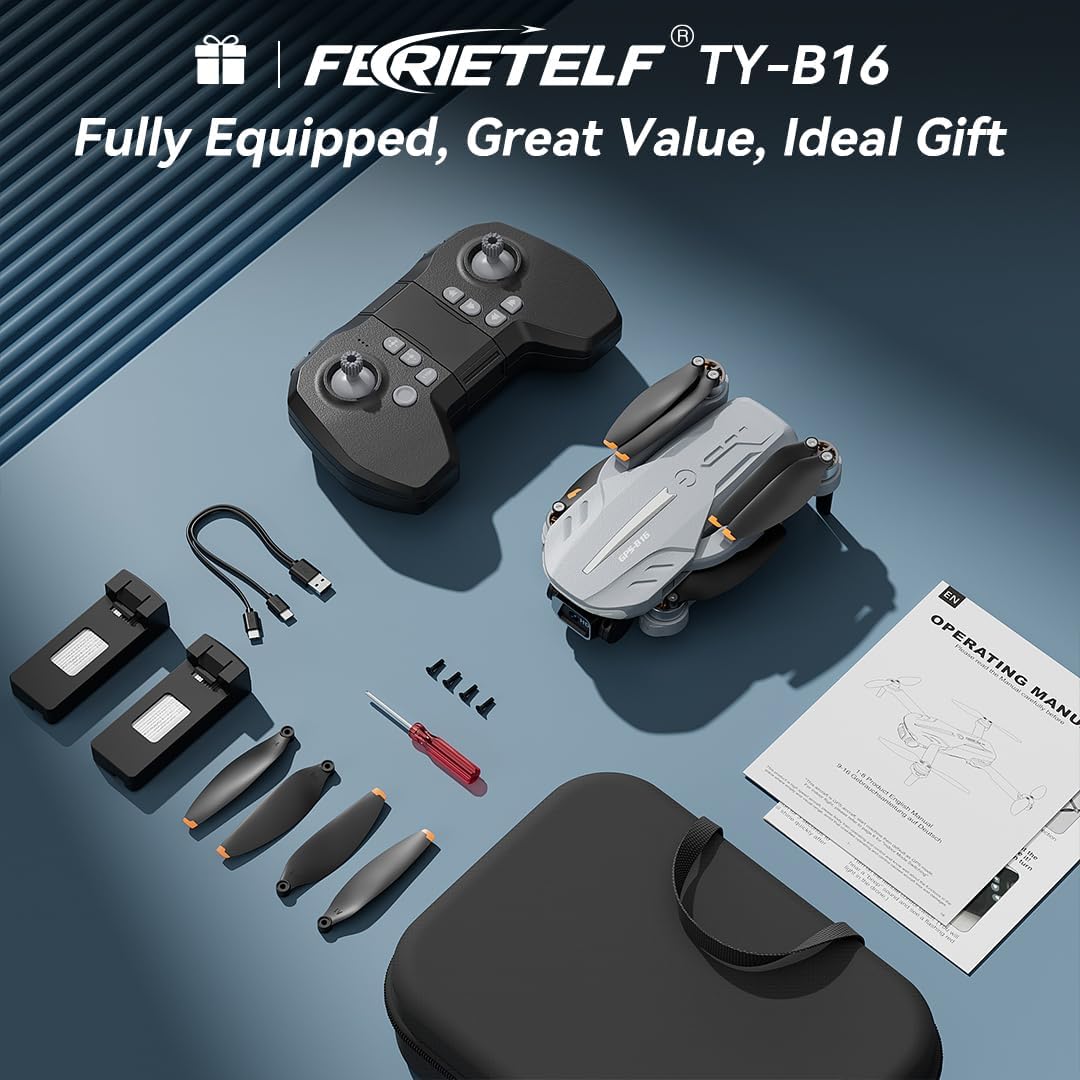
Iċċekkja li l-oġġetti kollha elenkati hawn taħt huma inklużi fil-pakkett tiegħek. Jekk xi oġġetti huma neqsin jew bil-ħsara, jekk jogħġbok ikkuntattja l-appoġġ għall-klijenti.
- FERIETELF B16 Drone x 1
- Kontroll mill-bogħod x 1
- Batterija x 2
- Borża tal-Ħżin li jinġarr x 1
- Cable USB x 1
- Skrun x 4 (riżerva)
- Tornavit x 1
- Manwal għall-Utent x 1
- App Manual x 1
- Viti żejda x 4

3. Setup
3.1. Tħejjija tad-Drone
- Iftaħ id-Drone: Carefully unfold the front arms of the drone, followed by the rear arms, until they lock into position.
- Neħħi Film Protettiv: Gently peel off any protective film from the camera lens.
- Daħħal il-batterija: Insert a fully charged battery into the drone's battery compartment until it clicks securely into place.
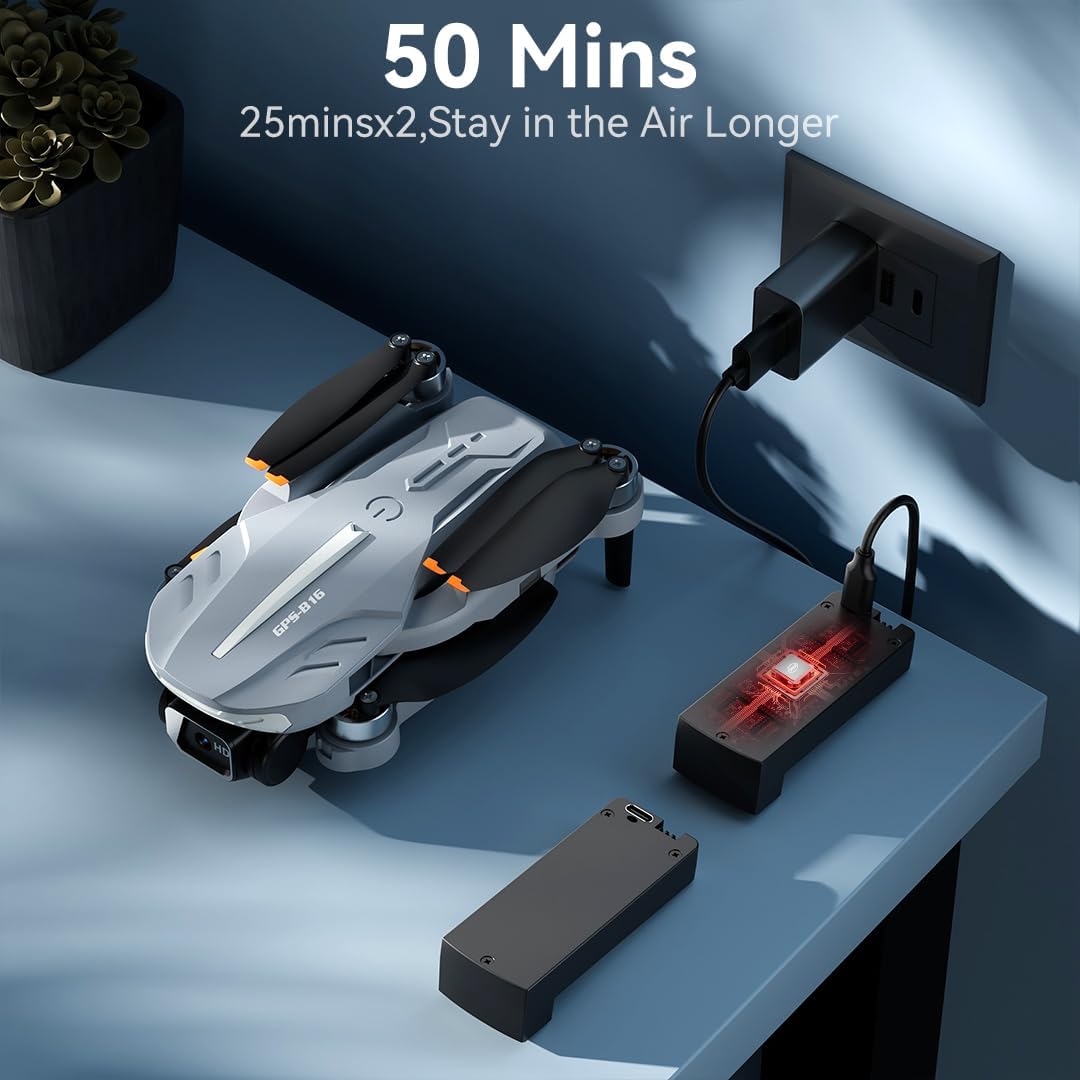
- Iċċarġja Batterija: Use the provided USB charging cable to charge the drone batteries. The cable connects to a 5V/2A plug. The indicator light on the drone changes from red (below 30%) to green (30% or more) and solid green when fully charged.
- Daħħal il-Kard tal-Memorja: Insert a compatible memory card (FAT32 or EXFAT format, up to 128GB, purchased separately) into the memory card slot on the drone.
3.2. Tħejjija tal-Kontrollur mill-Bogħod
- Installa Batteriji: Use a screwdriver to open the battery compartment on the remote controller. Insert three AAA batteries (not included, purchased separately), ensuring correct polarity. Close the compartment and tighten the screw.
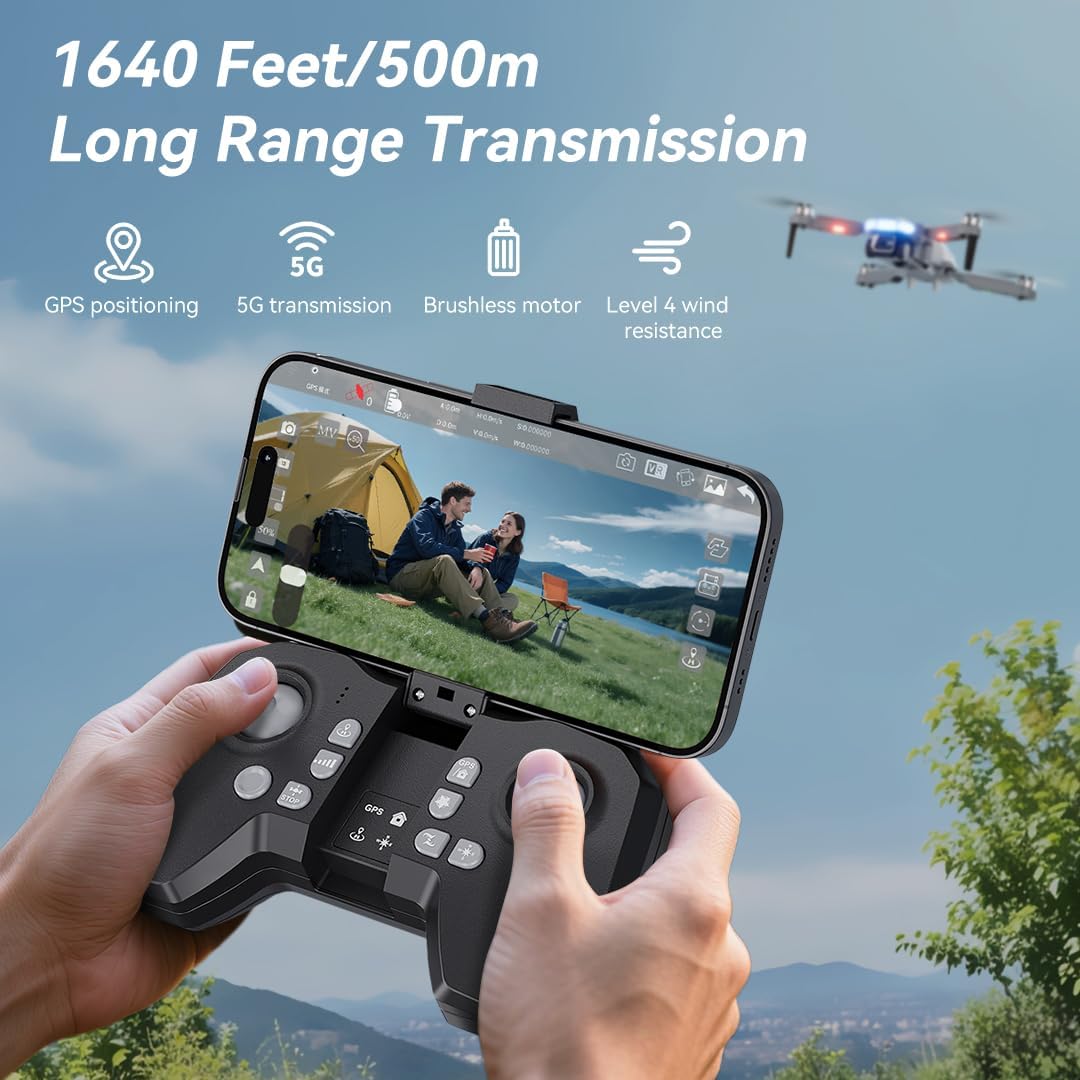
- Unfold Phone Holder: Unfold the phone holder and handles on the remote controller.
- Mount Mobile Phone: Mount your mobile phone onto the phone holder. The holder accommodates smartphones up to 80.01 mm (3.15 inches) wide.
3.3. Ixgħel u Tqabbil
- Ixgħel id-Drone: Place the drone on a flat, level surface. Press and hold the power button on the drone for 2 seconds to power it on.
- Remot tal-Ixgħel: Press and hold the power button on the remote controller for 2 seconds to power it on. The drone and remote will automatically attempt to pair.
- Pairing Indication: During pairing, the status indicators on the drone's arms will flash red rapidly. Once successfully paired, the indicators will show two quick green flashes in a loop.
3.4. Tniżżil tal-App u Konnessjoni
- Niżżel l-App: Download and install the "AMETA Drone" app from your mobile phone's app store (Google Play or App Store).
- Qabbad Wi-Fi: Navigate to your mobile phone's Wi-Fi settings. Fittex għal and connect to the Wi-Fi network named "Ameta S20-XXXXXX" (where XXXXXX is a unique identifier).
- Tnedija App: Launch the "AMETA Drone" app and tap "Start" to enter the main interface and view l-għalf tal-kamera ħajjin.

4. Kalibrazzjoni
For the first-time use, it is recommended to calibrate the drone for stable flight.
4.1. Kalibrazzjoni tal-Boxla
- Uża Remote: Press and hold the Compass Calibration button on the remote for 3 seconds.
- Using App: Launch the app, go to "Control" and tap "Calibrate Compass." Follow the on-screen instructions to perform horizontal and vertical rotations of the drone. Ensure you are away from metal or electric objects during calibration.
4.2. Gyroscope Calibration
- Uża Remote: Simultaneously push the left control stick to the lower-left corner and the right control stick to the upper-right corner.
- Using App: Tap "Gyroscope Calibration" in the app and follow the on-screen instructions.
5. Akkwiżizzjoni tas-Sinjal tal-GPS
For optimal performance and intelligent flight features, ensure the drone acquires a strong GPS signal before takeoff. This function cannot be activated indoors.
- Użu fuq barra: Always operate the drone outdoors in an open area with a clear view tas-sema.
- Wait for GPS Lock: After powering on and pairing, wait for the drone to search for GPS signals. The drone will enter GPS mode once a sufficient number of satellites are detected. The app will indicate "GPS located, ready for flight."
6. It-Tħaddim tad-Drone
6.1. Tluq
Ensure the drone is on a level surface before attempting takeoff.
- Tluq Manwali: Push both control sticks inward at a 45-degree angle to unlock the motors. Then, push the left control stick forward to ascend.
- Tluq b'Ċavetta Waħda: Press and hold the One-Key Takeoff button on the remote for 1 second. The drone will automatically ascend and hover at a height of approximately 1.2 meters.
6.2. Direzzjonijiet tat-Titjir
- Stick tal-Kontroll tax-Xellug: Adjusts flight altitude (up/down) and nose direction (rotate left/right).
- Stick tal-Kontroll Dritt: Jikkontrolla l-moviment 'il quddiem, lura, lejn ix-xellug u lejn il-lemin.

6.3. Aġġustament tal-veloċità
Toggle the speed switch on the remote controller to select between two speed levels (Speed I for slower, Speed II for faster) to match your flying skill and environmental conditions.
7. Operazzjoni tal-Kamera
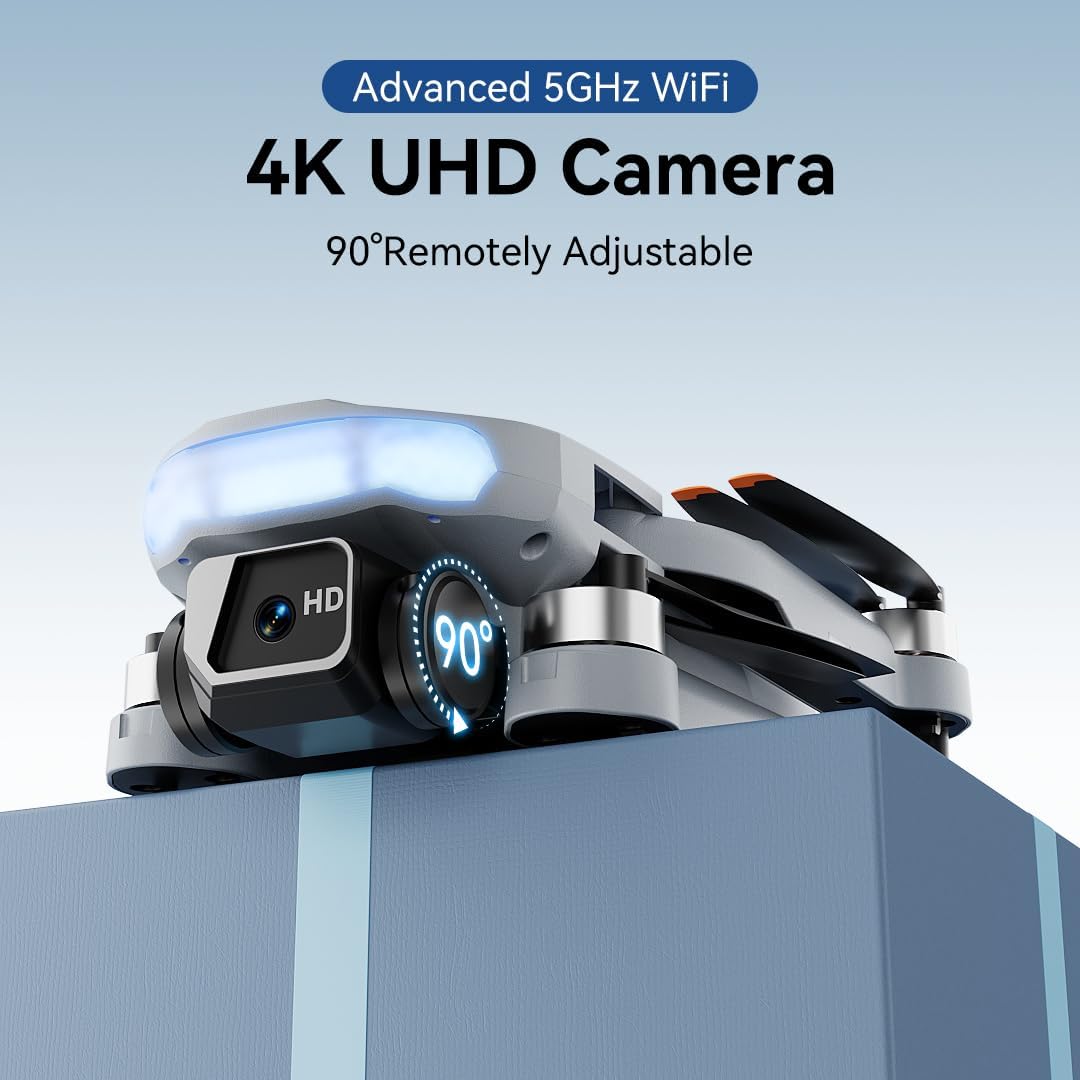
The FERIETELF B16 is equipped with a 4K HD camera for capturing high-quality photos and videos.
7.1. Teħid ta 'Ritratti u Vidjows
- Buttuna tar-Ritratti: Press the photo button on the top-left of the remote controller, or tap the camera icon in the app, to take a photo.
- Buttuna tal-vidjo: Press the video button on the top-left of the remote controller, or tap the video icon in the app, to start recording. Press again to stop.
- Modi ta' Sparar: Tap the left shooting menu in the app to choose from multiple smart shooting modes, or swipe the shooting menu on the right to explore more options.

7.2. Aġġustament tal-Angolu tal-Kamera
Use the camera up/down buttons located at the top-right corner of the remote controller to tilt the camera between 0 and 90 degrees during flight.
7.3. Viewing Media
Tap the album icon in the app to view your captured photos and videos. Media will be saved on both your mobile phone and the inserted memory card.
8. Modi tat-Titjir Intelliġenti
The B16 drone offers several intelligent flight modes for enhanced user experience and creative possibilities.
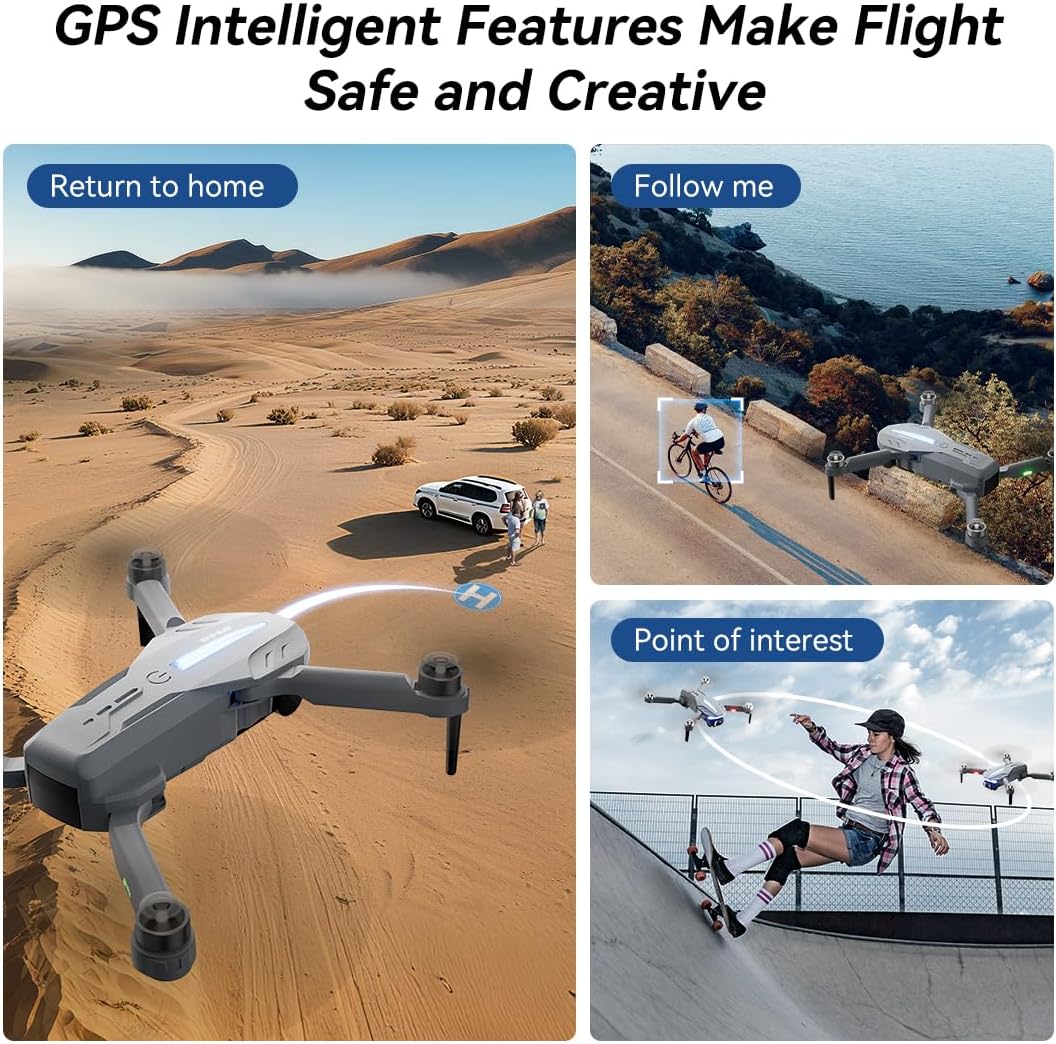
- Ritorn Awtomatiku tal-GPS: In GPS mode, the drone automatically returns to its takeoff point if the signal is lost, battery is low, or the "One-Key Return" button is pressed.
- Follow Me: Engage Follow Me mode to have the drone automatically track and follow you, freeing your hands for other activities.
- Punt ta' Interess: Set a point of interest, and the drone will orbit around it, capturing dynamic footage.
- Triple-Stable Hover: Built with GPS, barometric pressure, and optical flow systems, the drone ensures steady hovering for stable shots.


9. Inżul
Ensure the landing area is clear of obstacles.
- Inżul manwali: Push the left control stick backward to make the drone descend and land.
- Inżul b'ċavetta waħda: Press and hold the Landing button on the remote for 1 second. The drone will automatically descend and land until the propellers stop rotating.
10. Ħażna
Proper storage helps maintain the drone's longevity.
- Itfi: Press and hold the power button on both the drone and the remote controller to turn them off.
- Neħħi l-batterija: Remove the drone battery for better storage and to prevent discharge.
- Itwi Armi: Fold the drone arms inward to their compact position.
- Ippakkja 'l Bogħod: Place the drone and remote controller into the portable storage bag.
11. Speċifikazzjonijiet
| Karatteristika | Speċifikazzjoni |
|---|---|
| Brand | FERIETELF |
| Mudell | B16 |
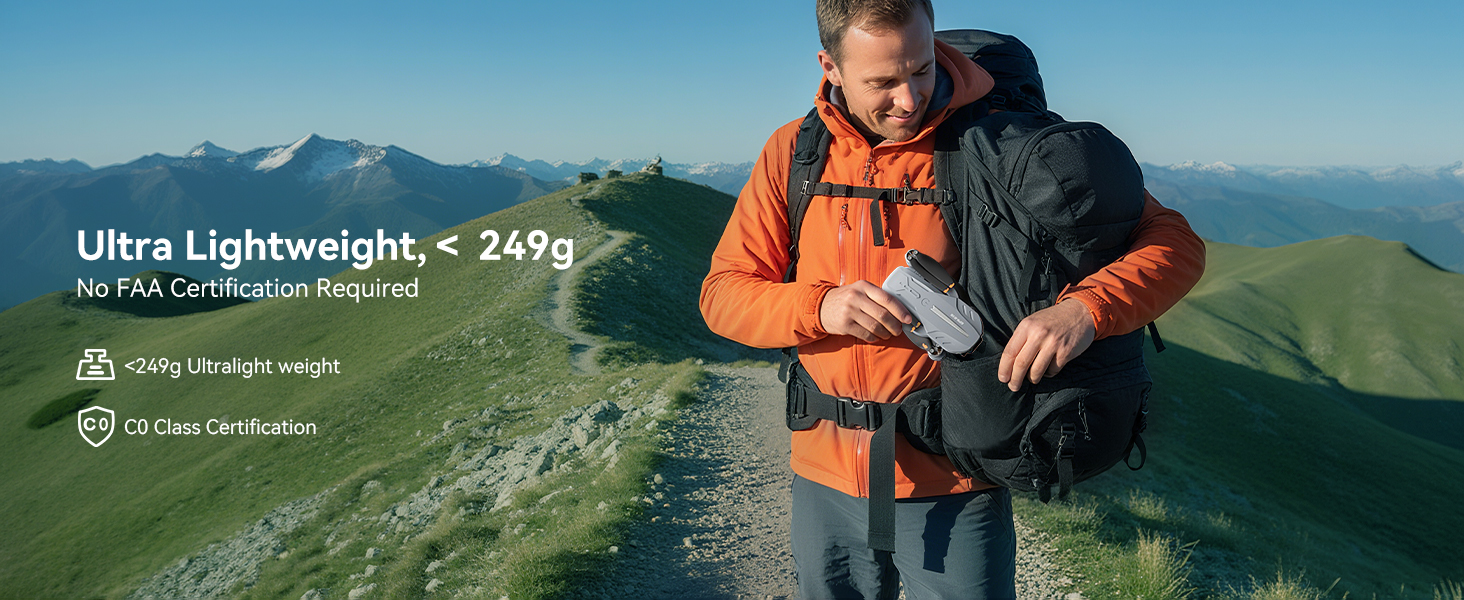
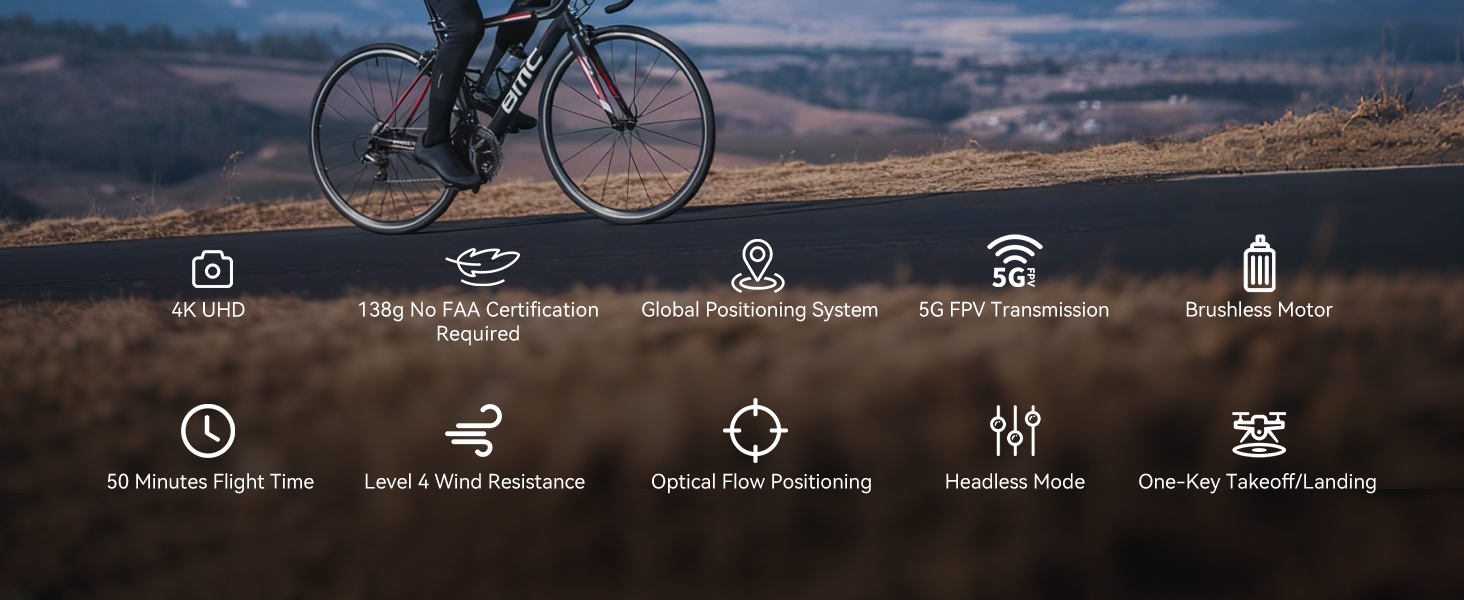
| Piż | 150 g (Under 249g) |
| Dimensjonijiet | 19.5 x 18.8 x 5 ċm |
| Kamera | 4K HD, 120° Wide-Angle, 90° Motorized Adjustment |
| Trażmissjoni | 5GHz FPV Real-Time Transmission (up to 1640 feet/500m) |
| Tip ta' Mutur | Mutur mingħajr brushes |
| Ħin tat-Titjira | Up to 50 minutes (with 2 batteries, 20-25 mins each) |
| Sistema ta' Pożizzjonament | GPS & Optical Flow Dual Positioning |
| Reżistenza tar-riħ | Livell 4 |
| Modi ta' Kontroll | Button Control, App Control, Gravity Control, Voice Control |


12 Issolvi l-problemi
- Id-drone mhux qed jixgħel: Kun żgur li l-batterija hija ċċarġjata kompletament u mdaħħla b'mod korrett.
- Remote mhux qed jitqabbad: Ensure both the drone and remote are powered on and within range. Re-attempt the pairing process.
- L-ebda sinjal GPS: Fly the drone outdoors in an open area with a clear view of the sky. GPS function cannot be activated indoors.
- Titjira instabbli: Perform compass and gyroscope calibration as described in Section 4. Ensure propellers are correctly installed and undamaged.
- Problemi bil-konnessjoni tal-app: Ensure your phone is connected to the drone's Wi-Fi network and the app is updated to the latest version.
- Ħin qasir ta' titjira: Ensure batteries are fully charged. Flight time can be affected by wind conditions and aggressive flying.
13. Linji Gwida dwar is-Sigurtà
- Always fly in open areas, away from people, animals, buildings, and trees.
- Ittirx f'riħ qawwi jew f'kundizzjonijiet ħżiena tat-temp.
- Maintain a safe distance from high-voltagwajers u ostakli oħra.
- Ensure the drone is always within your line of sight.
- Regularly check the drone and its components for any damage before and after each flight.
- Do not operate the drone under the influence of drugs or alcohol.
- Follow all local regulations and laws regarding drone operation.
14. Vidjows Uffiċjali tal-Prodott
Watch the official first-use guide for the Ameta S20 drone, which shares similar operational principles with the FERIETELF B16, to assist with initial setup and flight.


