Fachixy FC-200 Manwal għall-Utent tal-Wdna tal-Logħob bla Fili
Mudell: FC-200
Introduzzjoni
This manual provides detailed instructions for the proper use and maintenance of your Fachixy FC-200 Wireless Gaming Headset. Please read this manual thoroughly before using the product to ensure optimal performance and longevity. The FC-200 headset offers versatile connectivity via 2.4GHz wireless and Bluetooth 5.4, designed for a wide range of gaming and multimedia devices.
Informazzjoni Importanti dwar is-Sigurtà
Evita smigħ għal żmien twil f'livelli għoljin ta' volum biex tevita ħsara fis-smigħ.
Tesponix il-headset għal temperaturi, umdità, jew likwidi estremi.
Żomm il-headset 'il bogħod minn kampi manjetiċi qawwija.
Tippruvax tiżżarma jew timmodifika l-headset. Dan jannulla l-garanzija.
Uża biss il-kejbil tal-iċċarġjar provdut għall-iċċarġjar.
Kontenut tal-Pakkett
Ivverifika li l-oġġetti kollha huma preżenti fil-pakkett tiegħek:
Headset tal-Logħob Wireless Fachixy FC-200
2.4G USB Dongle
Cable tal-Iċċarġjar tal-USB
Manwal għall-Utent (dan id-dokument)
Prodott Overview u Kontrolli
Familiarize yourself with the headset's components and control buttons.
Immaġni: Diagram showing the control buttons on the left earcup of the Fachixy FC-200 headset. Labels indicate buttons for RGB control, microphone mute/mode switch, power/play/pause/call, and volume control.
RGB/Re-pair Button (1): Press for 3 seconds to turn RGB lighting on/off. In Bluetooth mode, press for 3 seconds to re-pair.
Microphone/Mode Switch Button (2): Press for 3 seconds to turn the microphone on/off. Press for 2 seconds to switch between Bluetooth and 2.4G modes.
Power/Play/Pause/Call Button (3): Press for 3 seconds to turn the headset on/off. Press to play/pause audio or answer/end calls.
Volume Control (4): Scroll forward or backward to adjust volume.
Mikrofonu: Detachable or retractable microphone for voice communication.
Port tal-Iċċarġjar USB-C: Għall-iċċarġjar tal-headset.
Gwida ta' Setup
1. Iċċarġjar tal-Headset
Before first use, fully charge the headset. Connect the provided USB charging cable to the headset's USB-C port and the other end to a USB power source (e.g., computer, wall adapter). A full charge takes approximately 2.5 hours and provides up to 50 hours of battery life (with RGB off). A voice alert will notify you when the battery charge drops below 10%.
Insert the 2.4G USB dongle into an available USB port on your PC, PS4, PS5, or laptop.
Power on the headset by pressing and holding the Power button (3) for 3 seconds.
The headset should automatically connect to the dongle. A successful connection is indicated by a stable light on the headset or a voice prompt.
On your device, ensure the Fachixy FC-200 is selected as the audio input and output device in your sound settings.
Immaġni: The Fachixy FC-200 wireless gaming headset shown alongside its 2.4G USB dongle, illustrating the wireless connectivity method.
3. Bluetooth 5.4 Connection (for PC, Tablets, Mobile Phones, Switch)
Żgura li l-headset tkun mixgħula.
Press and hold the Microphone/Mode Switch button (2) for 2 seconds to switch to Bluetooth mode. The headset will enter pairing mode, indicated by a flashing light or voice prompt.
On your device (PC, tablet, mobile phone, Switch), enable Bluetooth and search for "FC-200" in the list of available devices.
Select "FC-200" to pair. Once connected, the headset's indicator light will become stable.
Noti Importanti dwar il-Kompatibilità:
Neither 2.4G nor Bluetooth modes are compatible with Xbox consoles (all Series).
The microphone is not supported when using the headset with Nintendo Switch.
Bluetooth mode is not compatible with PS4 or PS5 consoles.
Istruzzjonijiet Operattivi
Qawwa mixgħul/mitfi
To power on: Press and hold the Power button (3) for 3 seconds.
To power off: Press and hold the Power button (3) for 3 seconds.
Mode Switching (Bluetooth / 2.4G)
To switch between 2.4G and Bluetooth modes: Press and hold the Microphone/Mode Switch button (2) for 2 seconds.
Kontroll tal-Volum
Adjust volume: Use the Volume Control wheel (4) by scrolling it forward to increase volume or backward to decrease volume.
Kontroll tal-Mikrofonu
To turn microphone on/off: Press and hold the Microphone/Mode Switch button (2) for 3 seconds.
Kontroll tad-Dawl RGB
To turn RGB lighting on/off: Press and hold the RGB/Re-pair button (1) for 3 seconds.
Daqq tal-Awdjo u Ġestjoni tas-Sejħiet
Play/Pause: Press the Power button (3) once.
Answer/End Call: Press the Power button (3) once during an incoming call or an active call.
Manutenzjoni
Tindif: Uża drapp artab u niexef biex tnaddaf il-headset. Tużax prodotti tat-tindif jew solventi li joborxu.
Ħażna: Aħżen il-headset f'post frisk u niexef 'il bogħod mix-xemx diretta u minn temperaturi estremi. Id-disinn li jintrewa jippermetti ħażna kompatta.
Kura tal-batterija: Biex tippreserva l-ħajja tal-batterija, iċċarġja l-headset regolarment, anke jekk ma tużahx ta' spiss. Evita li tbattal il-batterija għalkollox għal perjodi twal.
Issolvi l-problemi
Problema
Soluzzjoni Possibbli
Il-headset ma jixgħelx.
Ensure the headset is charged. Connect it to a power source using the USB charging cable.
L-ebda ħoss jew kwalità tal-ħoss fqira.
Iċċekkja l-livelli tal-volum kemm fuq il-headset kif ukoll fuq l-apparat konness tiegħek.
Ensure the headset is correctly paired/connected (2.4G dongle inserted, Bluetooth paired).
Verify that "FC-200" is selected as the audio output device in your device's sound settings.
Try re-pairing the headset.
Il-mikrofonu mhux qed jaħdem.
Ensure the microphone is not muted (press and hold button 2 for 3 seconds).
Verify that "FC-200" is selected as the audio input device in your device's sound settings.
Remember the microphone is not supported on Nintendo Switch.
Cannot connect via 2.4GHz.
Ensure the USB dongle is fully inserted into a working USB port.
Confirm the headset is in 2.4G mode (press and hold button 2 for 2 seconds to switch modes).
Ipprova uża port USB differenti.
Ma nistax nikkonnettja permezz tal-Bluetooth.
Ensure the headset is in Bluetooth pairing mode (flashing light, press and hold button 2 for 2 seconds to switch).
Make sure Bluetooth is enabled on your device and it's searching for new devices.
Try "forgetting" the device on your phone/PC and re-pairing.
Remember Bluetooth mode is not compatible with PS4/PS5.
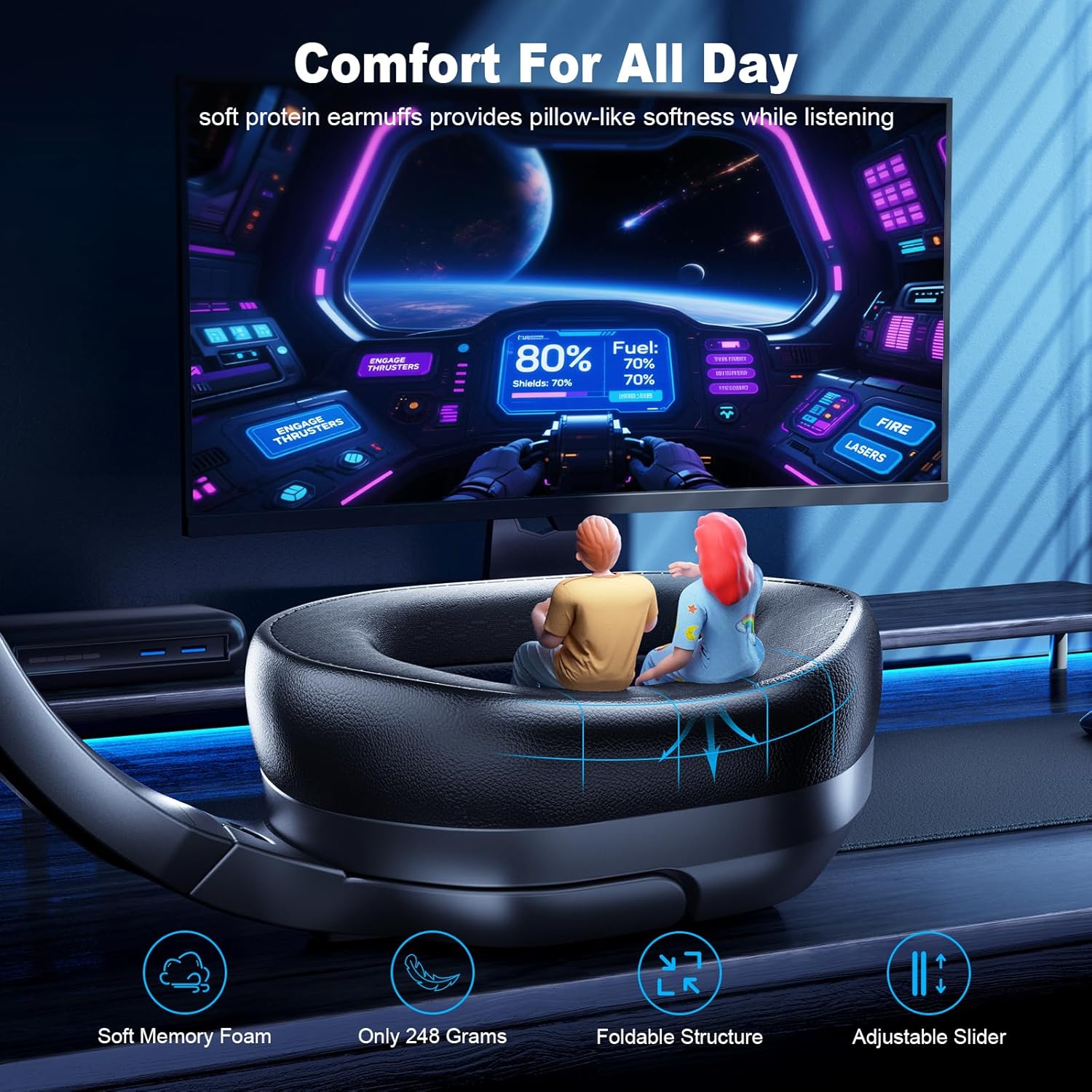
Foldable, Lightweight, Microphone Included, Volume Control
Piż tal-oġġett
13.7 uqija
UPC
673658101209
Informazzjoni dwar Garanzija
Fachixy products are covered by a limited warranty from the date of purchase. This warranty covers manufacturing defects in materials and workmanship. It does not cover damage caused by misuse, accidents, unauthorized modifications, or normal wear and tear. Please retain your proof of purchase for warranty claims.
Appoġġ għall-Klijent
For technical assistance, warranty claims, or general inquiries, please contact Fachixy customer support. Refer to the official Fachixy webis-sit jew id-dokumentazzjoni tax-xiri tiegħek għall-aktar informazzjoni ta' kuntatt aġġornata.
Fachixy FC-100 Gaming Headset User Manual Comprehensive user manual for the Fachixy FC-100 Gaming Headset, covering setup, features, and troubleshooting for various platforms including PS4, PS5, Xbox, Nintendo Switch, PC, and Mac. Includes product specifications, safety warnings, and contact information.
Fachixy FC200 Gaming Headset Manwal għall-Utent Comprehensive guide to the Fachixy FC200 gaming headset, covering setup for PlayStation, Xbox, and Nintendo consoles, technical specifications, troubleshooting, and safety information.