1. Prodott Aktarview
The truke Aura Pro True Wireless Earbuds are designed to deliver a high-quality audio experience with advanced features such as Environmental Noise Cancellation (ENC), low-latency gaming mode, and dual device pairing. The earbuds come with a premium leather-finish charging case.
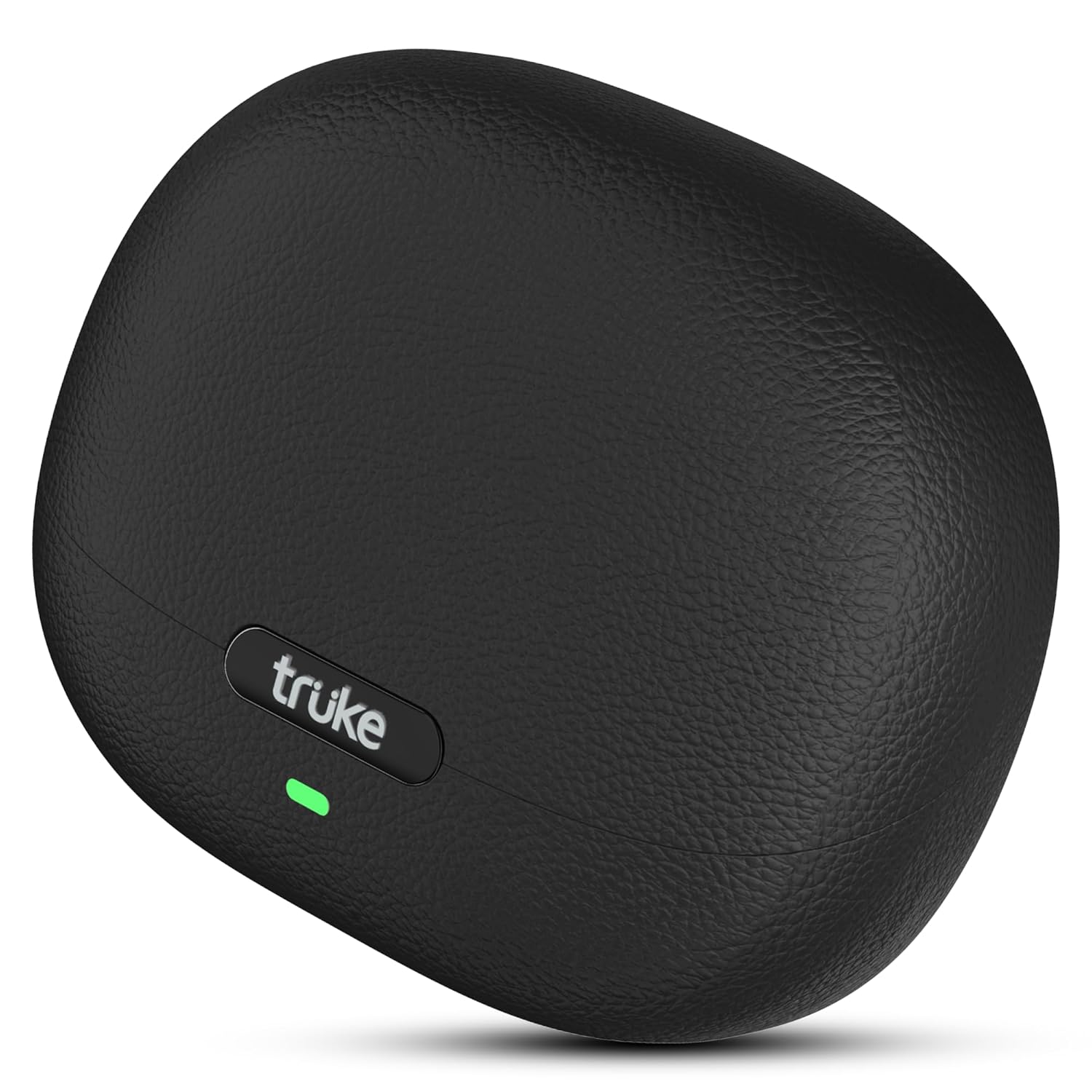
Image: The truke Aura Pro True Wireless Earbuds in their charging case, showcasing the sleek black leather-finish design.
2. X'hemm fil-Kaxxa
Upon unboxing your truke Aura Pro Earbuds, you should find the following components:
- truke Aura Pro True Wireless Earbuds (Left and Right)
- Kawża tal-Iċċarġjar bla Fili
- Cable tal-Iċċarġjar tal-USB
- Daqsijiet Multipli ta' Eartips
- Manwal għall-Utent
3. Twaqqif u Użu Inizjali
3.1. Iċċarġjar Inizjali
Before first use, fully charge the earbuds and the charging case. Connect the provided USB charging cable to the charging case and a power source. The LED indicator on the case will show charging status.

Image: The truke Aura Pro earbuds and charging case illustrating the 60-hour total playtime and the rapid charging capability (10 minutes charge for 180 minutes playback).
3.2. Tqabbil tal-Bluetooth
- Iftaħ il-kaxxa tal-iċċarġjar. Il-earbuds jidħlu awtomatikament fil-modalità ta' tqabbil, indikat minn LED li jteptep fuq il-earbuds.
- Fuq l-apparat tiegħek (smartphone, tablet, laptop), attiva l-Bluetooth.
- Fittex għal available Bluetooth devices and select "truke Aura Pro" from the list.
- Ladarba tkun imqabbad, l-indikatur LED fuq il-earbuds jieqaf jteptep.
3.3. Dual Pairing Feature
The truke Aura Pro supports dual pairing, allowing connection to two devices simultaneously.
- Pair the earbuds with your first device as described in section 3.2.
- Iddiżattiva l-Bluetooth fuq l-ewwel apparat. Il-earbuds jerġgħu jidħlu fil-modalità ta' tqabbil.
- Qabbad il-earbuds mat-tieni apparat tiegħek.
- Re-enable Bluetooth on the first device. The earbuds should automatically connect to both devices. You can then switch audio playback between them without re-pairing.
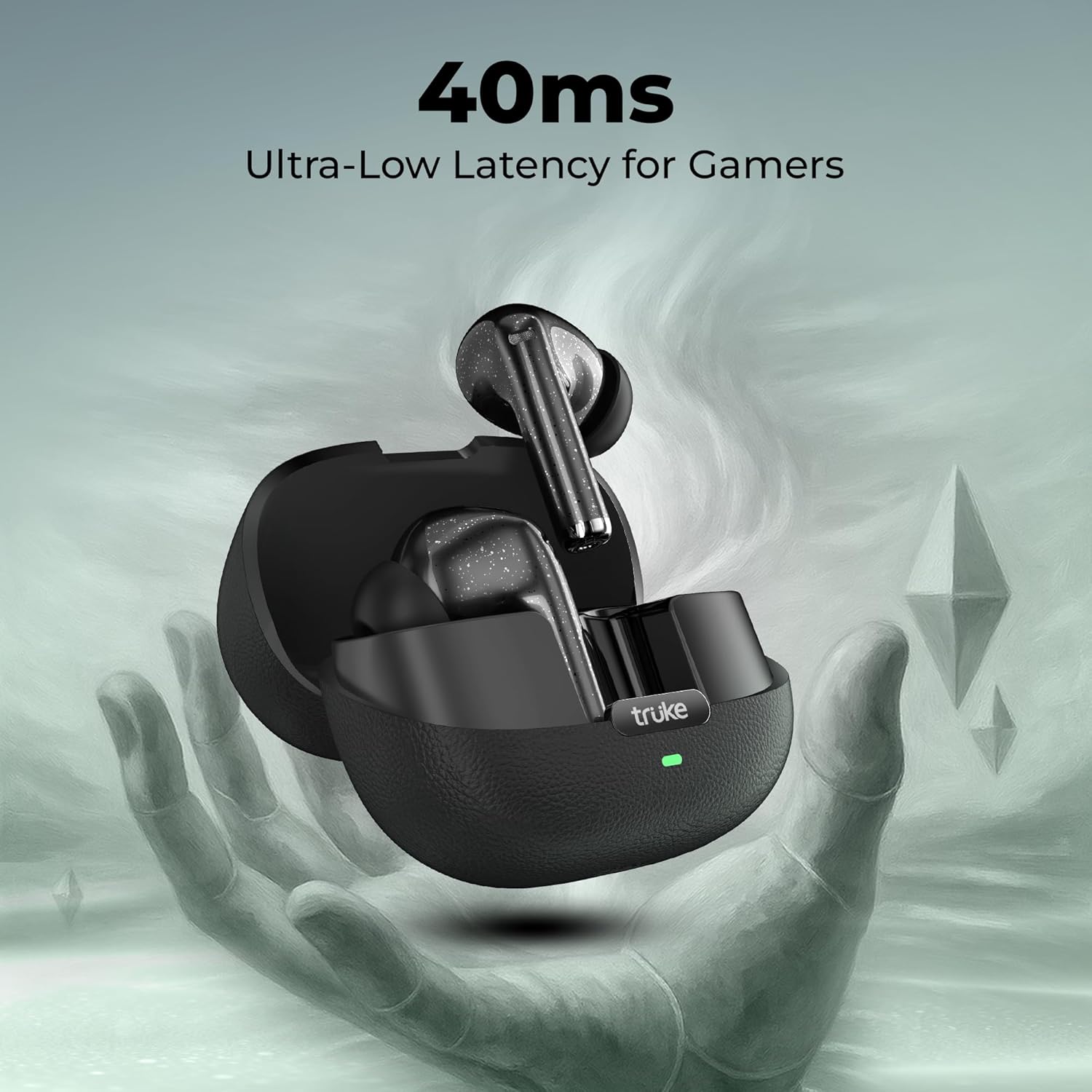
Image: The truke Aura Pro earbuds shown connected to both a laptop and a smartphone, highlighting the multi-device connectivity feature.
4. Istruzzjonijiet Operattivi
4.1. Touch Kontrolli
The truke Aura Pro Earbuds feature intuitive touch controls for managing audio playback, calls, and other functions. Specific touch gestures may vary; refer to the quick start guide included in your package for precise commands.
4.2. Ġestjoni tas-Sejħiet
The Quad Mic PureVoice ENC (Environmental Noise Cancellation) technology ensures clear communication during calls by filtering out ambient noise.
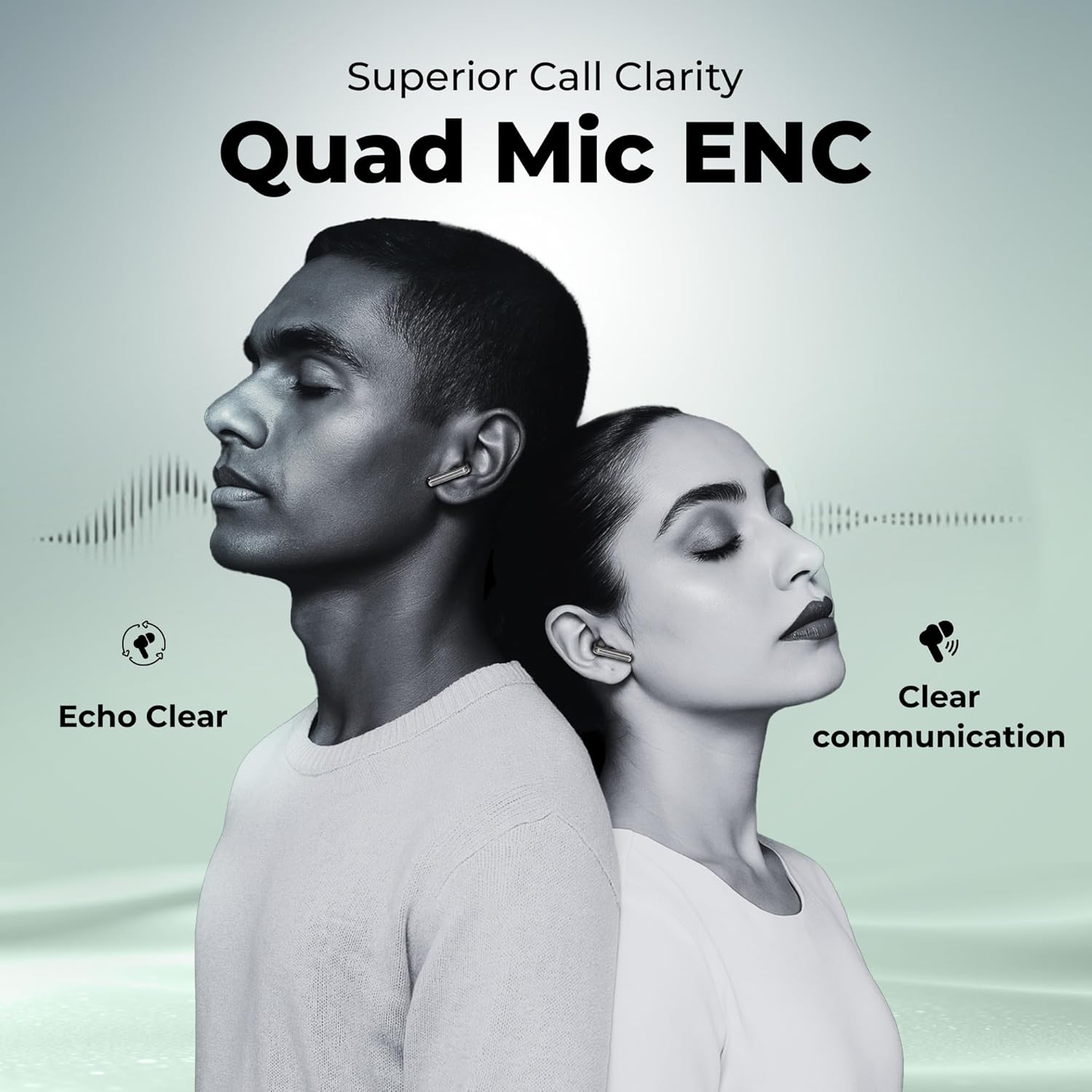
Image: Two people wearing truke Aura Pro earbuds, demonstrating the superior call clarity provided by the Quad Mic PureVoice ENC technology, ensuring echo-clear and clear communication.
4.3. Mod tal-logħob
Activate the dedicated gaming mode to reduce audio latency to 40ms, providing a synchronized audio-visual experience for gaming and video playback.

Image: The truke Aura Pro earbuds in their open charging case, with a gaming controller in the background, emphasizing the 40ms ultra-low latency feature for an enhanced gaming experience.
5. Manutenzjoni u Kura
5.1. Tindif
Regularly clean your earbuds and charging case with a soft, dry, lint-free cloth. Avoid using harsh chemicals or abrasive materials. Ensure the charging contacts on both the earbuds and case are free from dust and debris.
5.2. Ħażna
When not in use, store the earbuds in their charging case to protect them and ensure they remain charged. Store the case in a cool, dry place away from direct sunlight and extreme temperatures.
5.3. Reżistenza għall-Ilma
The truke Aura Pro Earbuds are rated IPX5 water resistant, meaning they are protected against low-pressure water jets from any direction. This makes them suitable for workouts and protection against splashes. They are not designed for submersion in water.
6 Issolvi l-problemi
If you encounter issues with your truke Aura Pro Earbuds, try the following solutions:
- Ebda Ħsejjes: Ensure the earbuds are charged, correctly paired, and the volume on your device is turned up.
- Earbuds Mhux Tqabbil: Place both earbuds back into the charging case, close the lid, wait a few seconds, then open the lid to re-enter pairing mode. Forget the device from your phone's Bluetooth settings and try pairing again.
- Earbud wieħed mhux jaħdem: Ensure both earbuds are charged. Try resetting the earbuds (refer to the quick start guide for specific reset instructions).
- Kwalità Fqira tas-Sejħiet: Ensure the microphones are not obstructed. Move closer to your connected device.
- Kwistjonijiet ta' Iċċarġjar: Iċċekkja l-kejbil tal-iċċarġjar u l-adapter tal-enerġija. Kun żgur li l-kuntatti tal-iċċarġjar fuq il-earbuds u l-kaxxa huma nodfa.
Jekk il-problemi jippersistu, jekk jogħġbok ikkuntattja l-appoġġ għall-klijenti.
7. Speċifikazzjonijiet
| Karatteristika | Dettall |
|---|---|
| Isem tal-Mudell | truke Aura Pro earbuds |
| Numru tal-Mudell | B220 |
| Teknoloġija tal-Konnettività | Mingħajr fili (Bluetooth 5.4) |
| Daqs tas-Sewwieq tal-Awdjo | Sewwieqa tat-Titanju ta' 13mm |
| Ħajja tal-batterija | Sa 60 Siegħa (bil-kaxxa tal-iċċarġjar) |
| Iċċarġjar Mgħaġġel | 10 minutes charge = 180 minutes playback |
| Kontroll tal-Ħoss | Quad Mic PureVoice Environmental Noise Cancellation (ENC) |
| Latenza Baxxa | 40ms (Modalità tal-Logħob) |
| Reżistenza għall-Ilma | IPX5 |
| Metodu ta' Kontroll | Mess |
| Tqabbil Doppju | Iva |
| Materjal | Leather, Metal (case finish) |
| Piż tal-oġġett | 37.1 Gramm |
8. Garanzija u Appoġġ
8.1. Informazzjoni dwar Garanzija
The truke Aura Pro Earbuds come with a 12-month manufacturer's warranty from the date of purchase. This warranty covers manufacturing defects. Please retain your proof of purchase for warranty claims.
8.2. Appoġġ għall-Klijent
For technical assistance, warranty claims, or any other inquiries, please visit the official truke website or contact their customer service. truke maintains a widespread network of over 400 service centers to provide reliable support.


