1. Prodott Aktarview
The NBCP Wireless Guitar Controller is designed to enhance your rhythm gaming experience on Xbox Series X|S, Xbox One, and PC. It features a 2.4G wireless connection for seamless gameplay and an authentic design for immersive performance.
Karatteristiċi ewlenin:
- Exclusive Game Compatibility: Designed for Rock Band 4 (Xbox Series X|S & Xbox One) and Fortnite Festival (PC). Not compatible with Guitar Hero, Clone Hero, or Rock Band 1.
- Easy 2.4G Guided Connection: Utilizes a 2.4G USB dongle for stable, lag-free wireless connection.
- Authentic Performance Design: Equipped with 5 responsive fret buttons, a smooth strum bar, whammy bar, and motion tilt for Star Power activation.
- Portable & Lightweight Build: Features a detachable neck for easy storage and transport, along with an adjustable strap for comfort.
- Batterija fit-tul: Powered by 4 AA batteries (not included) with a low-battery alert LED.

Image: The NBCP Wireless Guitar Controller is compatible with Rock Band 4 on Xbox Series X|S and Xbox One consoles.
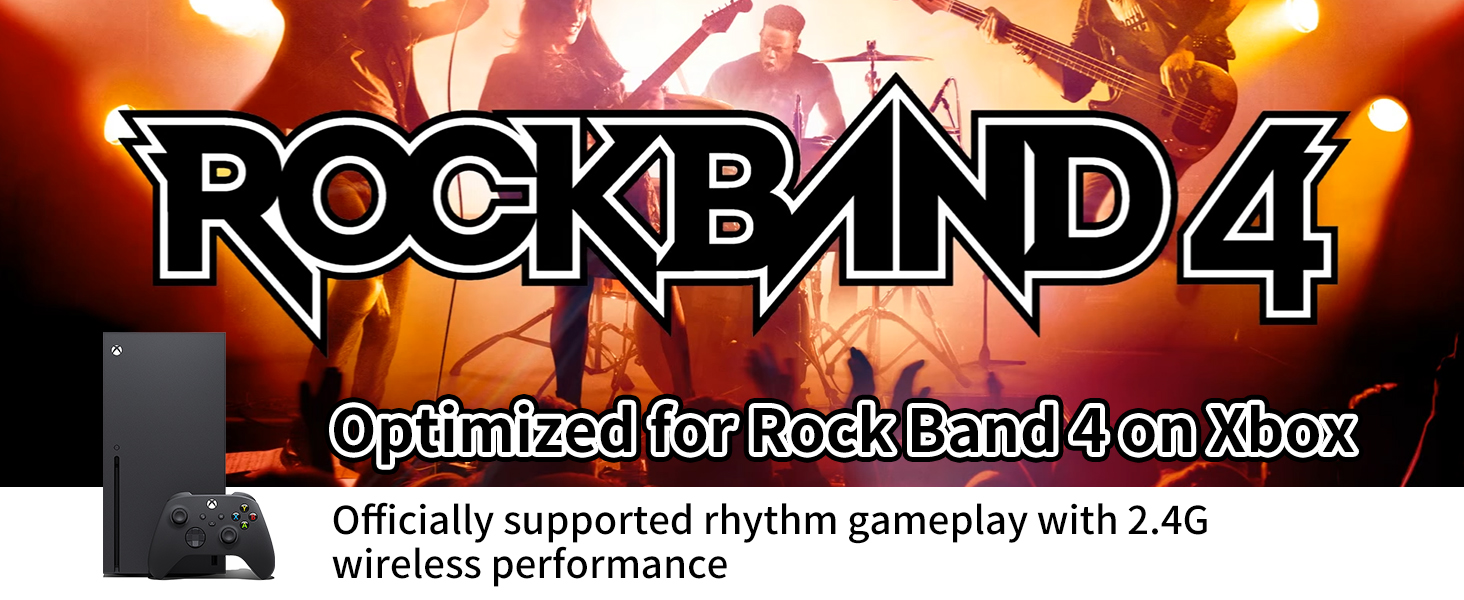
Image: The NBCP Wireless Guitar Controller is ready for Fortnite Festival on PC, offering epic rhythm battles.
2. Setup u Konnessjoni
2.1 Identifikazzjoni tal-Komponent
- Kontrollur tal-kitarra bla fili
- 2.4G USB Dongle
- Ċinga aġġustabbli
2.2 Installazzjoni tal-batterija
- Locate the battery compartment on the back of the guitar controller.
- Iftaħ l-għatu tal-kompartiment tal-batterija.
- Daħħal 4 batteriji AA (mhux inklużi), waqt li tiżgura l-polarità korretta (+/-).
- Agħlaq l-għatu tal-kompartiment tal-batterija sew.
2.3 Wireless Connection (Xbox Series X|S / Xbox One)
- Kun żgur li l-console tal-Xbox tiegħek hija mixgħula.
- Plug the 2.4G USB dongle firmly into an available USB port on your Xbox Series X|S or Xbox One console.
- Turn on your existing Xbox controller and ensure it is connected to the console.
- Press the sync button on the guitar controller (usually a small button near the connection indicator lights).
- The indicator lights on the guitar and dongle will flash and then become solid when successfully paired.
- If connection fails, ensure the dongle is fully inserted and check battery levels. Avoid using a PC dongle by mistake.
2.4 Wireless Connection (PC)
- Kun żgur li l-PC tiegħek huwa mixgħul.
- Plug the 2.4G USB dongle firmly into an available USB port on your PC.
- The PC should automatically recognize the device.
- Turn on the guitar controller.
- The indicator lights on the guitar and dongle will flash and then become solid when successfully paired.
- If connection fails, ensure the dongle is fully inserted and check battery levels.
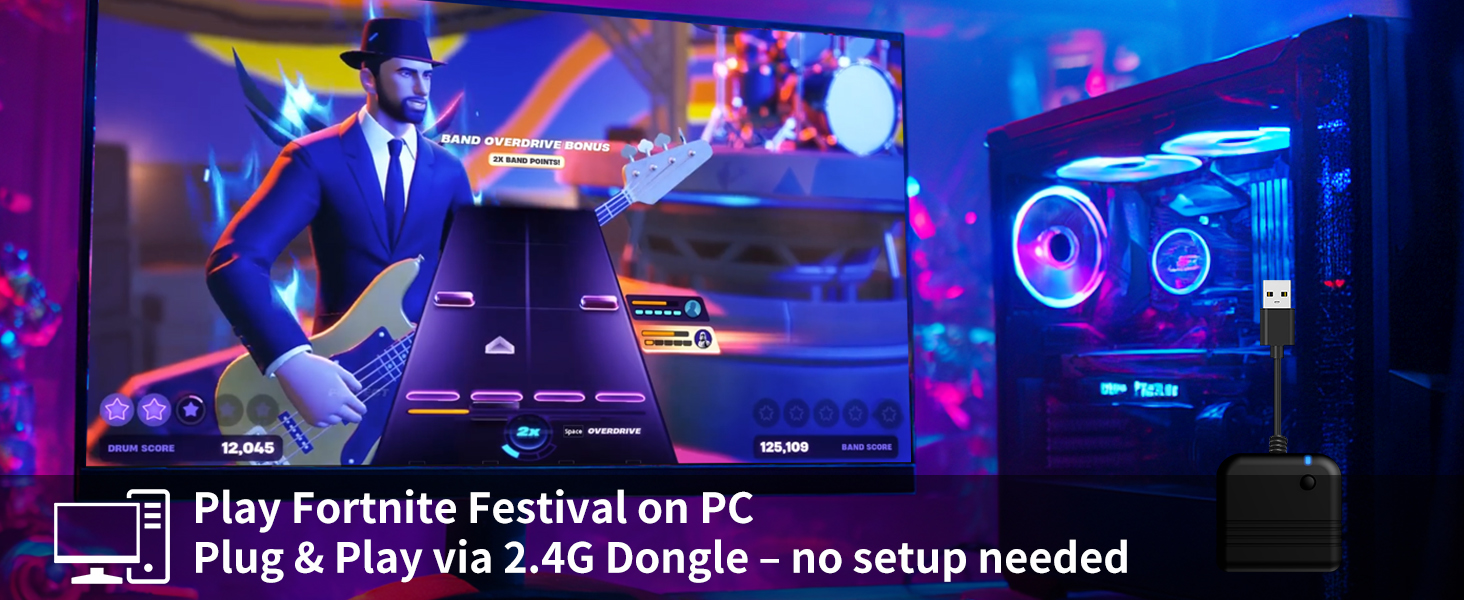
Image: Guided 2.4G Pairing System illustrating how to connect the dongle to the console and pair via an Xbox controller.
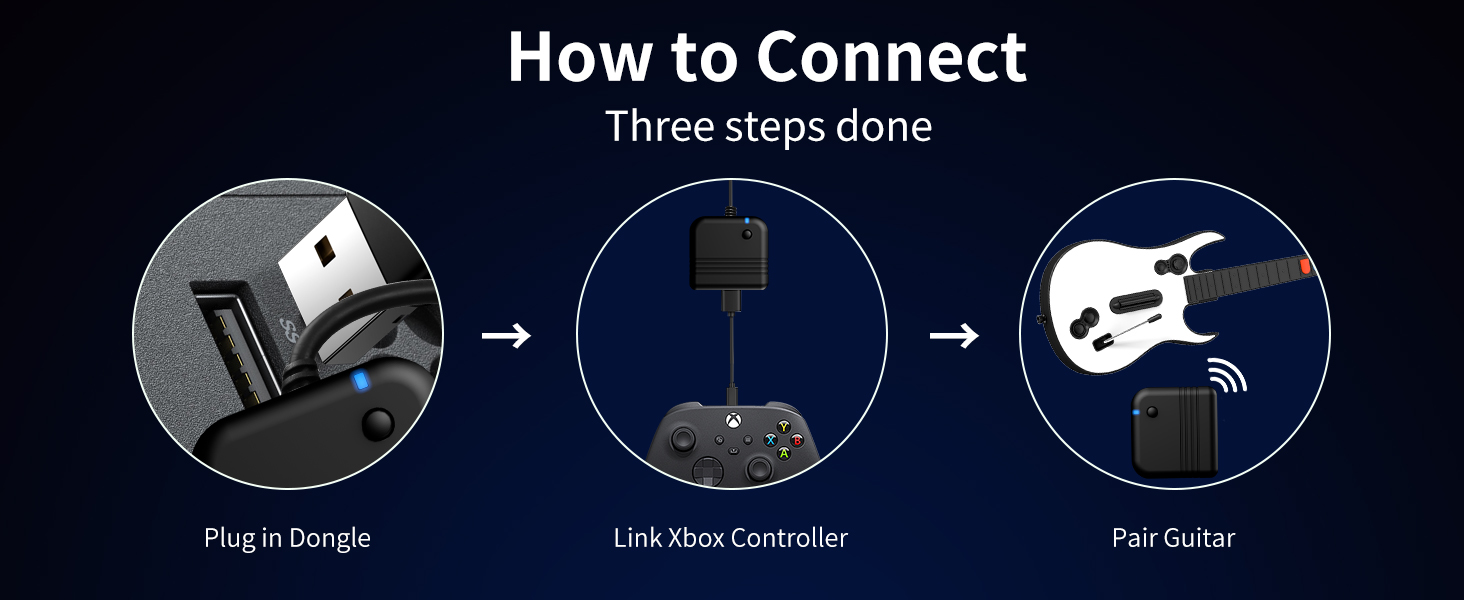
Image: A three-step guide demonstrating the connection process: plug in the dongle, link an Xbox controller, then pair the guitar.
3. Istruzzjonijiet Operattivi
3.1 Kontrolli Bażiċi
- Buttuni tal-Fret: Five colored buttons on the neck for playing notes. Press the corresponding button and strum simultaneously.
- Strum Bar: Located on the body of the guitar, used to play notes by moving it up or down.
- Whammy Bar: Use during sustained notes to alter the pitch for special effects.
- Motion Tilt Sensor: Tilt the guitar upwards to activate Star Power in compatible games.
- Buttuni tan-Navigazzjoni: Standard Xbox/PC controller buttons (e.g., A, B, X, Y, D-pad, Start, Select) for menu navigation and in-game actions.
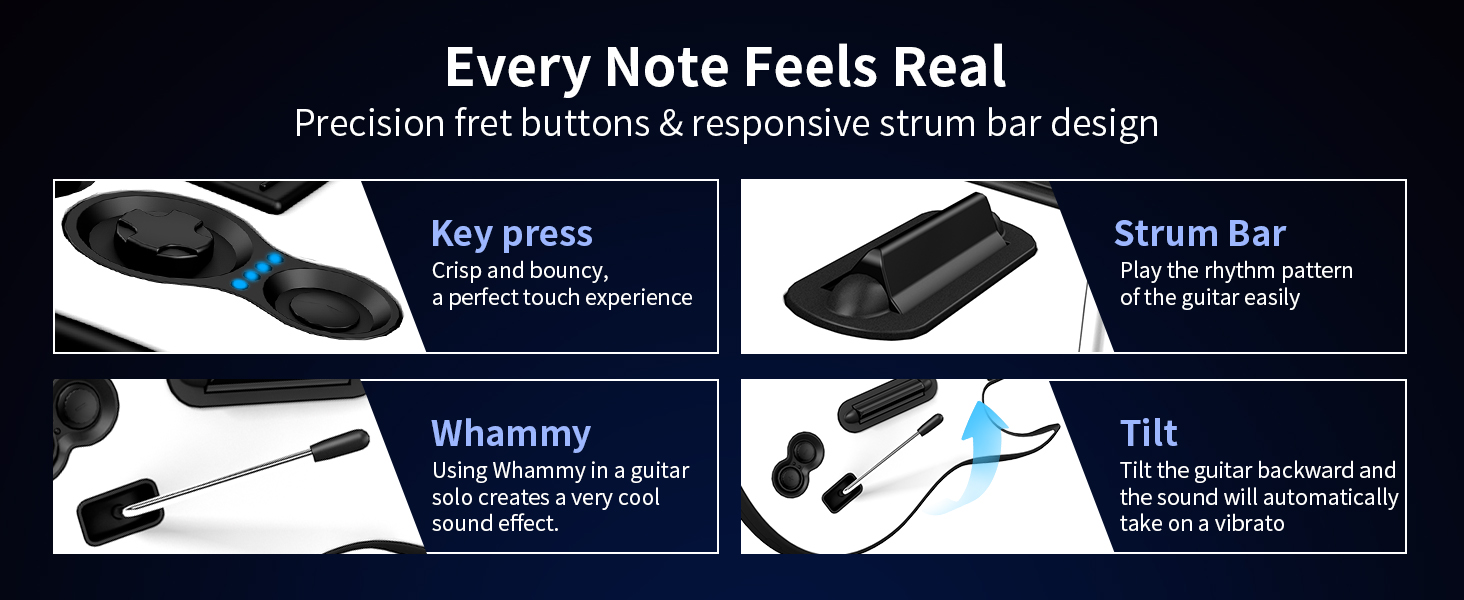
Image: A player's hand on the fret buttons and strum bar, demonstrating the responsive design for an authentic feel.
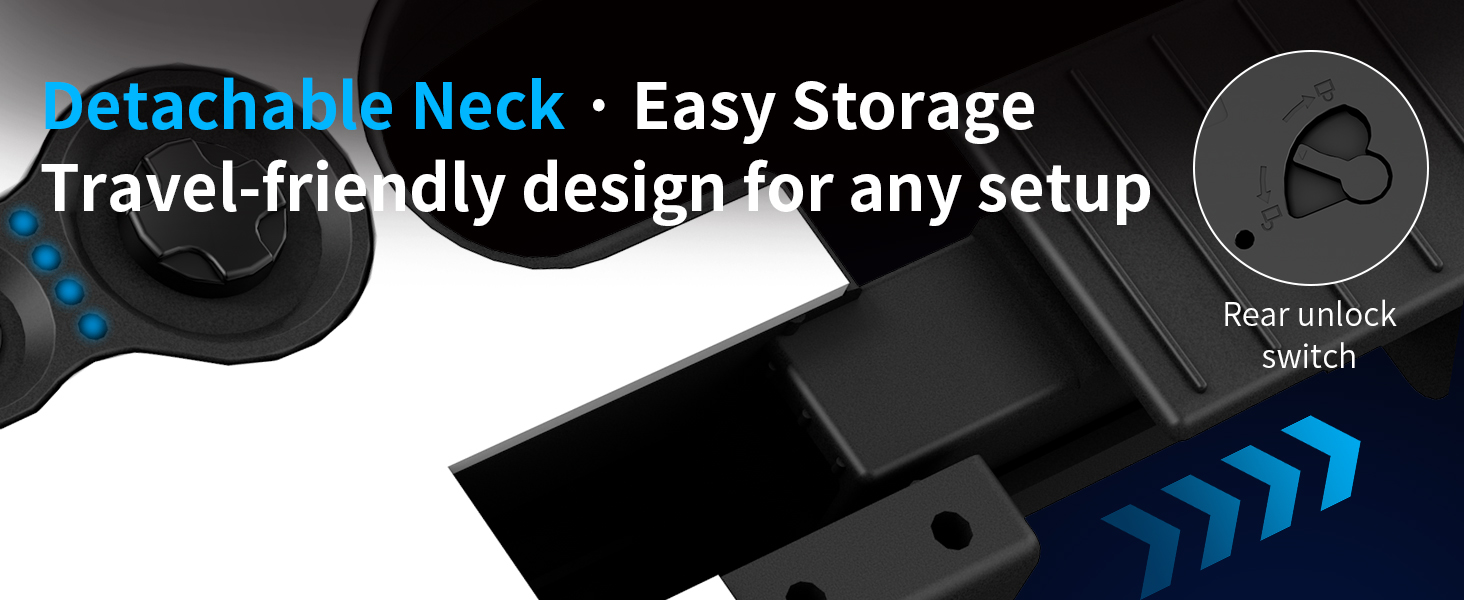
Image: An illustration detailing the functionality of the key press, strum bar, whammy bar, and tilt sensor for realistic gameplay.
3.2 Detachable Neck
The guitar controller features a detachable neck for convenient storage and transport. To detach, locate the unlock switch on the rear of the guitar body, press it, and carefully slide the neck out. To reattach, align the neck with the body and slide it in until it clicks securely into place.
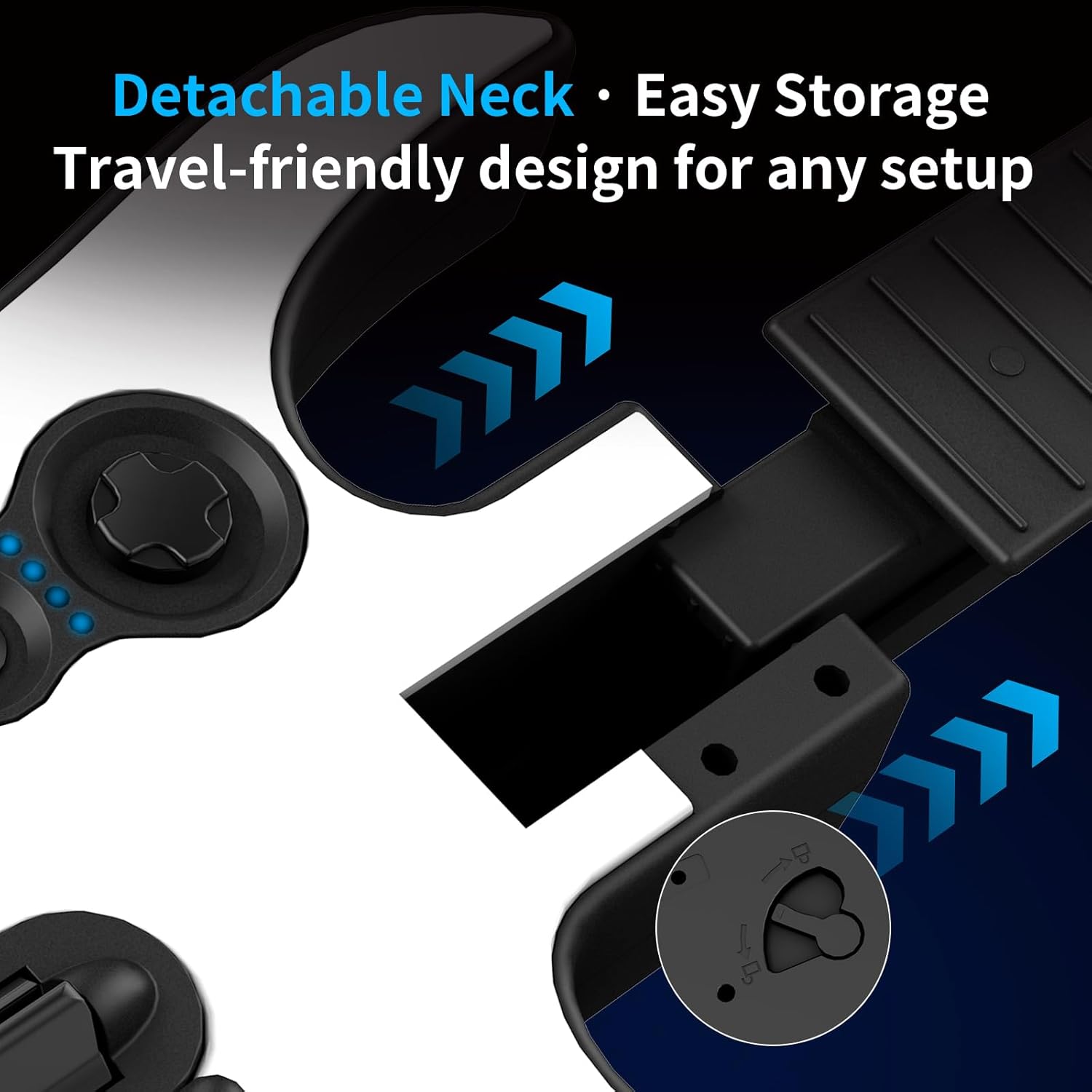
Immaġni: Close-up view of the detachable neck mechanism, showing the rear unlock switch for easy assembly and disassembly.
3.3 Output Awdjo
The guitar controller includes a 3.5mm audio jack. Connect wired headphones to this jack for private audio playback, allowing you to play without disturbing others. This jack also supports microphone input for compatible headsets.
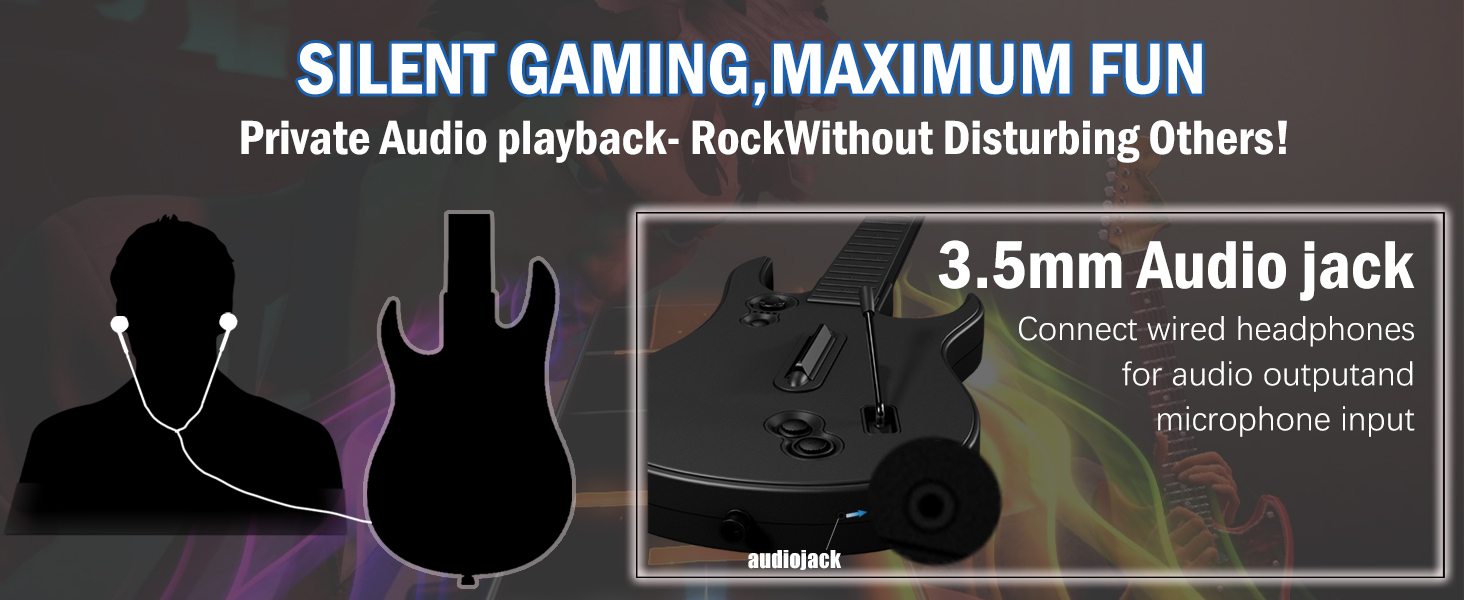
Image: An illustration demonstrating the use of the 3.5mm audio jack for private audio playback with headphones.
4. Kura u Manutenzjoni
- Tindif: Wipe the controller with a soft, dry cloth. Do not use abrasive cleaners or solvents.
- Ħażna: Store the guitar controller in a cool, dry place away from direct sunlight and extreme temperatures. The detachable neck allows for more compact storage. An anti-oxidation sponge is included for safe storage.
- Kura tal-batterija: Remove batteries if the controller will not be used for an extended period to prevent leakage.
5 Issolvi l-problemi
- Il-Kontrollur Mhux Qed Jikkonnettja:
- Ensure the 2.4G USB dongle is fully inserted into the console/PC.
- Verify that the guitar controller has fresh batteries installed. Low batteries can cause connection failure.
- For Xbox, ensure your existing Xbox controller is connected and functioning before attempting to pair the guitar.
- Confirm you are using the correct dongle for your system (Xbox/PC specific dongles may exist, though this model is advertised for both).
- Try restarting your console/PC and the guitar controller.
- Dewmien jew Dewmien fl-Input:
- Ensure there are no obstructions between the guitar controller and the USB dongle.
- Minimize interference from other wireless devices operating on the 2.4GHz frequency.
- Iċċekkja l-livelli tal-batterija; batteriji baxxi jistgħu jaffettwaw il-prestazzjoni.
- Buttuni li ma jirrispondux:
- Iċċekkja l-livelli tal-batterija.
- Ensure the neck is securely attached if it was previously detached.
- Clean any debris around the buttons or strum bar.
- Kompatibbiltà tal-Logħob:
- Remember, this controller is specifically designed for Rock Band 4 (Xbox) and Fortnite Festival (PC). It is not compatible with Guitar Hero, Clone Hero, Rock Band 1, or microphone-based games.
6. Speċifikazzjonijiet tal-Prodott
| Numru tal-Mudell | X615W |
| Manifattur | NBCP |
| Piż tal-oġġett | 2.86 liri |
| Dimensjonijiet tal-Pakkett | 17.44 x 13.58 x 3.46 pulzieri |
| Konnettività | 2.4G Wireless (USB Dongle) |
| Sors tal-Enerġija | 4 x Batteriji AA (mhux inklużi) |
7. Garanzija u Appoġġ
NBCP is committed to providing responsive after-sales support for all users of the X615W Wireless Guitar Controller.
7.1 Politika ta' Ritorn
Dan il-prodott huwa soġġett għal politika ta' ritorn ta' 30 jum għal rifużjoni jew sostituzzjoni, skont it-termini standard tal-bejgħ bl-imnut.
7.2 Appoġġ għall-Klijent
For any questions, troubleshooting assistance, or warranty claims, please contact NBCP customer support through the retailer's platform or visit the official NBCP store page for contact information.
Żur il- NBCP Store għal aktar informazzjoni.
