1. Introduzzjoni
This manual provides detailed instructions for the setup, operation, maintenance, and troubleshooting of your LIGE EF13-E Military Smart Watch. Please read this manual thoroughly before using your device to ensure proper functionality and to maximize your user experience.
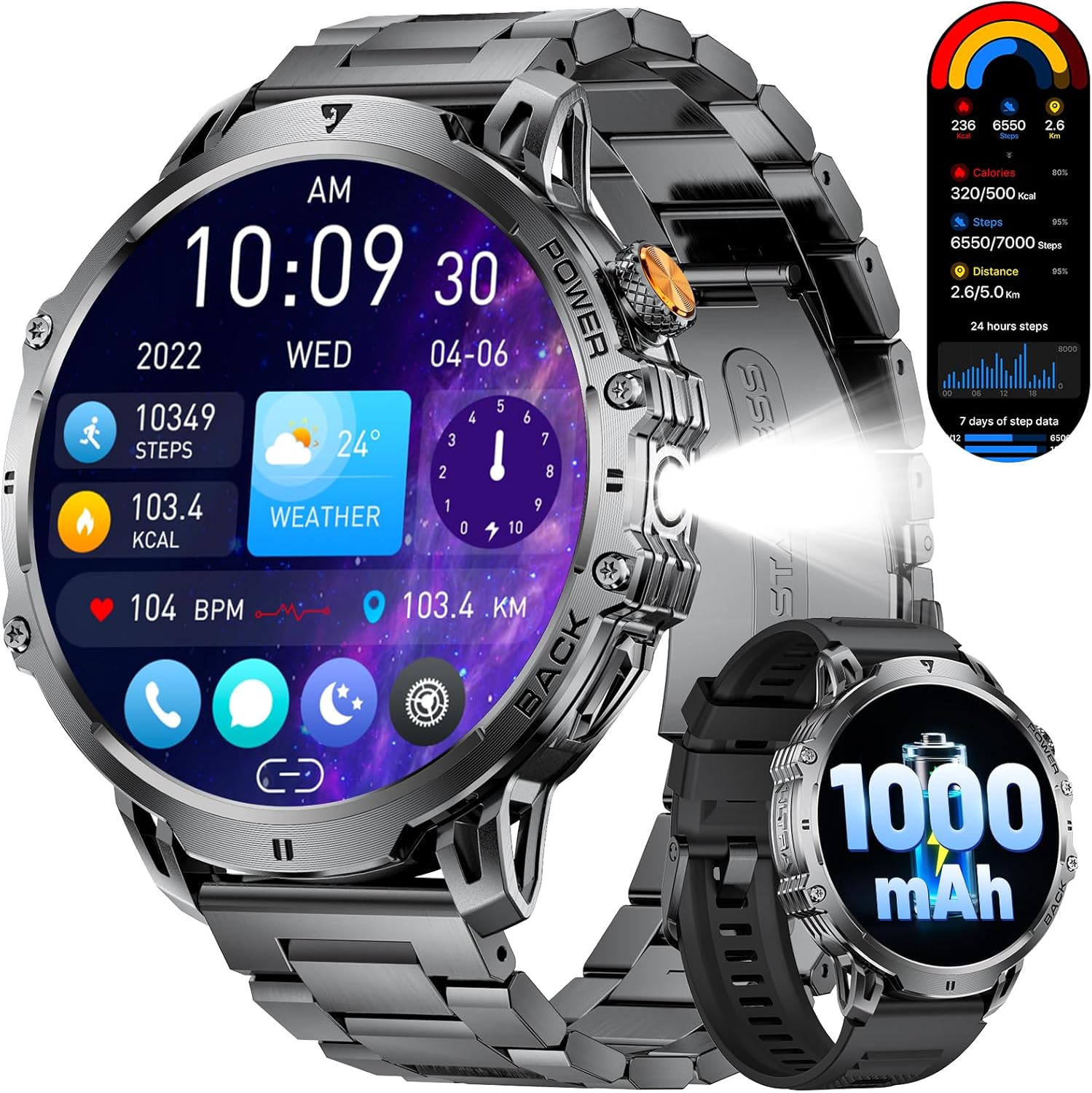
Figure 1: LIGE EF13-E Military Smart Watch Overview
2. X'hemm fil-Kaxxa
Upon opening your LIGE EF13-E package, you should find the following items:
- LIGE EF13-E Smart Watch
- Kejbil tal-Ċarġer tal-Manjetiku
- Stainless Steel Watch Strap
- Ċinga ta 'l-għassa tas-silikonju
- Watch Strap Adjustment Tool
- Manwal għall-Utent
Ċinga ta 'l-għassa tas-silikonju
Stainless Steel Watch Strap
3. Gwida ta' Setup
3.1 Iċċarġjar inizjali
Before first use, ensure your smartwatch is fully charged. Connect the magnetic charging cable to the charging points on the back of the watch and plug the USB-A end into a compatible power source. The watch will automatically power on once charging begins.

Figure 2: Magnetic Charging Connection
3.2 Installazzjoni u Tqabbil tal-App
To unlock the full functionality of your LIGE EF13-E Smart Watch, you need to install the companion application, "FitCloudPro," on your smartphone (Android 4.4+ or iOS 8.0+).
- Scan the QR code displayed on the watch screen or in the user manual to download the "FitCloudPro" app from the Google Play Store or Apple App Store.
- Ippermetti Bluetooth fuq l-ismartphone tiegħek.
- Open the "FitCloudPro" app, navigate to the "Device" section, and tap "Bind Device" or "Add New Device."
- Select "EF13" from the list of available devices.
- Ikkonferma t-talba ta' tqabbil kemm fuq l-ismartphone tiegħek kif ukoll fuq l-ismartwatch.
- Grant necessary permissions within the app for notifications, contacts, and call logs to ensure full functionality.

Figure 3: App Installation and Pairing Steps
Video 1: LIGE EF13 Smartwatch Setup and Features Overview
4. Band Installation and Adjustment
Your LIGE EF13-E Smart Watch comes with two interchangeable bands: a silicone band for sports and a stainless steel band for formal occasions. Both are designed for easy attachment and removal.
4.1 Attaching Bands
To attach a band, align the spring bar with the lug holes on the watch body. Push the spring bar inwards and slide the band into place, then release the spring bar to secure it. Ensure both ends are firmly locked.
4.2 Adjusting the Stainless Steel Band
The stainless steel band can be adjusted using the provided tool to remove or add links for a comfortable fit. Insert the tool's pin into the small holes on the side of the links, push to release the pin, and remove the desired number of links. Reassemble by inserting the pins back into the links.
Figure 4: Stainless Steel Band Adjustment
5. Tħaddim tal-Arloġġ Intelliġenti
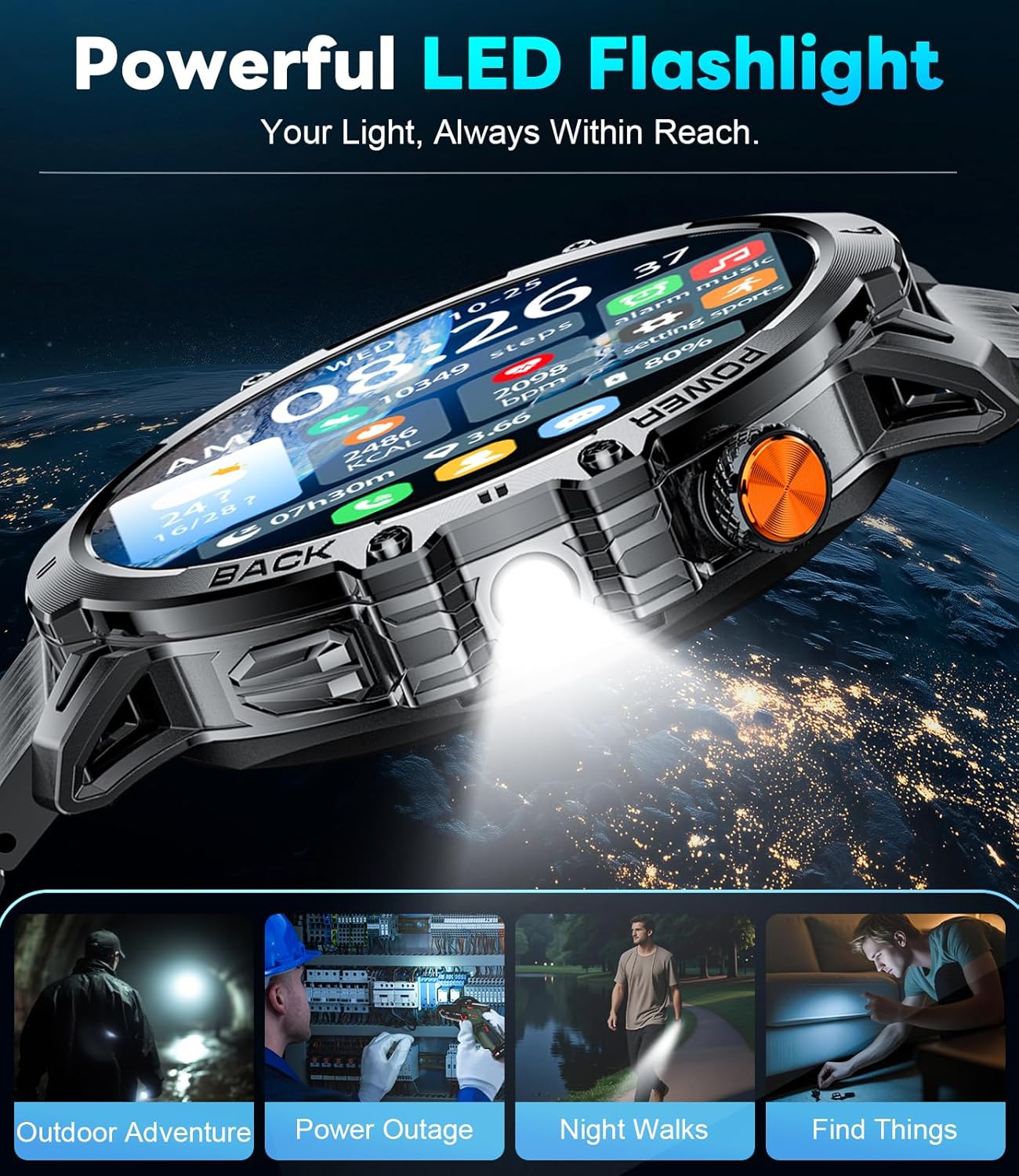
The LIGE EF13-E features a 1.85-inch HD full-touch screen for intuitive navigation and a built-in LED flashlight for convenience.
5.1 Navigazzjoni tal-Wiri
- Swipe 'l fuq/'l isfel: Aċċessa s-settings jew in-notifiki malajr.
- Swipe Xellug/Lemin: Navigate through various widgets such as activity data, heart rate, blood oxygen, and weather.
- Agħfas il-Buttuna tal-Ġenb: Return to the home screen or access the main menu.
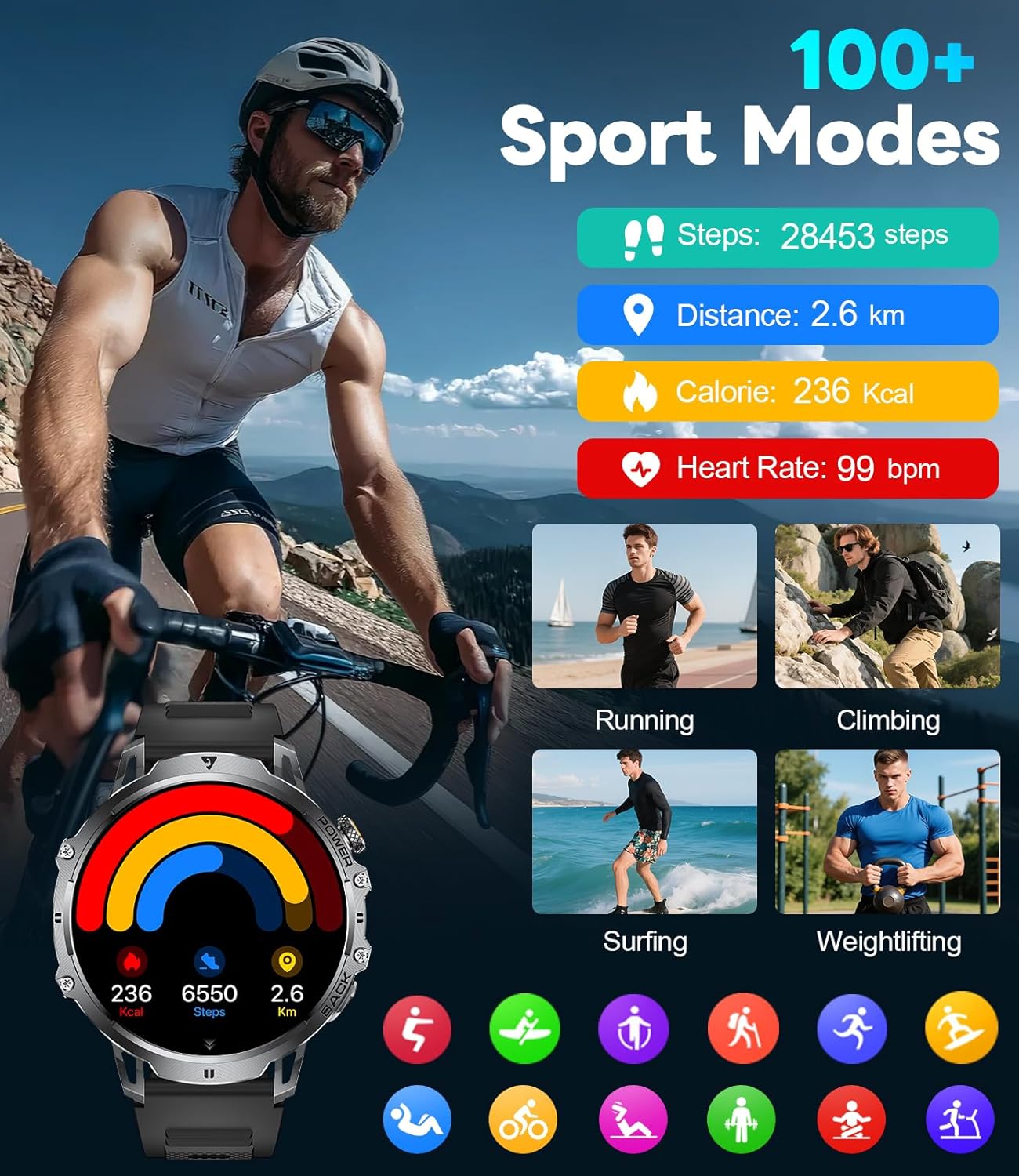
Figure 5: Watch Face and Menu Navigation
5.2 Bluetooth Calls & Notifications
Once paired with your smartphone, the watch allows you to manage calls and receive notifications directly on your wrist.
- Tagħmel/Rċeviment Sejħiet: Use the built-in microphone and speaker to make or answer calls without taking out your phone.
- Messaġġ Twissijiet: Receive real-time notifications for SMS, WhatsApp, and other social media apps.
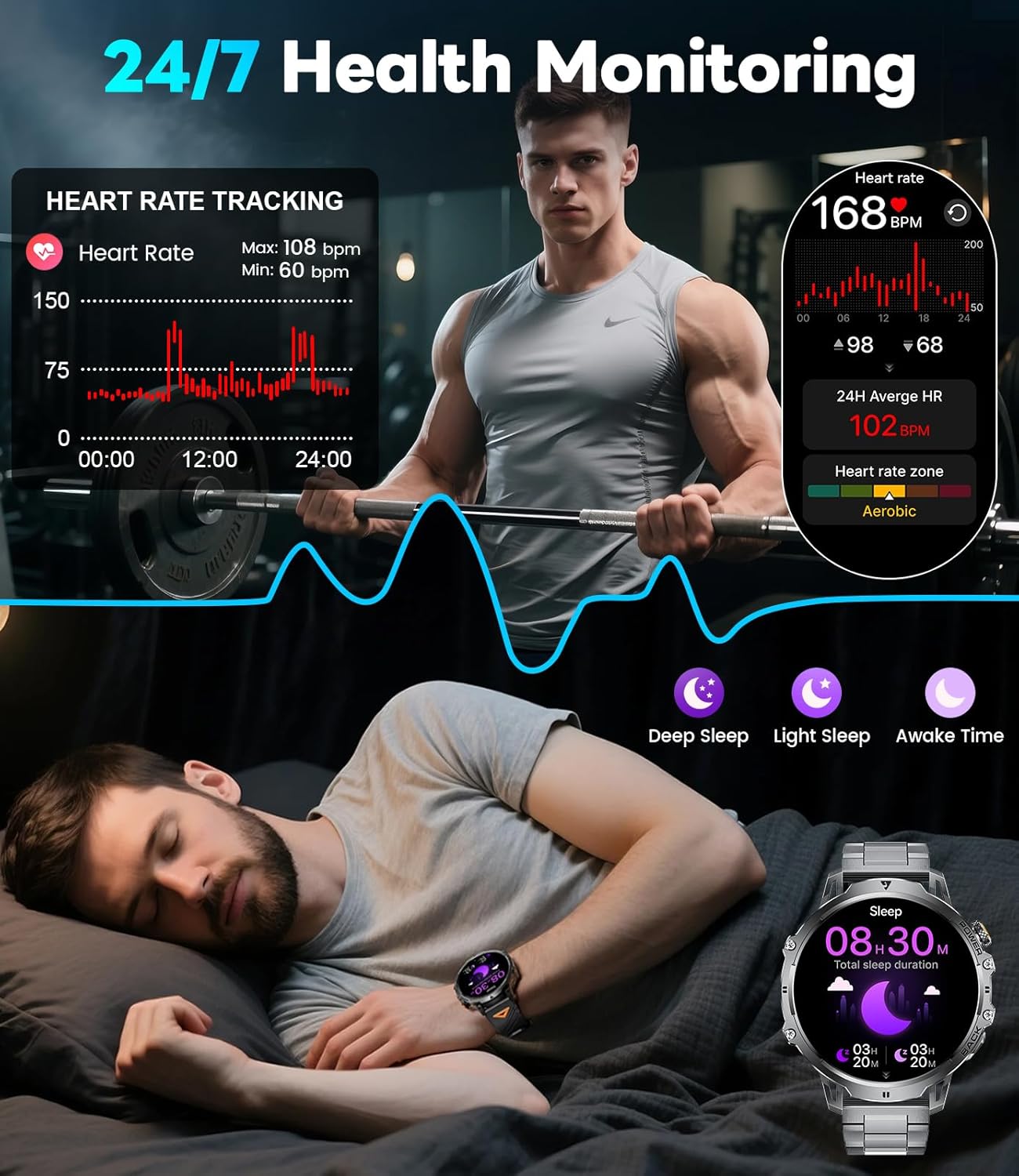
Figure 6: Bluetooth Calling and Message Notifications
5.3 Monitoraġġ tas-Saħħa
The EF13-E continuously monitors key health metrics:
- Rata tal-qalb: 24/7 heart rate tracking.
- Ossiġenu tad-Demm: Monitors SpO2 levels.
- Kwalità tal-irqad: Tracks deep sleep, light sleep, and awake time to help improve sleep habits.
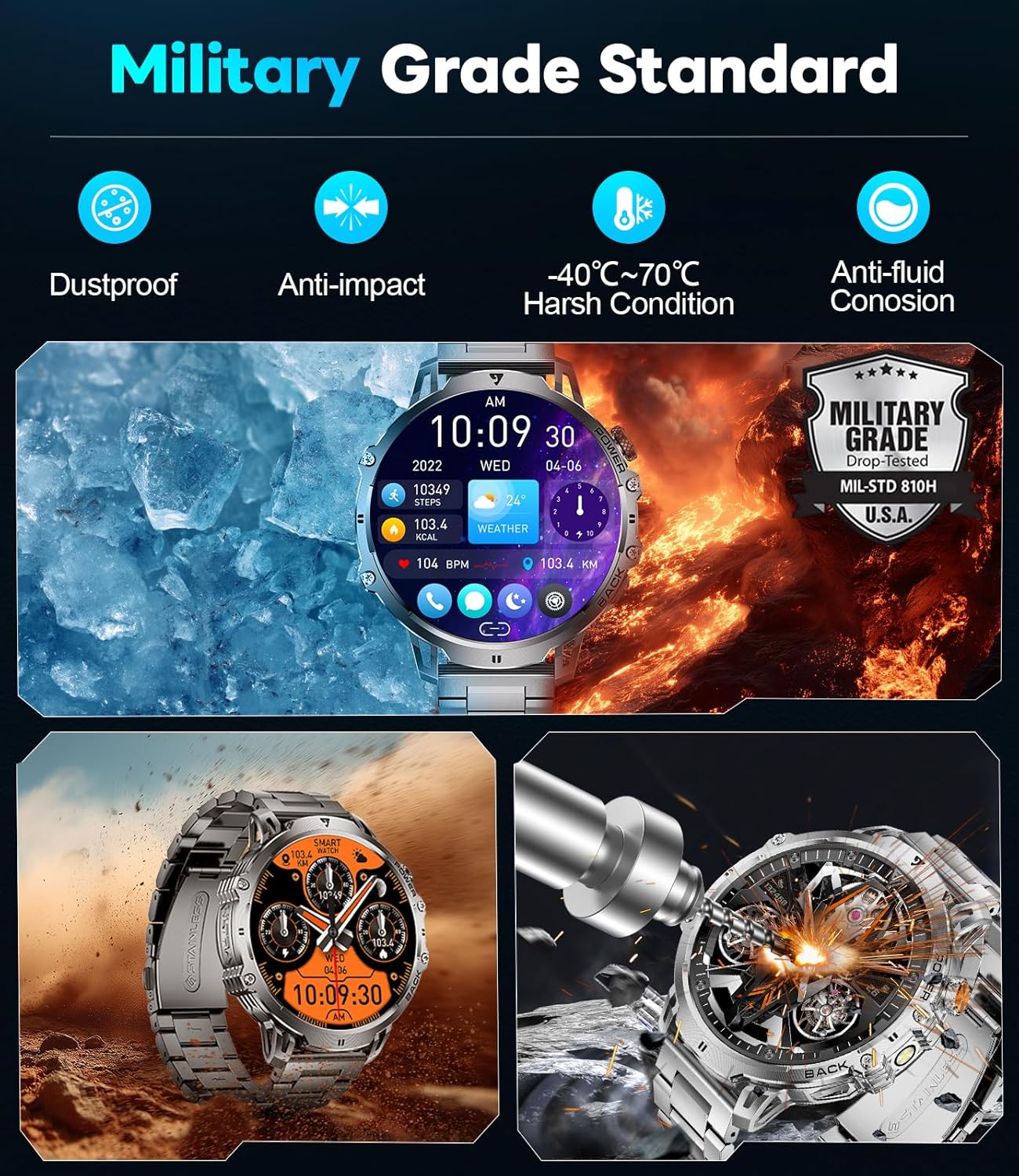
Figura 7: Karatteristiċi ta' Monitoraġġ tas-Saħħa
5.4 Modalità Sportiva
With over 110 sports modes, the watch accurately tracks calories, distance, and steps for various activities, from running and cycling to strength training.
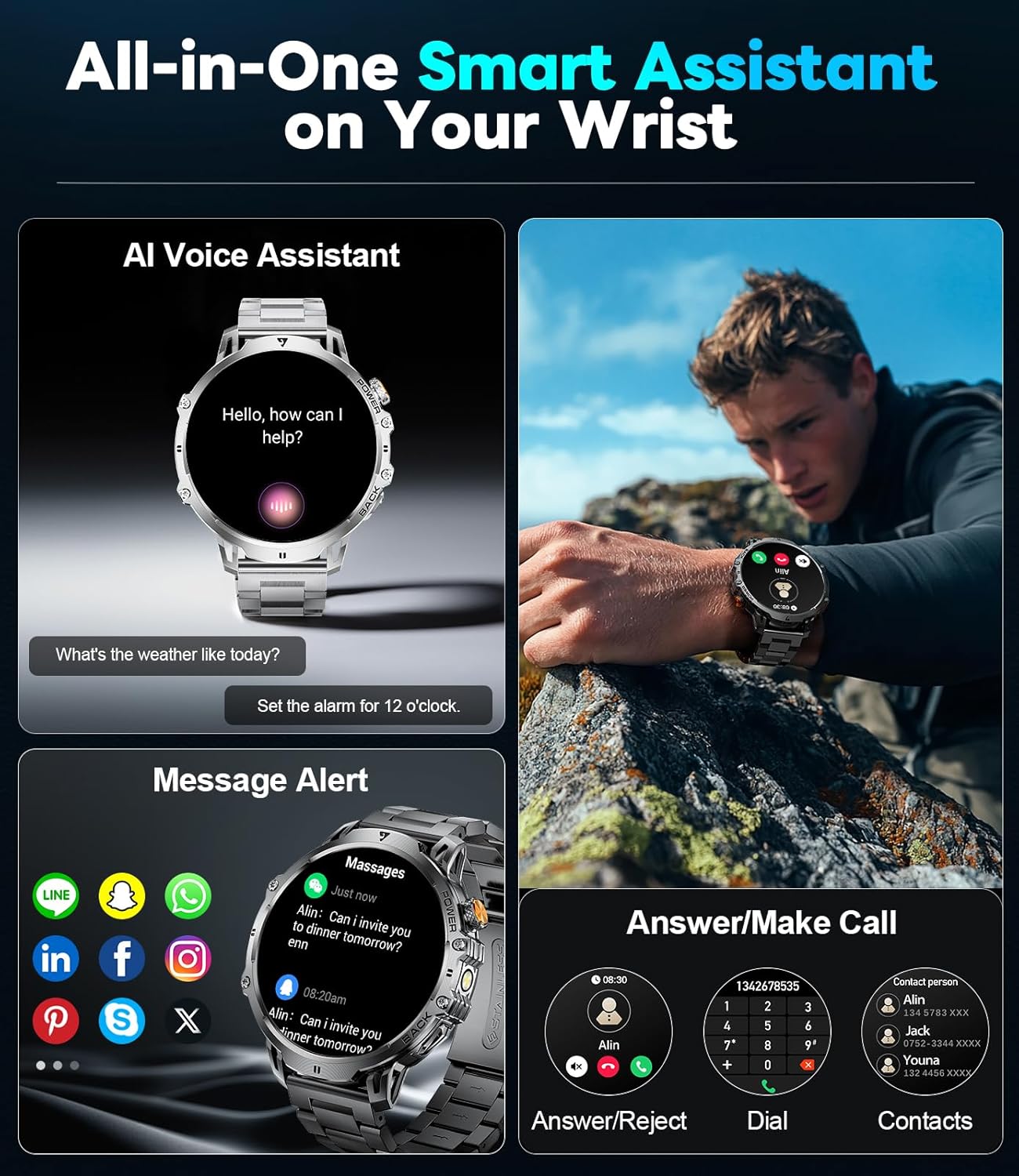
Figure 8: 110+ Sports Modes Tracking
5.5 Karatteristiċi Addizzjonali
The smartwatch also includes a range of practical tools:
- Flashlight LED inkorporat: Jipprovdi illuminazzjoni f'ambjenti mudlama.
- Kontroll tal-Mużika: Immaniġġja d-daqq tal-mużika fuq l-ismartphone tiegħek.
- Aġġornamenti tat-Temp: Ikseb informazzjoni dwar it-temp attwali.
- Stopwatch & Alarm: Essential timekeeping functions.
- Assistent tal-Vuċi: Interact with your device using voice commands.
- Kontroll tal-Kamera: Attiva l-kamera tal-ismartphone tiegħek mill-bogħod.
- Mini-Games: Two built-in games for entertainment.
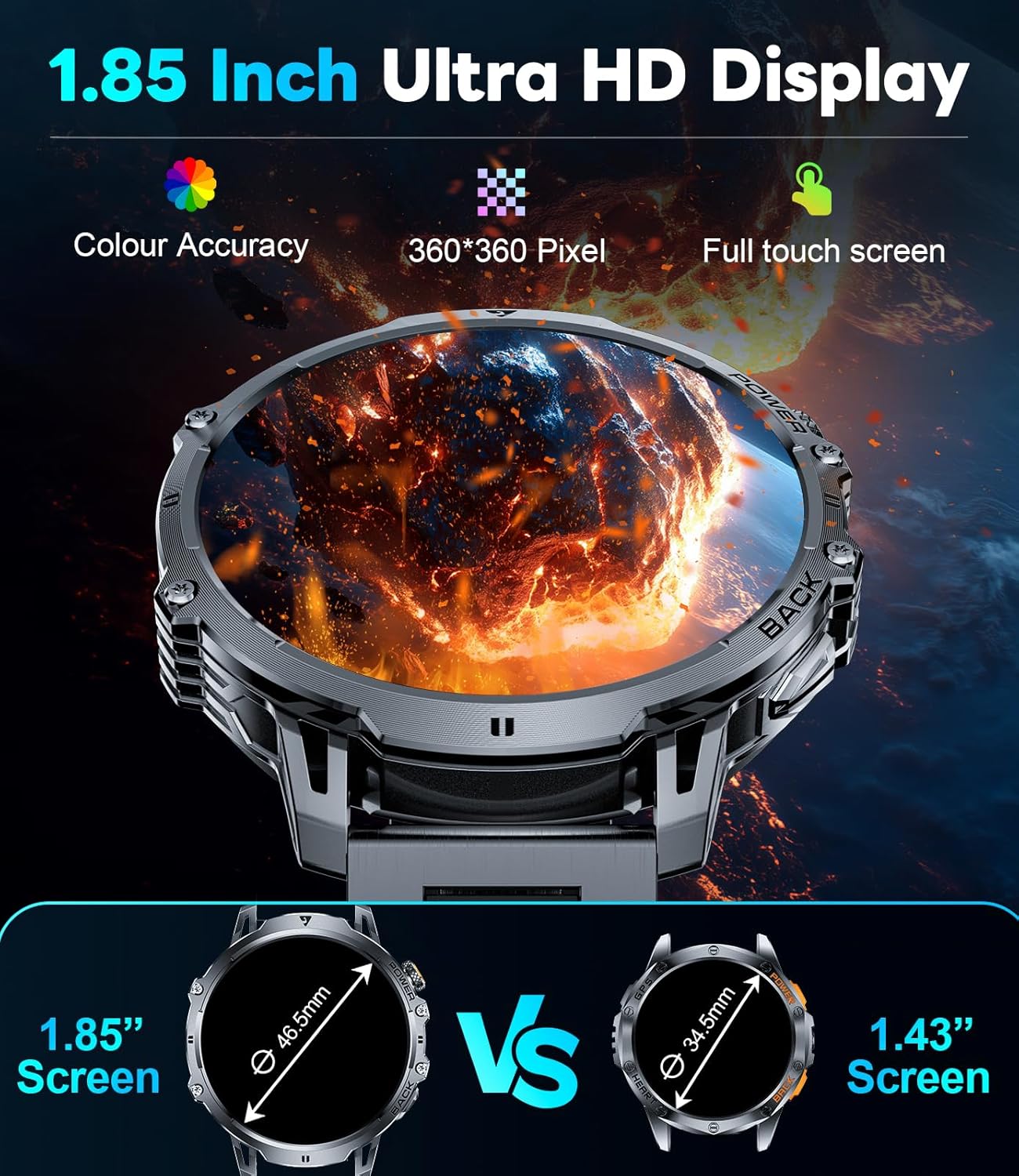
Figure 9: Powerful LED Flashlight
6. Manutenzjoni
To ensure the longevity and optimal performance of your LIGE EF13-E Smart Watch, follow these maintenance guidelines:
- Tindif: Regularly wipe the watch screen and bands with a soft, dry cloth. For stubborn dirt, use a slightly damp drapp u sapun ħafif, imbagħad nixxef sewwa.
- Reżistenza għall-Ilma: The watch is rated for 5ATM water resistance, making it suitable for swimming and showering. However, avoid hot water, steam, or prolonged submersion in deep water. Do not press buttons underwater.
- Iċċarġjar: Use only the provided magnetic charging cable. Avoid exposing the charging contacts to metal objects to prevent short circuits.
- Ħażna: Aħżen l-arloġġ f'post frisk u niexef 'il bogħod mix-xemx diretta u minn temperaturi estremi.
- Evita kimiċi: Do not expose the watch to strong chemicals, solvents, or detergents, as these can damage the materials.
7 Issolvi l-problemi
If you encounter issues with your LIGE EF13-E Smart Watch, refer to the following common solutions:
- L-arloġġ ma jixgħelx: Kun żgur li l-arloġġ ikun iċċarġjat kompletament. Qabbad mal-ċarġer u stenna ftit minuti.
- Ma tistax tqabbad ma' smartphone:
- Kun żgur li l-Bluetooth huwa attivat fuq it-telefon tiegħek u li l-arloġġ jinsab fil-firxa tiegħu.
- Erġa' ibda kemm it-telefon kif ukoll l-arloġġ tiegħek.
- Check if the "FitCloudPro" app has all necessary permissions.
- Try unbinding and re-pairing the device through the app.
- Notifiki mhux riċevuti:
- Verify that "Push Notifications" are enabled in the "FitCloudPro" app for specific applications.
- Check your phone's notification settings to ensure the app is allowed to send notifications.
- Kun żgur li l-arloġġ huwa konness permezz tal-Bluetooth.
- Dejta dwar is-saħħa mhux preċiża:
- Kun żgur li l-arloġġ jintlibes sew fuq il-polz tiegħek, la issikkat wisq u lanqas maħlul wisq.
- Naddaf is-sensuri fuq wara tal-arloġġ.
- Evita moviment eċċessiv waqt il-kejl.
- Ħajja qasira tal-batterija:
- Naqqas il-luminożità tal-iskrin u l-ħin li l-iskrin idum mixgħul.
- Disable unnecessary features like continuous heart rate monitoring if not needed.
- Kun żgur li l-arloġġ ikun iċċarġjat kompletament qabel l-użu.
8. Speċifikazzjonijiet
| Numru tal-Mudell | EF13-E |
| Brand | LIGE |
| Daqs tal-Wiri | 1.85 Inches HD TFT (360x360 resolution) |
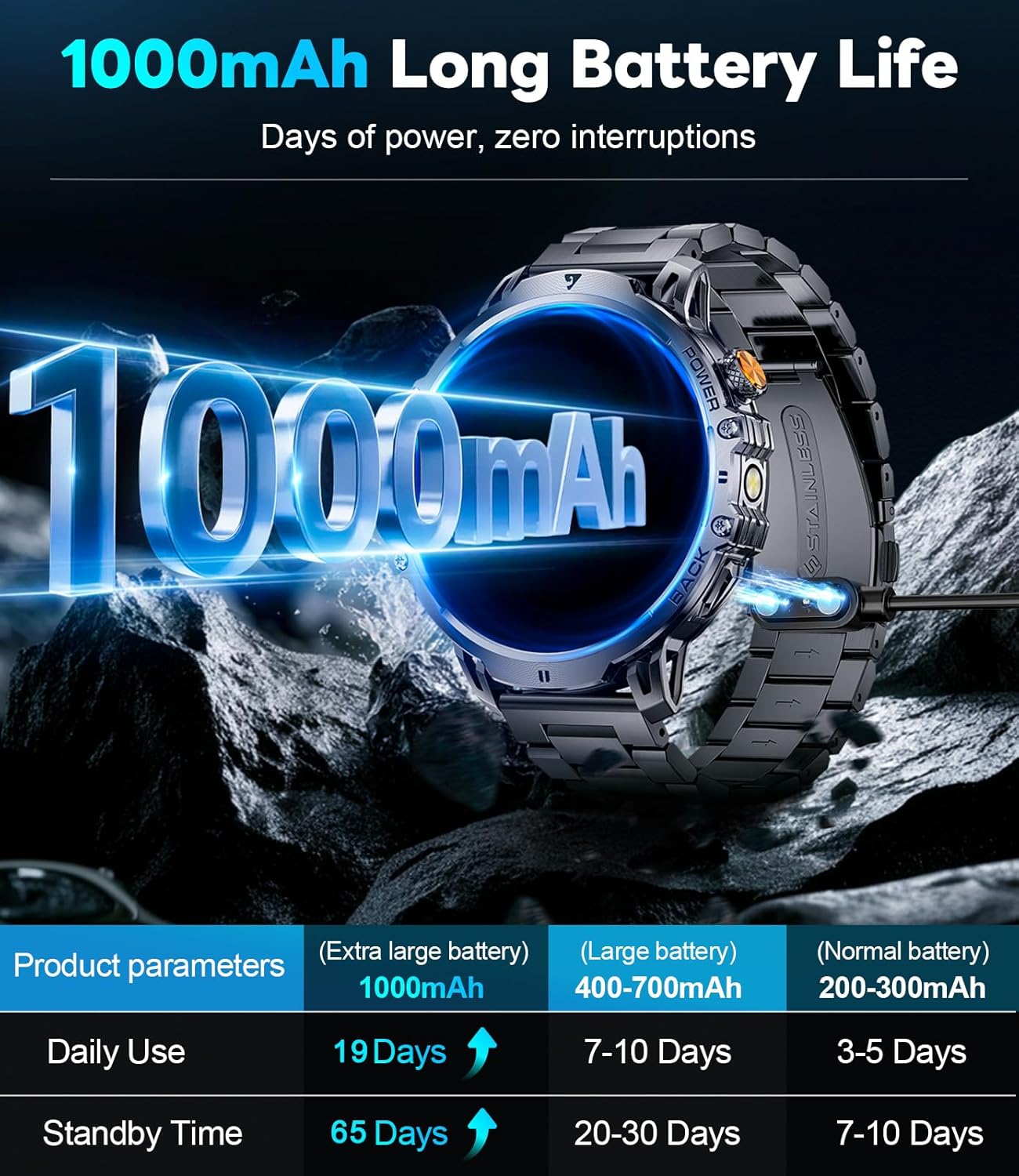
| Kapaċità tal-batterija | 1000 mAh Polimer tal-litju |
| Ħin ta' Standby | Sa 65 Jum |
| Ħin ta 'Użu Normali | Over 19 Days |
| Reżistenza għall-Ilma | 5ATM |
| Konnettività | Bluetooth |
| Kompatibilità tas-Sistema Operattiva | Android 4.4+ u iOS 8.0+ |
| Kapaċità tal-Ħżin tal-Memorja | 256 MB |
| Karatteristiċi Speċjali | 1.85" Large HD Screen, 5ATM Waterproof, 1000 mAh Battery, 110+ Sport Modes, Sleep Monitor, Alarm Clock, Music Player, Sedentary Reminder, Activity Tracker, Calorie Tracker, Distance Tracker, Multisport Tracker, Bluetooth calls, Notifications, Weather Forecast, Built-in LED Flashlight, Voice Assistant, Camera Control, Mini-Games. |
| Piż tal-oġġett | 9.6 uqija |
| Dimensjonijiet | 8.07 x 3.66 x 0.91 pulzieri |

Figure 10: 1.85 Inch Ultra HD Display

Figure 11: Military Grade Standard Durability
9. Garanzija u Appoġġ
LIGE is committed to ensuring your satisfaction. If you have any questions, require support, or encounter any issues with your LIGE EF13-E Smart Watch, please do not hesitate to contact our customer service team. Refer to the contact information provided in your product packaging or on the official LIGE websit għall-għajnuna.


