1. Introduzzjoni
This manual provides essential information for the setup, operation, and maintenance of your TCL 32R84 Series 4K UHD QD-Mini LED Gaming Monitor. Please read this manual thoroughly before using the product to ensure correct usage and optimal performance. Keep this manual for future reference.

Stampa 1.1: Quddiem view of the TCL 32R84 Series Gaming Monitor.
2. Informazzjoni dwar is-Sigurtà
Osserva l-prekawzjonijiet ta' sigurtà li ġejjin biex tevita ħsara lill-monitor u tiżgura s-sigurtà tal-utent:
- Tesponix il-monitor għax-xita jew għall-umdità.
- Tiftaħx il-monitor casing; irreferi s-servizz kollu lil persunal kwalifikat.
- Żgura ventilazzjoni xierqa madwar il-monitor.
- Uża biss l-adapter tal-enerġija li jiġi mal-monitor.
- Evita li tpoġġi oġġetti tqal fuq il-korda tad-dawl.
- Naddaf l-iskrin b'ċarruta ratba u mingħajr suf. Evita kimiċi ħarxa.
3. Kontenut tal-Pakkett
Ivverifika li l-oġġetti kollha huma preżenti fil-pakkett:
- TCL 32R84 Series Gaming Monitor
- Stand tal-Monitor (Bażi u Għonq)
- Adapter tal-Enerġija u Cable
- Cable HDMI
- DisplayPort Cable
- USB-C Cable
- Manwal għall-Utent (dan id-dokument)
4. Setup
4.1 Armar tal-Istand
- Oħroġ il-monitor u l-komponenti tal-istand mill-imballaġġ bir-reqqa.
- Waħħal l-għonq tal-istand mal-pannell tal-monitor.
- Waħħal il-bażi tal-istand mal-għonq tal-istand.
- Poġġi l-monitor immuntat fuq wiċċ stabbli u ċatt.

Image 4.1: Illustration of the adjustable stand and its range of motion.
4.2 Konnessjoni ma' Apparat
The monitor supports multiple input options. Choose the appropriate cable for your device.

Image 4.2: Rear panel showing available input and output ports.
- HDMI: Connect an HDMI cable from your computer or console to one of the monitor's HDMI ports (HDMI1 or HDMI2).
- DisplayPort: Connect a DisplayPort cable from your computer to the monitor's DP port.
- USB-C: Connect a USB-C cable from a compatible device (e.g., laptop) to the monitor's USB-C port for video, data, and power delivery.
- Headphone: Connect headphones to the 3.5mm audio jack.
- USB Upstream: Connect a USB-A to USB-B cable from your computer to the monitor's USB Upstream port to enable the monitor's USB-A ports.
4.3 Konnessjoni tal-Enerġija
- Qabbad l-adapter tal-enerġija mad-dħul tal-enerġija tal-monitor.
- Ipplaggja l-kejbil tad-dawl f'iżbokk tal-ħajt.
4.4 Qawwa Inizjali
Press the power button (usually located on the back or bottom of the monitor) to turn on the display. The monitor should automatically detect the active input source.
5. Istruzzjonijiet Operattivi
5.1 Navigazzjoni fuq l-Iskrin (OSD)
The monitor's settings are controlled via a joystick button, typically located on the rear or bottom of the monitor. Push the joystick in to confirm selections, and move it up/down/left/right to navigate menus.
5.2 Karatteristiċi u Settings Ewlenin
Teknoloġija 5.2.1 QD-Mini LED
The QD-Mini LED backlight system provides precise local dimming, enhancing contrast and brightness for a superior visual experience. This technology contributes to deeper blacks and brighter highlights.
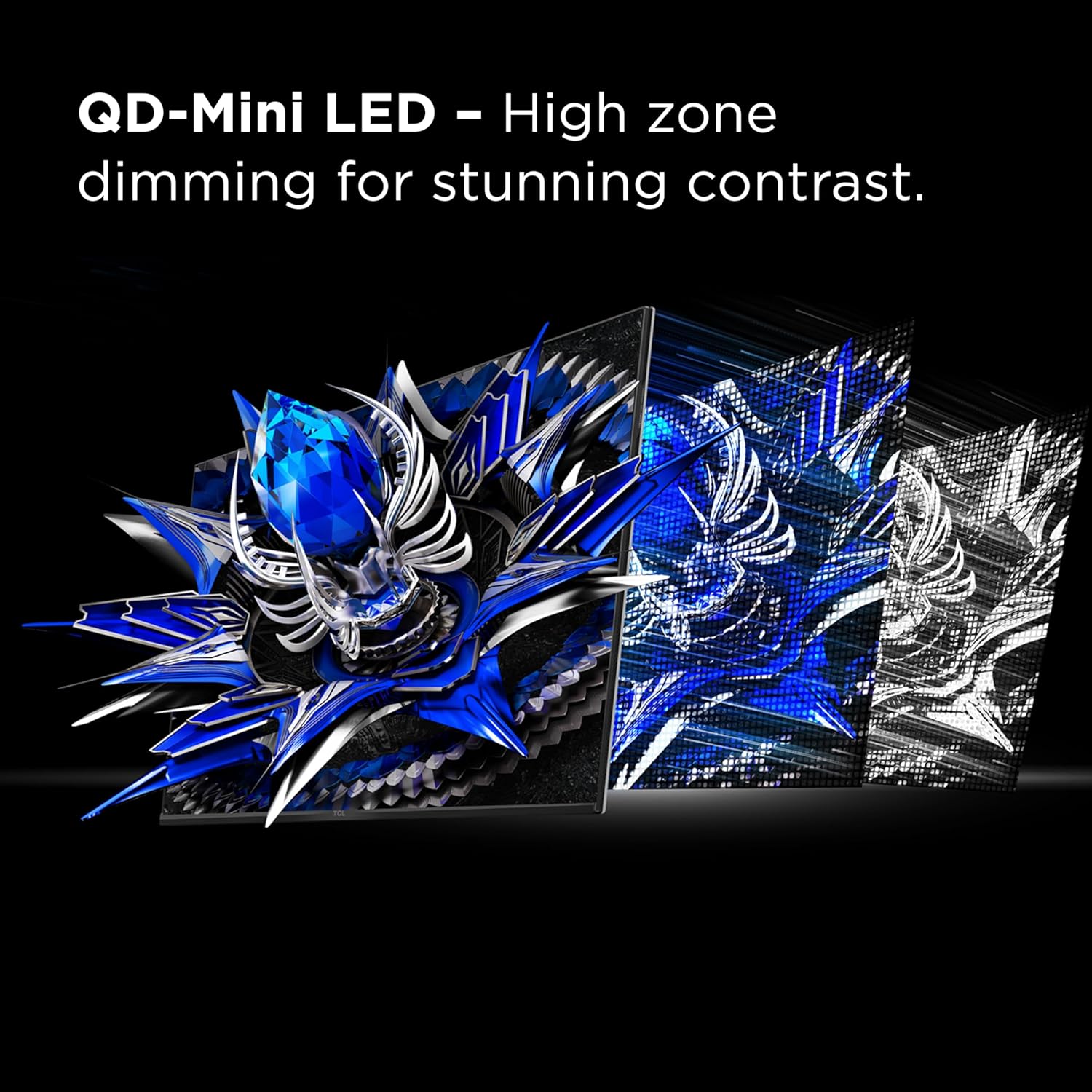
Image 5.1: Visual representation of QD-Mini LED's high zone dimming for contrast.
5.2.2 Sistema ta' Kontroll tal-Halo TCL
This advanced technology suite, including a powerful light-emitting microchip, super condensed micro lens, and HVA panel, works to minimize halo effects around bright objects on dark backgrounds, improving picture accuracy.

Image 5.2: Comparison showing reduced halo effect with Halo Control System.
5.2.3 Riżoluzzjoni u Rata ta' Aġġornament
The monitor features a 4K UHD (3840x2160) resolution and a 165Hz native refresh rate. Adjust these settings in your operating system's display settings for optimal clarity and fluid motion.

Image 5.3: Visual difference between 4K UHD and lower resolutions.
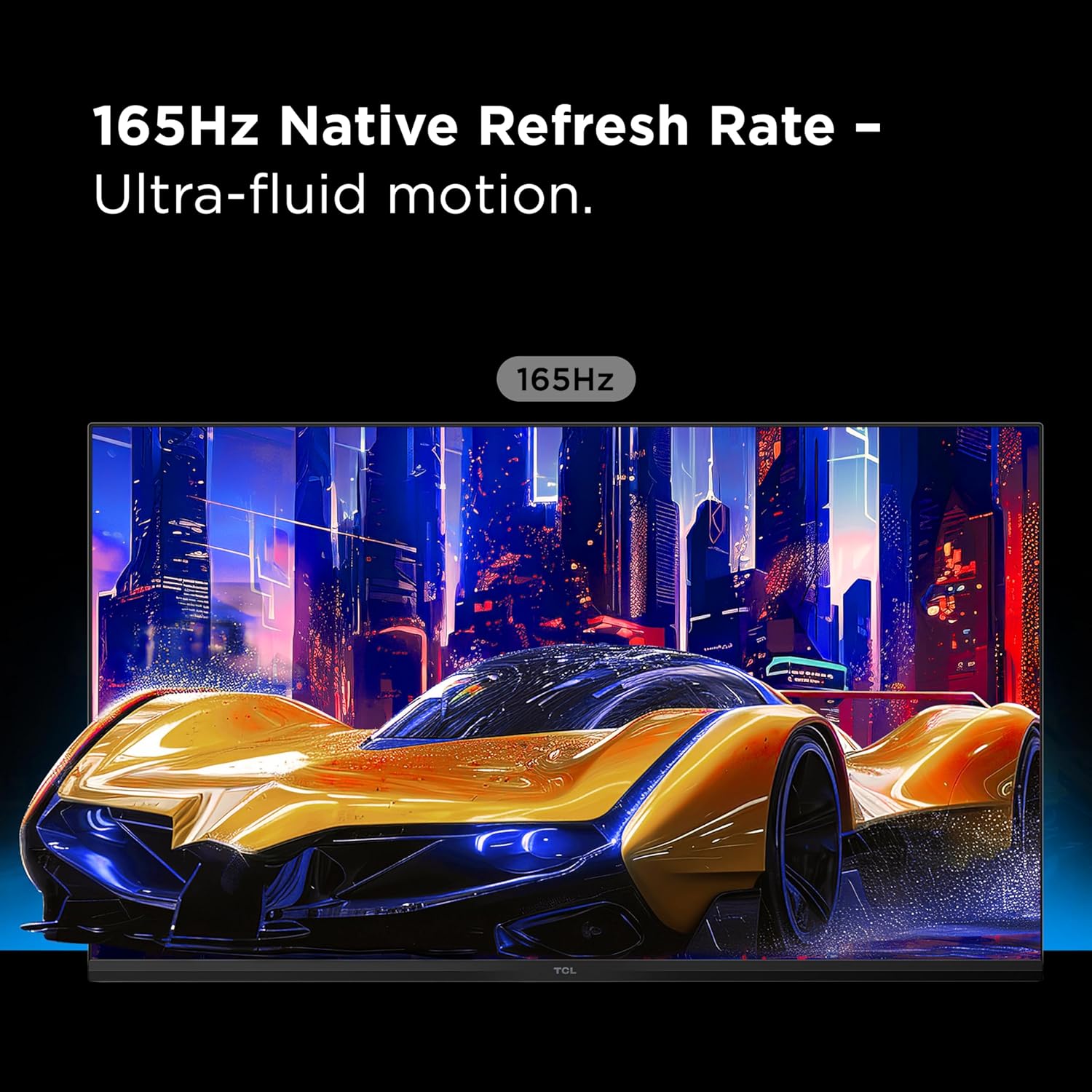
Image 5.4: Depiction of ultra-fluid motion at 165Hz.
5.2.4 HDR1400 Brightness and LD1400 Precise Dimming
The monitor supports HDR1400 for ultra-bright highlights and deep contrast. The LD1400 Precise Dimming Series provides scene-by-scene backlight control for balanced contrast.
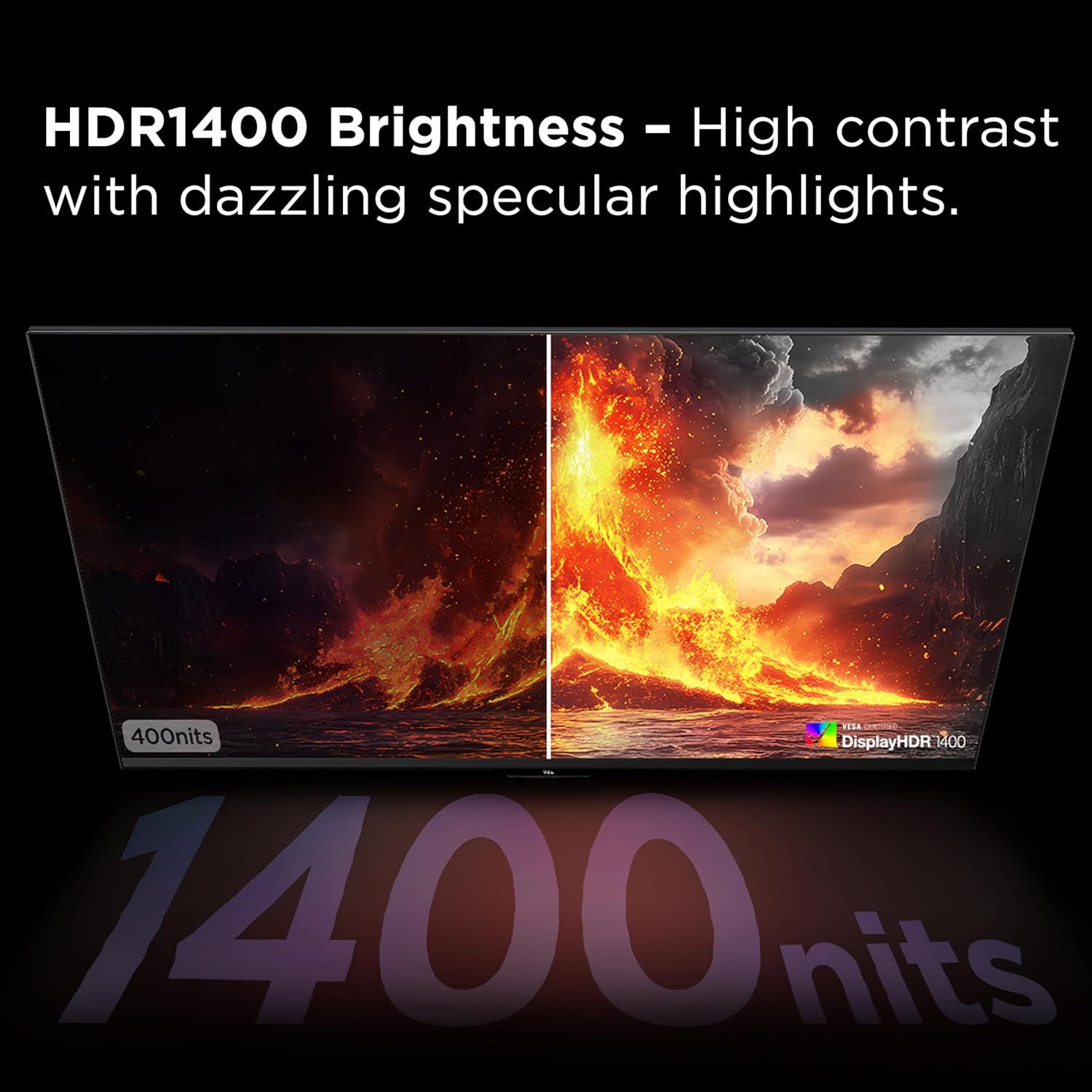
Image 5.5: Visual comparison of HDR1400 brightness.
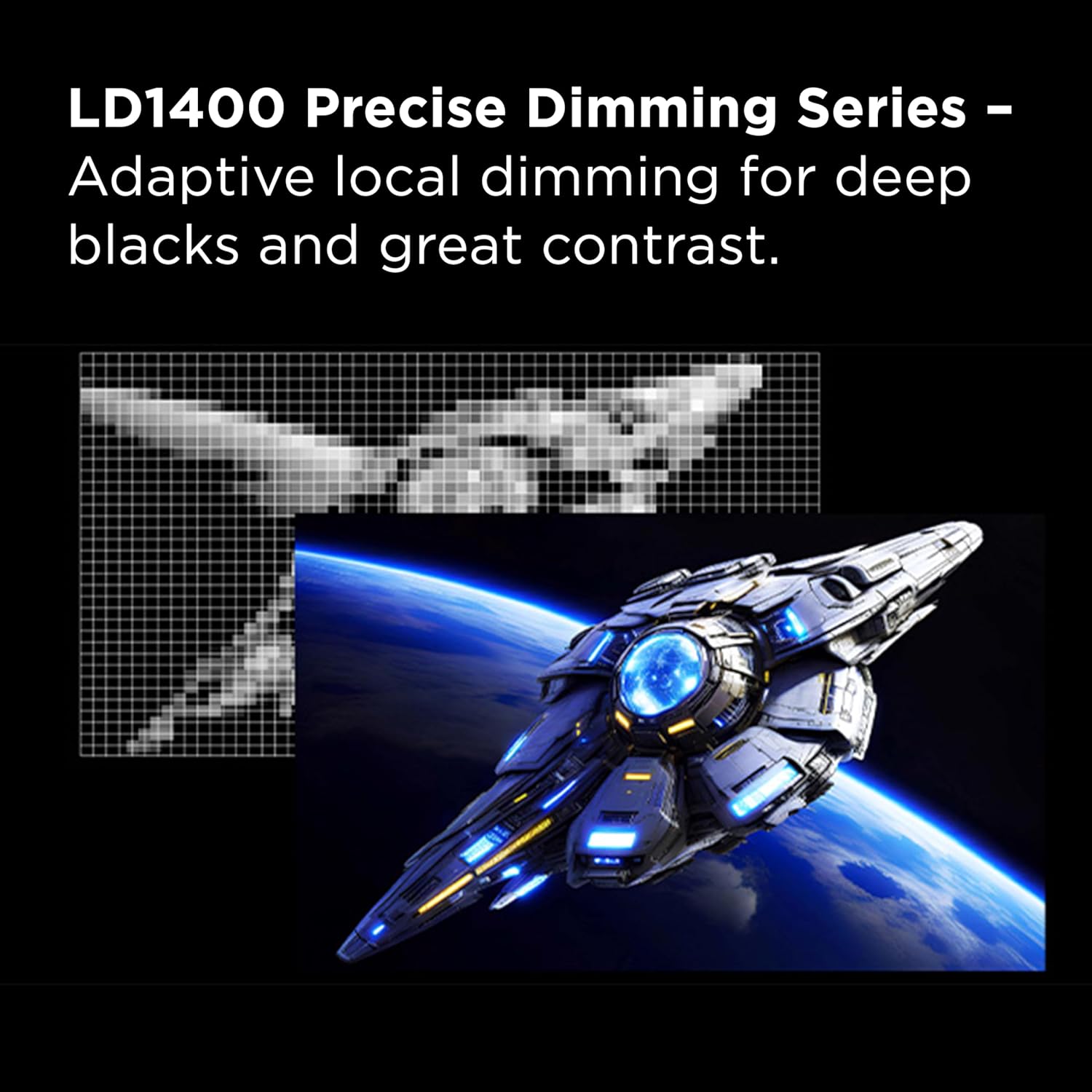
Image 5.6: Representation of LD1400 Precise Dimming for adaptive local dimming.
5.2.5 1ms (GTG) Response Time
Experience lightning-fast responsiveness with a 1ms Gray-to-Gray (GTG) response time, crucial for competitive gaming to minimize motion blur.

Image 5.7: Visualizing the impact of 1ms GTG response time on fast-moving images.
5.2.6 AMD FreeSync Premium and NVIDIA G-SYNC Compatibility
The monitor supports AMD FreeSync Premium and is compatible with NVIDIA G-SYNC, eliminating screen tearing and stuttering for a smoother gaming experience. Ensure these features are enabled in your graphics card settings.

Image 5.8: Demonstrating smoother motion with AMD FreeSync Premium enabled.
Teknoloġija 5.2.7 QLED
QLED technology delivers rich, vibrant colors across a wide spectrum, enhancing the realism and immersion of your content.

Image 5.9: Visual representation of QLED's vibrant color reproduction.
5.2.8 Effetti tad-Dawl RGB
The monitor features dynamic RGB lighting on the rear, providing an immersive ambient glow. These effects can typically be customized through the OSD menu.

Stampa 5.10: Wara view highlighting the RGB lighting effects.
5.2.9 Crosshair Aim Guide
For gaming, the monitor includes an on-screen crosshair aim guide. This feature can be enabled via the OSD to assist with aiming accuracy.

Immaġni 5.11: Eż.ample of the Crosshair Aim Guide in use during gameplay.
5.2.10 USB-C Power Delivery
The USB-C port supports power delivery, allowing you to charge compatible laptops or devices while simultaneously receiving video and data signals through a single cable.

Image 5.12: USB-C Power Delivery for simplified connectivity.
5.2.11 Built-in Stereo Speakers
The monitor includes built-in stereo speakers for audio output. Volume can be adjusted via the OSD or your connected device.

Image 5.13: Visual representation of built-in stereo speakers.
5.2.12 Stand aġġustabbli
The monitor stand allows for tilt, swivel, and height adjustments to achieve an ergonomic viewing pożizzjoni.
- Mejjel: Aġġusta l-angolu tal-iskrin 'il quddiem jew lura.
- Dawwar: Dawwar l-iskrin orizzontalment.
- Aġġustament Għoli: Għolli jew baxxi l-iskrin sal-livell tal-għajnejn.
6. Manutenzjoni
6.1 Tindif tal-Monitor
- Skrin: Imsaħ l-iskrin bil-mod b'ċarruta ratba u mingħajr suf. Għal marki persistenti, nixxef bil-modampLaħlaħ id-drapp bl-ilma jew b'soluzzjoni tat-tindif speċifika għall-iskrin. Tisprejjax likwidu direttament fuq l-iskrin.
- Casing: Uża drapp artab u niexef biex tnaddaf il-monitor casing. Evita prodotti tat-tindif jew solventi li joborxu.
6.2 Ħażna
When storing the monitor for extended periods, ensure it is powered off, unplugged, and stored in a cool, dry place away from direct sunlight and extreme temperatures.
7 Issolvi l-problemi
| Problema | Kawża Possibbli | Soluzzjoni |
|---|---|---|
| L-ebda immaġni fuq l-iskrin | Power cable disconnected; input cable disconnected; incorrect input source selected. | Check power and input cable connections. Select the correct input source via the OSD. |
| L-immaġni teptip jew instabbli | Incorrect refresh rate; faulty cable; graphics card issue; FreeSync/G-SYNC settings. | Adjust refresh rate in OS. Try a different cable. Update graphics drivers. Verify FreeSync/G-SYNC settings. |
| L-ebda ħoss mill-kelliema | Volume too low; incorrect audio output selected in OS; faulty cable. | Increase monitor volume via OSD. Select monitor as audio output in OS. Check audio cable if using 3.5mm jack. |
| Il-kuluri jidhru mhux korretti | Color settings misconfigured; HDR mode issues. | Reset color settings in OSD. Calibrate colors. Ensure HDR settings are correct in OS and monitor. |
8. Speċifikazzjonijiet
| Karatteristika | Dettall |
|---|---|
| Numru tal-Mudell | 32R84 |
| Daqs tal-Iskrin | 32 Pulzier |
| Riżoluzzjoni tal-Wiri | 3840x2160 (4K UHD) |
| Max Rata ta' Aġġornar | 165Hz |
| Ħin ta' Rispons | 1ms (GTG) |
| Tip ta' Panel | QD-Mini LED, HVA Panel |
| Appoġġ HDR | HDR1400 (VESA DisplayHDR 1400 Certified) |
| Sinkronizzazzjoni Adattiva | AMD FreeSync Premium, NVIDIA G-SYNC Compatible |
| Konnettività | 2x HDMI, 1x DisplayPort, 1x USB-C (with Power Delivery), USB Upstream, Headphone Out |
| Dimensjonijiet (L x W x H) | 7.8 x 71.3 x 41.9 ċm (Prodott) |
| Piż | 13.6 kg |
| Kulur | Iswed/Abjad |
9. Garanzija u Appoġġ
Għal informazzjoni dwar il-garanzija u appoġġ tekniku, jekk jogħġbok irreferi għall-karta tal-garanzija inkluża mal-prodott tiegħek jew żur is-sit uffiċjali tal-appoġġ tat-TCL. websit. Żomm l-irċevuta tax-xiri tiegħek bħala prova tax-xiri.
Appoġġ TCL Websit: www.tcl.com/ca/en/support


