Introduzzjoni
This manual provides detailed instructions for the installation, operation, and maintenance of your LongPlus 2K Vicohome Wireless Outdoor Security Camera. Please read this manual thoroughly before using the product to ensure proper functionality and safety.

Image: Two LongPlus 2K Vicohome Wireless Outdoor Security Cameras, black, with water droplets, mounted on a wall bracket.
Kontenut tal-Pakkett
Iċċekkja li l-oġġetti kollha elenkati hawn taħt huma inklużi fil-pakkett tiegħek:
- Security Camera with Bracket
- Pakkett ta 'Viti
- Irrisettja Labra
- Cable USB
- Gwida Quick Start
Karatteristiċi tal-Prodott
- AI Event Analysis: Identifies and differentiates between people, pets, vehicles, and packages to reduce false alarms.
- 3MP Color Night Vision: Captures clear color images in low light conditions up to 33 feet.
- PIR Motion Detection & Siren Alarm: Triggers an audio and strobe light alarm upon detecting humanoid motion.
- Ħażna Flessibbli: Supports up to 128GB Micro SD card (not included) and optional cloud storage.
- Diskussjoni f'żewġ direzzjonijiet: Allows communication through the Vicohome app.
- 100% Wire-free: Battery-operated design for easy installation without wiring.
- Integrazzjoni tad-Dar Intelliġenti: Kompatibbli ma' Amazon Alexa.
- Qasam Wiesgħa ta View: 125-grad viewangolu tal-ing.
- Disinn reżistenti għat-temp: Klassifikazzjoni IP65 għall-użu fuq barra.
Setup
1. Iċċarġjar tal-Kamera
Before initial use, fully charge the camera using the provided USB cable. The charging indicator light will show the charging status.
2. Installazzjoni tal-App u Ħolqien ta' Kont
- Download the "Vicohome" app from your smartphone's app store (iOS or Android).
- Iftaħ l-app u segwi l-istruzzjonijiet fuq l-iskrin biex toħloq kont u illoggja.
3. Konnessjoni mal-Wi-Fi
- Ensure your camera is powered on and near your Wi-Fi router.
- In the Vicohome app, tap the "+" icon to add a new device.
- Follow the app's instructions to connect the camera to your 2.4GHz Wi-Fi network. 5GHz networks are not supported.
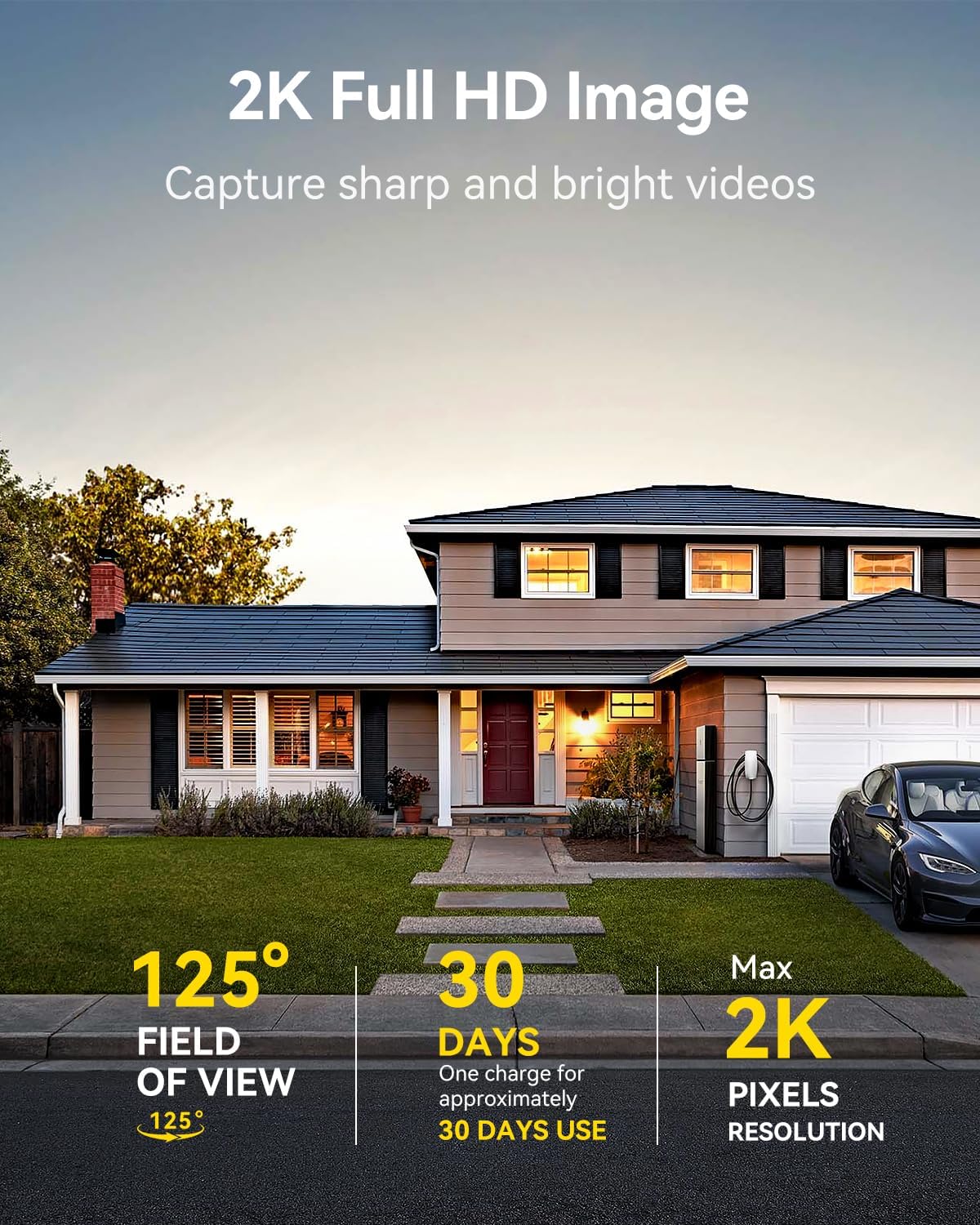
Image: A LongPlus security camera on a wooden table, illustrating its 2.4GHz WiFi connectivity.
4. Immuntar tal-Kamera
The camera can be mounted on a ceiling or wall. Choose a location that provides the desired viewangolu ta' ing u jinsab fil-firxa tal-Wi-Fi.
- Mark the positions for drilling using the camera bracket as a template.
- Ħaffer toqob pilota u daħħal ankri tal-ħajt jekk meħtieġ.
- Secure the bracket to the surface using the provided screws.
- Waħħal il-kamera mal-bracket u aġġusta l-angolu.

Image: A LongPlus security camera mounted on an outdoor wall, demonstrating its wire-free installation.
Operazzjoni
1. Ħaj View
Open the Vicohome app and select your camera to view the live feed. You can monitor your surroundings in real-time.

Image: A smartphone displaying the live feed from a LongPlus security camera, showing children playing in a yard.
2. Diskors f'Żewġ Direzzjonijiet
Mill-live view screen in the app, tap the microphone icon to initiate two-way communication. Speak into your phone to communicate with individuals near the camera.

Image: A person receiving a package at their front door, demonstrating the two-way talk feature of the LongPlus camera.
3. Issettjar tad-Detezzjoni tal-Mozzjoni
Configure motion detection sensitivity and define detection zones within the Vicohome app settings for your camera. This helps in reducing unwanted alerts.

Image: A man walking past a LongPlus security camera, illustrating motion detection and app alerts.

Immaġni: Ritratt mill-ajru view of a house with a pool, illustrating customizable motion detection zones for different objects.

Image: A house with a lawn, demonstrating the ability to set specific motion detection zones.
4. Viżjoni bil-lejl
The camera automatically switches to color night vision in low light conditions, providing clear visibility.

Image: A LongPlus security camera mounted outdoors at night, showing its color night vision capability on a smartphone screen.
5. Reġistrazzjoni u Daqq
Recordings are stored on a Micro SD card (if installed) or in the cloud (subscription may be required). Access and playback recorded events through the Vicohome app's library section.

Image: A LongPlus camera with an SD card being inserted, illustrating local and cloud storage options.
6. Qsim tal-Apparat
You can share access to your camera with other users through the Vicohome app, allowing multiple individuals to monitor the feed simultaneously.
7. Smart Home Integrazzjoni
The camera is compatible with Amazon Alexa. Follow the instructions in the Vicohome app or Alexa app to link your devices and use voice commands for monitoring.

Image: A person using an Amazon Echo Show to view the camera feed via Alexa voice commands.
Manutenzjoni
1. Iċċarġjar tal-Batterija
Monitor the battery level through the Vicohome app. Recharge the camera when the battery is low to ensure continuous operation. If the camera is installed in a hard-to-reach location, consider using a compatible solar panel charger (sold separately) to reduce the frequency of manual charging.
2. Ġestjoni tal-Kard SD
If using a Micro SD card, ensure it is a genuine card and inserted correctly. Periodically review u jimmaniġġjaw foo maħżunatage. The card can be ejected with a gentle press.
3. Tindif
Gently wipe the camera lens and body with a soft, dry cloth to remove dust and debris. Avoid using harsh chemicals or abrasive materials.
Issolvi l-problemi
| Problema | Kawża Possibbli | Soluzzjoni |
|---|---|---|
| Il-kamera ma tikkonnettjax mal-Wi-Fi | Incorrect Wi-Fi password; camera too far from router; 5GHz Wi-Fi network used. | Verify Wi-Fi password. Move camera closer to router. Ensure you are connecting to a 2.4GHz Wi-Fi network. Reset the camera using the reset needle and try pairing again. |
| Allarmi foloz frekwenti | High motion detection sensitivity; environmental factors (e.g., moving branches, insects). | Reduce motion detection sensitivity in the Vicohome app. Define specific detection zones to exclude irrelevant areas. |
| Ħajja qasira tal-batterija | Frequent motion detection events; cold weather; continuous live view użu. | Reduce motion detection sensitivity. Limit live view sessions. Consider purchasing a solar panel charger for continuous power. Ensure the camera is fully charged before deployment. |
| Kwalità fqira tal-immaġni bil-lejl | Obstructions near the lens; insufficient ambient light for color night vision. | Ensure the camera lens is clean and free from obstructions. Verify that the night vision mode is active in the app settings. |
| Il-karta SD mhux qed tirrekordja | SD card not inserted correctly; incompatible SD card; SD card full or corrupted. | Reinsert the SD card carefully. Use a genuine Micro SD card up to 128GB. Format the SD card through the app. Replace the SD card if corrupted. |
Speċifikazzjonijiet
| Karatteristika | Dettall |
|---|---|
| Numru tal-Mudell | X84 |
| Użu fuq ġewwa/barra | Ġewwa, Barra |
| Sors tal-Enerġija | Mħaddma bil-batterija |
| Protokoll tal-Konnettività | Wi-Fi (2.4GHz) |
| Tip ta' Kontrollur | Amazon Alexa, Vicohome App |
| Riżoluzzjoni tal-Qbid tal-Vidjo | 1440p (2K) |
| Riżoluzzjoni Għadha Effettiva | 3 MP |
| ViewIng Angolu | 130 Grad |
| Medda tal-Viżjoni Lejl | 33 Saqajn |
| Frame Rata | 15 frejm kull sekonda |
| Materjal | Kwalità Għolja ABS |
| Livell ta 'Reżistenza għall-Ilma | IP65 (Li ma jgħaddix ilma) |
| Memorja Flash Daqs Sostnut Massimu | 128 GB (Mikro SD) |
| Dimensjonijiet tal-oġġett (L x W x H) | 2.36 x 2.16 x 4 pulzieri |
| Piż tal-oġġett | 1.59 libbra (0.72 Kilogrammi) |
| Batteriji | 1 batterija tal-jone tal-litju meħtieġa (inkluża) |
Appoġġ
For technical assistance, troubleshooting beyond this manual, or warranty inquiries, please contact LongPlus customer support. Refer to the product packaging or the official LongPlus websit għal informazzjoni ta' kuntatt.
Tista' wkoll iżżur il- LongPlus Store on Amazon għal aktar informazzjoni u riżorsi dwar il-prodott.


