1. Introduzzjoni
This manual provides essential information for the proper setup, operation, and maintenance of your Blackview Tab9WiFi Android 15 Tablet. Please read this guide thoroughly to ensure optimal performance and longevity of your device.
2. Kontenut tal-Pakkett
Iċċekkja li l-oġġetti kollha elenkati hawn taħt huma inklużi fil-pakkett tal-prodott tiegħek:
- Iswedview Tab9WiFi Tablet
- Kawża Protettiva
- Ċarġer tal
- Kejbil tal-Iċċarġjar tat-Tip C
- Manwal għall-Utent
- SIM Eject Pin

Immaġni: Iswedview Tab9WiFi Tablet with included accessories.

Image: Detailed diagram illustrating the contents of the Blackview Tab9WiFi package.
3. Setup Inizjali
3.1 Ixgħel u Konfigurazzjoni Inizjali
- Press and hold the Power button located on the side of the tablet until the Blackview jidher il-logo.
- Segwi l-istruzzjonijiet fuq l-iskrin biex tagħżel il-lingwa u r-reġjun tiegħek, u tikkonnettja ma' netwerk Wi-Fi.
- Sign in with your Google account to access the Google Play Store and synchronize your data.
3.2 Espansjoni tal-Memorja
The tablet supports memory expansion up to 2TB via a TF card (not included). To expand memory:
- Mur fuq Settings.
- Innaviga lejn Dwar il-Pillola.
- Tektek fuq Memorja RAM li taħdem.
- Drag the Expansion Bar to the Right.
- Erġa' ibda t-tablet biex il-bidliet jidħlu fis-seħħ.
4. Istruzzjonijiet Operattivi
4.1 Android 15 with Gemini AI
L-Iswed Tiegħekview Tab9WiFi runs on Android 15 and integrates Google Gemini AI for enhanced functionality. Gemini AI acts as a voice-controlled assistant for daily tasks, language translation, and more.
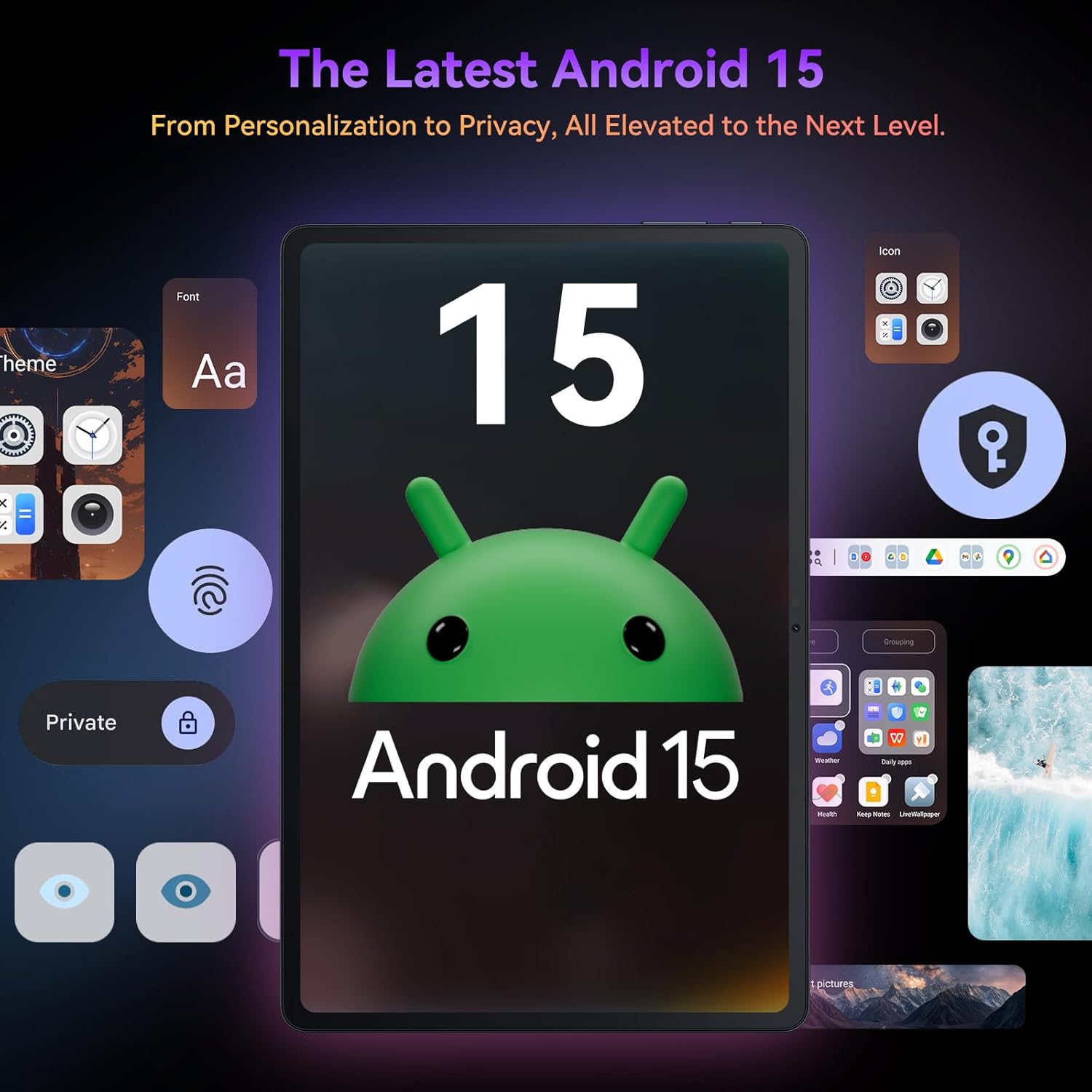
Immaġni: L-Iswedview Tab9WiFi displaying the Android 15 operating system interface.
4.2 DokeOS_P 4.0 Features
The tablet features DokeOS_P 4.0, offering improved convenience, fluency, privacy, and personalization. Key features include:
- Attenzjoni fuq l-Iskrin: Iżomm l-iskrin mixgħul waqt li tkun qed tħares lejh.
- Sottotitli f'ħin reali: Never miss a word with live captioning.
- Pre-installed Professional WPS Office Suite: For document creation and editing.
- Drag-and-drop Function: Easier way to copy and paste content.
- Karatteristiċi tal-Privatezza: Cleared Clipboard History, Set Privacy Boundaries.
- Personalizzazzjoni: Full Set of Personal Theme, Larger Folders.

Image: Visual representation of DokeOS_P 4.0 features on the Blackview Tab9WiFi.
4.3 Display Modes and PC Mode
The 11-inch 2K Incell display offers various eye-comfort modes:
- Modalità Skura: Reduces eye strain in low light.
- Modalità Qari: Optimizes display for reading.
- Modalità Dawl bil-Lejl: Filters blue light for better sleep.
Uża Modalità PC for a laptop-like experience, enhancing productivity with multi-window functionality.

Immaġni: L-Iswedview Tab9WiFi demonstrating various display modes and its PC Mode functionality.
4.4 Karatteristiċi tal-Kamera
The tablet is equipped with AI-powered 8MP front and 16MP rear cameras. The Magic AI Photo Editor includes features like AI Magic Erase, AI One-Tap Sky Replacement, AI Portrait Unblur, and AI Color Focus to enhance your photos.
Użu Smart Google Lens to explore the world with ease, including instant text translation, object identification, and price finding.

Immaġni: L-Iswedview Tab9WiFi highlighting its AI-powered camera features and capabilities.
4.5 Konnettività
The tablet supports dual-band 5G WiFi for fast and stable internet connectivity.
5. Speċifikazzjonijiet
| Karatteristika | Dettall |
|---|---|
| Brand | Iswedview |
| Isem tal-Mudell | Tab9WiFi |
| Sistema Operattiva | Android 15 |
| Proċessur | Unisoc T606 Octa-Core CPU |
| RAM | 24GB (8GB + 16GB virtual RAM) |
| Ħażna Interna | 256GB ROM |
| Ħażna espansibbli | Karta TF sa 2TB |
| Daqs tal-Iskrin | 11 Pulzier |
| Tip ta 'Wiri | 2K Incell Display |
| Riżoluzzjoni Massima tal-Iskrin | 2048x1536 Pixel |
| Kamera ta' wara | Kamera AI 16MP |
| Kamera ta' Quddiem | Kamera AI 8MP |
| Kapaċità tal-batterija | 8200mAh |
| Konnettività bla fili | 5G WiFi (802.11ac) |
| Dimensjonijiet (LxWxH) | 8 x 3 x 0.5 pulzieri |
| Piż tal-oġġett | 2.59 liri |
6. Manutenzjoni
6.1 Kura tal-Batterija
The 8200mAh battery is optimized with AI smart battery-saving technology. To maximize battery life:
- Evita temperaturi estremi.
- Uża l-ċarġer u l-kejbil provduti.
- Enable minimalist power saving mode for extended standby.

Immaġni: L-Iswedview Tab9WiFi highlighting its large 8200mAh battery and AI power-saving features.
6.2 Kura Ġenerali
- Keep the tablet clean and free from dust.
- Avoid dropping the device or exposing it to liquids.
- Use the protective case to prevent scratches and damage.
7 Issolvi l-problemi
Jekk tiltaqa' ma' xi problemi bil-Black tiegħekview Tab9WiFi, try the following common solutions:
- Apparat mhux qed jixgħel: Ensure the battery is charged. Connect the charger and wait at least 30 minutes before attempting to power on again.
- Prestazzjoni bil-mod: Close unused applications, clear cache, or restart the device. Consider expanding memory with a TF card.
- Problemi ta' konnettività tal-Wi-Fi: Ensure Wi-Fi is enabled and you are within range of a known network. Restart your router and the tablet.
- Nuqqas ta' rispons tal-iskrin: Erġa' ibda t-tablet. Jekk il-problema tippersisti, wettaq reset tal-fabbrika (l-ewwel agħmel backup tad-dejta).
8. Garanzija u Appoġġ
L-Iswed Tiegħekview Tab9WiFi comes with a 720-day worry-free warranty. For any questions, technical support, or warranty claims, please contact customer service through your Amazon order page. Blackview products undergo strict examination and high-quality testing to ensure user satisfaction.

Image: Information regarding Blackview's two-year warranty support.
9. Vidjo Uffiċjali tal-Prodott
Vidjo: Wirja uffiċjali tal-vidjo tal-prodottasinl-Iswedview Android 15 Tablet Tab 9 WiFi with Gemini Ai 2.0. This video provides an overview of the tablet's features and design.


