Introduzzjoni
This manual provides detailed instructions for the setup, operation, and maintenance of your MoKo Ergonomic Foldable Bluetooth Keyboard DF047. Please read this manual thoroughly before using the product to ensure optimal performance and longevity.
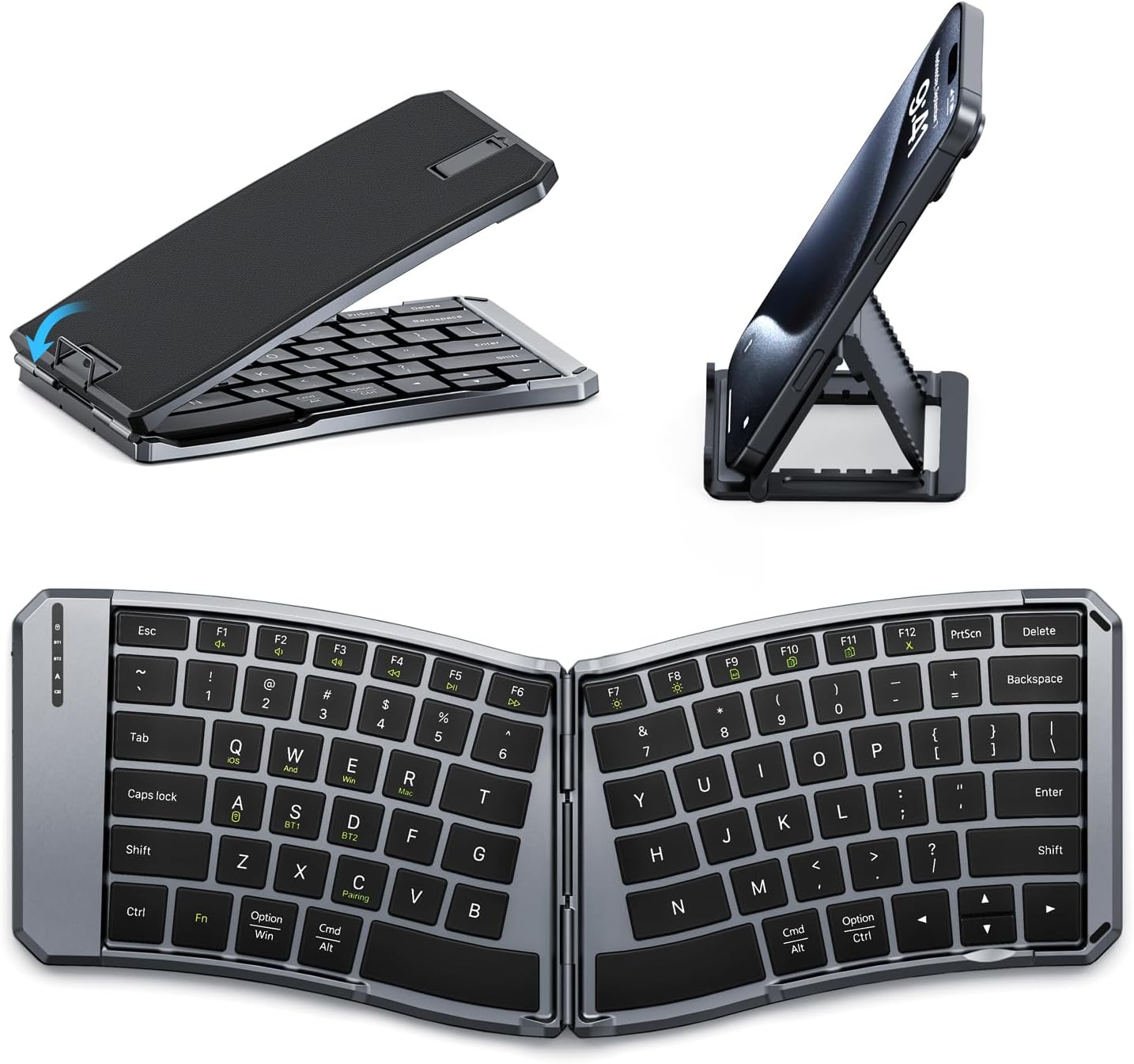
Image: The MoKo Ergonomic Foldable Bluetooth Keyboard shown in its compact folded form, alongside a phone stand, and fully unfolded, highlighting its ergonomic design.
Karatteristiċi tal-Prodott
- Ergonomic design for comfortable typing.
- Foldable and portable for easy travel.
- Dual connection modes: Bluetooth and 2.4G wireless.
- Connects up to 3 Bluetooth devices simultaneously.
- Wide compatibility with iOS, Android, Windows, and Mac OS.
- Built-in 140mAh rechargeable battery (USB-C).
- Auto-sleep function for extended battery life.
- Back locking clasp for stability during use.
- PU leather non-slip pad on base.
- Scissor mechanism keys for quiet typing.
Setup
1. Unboxing u Spezzjoni Inizjali
Carefully remove the keyboard and all accessories from the packaging. Inspect for any signs of damage.
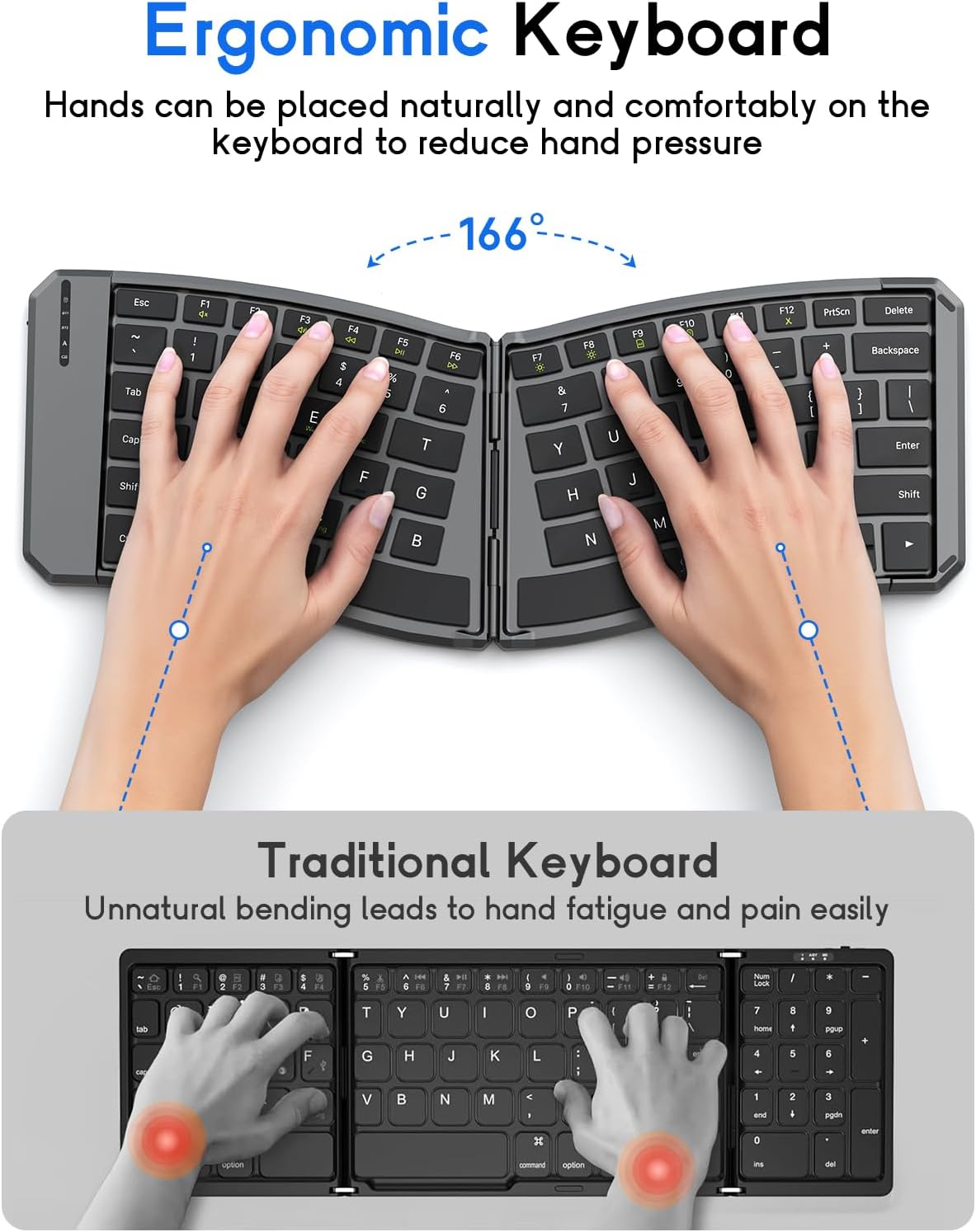
Image: The MoKo Ergonomic Foldable Bluetooth Keyboard in its compact, folded form, ready for transport.
2. Iċċarġjar tat-Tastiera
- Locate the USB-C charging port on the side of the keyboard.
- Connect the provided USB-C cable to the keyboard and a power source (e.g., computer USB port, USB wall adapter).
- The charging indicator light will illuminate. A full charge typically takes about 2 hours.
- Ladarba jkun iċċarġjat kompletament, id-dawl indikatur jinbidel jew jintefa.

Immaġni: Close-up view of the keyboard's USB-C charging port, illustrating where to connect the charging cable.
3. Unfolding the Keyboard
Gently unfold the keyboard until it lies flat. Ensure the back locking clasp is engaged for stability, especially when using on a lap.

Image: The MoKo Ergonomic Foldable Bluetooth Keyboard fully opened, showcasing its split ergonomic layout.

Immaġni: Dettaljata view of the back locking clasp, which secures the keyboard in its unfolded position for stable typing.
Istruzzjonijiet Operattivi
1. Power On/Off
Slide the power switch located on the side of the keyboard to the "ON" position to turn it on. Slide it to "OFF" to power down.
2. Konnessjoni permezz tal-Bluetooth
- Ixgħel it-tastiera.
- Agħfas il- Fn + Q (for iOS), Fn + W (for Android), or Fn + E (for Windows) keys to select the appropriate operating system mode.
- Agħfas Fn + C to enter pairing mode. The Bluetooth indicator light will flash.
- On your device (smartphone, tablet, PC), go to Bluetooth settings and search for "Bluetooth Keyboard" or a similar name.
- Select the keyboard to pair. The indicator light will stop flashing once connected.
- To switch between paired Bluetooth devices (up to 3), press Fn + BT1, Fn + BT2, jew Fn + BT3.
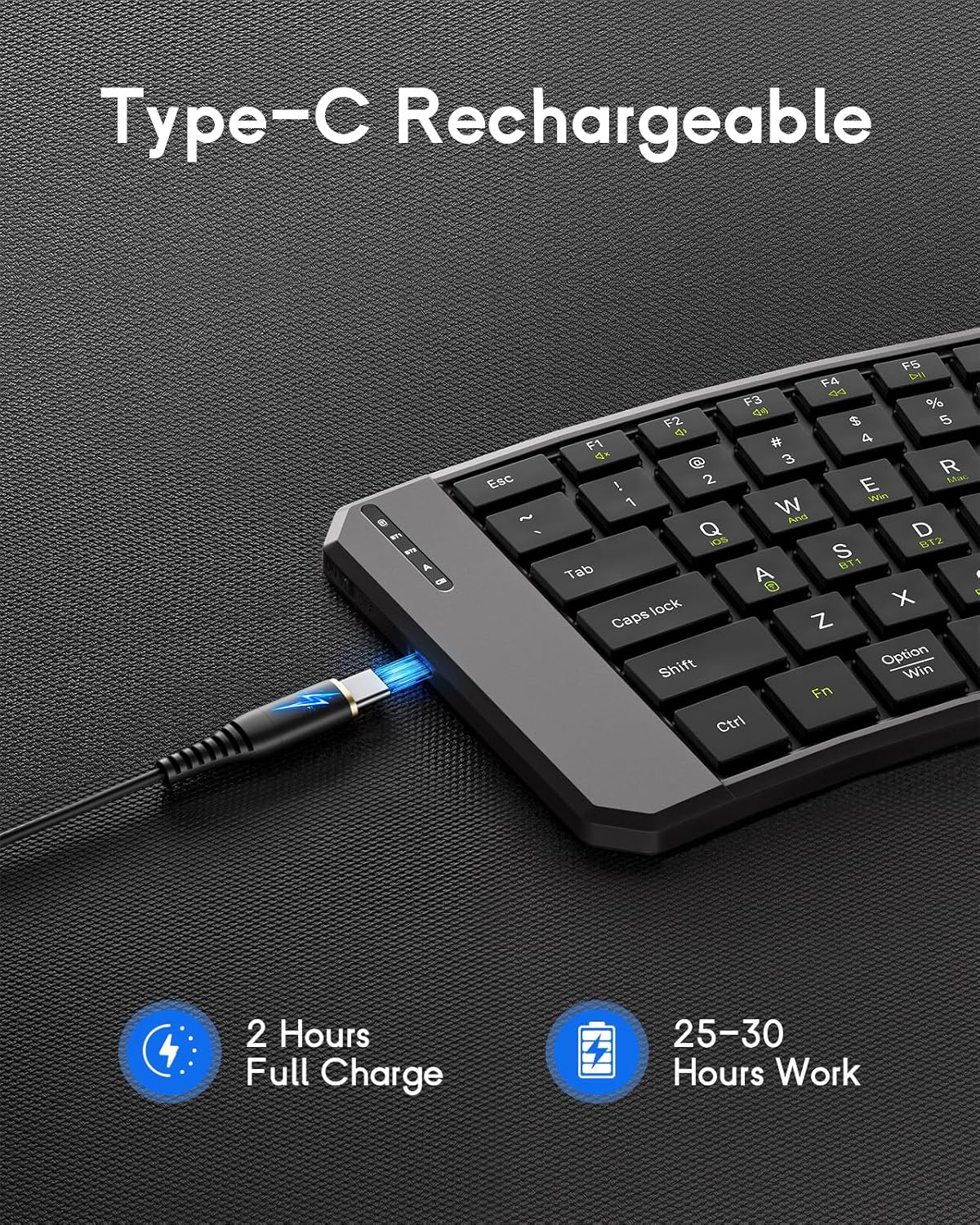
Image: The keyboard demonstrating its ability to connect to a smartphone, tablet, and laptop simultaneously using Bluetooth and 2.4G wireless connections.
3. Konnessjoni permezz ta' 2.4G Wireless (Riċevitur USB)
- Ixgħel it-tastiera.
- Sib ir-riċevitur USB 2.4G (ġeneralment maħżun f'kompartiment fuq it-tastiera).
- Ipplaggja r-riċevitur USB f'port USB disponibbli fuq il-kompjuter jew l-apparat tiegħek.
- It-tastiera għandha tikkonnettja awtomatikament.
4. System Compatibility Selection
- Fn+Q:iOS
- Fn + W: Android
- Fn+E: Windows
- Fn + RMac OS

Image: A visual guide illustrating the Fn key combinations required to switch between iOS, Android, Windows, and Mac OS modes for optimal compatibility.
5. Multimedia Keys
The keyboard features dedicated multimedia keys for quick access to functions like volume control, playback, etc. Refer to the key legends for specific functions.

Image: The keyboard layout emphasizing the independent multimedia keys for efficient task processing.
Manutenzjoni
- Keep the keyboard clean by wiping it with a soft, dry cloth.
- Avoid exposing the keyboard to extreme temperatures, moisture, or direct sunlight.
- Tużax kimiċi ħarxa jew tindif li joborxu.
- Store the keyboard in its folded position when not in use to protect the keys and conserve space.
Issolvi l-problemi
It-Tastiera Mhux Qed Tikkonnettja:
- Kun żgur li t-tastiera hija mixgħula u ċċarġjata kompletament.
- Ivverifika li l-Bluetooth huwa attivat fuq it-tagħmir tiegħek.
- Make sure the correct operating system mode is selected (Fn + Q/W/E/R).
- Re-enter pairing mode (Fn + C) and try connecting again.
- If using 2.4G, ensure the USB receiver is properly plugged in.
- Ipprova erġa' ibda kemm it-tastiera kif ukoll l-apparat tiegħek.
Iċ-Ċwievet Ma Jirrispondux:
- Iċċekkja l-livell tal-batterija u recharge jekk meħtieġ.
- Kun żgur li t-tastiera hija konnessa sew mat-tagħmir tiegħek.
- Naddaf kwalunkwe debris minn madwar iċ-ċwievet.
Dewmien jew Skonnettjar:
- Ersaq eqreb lejn l-apparat tiegħek biex tnaqqas l-interferenza.
- Ensure no other devices are causing Bluetooth interference.
- Erġa' qabbad it-tastiera mat-tagħmir tiegħek.
Speċifikazzjonijiet
| Karatteristika | Dettall |
|---|---|
| Mudell | DF047 |
| Dimensjonijiet tal-Prodott (Mitwija) | 7.09 × 4.92 × 1.5 pulzieri (18 × 12.5 × 3.8 ċm) |
| Dimensjonijiet tal-Prodott (Espansi) | 14.09 × 4.92 × 0.75 pulzieri (35.8 × 12.5 × 1.9 ċm) |
| Piż tal-oġġett | 13.4 uqija |
| Teknoloġija tal-Konnettività | Bluetooth, 2.4G Wireless |
| Kapaċità tal-batterija | 140mAh |
| Port tal-Iċċarġjar | USB-C |
| Ħin tal-Iċċarġjar | Appross. 2 sigħat |
| Ħin tax-Xogħol | 25-30 hours (fully charged) |
| Kompatibilità | iOS, Android, Windows, Mac OS |
| Layout tat-Tastiera | QWERTY |
| Karatteristiċi Speċjali | Ergonomic, Foldable, Lightweight, Portable, Auto-sleep, Back Locking Clasp, Non-slip Pad, Scissor-switch keys |
Vidjo Uffiċjali tal-Prodott
Video: An official product video demonstrating the features and functionality of the MoKo Ergonomic Foldable Bluetooth Keyboard, including its ergonomic design, portability, and connectivity options.
Garanzija u Appoġġ
For warranty information and customer support, please refer to the contact details provided in your product packaging or visit the official MoKo websit. Żomm l-irċevuta tax-xiri tiegħek għal pretensjonijiet ta' garanzija.
Manufacturer: MoKo
ASIN: B0FD9K7DKS


