1. Introduzzjoni
This manual provides essential information for setting up, operating, and maintaining your Thunderobot Storm 17 5060 Gaming Laptop. Please read this guide thoroughly to ensure proper usage and to maximize your product's performance and longevity. Keep this manual for future reference.
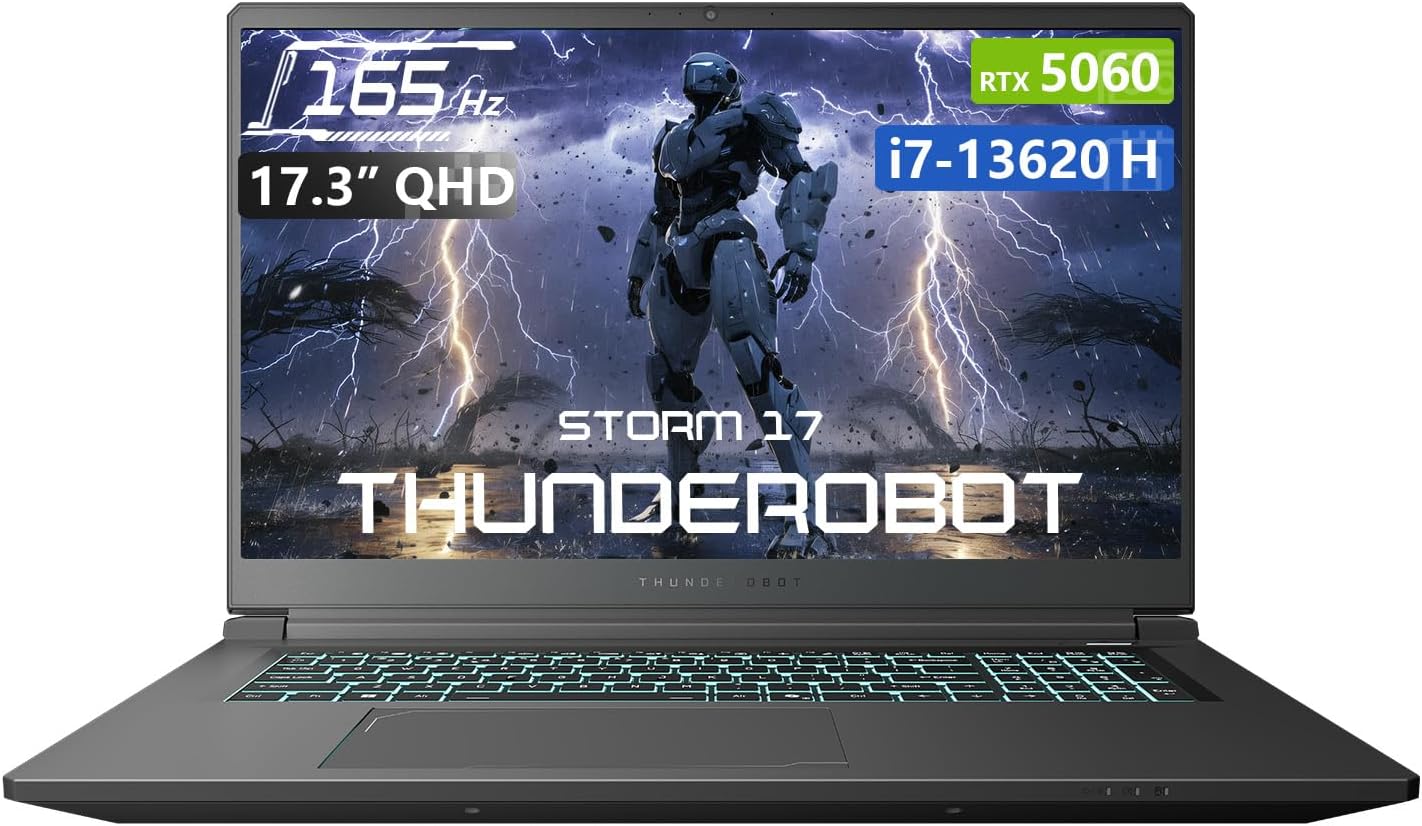
Figura 1.1: Quddiem view of the Thunderobot Storm 17 5060 Gaming Laptop.
2. Prodott Aktarview
The Thunderobot Storm 17 5060 is a high-performance gaming laptop designed for immersive experiences. It features advanced components and a robust cooling system.
2.1 Karatteristiċi ewlenin
- Wiri: 17.3-inch QHD (2560x1440) display with a 165Hz refresh rate, 100% sRGB color accuracy, and 1000:1 contrast ratio for crisp visuals.
- Proċessur: Intel Core i7-13620H processor, featuring 10 cores and 16 threads, with a base frequency of 1.80GHz and a max turbo frequency of up to 4.9GHz.
- Grafika: NVIDIA GeForce RTX 5060 dedicated graphics card for high-fidelity gaming and creative tasks.
- Memorja: 16GB DDR5 RAM, providing fast multitasking capabilities.
- Ħażna: 1TB PCIe M.2 SSD for rapid boot times and ample spazju għall-ħażna.
- Sistema tat-tkessiħ: Advanced thermal design with ultra-thin 0.2mm copper fins (245pcs) and dual 12V turbofans (60mm, 164 LCP blades, 19.8CFM) for efficient heat dissipation. Features four omnidirectional outlets and a dual-zone air duct.
- Konnettività: Multiple ports including 3x USB 3.0 Type-A, 1x USB Type-C, 1x HDMI, 1x RJ-45 Ethernet, and 1x Audio Port. Supports Wi-Fi 6 and Bluetooth.
- Tastiera: RGB Backlit Keyboard with a full-size numeric keypad.
- Batterija: 53Wh battery with support for 100W PD fast charging.
2.2 Visual Components

Figura 2.1: Prestazzjoni matulview highlighting the RTX 5060 graphics and Intel Core i7-13620H processor capabilities.

Figura 2.2: Dettaljat view of the 17.3-inch QHD 165Hz display specifications.
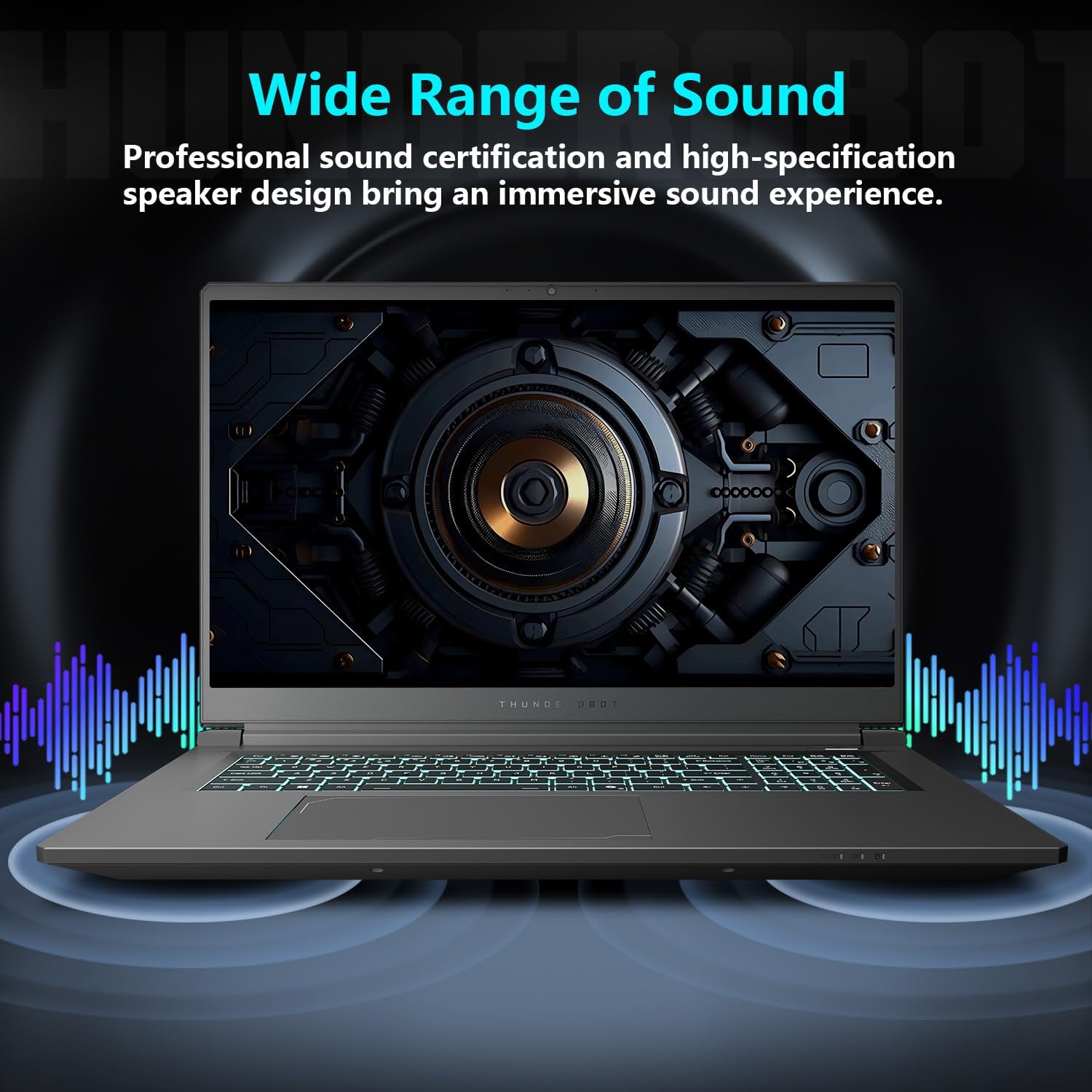
Figure 2.3: Diagram illustrating the various ports and slots on the Thunderobot Storm 17 laptop.

Figure 2.4: Illustration of the Direct-Flow Cooling Technology with pure copper heat pipes, high-speed fans, and four air outlets.
Vidjo 2.1: Fuqview of the THUNDEROBOT Series Display, showcasing visual features and design.
Video 2.2: THUNDEROBOT Gaming Gear showcase, featuring various peripherals and laptops in a gaming setup.
Video 2.3: THUNDEROBOT Storm 17 product highlights, demonstrating key features and design elements.
3. Setup
3.1 Tneħħija tal-kaxxa u Spezzjoni Inizjali
Carefully remove the laptop and its accessories from the packaging. Verify that all components listed in the "What's in the Box" section are present and undamaged. The box should contain:
- THUNDEROBOT Storm 17 Laptop
- Adapter tal-Enerġija u Cable
- Manwal għall-Utent (dan id-dokument)
Jekk xi oġġetti huma nieqsa jew bil-ħsara, ikkuntattja l-appoġġ għall-klijenti immedjatament.
3.2 Konnessjoni tal-Adapter tal-Enerġija
- Qabbad il-kejbil tal-enerġija mal-adapter tal-enerġija.
- Ipplaggja l-adapter tal-enerġija fi żbokk elettriku ertjat.
- Connect the DC-in plug from the adapter to the DC-in port on the laptop. The DC-in port is typically located on the side or rear of the laptop.
Huwa rakkomandat li l-laptop jiġi ċċarġjat kompletament qabel l-ewwel użu tiegħu.
3.3 Tixgħel Inizjali u Setup tal-Windows
- Iftaħ l-għatu tal-laptop.
- Agħfas il-buttuna tal-qawwa, li ġeneralment tinsab fuq il-gverta tat-tastiera.
- Segwi l-istruzzjonijiet fuq l-iskrin biex tlesti s-setup tal-Windows 11 Home. Dan jinkludi l-għażla tar-reġjun tiegħek, il-lingwa, il-konnessjoni ma' netwerk Wi-Fi, u l-ħolqien ta' kont tal-utent.
4. Istruzzjonijiet Operattivi
4.1 Ġestjoni tal-Enerġija
- Qawwa Mixgħul: Agħfas il-buttuna tal-qawwa.
- Modalità Sleep: Close the lid or press the power button briefly. You can also select "Sleep" from the Windows Start menu.
- Itfi: Agħżel "Itfi" mill-menù Start tal-Windows.
- Ibda mill-ġdid: Agħżel "Irritorna" mill-menu Start tal-Windows.
4.2 Tastiera u Touchpad
The laptop features an RGB backlit keyboard and a precision touchpad.
- Kontroll tad-dawl ta' wara: Uża l- Fn + Spacebar combination to cycle through different backlight modes or turn it off.
- Tastiera numerika: The full-size numeric keypad is integrated for convenient data entry.
- Touchpad: Jappoġġja ġesti multi-touch għan-navigazzjoni. Irreferi għas-settings tal-Windows għall-adattament.

Figure 4.1: The RGB backlit keyboard of the Storm 17 laptop.
4.3 Konnessjonijiet Esterni
Qabbad apparati esterni billi tuża l-portijiet disponibbli:
- Portijiet USB tat-Tip A: For connecting USB devices like mice, keyboards, and external drives.
- Port USB tat-Tip Ċ: Għall-konnessjoni ta' apparati USB-C kompatibbli.
- Port HDMI: Qabbad ma' monitor estern jew TV għal wiri estiż.
- Port Ethernet RJ-45: Għal konnessjonijiet tan-netwerk bil-fili.
- Port tal-awdjo: Għall-konnessjoni ta' headphones jew kelliema esterni.
4.4 Konnettività bla fili
- Wi-Fi 6: Connect to wireless networks for internet access. Manage Wi-Fi settings through Windows.
- Bluetooth: Pair with Bluetooth-enabled devices such as headphones, speakers, or game controllers. Manage Bluetooth settings through Windows.
4.5 Control Center Software
The Thunderobot Control Center software allows you to customize various laptop settings for optimal performance and user experience. This includes:
- System Performance Modes: Switch between performance, entertainment, and low-noise modes based on your usage. Note: System mode switching requires the device to be connected to a power source.
- LED Keyboard Customization: Aġġusta l-effetti tad-dawl u l-kuluri RGB.
- FlexiCharger: Manage battery charging settings to extend battery lifespan.
- Flexikey: Customize key and mouse functions.

Figure 4.2: Interface of the Thunderobot Control Center software.
5. Manutenzjoni
5.1 Tindif tal-Laptop Tiegħek
- Uża drapp ratba u mingħajr ħelu dampNaddaf bl-ilma jew b'prodott speċjalizzat għat-tindif tal-iskrin biex tnaddaf id-displej.
- For the keyboard and chassis, use a soft cloth. A can of compressed air can help remove dust from between keys and vents.
- Evita li tuża kimiċi ħarxa, solventi, jew materjali li joborxu.
5.2 Kura tal-Batterija
- Evita li tiċċarġja l-batterija kompletament ta' spiss.
- If storing the laptop for an extended period, charge the battery to about 50-60% and store it in a cool, dry place.
- Utilize the FlexiCharger feature in the Control Center to optimize battery health.
5.3 Aġġornamenti tas-Softwer u s-Sewwieqa
Aġġorna s-sistema operattiva u d-drivers tiegħek regolarment biex tiżgura prestazzjoni u sigurtà ottimali.
- Aġġornamenti tal-Windows: Mur fuq Settings > Aġġornament tal-Windows biex tiċċekkja u tinstalla aġġornamenti.
- Aġġornamenti tas-sewwieq: Visit the official Thunderobot support website for the latest drivers for your Storm 17 model. NVIDIA graphics drivers can also be updated via the GeForce Experience application.
5.4 Ġestjoni Termali
To maintain optimal cooling performance:
- Ensure the laptop's vents are unobstructed. Avoid placing the laptop on soft surfaces like beds or carpets during heavy use.
- Periodically clean dust from the vents using compressed air.
- Use the "One-click forced cooling" feature in the Control Center during intensive tasks if needed.
6 Issolvi l-problemi
This section addresses common issues you might encounter with your Thunderobot Storm 17 laptop.
6.1 No Power or Laptop Not Turning On
- Kun żgur li l-adapter tal-enerġija huwa konness sew kemm mal-laptop kif ukoll ma' sokit elettriku li jaħdem.
- Ivverifika li s-sokit tal-enerġija jaħdem billi tqabbad apparat ieħor.
- If the battery is completely drained, allow the laptop to charge for at least 30 minutes before attempting to power it on.
6.2 Kwistjonijiet tal-Wiri
- L-ebda immaġni fuq l-iskrin: Qabbad monitor estern mal-port HDMI biex tivverifika jekk il-problema hijiex fid-displej intern tal-laptop.
- Immaġni teptip jew mgħawġa: Aġġorna d-drajvers tal-grafika tiegħek. Iċċekkja l-konnessjonijiet tal-kejbil tad-displej jekk qed tuża monitor estern.
- Incorrect resolution or refresh rate: Adjust display settings in Windows (Settings > Sistema > Wiri).
6.3 Problemi ta' Prestazzjoni
- Prestazzjoni bil-mod: Close unnecessary applications. Check for background processes consuming high CPU/RAM in Task Manager. Ensure the laptop is in a high-performance mode via the Control Center (when plugged in).
- Is-sħana żejda: Ensure vents are clear. Use the forced cooling feature. Consider using a laptop cooling pad.
- Game stuttering: Update graphics drivers. Lower in-game graphics settings. Ensure the laptop is using the dedicated RTX 5060 GPU for games.
6.4 Connectivity Issues (Wi-Fi, Bluetooth, USB)
- Il-Wi-Fi mhux qed jikkonnettja: Restart your router and modem. Check Wi-Fi settings in Windows. Ensure Wi-Fi is enabled.
- Apparat Bluetooth mhux qed jitqabbad: Ensure the Bluetooth device is in pairing mode. Check Bluetooth settings in Windows. Restart the laptop.
- Apparat USB mhux rikonoxxut: Try a different USB port. Ensure the device drivers are installed.
For persistent issues, refer to the Thunderobot support websit jew ikkuntattja lis-servizz tal-konsumatur.
7. Speċifikazzjonijiet
The following table outlines the key technical specifications for the Thunderobot Storm 17 5060 Gaming Laptop:
| Karatteristika | Dettall |
|---|---|
| Isem tal-Mudell | Maltempata 17 |
| Daqs tal-Iskrin | 17.3 Pulzier |
| Riżoluzzjoni tal-Iskrin | 2560 x 1600 pixel (QHD) |
| Riżoluzzjoni Massima tal-Iskrin | 2560x1440 |
| Proċessur | Intel Core i7-13620H (sa 4.9 GHz) |
| RAM | 16 GB DDR5 (4800 MHz) |
| Hard Drive | 1 TB SSD (PCIE x 4) |
| Koproċessur tal-Grafika | GeForce RTX 5060 (Dedicated) |
| Sistema Operattiva | Windows 11 Home |
| Tip bla fili | 802.11ax (Wi-Fi 6) |
| Portijiet USB 3.0 | 4 (3x Type-A, 1x Type-C) |
| Piż tal-oġġett | 11 liri |
| Dimensjonijiet tal-Prodott | 15.59 x 10.86 x 1.05 pulzieri |
| Kulur | Griż |
| Karatteristika Speċjali | Tastiera numerika |
8. Garanzija u Appoġġ
8.1 Garanzija tal-Prodott
Kull laptop Thunderobot jinkludi 12-il xahar garanzija from the date of purchase. This warranty covers manufacturing defects and provides expert support, thorough diagnostics, and genuine parts for necessary repairs. Additionally, a Garanzija ta '90 jum hija pprovduta fuq il-partijiet kollha ta' sostituzzjoni garantiti, u b'hekk tiżgura tiswijiet mingħajr problemi. Is-sodisfazzjon sħiħ tiegħek huwa l-impenn tagħna.
8.2 Appoġġ għall-Klijent
For technical assistance, warranty claims, or general inquiries, please visit the official Thunderobot support website or contact their customer service department. Keep your purchase receipt and product serial number readily available when seeking support.
Tista' ssib aktar informazzjoni u riżorsi ta' appoġġ fuq Thunderobot Store on Amazon.

Figura 8.1: Aktarview of Thunderobot's warranty and service commitment.


