Introduzzjoni
Thank you for choosing the Westinghouse 43-inch 4K UHD Xumo Smart TV. This television delivers a cinematic viewing experience with stunning 4K resolution, HDR10, Dolby Vision, and Dolby Atmos audio. Featuring the Xumo TV platform, it offers seamless access to a wide range of streaming content and smart features, including a voice remote, Bluetooth, Apple AirPlay, and Wi-Fi connectivity. This manual provides essential information for setting up, operating, and maintaining your new television.
X'hemm fil-Kaxxa
- Westinghouse 43 pulzier XUMO Smart TV
- Remot bil-Vuċi bil-Batteriji (2 batteriji AAA inklużi)
- Stand bil-Viti
- Manwal għall-Utent
- Gwida Quick Start
Setup
Twaħħil tal-Stands tat-TV
Carefully place the TV screen-down on a soft, clean surface. Align the TV stands with the screw holes on the bottom of the TV. Secure each stand using the provided screws. Ensure the stands are firmly attached before placing the TV upright.

Image: Attaching the TV stands to the bottom of the television for tabletop placement.
Immuntar tal-ħajt (Mhux obbligatorju)
If you prefer to wall mount your TV, ensure you use a VESA-compatible wall mount (300mm x 300mm, M6x10mm 4PCS screws). Follow the instructions provided with your wall mount kit. The TV features mounting holes on its rear panel.
Immaġni: Wara view of the TV highlighting the VESA mounting points and recommended screw specifications for wall installation.
Apparat li jgħaqqad
Connect your external devices such as cable boxes, game consoles, or Blu-ray players to the appropriate ports on the TV. The TV is equipped with multiple HDMI, USB, Composite Video, Optical Digital Audio, and LAN inputs.

Immaġni: Dettaljata view of the TV's connectivity panel, showing various input ports for external devices.
L-Ewwel Tixgħel u l-Konnessjoni tan-Netwerk
Plug the TV into a power outlet. Press the power button on the remote control. Follow the on-screen instructions to select your language, connect to your Wi-Fi network, and complete the initial setup of your Xumo Smart TV.
Istruzzjonijiet Operattivi
L-Użu tal-Vuċi Remote
Your Westinghouse Xumo TV comes with a voice remote for easy navigation and content search. Press the microphone button on the remote and speak your commands to search for titles, genres, actors, or adjust settings.
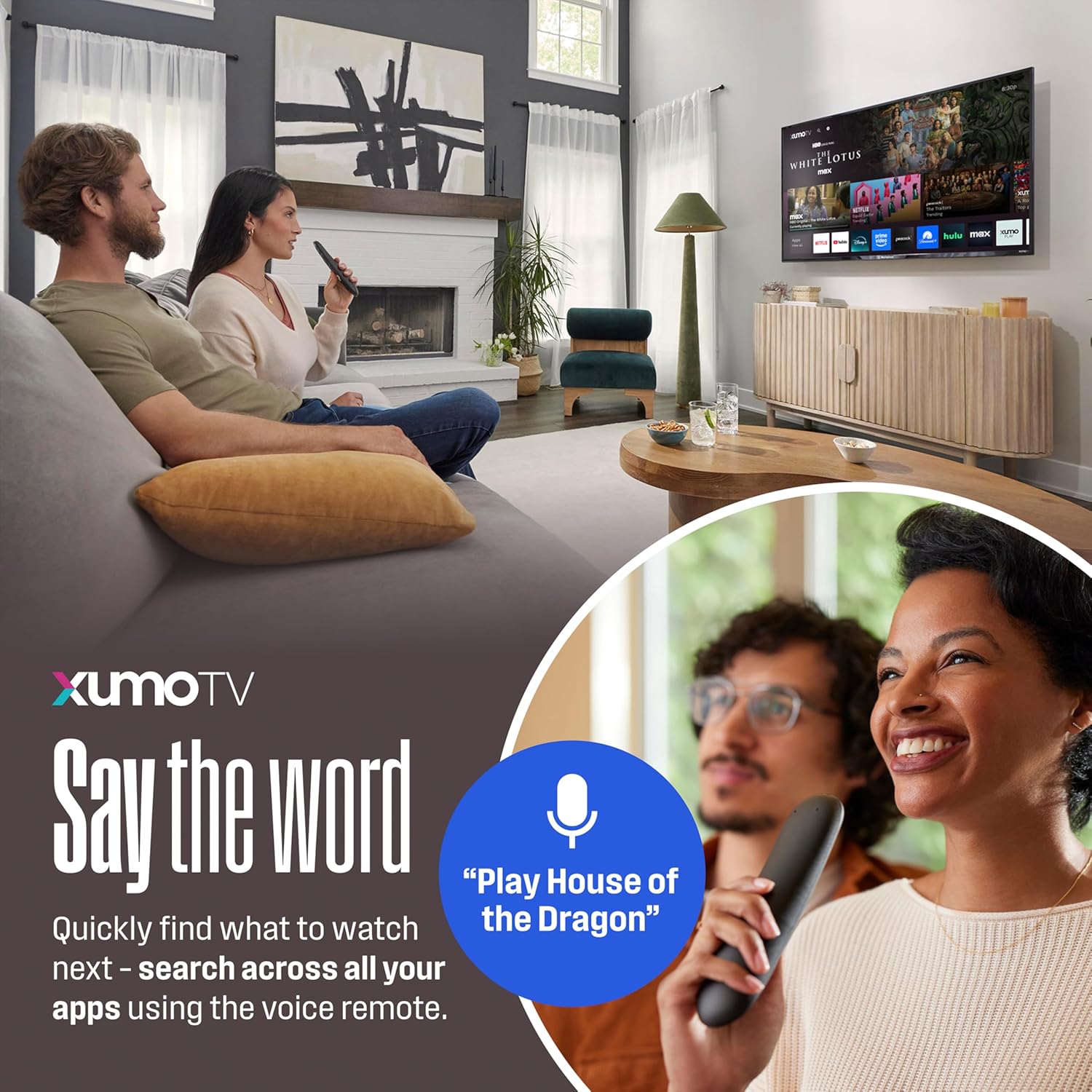
Image: The Westinghouse voice remote control, featuring dedicated buttons for streaming services and a microphone for voice commands.
Navigating the Xumo TV Interface
The Xumo TV platform provides a centralized hub for all your entertainment. Easily access pre-installed apps like Netflix, Prime Video, Disney+, Hulu, and more. The Xumo Play app offers over 350 free live channels and 70,000+ on-demand titles.

Image: The Xumo TV smart interface, showing a selection of popular streaming apps and content.
Wireless Connectivity (Bluetooth & Apple AirPlay)
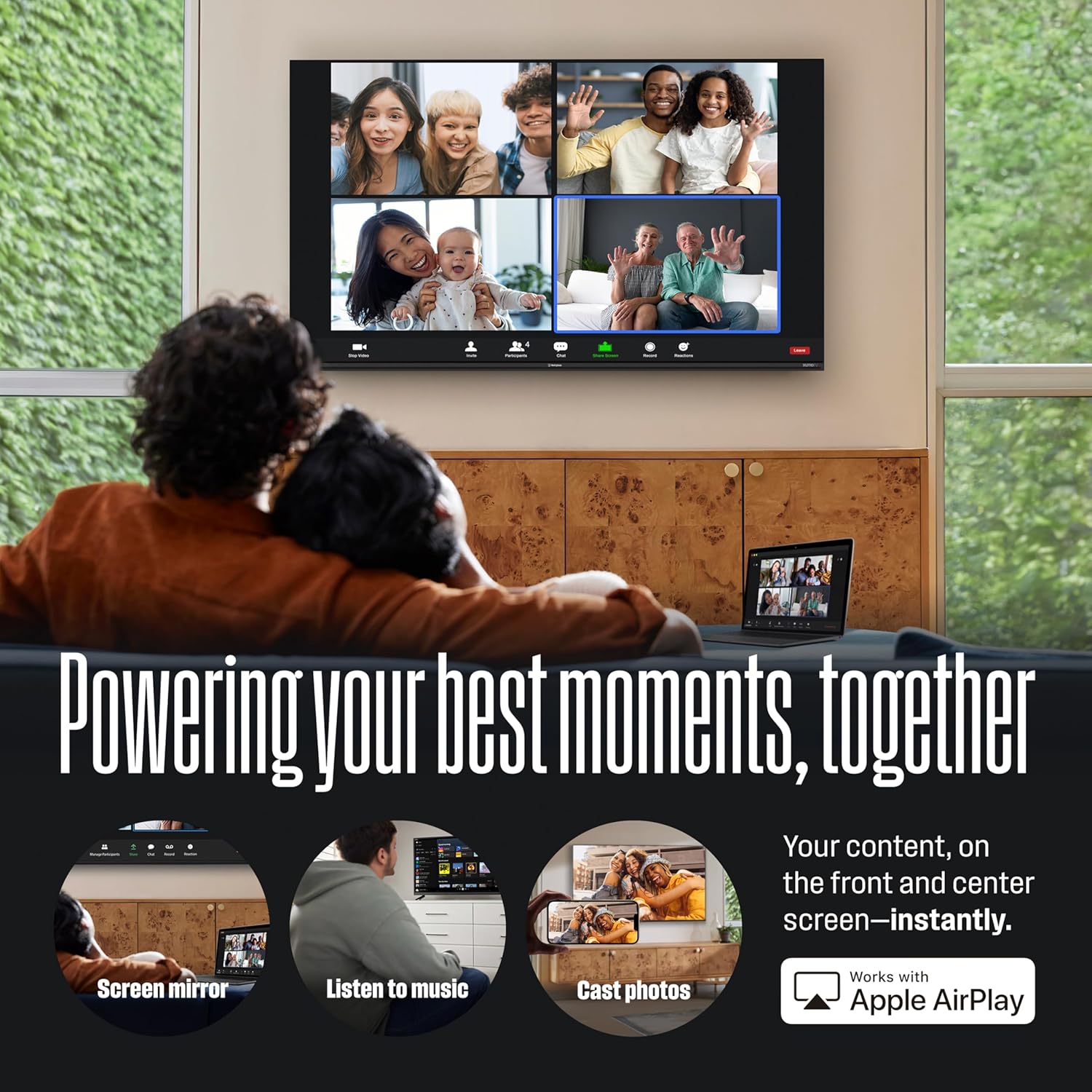
Utilize built-in Bluetooth to wirelessly pair soundbars, headphones, or speakers for enhanced audio. With Apple AirPlay, you can effortlessly stream or mirror content directly from your iPhone, iPad, or Mac to the TV screen.
Image: Demonstrating the TV's Bluetooth and Apple AirPlay capabilities for connecting audio devices and mirroring content.
Features & Technologies
4K UHD with HDR10 and Dolby Vision
Experience breathtaking visuals with 4K Ultra High Definition, offering four times the resolution of Full HD. HDR10 and Dolby Vision technologies provide enhanced contrast, brilliant brightness, and a wider spectrum of colors, bringing every scene to life with incredible detail and realism.

Image: The TV displaying a high-resolution image of a moth, showcasing the lifelike clarity and vibrant colors of 4K UHD with Dolby Vision.
Awdjo Dolby Atmos
Immerse yourself in rich, clear, and powerful sound with Dolby Atmos. This advanced audio technology creates a three-dimensional soundscape, making you feel like you're right in the middle of the action.
Xumo TV Streaming Platform
The integrated Xumo TV platform simplifies your streaming experience by providing instant access to your favorite apps and a vast library of free and on-demand content, all in one place.
Speċifikazzjonijiet
| Karatteristika | Speċifikazzjoni |
|---|---|
| Brand | Westinghouse |
| Mudell | WX43UX4800 |
| Daqs tal-Iskrin | 43 Pulzier |
| Teknoloġija tal-Wiri | LED |
| Riżoluzzjoni | 4K UHD (3840 x 2160) |
| Riffriskar Rata | 60 Hz |
| Karatteristiċi Speċjali | AirPlay 2, Dolby Atmos, Dolby Vision, HDR10, Voice Remote/Universal Search |
| Teknoloġija tal-Konnettività | Bluetooth, HDMI, Wi-Fi |
| Portijiet tad-dħul | 3 x HDMI, 1 x USB, 1 x Composite Video, 1 x Optical Digital Audio, 1 x LAN |
| Piż tal-oġġett | 16.06 Liri |
| Dimensjonijiet tal-Prodott (bl-istand) | 37.7"W x 8.7"F x 24.2"Għ |
| Dimensjonijiet tal-Prodott (mingħajr stand) | 37.7"W x 3.3"F x 22"Għ |
| Konsum tal-Enerġija | 130.00 Watts |

Image: Detailed dimensions of the Westinghouse 43-inch Xumo Smart TV.
Gwida dwar l-Enerġija
Refer to the Energy Guide label for estimated yearly energy cost and consumption details.

Image: Energy Guide label for the Westinghouse 43-inch Xumo TV, indicating estimated yearly energy cost and usage.
Issolvi l-problemi
Ebda Qawwa
- Kun żgur li l-korda tal-enerġija hija pplaggjata sew kemm fit-TV kif ukoll f'sokit elettriku li jaħdem.
- Iċċekkja jekk is-sokit tal-enerġija hux qed jaħdem billi tqabbad apparat ieħor.
- Press the power button on the remote or directly on the TV.
Ebda Stampa/Ħoss
- Ivverifika li s-sors tad-dħul korrett huwa magħżul (eż., HDMI 1, HDMI 2).
- Iċċekkja l-konnessjonijiet kollha tal-kejbil bejn it-TV u apparati esterni.
- Kun żgur li l-volum mhux siekta jew issettjat baxx wisq.
Remote Mhux Jirrispondi
- Ibdel il-batteriji AAA fil-kontroll remot.
- Kun żgur li m'hemm l-ebda ostaklu bejn ir-remote u s-senser IR tat-TV.
- Re-pair the voice remote if necessary (refer to the Quick Start Guide).
Kwistjonijiet ta' Konnettività tan-Netwerk
- Check your Wi-Fi router and ensure it is powered on and functioning correctly.
- Restart your TV and Wi-Fi router.
- Go to the TV's network settings to re-connect to your Wi-Fi network or try a wired LAN connection.
Manutenzjoni
Cleaning the TV Screen
Imsaħ l-iskrin bil-mod b'ċarruta ratba u mingħajr suf. Għal marki persistenti, nixxef bil-modampLaħlaħ id-drapp bl-ilma jew b'prodott speċjalizzat għat-tindif tal-iskrin. Evita li tuża kimiċi ħarxa jew materjali li joborxu.
Kura Ġenerali
Keep the TV in a well-ventilated area. Avoid exposing it to direct sunlight, extreme temperatures, or high humidity. Do not block the ventilation openings on the back of the TV.
Vidjo Uffiċjali tal-Prodott
Watch this official video from Westinghouse Electronics to learn more about the Westinghouse 4K Smart Xumo TVs and how they simplify your streaming experience.
Video: Westinghouse 4K Smart Xumo TVs: Streaming Made Simple. This video highlights the ease of use and smart features of the Xumo TV platform.
Garanzija u Appoġġ
Your Westinghouse 43-inch 4K UHD Xumo Smart TV comes with a manufacturer's warranty. Please refer to the warranty card included in your product packaging for specific terms and conditions. For technical support, troubleshooting assistance, or warranty claims, please contact Westinghouse customer service. You can find contact information in your User Manual or by visiting the official Westinghouse Electronics websit.


