1. Introduzzjoni
This manual provides detailed instructions for the installation, operation, and maintenance of your Jennov 5MP Wireless Security Camera System P48. This system includes an 8-channel NVR with a built-in monitor and four 5MP wireless cameras, designed for both indoor and outdoor surveillance. Please read this manual thoroughly before using the product to ensure proper setup and functionality.
2. Kontenut tal-Pakkett
Verify that all items listed below are included in your package. If any items are missing or damaged, please contact Jennov customer support.
- 4 x Security Cameras (Outdoor Wireless)
- 1 x NVR Monitor
- 1 x P48 Security System (Integrated NVR with Monitor)
- 1 x 1TB Hard Disk (Pre-installed)
- 1 x Cable Ethernet
- 1 x ġurdien
- 4 x Hole Stickers (for camera mounting)
- 4 x Camera Bases
- 1 x Provvista ta 'Enerġija NVR
- 4 x Camera Power Supplies
- 1 x Cable HDMI
- 1 x Stiker ta 'Twissija
- 1 x Manwal tal-Utent (dan id-dokument)
- 1 x Screws Pack (for mounting)
3. Prodott Aktarview
The Jennov P48 system is a comprehensive wireless security solution designed for ease of use and reliable performance. Key features include:
- Riżoluzzjoni HD ta' 5MP: Cameras capture clear, detailed video.
- Konnettività Wireless: Cameras connect to the NVR wirelessly, simplifying installation.
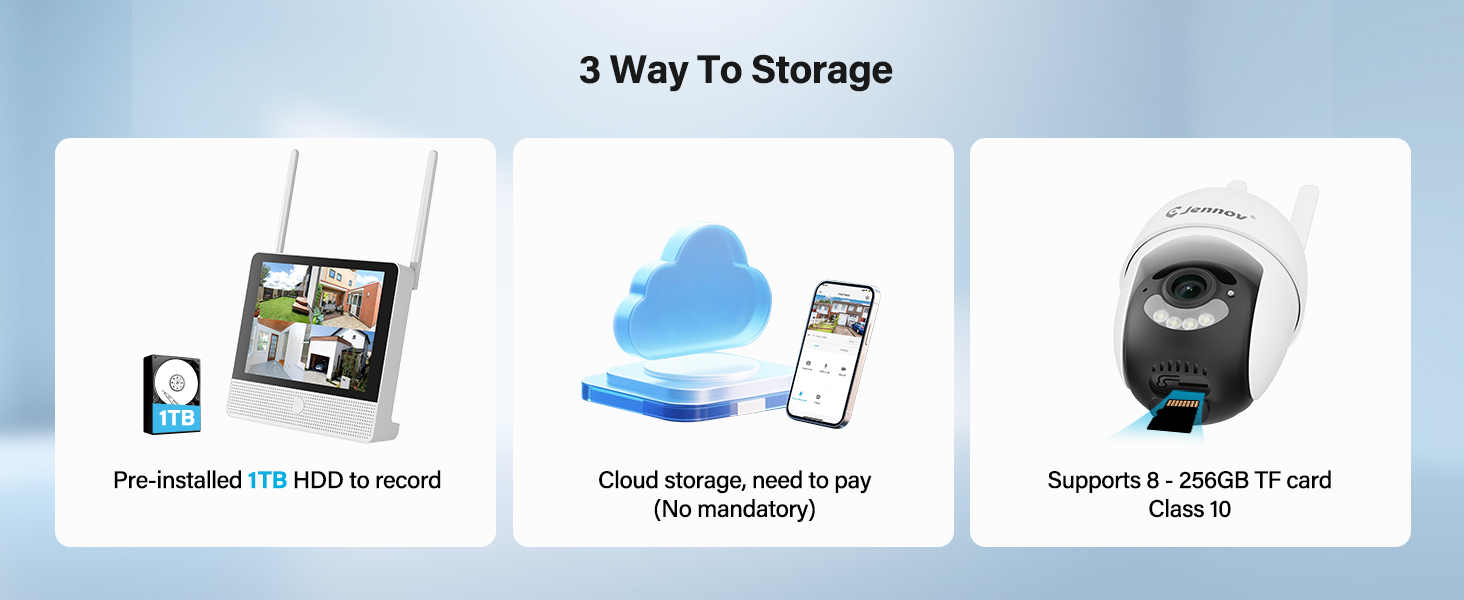
- 1TB HDD Storage: Pre-installed hard drive for local recording without subscription fees.
- Viżjoni bil-lejl: Enhanced visibility in low-light conditions up to 15 meters.
- Sejbien tal-Moviment: Jattiva r-reġistrazzjoni u l-allerti malli jinduna b'moviment.
- IP66 Reżistenti għat-Temp: Cameras are designed to withstand various outdoor weather conditions.
- Plug-and-Play: Simple setup with cameras pre-paired to the NVR.
- Awdjo f'żewġ direzzjonijiet: Communicate through the cameras using the mobile app.
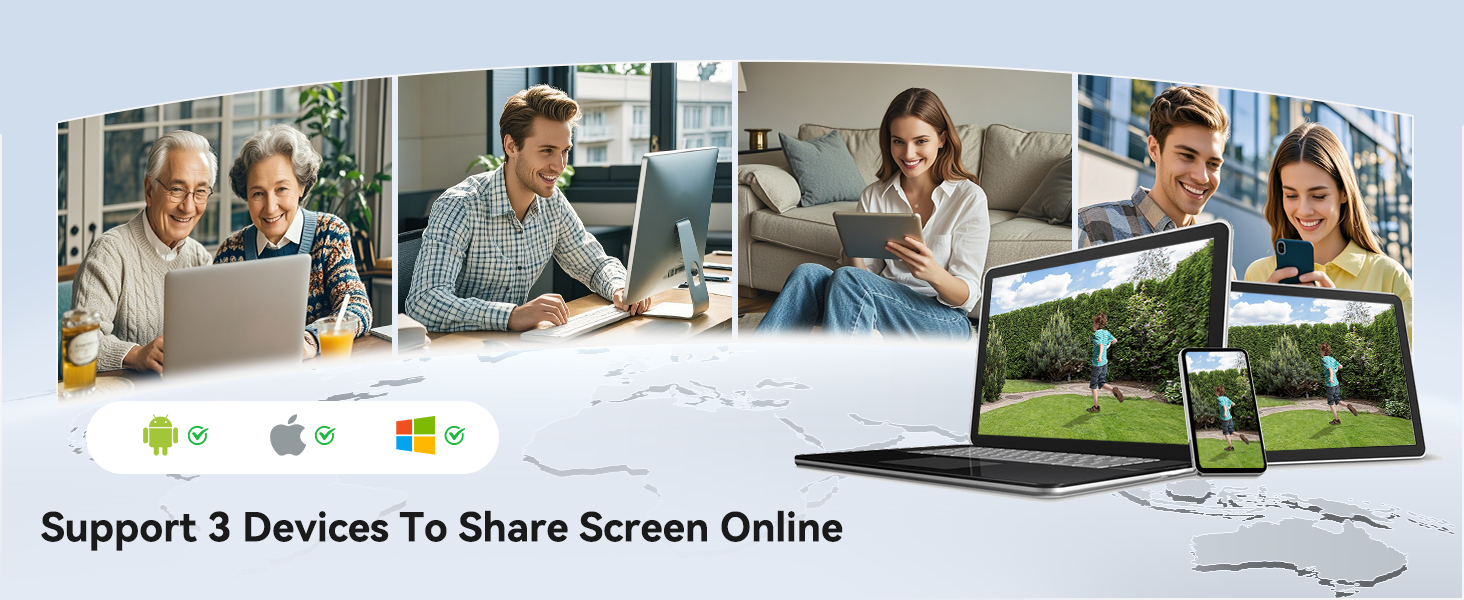
- Aċċess mill-bogħod: View live feeds and recordings from anywhere via the Jennov app.
3.1 Komponenti tas-Sistema

The system consists of a Network Video Recorder (NVR) with an integrated monitor and four wireless IP cameras. The NVR manages video recording, storage, and provides a local viewing interface. The cameras capture video and transmit it wirelessly to the NVR.
3.2 NVR Ports and Connections
- Port tal-Enerġija: Connect the NVR power adapter.
- Port USB: For connecting the included mouse or a USB drive for backup.
- Port HDMI: Connect to an external monitor for larger display (optional).
- Port tal-LAN: Connect to your router for internet access and remote viewing.
- Buttuna Irrisettja: Used to reset the NVR to factory settings.
- Slot tal-Kard SD: For additional local storage (supports up to 256GB TF card, Class 10).
4. Gwida ta' Setup
4.1 Initial NVR Setup
- Qabbad l-Enerġija: Connect the NVR power adapter to the Power Port and plug it into an electrical outlet. The NVR will power on automatically.
- Qabbad il-ġurdien: Plug the included USB mouse into the USB Port on the NVR.
- L-Ibbutjar Inizjali: The NVR will boot up and display the live view from the pre-paired cameras on its integrated monitor.
- Network Connection (Optional for Remote Access): Għal remoti viewing via the mobile app, connect the NVR's LAN Port to your internet router using the provided Ethernet cable.
4.2 Installazzjoni tal-Kamera
The cameras are designed for both indoor and outdoor use (IP66 rated). Choose mounting locations that provide optimal coverage and are within range of a power outlet.
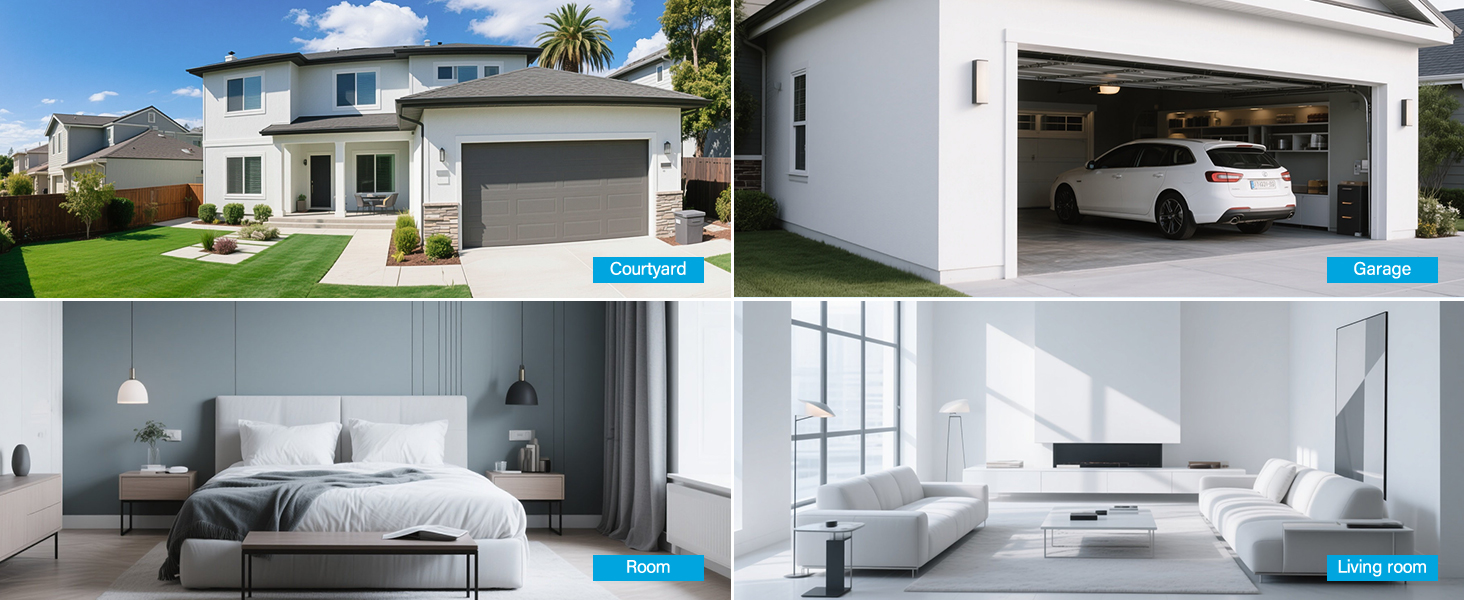
- Agħżel Post: Identify suitable locations for each camera. Consider areas like entryways, driveways, garages, and backyards. Ensure the camera has a clear line of sight to the area you wish to monitor.
- Immuntar:
- Use the included hole stickers to mark drilling points on the wall or ceiling.
- Drill pilot holes and insert the wall anchors if necessary.
- Waħħal il-bażi tal-kamera billi tuża l-viti pprovduti.
- Attach the camera to the base and adjust its angle.
- Qabbad l-Enerġija: Connect each camera to its individual power adapter and plug it into an electrical outlet. The cameras will power on and automatically connect to the NVR.
Nota: The cameras are pre-paired to the NVR. If a camera does not display a live feed, ensure it is powered on and within wireless range of the NVR. You may need to re-pair it if issues persist (refer to Troubleshooting section).
5. Istruzzjonijiet Operattivi
5.1 Ħaj View u Navigazzjoni
Once the system is powered on, the NVR's integrated monitor will display the live feeds from all connected cameras. Use the included mouse to navigate the NVR interface.
- Menu Prinċipali: Ikklikkja bil-lemin kullimkien fuq il-live view iskrin biex taċċessa l-menù prinċipali.
- Bdil tal-Kanal: Click on a specific camera feed to view it in full screen, or use the layout options to change the multi-camera display.
5.2 Reġistrazzjoni u Daqq
The system records continuously to the pre-installed 1TB HDD. Recording settings can be adjusted via the NVR's menu.
- Reġistrazzjoni Kontinwa: The system is configured for 24/7 continuous recording by default.
- Reġistrazzjoni Attivata bil-Mozzjoni: You can configure cameras to record only when motion is detected, saving storage space.
- Daqq: From the main menu, select "Playback" to review irreġistrat footage. You can search by date, time, and event type (e.g., motion detection).
5.3 Sejbien tal-Mozzjoni u Twissijiet
The cameras feature smart motion detection to alert you to activity.
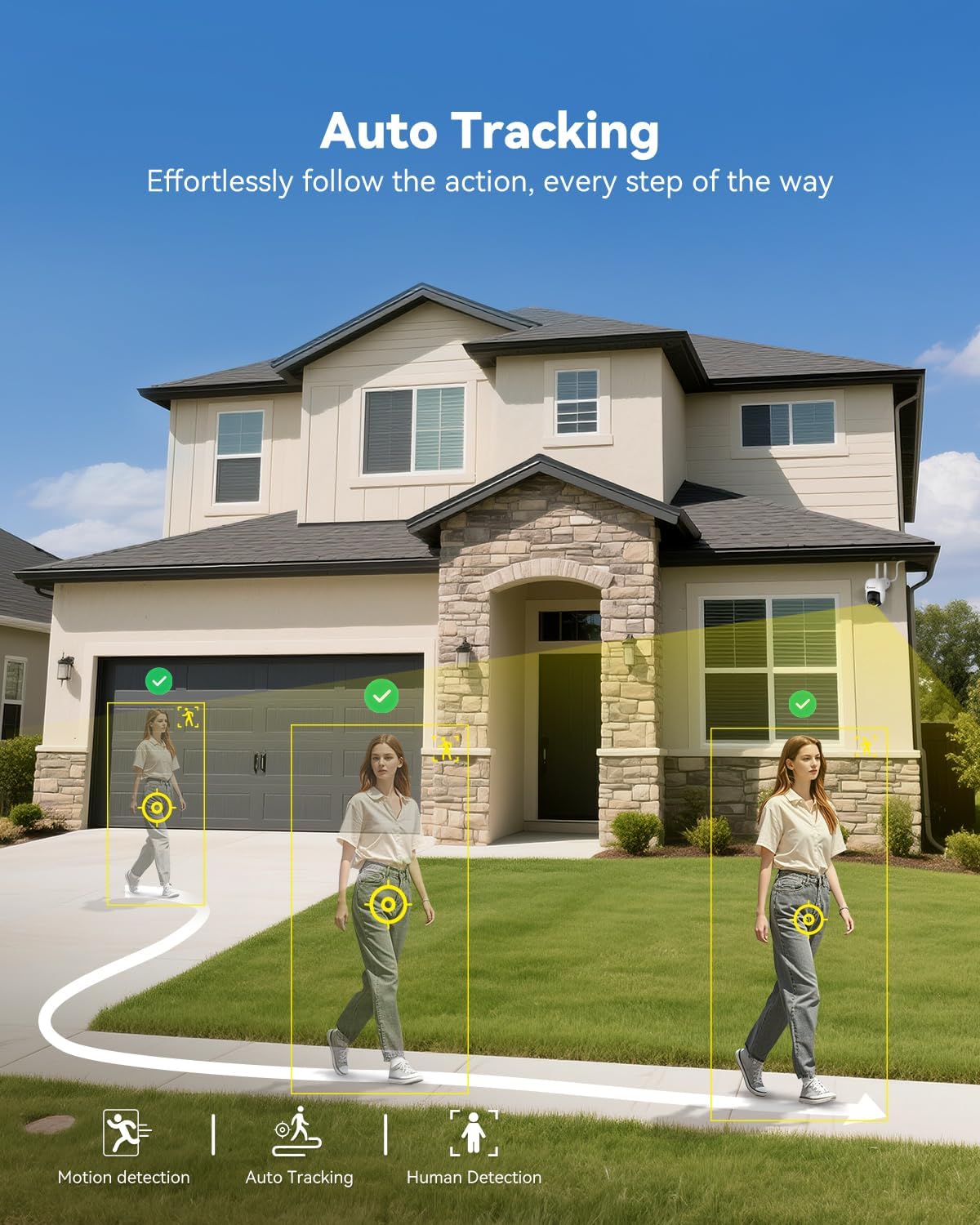
- Konfigurazzjoni: Access motion detection settings from the NVR's main menu. You can define detection zones and sensitivity levels for each camera.
- Twissijiet: When motion is detected, the system can trigger recordings, send push notifications to your mobile app (if configured), and activate audible alarms or spotlights on the camera (if supported and enabled).

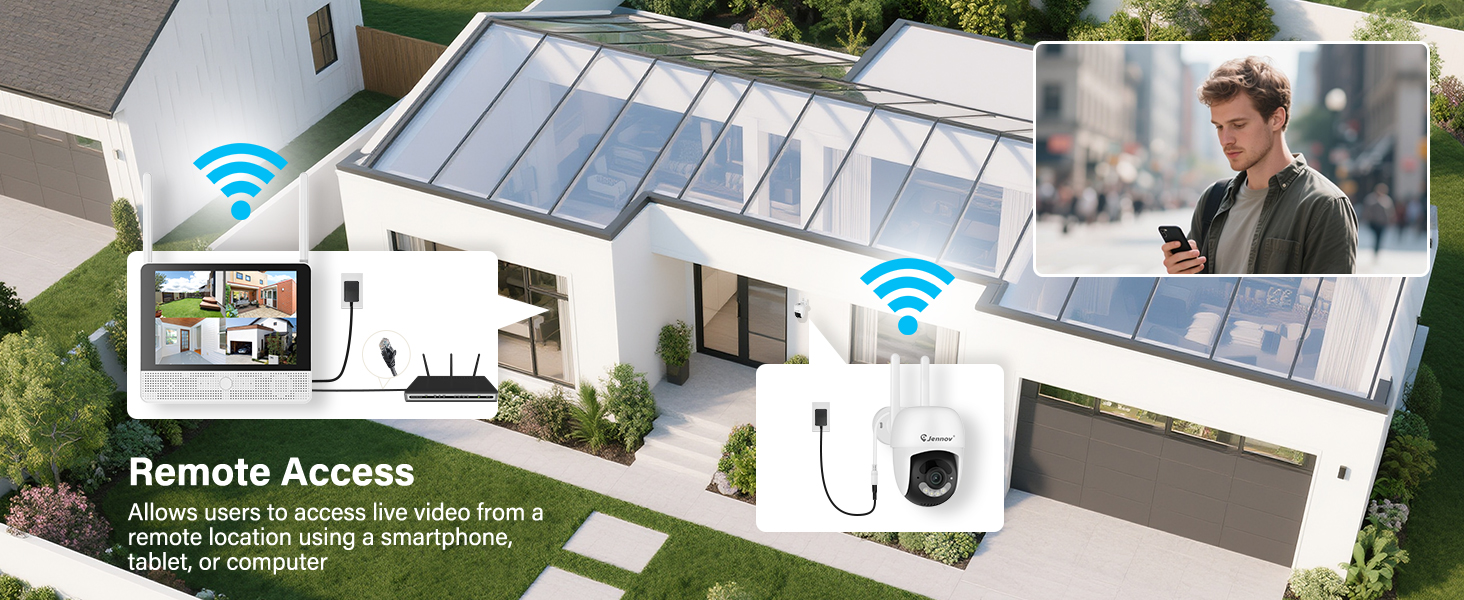
5.4 Remote Access (Jennov App)
Biex view your cameras remotely, download the Jennov app on your smartphone or tablet.
- Niżżel l-App: Fittex għal "Jennov" in your device's app store (iOS or Android).
- Irreġistra Kont: Create a new user account within the app.
- Żid Apparat: Follow the in-app instructions to add your NVR system. This typically involves scanning a QR code displayed on the NVR's monitor or entering the device ID manually.
- Live View & Daqq: Ladarba żżidha, tista' view live feeds, play back recordings, and receive alerts directly on your mobile device.
5.5 Awdjo b'żewġ direzzjonijiet
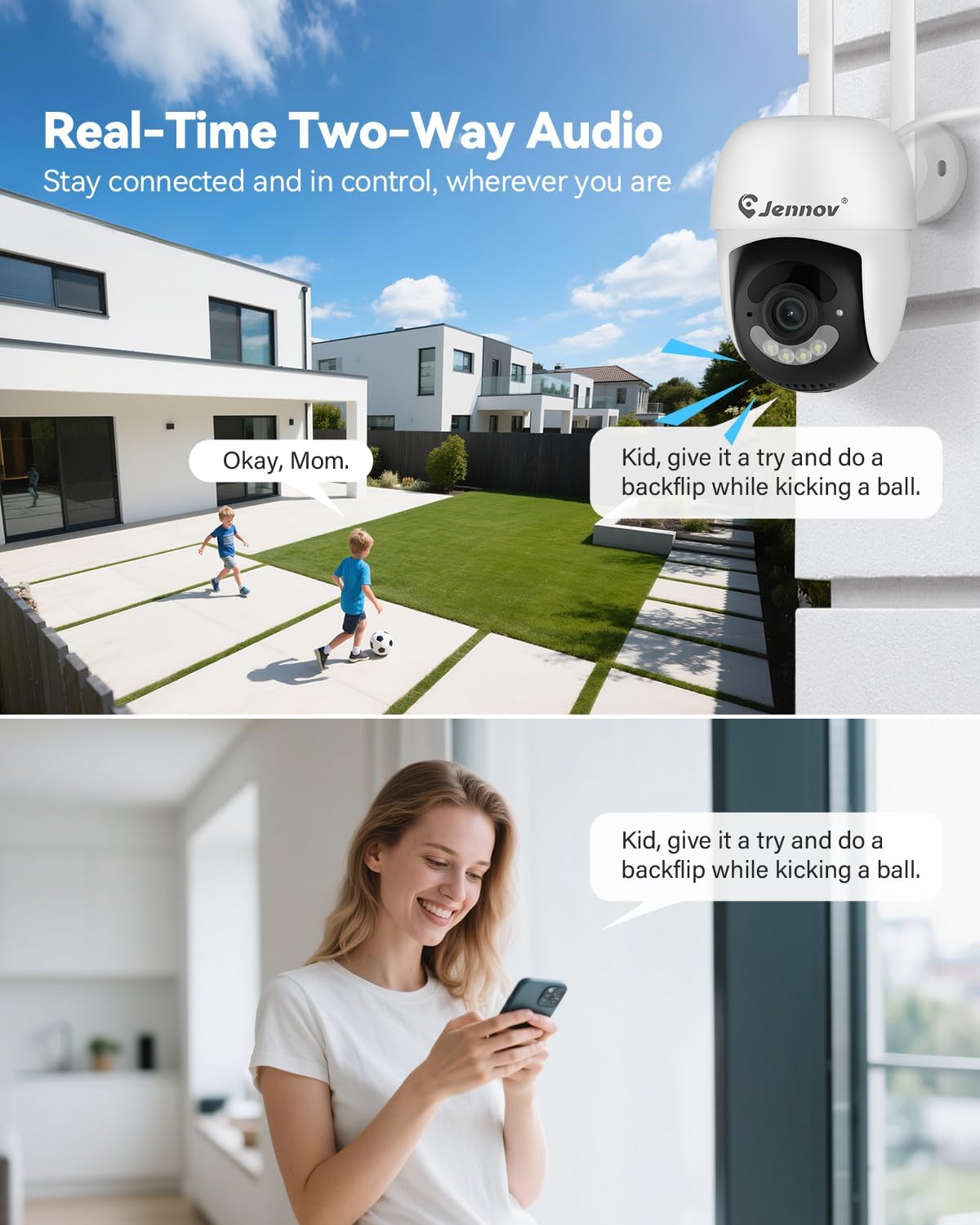
Each camera is equipped with a microphone and speaker, enabling two-way communication through the Jennov app.
- Attiva: Fil-live view of a specific camera on the app, locate the microphone icon. Tap it to speak, and your voice will be transmitted through the camera's speaker.
- Isma': The camera's microphone will pick up audio from its surroundings, which you can hear through the app.
5.6 Viżjoni bil-lejl
The cameras automatically switch to night vision mode in low-light conditions, providing clear surveillance even in darkness.

- Attivazzjoni Awtomatika: Infrared (IR) LEDs enable black-and-white night vision. Some models may also offer color night vision under certain conditions (e.g., with ambient light or activated spotlight).
- Firxa: Night vision is effective up to 15 meters (50 feet).
6. Manutenzjoni
6.1 Ġestjoni tal-Hard Drive
The 1TB HDD will automatically overwrite the oldest footage when full. No manual intervention is typically required for continuous recording.
- Backup Footage: If you need to save specific recordings, use the NVR's backup function (via USB port) or download from the mobile app.
- Verifika tas-Saħħa tal-HDD: Periodically check the HDD status in the NVR's system settings to ensure proper functioning.
6.2 Tindif
- Kameras: Imsaħ bil-mod il-lentijiet tal-kamera b'ċarruta ratba u damp cloth to remove dust or smudges. Do not use harsh chemicals.
- NVR: Keep the NVR monitor and unit free from dust. Use a dry, soft cloth for cleaning.
6.3 Aġġornamenti tal-Firmware
Periodically check the Jennov website or contact customer support for available firmware updates. Updates can improve system performance, add new features, or address security vulnerabilities. Follow the provided instructions carefully when performing updates.
7 Issolvi l-problemi
| Problema | Kawża Possibbli | Soluzzjoni |
|---|---|---|
| L-ebda immaġni fuq il-monitor tal-NVR | NVR not powered on; Power adapter faulty; Monitor cable loose. | Ensure NVR power adapter is securely connected and plugged in. Check power outlet. If using external monitor, ensure HDMI cable is connected properly. |
| Camera not displaying live feed | Camera not powered; Out of wireless range; Not paired with NVR. | Ensure camera power adapter is connected and plugged in. Move camera closer to NVR. If still no feed, re-pair the camera: access NVR menu, go to "Camera Management" and follow instructions to add/re-pair cameras. |
| Cannot access system via mobile app | NVR not connected to internet; Incorrect app settings; Firewall issues. | Ensure NVR is connected to your router via Ethernet cable. Verify your phone has internet access. Double-check device ID/QR code in the app. Ensure router firewall is not blocking NVR access. |
| Kwalità ħażina tal-vidjo jew dewmien | Weak wireless signal; Obstructions; Interference. | Relocate camera or NVR to improve signal strength. Minimize obstructions (thick walls, metal objects). Avoid placing near other wireless devices that may cause interference. |
| Is-sejbien tal-moviment mhux qed jaħdem | Settings incorrect; Sensitivity too low; Detection zone not set. | Access NVR menu, go to "Motion Detection" settings. Adjust sensitivity, define detection zones, and ensure motion recording/alerts are enabled. |
8. Speċifikazzjonijiet
| Karatteristika | Dettall |
|---|---|
| Brand | Jennov |
| Numru tal-Mudell | K4-P48HC55AS-V2108-1F2 (P48 System) |
| Teknoloġija tal-Konnettività | Wireless |
| Riżoluzzjoni tal-Qbid tal-Vidjo | 5MP (Ultra-HD) |
| Numru ta 'Kanali | 8 (System includes 4 cameras, expandable) |
| Kapaċità tal-Ħżin tal-Memorja | 1 TB HDD (pre-installed), supports up to 256GB TF card |
| Sors tal-Enerġija | Corded Electric (Outlet-Powered Cameras) |
| Dimensjonijiet tal-oġġett (L x W x H) | 13.39 x 7.48 x 11.42 pulzieri |
| Użi Rakkomandati | Sorveljanza fuq ġewwa u fuq barra |
| Medda tal-Viżjoni Lejl | 10-15 Meters (approx. 33-50 feet) |
| Ir-reżistenza għat-temp | IP66 Rated |
| Temperatura operattiva | -20°C sa 60°C (-4°F sa 140°F) |
9. Garanzija u Appoġġ
For warranty information, technical support, or any questions regarding your Jennov P48 Wireless Security Camera System, please refer to the warranty card included in your package or visit the official Jennov website. You can also contact Jennov customer service directly for assistance.
Jennov Official Websit: Visit Jennov Store on Amazon