1. Introduzzjoni
This manual provides essential information for setting up, operating, and maintaining your TCL 65T69C 65-inch QLED 4K HDR Smart Google TV. Please read it thoroughly to ensure proper use and to maximize your viewing esperjenza.
The TCL 65T69C features advanced QLED technology for vibrant colors, Direct LED backlighting for improved image quality, and a high-contrast HVA panel. Powered by Google TV, it offers seamless access to streaming content and smart features, including Google Assistant and Alexa compatibility. Enjoy immersive audio with Dolby Atmos and enhanced gaming with Game Master features like HDMI 2.1, ALLM, and VRR.
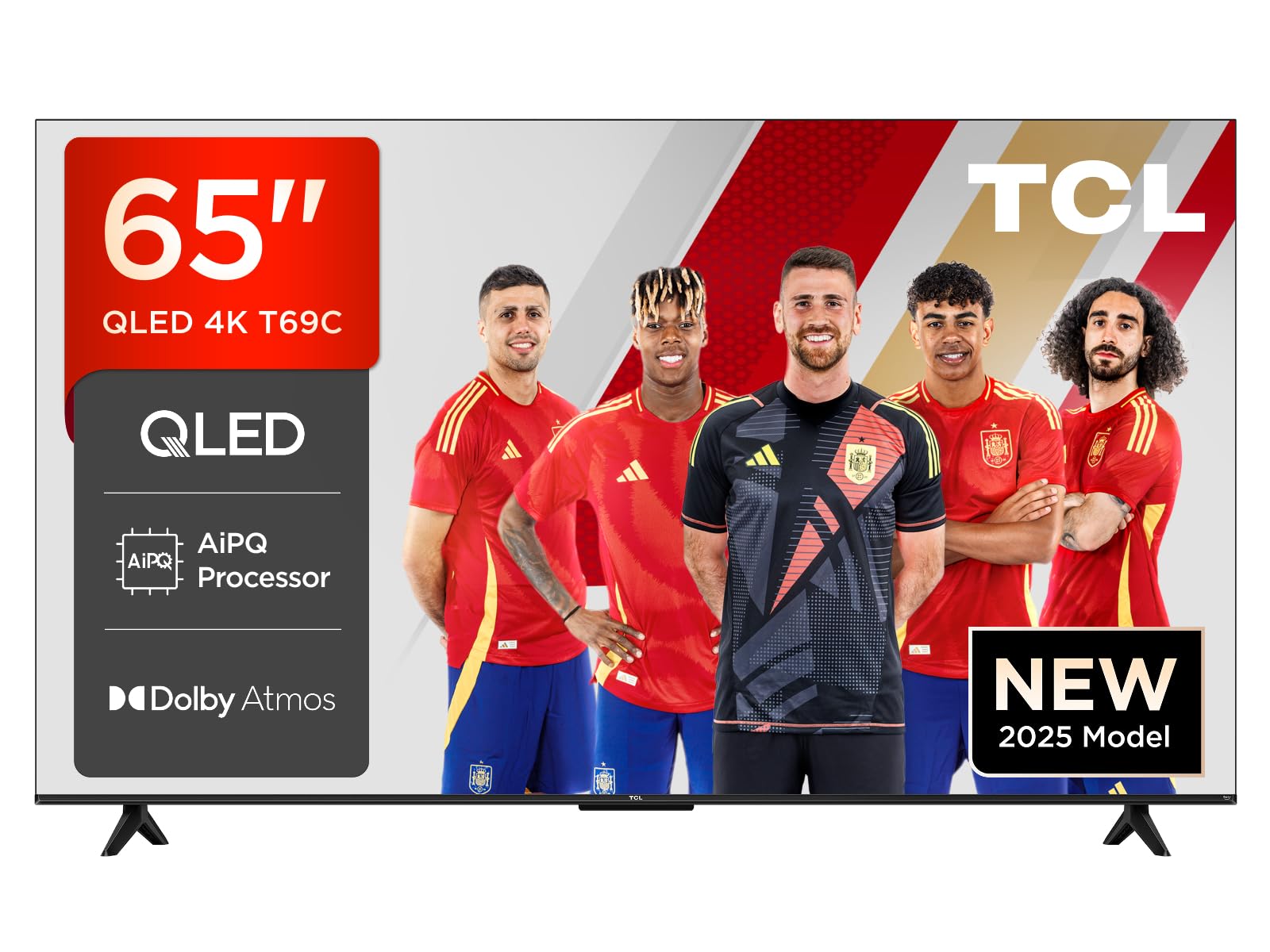
Figura 1.1: Quddiem view of the TCL 65T69C 65-inch QLED 4K HDR Smart Google TV.
2. Informazzjoni Importanti dwar is-Sigurtà
Dejjem segwi l-prekawzjonijiet bażiċi ta' sigurtà meta tuża dan il-prodott biex tnaqqas ir-riskju ta' nar, xokk elettriku, u korriment.
- Twaqqafx il-fetħiet tal-ventilazzjoni.
- Tpoġġix it-TV fuq karrettun, stand, tripod, bracket, jew mejda mhux stabbli.
- Ipproteġi l-korda tad-dawl milli jimxi fuqu jew maqrusa.
- Tesponix it-TV għax-xita jew l-umdità.
- Irreferi l-manutenzjoni kollha lil persunal tas-servizz kwalifikat.
3. X'hemm fil-Kaxxa
Ivverifika li l-komponenti kollha huma preżenti qabel ma tipproċedi bis-setup:
- TCL 65T69C Smart Google TV QLED 4K HDR ta' 65 pulzier
- Kejbil tal-Enerġija
- Kontroll mill-bogħod
- Stand (with screws)
- Manwal għall-Utent (dan id-dokument)
4. Setup
4.1. Installazzjoni tal-Stand tat-TV
To install the stand, place the TV face down on a soft, flat surface to prevent damage. Align the stand with the mounting holes on the bottom of the TV and secure it with the provided screws.

Figure 4.1: TV dimensions and remote control. The stand is visible at the bottom of the TV.
4.2. Kejbils tal-Konnessjoni
Connect your power cable, antenna, and other devices to the appropriate ports on the back of the TV. Ensure all connections are secure.

Figure 4.2: Illustration of the TV's rear ports, including HDMI x3, USB x1, LAN, Optical, Cable, Satellite, and CI Slot.
4.3. L-Assistent tal-Ixgħel u s-Setup Inizjali
Plug the power cable into an electrical outlet. Press the power button on the remote control. The TV will guide you through the initial setup process, including language selection, network connection, and Google TV account setup.
5. Tħaddem it-TV tiegħek
5.1. Kontroll mill-bogħod
The included remote control allows you to navigate the TV's interface, adjust settings, and access smart features. It supports voice commands via Google Assistant and Alexa for convenient control.
5.2. Karatteristiċi tat-TV Intelliġenti (Google TV)
Your TCL 65T69C is powered by Google TV, providing a personalized entertainment experience. Access a wide range of streaming services, apps, and live TV. Use the Google Home App or Google Assistant for smart home integration and voice control.
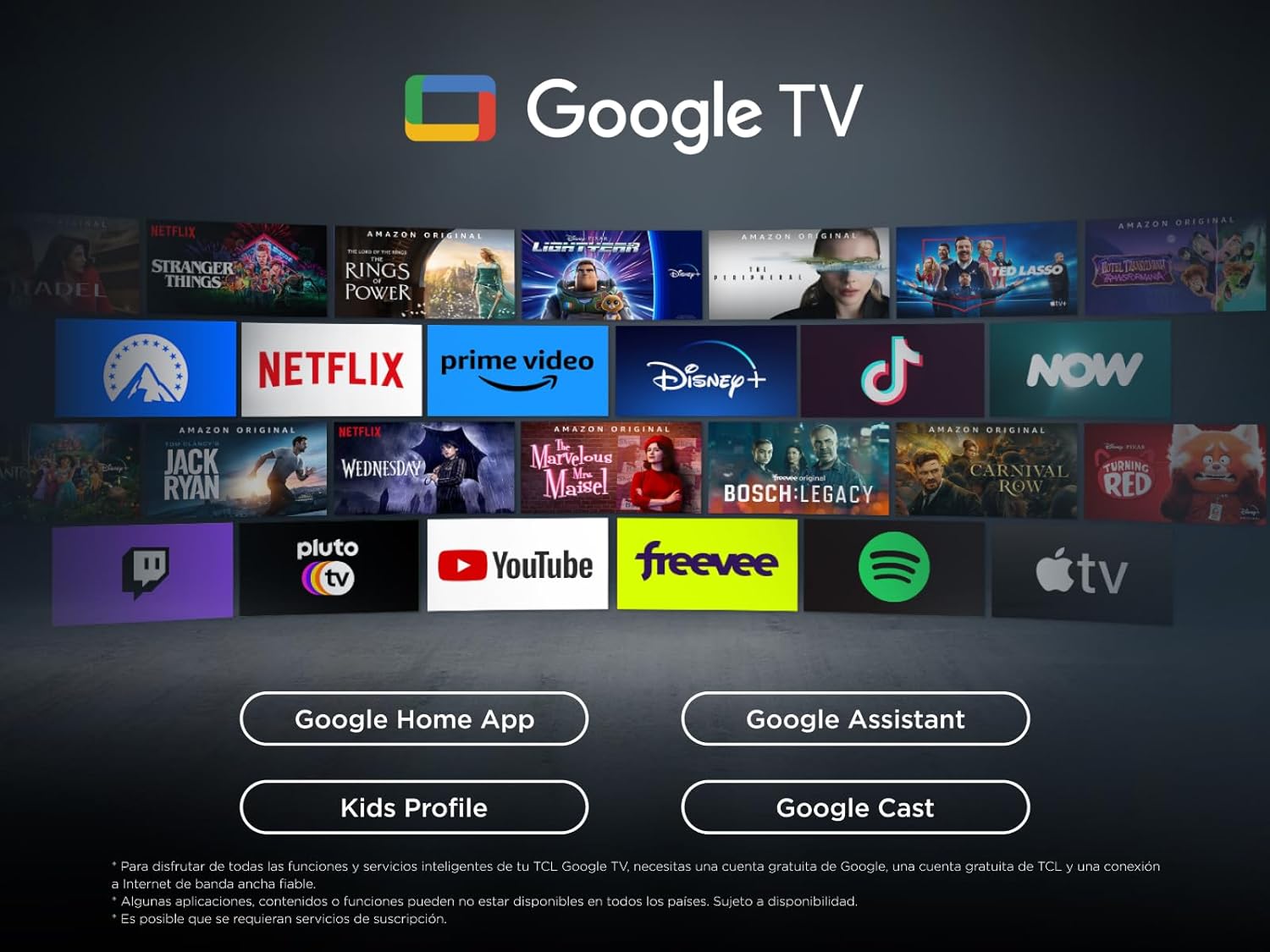
Figure 5.1: The Google TV interface, displaying various streaming applications and content recommendations.
5.3. Settings tal-Istampa
The TV utilizes QLED technology, Direct LED backlighting, and an HVA panel to deliver superior image quality. The AiPQ Processor optimizes content for 4K resolution, clear motion, and high contrast. The Multi HDR format supports HDR10, HLG, HDR10+, and Dolby Vision for stunning visuals from any source.

Figure 5.2: Key visual technologies of the TCL 65T69C, highlighting QLED, AiPQ Processor, and HDR formats.

Figure 5.3: Visual representation of QLED UltraWide colors, showcasing the vibrant and broad color gamut.
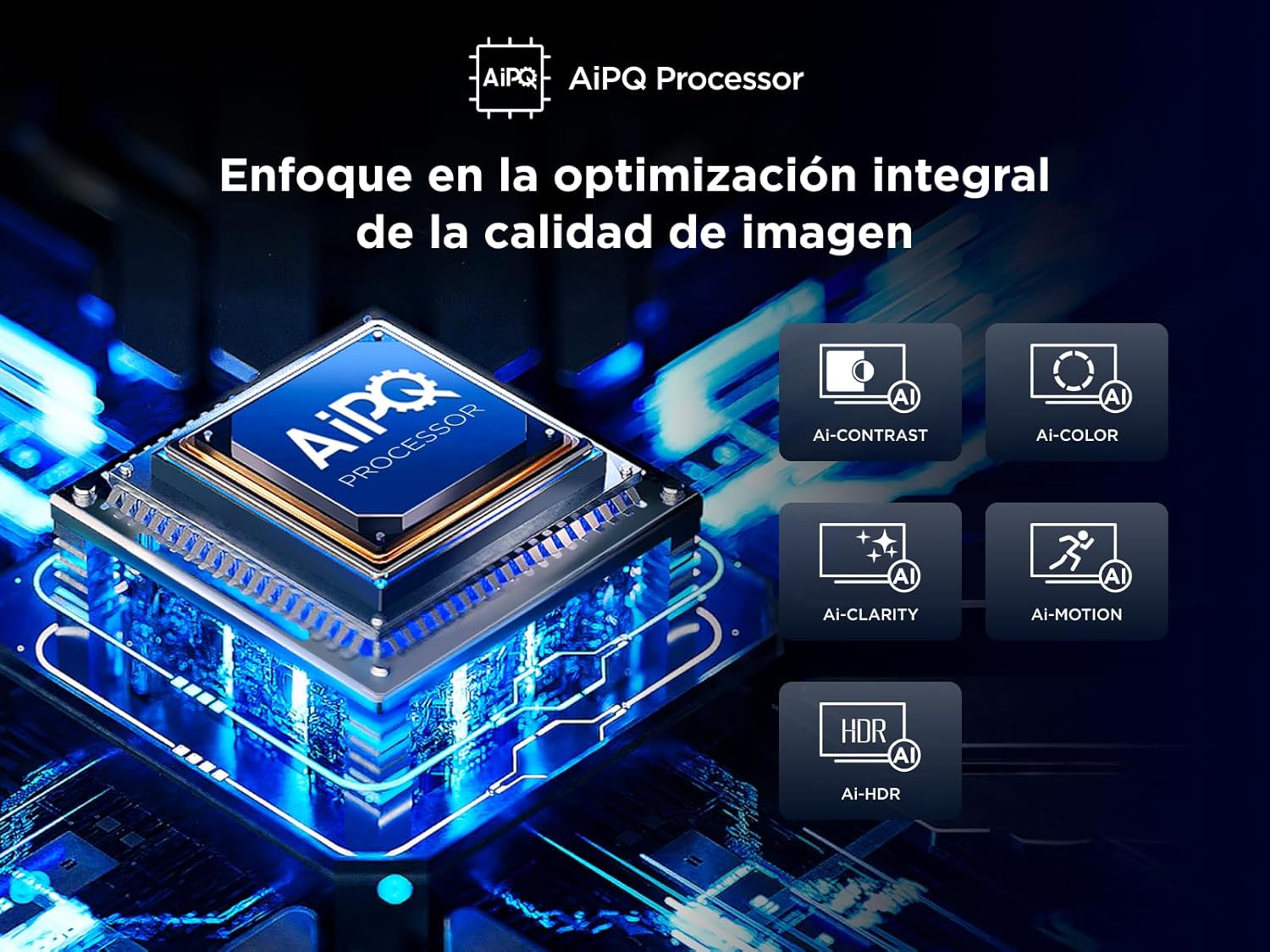
Figure 5.4: The AiPQ Processor, illustrating its role in optimizing image contrast, color, clarity, motion, and HDR.
5.4. Settings tal-ħoss
Experience theatrical sound with Dolby Atmos, which provides immersive audio that flows around you. Adjust sound modes and equalizer settings in the TV menu to suit your preferences.

Figure 5.5: Visual representation of Dolby Atmos technology, enhancing the audio experience with immersive sound.
5.5. Gaming Features (Game Master)
The Game Master feature, combined with HDMI 2.1 and ALLM (Auto Low Latency Mode), ensures the lowest latency and optimal image settings for gaming. VRR (Variable Refresh Rate) and Game Accelerator 120 Hz (in FHD resolution) provide smooth, tear-free gameplay.
6. Konnettività
It-TV tiegħek joffri diversi għażliet ta’ konnettività:
- HDMI: Three HDMI ports for connecting external devices like game consoles, Blu-ray players, and soundbars.
- USB: One USB port for media playback from USB drives.
- LAN (Ethernet): Għal konnessjoni tal-internet bil-fili.
- Ottiċi: Digital audio output for connecting to external audio systems.
- Wi-Fi: Wi-Fi integrat għal aċċess għall-internet mingħajr fili.
- Bluetooth: Għall-konnessjoni ta' headphones mingħajr fili jew apparati oħra Bluetooth.
7. Manutenzjoni
7.1. Tindif tat-TV Tiegħek
Biex tnaddaf l-iskrin, imsaħ bil-mod b'ċarruta ratba u mingħajr suf. Għal marki persistenti, dampen the cloth with a small amount of water or a screen cleaner. Avoid using harsh chemicals or abrasive materials. Clean the TV's exterior with a soft, dry cloth.
7.2. Aġġornamenti tas-Software
Ensure your TV's software is up to date for optimal performance and security. Updates can typically be found in the TV's settings menu under 'System' or 'About'.
8 Issolvi l-problemi
Jekk tiltaqa' ma' problemi bit-TV tiegħek, irreferi għas-soluzzjonijiet komuni li ġejjin:
- Ebda Qawwa: Check if the power cable is securely plugged into the TV and the outlet. Try a different outlet.
- Ebda Stampa/Kwalità Fqira tal-Istampa: Ensure all cables are correctly connected. Adjust picture settings (brightness, contrast, sharpness). Try a different input source.
- Ebda Ħoss/Kwalità tal-Ħoss Fqira: Check volume levels and mute settings. Ensure external audio devices are correctly connected.
- Il-Kontroll mill-bogħod Mhux Jaħdem: Ibdel il-batteriji. Kun żgur li m'hemm l-ebda ostaklu bejn ir-remote u t-TV.
- Kwistjonijiet ta' Konnessjoni man-Netwerk: Restart your router. Check Wi-Fi password. Try a wired (LAN) connection if available.
For more complex issues, consult the full electronic manual or contact TCL customer support.
9. Speċifikazzjonijiet
| Parametru | Valur |
|---|---|
| Brand | TCL |
| Numru tal-Mudell | 65T69C |
| Daqs tal-Iskrin | 65 Pulzier |
| Teknoloġija tal-Wiri | QLED |
| Riżoluzzjoni | 4K (3840 x 2160) |
| Riffriskar Rata | 60 Hz |
| Karatteristiċi Speċjali | Dynamic Contrast Enhancer, Wide ViewIng Angolu |
| Teknoloġija tal-Konnettività | Bluetooth, Ethernet, HDMI, USB, Wi-Fi |
| Proporzjon ta' l-aspett | 16:9 |
| Dimensjonijiet tal-Prodott | 30 x 144.6 x 87.8 ċm; 19.8 kg |
| Energy Efficiency Rating (SDR) | F |
| Konsum tal-Enerġija (SDR) | 95.0 W |
| Energy Efficiency Rating (HDR) | G |
| Konsum tal-Enerġija (HDR) | 135 W |

Figure 9.1: Energy efficiency label for the TCL 65T69C.
Għal informazzjoni dettaljata dwar il-prodott, irreferi għad-database tal-EPREL: https://eprel.ec.europa.eu/qr/2218570
10. Prodott Aktarview Video
Ara dan il-filmat qasir għal ħarsa ħafifa lejnview of the TCL 65T69C's features and benefits.
Vidjo 10.1: Prodott fil-qosor fuqview highlighting key features of the TCL 65T69C TV.
11. Garanzija u Appoġġ
Your TCL 65T69C TV comes with a manufacturer's warranty. Please refer to the warranty card included in the packaging for specific terms and conditions. For technical support, troubleshooting assistance, or service inquiries, please visit the official TCL support websit jew ikkuntattja lis-servizz tal-konsumatur tagħhom.


