1. Introduzzjoni
Welcome to the user manual for your new TECNO POVA Curve 5G smartphone. This guide provides essential information on setting up, operating, maintaining, and troubleshooting your device. Please read this manual carefully to ensure optimal performance and longevity of your smartphone.

Figure 1: TECNO POVA Curve 5G smartphone, front and back.
2. X'hemm fil-Kaxxa
Upon unboxing your TECNO POVA Curve 5G, please verify that all the following items are included:
- TECNO POVA Curve 5G Smartphone
- Adapter tal-Enerġija (Ċarġer Veloċi ta' 45W)
- Cable USB
- SIM Trej Ejector
- Headset
- Gwida Quick Start (dan id-dokument)

Figure 2: Key features of the TECNO POVA Curve 5G.
3. Setup
3.1 Daħħal il-Karta SIM u l-Karta SD
- Sib it-trej tal-kard SIM fuq il-ġenb tat-tagħmir tiegħek.
- Daħħal l-għodda tal-ejecter tat-trej tas-SIM fit-toqba ż-żgħira ħdejn it-trej u agħfas bil-mod sakemm it-trej joħroġ 'il barra.
- Poġġi l-kard(s) Nano-SIM u/jew il-kard microSD tiegħek fl-islottijiet apposta fuq it-trej. Kun żgur li l-kuntatti tad-deheb iħarsu 'l isfel.
- Erġa’ daħħal it-trej fl-apparat bir-reqqa sakemm tikklikkja f’postu.
3.2 L-Ewwel Tixgħel u s-Setup Bażiku
- Press and hold the Power button until the TECNO logo appears.
- Segwi l-istruzzjonijiet fuq l-iskrin biex tagħżel il-lingwa tiegħek, tikkonnettja ma' netwerk Wi-Fi, u tissettja l-kont Google tiegħek.
- You will be guided through setting up security features such as fingerprint unlock or facial recognition.

Figura 3: Qiegħ view of the device, illustrating port and SIM tray location.
4. Tħaddim tat-Tagħmir Tiegħek
4.1 Wiri u Navigazzjoni
The TECNO POVA Curve 5G features a 144Hz Curved AMOLED display for smooth visuals and vibrant colors. Navigate the interface using touch gestures:
- Tektek: Agħżel oġġett jew iftaħ app.
- Swipe: Skrollja 'l fuq minn skrins jew listi.
- Oqros: Iżżumja 'l ġewwa jew 'il barra fuq l-immaġnijiet u web paġni.
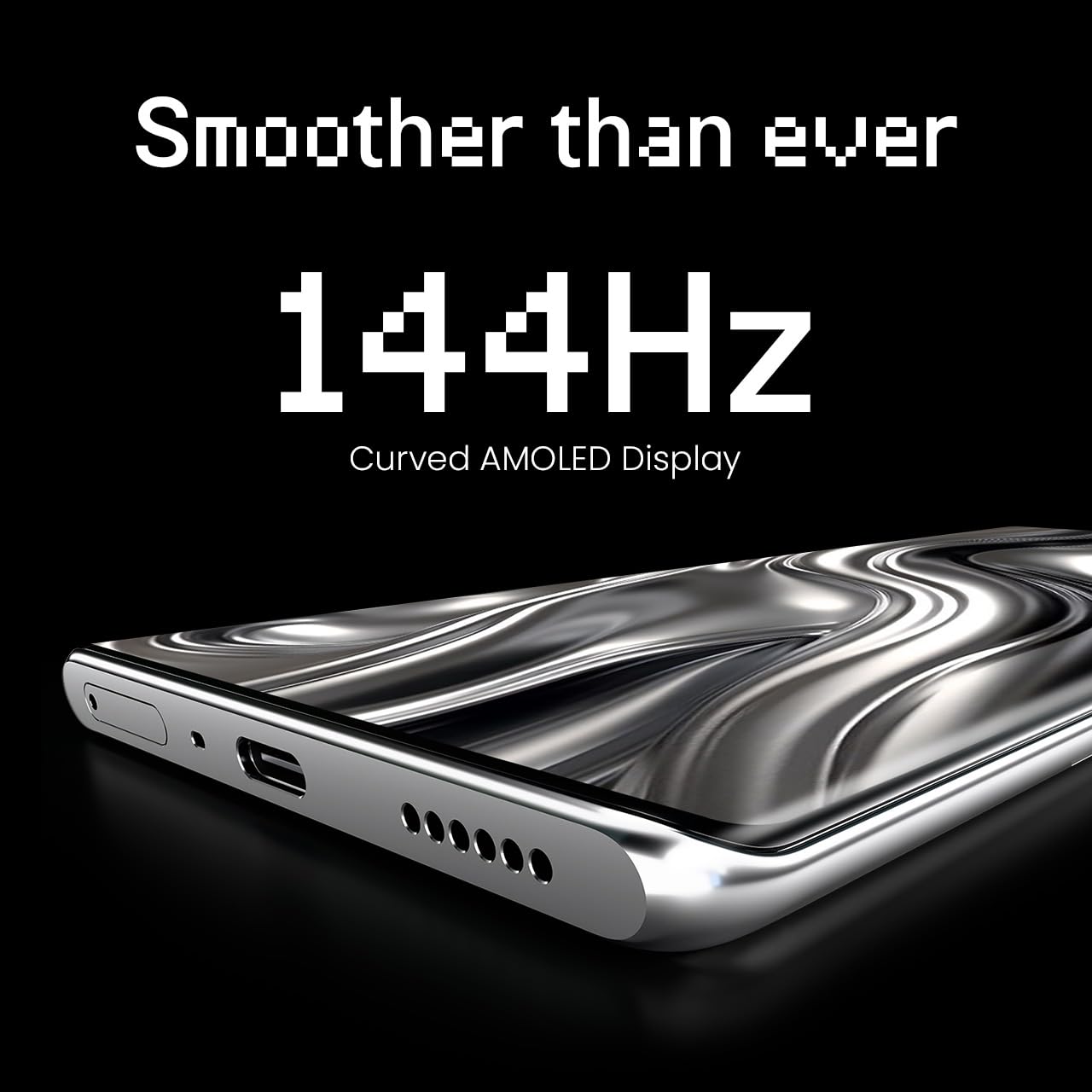
Figure 4: The 144Hz Curved AMOLED Display.
4.2 Funzjonijiet tal-Kamera
Your device is equipped with a 64MP IMX682 Rear Camera. To access the camera, tap the Camera icon on your home screen or lock screen. Key features include:
- Modalità tar-Ritratti: Standard photography.
- Modalità Video: Irrekordja vidjows ta’ kwalità għolja.
- Modalità Ritratt: Create professional-looking photos with blurred backgrounds.
- Modalità bil-lejl: Enhance photos taken in low-light conditions.
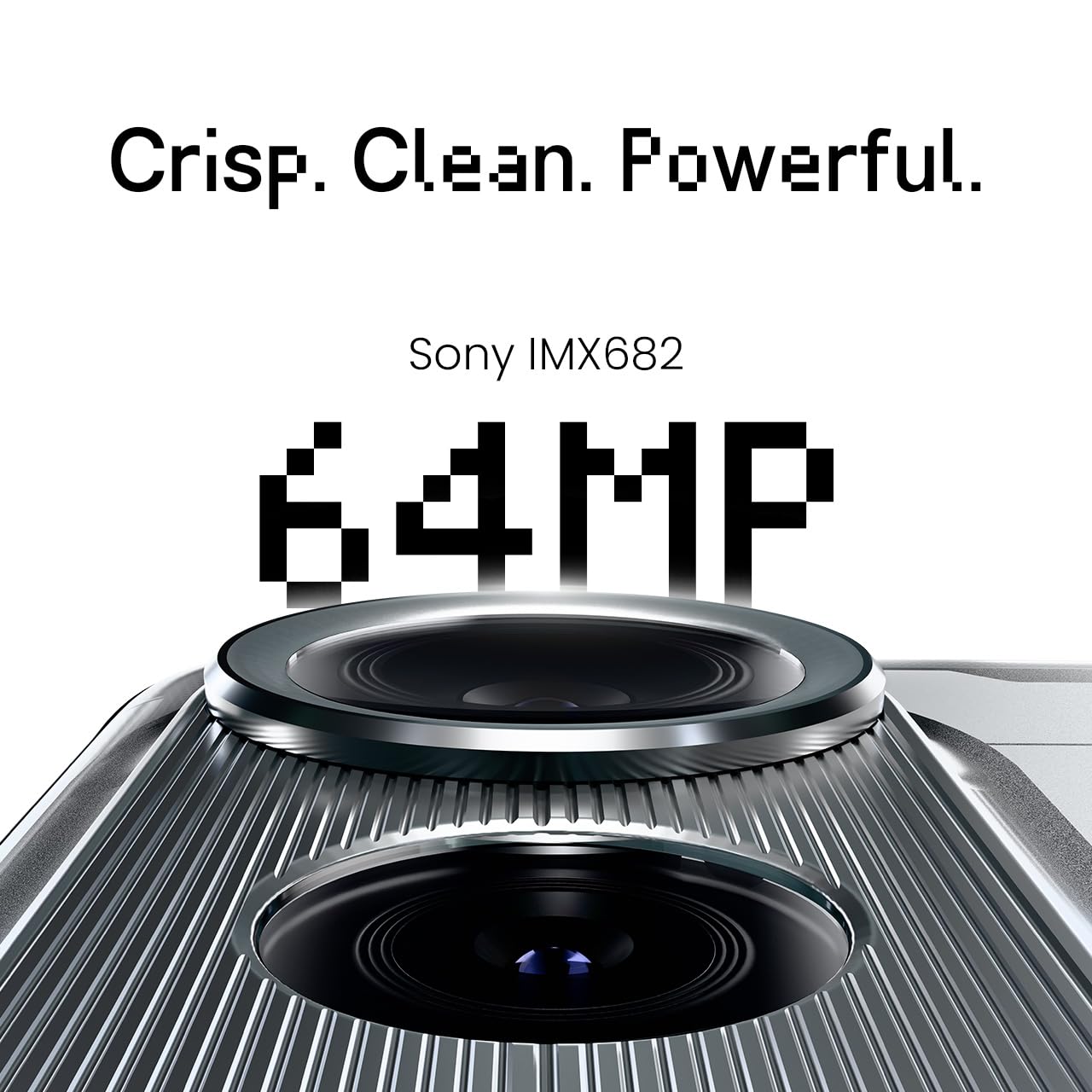
Figure 5: The 64MP IMX682 Rear Camera.
4.3 Karatteristiċi tal-AI
The TECNO POVA Curve 5G integrates advanced AI capabilities, including support for Indian languages and an AI Call Assistant. These features are designed to enhance user experience and productivity.
- AI with Indian Language Support: Access various functions and communicate in multiple Indian languages.
- AI Call Assistant: Manage calls intelligently, including features like AI Auto Call Answering and AI Voiceprint Suppression.

Figure 6: AI with Indian Language Support.

Figura 7: Aktarview of AI features.
4.4 Battery Management and Charging
The device is powered by a 5500mAh battery and supports 45W fast charging. Use the provided power adapter and USB cable for optimal charging speed.
- To charge, connect the USB cable to the phone's USB-C port and the power adapter, then plug into a wall outlet.
- Avoid using non-certified chargers or cables to prevent damage.
4.5 Konnettività
Your TECNO POVA Curve 5G supports 5G cellular networks, Wi-Fi, and Bluetooth. It also features an Intelligent Signal Hub System for improved network reception.
- Wi-Fi: Mur f'Settings > Netwerk u internet > Wi-Fi biex tikkonnettja man-netwerks disponibbli.
- Bluetooth: Mur f'Settings > Apparati konnessi > Bluetooth biex tqabbad ma' apparati Bluetooth oħra.
- Data mobbli: Kun żgur li l-karta SIM tiegħek hija attiva u li d-dejta mobbli hija attivata f'Settings > Network & internet > Mobile network.

Figure 8: Intelligent Signal Hub System for enhanced network communication.
5. Manutenzjoni
5.1 Tindif tal-Apparat Tiegħek
To keep your smartphone clean and functional:
- Uża drapp artab u mingħajr suf biex timsaħ l-iskrin u l-qafas.
- Evita li tuża kimiċi ħarxa, materjali li joborxu, jew sprejs tal-ajrusol.
- Tesponix l-apparat għal umdità eċċessiva.
5.2 Aġġornamenti tas-Software
Iċċekkja u installa aġġornamenti tas-softwer regolarment biex tiżgura li t-tagħmir tiegħek għandu l-aħħar karatteristiċi, irqajja tas-sigurtà, u titjib fil-prestazzjoni. Mur f'Settings > Sistema > Aġġornament tas-sistema.
5.3 Kura tal-Batterija
Biex ittawwal il-ħajja tal-batterija:
- Evita temperaturi estremi.
- Tħallix il-batterija tixxotta kompletament ta' spiss.
- Spluggja l-ċarġer ladarba l-batterija tkun iċċarġjata kompletament.
6 Issolvi l-problemi
This section addresses common issues you might encounter with your TECNO POVA Curve 5G.
| Ħruġ | Soluzzjoni Possibbli |
|---|---|
| L-apparat ma jixgħelx | Kun żgur li l-batterija hija ċċarġjata. Agħfas u żomm il-buttuna tal-Power għal mill-inqas 10 sekondi biex terġa' tibda taħdem. |
| L-apps qed jiġġarraf jew jiffriżaw | Neħħi l-cache tal-app problematika (Settings > Apps > [Isem tal-App] > Ħażna > Neħħi l-cache). Erġa' ibda l-apparat. |
| Sinjal tan-netwerk fqir | Check if your SIM card is properly inserted. Move to an area with better network coverage. Restart the device. |
| Il-batterija tiskula malajr | Reduce screen brightness, close unused apps, disable unnecessary background processes, and check for power-intensive apps in battery settings. |
| Touchscreen ma jirrispondix | Erġa' ibda l-apparat. Jekk il-problema tippersisti, ikkuntattja l-appoġġ għall-klijenti. |
7. Speċifikazzjonijiet
Key technical specifications for the TECNO POVA Curve 5G (Model: LJ8K):
- Sistema Operattiva: Android 15
- RAM: 8 GB (expandable with memory fusion)
- Ħażna: 128 GB / 256 GB ROM
- Proċessur: MediaTek Dimensity 7300 Ultimate 5G
- Wiri: 144Hz Curved AMOLED
- Kamera ta' wara: 64MP IMX682
- Batterija: 5500mAh with 45W Fast Charging
- Dimensjonijiet: 16.4 x 7.5 x 0.7 ċm
- Piż: 177 g
- Konnettività: Bluetooth, Infrared, USB, Wi-Fi, 5G

Figure 9: Processor and Memory details.
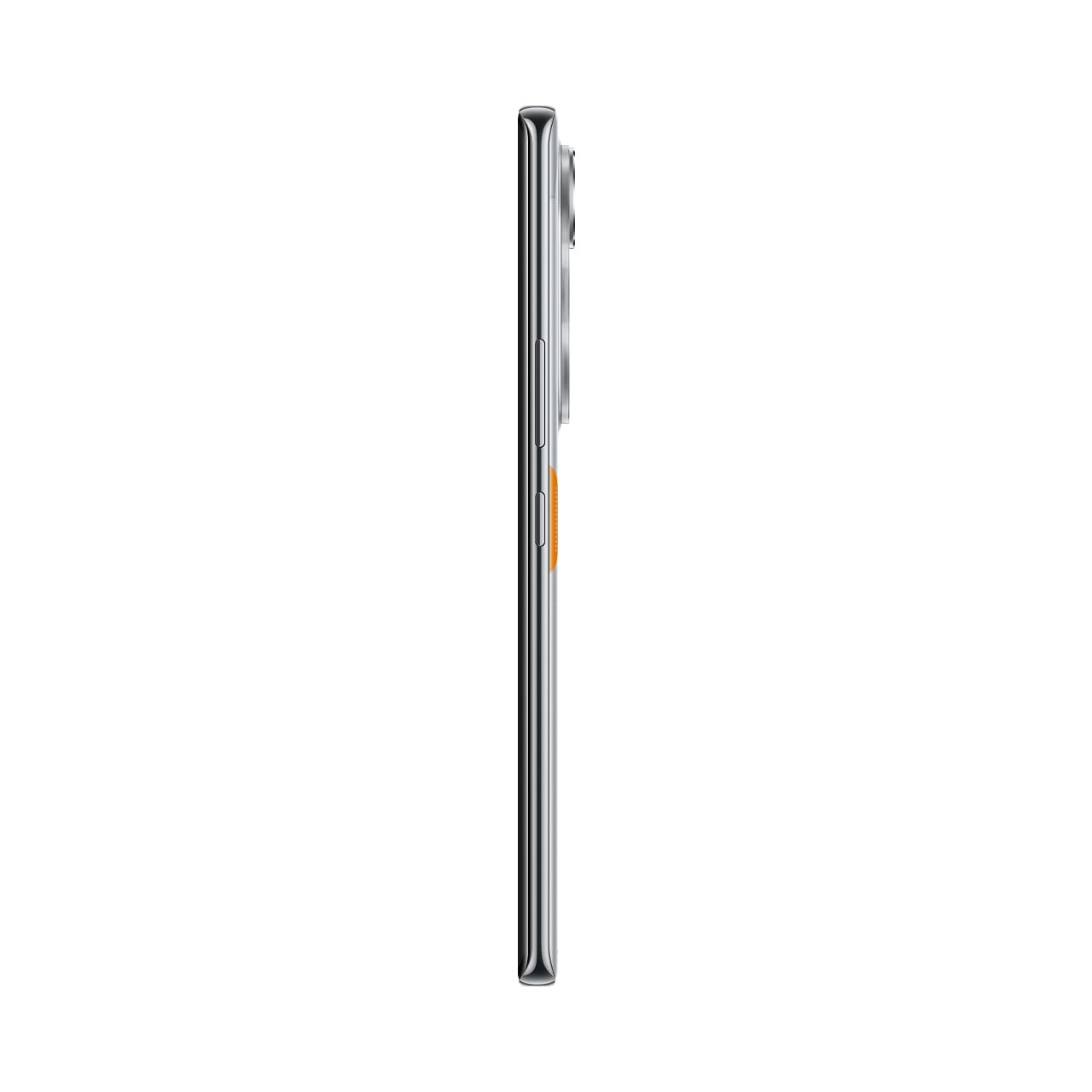
Figure 10: Slim design of the TECNO POVA Curve 5G.
8. Garanzija u Appoġġ
8.1 Informazzjoni dwar Garanzija
Your TECNO POVA Curve 5G smartphone comes with a limited manufacturer's warranty. Please refer to the warranty card included in your product packaging for specific terms, conditions, and duration. Keep your proof of purchase for warranty claims.
8.2 Appoġġ għall-Klijent
For technical assistance, service, or further inquiries, please visit the official TECNO website or contact their customer support. Details can typically be found on the manufacturer's webis-sit jew fid-dokumentazzjoni tal-garanzija.


