1. Introduzzjoni
This manual provides essential information for the proper setup, operation, maintenance, and troubleshooting of your Xiaomi 43-inch X Ultra HD 4K Smart Google LED TV, Model L43MB-AIN. Please read this manual thoroughly before using the product to ensure optimal performance and safety.

Quddiem view of the Xiaomi 43-inch X Ultra HD 4K Smart Google LED TV, highlighting its sleek design and key features.
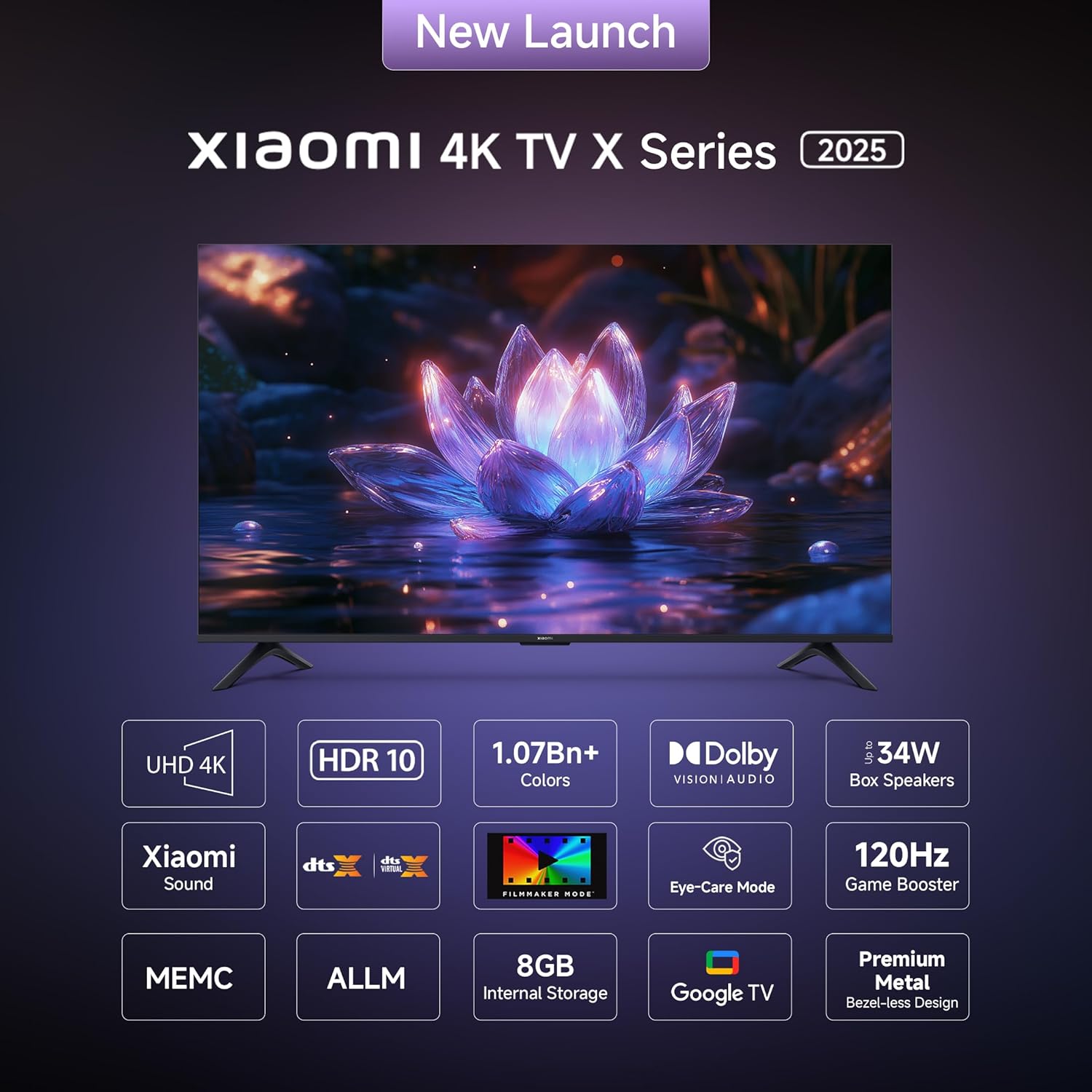
The television features a minimalist, all-screen display for an immersive viewing esperjenza.
2. X'hemm fil-Kaxxa
Ivverifika li l-komponenti kollha huma preżenti fl-imballaġġ qabel ma tipproċedi bis-setup.
- Unità tat-TV LED waħda
- 1 Kontroll mill-Bogħod
- Unità ta' 2 Stands
- 4 Viti (għall-assemblaġġ tal-istand)
- 2 x AAA batteries (for remote control)
- 1 Korda tal-Enerġija

Visual representation of the items included with your Xiaomi TV.
3. Setup
3.1 Installazzjoni Fiżika
Your Xiaomi TV supports both table-top placement using the included stands and wall mounting (wall mount bracket sold separately).
Installazzjoni fuq il-Mejda:
- Poġġi l-iskrin tat-TV b'attenzjoni 'l isfel fuq wiċċ artab u ċatt biex tevita l-ħsara.
- Attach the two stand units to the designated slots on the bottom of the TV.
- Waħħal kull stand bil-viti pprovduti.
- Erfa’ t-TV bir-reqqa għall-pożizzjoni wieqfa tiegħu fuq wiċċ stabbli u livellat.
Immuntar tal-ħajt:
For wall mounting, use a compatible VESA wall mount bracket (not included). Follow the instructions provided with your wall mount bracket and ensure professional installation if you are unsure.
3.2 Konnessjoni tal-Periferali
The TV offers various connectivity options for external devices.
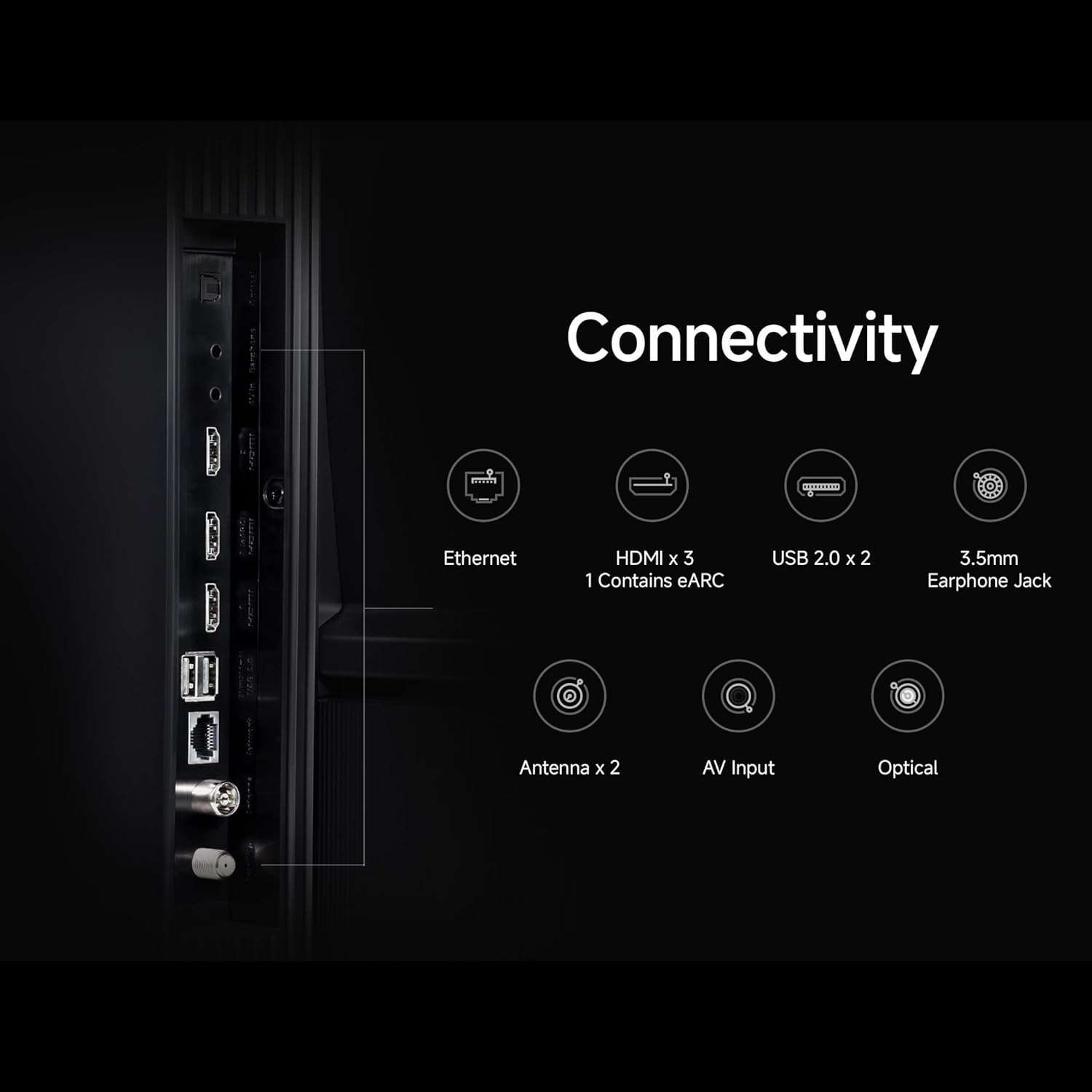
Rear panel of the TV displaying various input and output ports.
Detailed diagram of available connectivity ports including Ethernet, HDMI, USB, and audio jacks.
- Portijiet HDMI: Connect up to 3 HDMI devices (e.g., gaming consoles, set-top boxes, Blu-ray players). One port supports eARC for enhanced audio return.
- Portijiet USB: Two USB ports are available for connecting external storage devices.
- Ethernet: Għal konnessjoni tal-internet bil-fili.
- Ottiċi: Output awdjo diġitali.
- Jack Awdjo 3.5mm: Għal headphones jew kelliema esterni.
- Input AV: Għal apparati eqdem li jużaw vidjo kompost u awdjo stereo.
- Antenna: Għall-konnessjoni ta' antenna terrestri jew bil-kejbil.
3.3 L-Ewwel Tixgħel u l-Konnessjoni man-Netwerk
- Qabbad il-korda tal-enerġija mat-TV u mbagħad ma’ sokit tal-enerġija.
- Agħfas il-buttuna tal-qawwa fuq il-kontroll remot jew fuq it-TV.
- Segwi l-istruzzjonijiet fuq l-iskrin biex tlesti s-setup inizjali, inkluż l-għażla tal-lingwa, ir-reġjun, u l-konnessjoni tan-netwerk.
- For network connection, select your Wi-Fi network and enter the password, or ensure the Ethernet cable is connected. The TV supports Dual Band Wi-Fi.
- Sign in with your Google account to access Google TV features and download applications.
4. Istruzzjonijiet Operattivi
4.1 Kontroll mill-Bogħod
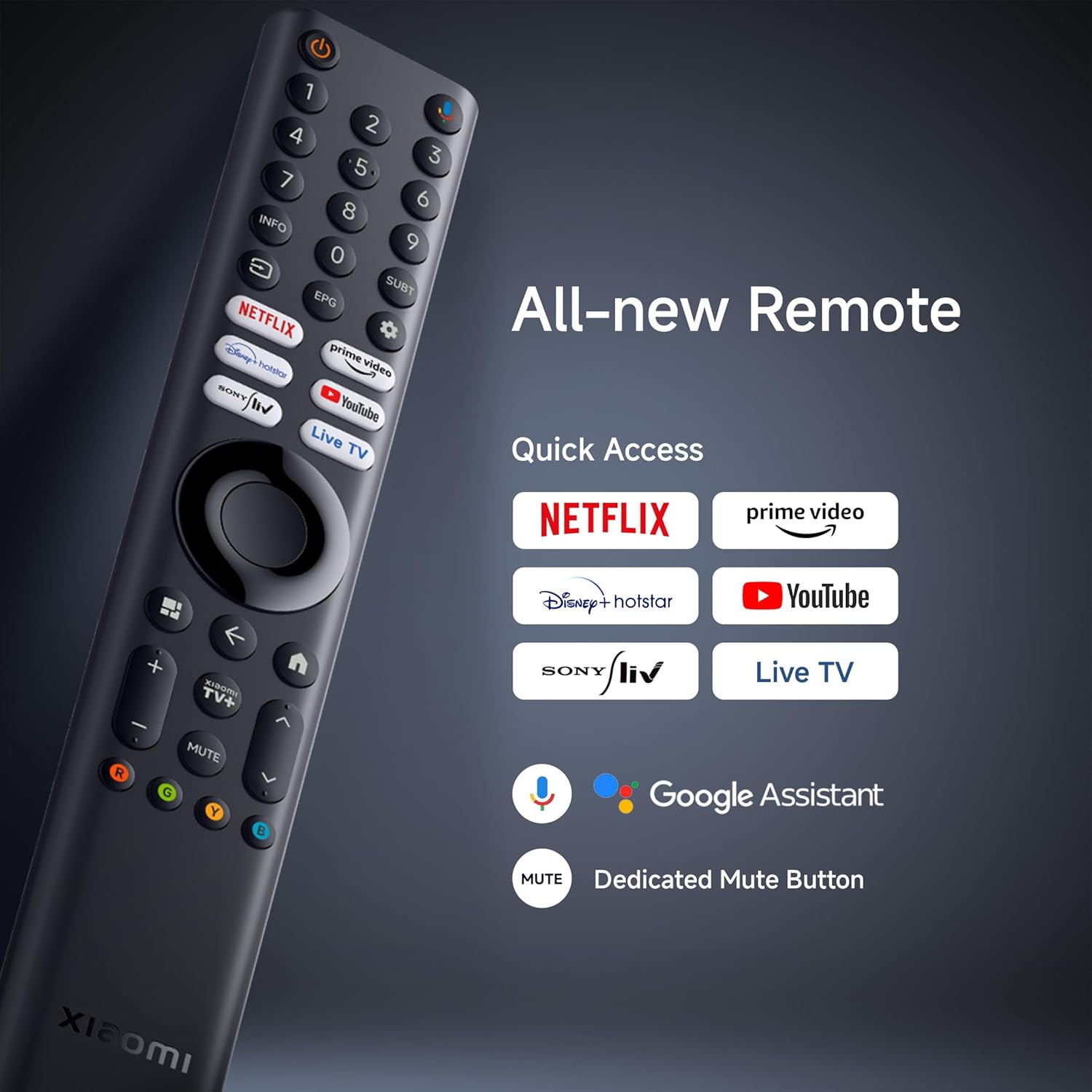
The included Bluetooth remote control provides easy access to all TV functions and smart features.

The remote control features dedicated buttons for popular streaming services and Google Assistant.
- Buttuna tal-Qawwa: Ixgħel jew jitfi t-TV.
- Buttuna tal-Assistent tal-Google: Jattiva l-kmandi tal-vuċi għat-tiftix u l-kontroll.
- Pad tan-Navigazzjoni: Għan-navigazzjoni tal-menù.
- Buttuna Lura: Terġa' lura għall-iskrin ta' qabel.
- Buttuna tad-dar: Jaċċessa l-iskrin ewlieni ta' Google TV.
- Buttuni tal-Volum: Jaġġusta l-volum tal-awdjo.
- Buttuna Mute: Isikket l-awdjo.
- Buttuni tal-App Dedikati: Quick access to Netflix, Prime Video, YouTube, JioCinema, SonyLiv, etc.
4.2 Google TV Interface and Smart Features
Your TV runs on Android 14 OS with Google TV, offering a personalized content experience.

The Google TV interface provides personalized recommendations and easy access to apps.
- UI tal-Kontenut l-Ewwel: Organizes content from various streaming services for easy discovery.
- Personali Profiles: Oħloq pro individwalifiles għal rakkomandazzjonijiet imfassla apposta.
- Google Assistent: Uża kmandi bil-vuċi biex tfittex kontenut, tikkontrolla apparati tad-dar intelliġenti, u tikseb informazzjoni.
- Google Cast Integrat: Stream content directly from your smartphone or tablet.
- Apps appoġġjati: Access a wide range of applications like Netflix, Prime Video, YouTube, and more from the Google Play Store.
- Ħajt tal-Garża: Xiaomi's custom content aggregation platform, offering curated content and live channels.

Easily stream content from your mobile device to the TV using Google Cast or Apple AirPlay 2.
4.3 Settings tal-wiri
The TV features a 4K Ultra HD display with advanced visual technologies.
- 4K Ultra HD (3840 x 2160): Provides sharp and detailed images.
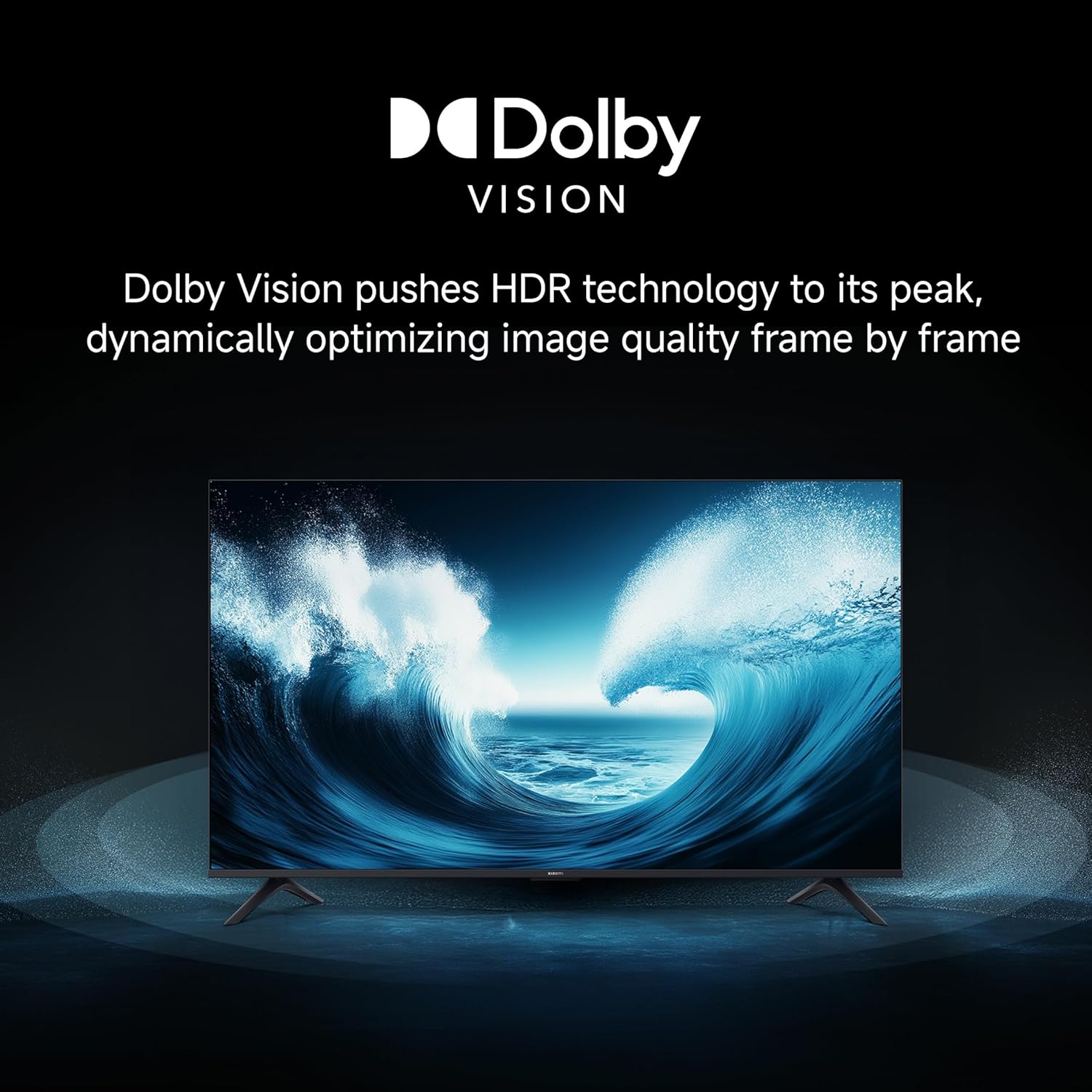
- Dolby Vision: Dynamically optimizes image quality frame by frame for enhanced brightness, contrast, and color.

Dolby Vision enhances visual realism by optimizing HDR content.
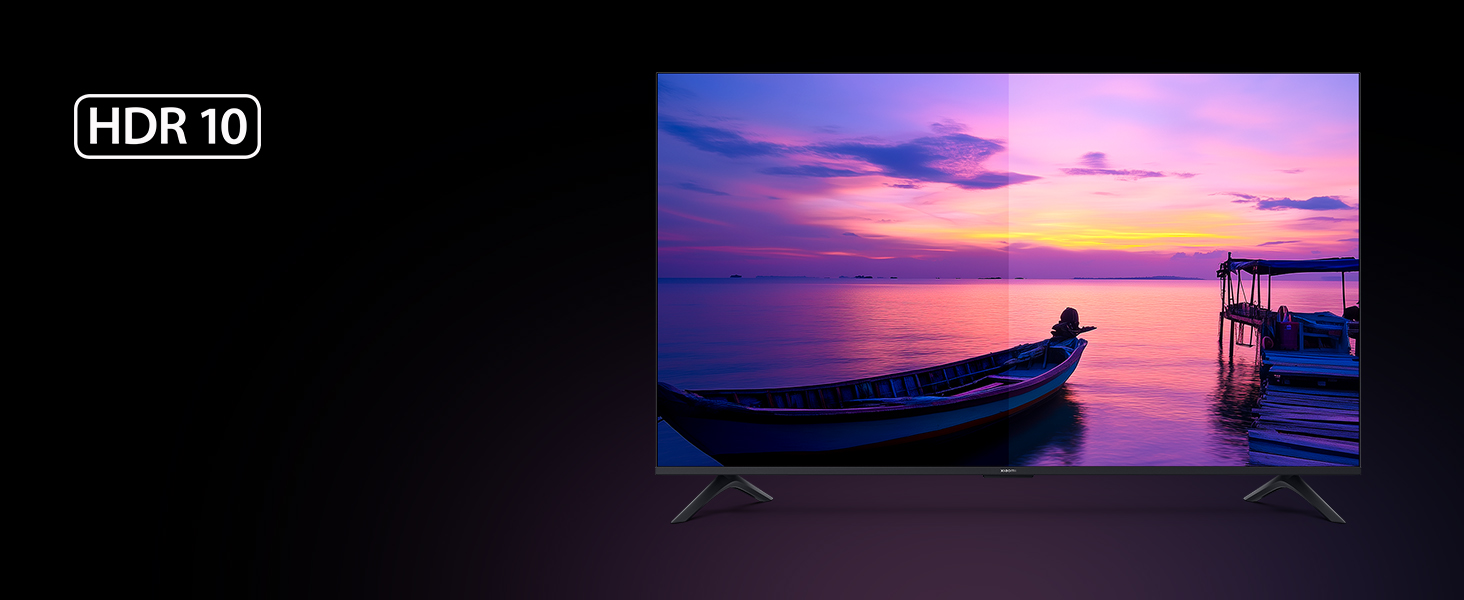
- HDR 10 u HLG: Supports high dynamic range content for a wider range of colors and contrast.
HDR10 delivers high brightness and contrast for stunning visual realism.
- Modalità ta' produttur tal-films: Disables post-processing effects to present content as the director intended.

Il-Modalità Filmmaker tiżgura li l-kontenut ikun viewed without artificial enhancements.
- Vivid Picture Engine 2 & Wide Colour Gamut: Ittejjeb l-eżattezza u l-vibranza tal-kulur.
- MEMC Engine (Reality Flow MEMC): Improves motion clarity for fast-moving scenes.
- Modalità Kumdità tal-għajnejn: Inaqqas l-emissjoni tad-dawl blu għal ambjent komdu viewing.
4.4 Settings tal-awdjo
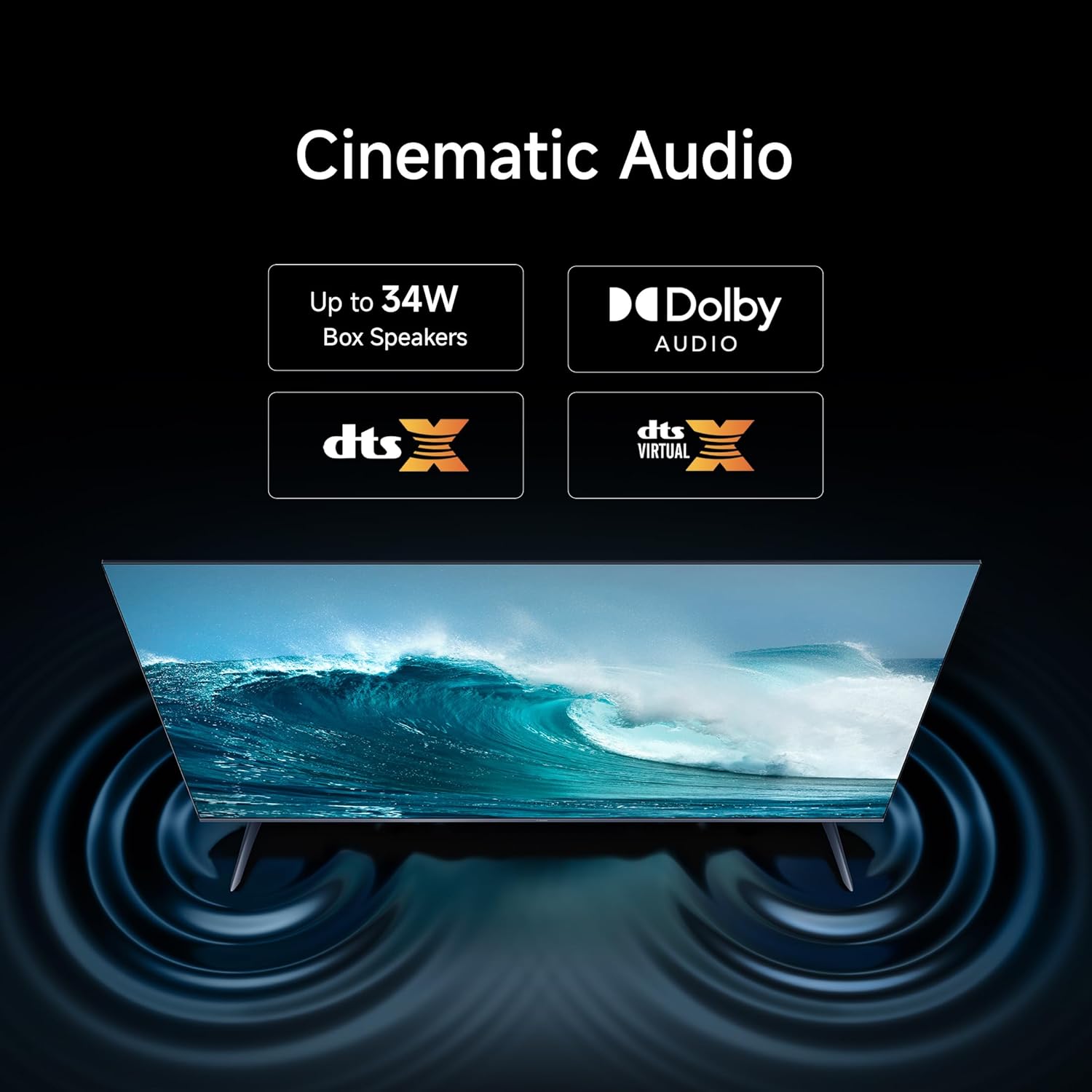
The TV is equipped with 30 watts output speakers and supports advanced audio technologies.
- Dolby Audio: Jipprovdi ħoss għani, ċar u qawwi.
- DTS-X u DTS Virtual:X: Delivers immersive, multi-dimensional audio experiences.

The TV supports Dolby Audio, DTS, and DTS Virtual:X for an enhanced sound experience.
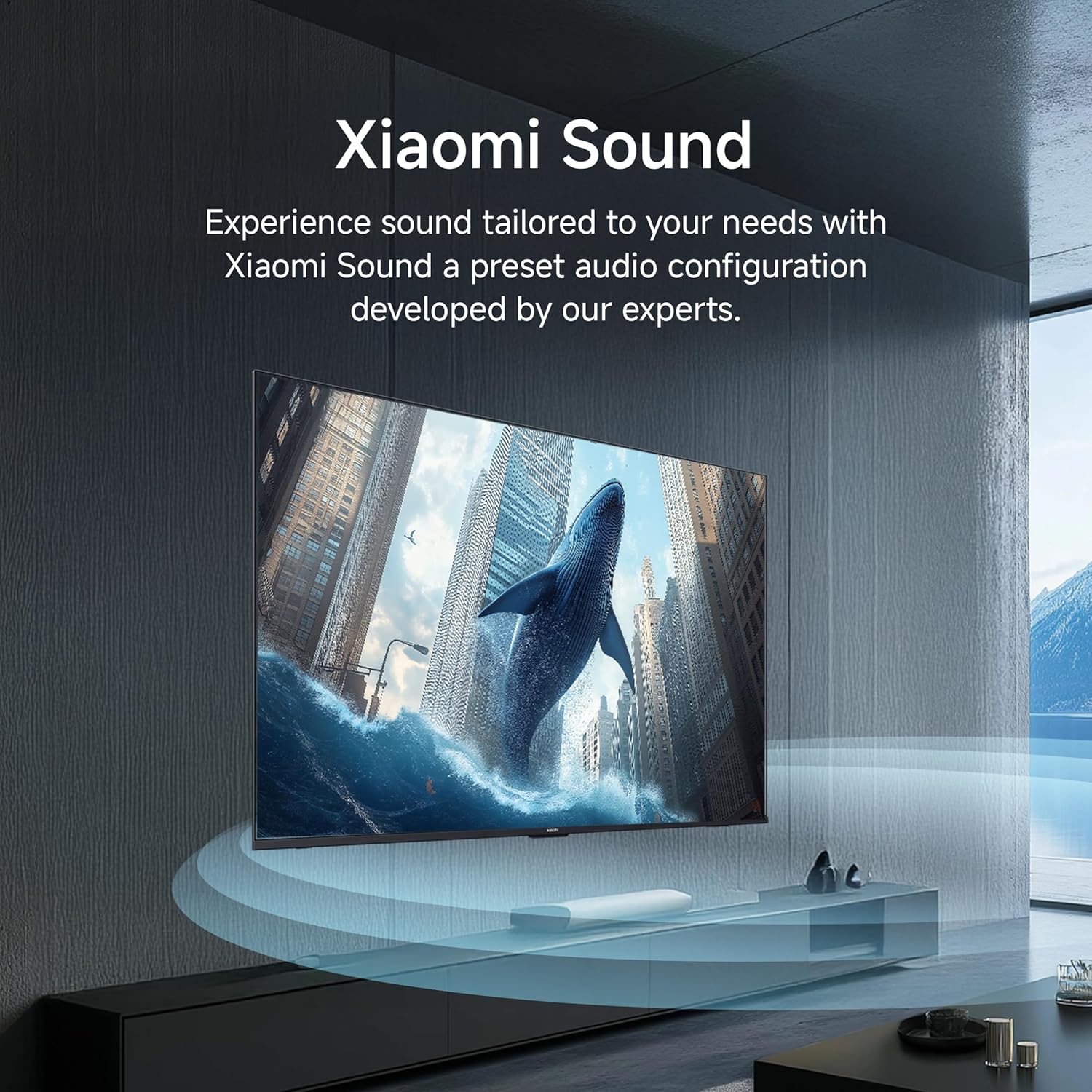
- Ħoss Xiaomi: Preset audio configurations developed for optimized sound.
Experience tailored sound with Xiaomi Sound's expert-developed audio configuration.
4.5 Karatteristiċi tal-Logħob
Ittejjeb l-esperjenza tal-logħob tiegħek b'karatteristiċi ddedikati.
- Booster tal-Logħob ta' 120Hz: Boosts the refresh rate to 120Hz for ultra-low latency and responsive gaming.
The 120Hz Game Booster provides a smoother and more responsive gaming experience.
5. Manutenzjoni
5.1 Tindif tat-TV
- Dejjem aqla’ t-TV mill-plagg tal-elettriku qabel ma tnaddaf.
- Uża drapp artab, niexef u mingħajr suf biex timsaħ bil-mod l-iskrin u l-kabinett.
- Għal marki iebsa, ħassar bil-modampen the cloth with water or a specialized screen cleaner (ensure it is safe for LED screens) and wipe gently.
- Avoid using abrasive cleaners, waxes, or solvents as they can damage the TV's surface.
5.2 Aġġornamenti tas-Software
It-TV jista' jirċievi aġġornamenti tas-softwer biex itejjeb il-prestazzjoni u jżid karatteristiċi ġodda. Kun żgur li t-TV tiegħek huwa konness mal-internet biex jirċievi dawn l-aġġornamenti awtomatikament jew iċċekkjahom manwalment fil-menu tas-settings.
6 Issolvi l-problemi
Jekk tiltaqa' ma' problemi bit-TV tiegħek, irreferi għall-passi komuni li ġejjin għas-soluzzjoni tal-problemi.
6.1 Ebda Qawwa
- Ensure the power cord is securely connected to both the TV and the power outlet.
- Iċċekkja jekk is-sokit tal-enerġija hux qed jaħdem billi tqabbad apparat ieħor.
- Agħfas il-buttuna tal-qawwa fuq it-TV innifsu, mhux biss fuq ir-remote, biex teskludi problema bir-remote.
6.2 Ebda Stampa jew Kwalità Fqira tal-Istampa
- Ivverifika li s-sors tad-dħul korrett intgħażel (eż., HDMI 1, AV).
- Iċċekkja l-konnessjonijiet kollha tal-kejbil (HDMI, antenna, eċċ.) għal laxkezza jew ħsara.
- Jekk qed tuża apparat estern, kun żgur li jkun mixgħul u li qed jaħdem sew.
- Aġġusta s-settings tal-istampa (luminożità, kuntrast, kulur) fil-menù tat-TV.
- For 4K content, ensure your source device and HDMI cables support 4K resolution.
6.3 Ebda Ħoss jew Kwalità tal-Ħoss Fqira
- Żid il-volum billi tuża l-kontroll remot.
- Iċċekkja jekk it-TV huwiex siekta.
- Ivverifika l-konnessjonijiet tal-kejbil tal-awdjo jekk qed tuża kelliema esterni.
- Aġġusta s-settings tal-awdjo fil-menù tat-TV.
6.4 Il-Kontroll mill-Bogħod Mhux Jaħdem
- Ensure the AAA batteries are correctly inserted and not depleted. Replace if necessary.
- Neħħi kwalunkwe ostaklu bejn ir-remote u t-TV.
- If the remote is Bluetooth, try re-pairing it with the TV (refer to the TV's on-screen help for pairing instructions).
6.5 Kwistjonijiet ta' Konnettività tan-Netwerk
- Check if your Wi-Fi router is powered on and functioning.
- Erġa' ibda r-router u l-modem tiegħek.
- Kun żgur li l-password tal-Wi-Fi mdaħħla hija korretta.
- Jekk qed tuża kejbil Ethernet, kun żgur li huwa konness sew.
7. Speċifikazzjonijiet
Detailed technical specifications for the Xiaomi 43-inch X Ultra HD 4K Smart Google LED TV (Model L43MB-AIN).

Diagram illustrating the physical dimensions and weight of the 43-inch Xiaomi TV.
| Karatteristika | Speċifikazzjoni |
|---|---|
| Brand | XIAOMI |
| Mudell | L43MB-AIN |
| Isem tal-Mudell | Serje GTV |
| Sena Mudell | 2025 |
| Daqs tal-Iskrin | 43 Pulzier (108 ċm) |
| Teknoloġija tal-Wiri | LED |
| Riżoluzzjoni | 4K Ultra HD (3840 x 2160 Pixel) |
| Riffriskar Rata | 60 Hz |
| Tip ta 'Wiri | Dolby Vision | HDR 10 | HLG |
| ViewIng Angolu | 178 Grad |
| Proporzjon tal-Aspett tal-Immaġni | 16:09 |
| Proporzjon tal-Kuntrast tal-Immaġni | 5000:1 |
| Ħin ta' Rispons | 6.5 Millisekondi |
| Sistema Operattiva | Google TV (Android 14 OS) |
| Daqs tal-Memorja RAM Installata | 2 GB |
| Kapaċità tal-Ħżin tal-Memorja | 8 GB |
| Proċessur | Quad-core A55 |
| Karatteristiċi Speċjali | Filmmaker Mode, MEMC, Eye Comfort Mode |
| Teknoloġija tal-Konnettività | Ethernet, HDMI, USB, Wi-Fi (Dual Band), Bluetooth |
| Interface tal-Ħardwer | 3 HDMI ports (1 eARC), 2 USB ports, 3.5mm Audio, Bluetooth, Ethernet, Optical, AV |
| Spikers Enerġija Massimu tal-Ħruġ | 30 Watts |
| Konfigurazzjoni tal-Kanal tal-Ħoss Surround tal-Ispeaker | Dolby Audio, DTS-X, DTS Virtual:X |
| Formati Awdjo Appoġġjati | Dolby, DTS, MP3, FLAC, AAC, OGG, ADPCM, OPUS |
| Sors tal-Enerġija | AC (240 Volts) |
| Dimensjonijiet tal-Prodott (LxWxH) | 95.7 x 21.1 x 59.9 ċm |
| Piż tal-oġġett | 6 kg |
The TV is powered by a Quad-core A55 processor with 2GB RAM and 8GB storage for smooth performance.
8. Garanzija u Appoġġ
It-TV Xiaomi tiegħek jiġi b' 1 Year of Comprehensive Warranty. To avail warranty services, please retain your Amazon invoice as proof of purchase.
For further assistance, technical support, or to access the latest user manual, please visit the official Xiaomi website or contact their customer service. Contact details can typically be found on the manufacturer's webis-sit jew fil-karta tal-garanzija inkluża mal-prodott tiegħek.


