1. Introduzzjoni
This manual provides essential information for setting up, operating, maintaining, and troubleshooting your HP 255 15.6-inch laptop. Please read this manual thoroughly to ensure proper use and to maximize the lifespan of your device.
The HP 255 laptop is designed for everyday tasks, productivity, and general computing. It features an AMD Ryzen 3 7330U processor, a 15.6-inch Full HD display, Wi-Fi 6, Bluetooth 5.3, and runs on Windows 11 Pro.
2. Setup
2.1 Tneħħija tal-kaxxa u Spezzjoni Inizjali
Neħħi l-komponenti kollha mill-imballaġġ bir-reqqa. Kun żgur li l-oġġetti li ġejjin huma preżenti:
- HP 255 15.6-inch Laptop
- Adapter tal-Enerġija
- Dokumentazzjoni (dan il-manwal, informazzjoni dwar il-garanzija)
Inspect the laptop for any physical damage. If any damage is found, contact your retailer or HP support immediately.
2.2 Konnessjoni tal-Adapter tal-Enerġija
- Connect the power adapter cable to the power-adapter port on the laptop.
- Ipplaggja l-adapter tal-enerġija fi żbokk elettriku ertjat.
- Ħalli l-batterija tiċċarġja għal mill-inqas 30 minuta qabel l-ewwel użu, jew sakemm l-indikatur tal-batterija juri ċarġ suffiċjenti.
Immaġni: Diagram illustrating the various ports and slots on the HP 255 laptop, with labels for USB Type-A, HDMI 1.4, USB Type-C (data only), 3.5mm Headset Jack, and Power-adapter port. This helps identify where to connect the power adapter.
2.3 L-Ewwel Tixgħil u s-Setup tal-Windows
- Iftaħ l-għatu tal-laptop.
- Agħfas il-buttuna tal-qawwa, li tipikament tinsab fuq il-gverta tat-tastiera.
- Segwi l-istruzzjonijiet fuq l-iskrin biex tlesti s-setup tal-Windows 11 Pro. Dan jinkludi l-għażla tar-reġjun tiegħek, il-lingwa, il-konnessjoni ma' netwerk, u l-ħolqien ta' kont tal-utent.
3. Istruzzjonijiet Operattivi
3.1 Ġestjoni tal-Enerġija
- Qawwa Mixgħul: Agħfas il-buttuna tal-qawwa.
- Itfi: Ikklikkja l-buttuna Start, imbagħad Power, imbagħad Shut down.
- Ibda mill-ġdid: Ikklikkja l-buttuna Start, imbagħad Power, imbagħad Restart.
- Irqad: Close the lid or click the Start button, then Power, then Sleep.
3.2 Tastiera u Touchpad
The laptop features a full-size keyboard and a multi-touch touchpad. Refer to the Windows 11 Pro documentation for detailed gestures and keyboard shortcuts.
3.3 Connecting to Networks and Devices

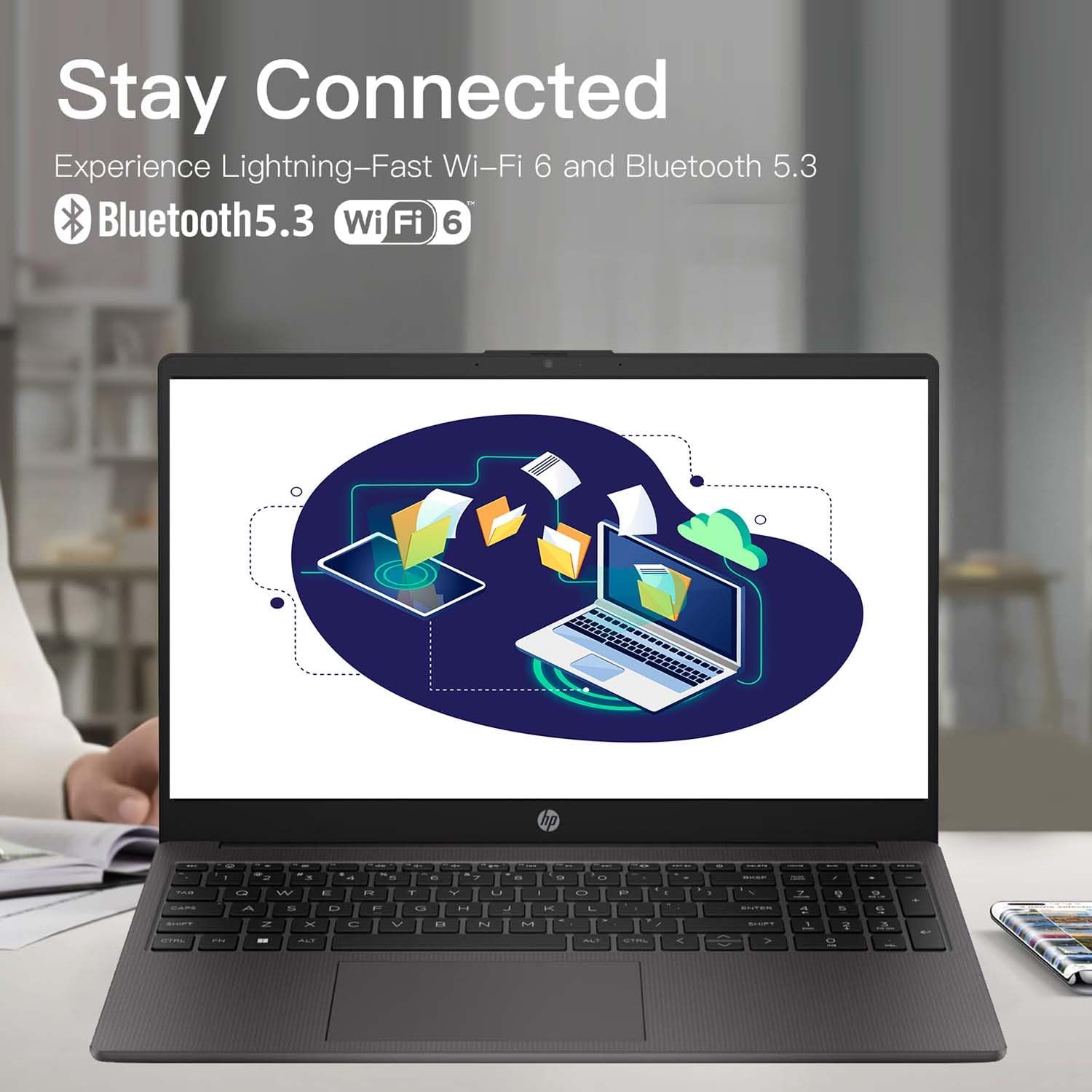
Immaġni: The HP 255 laptop screen showing icons for Wi-Fi 6 and Bluetooth 5.3, indicating its wireless connectivity capabilities.
- Wi-Fi 6: Biex tikkonnettja ma' netwerk mingħajr fili, ikklikkja l-ikona Wi-Fi fit-taskbar, agħżel in-netwerk mixtieq, u daħħal il-password jekk tintalab.
- Bluetooth 5.3: Biex tqabbad apparati Bluetooth, mur f'Settings tal-Windows > Bluetooth u apparati, u segwi l-istruzzjonijiet biex iżżid apparat ġdid.
- Ethernet: Connect an Ethernet cable to the Ethernet port for a wired network connection.
- Apparat USB: Connect USB devices (e.g., mouse, external drive) to the available USB Type-A or USB Type-C ports.
- Display Estern: Use the HDMI 1.4 port to connect an external monitor or projector.
3.4 Ħajja tal-Batterija u Iċċarġjar
The laptop is equipped with a 3-cell 41WH Li-Ion battery. For optimal battery performance:
- Iċċarġja l-batterija kompletament qabel l-ewwel użu.
- Evita li tiċċarġja l-batterija kompletament ta' spiss.
- Use the provided HP power adapter for charging.

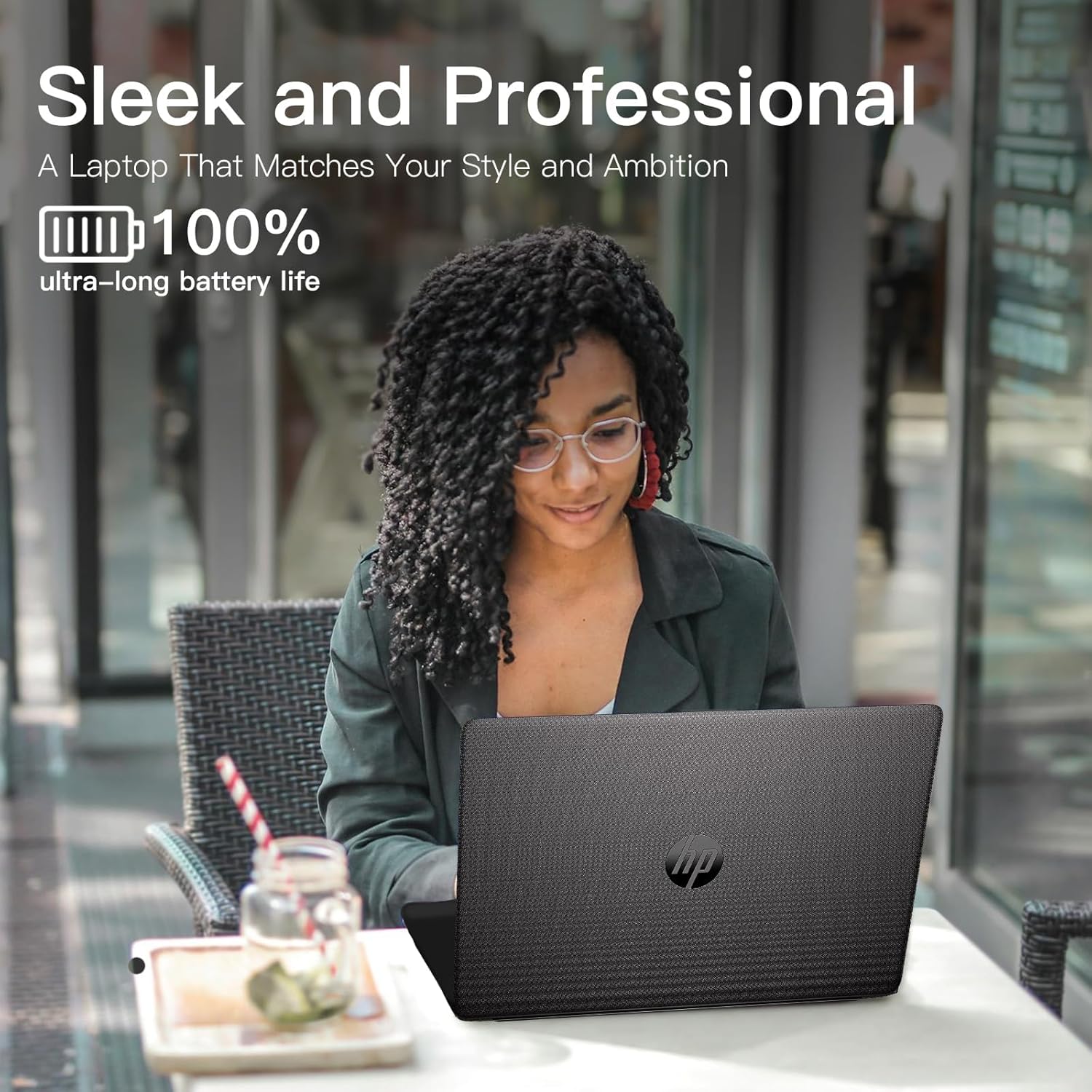
Immaġni: A user operating the HP laptop in an outdoor setting, emphasizing its design and battery endurance for mobile use.
3.5 Multitasking u Produttività
The HP 255 laptop, powered by the AMD Ryzen 3 7330U processor and ample memory, is designed to handle multiple applications simultaneously, enhancing your productivity.

Immaġni: The HP 255 laptop screen showcasing various applications running concurrently, such as video editing, document creation, and web browsing, demonstrating its multitasking capabilities.
4. Manutenzjoni
4.1 Tindif tal-Laptop
- Skrin: Uża ċarruta ratba u mingħajr ħelu dampLaħlaħ bl-ilma jew b'tindif tal-iskrin. Tisprejjax likwidu direttament fuq l-iskrin.
- Tastiera u Chassis: Uża drapp artab u niexef. Għal ħmieġ iebes, neħħi ftit drapp.amp jista' jintuża drapp. Evita kimiċi ħarxa.
- Portijiet: Żomm il-portijiet ħielsa mit-trab u l-fdalijiet. Uża arja kkompressata jekk meħtieġ, imma evita li ddaħħal oġġetti fil-portijiet.
4.2 Aġġornamenti tas-Software
Regularly update your Windows operating system and drivers to ensure optimal performance and security. Go to Windows Settings > Windows Update to check for and install updates.
4.3 Ġestjoni tal-Ħażna
Naddaf perjodikament dak li mhux meħtieġ files and applications to maintain system performance. The laptop comes with a 1TB PCIe SSD.
5 Issolvi l-problemi
This section addresses common issues you might encounter with your HP 255 laptop.
5.1 Kwistjonijiet tal-Enerġija
- Il-laptop ma jixgħelx:
- Kun żgur li l-adapter tal-enerġija huwa konness sew kemm mal-laptop kif ukoll ma' sokit elettriku li jaħdem.
- Ivverifika li s-sokit tal-enerġija jaħdem billi tqabbad apparat ieħor.
- Jekk il-batterija tkun ixxotta kompletament, jista' jieħu ftit minuti ta' ċċarġjar qabel ma l-laptop ikun jista' jixgħel.
- Il-batterija mhix qed tiċċarġja:
- Iċċekkja l-adapter tal-enerġija u l-kejbil għal ħsara.
- Ensure the power adapter is correctly seated in the laptop's power port.
- Ipprova żbokk tad-dawl differenti.
5.2 Kwistjonijiet tal-Wiri
- L-iskrin huwa vojt jew iswed:
- Kun żgur li l-laptop ikun mixgħul u mhux fil-modalità sleep.
- Agħfas Fn + F2 (or the appropriate function key with a display icon) to toggle the display output.
- Jekk monitor estern huwa konness, kun żgur li jkun mixgħul u kkonfigurat b'mod korrett.
5.3 Performance and System Stability
- System crashes or freezes during Windows installation:
- Ensure the laptop is receiving adequate power and is not overheating.
- If repeated crashes occur during initial setup, this may indicate a hardware issue. Contact HP support for assistance.
- Overheating or fan noise:
- Ensure the laptop's vents are not blocked.
- Uża l-laptop fuq wiċċ iebes u ċatt biex ikun hemm fluss tal-arja xieraq.
- If cooling fans are reported as inoperable (e.g., via a blue screen error), immediately power off the laptop and contact HP support. Continued use can cause damage.
6. Speċifikazzjonijiet
The following table outlines the key technical specifications of the HP 255 15.6-inch Laptop (16GB RAM | 1TB PCIe configuration):

Immaġni: The HP 255 laptop with its physical dimensions indicated as 14.17 inches in width and 9.29 inches in depth, illustrating its compact and portable design.
| Karatteristika | Speċifikazzjoni |
|---|---|
| Isem tal-Mudell | HP 255 |
| Daqs tal-Iskrin | 15.6 pulzieri |
| Riżoluzzjoni Massima tal-Iskrin | 1920x1080 Pixel (Full HD) |
| Proċessur | AMD Ryzen 3 7330U (up to 4.6 GHz) |
| RAM | 16 GB DDR4 |
| Ħażna | 1 TB PCIe SSD |
| Koproċessur tal-Grafika | Grafika AMD Radeon (Integrata) |
| Sistema Operattiva | Windows 11 Pro |
| Konnettività bla fili | Wi-Fi 6 (802.11ax), Bluetooth 5.3 |
| Portijiet | 3x USB 3.0 (Type-A), 1x HDMI 1.4, 1x USB Type-C (data only), 1x 3.5mm Headset Jack, Ethernet Port, Power-adapter port |
| Batterija | 3-Cell 41WH Li-Ion |
| Dimensjonijiet (LxWxH) | 14.11 x 0.7 x 9.5 pulzieri |
| Piż tal-oġġett | 5 liri |
| Kulur | Griż |
| Karatteristiċi Speċjali | Anti Glare Coating, HD Audio, Numeric Keypad, Spill Resistant |
Immaġni: A bar chart comparing the performance metrics of the AMD Ryzen 3 7330U processor against the Intel i5-1135G7, showing scores for single-core, multi-core, power efficiency, and integrated graphics.
7. Garanzija u Appoġġ
7.1 Informazzjoni dwar Garanzija
Your HP 255 laptop comes with a standard manufacturer's warranty. For detailed information regarding warranty terms, conditions, and duration, please refer to the warranty card included in your product packaging or visit the official HP support websit.
7.2 Appoġġ Tekniku
If you encounter issues that cannot be resolved using the troubleshooting steps in this manual, please contact HP technical support. You can find contact information and additional resources on the official HP support websit:
When contacting support, please have your laptop's serial number and model number (HP 255) ready.