1. Introduzzjoni
Thank you for choosing the Green Lion Voyager Radio. This versatile device combines a powerful 5W Bluetooth speaker, a multi-band FM/AM/SW radio tuner, and a convenient 1.2W LED flashlight. Designed for portability and durability, it is an ideal companion for outdoor activities, emergencies, or everyday use. This manual provides detailed instructions to help you get the most out of your Voyager Radio.

Figure 1.1: Green Lion Voyager Radio - Front and Side View
This image displays the Green Lion Voyager Radio from a slightly angled front and side perspective, highlighting its compact design, digital display, speaker grille, and various control buttons.
2. Kontenut tal-Pakkett
Jekk jogħġbok iċċekkja l-pakkett għall-oġġetti li ġejjin:
- Green Lion Voyager Radio
- Cable tal-Iċċarġjar tal-USB-C
- Manwal għall-Utent
3. Prodott Aktarview
Familiarize yourself with the various parts and controls of your Voyager Radio.
3.1 Karatteristiċi ewlenin
- FM/AM/SW Radio Tuner with Digital Display
- Bluetooth V5.4 Connectivity
- 5W High-Fidelity Speaker
- Flashlight LED 1.2W
- Port tal-Iċċarġjar tat-Tip C
- Daqq tal-Karta Mikro SD
- Jack tal-widna
- Lock & Sleep Mode
3.2 Kontrolli u Portijiet
Refer to the images below for a visual guide to the radio's features.

Figure 3.1: Integrated Flashlight
This image highlights the 1.2W LED flashlight located at the top of the radio, providing reliable illumination.

Figure 3.2: Earphone Jack
The image shows the 3.5mm earphone jack on the side of the radio, allowing for private listening.

Figure 3.3: Micro SD Playback
This graphic illustrates the Micro SD card slot, enabling playback of audio filedirettament minn kard tal-memorja.
4. Setup
4.1 Iċċarġjar tal-Apparat
- Locate the Type-C charging port on the side of the Voyager Radio.
- Connect the provided USB-C charging cable to the radio and the other end to a compatible USB power adapter (not included) or a computer's USB port.
- The charging indicator on the display will show the charging status. A full charge provides approximately 6-7 hours of playtime.
4.2 Qawwa Inizjali
Agħfas u żomm il-buttuna Power (⏻) for a few seconds until the digital display illuminates.
5. Istruzzjonijiet Operattivi
5.1 Power On/Off
- Biex tixgħel, agħfas u żomm il-buttuna Qawwa buttuna.
- Biex tintefa, agħfas u żomm il-buttuna Qawwa buttuna għal darb'oħra.
5.2 Radio Operation (FM/AM/SW)
- Modi ta' Qlib: Agħfas il- MOD/IRQAD button to cycle through FM, AM, SW, Bluetooth, and Micro SD modes.
- Skanjar Awtomatiku: Fil-modalità tar-radju, agħfas il-buttuna SKANJAR/ILABB button to automatically scan and save available stations.
- Irfinar Manwali: Uża l- IRTUNING pum jew il- +/- buttuni biex tirfina l-frekwenzi.
- Recalling Stations: Uża l- MEM/EQ buttuna biex tiċċaqlaq bejn l-istazzjonijiet salvati.

Figure 5.1: Auto Scan Mode
This graphic illustrates the radio's auto scan feature, which automatically finds and saves radio stations for convenience.
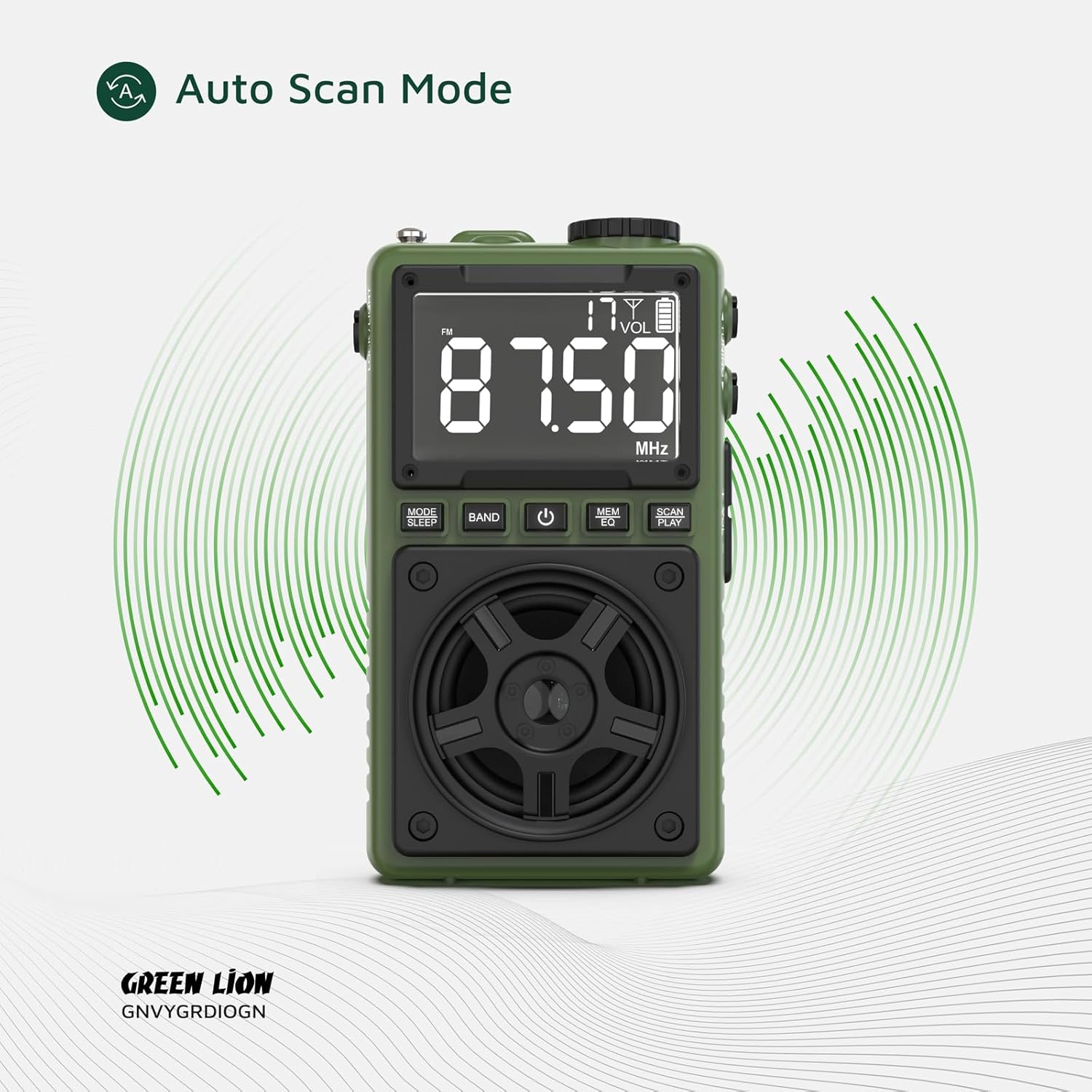
Figure 5.2: Multi Radio Bands
The image highlights the radio's capability to receive multiple frequency bands, including FM, AM, and SW.
5.3 Tħaddim tal-Ispeaker Bluetooth
- Tqabbil: Switch the radio to Bluetooth mode. The display will indicate 'BT' and the device will enter pairing mode.
- On your smartphone or other Bluetooth-enabled device, search for 'Green Lion Voyager' in the Bluetooth settings and select it to pair.
- Once paired, you can stream audio wirelessly to the Voyager Radio. The Bluetooth range is 8-10 meters.
- Kontroll tal-daqq: Uża l- SKANJAR/ILABB button to play/pause, and the +/- buttuni għall-kontroll tal-volum.
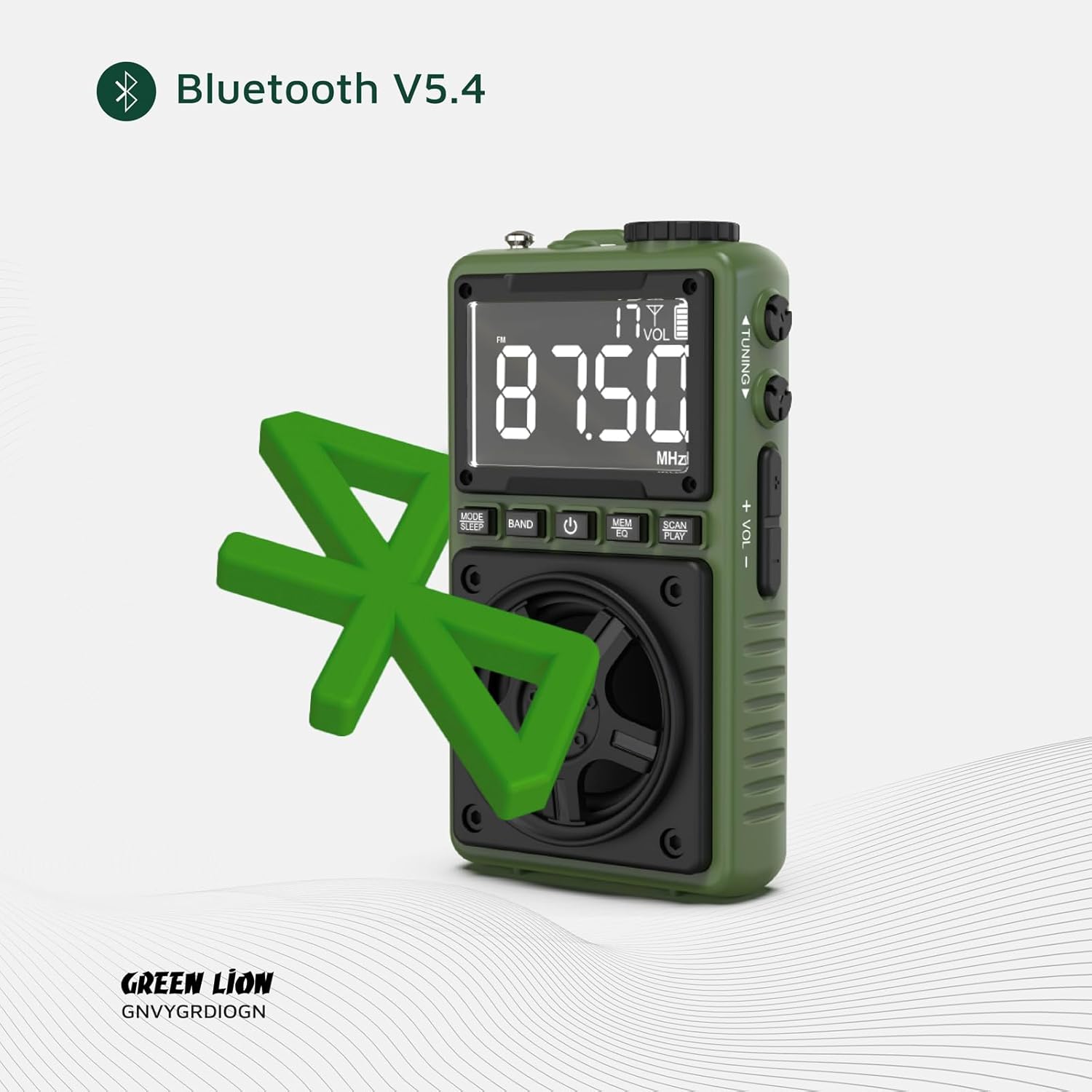
Figure 5.3: Bluetooth V5.4 Connectivity
This image visually represents the radio's advanced Bluetooth V5.4 capability for stable and efficient wireless audio streaming.
5.4 Tħaddim tat-Torċa
To turn the 1.2W LED flashlight on or off, locate the dedicated LOCK/DAWL switch on the side of the device and slide it to the desired position.

Figura 5.4: Torċa fl-Użu
The image demonstrates the powerful beam of the integrated flashlight, useful for various situations.
5.5 Modalità Lock
To prevent accidental button presses, slide the LOCK/DAWL switch to the 'LOCK' position. This will disable all buttons except the flashlight.
5.6 Modalità Sleep
Agħfas u żomm il- MOD/IRQAD button to activate sleep mode. The radio will automatically turn off after a set period (refer to display for timer settings).
6. Manutenzjoni
- Tindif: Uża drapp artab u niexef biex tnaddaf il-wiċċ tar-radju. Tużax prodotti tat-tindif jew solventi li joborxu.
- Ħażna: Aħżen l-apparat f'post frisk u niexef 'il bogħod mix-xemx diretta u minn temperaturi estremi.
- Kura tal-batterija: Biex ittawwal il-ħajja tal-batterija, evita li tiċċarġja kompletament il-batterija ta' spiss. Iċċarġja l-apparat regolarment, anke jekk ma jkunx qed jintuża għal perjodi twal.
7 Issolvi l-problemi
| Problema | Kawża Possibbli | Soluzzjoni |
|---|---|---|
| L-apparat ma jixgħelx. | Il-batterija hija baxxa jew eżawrita. | Iċċarġja l-apparat billi tuża l-kejbil USB-C ipprovdut. |
| Riċeviment ħażin tar-radju. | Sinjal dgħajjef jew interferenza. | Extend the antenna fully. Try moving to a different location. Use auto scan mode. |
| Il-Bluetooth mhux qed jikkonnettja. | Device not in pairing mode; too far from source; interference. | Ensure the radio is in Bluetooth mode. Move closer to the source device. Restart both devices. |
| L-ebda ħoss mill-ispiker. | Volume too low; muted; earphone plugged in. | Increase volume. Check if earphones are connected. |
8. Speċifikazzjonijiet
| Karatteristika | Dettall |
|---|---|
| Brand | Iljun Aħdar |
| Numru tal-Mudell | 990478120969 |
| Teknoloġija tal-Konnettività | USB-C, Bluetooth V5.4 |
| Output Speaker | 5W |
| Qawwa tal-flashlight | 1.2W LED |
| Baned tar-Radju | FM/AM/SW |
| Medda Bluetooth | 8-10 metri |
| Ħin tal-logħob | 6-7 sigħat (madwar) |
| Dimensjonijiet tal-Prodott | 6.1L x 3.2W x 10.5H ċentimetri |
| Dimensjonijiet tal-Pakkett | 13.13 x 11.03 x 4.7 ċm |
| Piż | 131 g |
| Batterija | 1 Batterija Mhux Standard (inkluża) |
9. Garanzija u Appoġġ
The Green Lion Voyager Radio comes with a Free 12+12 months warranty. For any inquiries or technical assistance, please contact our customer service.
- Servizz tal-Klijent: Servizz tal-konsumatur 24 siegħa huwa disponibbli.
- Appoġġ Tekniku: Appoġġ tekniku tul il-ħajja huwa pprovdut.


