1. Introduzzjoni
This manual provides essential information for setting up, operating, maintaining, and troubleshooting your OnePlus Watch 3. Please read this manual thoroughly to ensure proper use and to maximize the performance and longevity of your device.
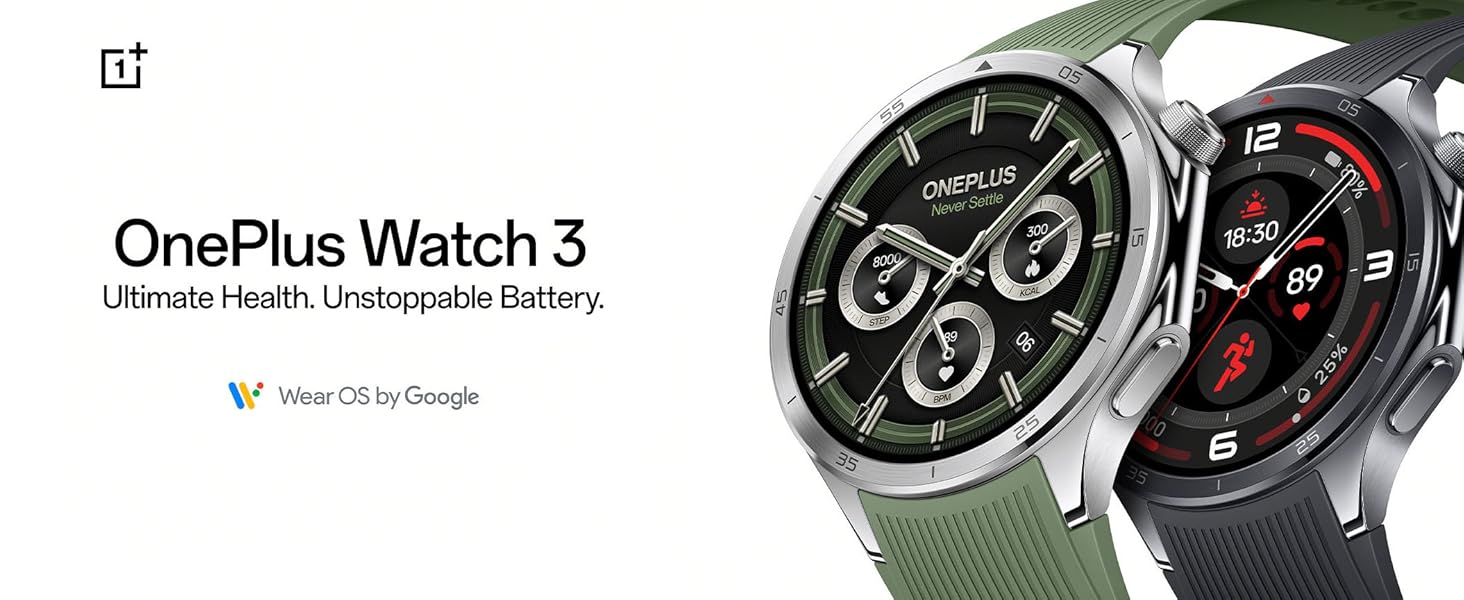
The OnePlus Watch 3, available in Emerald Titanium and Obsidian Titanium, offers advanced health tracking and extended battery life, powered by Wear OS by Google.
2. X'hemm fil-Kaxxa
Upon opening your OnePlus Watch 3 package, verify that all components are present:
- OnePlus Watch 3 (Emerald Titanium)
- Ċineg tal-għassa
- Ċarġer tal
- Gwida Quick Start (dan il-manwal)

The main unit of the OnePlus Watch 3, featuring a circular display and a green silicone strap.
3. Setup
3.1 Iċċarġjar inizjali
Before first use, fully charge your OnePlus Watch 3. Connect the provided charger to a power source and attach the magnetic charging base to the back of the watch. The watch display will indicate charging status.
3.2 Ixgħel u Tqabbil
- Press and hold the power button on the side of the watch until the OnePlus logo appears.
- Segwi l-istruzzjonijiet fuq l-iskrin biex tagħżel il-lingwa u r-reġjun tiegħek.
- Download the Wear OS by Google app on your smartphone (Android or iOS).
- Open the Wear OS app and follow the prompts to pair your watch. Ensure Bluetooth is enabled on your phone.
- Accept all necessary permissions for full functionality.

Interacting with the watch display during the setup process or daily use.
4. Operating Your OnePlus Watch 3
4.1 Navigazzjoni
- Touchscreen: Swipe left/right, up/down to navigate menus and notifications. Tap to select.
- Buttuna tal-Kuruna: Rotate to scroll through lists, press to return to the watch face or open the app drawer.
- Buttuna tal-ġenb: Customizable for quick access to a specific app or function.
4.2 Notifiki u Applikazzjonijiet
Once paired, your watch will display notifications from your smartphone. You can manage app permissions and download additional apps directly from the Google Play Store on your watch.
4.3 Assistent tal-Vuċi
The OnePlus Watch 3 supports Google Assistant. Activate it by pressing and holding the crown button or by saying "Hey Google" (if enabled in settings) to perform tasks, ask questions, and control smart home devices.
5. Traċċar tas-Saħħa u l-Fitness
The OnePlus Watch 3 offers comprehensive health and fitness monitoring features:
- Traċċar tar-Rata tal-Qalb: Monitoraġġ kontinwu tar-rata tal-qalb tiegħek.
- Monitoraġġ SpO2: Ikejjel il-livelli ta' saturazzjoni tal-ossiġnu fid-demm.
- Analiżi tal-Irqad: Provides in-depth insights into your sleep patterns and quality.
- Livelli ta' Stress: Monitors and provides data on your stress levels.
- Traċċar tal-Attività: Tracks steps, calories burned, distance, and active minutes.
- Modi ta' Taħriġ: Over 100 different sports modes for precise tracking of various activities.
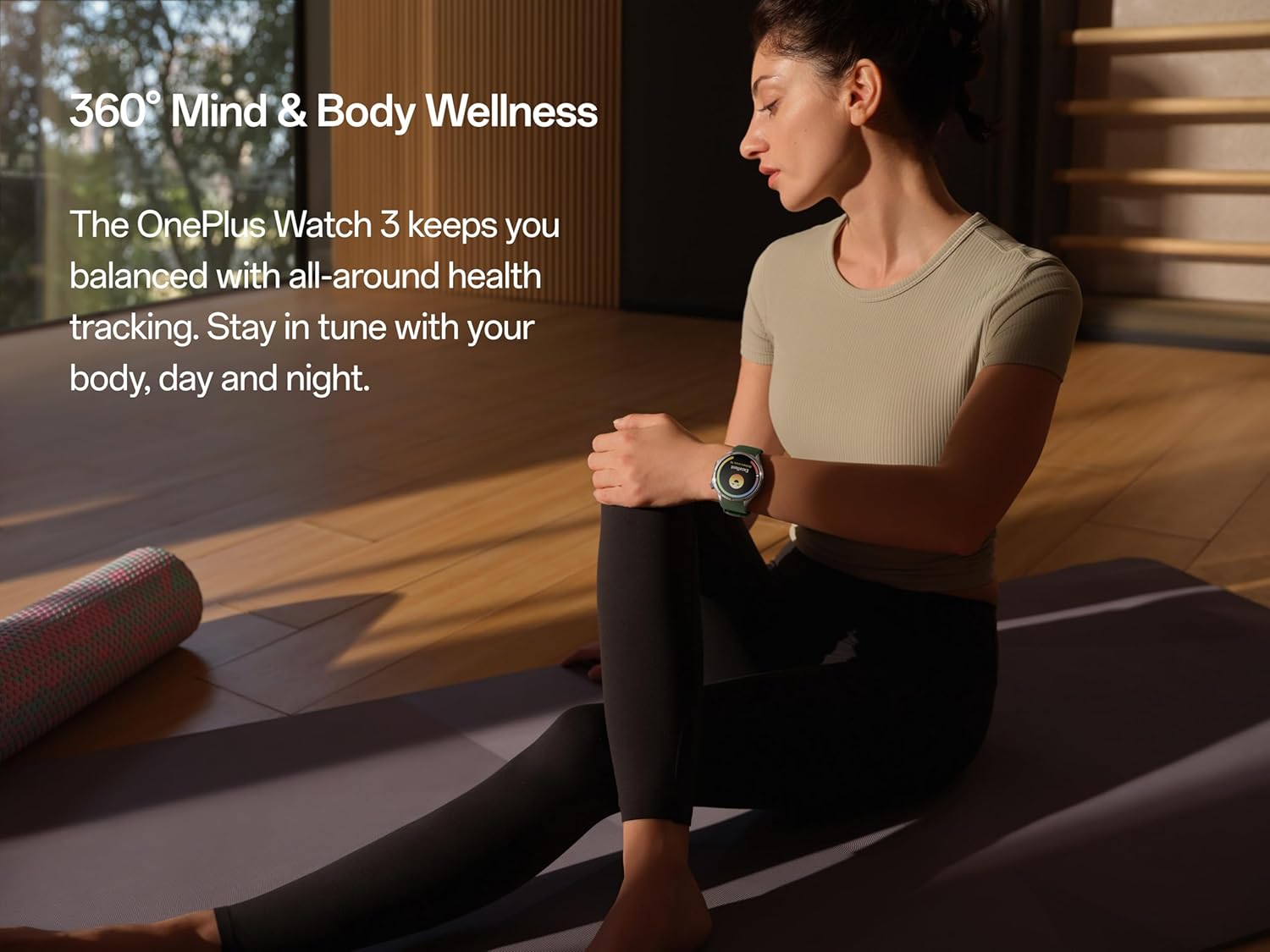
The watch supports holistic health tracking, including mind and body wellness features.

Perform a quick 60-second health check-in to get a snapshot of key health metrics.

Detailed sleep quality and breathing risk analysis helps improve rest and recovery.

Monitor subtle changes in wrist temperature, even during sleep, for health insights.

Select from over 100 sports modes for tailored tracking and performance metrics.
6. GPS and Route Tracking
The OnePlus Watch 3 features dual-band L1+L5 GPS for precise location tracking during outdoor activities. This allows for accurate mapping of runs, hikes, and rides, even in challenging environments.

Utilize the built-in GPS for accurate route tracking during outdoor adventures.
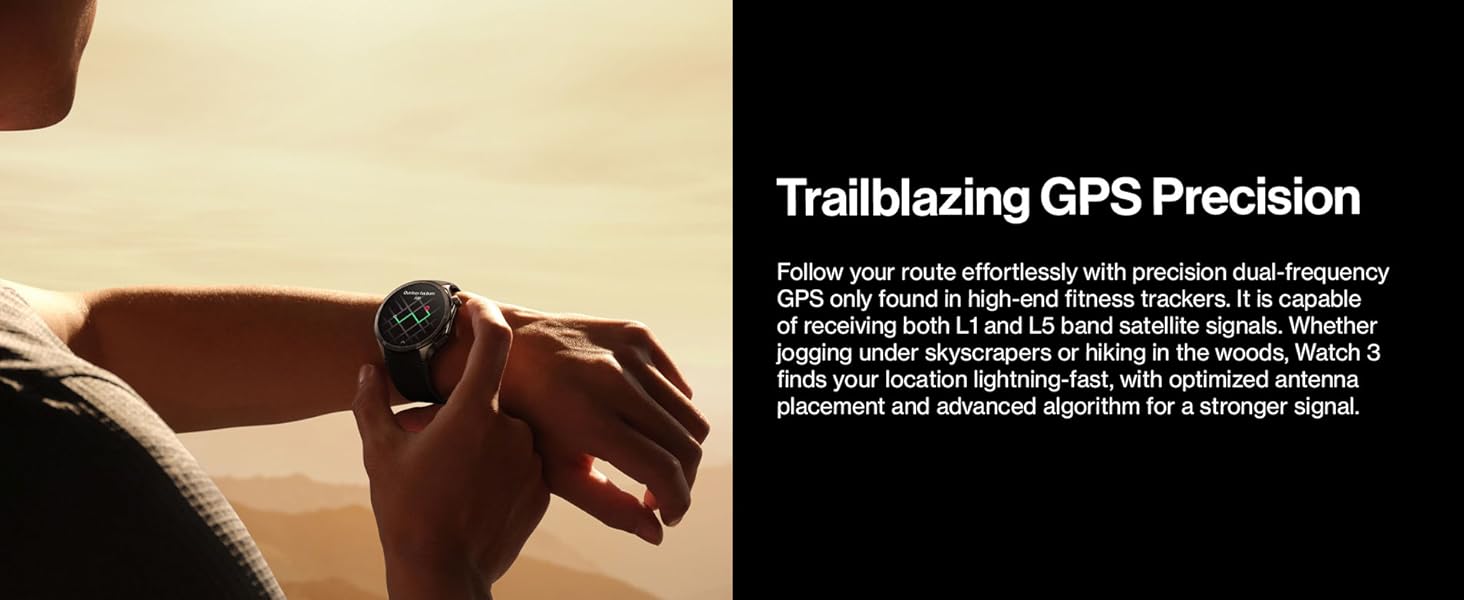
The watch offers precise dual-frequency GPS for reliable tracking in various terrains.
7. Ħajja tal-Batterija u Iċċarġjar
The OnePlus Watch 3 is designed for extended use, offering up to 120 hours (5 days) of battery life on a single charge in typical usage scenarios. With Power Saver Mode, battery life can extend up to 16 days.
For charging, use the magnetic charging cable provided. A 10-minute charge can provide a full day of use.

The watch boasts an impressive battery life of up to 5 days on a single charge.

Enjoy up to 120 hours of battery life, with quick charging providing a full day's power in just 10 minutes.
8. Durabilità u Disinn
The OnePlus Watch 3 is constructed with premium materials for durability and style:
- Ix-xażi: Stainless steel for a robust and elegant feel.
- Bezel: Titanium alloy for enhanced resilience.
- Wiri: Sapphire crystal, highly scratch-resistant.
- Reżistenza għall-Ilma: 50m water pressure rating.
- Reżistenza għat-Trab: IP68 rated for water and dust resistance.
- Military Grade Testing: Certified to withstand various environmental challenges.

The watch features a durable titanium bezel and a scratch-resistant sapphire crystal face.

Built with stainless steel and a sapphire crystal display, the watch offers a sleek design with unmatched durability.
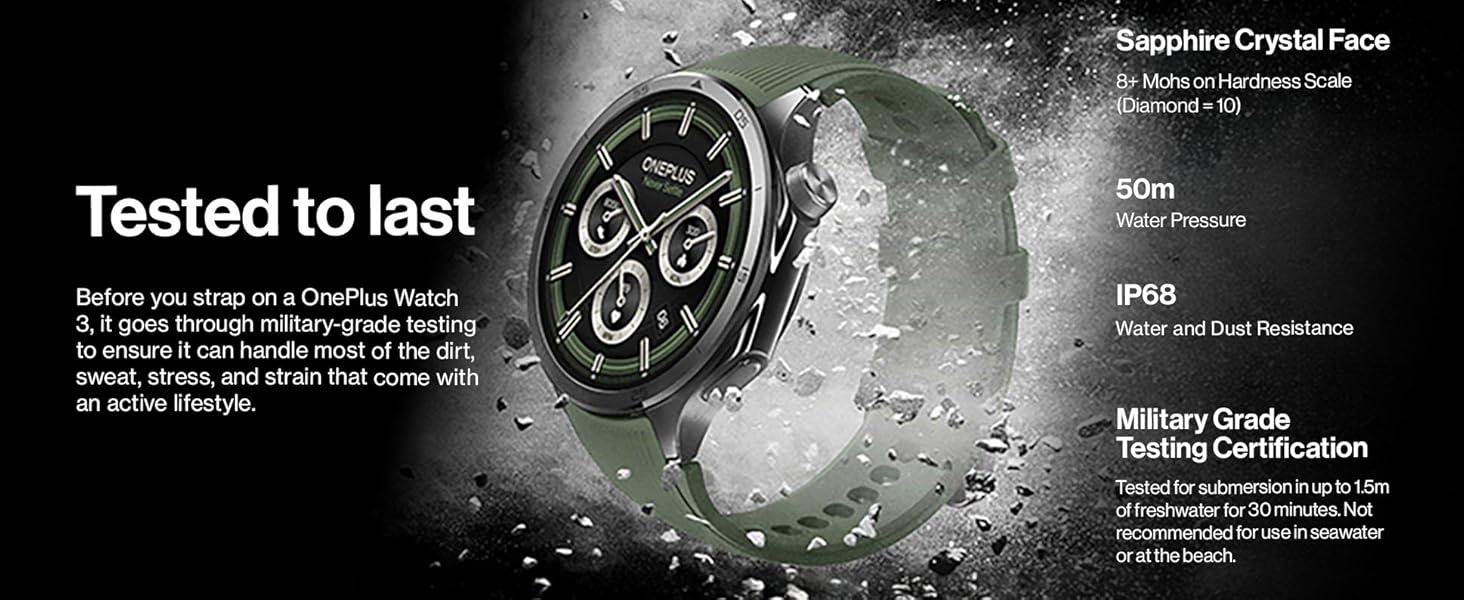
The watch undergoes military-grade testing to ensure durability against dirt, sweat, and strain, featuring sapphire crystal, 50m water resistance, and IP68 rating.
9. Manutenzjoni u Kura
- Tindif: Regularly wipe the watch and straps with a soft, damp drapp. Evita kimiċi ħarxa.
- Espożizzjoni għall-Ilma: While water-resistant, avoid prolonged submersion in saltwater or chemical liquids. Rinse with fresh water after exposure to pool water.
- Ħażna: Aħżen l-arloġġ f'post frisk u niexef meta ma jkunx qed jintuża.
- Aġġornamenti tas-Software: Keep your watch's software updated through the Wear OS app to ensure optimal performance and access to new features.
10 Issolvi l-problemi
| Problema | Kawża Possibbli | Soluzzjoni |
|---|---|---|
| Watch ma tixgħel | Batterija baxxa; problema tas-softwer | Charge the watch for at least 30 minutes. Perform a force restart by holding the power button for 15 seconds. |
| Ma nistax nqabbad mat-telefon | Bluetooth mitfi; problema bl-app; l-arloġġ mhux fil-modalità ta' tqabbil | Ensure Bluetooth is on for both devices. Restart both watch and phone. Reinstall Wear OS app. Reset watch to factory settings if necessary. |
| Dejta dwar is-saħħa mhux preċiża | Twaħħil mhux xieraq; ostruzzjoni tas-sensor | Kun żgur li l-arloġġ ikun komdu iżda strett fuq il-polz tiegħek. Naddaf is-sensuri fuq wara tal-arloġġ. |
| Ħajja qasira tal-batterija | High usage; too many apps; background processes | Reduce screen brightness. Disable always-on display. Close unused apps. Limit background refresh. Use Power Saver Mode. |
11. Speċifikazzjonijiet
| Karatteristika | Dettall |
|---|---|
| Numru tal-Mudell | OnePlus Watch 3 |
| Wiri | 1.5-inch LTPO Display, Sapphire Crystal Face |
| Proċessur | Snapdragon W5 + BES2800BP Dual-Engine |
| Ħażna | 32 GB |
| Ħajja tal-batterija | Up to 120 hours (5 days) typical usage; up to 16 days (Power Saver Mode) |
| Reżistenza għall-Ilma | 50m (5 ATM) |
| Reżistenza għat-Trab | IP68 |
| GPS | Dual band L1+L5 (Beidou, GPS, Galileo, GLONASS, QZSS) |
| Sistema Operattiva | Ilbes OS mill-Google |
| Konnettività | Bluetooth, WiFi |
| Dimensjonijiet (Pakkett) | 4.69 x 4.65 x 2.44 pulzieri |
| Piż tal-oġġett | 9.5 uqija (0.27 Kilogrammi) |

The dual-engine architecture, featuring Snapdragon W5 and BES2800BP, ensures efficient performance and optimized power consumption.

The 1.5-inch LTPO display provides clear visibility outdoors with lower power consumption and an immersive viewing esperjenza.
12. Vidjo Uffiċjali tal-Prodott
Dan il-filmat jipprovdi ħarsa fil-qosor lejnview of the OnePlus Watch 3's key features and design elements, including its titanium bezel and sapphire crystal face.
13. Garanzija u Appoġġ
Your OnePlus Watch 3 comes with a standard manufacturer's warranty. For detailed warranty terms and conditions, please refer to the warranty card included in your product packaging or visit the official OnePlus support websit.
For technical support, troubleshooting assistance, or service inquiries, please contact OnePlus customer service through their official channels. You may also find additional resources and FAQs on the OnePlus support websit.
Appoġġ onlajn: www.oneplus.com/support


