Introduzzjoni
This manual provides detailed instructions for the NBCP Wired Game Controller, Model 736D. It covers setup, operation, maintenance, and troubleshooting to ensure optimal performance and longevity of your device. This controller is designed for use with PlayStation 5, PlayStation 4, PC (Windows 10/11), and Steam platforms.
Setup
Konnessjoni tal-Kontrollur
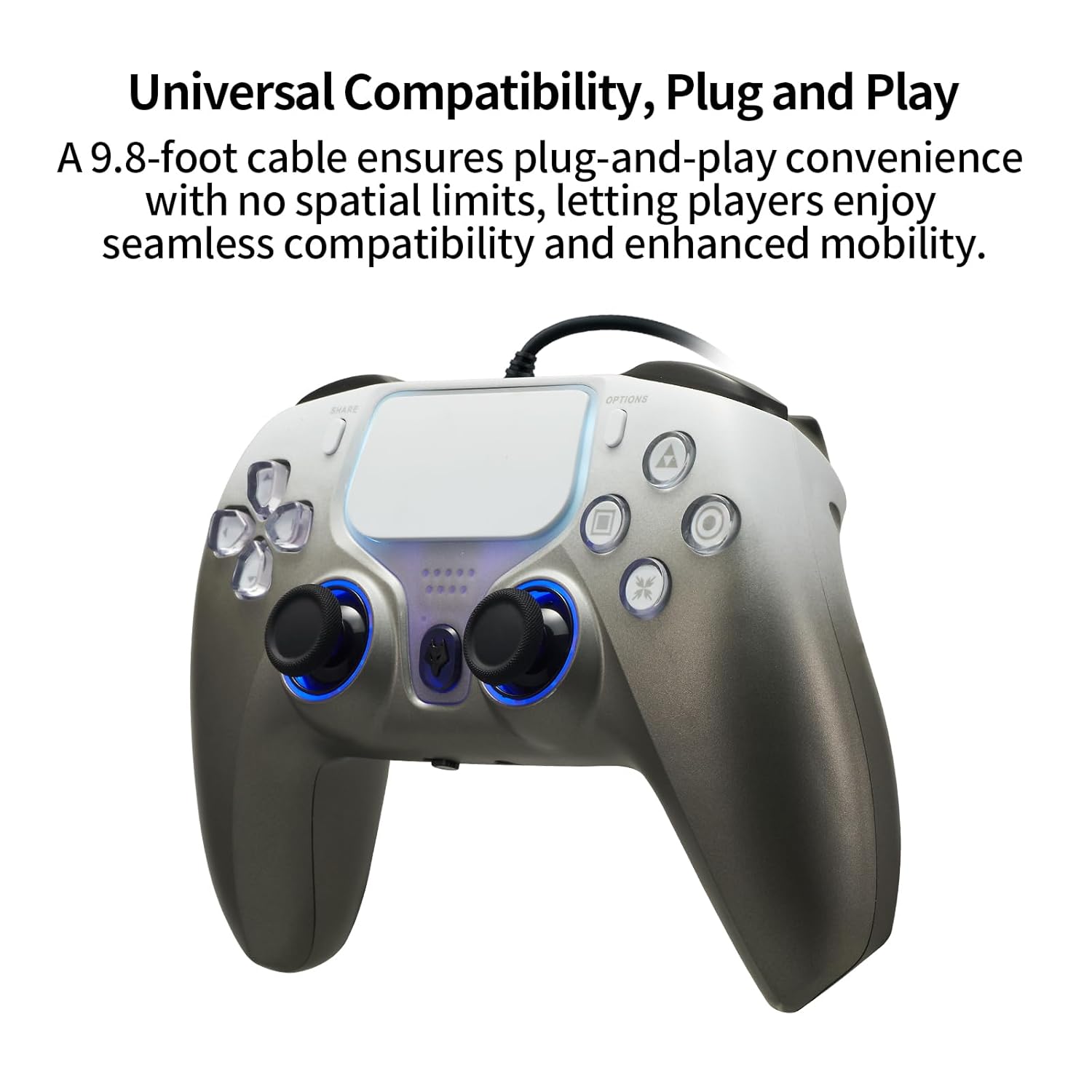
The NBCP Wired Game Controller connects via a USB cable, providing a stable and lag-free gaming experience. The controller features a 9.8-foot (approximately 3-meter) USB cable for ample room and flexibility during gameplay.
- Locate an available USB port on your PlayStation 5, PlayStation 4, or PC.
- Plug the USB cable from the controller into the USB port of your console or computer.
- The controller is plug-and-play. Your system should automatically detect and configure the device.
Konnessjoni Awdjo
The controller includes a 3.5mm headphone jack for direct audio connection. To enable audio output through the controller on PlayStation consoles:
- Connect your headphones to the 3.5mm jack on the controller.
- On your PlayStation console, navigate to the accessory settings.
- Set the communication method to "Use USB cable" to route audio through the controller.
It-tħaddim tal-Kontrollur
Karatteristiċi Ewlenin
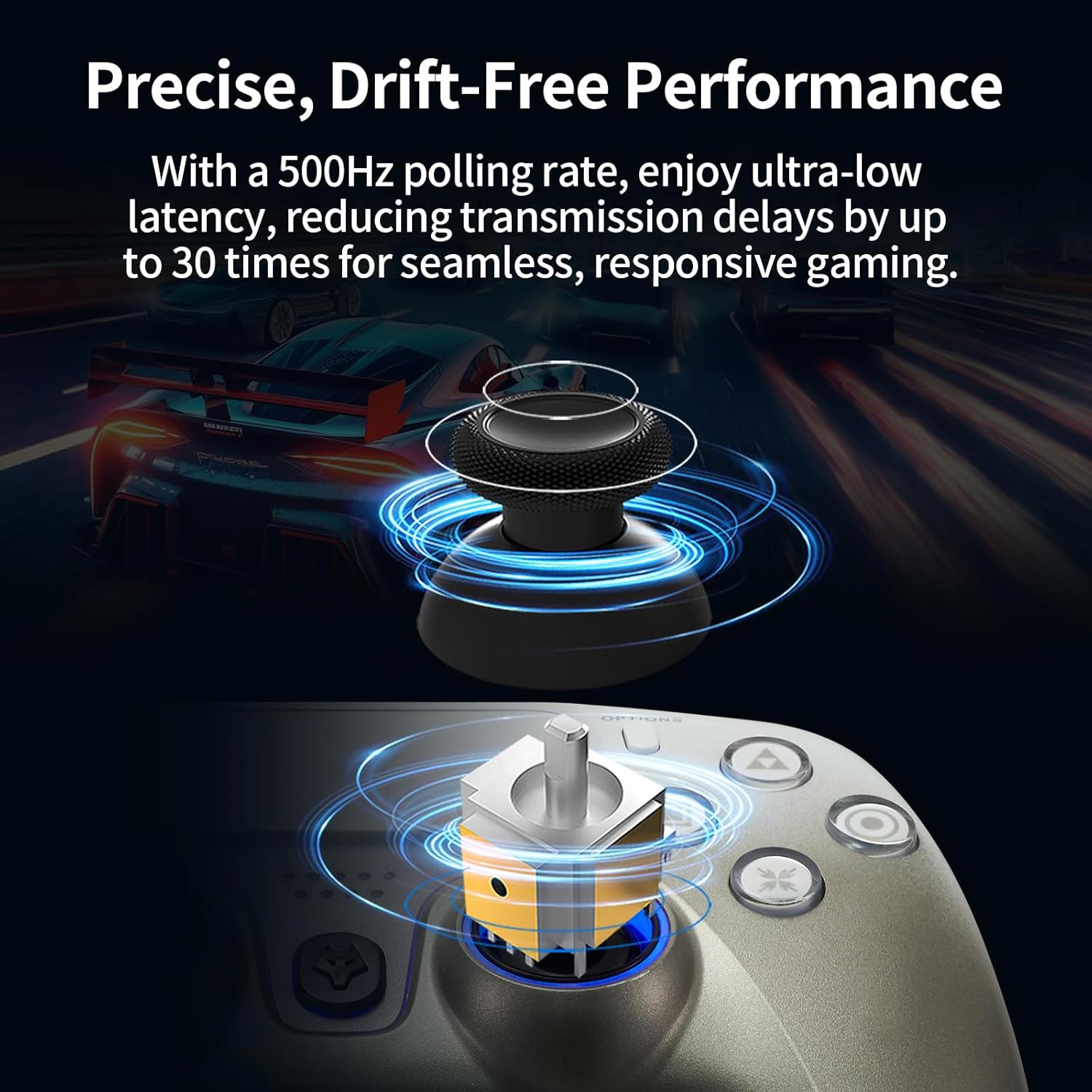
- Triggers tal-Effett Hall: These triggers provide precise linear feedback and stable performance, eliminating stick drift and ensuring greater accuracy through magnetic sensors.
- Muturi b'Vibrazzjoni Doppja: Experience immersive feedback with precise rumble effects that enhance realism in gameplay.
- Sensur tal-Ġiroskopju ta' 6 Assi: The built-in gyroscope offers precise motion control for aiming, steering, and advanced maneuvers in compatible games.
- Funzjoni Turbo: Activate rapid-fire capabilities for certain actions, providing a competitive edge.
- Kalibrazzjoni tal-Joystick: Built-in calibration ensures pinpoint accuracy for joysticks and triggers.
- Disinn Ergonomiku: The controller is designed for comfort during extended gaming sessions.
Dettalji tal-Karatteristiċi


Vidjo ta' Dimostrazzjoni tal-Prodott
Manutenzjoni
To ensure the longevity and optimal performance of your NBCP Wired Game Controller, follow these simple maintenance guidelines:
- Tindif: Uża drapp artab u niexef biex timsaħ il-kontrollur regolarment. Għal ħmieġ iebes, nixxef ftit.ampLaħlaħ id-drapp bl-ilma. Evita li tuża kimiċi ħarxa jew prodotti tat-tindif li joborxu.
- Ħażna: Store the controller in a clean, dry place away from direct sunlight, extreme temperatures, and excessive moisture.
- Kura tal-Cable: Avoid sharply bending or twisting the USB cable. Do not pull the cable to disconnect the controller; always grasp the plug.
- Immaniġġjar: Handle the controller with care. Avoid dropping it or subjecting it to strong impacts.
Issolvi l-problemi
If you encounter issues with your NBCP Wired Game Controller, please refer to the following common solutions:
- Il-Kontrollur Mhux Jirrispondi:
- Kun żgur li l-kejbil tal-USB huwa konness sew kemm mal-kontrollur kif ukoll mal-console/PC.
- Ipprova qabbad il-kontrollur ma' port USB differenti.
- Erġa' ibda l-console jew il-PC tiegħek.
- If on PC, ensure necessary drivers are installed (usually automatic for Windows 10/11 and Steam).
- No Audio from Headphone Jack:
- Verify your headphones are fully plugged into the 3.5mm jack.
- On PlayStation consoles, confirm that the communication method in accessory settings is set to "Use USB cable."
- Test your headphones with another device to ensure they are functioning correctly.
- Buttons or Joysticks Not Functioning Correctly:
- Perform a controller calibration if available in your system settings (especially for joysticks/triggers).
- Kun żgur li ma jkun hemm l-ebda debris li qed jostakola l-buttuni jew il-joysticks.
- Test the controller on a different game or platform to isolate the issue.
- Turbo Function Issues:
- Refer to the specific game's settings to ensure compatibility with rapid-fire functions.
- Ensure the Turbo button is activated correctly according to the controller's internal instructions (if any specific sequence is required).
Speċifikazzjonijiet
| Karatteristika | Dettall |
|---|---|
| Numru tal-Mudell | 736D |
| Kompatibilità | PlayStation 5, PlayStation 4, PC (Windows 10/11), Steam |
| Tip ta' Konnessjoni | USB bil-fili |
| Tul tal-Cable | 9.8 piedi (madwar 3 metri) |
| Triggers | Triggers tal-Effetti tal-Awla |
| Vibrazzjoni | Muturi ta 'Vibrazzjoni Doppju |
| Sensor tal-Moviment | Ġiroskopju 6-Assi |
| Port tal-awdjo | 3.5mm Headphone Jack |
| Karatteristiċi Addizzjonali | Turbo Function, Joystick/Trigger Calibration |
| Piż tal-oġġett | 0.634 uqija (madwar 18 gramma) |
| Dimensjonijiet tal-Pakkett | 6.65 x 4.69 x 3.11 pulzieri |
Informazzjoni dwar Garanzija
For detailed warranty information regarding your NBCP Wired Game Controller, please refer to the product packaging or visit the official NBCP websit. It-termini u l-kundizzjonijiet tal-garanzija jistgħu jvarjaw skont ir-reġjun u l-bejjiegħ bl-imnut.
Appoġġ għall-Klijent
If you require further assistance or have questions not covered in this manual, please contact NBCP customer support. Contact details can typically be found on the product packaging or the official NBCP websit.

