Introduzzjoni
The Amazon Kindle Scribe Colorsoft is an advanced e-reader and digital notebook featuring an 11-inch paper-like color display. It is designed for reading, writing, and organizing notes, documents, and books with a natural pen-on-paper feel. This manual provides essential information for setting up, operating, and maintaining your device.
Karatteristiċi Ewlenin
- 11-inch Colorsoft Display: High-contrast, paper-like color display with front light for comfortable viewing u kitba.
- Premium Pen: Included stylus for a natural writing experience, requiring no charging.
- Built-in Notebook with AI Tools: Organize thoughts, generate summaries, refine handwriting, and convert notes to text.
- Document Import: Directly import documents from Google Drive and Microsoft OneDrive for markup.
- Disinn irqiq u ħafif: At 5.4mm thin and 400g light, it offers portability and a large workspace.
- Ħajja twila tal-batterija: Weeks of battery life for both reading and writing on a single charge.

Image: The Amazon Kindle Scribe Colorsoft device shown with its Premium Pen. This is the main product image, highlighting the device's sleek design.

Image: The Kindle Scribe Colorsoft shown from an angle, emphasizing its thin profile and light weight, with text stating "Thin. Light. Fast."
Gwida ta' Setup
- Iċċarġja l-Apparat Tiegħek: Before first use, fully charge your Kindle Scribe Colorsoft using the included USB-C charging cable and a 20W USB-C power adapter. A full charge takes less than 3 hours.
- Qawwa Mixgħul: Agħfas u żomm il-buttuna tal-qawwa li tinsab fuq in-naħa tal-apparat sakemm l-iskrin jixgħel.
- Agħżel Lingwa: Segwi l-istruzzjonijiet fuq l-iskrin biex tagħżel il-lingwa preferuta tiegħek.
- Qabbad mal-Wi-Fi: Select your Wi-Fi network from the list and enter the password. The device supports 2.4 GHz and 5.0 GHz networks with WEP, WPA, WPA2, and WPA3 security.
- Irreġistra t-Tagħmir Tiegħek: Idħol bil-kredenzjali tal-kont tal-Amazon tiegħek. Jekk m'għandekx kont tal-Amazon, tintalab toħloq wieħed.
- Premium Pen Setup: The included Premium Pen does not require charging. It is typically paired automatically upon initial setup. If not, follow on-screen instructions to pair it.

Image: The Kindle Scribe Colorsoft displaying a page titled "Notes on creativity," demonstrating its note-taking capabilities during initial use.
Operating Your Kindle Scribe Colorsoft
Kotba Qari
Access your library from the home screen. Tap on a book cover to open it. Use the touch screen to turn pages. Adjust font size, line spacing, and margins through the reading menu. The Colorsoft display provides a comfortable reading experience with its paper-like color and adjustable front light.

Image: A user holding the Kindle Scribe Colorsoft, demonstrating its auto-adjusting front light for comfortable reading in various lighting conditions.
Writing and Note-Taking
The Kindle Scribe Colorsoft allows you to write directly on books and documents, or create dedicated notebooks. The Premium Pen offers a natural writing feel due to the textured display surface and ultra-fast responsiveness.
- In Books/Documents: Tap on the screen to bring up the writing toolbar. Use the Premium Pen to highlight, annotate, or write notes. Active Canvas creates space for your notes, allowing you to expand margins or collapse them.
- Notebooks: Create new notebooks from the home screen. Utilize AI-powered tools to search, summarize, and gain insights from your notes. You can also refine your handwriting or convert notes to text.

Image: The Kindle Scribe Colorsoft screen showing colorful handwritten notes and diagrams, highlighting the Colorsoft display's ability to make notes stand out.

Immaġni: Close-up view of the Premium Pen writing on the Kindle Scribe Colorsoft, emphasizing the textured surface and natural paper-like feel.

Image: The Kindle Scribe Colorsoft displaying a notebook with organized notes and a summary, illustrating its smart notebook features and AI capabilities.
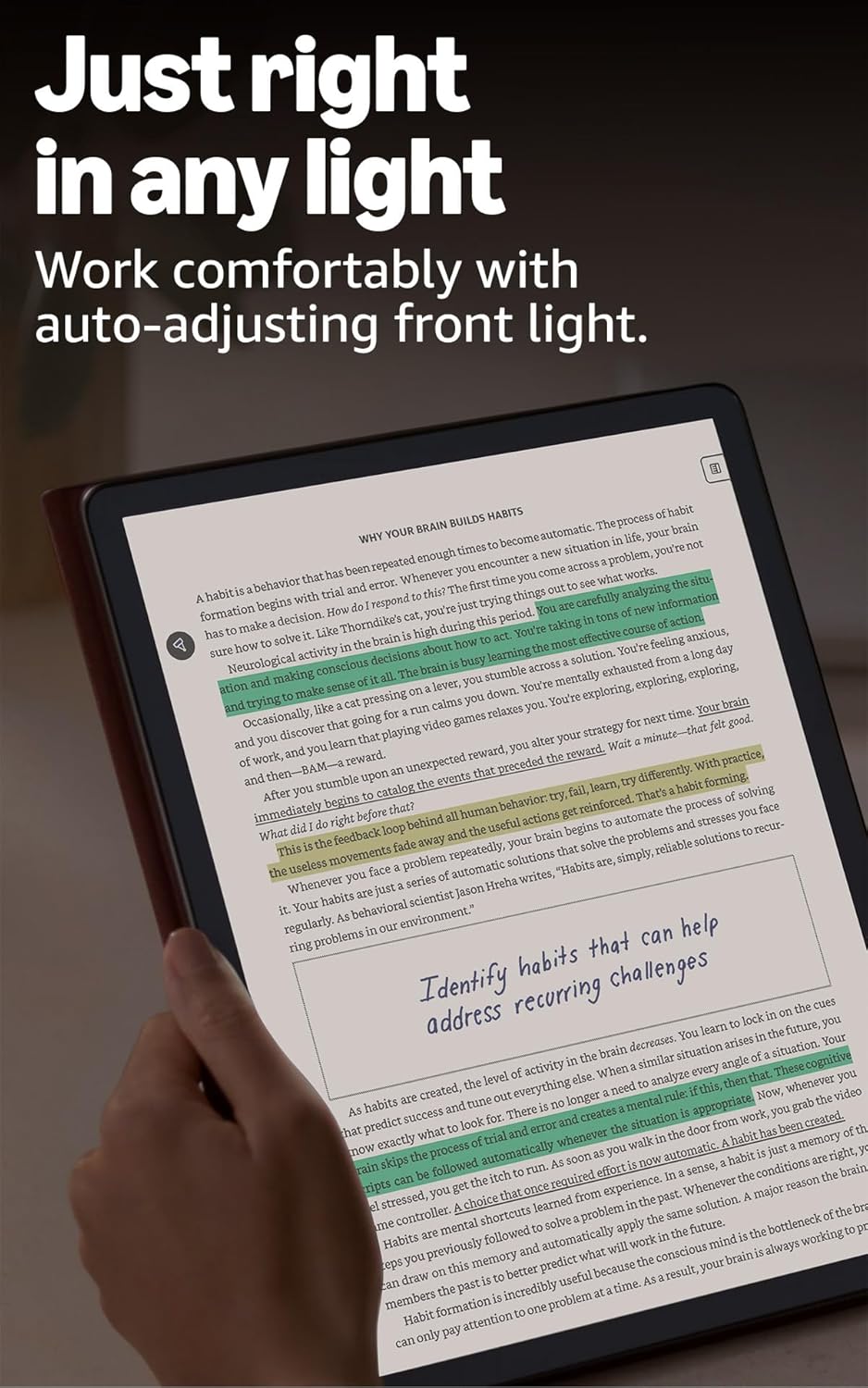
Image: A user making handwritten marks and notes directly on a document displayed on the Kindle Scribe Colorsoft, demonstrating the ability to annotate freely.
Importing and Exporting Documents
You can import documents directly from cloud services like Google Drive and Microsoft OneDrive for markup. Export your notebooks to Microsoft OneNote for further integration.
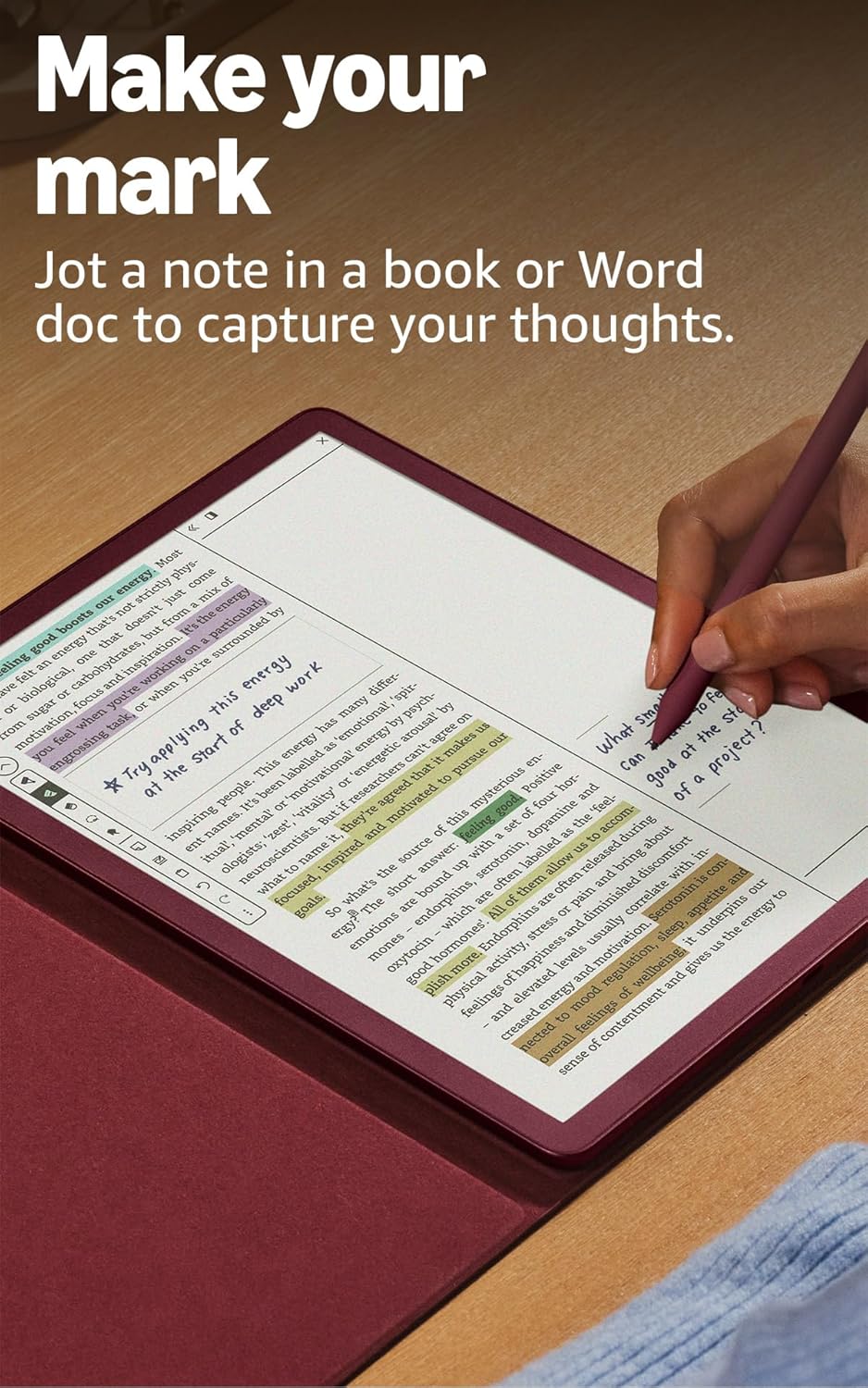
Image: The Kindle Scribe Colorsoft displaying a document with handwritten annotations, illustrating the "Docs on demand" feature for importing files from Google Drive and Microsoft OneDrive.
Manutenzjoni
- Tindif tal-Iskrin: Use a soft, lint-free cloth to gently wipe the screen. Avoid abrasive materials or harsh cleaning solutions.
- Premium Pen Tip Replacement: The Premium Pen comes with replacement tips. If the tip wears down, gently pull out the old tip and insert a new one.
- Kura tal-batterija: To maximize battery life, avoid exposing the device to extreme temperatures. Charge the device regularly, but it is not necessary to fully discharge it before recharging.
- Aġġornamenti tas-Software: Your device will receive automatic software security updates for at least four years from its last availability as a new unit. Ensure your device is connected to Wi-Fi to receive these updates.
Issolvi l-problemi
- Apparat mhux Jirrispondi: If your Kindle Scribe Colorsoft is unresponsive, press and hold the power button for 40 seconds until the device restarts.
- Ma tistax tikkonnettja mal-Wi-Fi: Ensure your Wi-Fi password is correct and that you are within range of your router. Try restarting your router and then your Kindle Scribe.
- Pen Not Writing: Check if the Premium Pen tip is properly seated. If the tip is worn, replace it with a new one. Ensure the pen is not damaged.
- Batterija Tixxotta malajr: Reduce screen brightness, turn off Wi-Fi when not needed, and ensure no applications are running in the background. Battery life can vary based on usage, especially with heavy writing or annotation.
- Aktar Għajnuna: For more detailed troubleshooting or specific issues, refer to the Gwida għall-Utent tal-Kindle or visit Amazon's customer support websit.
Speċifikazzjonijiet
| Wiri | Amazon’s 11” Colorsoft display technology with built-in light, 300 ppi B&W, 150 ppi color, optimized font technology, 16-level gray scale. |
| Size (Device) | 7.4” x 9.6 x .21” (189 x 245 x 5.4mm esklużi s-saqajn) |
| Size (Premium Pen) | 6.1” x .35” (155 x 8.8 mm) |
| Ħażna fuq l-Apparat | 32 GB (21 GB available to user) |
| Piż (Apparat) | 14.1oz (400g) |
| Weight (Premium Pen) | .6oz (17g) |
| Konnettività Wi-Fi | Supports 2.4 GHz and 5.0 GHz networks with WEP, WPA, WPA2, and WPA3 security. |
| Formati ta' Kontenut Appoġġjati | Format Kindle 8 (AZW3), Kindle (AZW), TXT, PDF, MOBI mhux protett, PRC b'mod nattiv; PDF, DOCX, DOC, HTML, EPUB, TXT, RTF, JPEG, GIF, PNG, BMP permezz ta' konverżjoni; Format awdjo li jinstema' (AAX). |
| Ħajja tal-Batterija (Qari) | Up to 8 weeks (half hour/day, wireless off, light setting 13). |
| Ħajja tal-Batterija (Kitba) | Up to 2 weeks (half hour/day, wireless off, light setting 13). |
| Ħin tal-Ħlas | Less than 3 hours with a 20W USB-C power adapter. |
| Inkluż fil-Kaxxa | Kindle Scribe Colorsoft, Premium Pen, USB-C charging cable, and replacement tips. |
Garanzija u Appoġġ
Your Kindle Scribe Colorsoft includes a Garanzija u servizz limitati ta' 1 snin. Optional extended warranties (1-year, 2-year, or 3-year) are available for purchase separately for U.S. customers.
For warranty claims, technical support, or additional information, please visit the official Appoġġ għall-Apparat tal-Amazon webis-sit jew ikkuntattja s-servizz tal-klijenti tal-Amazon.
For more information on accessibility features, including VoiceView screen reader, please visit Aċċessibbiltà għal Kindle.