Introduzzjoni
Thank you for choosing the Gravity C20 Pro Smartwatch. This rugged smartwatch is designed for durability and advanced functionality, featuring a 1.83-inch TFT display, IP68 waterproofing, Bluetooth calling, AI voice assistant, and over 100 sports modes. This manual will guide you through the setup, operation, and maintenance of your new device.

Immaġni: Quddiem view of the Gravity C20 Pro Smartwatch, showcasing id-disinn u l-wiri robusti tiegħu.
X'hemm fil-Kaxxa
- Gravity C20 Pro Smartwatch
- Iċċarġjar Cable
- Manwal għall-Utent
Prodott Overview u Karatteristiċi
The Gravity C20 Pro is built to withstand challenging environments while providing comprehensive smart features. Its robust construction and advanced sensors make it an ideal companion for active lifestyles.
Karatteristiċi ewlenin:
- Durable 1.83" TFT Display: Large and clear screen for easy readability.
- Reżistenti għall-Ilma IP68: Designed to protect against dust and water exposure.
- Sejħa Bluetooth: Make and receive calls directly from your wrist.
- Kontroll tal-Vuċi bl-AI: Hands-free operation for various functions.
- 100+ Modalità Sportiva: Traċċar komprensiv għal firxa wiesgħa ta' attivitajiet fiżiċi.
- Monitoraġġ tas-Saħħa: Includes heart rate, sleep tracking, step counting, and sedentary reminders.
- Ħajja twila tal-batterija: 380mAh battery offering extended standby time.
- Notifiki Intelliġenti: Receive alerts for calls, messages, and apps.

Image: Two Gravity C20 Pro smartwatches, emphasizing their robust and outdoor-ready design.

Image: A graphic displaying icons for key features such as heart rate monitoring, call reminders, pedometer, information reminders, blood pressure monitor, sleep monitor, calories, sedentary reminder, exercise data, IP68 waterproof, stress monitor, voice assistant, blood oxygen monitor, heart rate warning, and calculator.
Setup
1. Iċċarġjar Inizjali
Before first use, fully charge your Gravity C20 Pro Smartwatch. Connect the magnetic charging cable to the charging points on the back of the watch and plug the USB end into a power adapter (not included) or a computer's USB port. The watch display will indicate charging status.
2. Power On/Off
- Qawwa Mixgħul: Agħfas u żomm il-buttuna tal-Qawwa (ġeneralment fuq il-ġenb) sakemm l-iskrin jixgħel.
- Itfi: Press and hold the Power button, then select 'Power Off' on the screen.
3. Installazzjoni u Tqabbil tal-App
To unlock the full potential of your smartwatch, download the companion app on your iOS or Android device. Fittex għal the app name (refer to the packaging or quick start guide for the exact name) in the App Store or Google Play Store.
- Niżżel u installa l-app fuq l-ismartphone tiegħek.
- Iftaħ l-app u segwi l-istruzzjonijiet fuq l-iskrin biex toħloq kont jew tidħol.
- Ippermetti Bluetooth fuq l-ismartphone tiegħek.
- Fl-app, mur fit-taqsima 'Apparat' jew 'Żid Apparat'.
- Select 'Gravity C20 Pro' from the list of available devices.
- Ikkonferma t-talba ta' tqabbil kemm fuq it-telefon tiegħek kif ukoll fuq l-ismartwatch.
Istruzzjonijiet Operattivi
Navigazzjoni Bażika
- Swipe 'l fuq/'l isfel: Skrollja fil-menus u n-notifiki.
- Swipe Xellug/Lemin: Access quick functions or different watch faces.
- Tektek: Agħżel oġġett jew iftaħ applikazzjoni.
- Buttuna tal-Qawwa: Press to wake/sleep the screen, or return to the home screen. Long press for power options.
- Buttuna Sport: Dedicated button to quickly access sports modes.
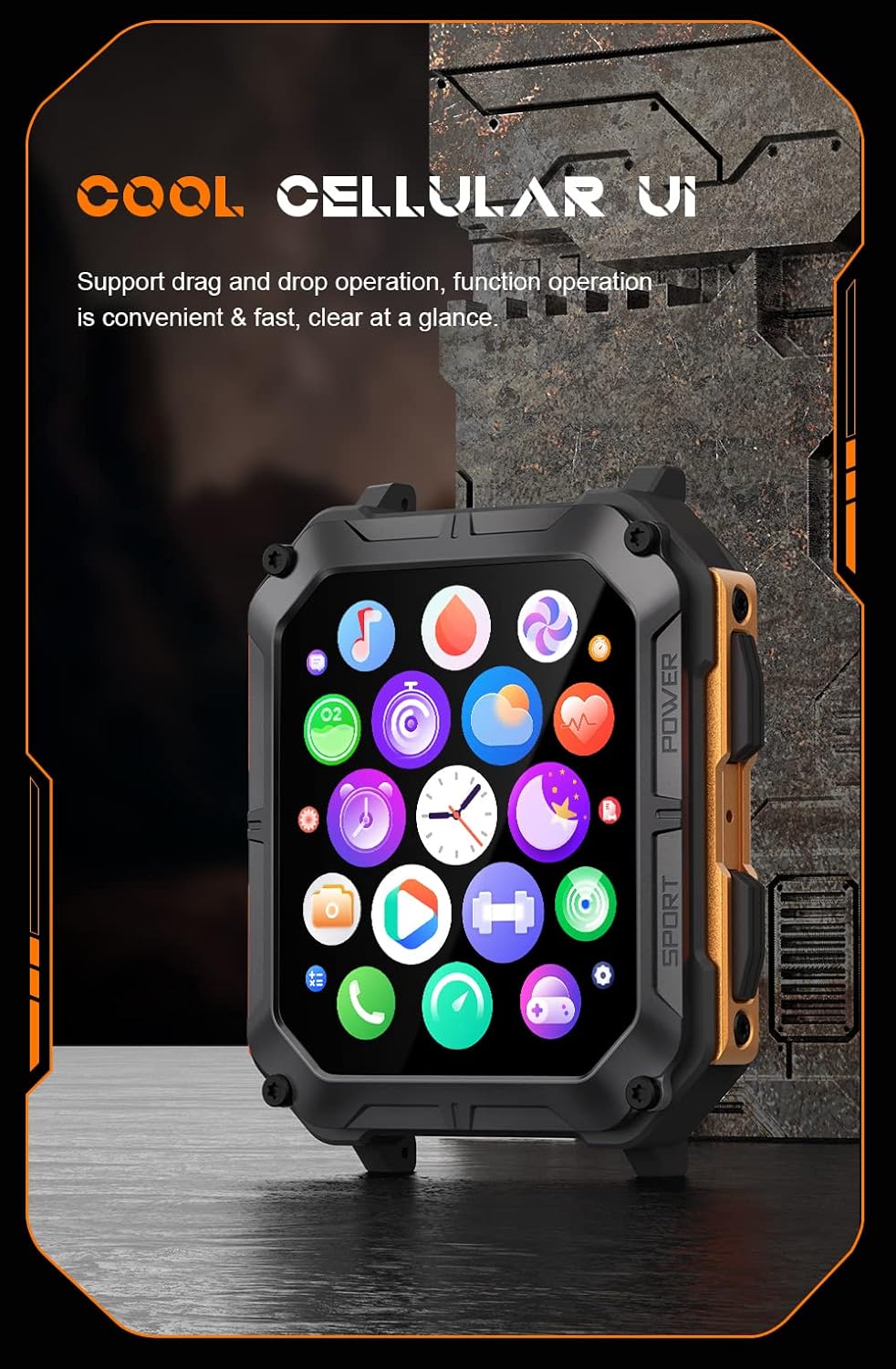
Image: The smartwatch display showing a grid of colorful application icons, illustrating the user interface.
Sejħat Bluetooth
Once paired, you can make and receive calls directly from your watch.
- Twieġeb Sejħiet: Meta tidħol telefonata, tektek l-ikona ħadra tat-tweġiba fuq l-iskrin tal-arloġġ.
- Tagħmel Sejħiet: Aċċessa d-dialer jew il-lista tal-kuntatti fuq l-arloġġ tiegħek biex tibda telefonata.
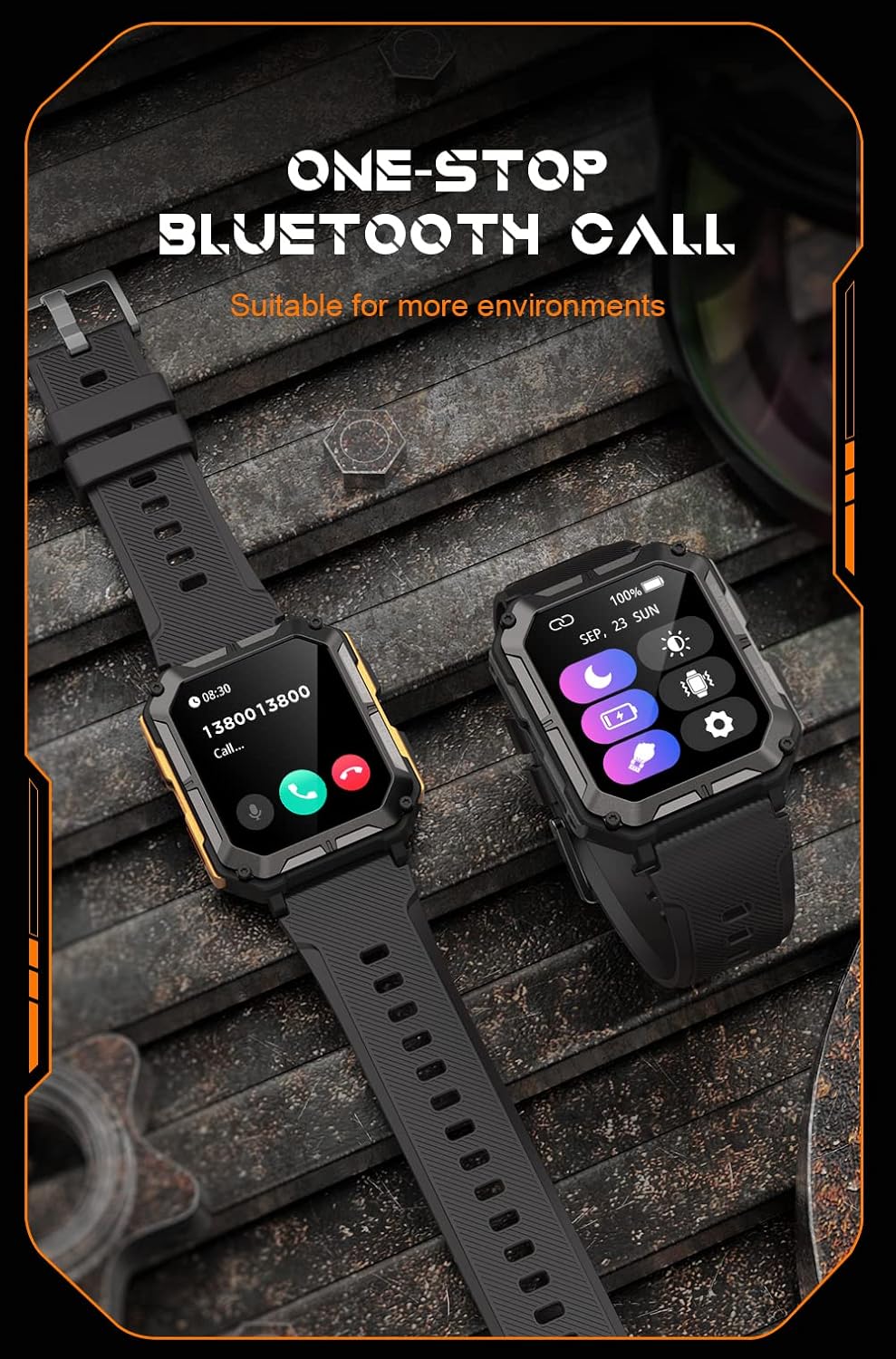
Image: Two smartwatches, one showing an incoming call notification with options to answer or decline, demonstrating the Bluetooth call feature.
Assistent tal-Vuċi AI
Activate the AI voice assistant by a designated gesture or button press (refer to in-app settings). You can then use voice commands for various tasks, such as checking weather, setting alarms, or initiating calls.
Modi sportivi
The watch supports over 100 sports modes. Access them via the Sport button or the main menu. Select your activity to start tracking metrics like duration, distance, calories burned, and heart rate.
Monitoraġġ tas-Saħħa
The C20 Pro continuously monitors your health data.
- Rata tal-qalb: View real-time heart rate on the watch or in the app.
- Traċċar tal-irqad: Wear the watch to bed for detailed sleep analysis (deep sleep, light sleep, awake time).
- Ossiġenu tad-Demm: Measure your SpO2 levels.
- Passi u Kaloriji: Track your daily activity and calorie expenditure.

Image: The smartwatch display showing current heart rate (BPM) and blood oxygen saturation (SpO2) levels, indicating health monitoring capabilities.
Notifiki
Receive notifications from your smartphone directly on your watch. Ensure notification permissions are enabled in both your phone's settings and the companion app.
Manutenzjoni
Tindif tal-Ismartwatch Tiegħek
Regularly clean your watch to ensure optimal performance and hygiene. Use a soft, lint-free cloth to wipe the screen and body. For stubborn dirt, slightly dampLaħlaħ id-drapp bl-ilma. Evita li tuża kimiċi ħarxa jew materjali li joborxu.
Reżistenza għall-Ilma (IP68)
The Gravity C20 Pro is IP68 water-resistant, meaning it can withstand dust and immersion in water up to 1.5 meters for 30 minutes. It is suitable for daily use, such as washing hands or light rain. However, it is not recommended for hot showers, saunas, or diving, as steam and high water pressure can compromise the seals.
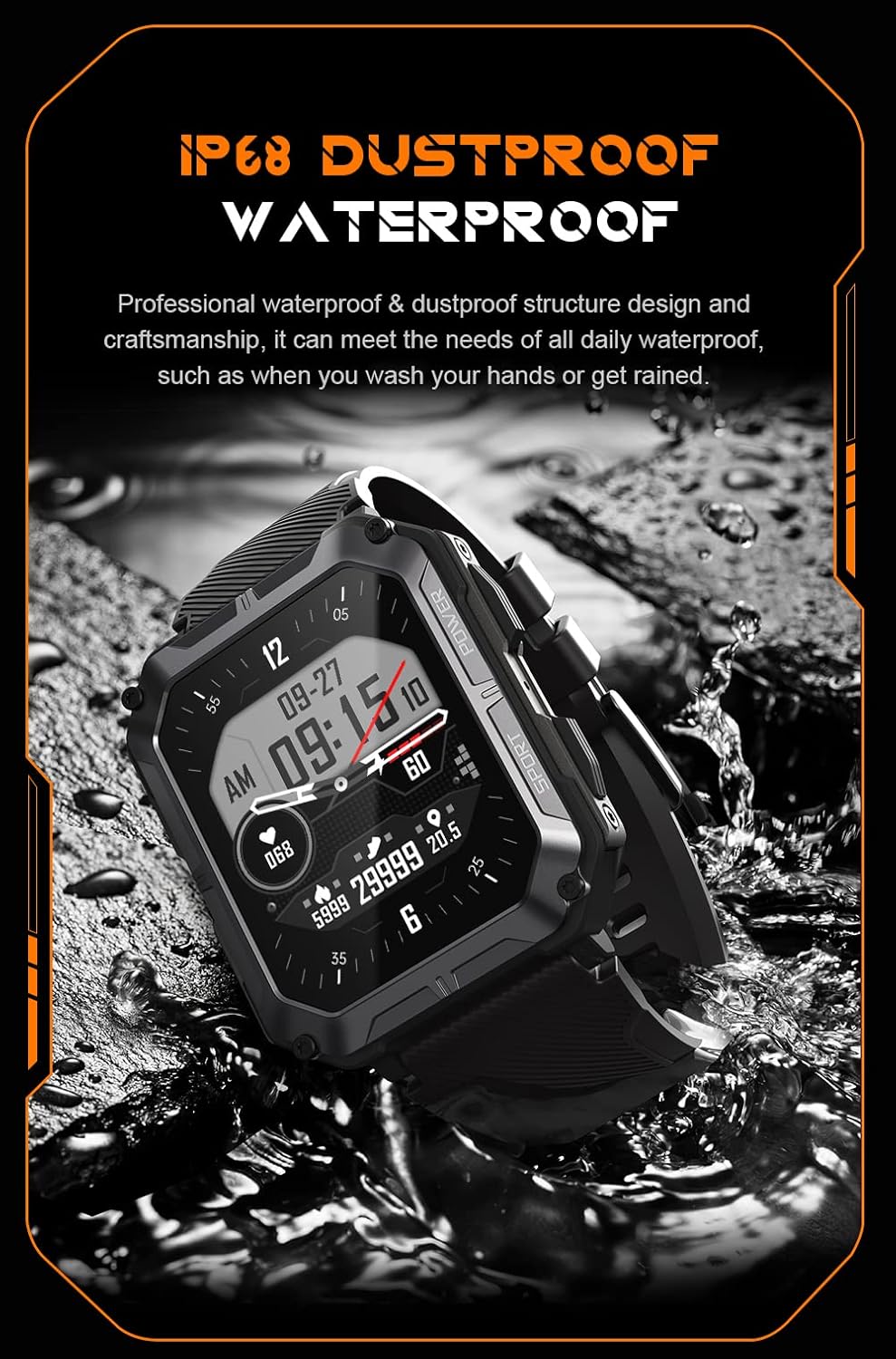
Image: The smartwatch partially submerged in water, illustrating its IP68 dustproof and waterproof capabilities.
Kura tal-batterija
Biex ittawwal il-ħajja tal-batterija:
- Evita temperaturi estremi.
- Charge the watch before the battery completely drains.
- Jekk taħżnu għal perjodu twil, iċċarġjah sa madwar 50% u itfih.
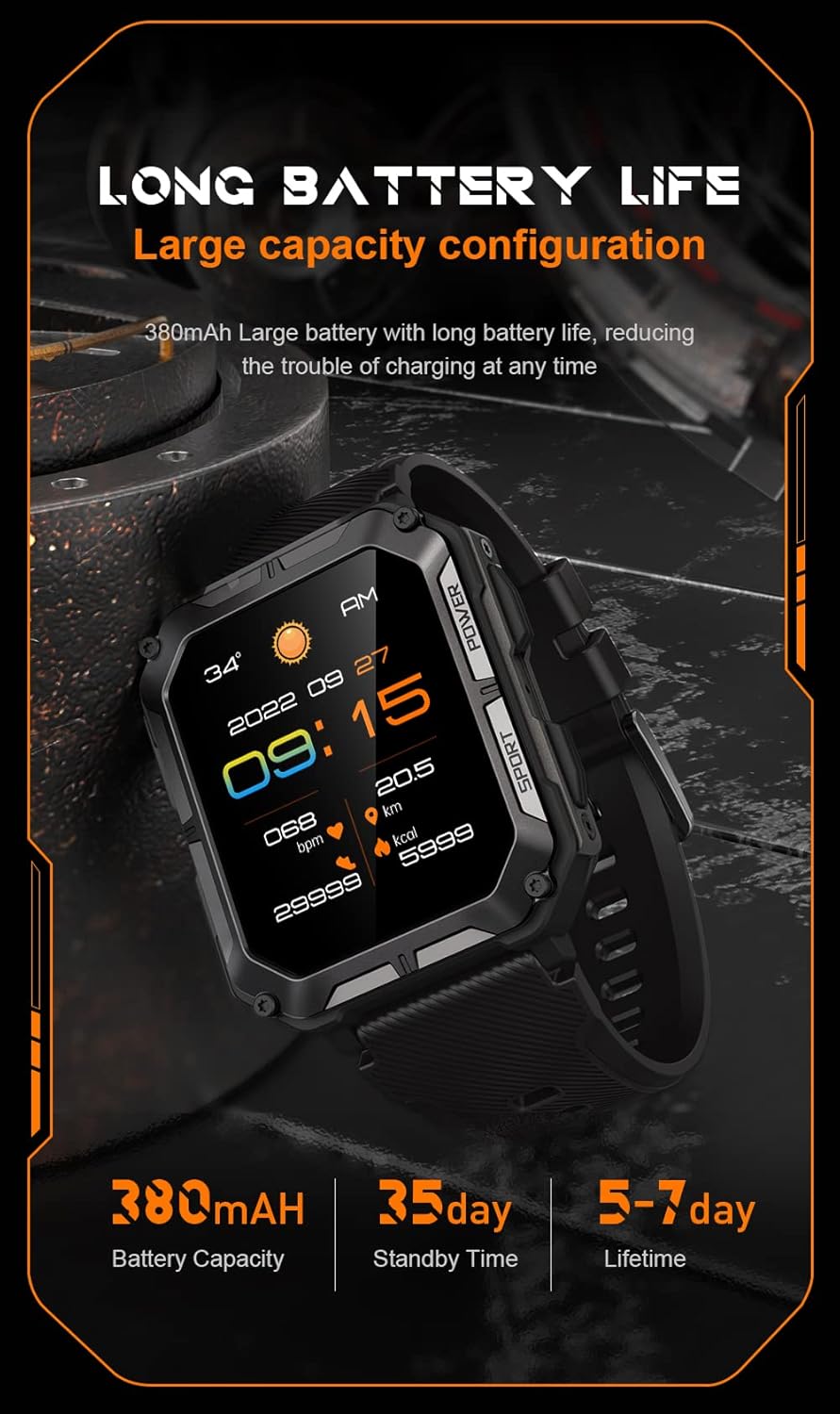
Image: The smartwatch display showing the time, date, weather, heart rate, steps, and battery level, with accompanying text emphasizing its long battery life and 380mAh capacity.
Issolvi l-problemi
| Problema | Soluzzjoni Possibbli |
|---|---|
| Watch won't power on | Ensure the watch is fully charged. Press and hold the Power button for at least 10 seconds to force a restart. |
| Ma nistax nqabbad mat-telefon | Ensure Bluetooth is enabled on your phone. Restart both the watch and phone. Clear previous pairings in phone's Bluetooth settings. Make sure the app is updated. |
| Dejta dwar is-saħħa mhux preċiża | Ensure the watch is worn snugly on your wrist, not too tight or too loose. Clean the sensor on the back of the watch. Update watch firmware via the app. |
| Notifiki mhux riċevuti | Check notification permissions in your phone's settings for the companion app. Ensure the app is running in the background. Verify Bluetooth connection. |
| Ħajja qasira tal-batterija | Reduce screen brightness. Turn off unnecessary features like 'Always-On Display'. Limit frequent heart rate monitoring. Ensure no background apps are draining power. |
Speċifikazzjonijiet
| Karatteristika | Dettall |
|---|---|
| Numru tal-Mudell | W4-C28 |
| Daqs tal-Iskrin | 1.83 Pulzier |
| Kapaċità tal-batterija | 380 mAh |
| Reżistenza għall-Ilma | IP68 |
| Konnettività | Bluetooth |
| Sistema Operattiva | Android OS (compatible with iOS) |
| Piż tal-oġġett | 1 liri |
| Reżistenza għat-temperatura | -24°C sa 60°C |
Garanzija u Appoġġ
Informazzjoni dwar Garanzija
The Gravity C20 Pro Smartwatch comes with a standard manufacturer's warranty. Please refer to the warranty card included in your product packaging or visit the official Gravity websit għal termini u kundizzjonijiet dettaljati dwar il-kopertura u t-tul tal-garanzija.
Appoġġ għall-Klijent
For any technical assistance, troubleshooting not covered in this manual, or warranty claims, please contact Gravity customer support. Contact information can typically be found on the official Gravity webis-sit jew fuq l-imballaġġ tal-prodott.


