1. Introduzzjoni
The ORGBRO X3 is a compact and portable Bluetooth thermal printer designed for various printing needs, including study notes, labels, photos, and more. This device utilizes thermal printing technology, eliminating the need for ink or toner. Its high-resolution output ensures clear and stable prints. This manual provides detailed instructions for setting up, operating, and maintaining your ORGBRO X3 printer.
2. Kontenut tal-Pakkett
Jekk jogħġbok ivverifika li l-oġġetti kollha huma preżenti fil-pakkett tiegħek:
- ORGBRO X3 Mini Thermal Printer
- 1 Roll of 80mm x 3m White Sticker Thermal Paper
- 3 Rolls of 80mm x 3m Colored Thermal Paper (Yellow, Pink, Blue)
- Cable tal-Iċċarġjar tal-USB
- Manwal għall-Utent (dan id-dokument)

Image: The ORGBRO X3 printer shown with various printed materials and included paper rolls.
3. Prodott Aktarview
Familiarize yourself with the main components of your ORGBRO X3 printer:

Image: The ORGBRO X3 printer demonstrating Bluetooth connectivity with a smartphone and icons representing various app functions like document printing, template printing, label printing, sticker selection, scanning, and graffiti.
Komponenti Ewlenin:
- Buttuna tal-Qawwa: Located on the top, used to turn the printer on/off.
- Paper Exit Slot: Where printed paper emerges.
- Għatu tal-Kompartiment tal-Karta: Opens to load thermal paper.
- Port tal-Iċċarġjar: Għall-konnessjoni tal-kejbil tal-iċċarġjar USB.
- Dawl Indikatur: Displays printer status (e.g., charging, connected, error).
4. Setup
4.1 Iċċarġjar tal-Printer
- Qabbad il-kejbil tal-iċċarġjar USB ipprovdut mal-port tal-iċċarġjar tal-istampatur.
- Ipplaggja t-tarf l-ieħor tal-kejbil USB ma' adapter tal-enerġija USB standard (mhux inkluż) jew mal-port USB tal-kompjuter.
- The indicator light will show the charging status. Ensure the printer is fully charged before first use for optimal battery life.
4.2 Tagħbija ta' Karta Termali
- Iftaħ l-għatu tal-kompartiment tal-karta bil-mod.
- Insert a roll of thermal paper into the compartment, ensuring the printing side faces the print head. The printing side is typically smoother and will produce a mark when scratched lightly with a fingernail.
- Pull a small length of paper out of the compartment, extending it past the paper exit slot.
- Agħlaq l-għatu tal-kompartiment tal-karta sew sakemm tikklikkja f'postu.

Image: The ORGBRO X3 printer demonstrating the maximum printing width of 3.15 inches (80mm) and examples of various paper sizes it supports, including 0.7" (18mm), 1.1" (28mm), 2.09" (53mm), and 3.15" (80mm).
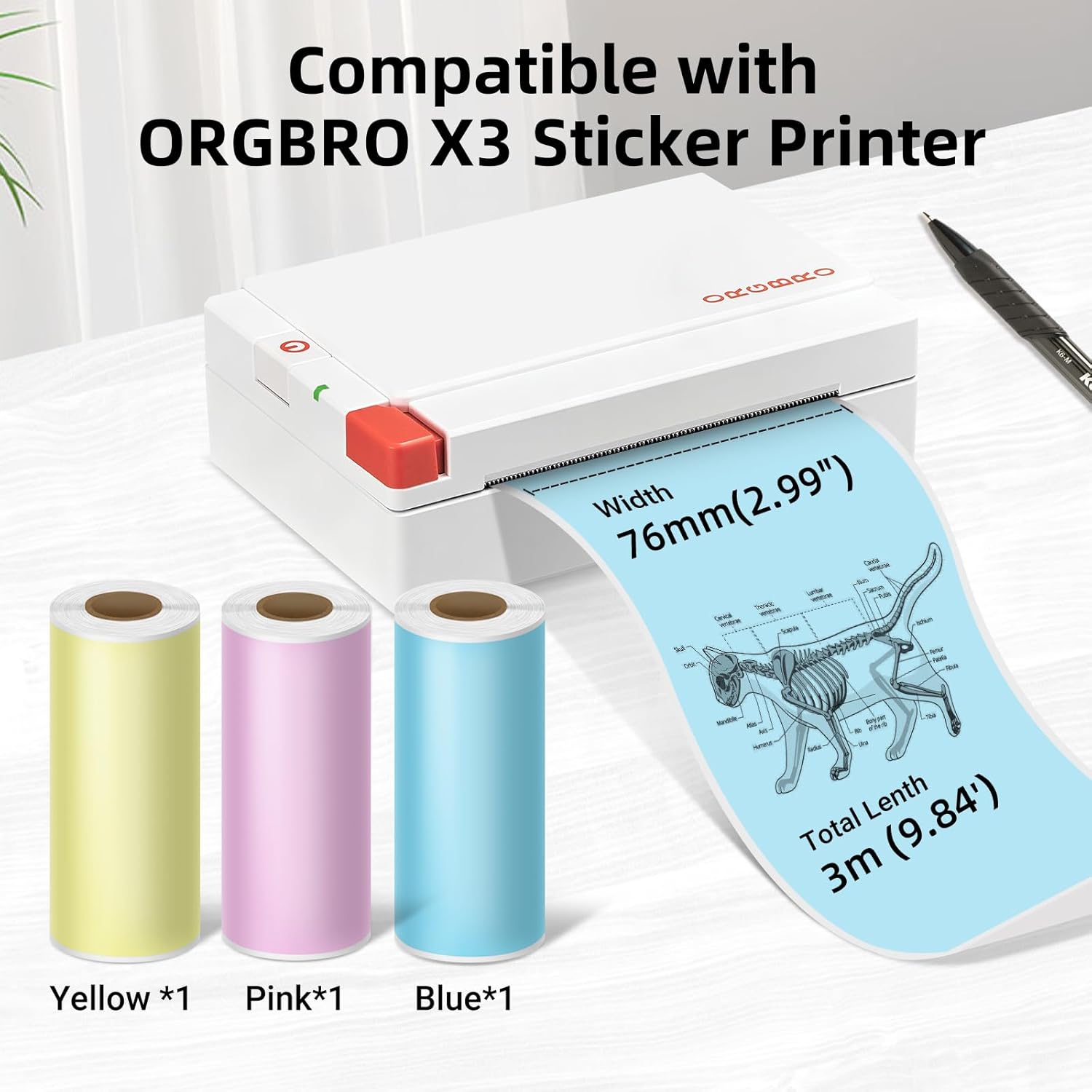
Image: The ORGBRO X3 printer shown alongside three rolls of colored thermal paper (yellow, pink, blue), indicating compatibility and dimensions of 76mm (2.99") width and 3m (9.84') total length.
4.3 Installazzjoni tal-App u Tqabbil tal-Bluetooth
- Niżżel l-App: Fittex għal the 'ORGBRO' app in your smartphone's app store (Google Play Store for Android or Apple App Store for iOS). Install the application.
- Turn on Printer: Press and hold the power button on the ORGBRO X3 printer until the indicator light illuminates.
- Ippermetti Bluetooth: On your smartphone, go to your device's Bluetooth settings and ensure Bluetooth is enabled.
- Apparat Par: Open the ORGBRO app. The app should automatically detect nearby ORGBRO X3 printers. Select 'X3' from the list of available devices to establish a connection. Follow any on-screen prompts to complete the pairing process.
5. Istruzzjonijiet Operattivi
5.1 Printing Functions
The ORGBRO app offers various functions to maximize your printer's utility:
- Stampar tad-Dokument: Print text documents, notes, or web pages directly from your phone.
- Template Printing: Utilize pre-designed templates for labels, lists, or decorative elements.
- Stampar tat-Tikketti: Create custom labels for organization, shipping, or personal use.
- Stickers for Selection: Access a library of stickers to enhance your prints.
- Funzjoni ta' Skennjar: Convert physical documents or drawings into digital format for printing.
- Graffiti Function: Draw or write directly within the app and print your creations.

Image: The ORGBRO X3 printer illustrating its wide range of uses in daily life, including printing labels for gifts, pictures, stickers, study notes, and shopping lists.

Image: The ORGBRO X3 printer depicted as a 'Mini thermal printer - Home companion', showcasing applications such as family category labels, study notes, gift cards, and photos.
5.2 Printing Tips
- The ORGBRO X3 is a thermal printer and prints only in black. Color printing is not supported.
- Ensure the thermal paper is loaded correctly with the printing side facing the print head.
- For best results, use ORGBRO brand thermal paper.
- The included paper rolls are self-adhesive, allowing you to easily stick your prints.
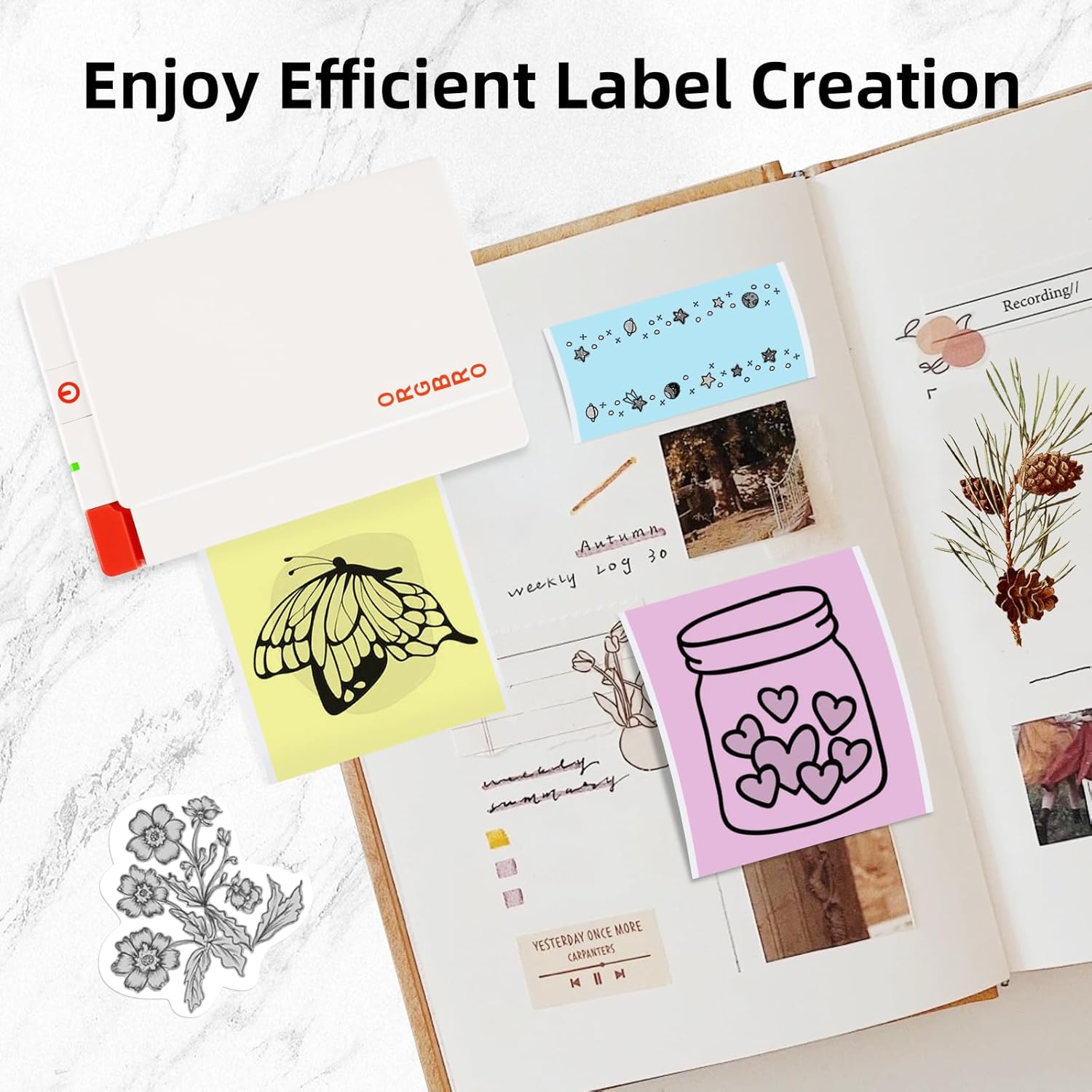
Image: Demonstrates the features of ORGBRO sticker paper, highlighting clear printing, easier tearing, and strong adhesive properties.

Image: Shows various creative labels and stickers printed with the ORGBRO X3 printer, arranged in a journal, illustrating efficient label creation.

Image: A child coloring a printed image from the ORGBRO X3 printer, emphasizing the 'Free Coloring, Free Imagination' aspect.
6. Manutenzjoni
6.1 Tindif tar-Ras tal-Istampar
Biex tiżgura kwalità ottimali tal-istampar, naddaf ir-ras tal-istampar perjodikament:
- Itfi l-istampatur u skonnettja mis-sors tal-enerġija.
- Iftaħ il-qoxra tal-kompartiment tal-karta.
- Imsaħ ir-ras tal-istampar bil-mod b'tajjara tal-qoton ħafifa.ampened with isopropyl alcohol. Allow it to dry completely before closing the cover and using the printer.
6.2 Ħażna tal-Karta
Proper storage of thermal paper helps maintain its quality and longevity:
- Store thermal paper in a cool, dry place.
- Keep away from direct sunlight, high humidity, and excessive heat.
- Minimize friction or pressure on the paper rolls to prevent premature discoloration.
7 Issolvi l-problemi
If you encounter issues with your ORGBRO X3 printer, refer to the following common problems and solutions:
- Il-printer mhux qed jixgħel: Kun żgur li l-istampatur huwa ċċarġjat kompletament. Qabbad ma' sors ta' enerġija u erġa' pprova.
- Ma tistax tikkonnettja permezz tal-Bluetooth:
- Ensure Bluetooth is enabled on your smartphone and the printer is on.
- Erġa' ibda kemm il-printer kif ukoll l-ismartphone tiegħek.
- Make sure the ORGBRO app has Bluetooth permissions.
- Poor print quality (faint or blank prints):
- Check if the thermal paper is loaded correctly with the printing side facing up.
- The paper roll might be depleted; replace it with a new one.
- Naddaf ir-ras tal-istampar kif deskritt fit-taqsima tal-Manutenzjoni.
- Ensure the paper is not old or damaged from improper storage.
- Ġamm tal-karta:
- Itfi l-istampatur.
- Open the paper compartment cover and carefully remove any jammed paper.
- Ensure the paper is loaded straight and not wrinkled.
- Il-printer mhux qed jirrispondi: Try resetting the printer by turning it off and on again. If the issue persists, contact customer support.
8. Speċifikazzjonijiet
| Karatteristika | Speċifikazzjoni |
|---|---|
| Mudell | ORGBRO X3 |
| Teknoloġija tal-Istampar | Thermal Printing (Inkless) |
| Riżoluzzjoni | 300 DPI |
| Wisa' tal-Istampar | 2-3 inches (50-80mm), Max 3.15 inches (80mm) |
| Veloċità tal-Istampar | Up to 47 inches per minute (20 mm/second) |
| Konnettività | Bluetooth |
| Tip ta' Karta | Thermal Paper (Non-adhesive and Self-adhesive) |
| Paper Roll Dimensions | 80mm (3.15 inches) wide x 3m (9.84 feet) long |
| Sors tal-Enerġija | Batterija Rikarikabbli |
9. Garanzija u Appoġġ għall-Klijent
The ORGBRO X3 Sticker Printer comes with a standard manufacturer's warranty. For specific warranty details, please refer to the warranty card included in your package or visit the official ORGBRO website. If you have any questions, require technical assistance, or need to report a defect, please contact ORGBRO customer support through the contact information provided on the product packaging or the official website. Please have your product model and purchase date ready when contacting support.


