1. Introduzzjoni
The Machenike G1 Pro is a high-performance wireless gaming controller designed for precision and versatility across multiple platforms. Featuring advanced TMR (Tunnel Magnetoresistance) joysticks and triggers, it offers exceptional accuracy and durability. This manual provides detailed instructions for setting up, operating, and maintaining your G1 Pro controller.
Karatteristiċi ewlenin:
- Dual TMR Triggers: 255 levels of 1mm millisecond accuracy for stable, linear output.
- Dual TMR Joysticks: Zero-drift performance with 10-bit ADC sampling and 0.08ms response time, customizable circular/square gate options.
- Konnettività Tri-Modalità: Supports wired (USB 2.0), 2.4GHz wireless, and Bluetooth connections.
- Ħajja twila tal-batterija: 600mAh Li-Ion battery provides up to 8 hours of gaming.
- Disinn Ergonomiku: Asymmetrical grip and contoured joysticks for extended comfort.
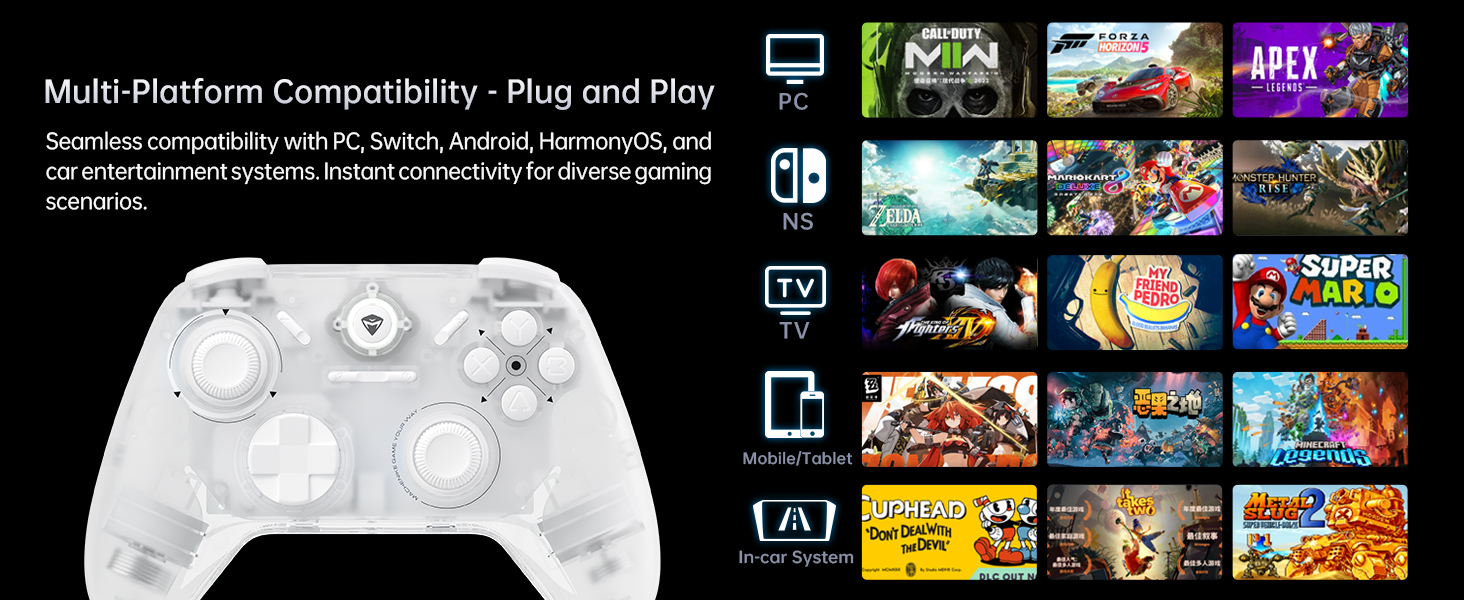
- Kompatibilità Multi-Pjattaforma: Seamlessly works with PC, Windows, Android, iOS, and Nintendo Switch.
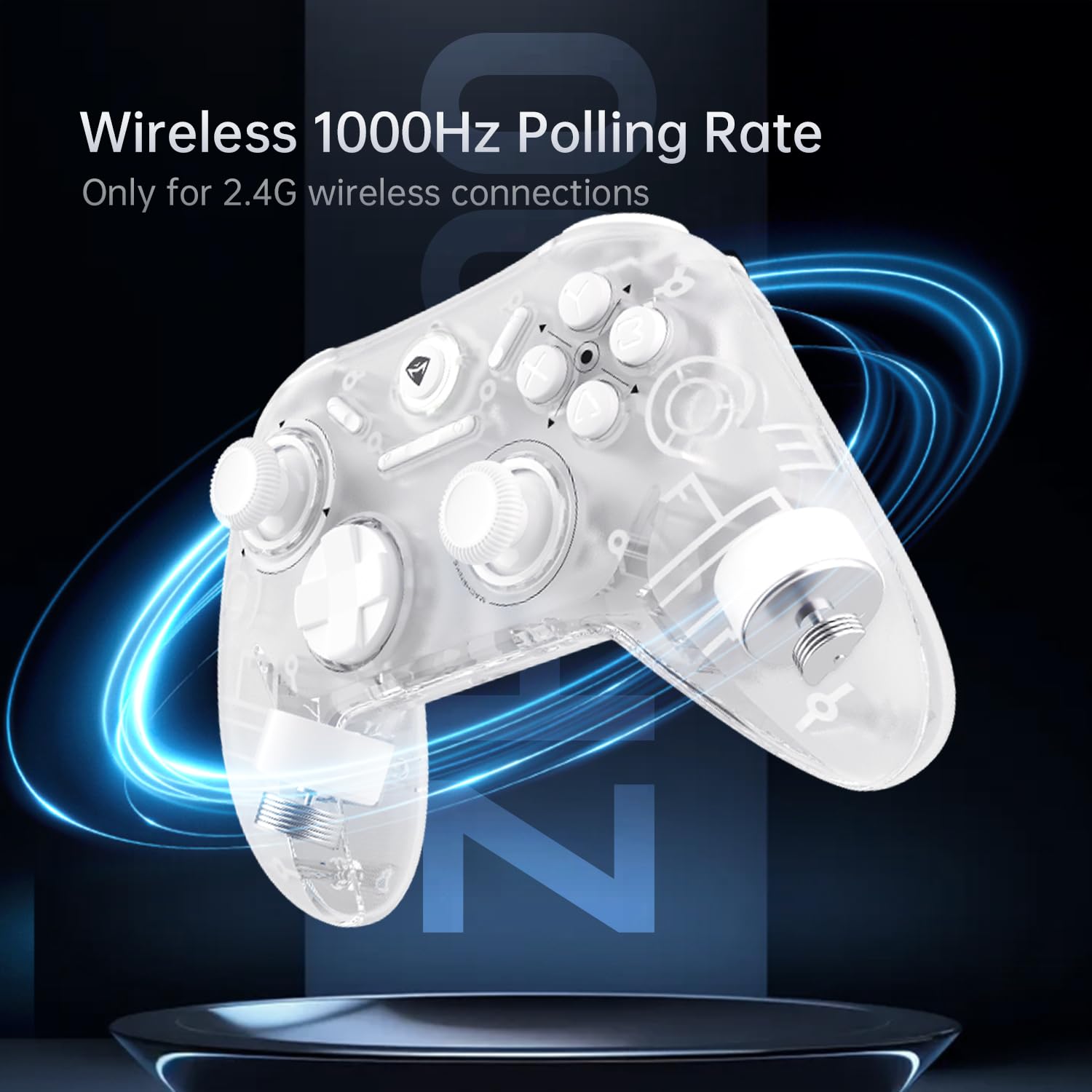
- Rata ta' Votazzjoni ta' 1000Hz: Achieves ultra-low latency for responsive gameplay (2.4G wireless and wired).
2. Kontenut tal-Pakkett
Jekk jogħġbok ivverifika li l-oġġetti kollha huma preżenti fil-pakkett tiegħek:
- Machenike G1 Pro Wireless Gaming Controller
- Riċevitur USB 2.4GHz
- Kejbil tal-Iċċarġjar/Data USB-C għal USB-A (2m)
- Manwal għall-Utent (dan id-dokument)

3. Setup
3.1 Iċċarġjar tal-Kontrollur
Before first use, fully charge the controller. Connect the USB-C end of the provided cable to the controller's USB-C port and the USB-A end to a USB power source (e.g., PC, wall adapter). The indicator light will show charging status and turn off when fully charged.
3.2 Wired Connection (PC/Windows)
Connect the controller directly to your PC using the provided USB-C to USB-A cable. The controller will be automatically recognized by your system. This mode supports a 1000Hz polling rate for ultra-low latency.
3.3 2.4GHz Wireless Connection (PC/Windows)
- Daħħal ir-riċevitur USB ta' 2.4GHz f'port USB disponibbli fuq il-PC tiegħek.
- Turn on the controller. It will automatically connect to the receiver.
- This mode also supports a 1000Hz polling rate for optimal wireless performance.
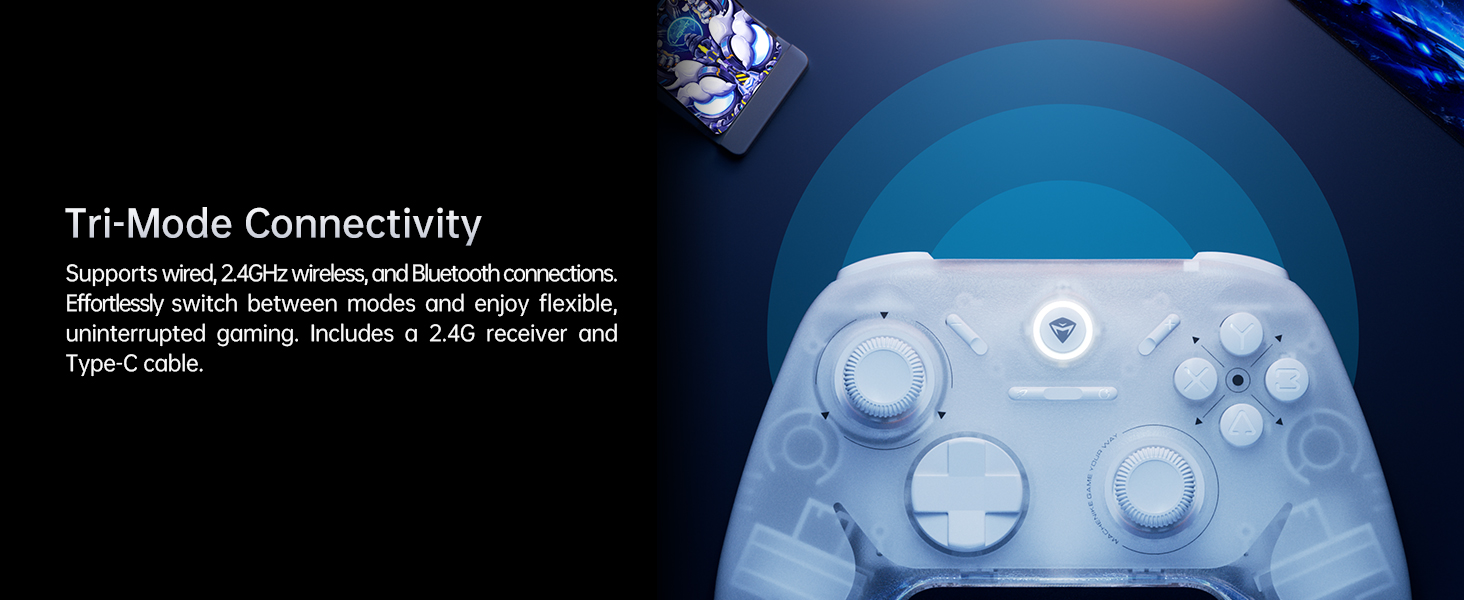
3.4 Bluetooth Connection (Android/iOS/Switch)
- Kun żgur li l-kontrollur ikun mitfi.
- Press and hold the Bluetooth pairing button (refer to controller diagram in Operating Instructions) until the indicator light flashes rapidly.
- On your device (Android, iOS, or Switch), go to Bluetooth settings and select "Machenike G1 Pro" from the list of available devices to pair.
- Ladarba jkun imqabbad, id-dawl indikatur jibqa' solidu.
4. Istruzzjonijiet Operattivi
4.1 It-Tqassim u l-Funzjonijiet tal-Buttuni
The Machenike G1 Pro features a standard gaming controller layout with additional advanced components.
- TMR Joysticks: Left and Right analog sticks for precise 360-degree movement.
- D-Pad: Kuxxinett direzzjonali għal input diġitali.
- Buttuni ABXY: Buttuni ta' azzjoni standard.
- Buttuni tal-Ispalla (LB, RB): Buttuni mmuntati fuq nett.
- TMR Triggers (LT, RT): Analog triggers with precise pressure detection.
- Buttuna tal-Funzjoni: Used for special commands and mode switching.
- Buttuna tad-dar: Buttuna ċentrali għall-funzjonijiet tas-sistema.
4.2 TMR Joysticks and Triggers
The G1 Pro utilizes advanced TMR (Tunnel Magnetoresistance) technology for its joysticks and triggers. This provides superior accuracy, eliminates drift, and offers a more consistent and linear response compared to traditional Hall effect sensors.


4.3 Muturi b'Vibrazzjoni Doppja
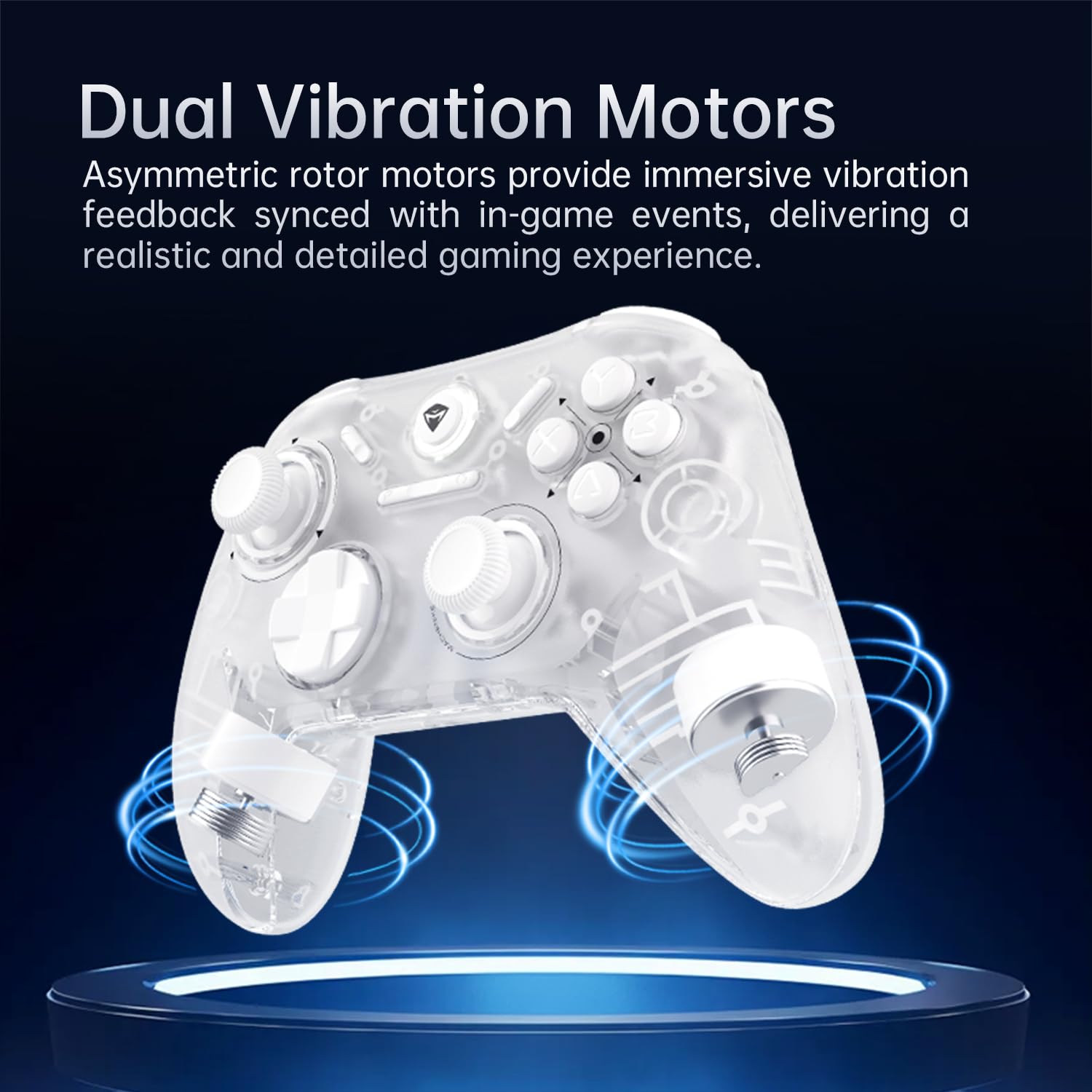
The controller is equipped with asymmetric rotor motors that provide immersive vibration feedback, synchronized with in-game events for a realistic gaming experience.
4.4 Kompatibilità bejn Pjattaformi Multipli
The G1 Pro controller offers broad compatibility:
- PC/Windows: Connect via wired USB or 2.4GHz wireless receiver.
- Nintendo Switch: Connect via Bluetooth. Note that button legends on the controller are standard ABXY, while Switch uses BAYX. The controller supports remapping for Switch compatibility (refer to advanced settings).
- Android/iOS: Qabbad permezz tal-Bluetooth.
4.5 Customization with Keylinker 2.0 App
Personalize your gaming experience using the Keylinker 2.0 App. This application allows for fine-tuning various controller settings:
- Button Settings (remapping)
- Vibration Intensity adjustment
- Joystick Sensitivity calibration
- Trigger Functionality adjustment
- Turbo Functions setup
- Controller Testing
Download the Keylinker 2.0 App from the official Machenike webis-sit jew l-app store tat-tagħmir tiegħek.

4.6 Rata tal-Votazzjoni
The G1 Pro supports a 1000Hz polling rate for wired and 2.4GHz wireless connections, ensuring minimal input lag. Bluetooth connections operate at 125Hz.
4.7 Cooperative Play (Dual-Core Receiver)
The 2.4G receiver supports simultaneous connection with two controllers, enabling cooperative play. To set up:
- Connect G1 Pro via 2.4G mode.
- Power off Controller B, then connect Controller B via Bluetooth.
- Power on G1 Pro; it will automatically reconnect.
Note: Compatibility may vary for some controllers due to protocol differences. Contact customer support for details.
4.8 Vidjows Uffiċjali tal-Prodott
Vidjo 1: Fuqview of the Machenike G1 Pro Wireless Gaming Controller, showcasinil-karatteristiċi u d-disinn tiegħu.
Video 2: Demonstrating the Machenike G1 Pro PC Game Controller in action across various games and platforms.
5. Manutenzjoni
5.1 Tindif
Biex tnaddaf il-kontrollur tiegħek, uża drapp artab u niexef. Għal ħmieġ iebes, nixxef ftit.ampen the cloth with water or a mild, non-abrasive cleaner. Avoid using harsh chemicals or abrasive materials, as they can damage the controller's finish and internal components.
5.2 Ħażna
Store the controller in a cool, dry place away from direct sunlight, extreme temperatures, and high humidity. When not in use for extended periods, ensure the controller is fully charged before storage to preserve battery health.
5.3 Kura tal-Batterija
- Evita li l-batterija tixxotta kompletament ta' spiss.
- Tesponix il-batterija għal sħana jew kesħa estremi.
- If the controller will not be used for a long time, charge it to about 50% every few months to prevent deep discharge.
6 Issolvi l-problemi
6.1 Il-Kontrollur Mhux Qed Jikkonnettja
- Iċċekkja l-batterija: Kun żgur li l-kontrollur huwa ċċarġjat biżżejjed.
- Modalità ta' Verifika: Make sure the controller is in the correct connection mode (wired, 2.4GHz, or Bluetooth) for your device.
- Erġa 'par: For wireless connections, try re-pairing the controller with your device.
- Riċevitur USB: For 2.4GHz, ensure the USB receiver is securely plugged in and not obstructed. Try a different USB port.
- Kwistjonijiet tas-Sewwieq (PC): On PC, check Device Manager for any driver conflicts. Reinstalling drivers might be necessary.
6.2 Dewmien fl-Input jew Kontrolli li Ma Jirrispondux
- Rata tal-votazzjoni: Ensure you are using wired or 2.4GHz wireless for the lowest latency (1000Hz). Bluetooth has a higher latency (125Hz).
- Interferenza: For wireless connections, move closer to the receiver/device and minimize other wireless interference sources.
- Livell tal-batterija: Low battery can sometimes affect performance.
6.3 Joystick Drift or Inaccuracy
- Kalibrazzjoni mill-ġdid: Use the Keylinker 2.0 App to recalibrate the joysticks.
- Aġġornament tal-Firmware: Check the Machenike website for any available firmware updates for the controller, which may address performance issues.
- Tindif: Ensure no debris is obstructing the joystick movement.
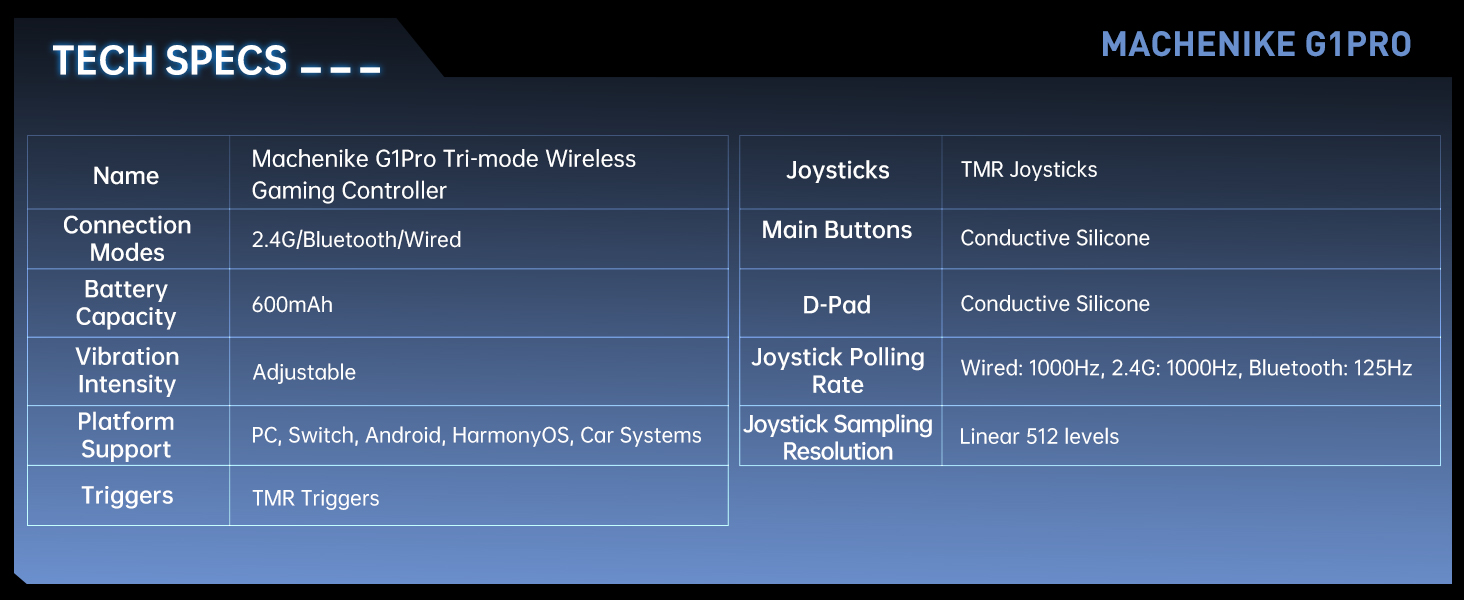
7. Speċifikazzjonijiet
| Karatteristika | Dettall |
|---|---|
| Isem tal-Mudell | Machenike G1 Pro Tri-mode Wireless Gaming Controller |
| Modi ta 'Konnessjoni | 2.4G / Bluetooth / Wired (USB-C) |
| Kapaċità tal-batterija | 600mAh Lithium Metal (inkluża) |
| Intensità tal-Vibrazzjoni | Aġġustabbli |
| Appoġġ tal-Pjattaforma | PC, Switch, Android, iOS, HarmonyOS, Car Systems |
| Triggers | TMR Triggers (255 levels, <1mm response) |
| Joysticks | TMR Joysticks (10-bit ADC, 0.08ms response) |
| Buttuni Ewlenin | Conductive Silicone (1 million press lifespan) |
| D-Pad | Silikonkonduttiv |
| Joystick Polling Rate | Wired: 1000Hz, 2.4G: 1000Hz, Bluetooth: 125Hz |
| Joystick SampLing Riżoluzzjoni | Linear 512 levels |
| Dimensjonijiet tal-Prodott | 6.69 x 5.31 x 2.36 pulzieri |
| Piż tal-oġġett | 11.7 uqija |
| Manifattur | Machenike |
| Pajjiż ta' Oriġini | Iċ-Ċina |
| Data L-Ewwel Disponibbli | 24 ta’ Settembru, 2024 |
8. Garanzija u Appoġġ
For warranty information, technical support, and frequently asked questions, please visit the official Machenike webis-sit jew ikkuntattja lis-servizz tal-konsumatur tagħhom direttament. Żomm l-irċevuta tax-xiri tiegħek bħala prova tax-xiri għal talbiet ta' garanzija.
Machenike Uffiċjali Websit: www.machenike.com
Machenike US Store on Amazon: Amazon Store Link


