Introduzzjoni
The PlayStation Pulse Elite Wireless Headset offers an immersive audio experience for gaming. Featuring planar magnetic drivers, it delivers lifelike sound with a lossless and lightning-fast PlayStation Link wireless connection. The headset includes a fully retractable microphone with AI-enhanced noise rejection for clear communication. With up to 30 hours of battery life and quick charging capabilities, it is designed for extended gaming sessions.
Karatteristiċi ewlenin:
- Next Generation Gaming Audio with Planar Magnetic Drivers
- Multi-Device Connectivity (PlayStation Link and Bluetooth)
- Command and Control with Retractable Microphone and AI-enhanced Noise Rejection
- Long Battery Life (Up to 30 hours) and Quick Charging
X'hemm fil-Kaxxa
Ivverifika li l-oġġetti kollha huma preżenti fil-pakkett:
- Headset bla fili PlayStation Pulse Elite
- PlayStation Link USB Adapter
- Stazzjon ta 'ċċarġjar
- Cable tal-Iċċarġjar tal-USB
- Manwal għall-Utent

Image: PlayStation Pulse Elite Wireless Headset shown with its retail packaging.
Setup
Iċċarġjar inizjali:
Before first use, fully charge the headset using the included USB charging cable and charging station. Connect the USB cable to the charging station and a compatible USB power source (e.g., PS5 console, USB wall adapter).

Image: The dedicated charging station for the headset.
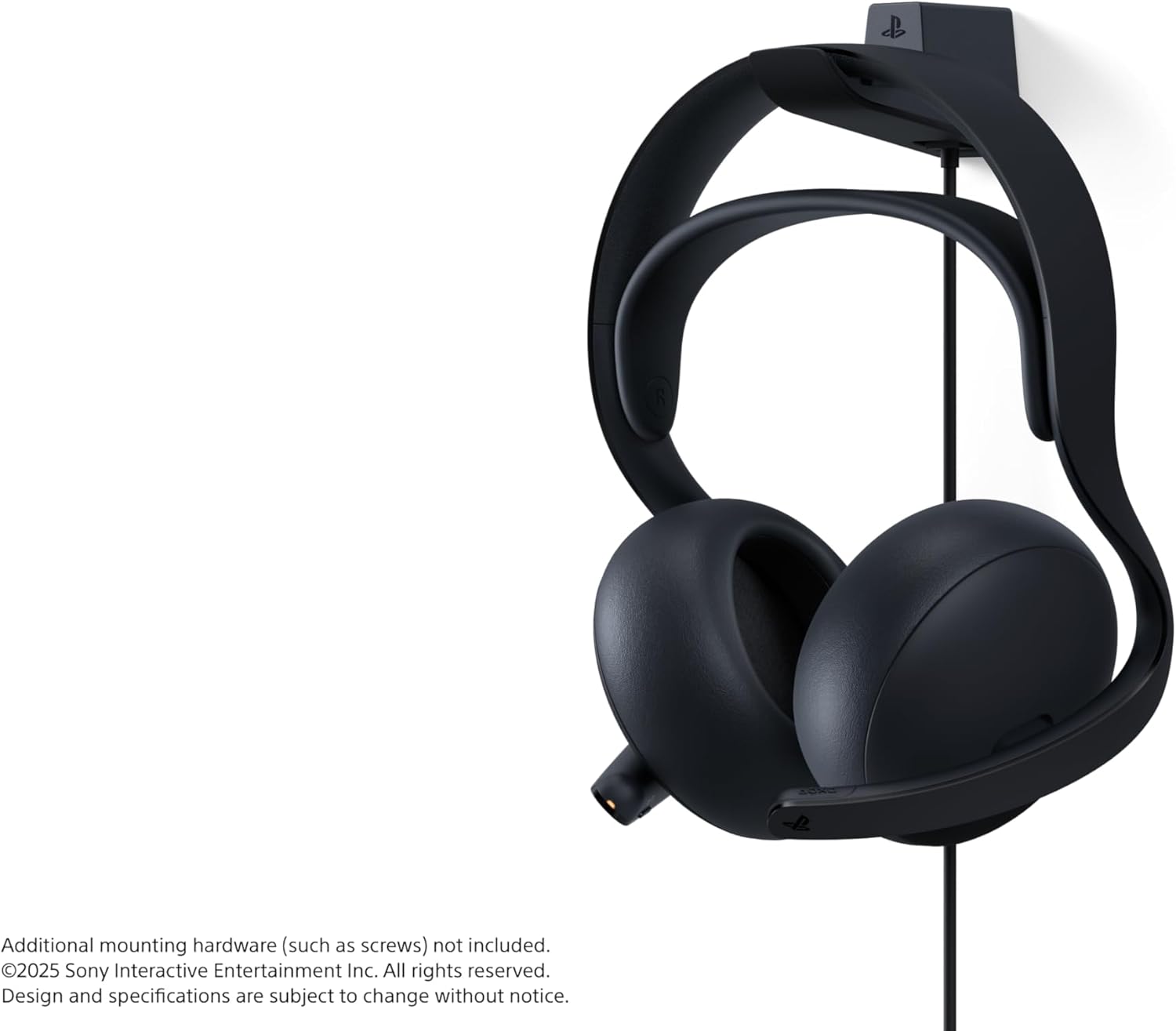
Image: The headset securely placed on its charging station.
Connecting to PlayStation 5 (PS Link):
- Insert the PlayStation Link USB adapter into a USB-A port on your PlayStation 5 console.
- Turn on the Pulse Elite headset. It should automatically pair with the USB adapter.
- Confirm connection on your PS5 screen.
Konnessjoni permezz tal-Bluetooth:
- Żgura li l-headset tkun mixgħula.
- Activate Bluetooth pairing mode on the headset (refer to the headset's specific button combination in the included user manual).
- On your device (e.g., smartphone, PC), go to Bluetooth settings and select "PULSE Elite" from the list of available devices.
- The headset supports simultaneous connection to a PS Link device and a Bluetooth device.
Istruzzjonijiet Operattivi
Liebes il-headset:
Place the headset over your ears, ensuring the earcups fully cover your ears for optimal sound isolation and comfort. Adjust the headband for a secure yet comfortable fit.

Immaġni: Quddiem view of the headset, showing the earcups and headband.

Immaġni: Ġenb view of the headset, highlighting its profile.
Użu tal-mikrofonu:
The microphone is fully retractable. Extend the microphone boom when you need to communicate. The AI-enhanced noise rejection technology will help filter out background sounds for clear voice capture.

Image: The headset with its retractable microphone extended for use.
Kontrolli:
The headset features intuitive controls for volume adjustment and microphone muting. Refer to the detailed diagram in the included user manual for exact button locations and functions.
Manutenzjoni
Tindif:
Wipe the headset and charging station with a soft, dry cloth. Do not use abrasive cleaners or solvents. Keep the charging contacts clean and free of debris.
Ħażna:
When not in use, store the headset on its charging station or in a protective case to prevent damage. Avoid exposing the headset to extreme temperatures or direct sunlight.
Kura tal-batterija:
Biex ittawwal il-ħajja tal-batterija, evita li tiċċarġja l-headset kompletament ta’ spiss. Iċċarġja l-headset regolarment, anke jekk ma tkunx qed tużah kontinwament.
Issolvi l-problemi
Ebda Awdjo:
- Kun żgur li l-headset huwa mixgħul u ċċarġjat kompletament.
- Verify the PlayStation Link USB adapter is securely connected to the PS5.
- Check the volume levels on both the headset and the connected device (PS5/PC/mobile).
- If using Bluetooth, ensure the headset is paired and connected to the correct device.
Mikrofonu Mhux Jaħdem:
- Ensure the microphone is extended and not muted.
- Check microphone settings on your connected device (PS5/PC/mobile) to ensure the Pulse Elite is selected as the input device.
Kwistjonijiet ta' Konnessjoni:
- Ensure the headset and USB adapter are within range.
- Try re-pairing the headset with the PS Link adapter or re-connecting via Bluetooth.
- Evita interferenza minn apparati oħra mingħajr fili.
Speċifikazzjonijiet
| Karatteristika | Dettall |
|---|---|
| Isem tal-Mudell | PULSE Elite |
| Numru tal-Mudell | CFI-ZWH2 |
| Teknoloġija tal-Konnettività | Wireless (PlayStation Link, Bluetooth) |
| Verżjoni Bluetooth | 4.0 |
| Tip ta' Sewwieq Awdjo | Sewwieq Manjetiku Planari |
| Ħajja tal-batterija | Sa 30-il Siegħa |
| Apparati Kompatibbli | Cellphones, Desktops, Gaming Consoles (PS5, PS Portal), Laptops |
| Piż tal-oġġett | 2.28 liri |
| Dimensjonijiet tal-Prodott | 8.5 x 5.75 x 10 pulzieri |
| Manifattur | Sony Interactive Entertainment |
Garanzija u Appoġġ
For warranty information and technical support, please refer to the official PlayStation support website or contact PlayStation customer service. Keep your proof of purchase for warranty claims.
Appoġġ onlajn: www.playstation.com/support


