1. Introduzzjoni
Thank you for choosing the DEERC Amphibious Remote Control Car, Model US-2624. This manual provides essential information for the safe operation, setup, and maintenance of your new RC car. Please read it thoroughly before use to ensure optimal performance and longevity of the product.
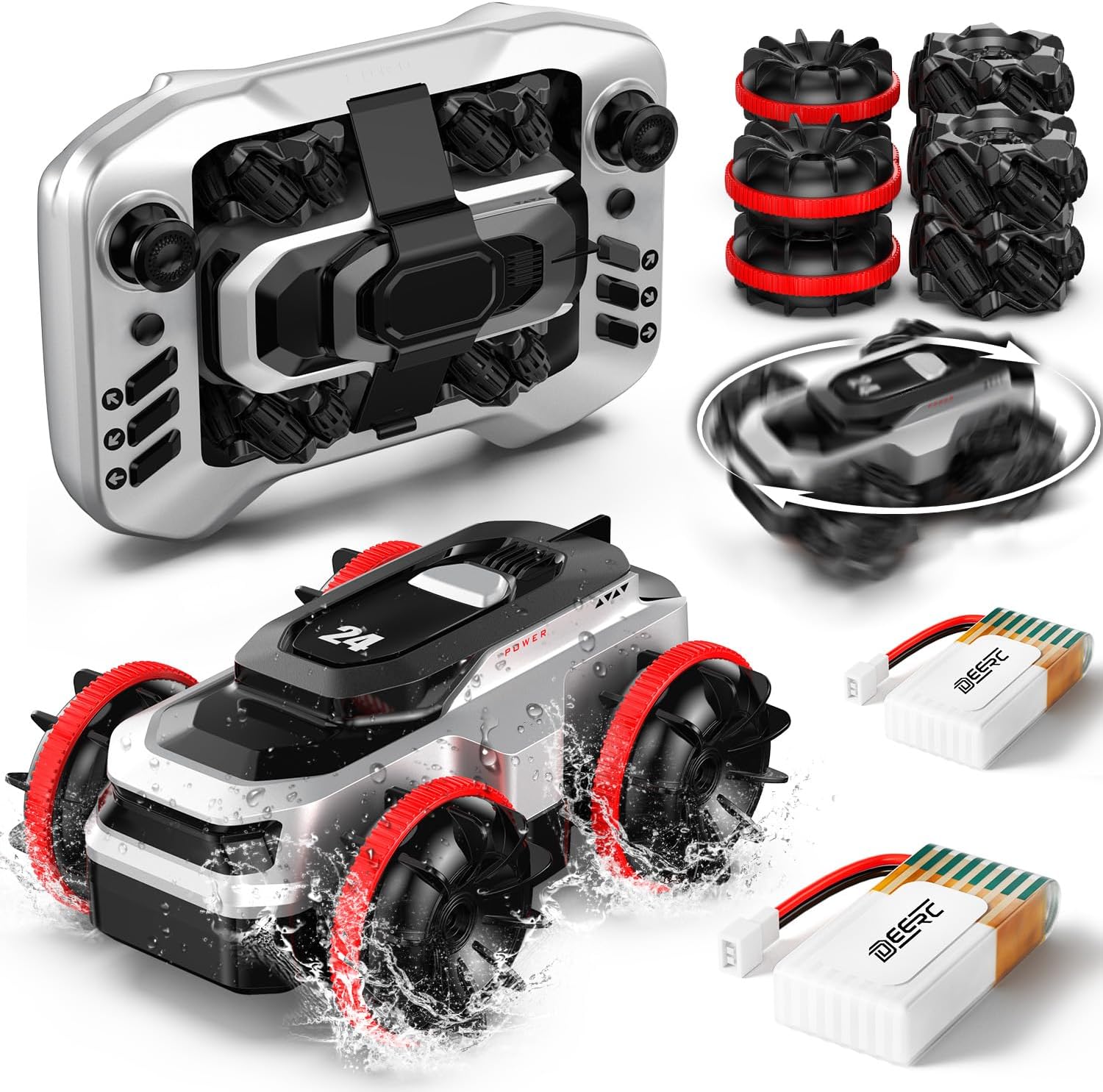
2. X'hemm fil-Kaxxa
Ivverifika li l-komponenti kollha huma preżenti fil-pakkett:
- 1 x RC Amphibious Truck
- 1 x Kontroll mill-bogħod
- 2 x Rechargeable Batteries (for car)
- 4 x Amphibious Tires (pre-installed or spare)
- 1 x Cable tal-Iċċarġjar
3. Informazzjoni dwar is-Sigurtà
Biex tevita korriment jew ħsara, jekk jogħġbok osserva l-linji gwida ta' sigurtà li ġejjin:
- Children under 8 years old require adult supervision during operation.
- Tħaddimx il-karozza RC ħdejn nies, annimali domestiċi, jew ostakli.
- Avoid operating in public roads or areas with vehicle traffic.
- Ensure the battery compartment is securely sealed before water play.
- Tgħaddasx il-kontroll mill-bogħod fl-ilma.
- Use only the provided charging cable and batteries.
- Do not attempt to modify the product or its components.
4. Setup
4.1 Iċċarġjar tal-batterija
- Connect the included charging cable to a USB power source (e.g., computer, USB wall adapter).
- Qabbad il-batterija mal-kejbil tal-iċċarġjar.
- Allow the battery to charge fully. The charging indicator will typically change color or turn off when complete.
- Always supervise batteries during charging.
4.2 Installazzjoni tal-Batterija tal-Karozza
The DEERC Amphibious RC Car uses a magnetic shell for easy battery access.
- Gently lift the top shell of the car, which is held by magnets.
- Sib il-kompartiment tal-batterija.
- Insert a fully charged battery into the compartment and connect it to the car's power connector.
- Kun żgur li l-konnessjoni hija sigura.
- Replace the top shell, ensuring it snaps into place magnetically.

4.3 Installazzjoni tal-Batterija tal-Kontroll mill-Bogħod
The remote control typically requires 2x AA batteries (not included).
- Iftaħ il-kompartiment tal-batterija fuq wara tal-kontroll remot.
- Insert 2 new AA batteries, observing the correct polarity (+/-).
- Agħlaq il-kompartiment tal-batterija sew.
4.4 It-tqabbil tal-Karozza u l-Bogħod
- Ensure both the car and remote control have fresh or fully charged batteries installed.
- Ixgħel il-karozza RC billi tuża s-swiċċ tal-enerġija tagħha.
- Ixgħel il-kontroll mill-bogħod.
- The indicator light on the remote will typically flash and then become solid once pairing is successful.
- If pairing fails, turn both devices off and repeat the steps.
5. Istruzzjonijiet Operattivi
The DEERC Amphibious RC Car is designed for versatile operation on various terrains and in water.
5.1 Kontrolli Bażiċi
Refer to the remote control diagram for specific button functions:

- Joystick tax-Xellug: Controls forward/backward movement and left/right steering.
- Joystick tal-lemin: Controls 360° rotation and other stunt maneuvers.
- Auto Demo Button: Activates an automatic demonstration sequence.
- Swiċċ mixgħul / mitfi: Powers the remote control.
5.2 Amphibious Operation
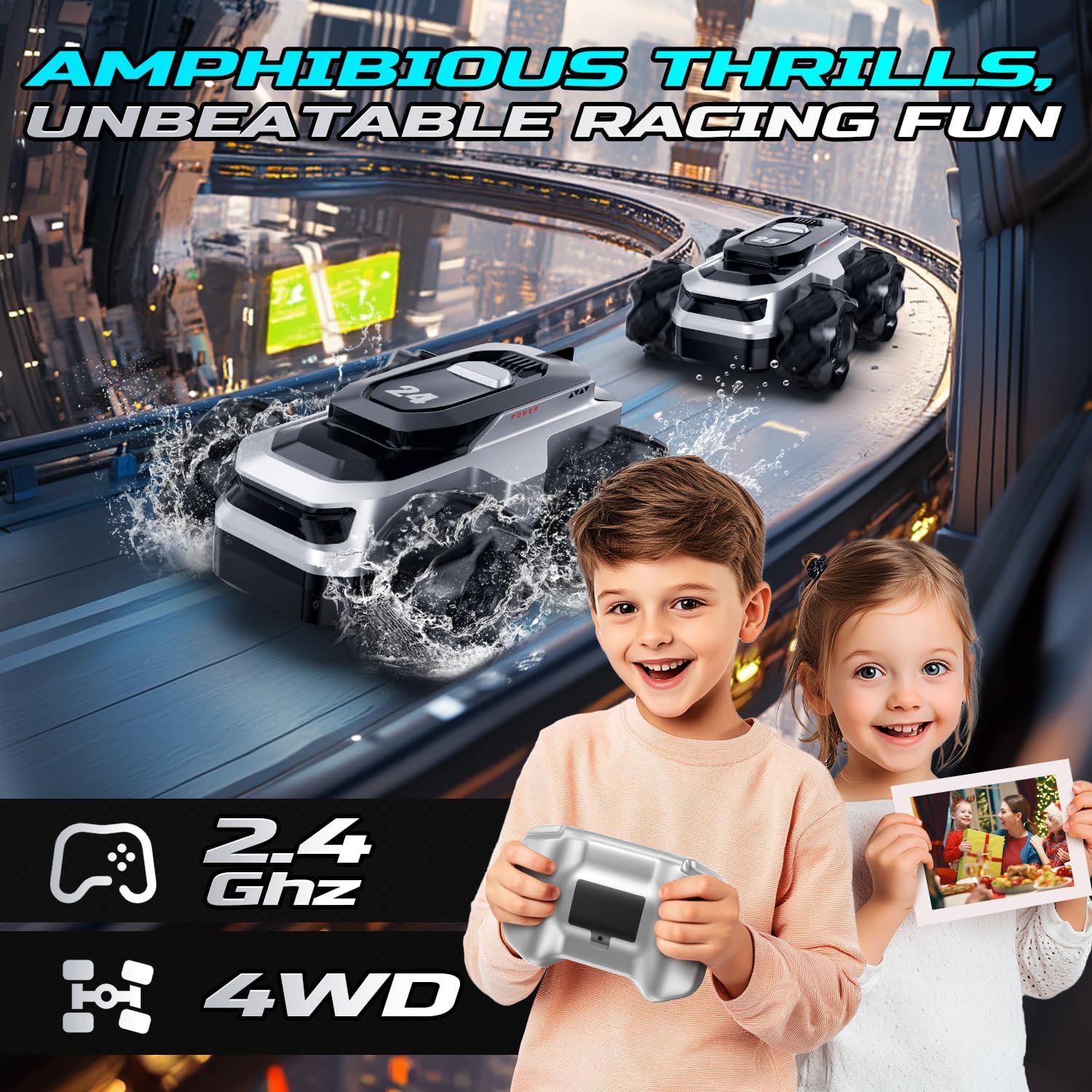
This RC car is designed to operate on both land and water. Its waterproof construction allows for seamless transitions.

- Land Mode: Drive on various surfaces including grass, sand, and pavement. The 4WD system provides excellent traction.
- Modalità Ilma: The unique wheel design allows the car to propel itself through shallow water, making it suitable for pools or puddles. Ensure the battery compartment is sealed before entering water.
5.3 Stunt Functions
The car is capable of performing various stunts:
- Dawriet ta' 360°: Use the right joystick to execute rapid 360-degree rotations.
- All-Direction Drift: The specialized wheels enable sideways and diagonal movement for dynamic drifting.

6. Manutenzjoni
6.1 Tindif
- After each use, especially after water play, wipe the car thoroughly with a dry cloth to remove water, dirt, or debris.
- Ensure all water is drained from the car's interior and exterior to prevent corrosion.
- Tużax kimiċi jew solventi ħarxa għat-tindif.
6.2 Kura u Ħażna tal-Batterija
- Always disconnect batteries from the car and remote when not in use.
- Aħżen il-batteriji f'post frisk u niexef, 'il bogħod mix-xemx diretta u minn temperaturi estremi.
- M'għandekx iċċarġja żżejjed jew taqla 'żżejjed il-batteriji.
- Jekk taħżen għal perjodi twal, iċċarġja l-batteriji sa madwar 50% tal-kapaċità tagħhom.
6.3 Ħażna Ġenerali
- Store the RC car and remote control in a dry environment.
- Żomm 'il bogħod mit-trab u l-umdità.
7 Issolvi l-problemi
If you encounter issues with your DEERC Amphibious RC Car, refer to the following common problems and solutions:
| Problema | Kawża Possibbli | Soluzzjoni |
|---|---|---|
| Il-karozza ma tirrispondix għar-remote. | Low batteries in car or remote; Not paired; Car/remote off. | Charge/replace batteries; Re-pair car and remote; Ensure both are powered on. |
| Firxa qasira ta' kontroll jew interferenza. | Environmental interference; Low remote battery. | Move to an open area; Replace remote batteries. |
| Car moves slowly or lacks power. | Batterija baxxa tal-karozza. | Erġa' ċċarġja l-batterija tal-karozza. |
| Car does not perform well in water. | Battery compartment not sealed; Water too deep. | Ensure battery compartment is fully sealed; Operate in shallow water only. |
If the problem persists after trying these solutions, please contact DEERC customer support.
8. Speċifikazzjonijiet
| Karatteristika | Dettall |
|---|---|
| Dimensjonijiet tal-Prodott | 4.13 x 3.15 x 1.81 pulzieri |
| Piż tal-oġġett | 14.4 uqija |
| Numru tal-Mudell | US-2624 |
| Età Rakkomandata mill-Manifattur | 8 snin 'il fuq |
| Batteriji | 1 Lithium Ion battery required (included, 2 provided for extended play) |
| Ħin tal-logħob | Sa 50 minuta (b'2 batteriji) |
| Frekwenza tal-Kontroll | 2.4 GHz |
| Sistema tas-sewqan | 4WD |
9. Garanzija u Appoġġ
For warranty information or technical support, please refer to the contact details provided with your product packaging or visit the official DEERC website. Please have your model number (US-2624) and purchase details ready when contacting support.


