Introduzzjoni
This manual provides instructions for the Philco USB C to USB C Cable. This cable is designed for fast charging and high-speed data transfer between compatible USB-C devices. Please read this manual thoroughly to ensure proper usage and to maximize the lifespan of your cable.
Kontenut tal-Pakkett
Il-pakkett fih l-oġġetti li ġejjin:
- 2 x Philco USB C to USB C Cables (4FT, Black)
Karatteristiċi Ewlenin
1. Ultra-Durable Design
Engineered for longevity, this USB C cable features a premium silicone exterior that resists fraying, splitting, or wear over time. The reinforced connectors ensure a secure fit with your devices, providing stable power transfer. It is tested to withstand over 10,000 bend cycles.
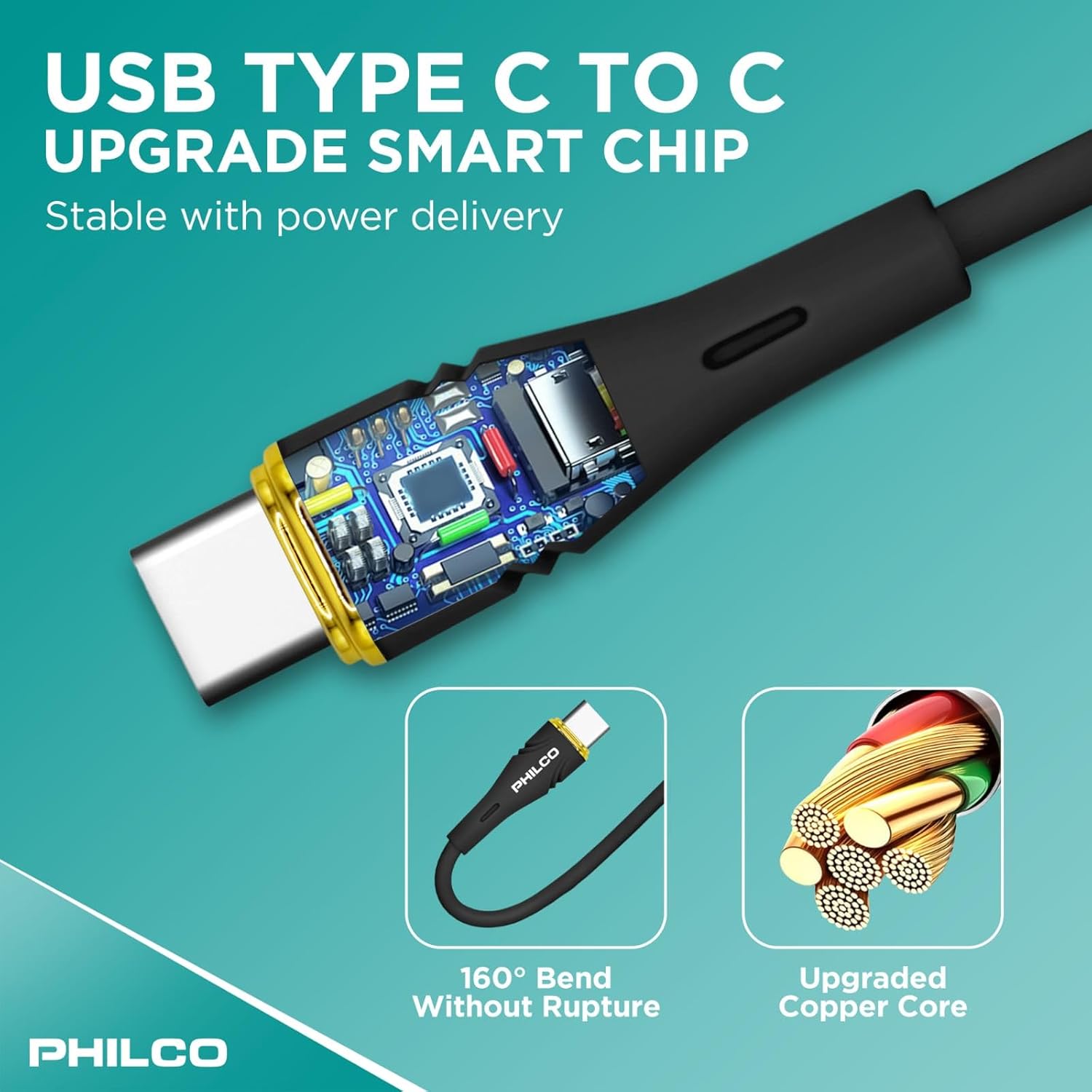
Image: Reinforced connectors and a robust silicone exterior enhance cable durability.
2. Soft-Touch & Tangle-Free Silicone
Unlike traditional rubber or plastic cables, our USB-C charging cable is coated in high-quality liquid silicone for a smooth, soft-touch feel that prevents tangling. This flexible power cable maintains its shape, ensuring effortless storage and easy handling.
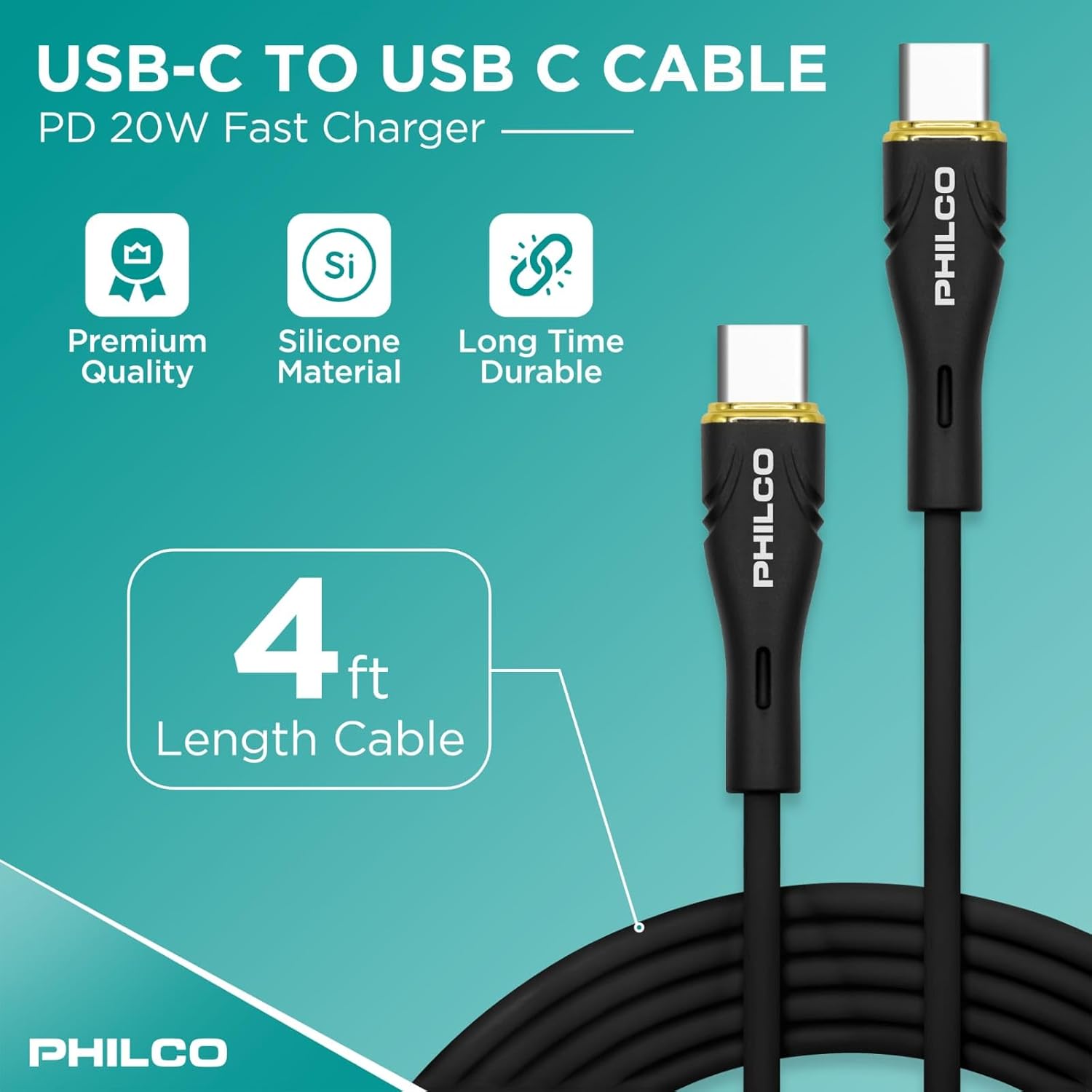
Image: The soft-touch silicone material ensures a tangle-free experience.
3. Fast Charging & High-Speed Data Transfer
Designed for Power Delivery (PD) fast charging, this USB-C power cable supports up to 20W (20V/5A), allowing you to charge compatible devices rapidly. It also supports USB 2.0 data transfer speeds of up to 480Mbps, ensuring seamless file trasferimenti.

Image: Key specifications for fast charging and data transfer.
4. Safe Charging with E-Mark Chip
Equipped with an E-Mark chip, this cable ensures safe power regulation, preventing overheating and delivering efficient, reliable charging every time. This advanced technology protects your devices during charging.
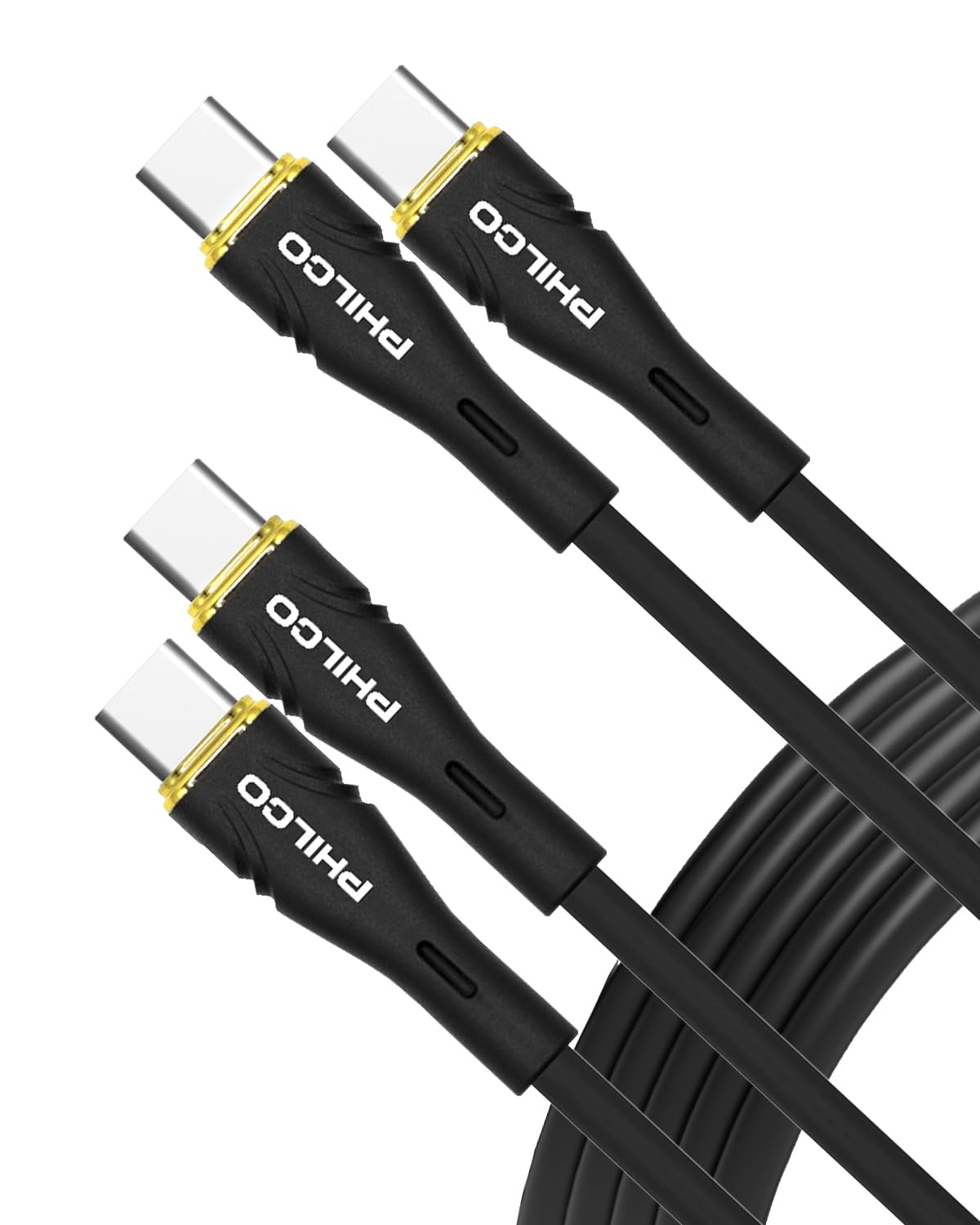
Image: The integrated smart chip ensures stable and safe power delivery.
5. Vidjo Uffiċjali tal-Prodott
Ara dan il-filmat uffiċjali għal tagħrif komprensivview of the Philco USB C to USB C Cable's features and benefits, including its durability, fast charging, and data transfer capabilities.
Video: Philco Premium USB Cable overview.
Kompatibilità
The Philco USB C to USB C Cable is universally compatible with a wide range of USB-C devices, including but not limited to:
- Smartphones: Samsung Galaxy S25/S25+/S25 Ultra/S24 Ultra/S24+/S24/S23/S23+/S23 Ultra/S22+/S22 Ultra/S21 S23 FE/A54/S20 Ultra/Z Fold/Flip 6 5 4/Tab S9 Ultra/S9+/S8+, Google Pixel 9 Pro XL 8, 7 Pro/7a, Nothing Phone 2, iPhone 16 Pro Max/16 Pro/16 Plus/15 Pro Max/15 Plus, OnePlus 9, 9 Pro, 8T, 13, 10T.
- Pilloli: iPad Air 4-5th, iPad Pro 2024.
- Laptops: MacBook Air/Pro.
- Mezzi Oħrajn: Headphone, DVD player, Microphone, Power Bank, Mouse, Smart Watch, Printer, and other GaN-compatible and PD power banks.

Image: The Philco USB C cable is compatible with a wide range of devices, including laptops, tablets, and smartphones.
Setup
Using your Philco USB C to USB C Cable is straightforward:
- Identifika l-Portijiet: Ensure both your charging adapter/power source and your device have USB-C ports.
- Qabbad mas-Sors tal-Enerġija: Insert one end of the Philco USB C cable into a compatible USB-C power adapter or power bank.
- Qabbad mal-Apparat: Insert the other end of the Philco USB C cable into the USB-C port of your device (e.g., smartphone, tablet, laptop).
- Ivverifika l-Konnessjoni: Confirm that your device indicates it is charging or that data transfer has initiated.
Istruzzjonijiet Operattivi
Apparat tal-Iċċarġjar
Once connected, the cable will automatically begin charging your device. This cable supports Power Delivery (PD) fast charging up to 20W (20V/5A) when used with a compatible fast charger and device. Charging speed may vary based on the power adapter and device capabilities.

Image: The Philco USB C cable provides rapid charging for compatible devices.
Trasferiment tad-Data
The cable supports USB 2.0 data transfer speeds of up to 480Mbps. To transfer data:
- Connect your device to a computer or another compatible device using the Philco USB C cable.
- Follow the on-screen prompts on your device or computer to allow data access and initiate file trasferimenti.

Image: The cable facilitates high-speed data transfer between devices.
Kura u Manutenzjoni
To ensure the longevity and optimal performance of your Philco USB C cable, follow these guidelines:
- Ħażna: Store the cable in a clean, dry place. The soft-touch silicone material is designed to be tangle-free, making storage easy.
- Immaniġġjar: Avoid excessive bending or sharp angles, especially near the connectors. While the cable is reinforced for durability (over 10,000 bend cycles), proper handling extends its life.
- Tindif: Wipe the cable with a soft, dry cloth to remove dust or dirt. Do not use harsh chemicals or abrasive cleaners.
- Protezzjoni: Do not expose the cable to extreme temperatures, direct sunlight for prolonged periods, or liquids.
Image: The reinforced connectors and silicone exterior contribute to the cable's durability.
Issolvi l-problemi
If you encounter issues with your Philco USB C cable, consider the following:
- Apparat Mhux Iċċarġja:
- Kun żgur li ż-żewġt itruf tal-kejbil huma konnessi sew.
- Verify that the power adapter is functioning correctly and is plugged into a live outlet.
- Confirm that your device's charging port is clean and free of debris.
- Try using a different power adapter or a different USB-C port on your device, if available.
- Iċċarġjar bil-mod:
- Ensure your power adapter supports Power Delivery (PD) and provides sufficient wattage (e.g., 20W or higher for fast charging).
- Close unnecessary applications on your device that may be consuming power.
- Kwistjonijiet ta' Trasferiment tad-Dejta:
- Confirm that your device is set to allow data transfer when connected to a computer (e.g., "File Transfer" mode on Android devices).
- Try restarting both the device and the computer.
- Ensure your computer's USB-C port is functioning correctly.
- Ħsara fil-kejbil: Inspect the cable and connectors for any visible signs of damage, such as fraying, cuts, or bent pins. Discontinue use if damage is found.
Speċifikazzjonijiet
| Brand | Philco |
| Numru tal-Mudell | FLC2608C |
| Tip ta' Konnettur | USB Type C to C |
| Tip ta' Cable | USB |
| Kunsinna tal-Enerġija | Sa 20W (20V / 5A) |
| Rata ta' Trasferiment tad-Data | Sa 480 Mbps (USB 2.0) |
| Materjal | Soft-Touch Silicone Exterior |
| Durabilità | 10,000+ bend cycles |
| Karatteristiċi Speċjali | E-Mark chip, Tangle-Free, Lightweight |
| Tul | 4 PIEDI (1.2 metri) |
| Kulur | Iswed |
| Piż tal-oġġett | 3.03 uqija (0.09 Kilogrammi) |
Garanzija u Appoġġ
For warranty information or technical support, please refer to the product packaging or contact Philco customer service through their official webis-sit jew il-bejjiegħ bl-imnut minn fejn inxtara l-prodott. Żomm il-prova tax-xiri tiegħek għal talbiet ta' garanzija.


