1. Introduzzjoni
This manual provides essential information for the proper installation, operation, and maintenance of your LaView 2K Solar Camera Outdoor Wireless Security System. Please read this manual thoroughly before using the product to ensure optimal performance and safety. This system includes four (4) 2K QHD wireless cameras with integrated solar panels for continuous power.
2. Prodott Aktarview
Il-LaView 2K Solar Camera is a high-performance outdoor security solution designed for ease of use and comprehensive surveillance. Key features include:
- 2K QHD & Color Night Vision: Captures ultra-clear color images day and night.
- 100% Wireless & Solar-Powered: Eliminates wiring and manual recharging.
- Panoramika ta' 360° u Inklinazzjoni ta' 120°: Provides full coverage with no blind spots.
- Smart PIR Detection: Reduces false alarms by accurately detecting people, vehicles, and pets.
- Awdjo f'żewġ direzzjonijiet: Enables communication with visitors or deterring intruders.
- IP65 Reżistenti għat-Temp: Designed to withstand harsh outdoor conditions.
- Kondiviżjoni bejn Diversi Utenti: Supports up to 20 simultaneous viewers
- Kompatibilità tad-Dar Intelliġenti: Jaħdem ma 'Amazon Alexa u Google Assistant.

Figure 1: LaView 2K Solar Camera Outdoor Wireless Security System (4 Pack)
3. X'hemm fil-Kaxxa
La tiegħekView 2K Solar Camera system includes the following components:
- 4 x LaView 2K Solar Camera Bodies
- 4 x Solar Panels (integrated or separate, depending on model variant)
- Mounting Hardware (screws, anchors, mounting brackets)
- Cable tal-Iċċarġjar tal-USB-C
- Gwida għall-Bidu Mgħaġġel / Manwal tal-Utent

Figure 2: Typical box contents for LaView 2K Solar Camera.
4. Setup
4.1 Initial Camera Setup
- Iċċarġja l-Kamera: Fully charge the camera battery using the provided USB-C cable before installation.
- Niżżel l-App: Download and install the "WansView Cloud" app from your smartphone's app store (available for Android and iOS).
- Qawwa Mixgħul: Open the waterproof cover on the bottom of the camera. Press and hold the power button for approximately 5 seconds until you hear a chime and the camera begins its self-test rotation.
- Tqabbil: Iftaħ il-WansView Cloud app, create an account, and log in. Tap the "+" or "Add Device" button. The app should automatically detect nearby devices via Bluetooth. Follow the in-app instructions to complete the pairing process. Ensure your smartphone is connected to a 2.4GHz Wi-Fi network.
4.2 Installazzjoni Fiżika
- Agħżel Post: Select an outdoor location with good Wi-Fi signal strength and sufficient sunlight exposure for the solar panel. The camera is IP65 weatherproof.
- Immonta l-Kamera: Use the provided mounting template to mark drill holes on your wall. Drill holes, insert anchors, and secure the camera's mounting bracket with screws. Attach the camera body to the bracket.
- Immonta l-Panel Solari: If the solar panel is separate, mount it in a location that receives maximum direct sunlight throughout the day. Connect the solar panel cable to the camera's 5V charging port.
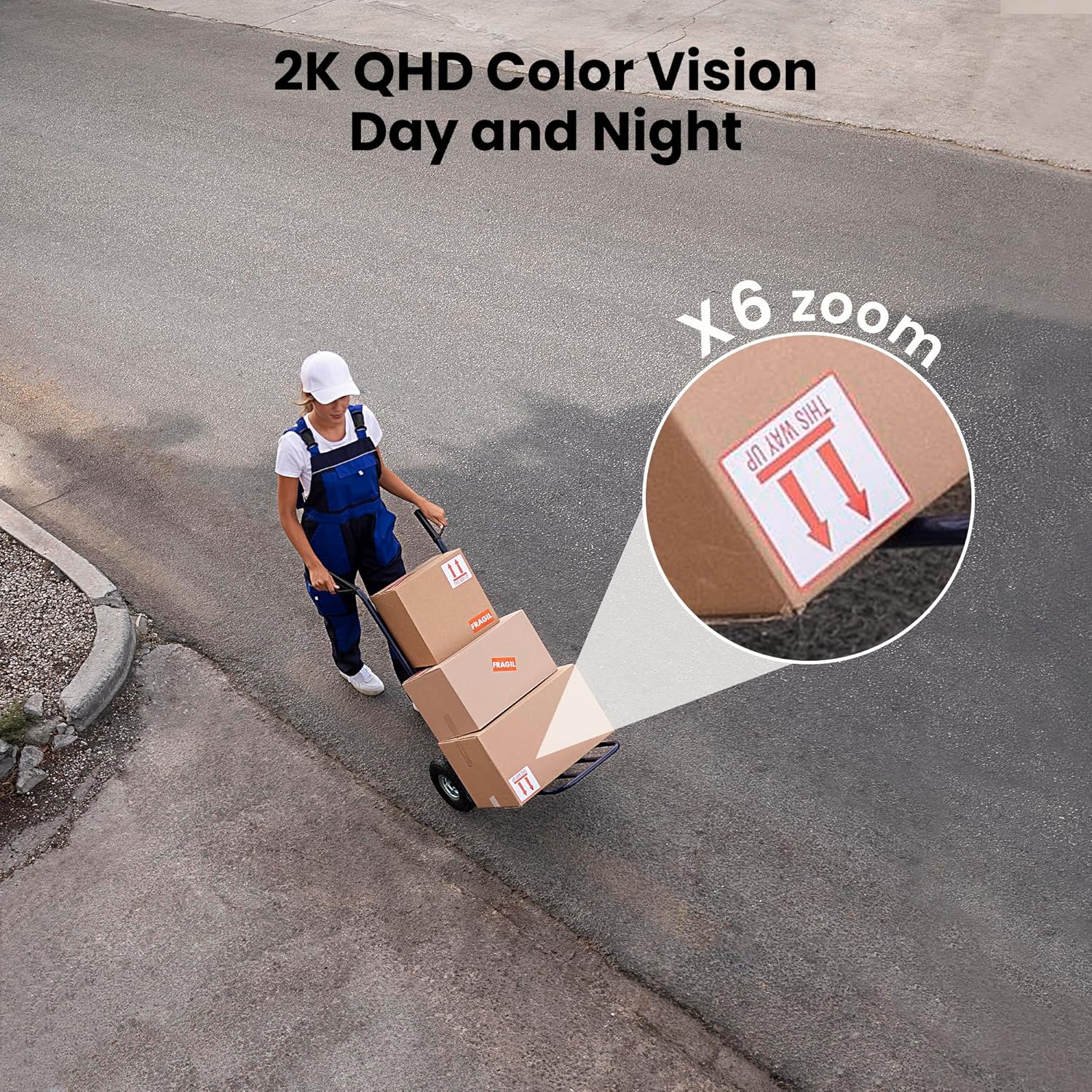
Figure 3: Flexible installation options for the LaView 2K Solar Camera.
5. Istruzzjonijiet Operattivi
5.1 Ħaj View and Camera Control
- Iftaħ il-WansView Cloud app to access the live feed from your camera.
- Use the on-screen controls to pan the camera 360° horizontally and tilt it 120° vertically for full coverage.
- Utilize the 6X digital zoom feature to view details in the 2K QHD resolution.

Figure 4: Control 360° pan and 120° tilt directly from your phone.
5.2 Kwalità tal-Vidjo u Viżjoni bil-Lejl
- The camera provides 2K QHD video resolution for clear images.
- Viżjoni bil-lejl bil-kulur: With an F/1.6 aperture, the camera captures clear color images even in low-light conditions.
- Viżjoni bil-lejl infrared: For complete darkness, the camera automatically switches to infrared mode for black and white video.
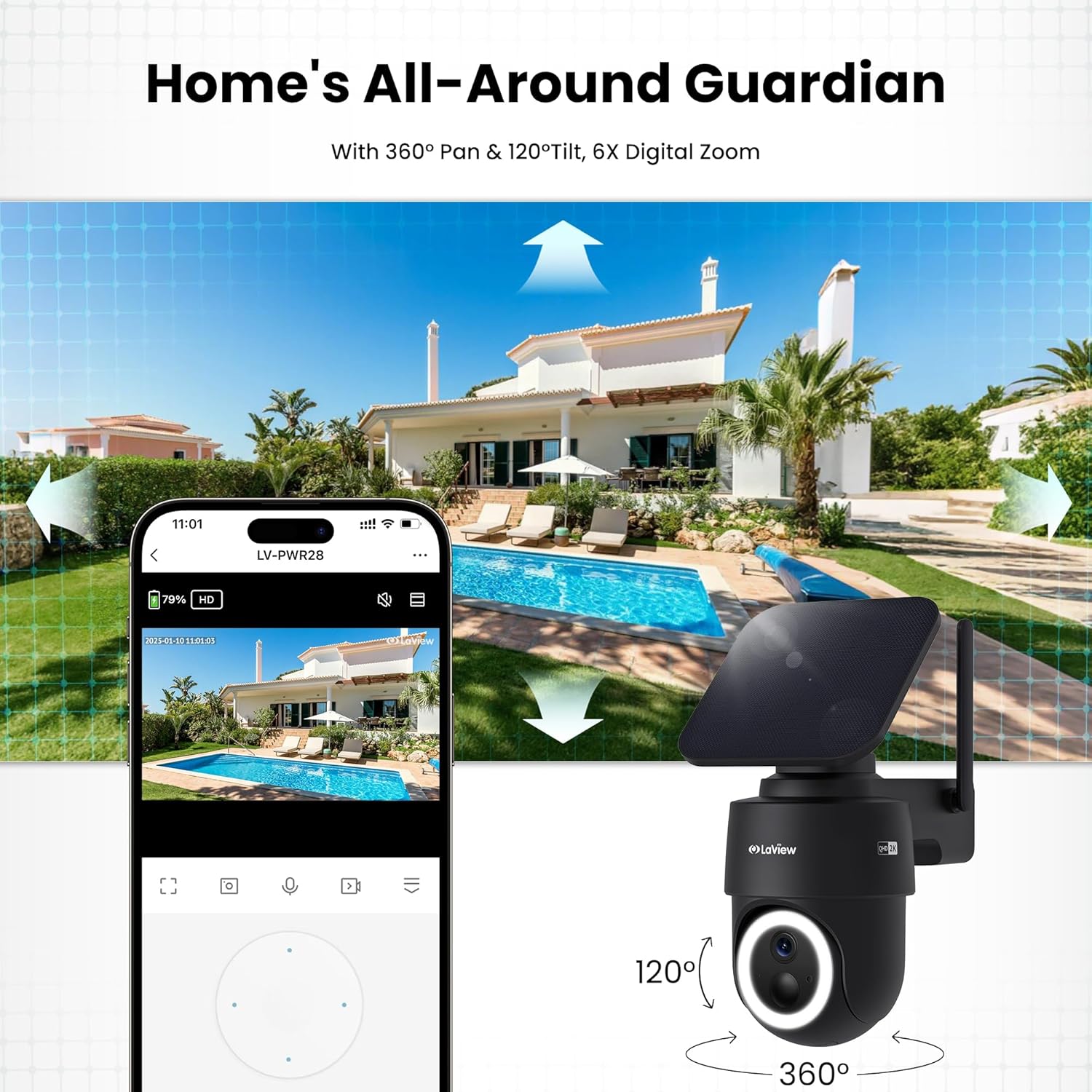
Figure 5: Experience 2K QHD color vision day and night with 6X zoom.
5.3 Sejbien tal-Mozzjoni u Twissijiet
- Sejbien PIR: The advanced PIR sensor and intelligent algorithms accurately detect human, vehicle, and pet motion, reducing false alarms.
- Żoni li jistgħu jiġu personalizzati: Set specific detection sensitivity and zones within the app.
- Twissijiet Instant: Irċievi notifiki push fuq l-ismartphone tiegħek meta jiġi skopert moviment.
- Sirena u Spotlight: Configure the camera to trigger a siren and spotlight upon motion detection for deterrence.

Figure 6: Auto-record on motion detection, capturing movement paths for clear activity tracking.
5.4 Awdjo b'żewġ direzzjonijiet
- Use the microphone and speaker in the app to communicate with anyone near the camera.

Figure 7: Stay connected with two-way talk functionality.
5.5 Għażliet ta' Ħażna
- Karta Micro SD: Daħħal kard Micro SD (sa 256GB, mhux inkluża) fl-islott apposta għall-ħażna lokali tar-reġistrazzjonijiet.
- Ħażna Cloud: Optional cloud storage is available with a 30-day free trial. A subscription is required for continued cloud service.

Figure 8: Dual storage options: Micro SD card and Cloud Storage.
5.6 Integrazzjoni ta' Dar Intelliġenti
- The camera is compatible with Amazon Alexa and Google Assistant. Follow the instructions in your smart home app to connect the camera.

Figure 9: Works with smart home devices like Amazon Alexa and Google Assistant.
6. Manutenzjoni
6.1 Iċċarġjar tal-batterija
- The integrated solar panel continuously charges the camera's rechargeable battery. Ensure the solar panel is clean and free from obstructions for optimal charging.
- If necessary, the camera can also be charged directly via the USB-C port using the provided cable.
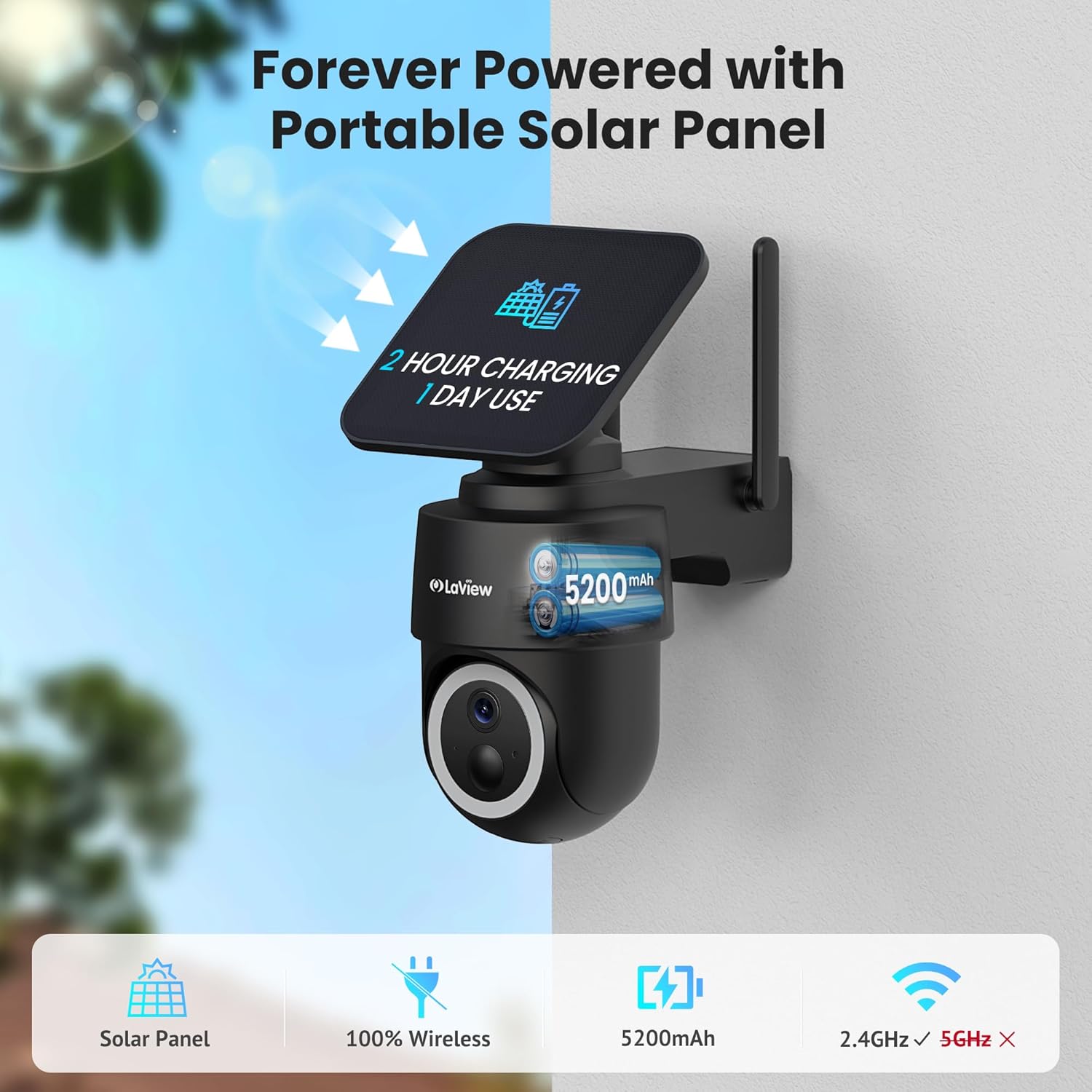
Figure 10: Forever powered with portable solar panel.
6.2 Reżistenza għat-Temp
- The camera has an IP65 weatherproof rating, protecting it from dust and water jets. It operates in temperatures from 14°F to 122°F (-10°C to 50°C).

Figure 11: IP65 Weatherproof design for all conditions.
6.3 Tindif
- Naddaf il-lenti tal-kamera u l-pannell solari regolarment b'ċarruta ratba u driegħamp cloth to ensure clear image quality and efficient charging.
7 Issolvi l-problemi
- Kamera ma tikkonnettjax mal-Wi-Fi: Ensure your Wi-Fi network is 2.4GHz. Reboot your router and smartphone. Reset the camera by holding the reset button for 5 seconds until you hear a chime, then attempt pairing again.
- Allarmi Foloz Frekwenti: Adjust the PIR detection sensitivity and customize detection zones within the app to minimize unwanted alerts from non-relevant motion sources.
- Kwalità Fqira tal-Immaġni: Ensure the camera lens is clean and free from obstructions. Check Wi-Fi signal strength.
- Batterija Mhux Iċċarġja: Verify the solar panel is receiving direct sunlight and is free from dirt or obstructions. Ensure the solar panel cable is securely connected to the camera.
8. Speċifikazzjonijiet
| Isem tal-Mudell | LV-PWR28Q-B-4PK |
| Użu fuq ġewwa/barra | Barra |
| Sors tal-Enerġija | Mħaddma Solari |
| Protokoll tal-Konnettività | Wi-Fi (2.4GHz biss) |
| Riżoluzzjoni tal-Qbid tal-Vidjo | 2K QHD (3K mentioned in specs, but 2K QHD in features) |
| Tip ta' Kontrollur | Amazon Alexa |
| Tip ta 'Immuntar | Mount Wall |
| Klassifikazzjoni tat-temp | IP65 |
| Temperatura operattiva | 14°F sa 122°F (-10°C sa 50°C) |
| Dimensjonijiet tal-oġġett (L x W x H) | 10 x 13 x 9 pulzieri |
| Piż tal-oġġett | 7.88 liri |
| UPC | 192728016859 |
9. Garanzija u Appoġġ
- Garanzija ta' Sostituzzjoni ta' Sentejn: La tiegħekView 2K Solar Camera system is covered by a 1-year replacement warranty.
- Appoġġ Tekniku tul il-ħajja: LaView offers lifetime technical support via phone for prompt and reliable solutions.
- 1-on-1 Customer Service: Dedicated customer service is available for personalized assistance.

Figure 12: LaView provides comprehensive after-sales support.