TOMLOV P30 Digital Microscope
Manwal għall-Utent
Introduzzjoni
Grazzi tax-xiriasing the TOMLOV P30 Portable Digital Microscope. This device is designed to provide an engaging and educational experience for exploring the microscopic world, suitable for both children and hobbyists. With its 1-100X standard and 500-1000X high magnification, 16MP camera, and 1080P video capabilities, the P30 allows for detailed observation and capture of discoveries. This manual provides essential information for the proper setup, operation, and maintenance of your microscope.
Informazzjoni dwar is-Sigurtà
- Tiżżarmax jew tippruvax issewwi l-apparat int stess. Irreferi għal persunal tas-servizz kwalifikat.
- Żomm l-apparat 'il bogħod mill-ilma u likwidi oħra biex tevita xokk elettriku jew ħsara.
- Evita li tesponi l-apparat għal temperaturi estremi, dawl tax-xemx dirett, jew umdità għolja.
- Use only the specified charging cable and power adapter to prevent damage to the battery or device.
- Clean the lens and screen with a soft, lint-free cloth. Avoid using abrasive cleaners or solvents.
- Dan il-prodott fih partijiet żgħar u mhux adattat għal tfal taħt it-3 snin mingħajr is-superviżjoni ta' adult.
Kontenut tal-Pakkett
Jekk jogħġbok iċċekkja l-kontenut tal-pakkett meta tiftaħ il-kaxxa biex tiżgura li l-oġġetti kollha huma preżenti:
- TOMLOV P30 Digital Microscope
- Cable tal-Iċċarġjar tal-USB
- Karta Micro SD ta' 16GB (installata minn qabel jew inkluża separatament)
- Lanyard
- Manwal għall-Utent

Image: The TOMLOV P30 Digital Microscope with its included accessories, such as the charging cable and lanyard.
Prodott Overview
Familiarize yourself with the main components of your TOMLOV P30 microscope:
- Skrin LCD ta' 2 pulzieri: Wirjiet diretti view, captured images, and videos.
- Buttuna tal-Qawwa: Ixgħel/itfi l-apparat.
- Buttuna tal-Modalità: Switches between photo, video, and playback modes.
- Zoom/Navigation Buttons: Adjust magnification and navigate menus.
- Capture/OK Button: Jieħu ritratti, jibda/jwaqqaf ir-reġistrazzjoni tal-vidjow, jikkonferma l-għażliet.
- Rota tal-Focus: Adjusts the focus for clear images.
- Illuminazzjoni LED: Provides light for observation.
- Slott tal-Karta Mikro SD: Għall-ħażna tal-midja maqbuda.
- Port USB-C: Għall-iċċarġjar u t-trasferiment tad-dejta.

Immaġni: Dettaljata view of the TOMLOV P30 microscope, highlighting its 2-inch LCD screen and control buttons.
Setup
- Iċċarġjar tal-batterija:
Before first use, fully charge the microscope. Connect the USB charging cable to the microscope's USB-C port and the other end to a USB power adapter (not included) or a computer's USB port. The charging indicator will show the charging status. A full charge provides up to 3 hours of use.

Image: The TOMLOV P30 microscope offers up to 3 hours of battery life, ideal for outdoor exploration.
- Daħħal il-Micro SD Card:
The microscope comes with a 16GB Micro SD card. Locate the Micro SD card slot on the side of the device. Gently insert the card with the gold contacts facing down until it clicks into place. To remove, push the card in again until it springs out.
- Tixgħel:
Press and hold the Power button for a few seconds until the screen illuminates. The microscope will boot up and display the live view.
- Aġġusta tal-Ingrandiment u l-Focus:
Place the object you wish to observe directly under the microscope's lens. Rotate the focus wheel to bring the image into sharp focus on the screen. The TOMLOV P30 offers two magnification levels: 1-100X for standard observation and 500-1000X for high magnification, suitable for detailed slides.
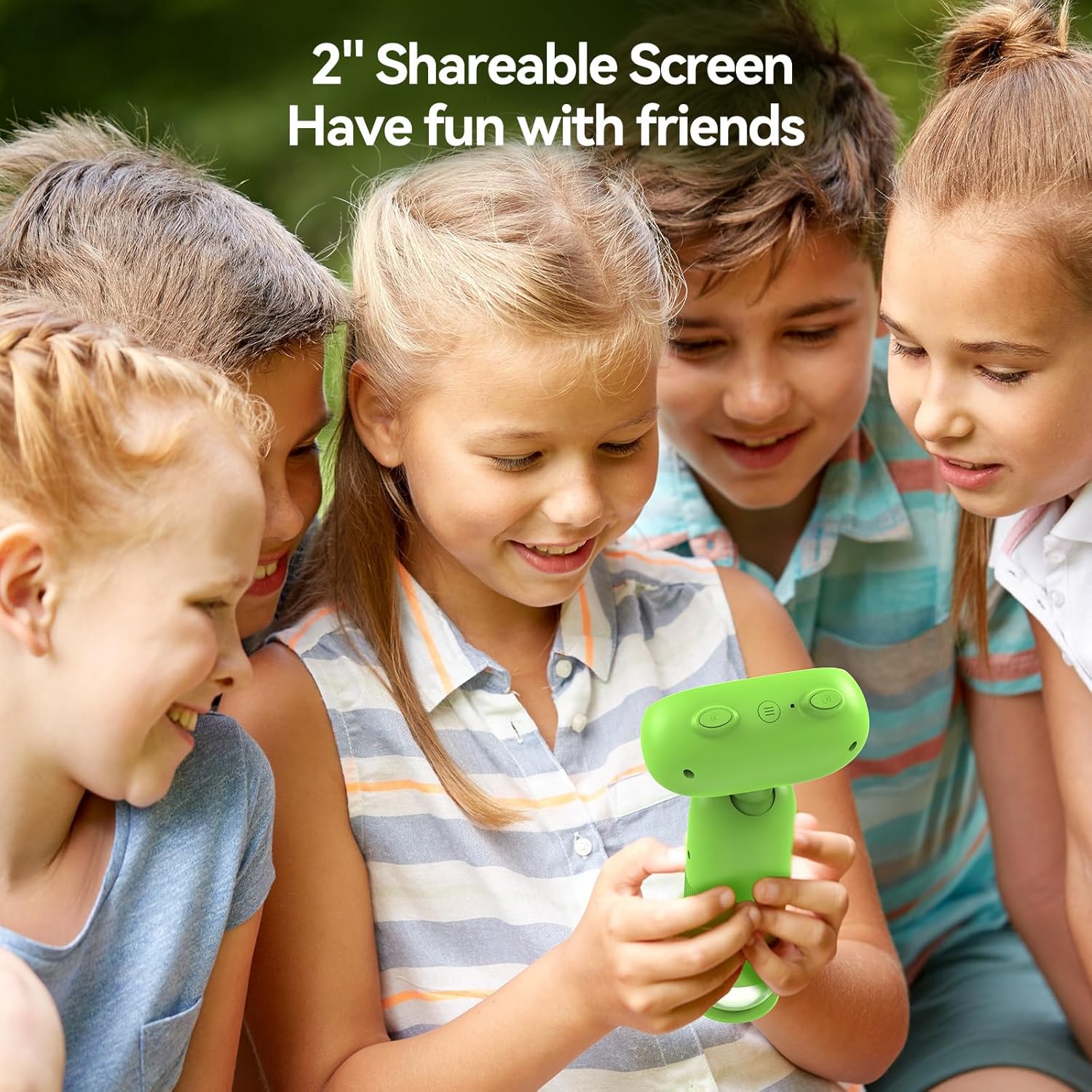
Image: The TOMLOV P30 microscope can unlock tiny details at 1000X magnification, as shown with a magnified bee on its screen.
Istruzzjonijiet Operattivi
- Modi ta' Qlib:
Press the Mode button to cycle between Photo Mode, Video Mode, and Playback Mode. The current mode icon will be displayed on the screen.
- Nieħdu Ritratti:
In Photo Mode, frame your subject on the screen. Press the Capture/OK button once to take a photo. The image will be saved to the Micro SD card.
- Vidjos ta 'Reġistrazzjoni:
In Video Mode, press the Capture/OK button once to start recording. Press it again to stop recording. Videos are saved in 1080P resolution to the Micro SD card.

Image: The TOMLOV P30 allows users to capture 1080P videos and 16MP photos, and revisit their discoveries through playback.
- Modalità Daqq:
In Playback Mode, use the navigation buttons to browse through your captured photos and videos. Press the Capture/OK button to view a selected item or play a video.
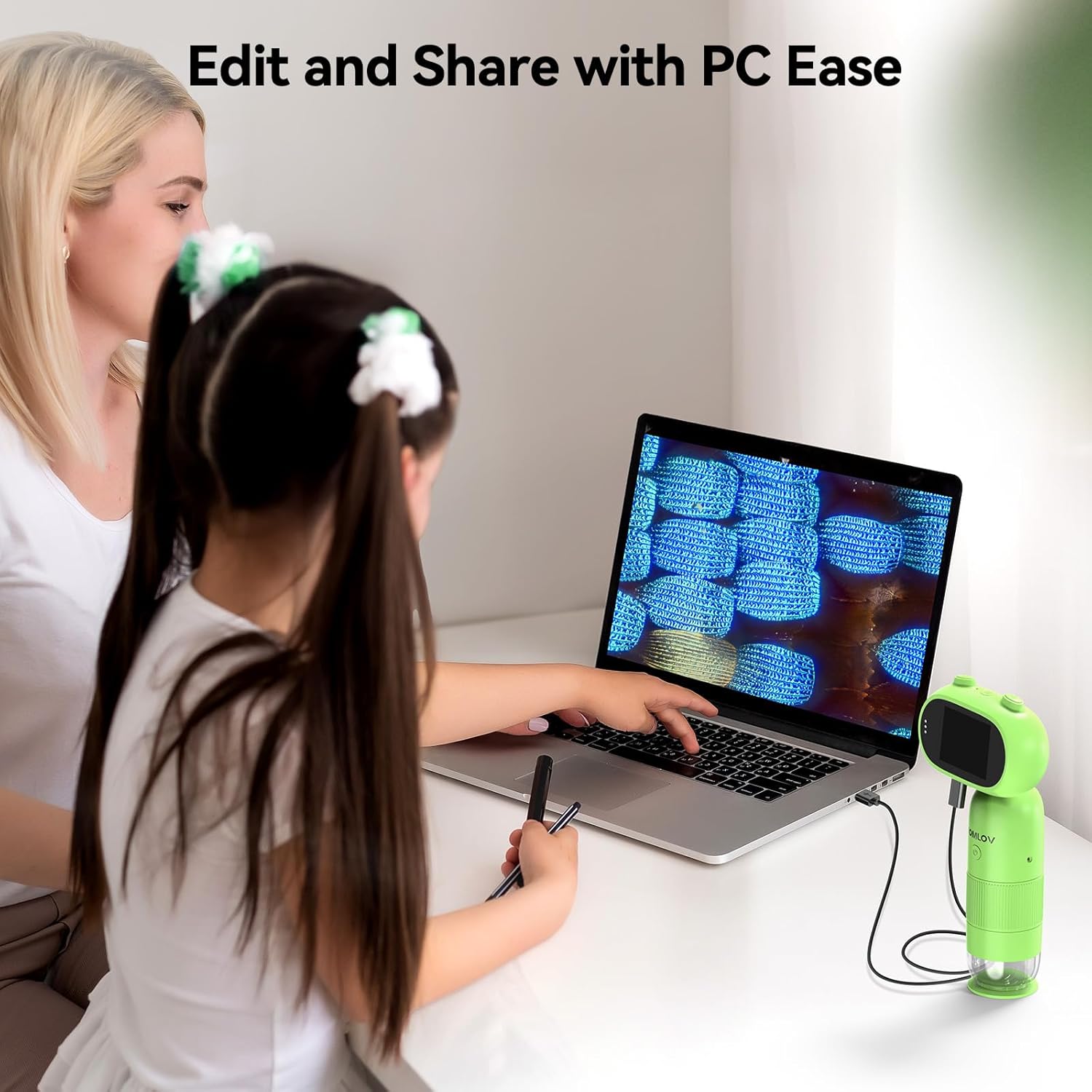
Image: The 2-inch shareable screen of the TOMLOV P30 makes it easy for children to view and share discoveries with friends.
- Konnessjoni ma' Kompjuter:
Biex tittrasferixxi files, connect the microscope to your computer using the USB cable. The microscope will appear as a removable disk drive. You can then copy photos and videos to your computer for editing and sharing.

Image: The TOMLOV P30 microscope can be connected to a PC for easy editing and sharing of captured media.
- Żum diġitali:
The microscope features 4X digital zoom. While in live view, use the designated zoom buttons to digitally magnify the image on the screen. Note that digital zoom may reduce image quality compared to optical magnification.
Manutenzjoni
- Tindif tal-Lenti u l-Iskrin: Use a soft, dry, lint-free cloth to gently wipe the lens and screen. For stubborn smudges, a slightly dampened cloth with water can be used, followed by a dry cloth. Do not use alcohol or chemical cleaners.
- Ħażna: When not in use, store the microscope in a cool, dry place, away from direct sunlight and dust. Use the included lanyard for secure carrying.
- Kura tal-batterija: Biex ittawwal il-ħajja tal-batterija, evita li tiċċarġja l-batterija kompletament ta' spiss. Jekk taħżinha għal perjodu estiż, iċċarġja l-batterija għal madwar 50% kull ftit xhur.
Issolvi l-problemi
| Problema | Kawża Possibbli | Soluzzjoni |
|---|---|---|
| Microscope does not turn on. | Il-batterija hija baxxa jew eżawrita. | Charge the microscope fully using the USB cable. |
| L-immaġni hija mċajpra. | Focus is not adjusted correctly; object is too far/close. | Rotate the focus wheel until the image is clear. Ensure the object is within the working distance. |
| Ma nistax insalva r-ritratti/vidjows. | Micro SD card is full, not inserted correctly, or corrupted. | Check if the SD card is inserted correctly. Delete unnecessary files or format the card (this will erase all data). Replace the card if corrupted. |
| L-iskrin huwa vojt jew iffriżat. | Żball tas-sistema. | Press and hold the Power button for 10 seconds to force a shutdown, then restart the device. |
Speċifikazzjonijiet
| Karatteristika | Dettall |
|---|---|
| Mudell | P30 |
| Tkabbir | 1-100X (Standard), 500-1000X (High) |
| Riżoluzzjoni tal-Kamera | 16 Megapixels |
| Riżoluzzjoni tal-vidjo | 1080P |
| Display Screen | LCD ta '2 pulzieri |
| Zoom Diġitali | 4X |
| Ħażna | Micro SD Card (up to 16GB included) |
| Kapaċità tal-batterija | 800mAh (Rikarikabbli) |
| Ħajja tal-batterija | Sa 3 sigħat |
| Sors tad-Dawl | LED |
| Materjal | Plastik |
| Piż | Appross. 6 oz |
Garanzija u Appoġġ
The TOMLOV P30 Digital Microscope comes with a standard manufacturer's warranty. Please refer to the warranty card included in your package for specific terms and conditions. For technical support, troubleshooting assistance, or warranty claims, please contact TOMLOV customer service through their official website or the contact information provided with your purchase. Ensure you have your product model number (P30) and purchase details ready when contacting support.
For more information and updates, visit the official TOMLOV store: TOMLOV Store on Amazon


