1. Introduzzjoni
Grazzi tax-xiriasing the CAIWEI A10R 4K Ultra HD Projector. This manual provides essential information for setting up, operating, maintaining, and troubleshooting your projector. Please read this manual thoroughly before using the product to ensure proper operation and to extend its lifespan. The CAIWEI A10R is designed to deliver an immersive visual experience with its 4K Ultra HD resolution, high brightness, and smart Android 9.0 operating system.
2. Informazzjoni dwar is-Sigurtà
Biex tiżgura tħaddim sikur u tevita ħsara, jekk jogħġbok osserva l-prekawzjonijiet ta' sigurtà li ġejjin:
- Provvista tal-Enerġija: Use only the specified power adapter. Ensure the power outlet matches the projector's voltage rekwiżiti.
- Ventilazzjoni: Timblokkax il-fetħiet tal-ventilazzjoni. Kun żgur li jkun hemm fluss tal-arja adegwat madwar il-proġettazzjoni biex tevita li tissaħħan iżżejjed.
- Sħana: Il-proġekter lamp becomes very hot during operation. Do not touch the lens or ventilation areas immediately after use.
- Espożizzjoni għal Likwidu: Tesponix il-proġettazzjoni għax-xita, l-umdità, jew xi likwidi. Tpoġġix oġġetti mimlija b'likwidi, bħal vażuni, fuq il-proġettazzjoni.
- Tindif: Skonnettja l-korda tal-enerġija qabel it-tindif. Uża drapp artab u niexef. Tużax prodotti tat-tindif likwidi jew aerosol.
- Sors tad-Dawl: Tħarisx direttament fil-lenti tal-proġettazzjoni meta tkun qed taħdem.amp ikun mixgħul, għax id-dawl intens jista’ jikkawża ħsara lill-għajnejn.
- Żarmar: Do not attempt to disassemble or repair the projector yourself. Refer all servicing to qualified service personnel.
- Pjazzament: Place the projector on a stable, flat surface. Avoid placing it in direct sunlight or near heat sources.
3. Kontenut tal-Pakkett
Jekk jogħġbok iċċekkja li l-oġġetti kollha huma preżenti u f'kundizzjoni tajba:
- CAIWEI A10R Projector
- Adapter tal-Enerġija
- Cable HDMI
- Kontroll mill-bogħod
- Manwal għall-Utent
4. Prodott Aktarview
Familiarize yourself with the physical components and key features of your CAIWEI A10R projector.
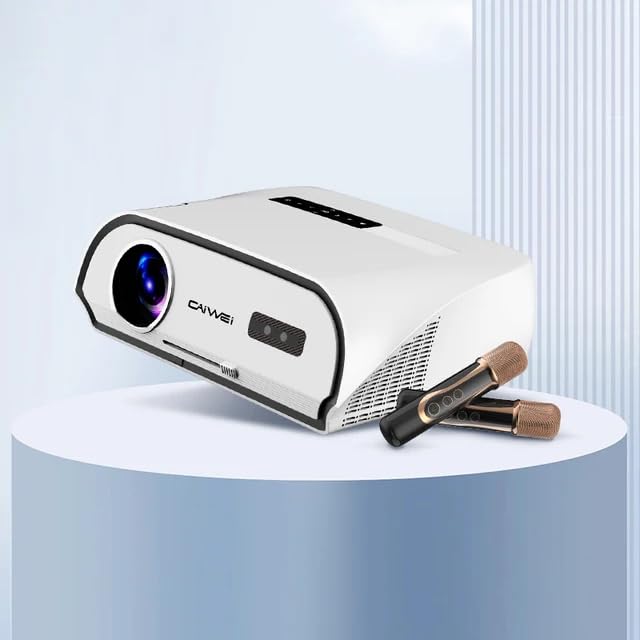
Figure 4.1: CAIWEI A10R Projector, showcasing its sleek design and compatibility with external audio devices like microphones for karaoke.
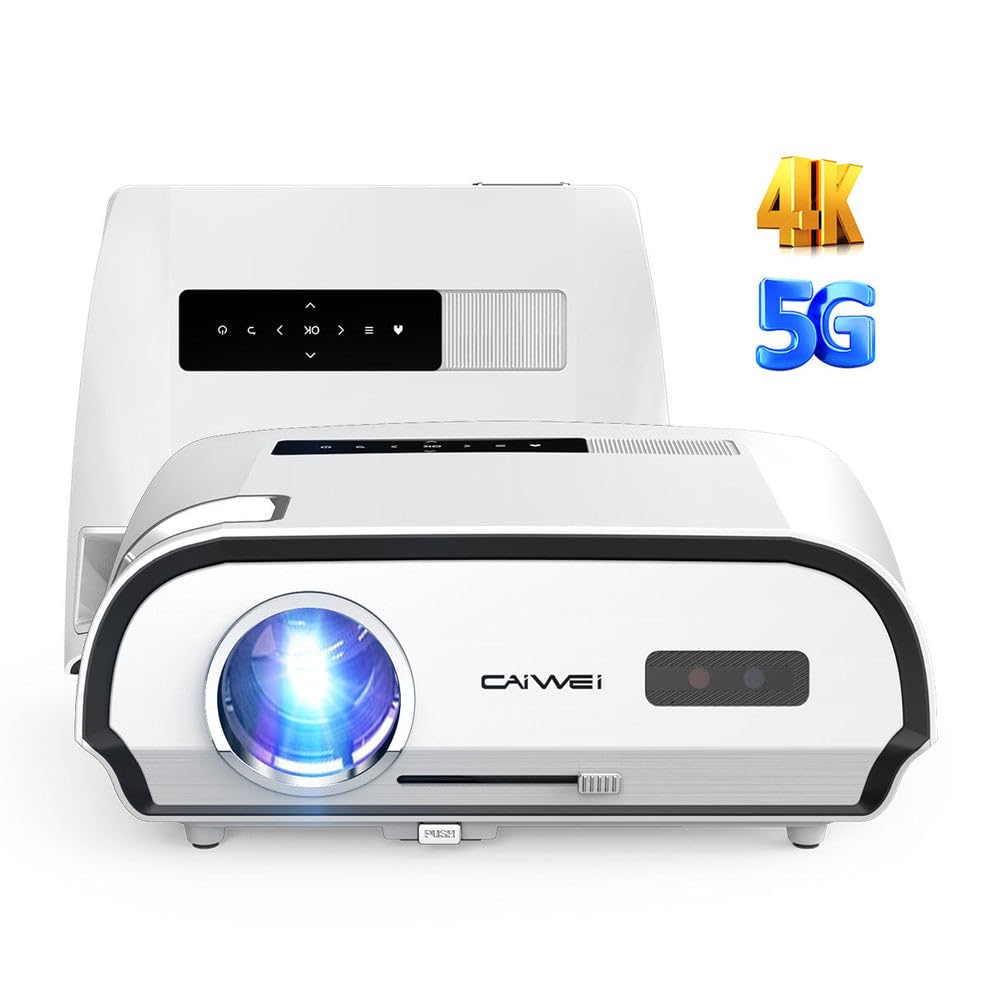
Figura 4.2: Quddiem view of the CAIWEI A10R Projector, highlighting its 4K resolution support and 5G WiFi capabilities.

Figure 4.3: Infographic detailing key features such as 4K support, 5G/2.4G WiFi, 20W Subwoofer, 1080P Native resolution, 2GB RAM + 32GB ROM, Daylight Visible projection, and 4D/4P Keystone Correction.
4.1. Interfaces and Controls
The projector is equipped with a rich variety of interfaces to connect to various devices. These include LAN, HDMI, USB, VGA, and AV ports, along with an Audio output. Controls are typically located on the top panel or accessible via the remote control.
5. Setup
Segwi dawn il-passi għall-konfigurazzjoni inizjali tal-proġettazzjoni tiegħek:
- Pjazzament: Poġġi l-proġettur fuq wiċċ stabbli u ċatt. Għal użu ottimali viewing, position it directly in front of the projection screen or wall. The projector supports up to a 300-inch ultra-large display screen.
- Konnessjoni tal-Enerġija: Connect the power adapter to the projector's power input and then plug it into a power outlet.
- Qawwa Mixgħul: Agħfas il-buttuna tal-qawwa fuq il-proġekter jew il-kontroll mill-bogħod biex tixgħel l-apparat.
- Aġġustament tal-Focus: Rotate the focus ring (usually located near the lens) until the projected image is clear and sharp.
- Korrezzjoni Keystone: If the projected image appears trapezoidal, use the 6P/6D keystone correction function to adjust it into a perfect rectangular shape. This can typically be done through the projector's settings menu or dedicated buttons on the remote.

Figure 5.1: Comparison illustrating the larger-than-life visuals offered by the CAIWEI A10R projector compared to a traditional TV.
6. Istruzzjonijiet Operattivi
The CAIWEI A10R runs on a customized Android 9.0 operating system, providing a smart and user-friendly experience.
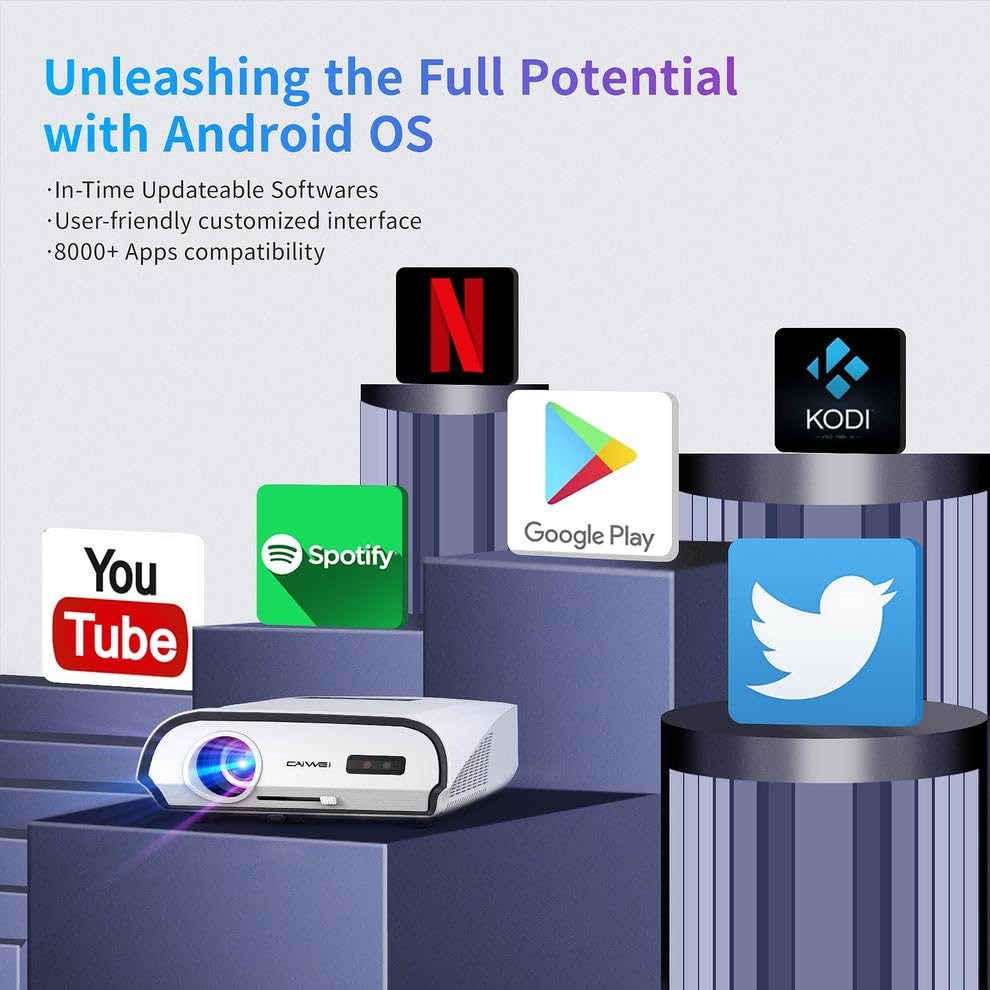
Figure 6.1: The Android OS interface, showing compatibility with various popular applications like YouTube, Spotify, Google Play, Netflix, and Kodi.
6.1. Operazzjoni Bażika
- Navigazzjoni: Use the remote control's directional buttons to navigate through the Android interface. The 'OK' button selects items.
- Għażla tas-Sors tal-Input: To switch between different input sources (HDMI, USB, AV, etc.), access the input source menu from the home screen or by pressing a dedicated 'Source' button on the remote.
- Installazzjoni tal-App: The pre-installed APP store allows you to download and install over 8,000 applications, including entertainment and office software.
- Issettjar tas-Sistema: Access the settings menu to configure network connections, display options, audio settings, and other system preferences.
6.2. Awdjo
The projector features a built-in 3D surround sound system for an immersive auditory experience. You can also connect external audio devices.
7. Konnettività
The CAIWEI A10R offers versatile connectivity options:
7.1. Konnettività bla fili
- Wi-Fi 6: Equipped with the latest WiFi 6 technology (2.4G+5GWiFi), it provides faster and more stable wireless network connections for streaming and online activities.
- Bluetooth 5.0 (Two-way): The built-in two-way Bluetooth 5.0 function allows you to transmit audio to Bluetooth speakers or connect with Bluetooth headphones, mobile phones, and other devices.
- Wireless Screen Cast: Supports speedy and seamless wireless screen casting from iPhones, Android phones, Macbooks, and Windows Laptops.
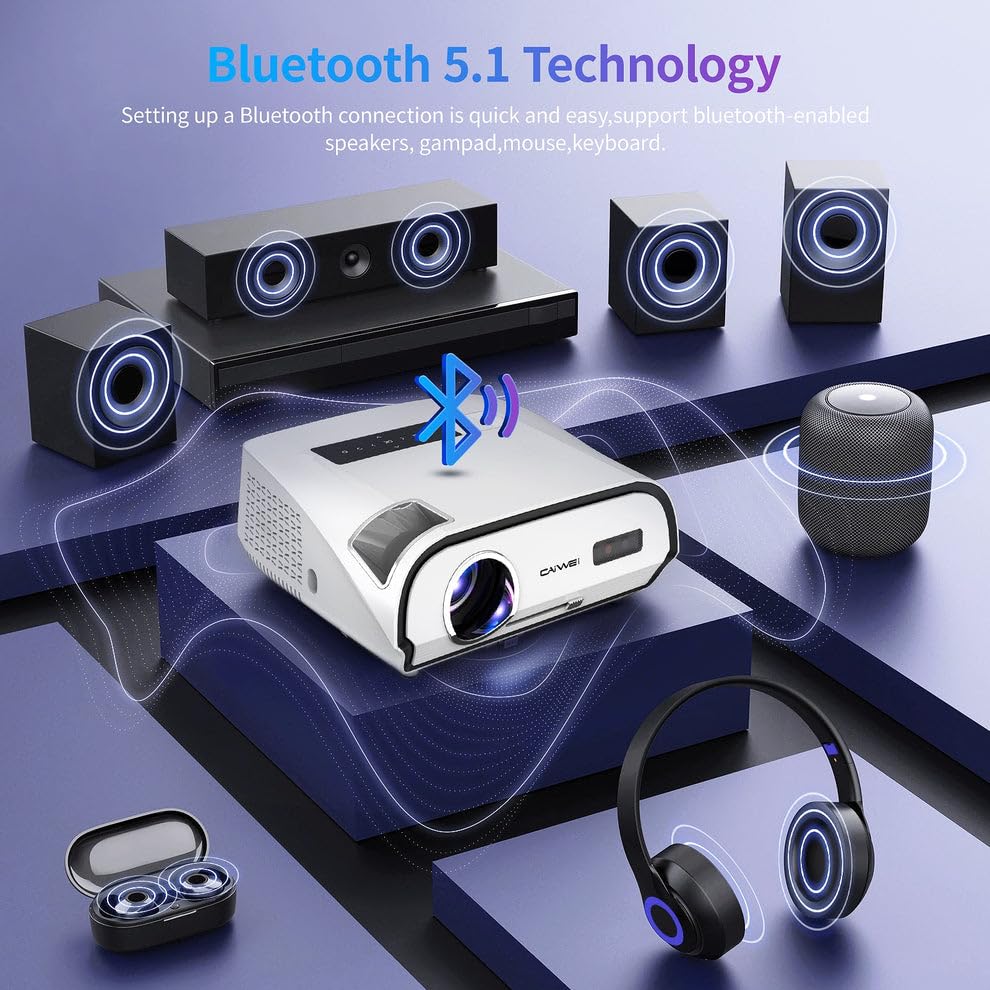
Figure 7.1: Diagram illustrating Bluetooth 5.1 technology, enabling quick and easy connection to Bluetooth-enabled speakers, gamepads, mice, and keyboards.
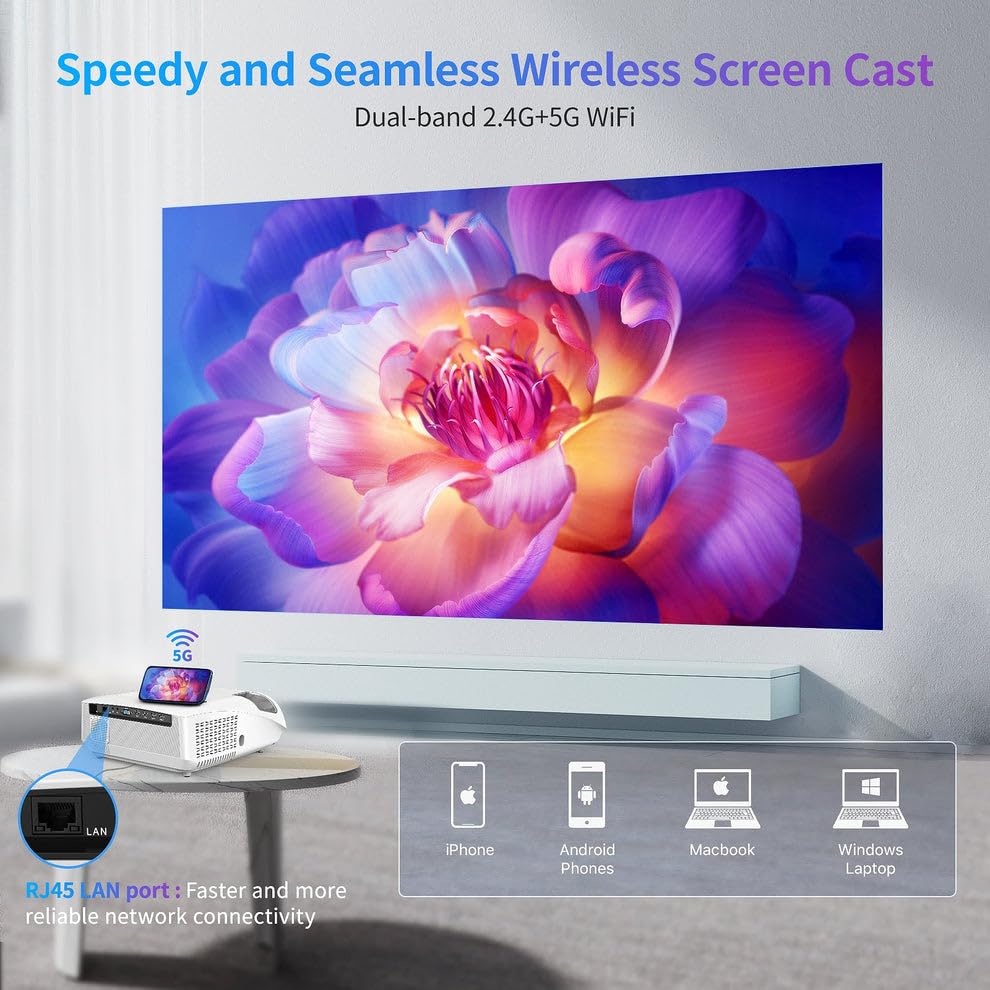
Figure 7.2: Visual representation of the Speedy and Seamless Wireless Screen Cast feature with dual-band 2.4G+5G WiFi, alongside the RJ45 LAN port for reliable network connectivity.
7.2. Konnettività bil-fili
The projector offers a comprehensive set of wired ports:
- HDMI: Connect to laptops, game consoles, Blu-ray players, and other HDMI-enabled devices.
- USB: Għall-konnessjoni ta' USB drives biex tilgħab il-midja files direttament.
- VGA: For connecting older computers or laptops.
- TA’: For connecting legacy video devices.
- LAN (RJ45): Għal konnessjoni stabbli tal-internet bil-fili.
- Out tal-Awdjo: For connecting external speakers or sound systems via a 3.5mm audio jack.
8. Manutenzjoni
Manutenzjoni xierqa tiżgura l-lonġevità u l-prestazzjoni ottimali tal-proġettazzjoni tiegħek:
- Tindif tal-Lenti: Uża drapp artab u mingħajr suf iddisinjat speċifikament għal lentijiet ottiċi. Tużax prodotti tat-tindif li joborxu.
- Tneħħija tat-Trab: Regularly clean the projector's exterior with a soft, dry cloth. Use a small brush or compressed air to gently clear dust from ventilation openings.
- Ħażna: Meta ma tkunx qed tużah għal perjodi twal, aħżen il-proġettur f'post frisk u niexef, 'il bogħod mix-xemx diretta u minn temperaturi estremi. Uża l-imballaġġ oriġinali jew kaxxa protettiva.
- Itfi sew: Dejjem itfi l-proġettur billi tuża l-buttuna tal-enerġija apposta u ħallih jiksaħ qabel ma tneħħih mill-plagg jew iċċaqlaqh.
9 Issolvi l-problemi
Jekk tiltaqa' ma' problemi bil-proġettur tiegħek, irreferi għall-problemi u s-soluzzjonijiet komuni li ġejjin:
| Problema | Kawża Possibbli | Soluzzjoni |
|---|---|---|
| L-ebda immaġni pproġettata | Qawwa mhux konnessa; Sors tad-dħul mhux korrett; Għatu tal-lenti mwaħħal. | Check power cable; Select correct input source; Remove lens cap. |
| L-immaġni hija mċajpra | Fokus mhux aġġustat; Il-proġettazzjoni hija wisq 'il bogħod/qrib. | Adjust focus ring; Reposition projector. |
| L-immaġni hija trapezojdali | Il-proġettur mhux perpendikolari mal-iskrin. | Use keystone correction (6P/6D) in settings. |
| L-ebda ħoss | Volum baxx wisq; Sikketjat; Apparat awdjo estern mhux imqabbad. | Increase volume; Unmute; Check audio cable/Bluetooth connection. |
| Il-kontroll mill-bogħod ma jaħdimx | Batteries low/dead; Obstruction; Not pointed at IR receiver. | Replace batteries; Remove obstructions; Point directly at projector's IR receiver. |
| Konnessjoni Wi-Fi instabbli | Distance from router; Interference; Router issues. | Move closer to router; Reduce interference; Restart router. |
Jekk il-problema tippersisti wara li tipprova dawn is-soluzzjonijiet, jekk jogħġbok ikkuntattja l-appoġġ għall-klijenti.
10. Speċifikazzjonijiet
Detailed technical specifications for the CAIWEI A10R Projector:
| Karatteristika | Speċifikazzjoni |
|---|---|
| Brand | CAIWEI |
| Mudell | A10R |
| Manifattur | Caiwei |
| Dimensjonijiet tal-Prodott | 23.7 x 31.5 x 13.5 ċm |
| Piż tal-oġġett | 2.48 kg |
| Sistema Operattiva | Android 9.0 |
| RAM | 2GB |
| ROM | 32GB |
| Teknoloġija tal-Wiri | LED |
| Riżoluzzjoni Nattiva | 1920P (Full HD) |
| Riżoluzzjoni Appoġġjata | 4K Ultra HD (3840 x 2160, 4096 x 2160) |
| Luminożità | 1950 lumens ANSI |
| Proporzjon ta' l-aspett | 16:10 |
| Daqs Massimu tal-Projezzjoni | 300 pulzieri |
| Korrezzjoni Keystone | 6P/6D Keystone Correction |
| Wi-Fi | Wi-Fi 6 (2.4G+5G) |
| Bluetooth | Two-way Bluetooth 5.0 |
| Awdjo | Built-in 3D Surround Sound System |
| Interface tal-Ħardwer | HDMI, USB, VGA, AV, Audio, LAN (RJ45) |
| Apparati Kompatibbli | Laptops, Gaming Consoles, Media Players, Smartphones |
| Karatteristiċi Speċjali | Built-In Speaker, Built-In Wi-Fi, NFC Screencast, HDR Daylight |
| Tip ta 'Immuntar | Immonta fuq il-mejda |
| Pajjiż ta' Oriġini | Iċ-Ċina |
11. Garanzija u Appoġġ
For warranty information and technical support, please refer to the warranty card included with your product or contact CAIWEI customer service directly. Keep your purchase receipt as proof of purchase.
Appoġġ għall-Klijent:
- Please visit the official CAIWEI website for the latest support information, FAQs, and contact details.
- For specific inquiries, you may reach out to the seller 'S B Retails' through the Amazon platform.
Note: No official seller videos were provided in the product data for embedding.


