Ourlife 5K Action Camera User Manual
Model: AT-M41TR
1. Introduzzjoni
This user manual provides comprehensive instructions for the Ourlife 5K Action Camera. It covers product features, setup, operation, maintenance, and troubleshooting. Please read this manual thoroughly before using your camera to ensure proper operation and to maximize its capabilities.
2. Informazzjoni dwar is-Sigurtà
- Tesponix il-kamera għal temperaturi estremi jew dawl tax-xemx dirett għal perjodi twal.
- Żomm il-kamera u l-aċċessorji fejn ma jintlaħqux mit-tfal.
- Uża biss aċċessorji oriġinali jew kompatibbli ċċertifikati.
- Ensure the waterproof case is properly sealed before submerging the camera in water.
- Evita li twaqqa’ l-kamera jew li tissottomettiha għal impatti qawwija.
- Tippruvax tiżżarma jew timmodifika l-kamera.
3. X'hemm fil-Kaxxa
L-Ourlife 5K Action Camera package includes the following items:
- Ourlife 5K Action Camera
- 32GB SD Card
- 2 x Batteriji Riċarġabbli ta' 1050mAh
- Kawża li ma jgħaddix ilma minnha
- Kontroll mill-bogħod
- Mikrofonu Estern
- Dock għall-Iċċarġjar ta' Slot Doppju
- Various Multifunctional Mounting Kits
- Cable USB
- Drapp tat-Tindif
- Manwal għall-Utent

Image: All accessories included with the Ourlife 5K Action Camera.
4. Prodott Aktarview
L-Ourlife 5K Action Camera is designed for capturing high-quality video and photos in various environments. It features dual screens for versatile framing, a wide-angle lens, and robust waterproofing.

Image: The Ourlife 5K Action Camera and its primary components.
Karatteristiċi ewlenin:
- Qbid b'Riżoluzzjoni Għolja: Records video at 5K/30FPS, 4K/30FPS, 4K/60FPS, 1080P, and captures photos from 8MP to 50MP.
- Disinn ta' Skrin Doppju: Front and rear screens for easy framing, especially for selfies or vlogging.
- Aġġustabbli View Angolu: Selectable angles including 170°, 140°, 110°, and 70°.
- Kontroll mill-bogħod mingħajr fili: Conveniently control recording and photo capture from a distance.
- Wi-Fi inkorporat: Connects to the XDV App for wireless photo/video sharing and remote control.
- External Microphone Support: Improves audio quality by reducing ambient noise.
- Kapaċità li ma jgħaddix ilma minnha: Submersible up to 140ft (40m) with the included waterproof case.
- Advanced Shooting Modes: Includes time-lapse, loop recording, slow motion, and 5x zoom.
- Stabbilizzazzjoni kontra t-Tħawwad: Built-in template performs vibration correction for smoother footage.

Immaġni: Fuqview of the camera's features and touch screen usage.
5. Setup
5.1. Installazzjoni tal-batterija
- Iftaħ l-għatu tal-kompartiment tal-batterija fil-qiegħ tal-kamera.
- Insert one of the two included 1050mAh batteries, ensuring the correct orientation.
- Agħlaq l-għatu tal-kompartiment tal-batterija sew.
5.2. Installazzjoni tal-Kard SD
- Sib is-slott tal-kard SD fuq il-ġenb tal-kamera.
- Insert the included 32GB SD card with the metal contacts facing the front of the camera until it clicks into place.
- Biex tneħħiha, imbotta l-karta bil-mod 'il ġewwa sakemm toħroġ 'il barra.
5.3. Iċċarġjar tal-batteriji
Use the provided dual slot charging dock and USB cable to charge the batteries. Connect the USB cable to a power source (e.g., computer USB port or USB wall adapter). The indicator lights on the dock will show charging status.
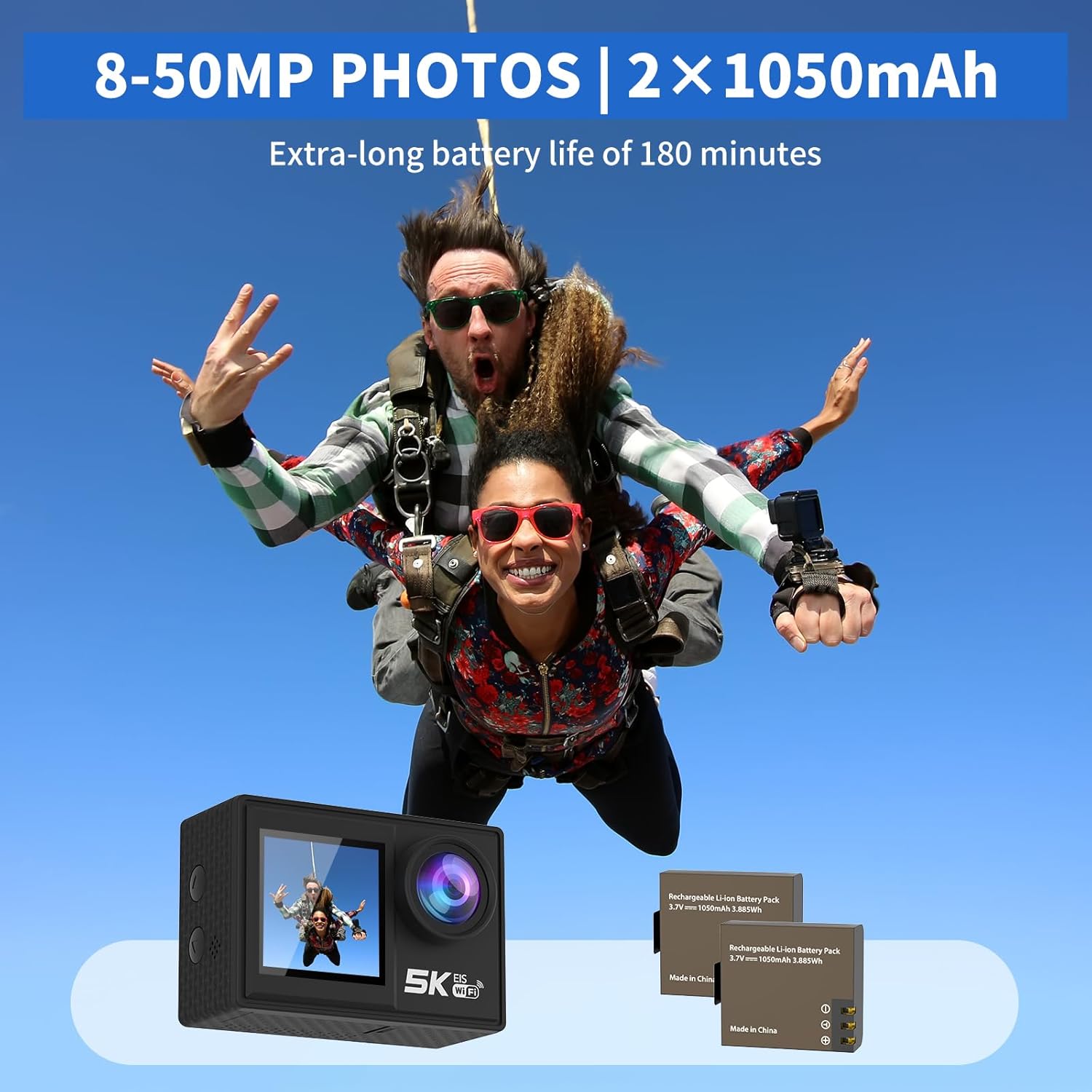
Image: The camera and its two rechargeable batteries.
5.4. L-Użu tal-Kaxxa li Ma Tirreżistix l-Ilma
The waterproof case allows the camera to be used underwater up to a depth of 140 feet (40 meters). Ensure the camera is dry before placing it inside the case. Close the latch securely and perform a dry test before submerging with the camera inside.
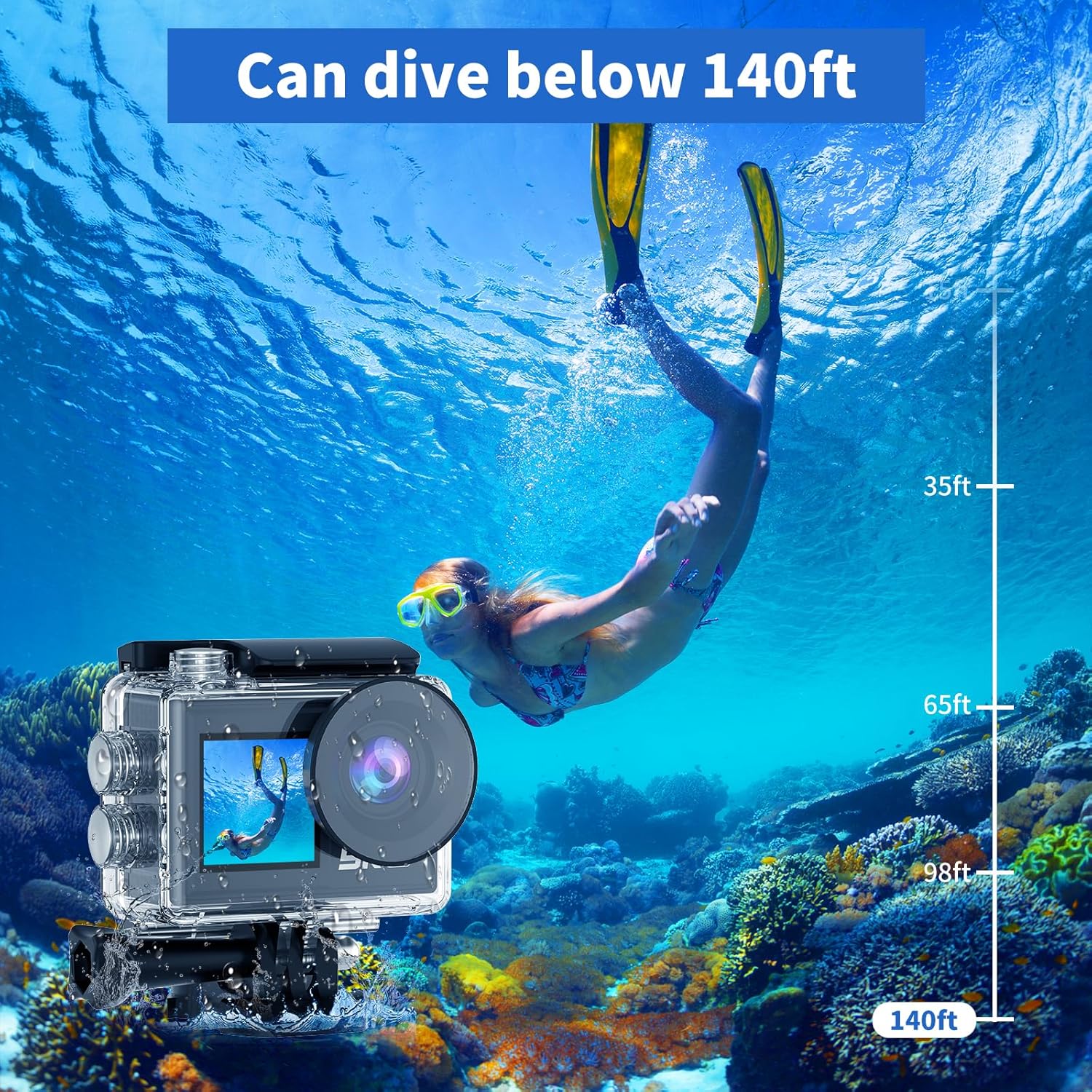
Image: The camera in its waterproof housing, suitable for diving.
6. It-tħaddim tal-Kamera
6.1. Power On/Off
- To power on, press and hold the Power/Mode button until the screen lights up.
- To power off, press and hold the Power/Mode button until the screen turns off.
6.2. Għażla tal-Mod
Press the Power/Mode button repeatedly to cycle through different modes: Video Recording, Photo Capture, Playback, and Settings.
6.3. Reġistrazzjoni tal-Vidjo
- In Video Recording mode, press the Shutter/OK button to start recording.
- Agħfas il-buttuna Shutter/OK mill-ġdid biex twaqqaf ir-reġistrazzjoni.
- Supported resolutions include 5K/30FPS, 4K/30FPS, 4K/60FPS, 2.7K/30FPS, and 1080P/30FPS.
6.4. Qbid tar-Ritratti
- In Photo Capture mode, press the Shutter/OK button to take a photo.
- Photo resolutions range from 8MP to 50MP.
6.5. Dual Screen Usage
The camera features both a rear main screen and a front screen. You can switch between screens by pressing a dedicated button (refer to camera diagram for exact button location) or through the settings menu. The front screen is ideal for framing self-portraits or vlogs.
6.6. Aġġustament View Angolu
Navigate to the settings menu to adjust the camera's view angle. Options include 170°, 140°, 110°, and 70°, allowing you to choose between a wide field of view or a narrower perspective.
6.7. Bl-użu tal-Kontroll mill-bogħod
The included wireless wrist remote control allows for convenient operation from a distance. Pair the remote with the camera via the settings menu. Once paired, you can start/stop recording or take photos without touching the camera.
6.8. Wi-Fi Connectivity and XDV App
The camera supports Wi-Fi connectivity with a range of up to 10 meters. Download the "XDV" app on your smartphone or tablet. Enable Wi-Fi on the camera and connect your device to the camera's Wi-Fi network. Through the app, you can view foo ħajtage, control the camera, and transfer photos/videos wirelessly.

Image: Wireless sharing of content via the XDV app.
6.9. External Microphone Usage
Connect the external microphone to the camera's designated port to enhance audio recording quality, especially in noisy environments. The external microphone helps to eliminate unwanted background noise.
6.10. Special Shooting Modes
- Time-Lapse: Captures a series of photos at set intervals and combines them into a video.
- Reġistrazzjoni Loop: Records video continuously, overwriting the oldest footage meta l-karta tal-memorja tkun mimlija.
- Mozzjoni bil-mod: Records video at a higher frame rate to allow for slow-motion playback.
- Żum ta' 5x: Digitally zoom in on your subject during recording or photo capture.
- Kontra t-Tħawwad: Activates electronic image stabilization to reduce blur from camera movement.

Image: Demonstration of the camera's anti-shake feature.
7. Manutenzjoni
7.1. Tindif tal-Kamera
- Use a soft, lint-free cloth to clean the camera body and lens.
- Għal ħmieġ iebes, neħħi ftitampLaħlaħ id-drapp bl-ilma. Tużax kimiċi ħarxa.
- Ensure the camera is dry before storing or using the waterproof case.
7.2. Kura tal-batterija
- Aħżen il-batteriji f'post frisk u niexef meta ma tkunx qed tuża.
- Avoid fully discharging batteries before recharging them.
- Jekk taħżen għal perjodi twal, iċċarġja l-batteriji sa madwar 50% tal-kapaċità tagħhom.
7.3. Ħażna
When not in use, store the camera in a protective case or bag to prevent scratches and damage. Remove the battery if storing for a long duration.
8 Issolvi l-problemi
| Problema | Kawża Possibbli | Soluzzjoni |
|---|---|---|
| Il-kamera ma tixgħelx. | Il-batterija mejta jew mhux imdaħħla sew. | Iċċarġja l-batterija jew erġa’ daħħalha b’mod korrett. |
| Ma nistax nirrekordja vidjow/nieħu ritratti. | SD card is full, corrupted, or not inserted. | Insert SD card, format it, or delete old files. |
| Problemi bil-konnessjoni tal-Wi-Fi. | Incorrect password, too far from camera, or app issue. | Ensure correct password, stay within 10m range, restart camera/app. |
| Kwalità fqira tal-awdjo. | External microphone not connected, or high ambient noise. | Ensure external microphone is connected properly. Use in quieter environments if possible. |
| Il-kamera tiffriża jew ma tibqax tirrispondi. | Glitch tas-softwer jew batterija baxxa. | Remove and reinsert the battery to reset. Ensure battery is charged. |
9. Speċifikazzjonijiet
| Karatteristika | Dettall |
|---|---|
| Numru tal-Mudell | AT-M41TR |
| Riżoluzzjoni tal-vidjo | 5K/30FPS, 4K/30FPS, 4K/60FPS, 2.7K/30FPS, 1080P/30FPS |
| Riżoluzzjoni tar-Ritratti | 8MP - 50MP |
| Teknoloġija tas-Sensor tar-Ritratti | CMOS |
| Daqs tal-Iskrin | 2 Inches (Dual Screen) |
| Konnettività | Wi-Fi |
| Fond li ma jgħaddix ilma minnu | Up to 140ft (40m) with waterproof case |
| Tip ta 'batterija | Jonju tal-litju (2 x 1050mAh inklużi) |
| Ħażna | Supports SD card (32GB included) |
| Piż tal-oġġett | 2.82 uqija |
| Dimensjonijiet tal-Prodott | 0.96 x 2.31 x 1.57 pulzieri |
| Tul Fokali Massimu | 16 Millimetru |
| Apertura massima | 3.5 f |
| Format tal-Qbid tal-Vidjo | MP4 |
| Format awdjo appoġġjat | MP4 |
10. Garanzija u Appoġġ
Ourlife products are manufactured to high quality standards. For warranty information, technical support, or service inquiries, please refer to the contact information provided on the product packaging or visit the official Ourlife websit. Jekk jogħġbok żomm il-prova tax-xiri tiegħek għal talbiet ta' garanzija.
Għal aktar għajnuna, tista' tirreferi wkoll għall- Ourlife Store on Amazon.


