1. Introduzzjoni
The Linsoul TRN BT30 Pro is a Bluetooth 5.2 wireless earhook module designed to convert your wired In-Ear Monitors (IEMs) into a wireless listening experience. Featuring the Qualcomm QCC3040 chipset and cVc 8.0 noise cancellation technology, it offers enhanced audio quality, stable connectivity, and clear communication. The independent earphone amplifier chip ensures powerful and dynamic sound reproduction.
Kontenut tal-Pakkett:
- Ganċijiet tal-widnejn mingħajr fili TRN BT30 Pro (Xellug u Lemin)
- Kawża tal-Iċċarġjar bla Fili
- Manwal tal-Utent (Dan id-Dokument)

Image: The TRN BT30 Pro earhooks neatly placed within their compact charging case.

Immaġni: Fuqview of the TRN BT30 Pro highlighting its Qualcomm QCC3040 chipset for true wireless Bluetooth audio.
2. Setup
2.1 Iċċarġjar tal-Apparat
Before first use, fully charge the TRN BT30 Pro earhooks and their charging case.
- Iċċarġjar tal-Earhooks: Place the earhooks into the charging case. Ensure they are correctly seated. The indicator lights on the case will show charging status.
- Iċċarġjar tal-Każ: Connect the provided Type-C USB cable to the charging port on the case and to a 5V/2A power adapter. Alternatively, the case supports wireless charging.
Ħinijiet tal-iċċarġjar:
- Earhooks: Approximately 1.5 hours
- Charging Case (Wired): Approximately 2.5 hours
- Charging Case (Wireless): Approximately 3.5 hours
2.2 Connecting IEMs to Earhooks
The BT30 Pro earhooks feature swappable connectors (e.g., 2Pin-S) to accommodate various IEM types. Carefully align and insert your IEMs into the connectors on the earhooks until they are securely attached.

Image: Illustration of the swappable earphone connectors (0.78mm, 2Pin-S, MMCX) for the BT30 Pro, demonstrating its versatility.
2.3 Tqabbil tal-Bluetooth
- Qawwa Mixgħul: The earhooks will automatically power on when removed from the charging case. If they are off, press and hold the touch-sensitive area on both earhooks for approximately 3 seconds until the indicator lights flash.
- Mod ta 'tqabbil: The earhooks will automatically enter pairing mode when powered on for the first time or if no previously paired device is found. The indicator lights will flash alternately red and blue.
- Qabbad mal-Apparat: On your Bluetooth-enabled device (smartphone, tablet, etc.), go to Bluetooth settings and search for available devices. Select "TRN BT30 Pro" from the list.
- Konferma: Once paired, the indicator lights on the earhooks will stop flashing and remain solid blue for a few seconds before turning off. A voice prompt may confirm successful connection.
The BT30 Pro utilizes Bluetooth 5.2 for stable and efficient connection.
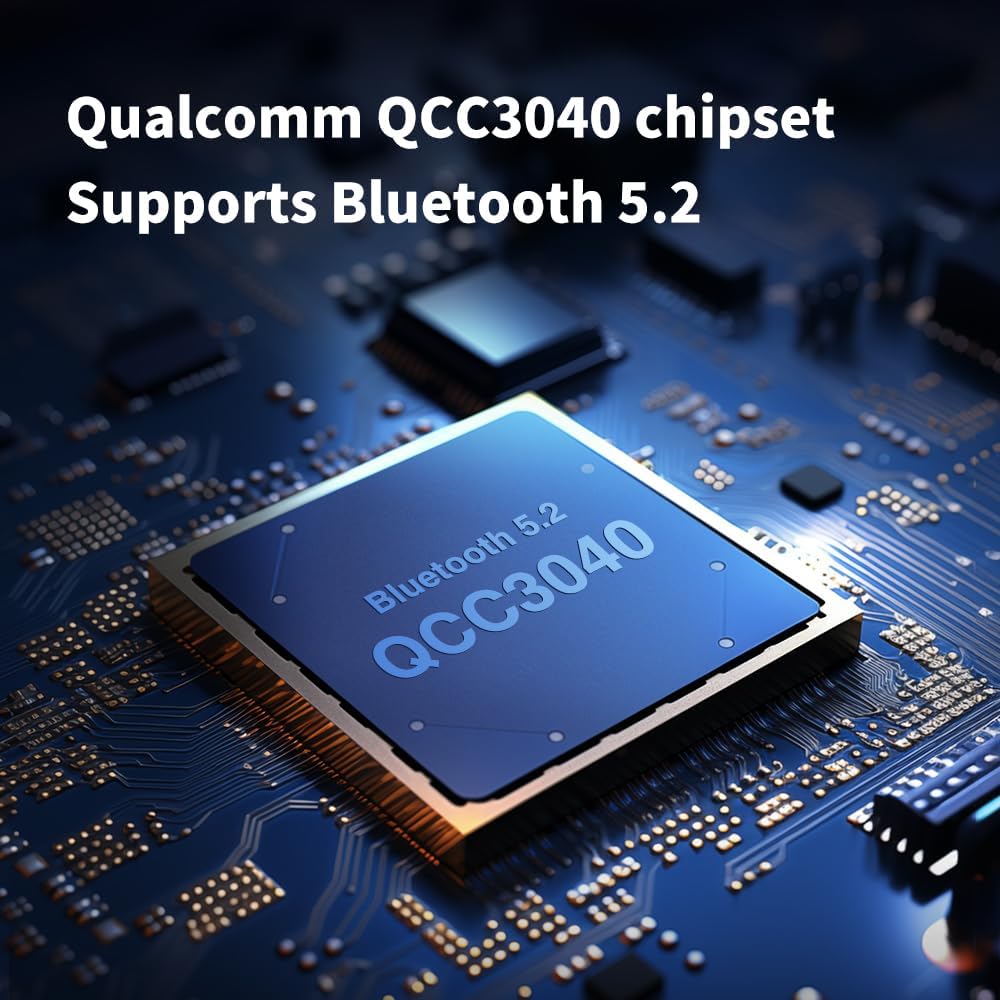
Image: A close-up of the Qualcomm QCC3040 chipset, emphasizing its Bluetooth 5.2 capability.
3. Istruzzjonijiet Operattivi
3.1 Kontrolli touch
The TRN BT30 Pro earhooks feature touch-sensitive controls on their sides for various functions:
- Power On/Off: Agħfas u żomm għal 3 sekondi.
- Play/Pawsa: Vit wieħed.
- Track li jmiss: Double tap the right earhook.
- Track preċedenti: Double tap the left earhook.
- Tweġiba/Tmiem Sejħa: Tektek waħda waqt telefonata li tkun dieħla.
- Irrifjuta Sejħa: Agħfas u żomm għal żewġ sekondi waqt telefonata li tidħol.
- Attiva l-Assistent tal-Vuċi: Tektek triplu.
3.2 Karatteristiċi tal-awdjo
The BT30 Pro supports aptX, AAC, and SBC Bluetooth formats, providing high-quality audio transmission. The integrated cVc 8.0 noise cancellation technology enhances call clarity by reducing ambient noise during conversations.

Image: The TRN BT30 Pro showcasing support for APTX, AAC, and SBC codecs for a high-definition wireless HiFi experience.

Image: A graph illustrating the effectiveness of Qualcomm cVc 8.0 Noise Cancellation Technology in reducing ambient sound during communication.
4. Manutenzjoni
Proper maintenance ensures the longevity and optimal performance of your TRN BT30 Pro earhooks.
- Tindif: Use a soft, dry cloth to wipe the earhooks and charging case. Avoid using harsh chemicals or abrasive materials.
- Reżistenza għall-Ilma: The earhooks feature a water- and sweat-resistant nanocoating. While this provides protection against splashes and sweat, they are le fully waterproof. Avoid submerging them in water.
- Ħażna: When not in use, store the earhooks in their charging case to protect them from dust and damage.
- Temperatura: Avoid exposing the device to extreme temperatures (hot or cold) or high humidity.
- Kura tal-Konnettur: Be gentle when attaching or detaching IEMs to the earhook connectors to prevent damage.
5 Issolvi l-problemi
If you encounter issues with your TRN BT30 Pro, refer to the following common solutions:
- Ebda Qawwa: Ensure the earhooks and charging case are fully charged.
- Ma tistax tqabbad:
- Kun żgur li l-Bluetooth huwa attivat fuq it-tagħmir tiegħek.
- Ensure the earhooks are in pairing mode (flashing red and blue).
- Mexxi l-ganċijiet tal-widnejn eqreb lejn l-apparat tiegħek.
- Ipprova neħħi l-akkoppjar u erġa' qabbad l-apparat.
- Ebda Ħoss/Volum Baxx:
- Check the volume levels on both the earhooks and your connected device.
- Ensure IEMs are securely connected to the earhooks.
- Verify that the correct audio output device is selected on your source device.
- Intermittent Connection/Audio Drops:
- Reduce the distance between the earhooks and your device.
- Avoid environments with strong electromagnetic interference (e.g., near Wi-Fi routers, microwaves).
- Ensure there are no physical obstructions between the earhooks and your device.
- Charging Case Issues (Wireless Charging): Some users have reported issues with wireless charging affecting the case. If you experience problems, try charging the case via the Type-C USB cable.
If the issue persists after trying these steps, please contact Linsoul customer support for further assistance.
6. Speċifikazzjonijiet
| Karatteristika | Speċifikazzjoni |
|---|---|
| Mudell tal-Prodott | TRN BT30 Pro |
| Verżjoni Bluetooth | 5.2 |
| Chipset Bluetooth | Qualcomm QCC3040 |
| Kodifikazzjoni tal-Bluetooth | aptX/AAC/SBC |
| Kanċellazzjoni tal-Ħoss | cVc 8.0 |
| Firxa Effettiva tas-Sinjal | 15-il metru |
| Kapaċità tal-Batterija tal-Earpiece | 80mAh (għal kull earpiece) |
| Kawża tal-Iċċarġjar Kapaċità tal-Batterija | 1200mAh |
| Ħin tal-Plekkjar (Earpieces Biss) | Sa 13 sigħat |
| Ħin Totali ta' Daqq (bil-Kaxxa tal-Iċċarġjar) | Sa 50 sigħat |
| Ħin ta' Standby | 180 sigħat |
| Port tal-Iċċarġjar | Tip-Ċ / Iċċarġjar mingħajr fili |
| Iċċarġjar Voltage | 5V / 2A |
| Earpiece Weight | ~8g (per earpiece) |
| Materjal | Elastomeru Termoplastiku (TPE) |
| Metodu ta' Kontroll | Mess |
| Qawwa tal-Ħruġ | >42mW (16Ω) |
| Ħoss Baxx | <9uV (ponderat b'A) |
| Sinjal-mal-ħoss Ratio | > 98dB (ippeżat A) |

Image: Icons detailing key features such as Bluetooth 5.2, QCC3040 chipset, aptX/AAC/SBC codecs, cVc 8.0, swappable connectors, 1200mAh charging case, 32 hours playback, and individual ampsezzjoni aktar ħajja.
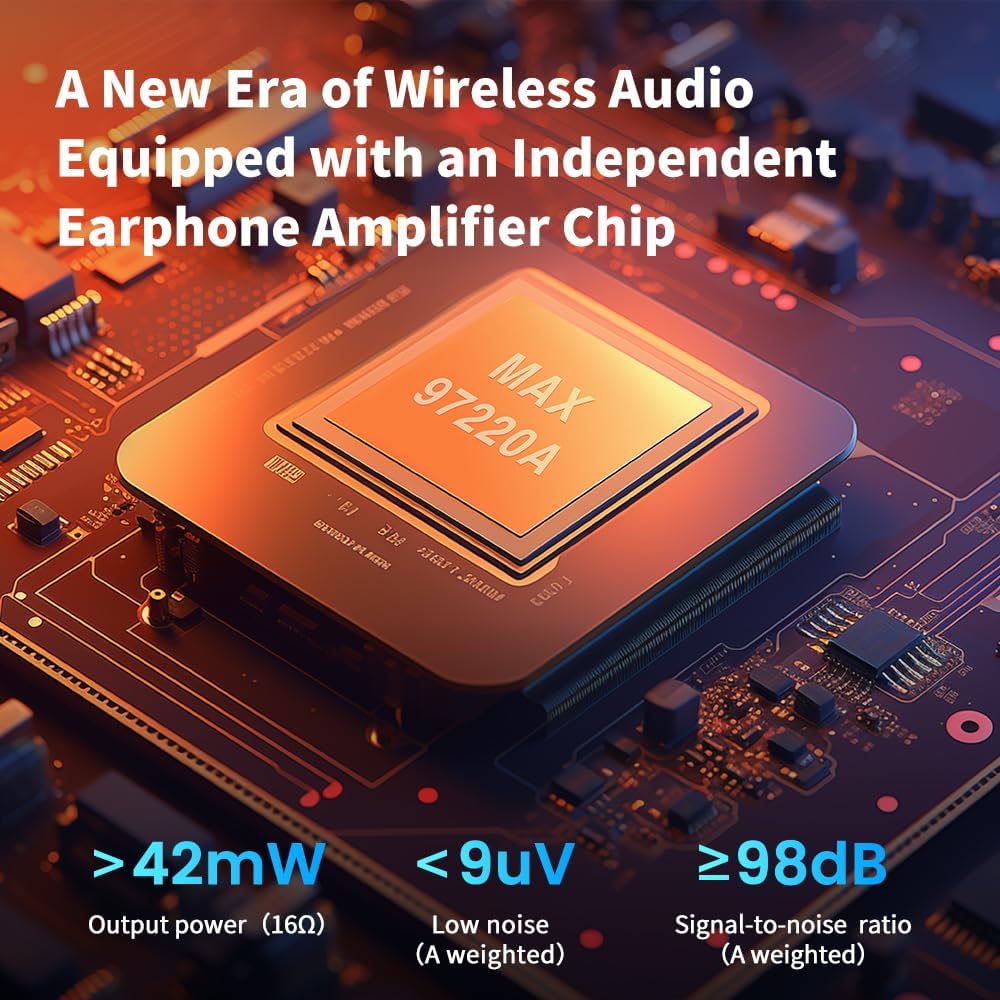
Image: Visual representation of the independent earphone amplifier chip, highlighting its output power (>42mW), low noise (<9uV), and high signal-to-noise ratio (>98dB).
7. Garanzija u Appoġġ
For warranty information and customer support, please refer to the official Linsoul webis-sit jew ikkuntattja lill-bejjiegħ awtorizzat tiegħek. Żomm il-prova tax-xiri tiegħek għal kwalunkwe talba ta' garanzija.
Linsoul Official Websit: Visit the Linsoul Store on Amazon


