1. Introduzzjoni
Welcome to the Ulefone Note 18 Pro user manual. This guide provides detailed instructions on how to set up, operate, maintain, and troubleshoot your new Ulefone Note 18 Pro smartphone. The Ulefone Note 18 Pro is an advanced unlocked phone featuring a powerful camera system (64MP main, 50MP ultra-wide, 32MP selfie), a MediaTek Helio G91 processor, 12GB RAM, 256GB ROM, a 6.78-inch HD+ 90Hz display, and a 5450mAh battery. It runs on Android 14 and includes features like NFC, an IR Blaster, and a customizable key.
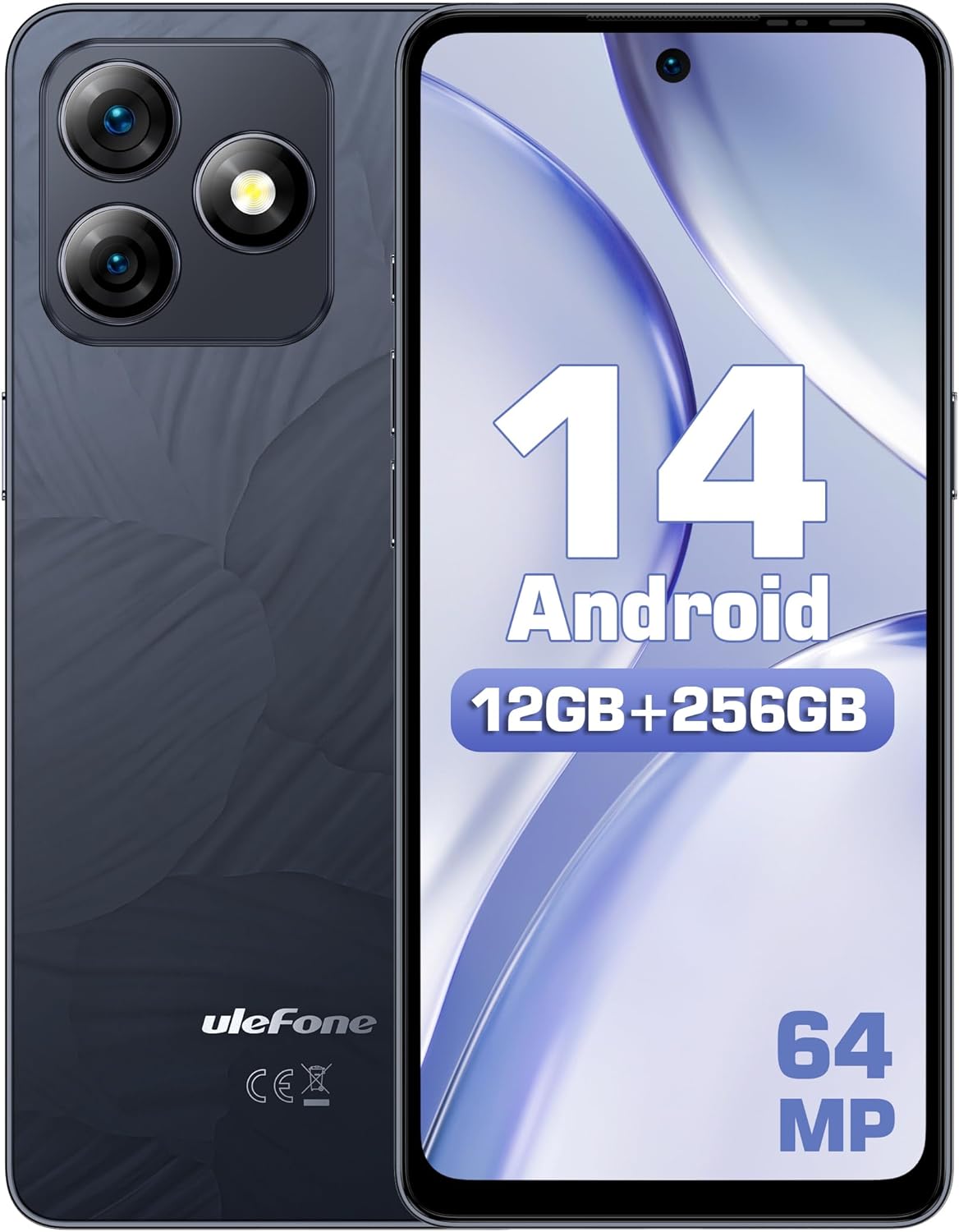
Figura 1.1: Quddiem u lura view of the Ulefone Note 18 Pro, highlighting its camera setup and Android 14 interface.
2. Nibdew: Konfigurazzjoni
2.1. X'hemm fil-Kaxxa
Qabel ma tibda, kun żgur li l-komponenti kollha huma preżenti:
- 1x Smartphone Ulefone Note 18 Pro
- 1x AC Power Charger (18W/US Plug)
- 1x Type-C to Type-C Charger Cable (1m)
- 1x Protettur tal-Iskrin tal-Ħġieġ Ittemprat
- 1x TPU Protective Case
- 1x Labra SIM
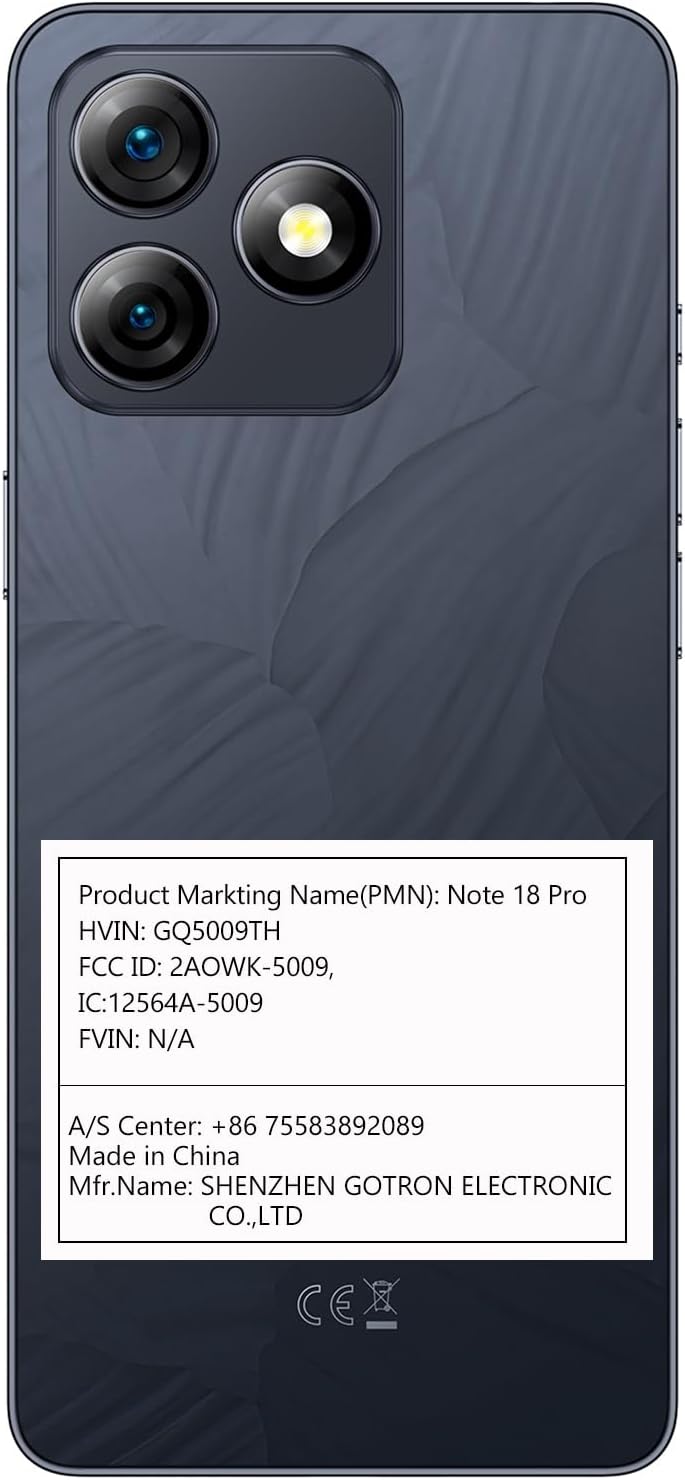
Figura 2.1: The Ulefone Note 18 Pro shown with its included TPU protective case.
2.2. Daħħal il-Kards tas-SIM u l-Kard tal-MicroSD
The Ulefone Note 18 Pro supports dual SIM dual standby and expandable storage up to 2TB via a TF card.
- Sib it-trej tas-SIM fuq il-ġenb tat-telefon.
- Insert the SIM needle into the small hole on the SIM tray to eject it.
- Place your Nano-SIM cards and/or MicroSD card into the designated slots on the tray. Ensure correct orientation.
- Imbotta t-trej bil-mod lura fit-telefon sakemm tikklikkja f'postu.
2.3. L-Ewwel Tixgħel u l-Konfigurazzjoni
- Agħfas u żomm il-buttuna tal-Power sakemm jidher il-logo ta' Ulefone.
- Segwi l-istruzzjonijiet fuq l-iskrin biex tagħżel il-lingwa tiegħek, tikkonnettja mal-Wi-Fi, u tissettja l-kont Google tiegħek.
- Configure security settings, including fingerprint ID and face unlock, for enhanced device security.
3. Tħaddim tat-Tagħmir Tiegħek
3.1. Wiri u Navigazzjoni
The Note 18 Pro features a 6.78-inch HD+ punch-hole display with a 90Hz refresh rate, protected by Corning Gorilla Glass.
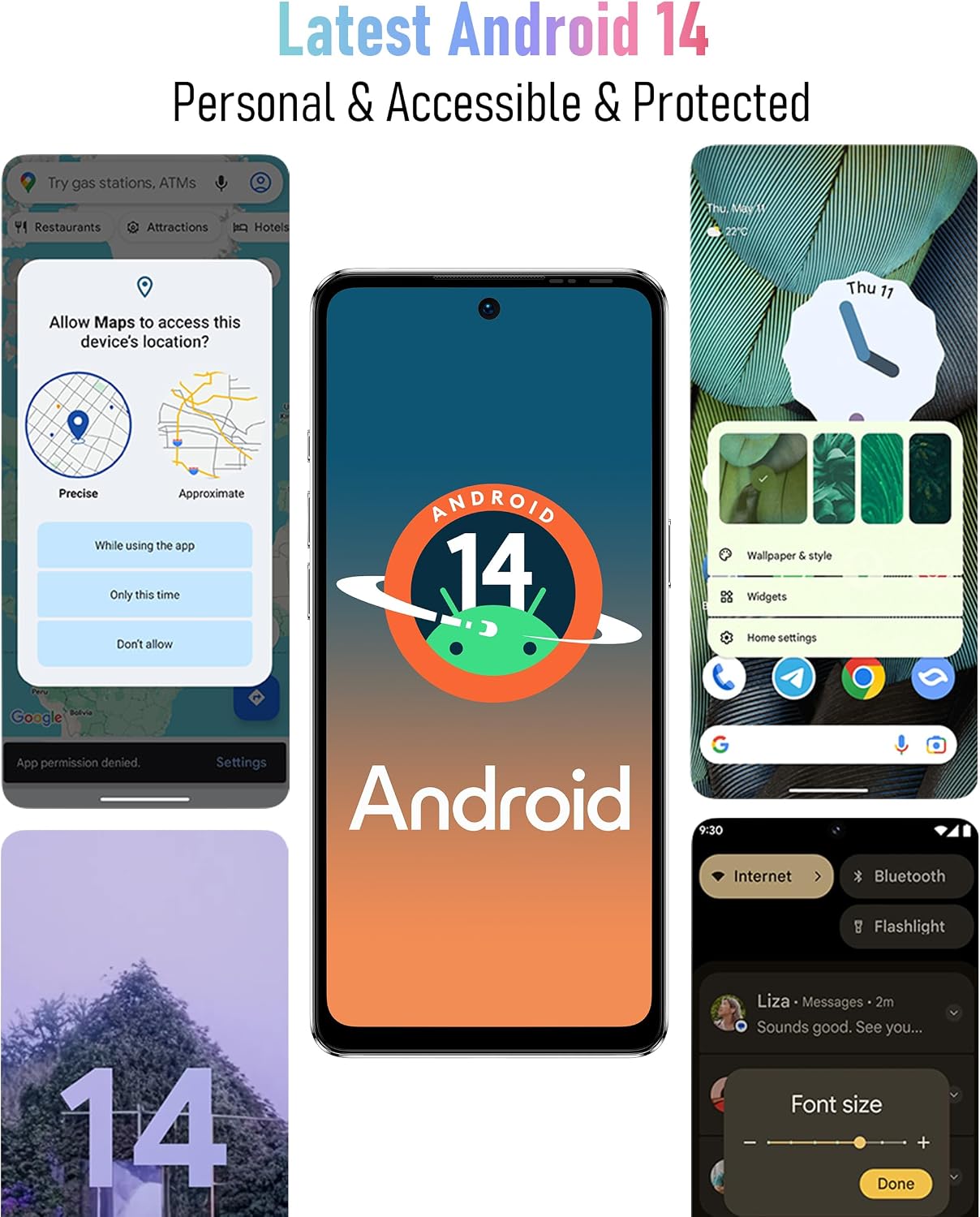
Figura 3.1: Visual representation of the 6.78-inch HD+ display with 90Hz refresh rate and Corning Gorilla Glass protection.
- Ġesti mess: Tap, swipe, pinch-to-zoom for navigation and interaction.
- Panel tan-Notifika: Skrolla 'l isfel minn fuq nett tal-iskrin biex taċċessa s-settings u n-notifiki malajr.
- App Drawer: Swipe 'l fuq mill-qiegħ tal-iskrin għal view l-applikazzjonijiet kollha installati.
3.2. Karatteristiċi tal-Kamera
Capture stunning photos and videos with the versatile camera system:
- Kamera Prinċipali ta' 64MP: Equipped with Sony IMX682 sensor for high-resolution images.
- 50MP Ultra Wide-angle Camera: Offers a 117.3° field of view for expansive shots.
- Kamera tas-Selfies ta' 32MP: Għal awtoritratti ċari u dettaljati.

Figura 3.2: Fuqview of the Ulefone Note 18 Pro's camera system, detailing the 64MP main, 50MP ultra-wide, and 32MP selfie cameras.
To open the camera, tap the camera icon on your home screen or app drawer. Select different modes like Photo, Video, Portrait, or Pro mode from the camera interface.
3.3. Custom Key Functionality
The Note 18 Pro features a customizable key for quick access to frequently used functions.

Figura 3.3: Illustration of the customizable key on the Ulefone Note 18 Pro, showing options for single click, double click, and long press actions.
You can assign actions such as:
- One Click: Start Sound recording, Open flashlight, Screenshots
- Double Click: Open Zello, Open SOS
- Long Press: Open Game Mode
To configure the custom key, navigate to Settings > Smart Assistant > Custom Key.
3.4. NFC and IR Blaster
The device includes NFC for contactless payments and an IR Blaster for controlling home appliances.

Figura 3.4: Depiction of the Ulefone Note 18 Pro's NFC capability for mobile payments and its IR Blaster for controlling various home electronics.
- NFC: Enable NFC in settings to use Google Pay or other compatible payment apps. Tap your phone to compatible payment terminals.
- IR Blaster: Use the pre-installed remote control app or download a universal remote app to control TVs, air conditioners, projectors, and other IR-enabled devices.
4. Batterija u Iċċarġjar
The Ulefone Note 18 Pro is equipped with a 5450mAh battery and supports 18W fast charging.

Figura 4.1: Information on the 5450mAh battery of the Ulefone Note 18 Pro, indicating up to 30 hours of talk time and 12 hours of video playback.
- Use the provided 18W AC Power Charger and Type-C to Type-C Charger Cable for optimal charging speed.
- Avoid using non-certified chargers or cables, as this may damage the device or battery.
- Typical battery life provides up to 30 hours of talk time and 12 hours of video playback.
5. Manutenzjoni u Kura
5.1. Kura Ġenerali
- Żomm l-apparat niexef. L-umdità tista’ tagħmel ħsara liċ-ċirkwiti elettroniċi.
- Evita temperaturi estremi. Temperaturi għoljin jistgħu jqassru l-ħajja tal-apparati elettroniċi u jagħmlu ħsara lill-batteriji.
- Twaqqax, tħabbatx, jew tħawwadx l-apparat. Immaniġġjar mhux maħdum jista 'jkisser il-bordijiet taċ-ċirkwiti interni u l-mekkanika multa.
- Clean the screen and back cover with a soft, lint-free cloth. The AG glass back cover is anti-fingerprint.

Figura 5.1: The elegant AG glass back cover of the Ulefone Note 18 Pro, designed for durability and an anti-fingerprint finish.
5.2. Aġġornamenti tas-Software
Iċċekkja regolarment għal aġġornamenti tas-softwer biex tiżgura li t-tagħmir tiegħek għandu l-aħħar karatteristiċi, irqajja tas-sigurtà, u titjib fil-prestazzjoni. Mur fuq Settings > Sistema > Aġġornament tas-sistema.
6 Issolvi l-problemi
6.1. Kwistjonijiet Komuni u Soluzzjonijiet
| Problema | Soluzzjoni Possibbli |
|---|---|
| Apparat mhux qed jixgħel | Kun żgur li l-batterija hija ċċarġjata. Qabbad mal-ċarġer għal mill-inqas 10 minuti qabel ma tipprova tixgħelha. |
| Sinjal tan-netwerk fqir | Iċċekkja l-inserzjoni tas-SIM card. Mur f'żona b'kopertura tan-netwerk aħjar. Erġa' ibda l-apparat. |
| L-apps jiġġarraf jew jiffriża | Clear app cache/data (Settings > Apps > [App Name] > Storage). Update the app. Restart the phone. |
| Il-batterija tiskula malajr | Naqqas il-luminożità tal-iskrin. Agħlaq l-apps fl-isfond. Iddiżattiva karatteristiċi mhux meħtieġa bħal GPS, Bluetooth, Wi-Fi meta ma tkunx qed tużahom. |
| Fingerprint ID not working | Ensure your finger is clean and dry. Re-register your fingerprint in settings. |
Jekk il-problemi jippersistu, ikkunsidra li tagħmel reset tal-fabbrika (Settings > Sistema > Irrisettja l-għażliet > Ħassar id-dejta kollha (reset tal-fabbrika)). Note: This will erase all data on your phone. Back up important data before proceeding.
7. Speċifikazzjonijiet
| Karatteristika | Dettall |
|---|---|
| Isem tal-Mudell | Ulefone Nota 18 Pro |
| Sistema Operattiva | Android 14 |
| Proċessur | MTK Helio G91 (Octa-core, up to 2.0 GHz) |
| RAM | 12GB (6GB fiżiku + 6GB virtwali) |
| Ħażna Interna | 256GB |
| Ħażna espansibbli | Karta TF sa 2TB |
| Wiri | 6.78-inch HD+ (720x1640) Punch-hole Display, 90Hz Refresh Rate, Corning Gorilla Glass |
| Kameras ta' wara | 64MP Main (Sony IMX682), 50MP Ultra Wide-angle (117.3° FOV) |
| Kamera ta' Quddiem | 32MP |
| Kapaċità tal-batterija | 5450mAh |
| Iċċarġjar | 18W Iċċarġjar Mgħaġġel |
| Konnettività | Dual 4G SIM, Wi-Fi, Bluetooth, NFC, Infrared |
| Navigazzjoni | GPS, GLONASS, BeiDou, Galileo |
| Karatteristiċi oħra | Custom Key, Splash Proof, Headset-free FM Radio, Face Unlock, Fingerprint ID, 3.5mm Audio Jack |
| Dimensjonijiet | 6.64 x 3.02 x 0.35 pulzieri |
| Piż | 7.8 uqija |
8. Garanzija u Appoġġ
8.1. US Warranty Information
The Ulefone Note 18 Pro comes with a US Warranty. For specific warranty terms and conditions, please refer to the warranty card included in your product packaging or contact Ulefone customer service.
8.2. Appoġġ għall-Klijent
For technical assistance, troubleshooting, or warranty claims, please contact Ulefone customer support:
- Ċentru A/S: +86 75583892089
- Manifattur: SHENZHEN GOTRON ELECTRONIC CO.,LTD
- Visit the official Ulefone website for FAQs and additional support resources: www.ulefone.com


