1. Informazzjoni Importanti dwar is-Sigurtà
Jekk jogħġbok aqra l-istruzzjonijiet kollha bir-reqqa qabel ma tuża dan il-prodott. Żomm dan il-manwal għal referenza futura.
- Timblokkax il-fetħiet tal-ventilazzjoni. Kun żgur li jkun hemm fluss tal-arja adegwat madwar il-proġettazzjoni.
- Tesponix il-proġekter għax-xita jew l-umdità biex tevita n-nar jew xokk elettriku.
- Uża biss aċċessorji/aċċessorji speċifikati mill-manifattur.
- Skonnettja l-proġettur waqt maltempati bis-sajjetti jew meta ma jintużax għal perjodi twal.
- Irreferi l-manutenzjoni kollha lil persunal tas-servizz kwalifikat.
2. Kontenut tal-Pakkett
Ivverifika li l-oġġetti kollha huma preżenti fil-pakkett tiegħek:
- WEWATCH S3 4K Portable Projector
- Kontroll mill-bogħod
- Kejbil tal-Enerġija
- Cable HDMI
- Manwal għall-Utent
3. Prodott Aktarview
Iffamiljarizza ruħek mal-komponenti u l-portijiet tal-proġettazzjoni WEWATCH S3 tiegħek.

Immaġni: Naħa ta' quddiem view of the WEWATCH S3 4K Portable Projector, showcasing its sleek design and lens.
3.1. Portijiet u Konnessjonijiet
The projector features various ports for versatile connectivity:

Immaġni: Wara view of the WEWATCH S3 projector, highlighting its various input and output ports including LAN, USB, HDMI, and audio jacks.
- LAN (x1): Għal konnessjoni ta' netwerk bil-fili.
- USB (x2): Għall-konnessjoni ta' drives USB jew apparati USB oħra.
- HDMI (x2): For connecting external devices like laptops, gaming consoles, or streaming sticks.
- AU (Audio Out x1): Għall-konnessjoni ta 'apparati awdjo esterni.
- AX (Audio In x1): Għal input awdjo.
4. Setup
Follow these steps to set up your projector for the first time:
- Pjazzament: Place the projector on a stable, flat surface or mount it securely. Ensure it is positioned to project onto a suitable screen or wall.
- Konnessjoni tal-Enerġija: Connect the power cable to the projector's power input and then to a power outlet.
- Qawwa Mixgħul: Agħfas il-buttuna tal-qawwa fuq il-proġekter jew il-kontroll mill-bogħod biex tixgħel l-apparat.

Image: The WEWATCH S3 projector set up in a living room environment, projecting an image onto a screen, demonstrating typical home usage.
5. Istruzzjonijiet Operattivi
5.1. Android TV Operating System
The WEWATCH S3 features an integrated Android TV system, providing direct access to popular streaming applications.

Image: A person using the remote control to navigate the Android TV interface projected onto a large screen, showing various streaming app icons like Prime Video, YouTube, and Netflix.
- Navigazzjoni: Use the remote control's directional buttons and OK button to navigate the Android TV interface.
- Użu tal-App: For optimal experience with certain applications (e.g., Netflix, YouTube), it is recommended to switch the remote control to mouse mode. After using the application, switch back to normal mode.
6. Konnettività
6.1. Wi-Fi Connection (2.4G + 5G)
Qabbad il-proġettur tiegħek ma' netwerk mingħajr fili għal aċċess għall-internet u screen mirroring.
- Navigate to the Wi-Fi settings in the Android TV menu.
- Agħżel in-netwerk mixtieq tiegħek u daħħal il-password.
- The projector supports both 2.4G and 5G Wi-Fi bands for fast and stable connections.
6.2. Konnessjoni Bluetooth
Connect external Bluetooth speakers or headphones for enhanced audio, or use the projector as a Bluetooth speaker.

Image: A smartphone wirelessly connected to the WEWATCH S3 projector, demonstrating the 2.4G/5G Wi-Fi and Bluetooth dual-channel capabilities for seamless content streaming.
- Mur fis-settings tal-Bluetooth.
- Agħlaq mat-tagħmir Bluetooth tiegħek.
- The projector can also function as a standalone Bluetooth speaker when connected to a phone.
6.3. Konnessjonijiet HDMI u USB
Qabbad tagħmir estern permezz ta 'portijiet HDMI jew USB.
- Insert the HDMI cable into one of the projector's HDMI ports and the other end into your device (e.g., laptop, game console).
- Insert a USB drive into a USB port to access media files.
7. Karatteristiċi ewlenin
7.1. Electronic Focus
Adjust the image clarity easily using the remote control.

Image: A hand holding the projector's remote control, pointing to the F+/F- buttons used for electronic focus adjustment, with a clear projected image of a tiger cub.
- Uża l- F+ u F- buttons on the remote control to fine-tune the focus until the image is sharp.
7.2. 4-Point Keystone Correction
Correct distorted images to achieve a perfectly rectangular projection, regardless of the projector's angle.
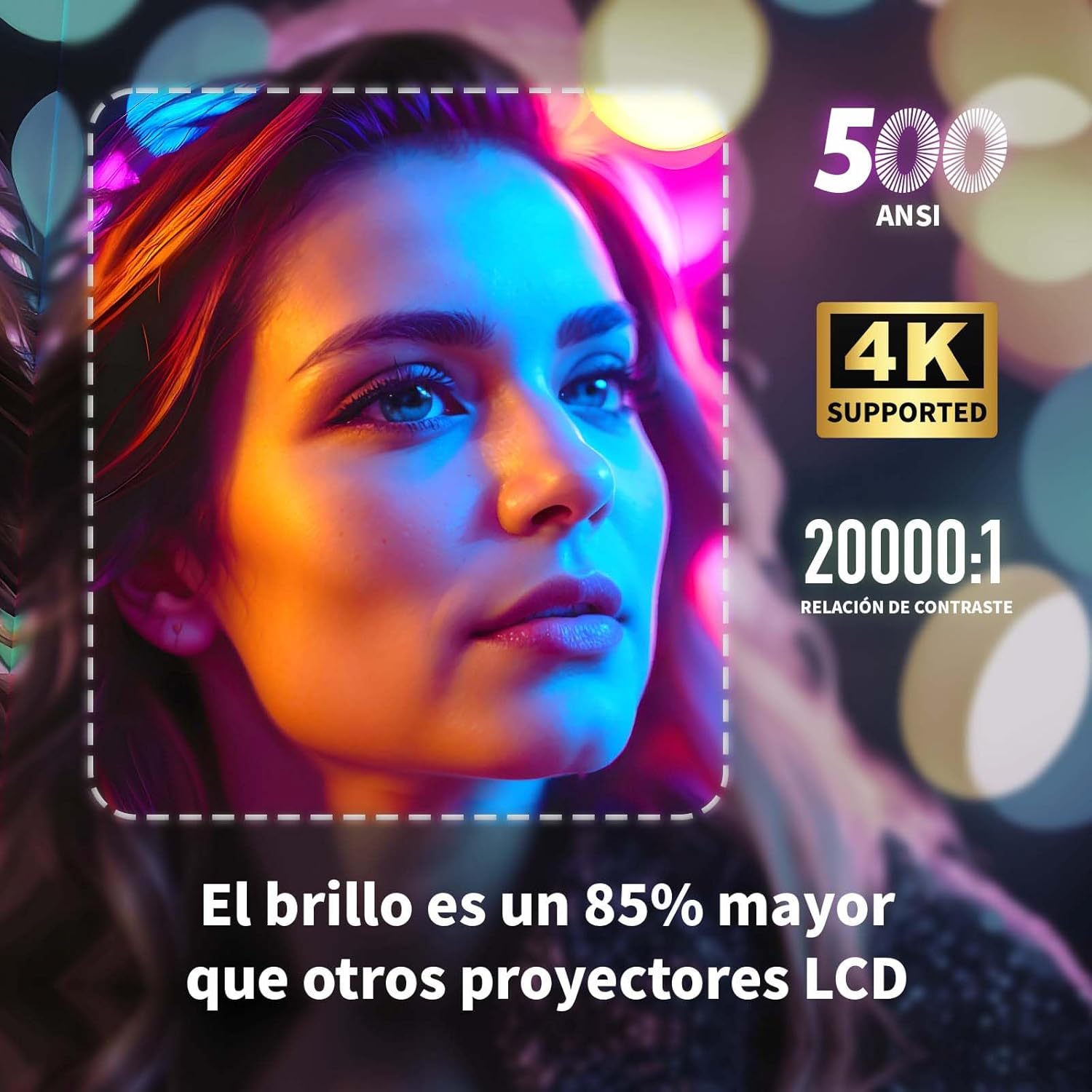
Image: A projected image of a woman's face with a dotted outline demonstrating how 4-point keystone correction adjusts the image to be perfectly rectangular, even when projected at an angle.
- Access the keystone correction settings in the menu to adjust each corner of the image independently.
- The projector also supports automatic vertical keystone correction.
7.3. Funzjoni taż-Żum
Adjust the image size without moving the projector.

Image: A visual representation of the projector's zoom function, showing how the image size can be reduced from 100% to 50% without physically moving the projector.
- The zoom function allows you to reduce the image size from 100% to 80%.
7.4. Large Screen Projection
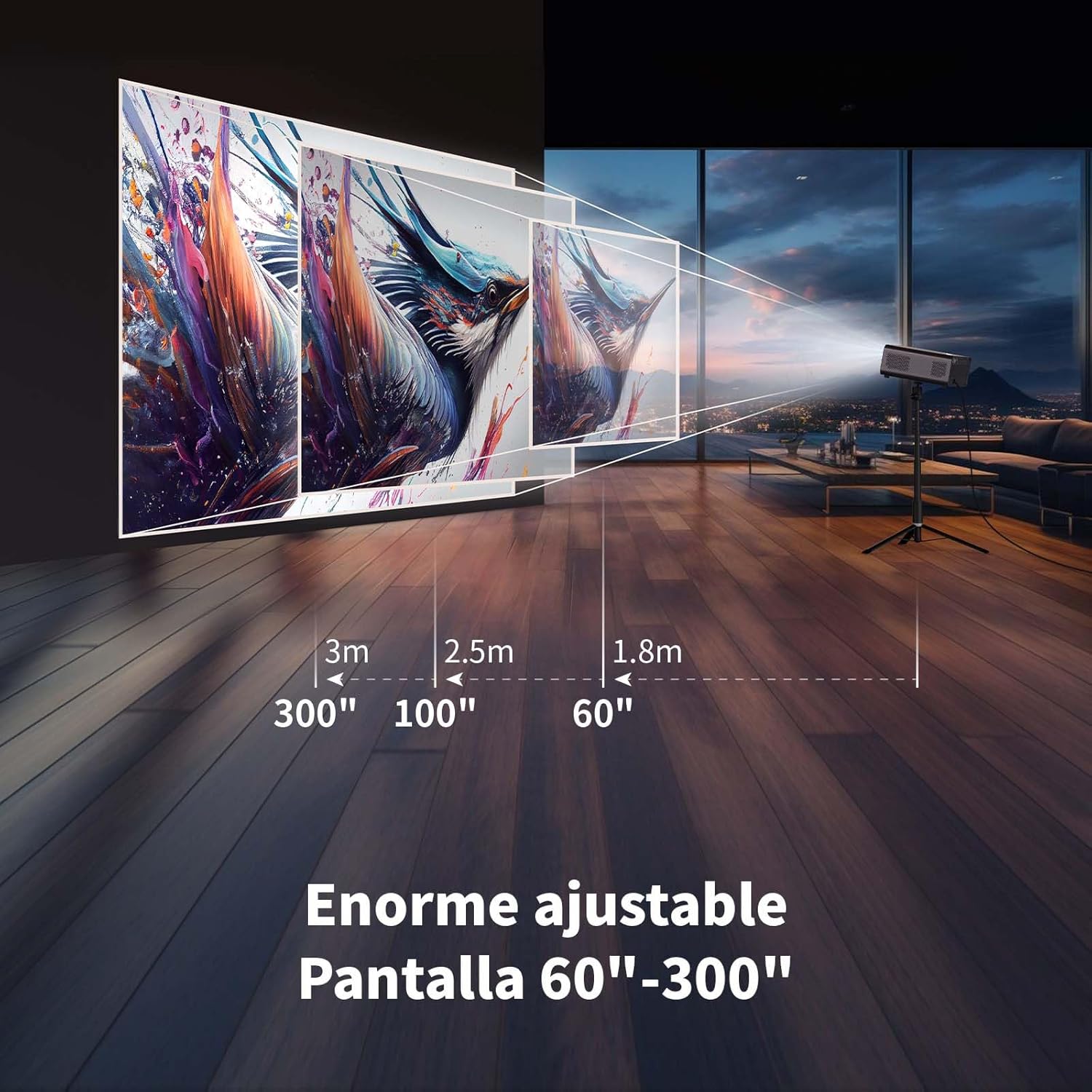
Esperjenza immersiva viewing with a large adjustable screen size.

Image: A large projected image of an astronaut on a snowboard, illustrating the 300-inch screen capability of the projector in a home cinema setting.
- The projector can produce an adjustable screen size from 60 inches to 300 inches, suitable for various viewambjenti ing.
8. Manutenzjoni
8.1. Dust-Proof Design and Cleaning
The projector features a dust-proof design with a hidden dust box to prevent dust accumulation.
Immaġni: Close-up view of the projector's hidden dust box, showing the filter inside, and an illustration of airflow, emphasizing the importance of regular cleaning to prevent dust from entering the device.
- Regularly clean the dust box to maintain optimal performance and prevent dust from affecting the image quality.
- Use a soft, dry cloth to clean the exterior of the projector.
- Tużax prodotti tat-tindif likwidi jew aerosols.
9 Issolvi l-problemi
Jekk tiltaqa' ma' problemi bil-proġettur tiegħek, irreferi għall-problemi u s-soluzzjonijiet komuni li ġejjin:
| Problema | Soluzzjoni Possibbli |
|---|---|
| L-ebda immaġni pproġettata | Check power connection. Ensure input source is correctly selected (HDMI, USB, etc.). Verify lens cap is removed. |
| L-immaġni hija mċajpra | Adjust electronic focus using the F+/F- buttons on the remote. Ensure the projection surface is flat. |
| L-immaġni hija distorta (forma ta' trapeżojde) | Use 4-point keystone correction in the settings menu to adjust the image corners. Check for automatic vertical correction. |
| L-ebda ħoss | Check volume settings on the projector and connected device. Ensure external speakers are properly connected or Bluetooth is paired. |
| Kwistjonijiet ta 'konnessjoni Wi-Fi | Ensure Wi-Fi is enabled. Re-enter Wi-Fi password. Restart the projector and router. Try connecting to a different Wi-Fi band (2.4G or 5G). |
10. Speċifikazzjonijiet
Key technical specifications for the WEWATCH S3 Projector:
- Ditta: WEWAWA
- Numru tal-Mudell: S3
- Kulur: Griż affumikat
- Tip ta' Prodott: Proġekter portabbli
- Luminożità: 500 lumens ANSI
- Native Display Resolution: 1920 x 1080 (Full HD)
- Riżoluzzjoni massima tal-wiri: 3840 x 2160 (4K Supported)
- Proporzjon ta' Kuntrast: 20000:1
- Tip ta' wiri: LED
- Teknoloġija tal-Konnettività: Bluetooth, Ethernet, HDMI, USB, Wi-Fi (2.4G/5G)
- Karatteristiċi Speċjali: Wi-Fi Compatible, Digital Keystone Correction, Built-in Speaker, Auto Focus, Portable
- Apparati Kompatibbli: Speaker, Laptop, Smartphone, Tablet
- Dimensjonijiet tal-Prodott: 24.3L x 24.9W x 10.5H ċentimetri
- Użi Rakkomandati: Home Cinema, Video Games, Professional, Education
11. Garanzija u Appoġġ
The WEWATCH S3 Projector comes with a manufacturer's warranty to ensure your peace of mind.
- Garanzija tal-Manifattur: 2 snin
- For technical support or warranty claims, please refer to the contact information provided with your purchase documentation or visit the official WEWATCH websit.


