1. Introduzzjoni
This manual provides essential instructions for the safe and effective use of your Nova NHT 1102 Trimmer. Please read it thoroughly before first use and retain it for future reference. This cordless trimmer is designed for personal grooming, offering precision trimming with multiple length settings and a long-lasting rechargeable battery.
2. Istruzzjonijiet Importanti dwar is-Sigurtà
- Do not immerse the trimmer in water or use it near water (e.g., bathtub, shower, sink).
- Żomm l-apparat 'il bogħod mit-tfal.
- Always check the trimmer for damage before use. Do not use if the blades or housing are damaged.
- Use only the charging cable provided with the trimmer.
- Do not attempt to disassemble or repair the trimmer yourself. Contact qualified service personnel for assistance.
- Ensure your hands are dry when plugging or unplugging the charging cable.
- Aħżen it-trimmer f'post niexef meta ma jkunx qed jintuża.
3. Kontenut tal-Pakkett
Ivverifika li l-oġġetti kollha huma preżenti fil-pakkett:
- Nova NHT 1102 Trimmer
- 3 Moxtijiet Gwida (1mm, 2mm, 3mm)
- Cable tal-Iċċarġjar tal-USB tat-Tip-Ċ
- Pinzell tat-tindif
- Lubricating Oil (may be included)

Image 3.1: Nova NHT 1102 Trimmer with included accessories and packaging.
4. Prodott Aktarview
Familiarize yourself with the components of your Nova NHT 1102 Trimmer:
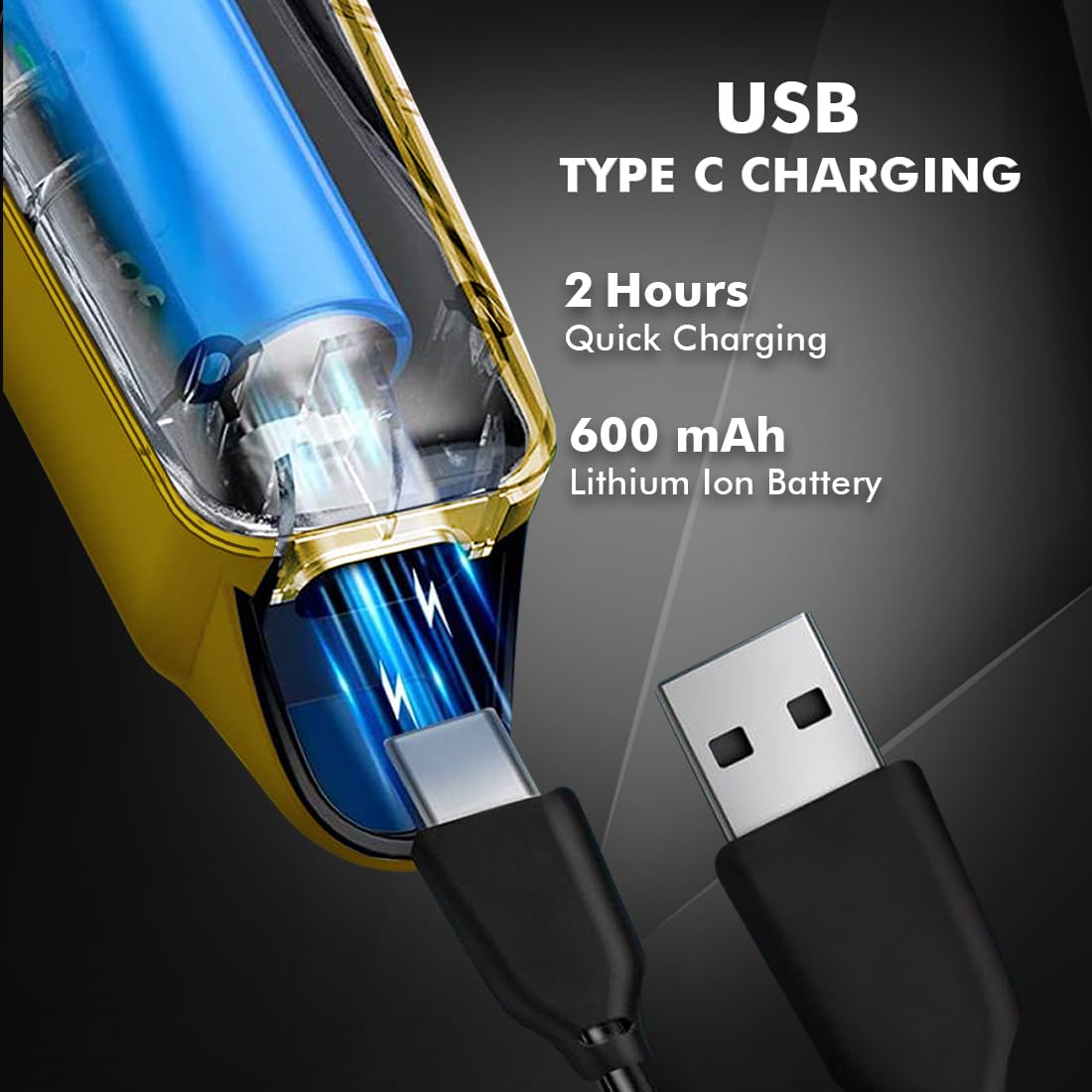
Image 4.1: Key features and components of the Nova NHT 1102 Trimmer.
- Xfafar ta' l-istainless steel: Durable and self-sharpening blades for precise cutting.
- Buttuna tal-Qawwa: Controls power on/off and speed settings.
- Dawl Indikatur: Displays charging status and operational mode.
- Port tal-Iċċarġjar tal-USB: For convenient charging via USB Type-C cable.
- Ganċ tad-dendil: Għal ħażna faċli.
- Pettnijiet tal-Gwida: Detachable combs for various trimming lengths (1mm, 2mm, 3mm).
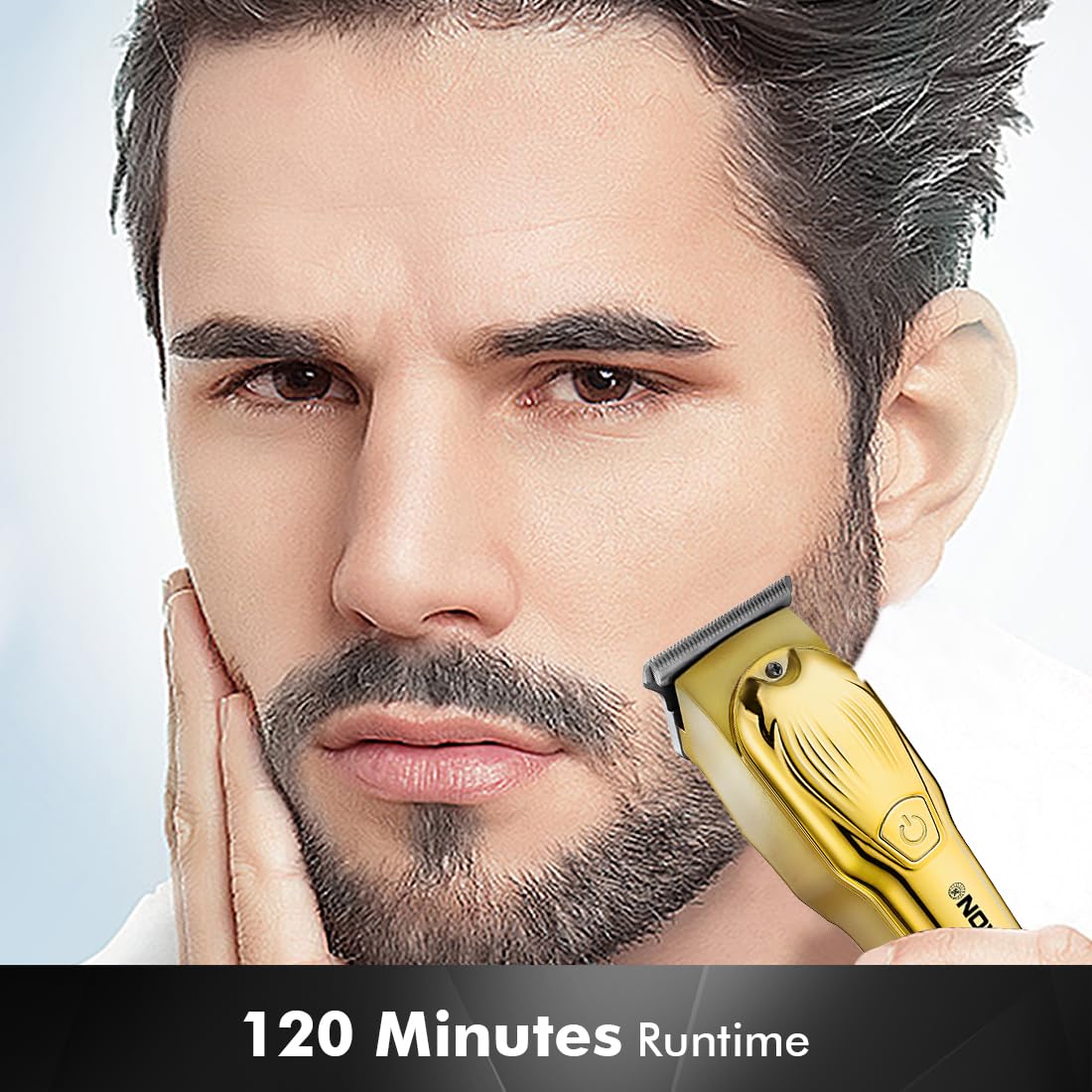
Image 4.2: Detail of the self-sharpening stainless steel blades.
5. Setup
5.1 Iċċarġjar inizjali
Before first use, fully charge the trimmer. The Nova NHT 1102 Trimmer features a 600 mAh Lithium-Ion battery.
- Connect the USB Type-C charging cable to the trimmer's charging port.
- Ipplaggja t-tarf l-ieħor tal-kejbil USB ma' adapter tal-enerġija USB kompatibbli (mhux inkluż) jew ma' port USB fuq kompjuter.
- The indicator light will illuminate to show charging is in progress.
- A full charge takes approximately 2 hours, providing up to 120 minutes of cordless runtime.
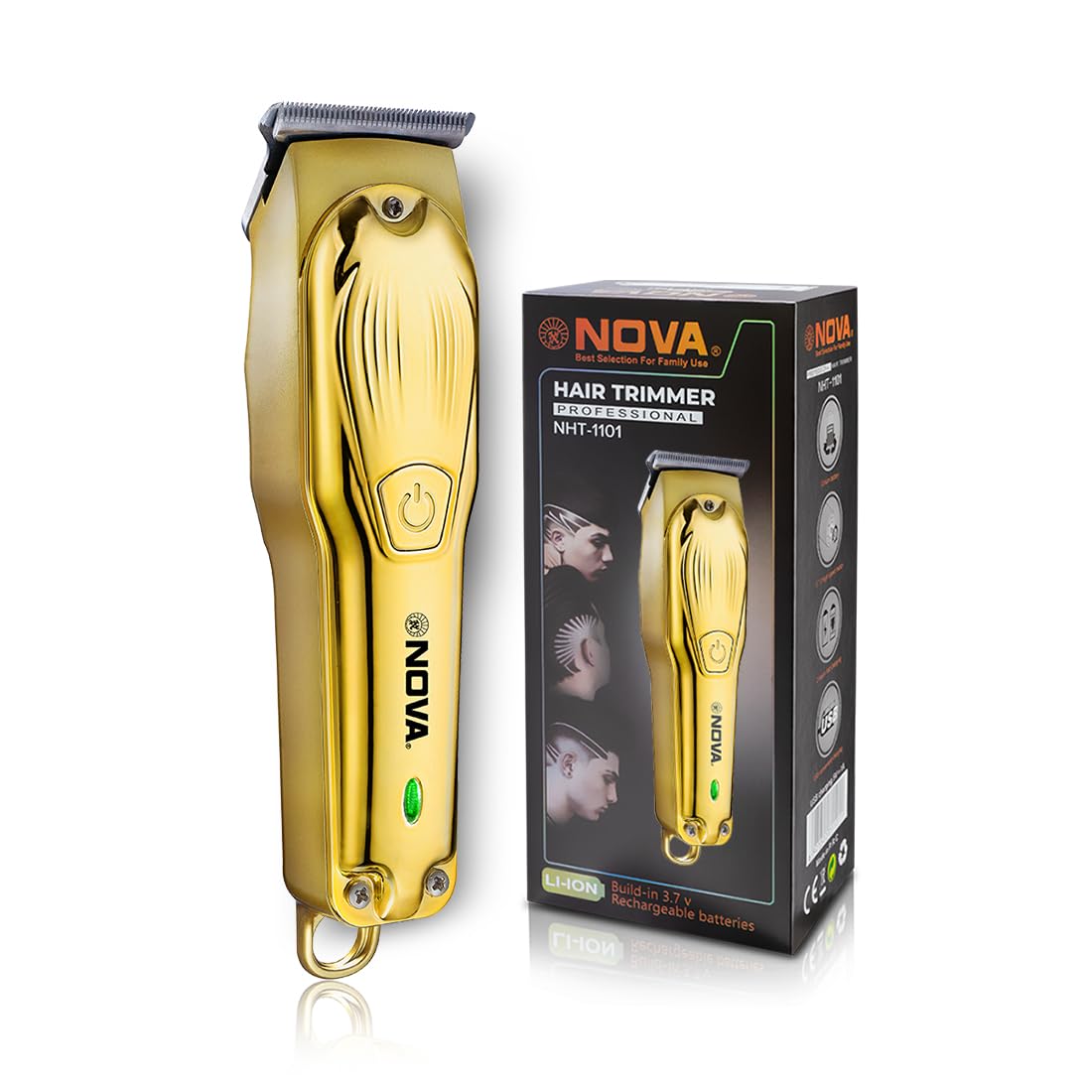
Image 5.1: USB Type-C charging mechanism.
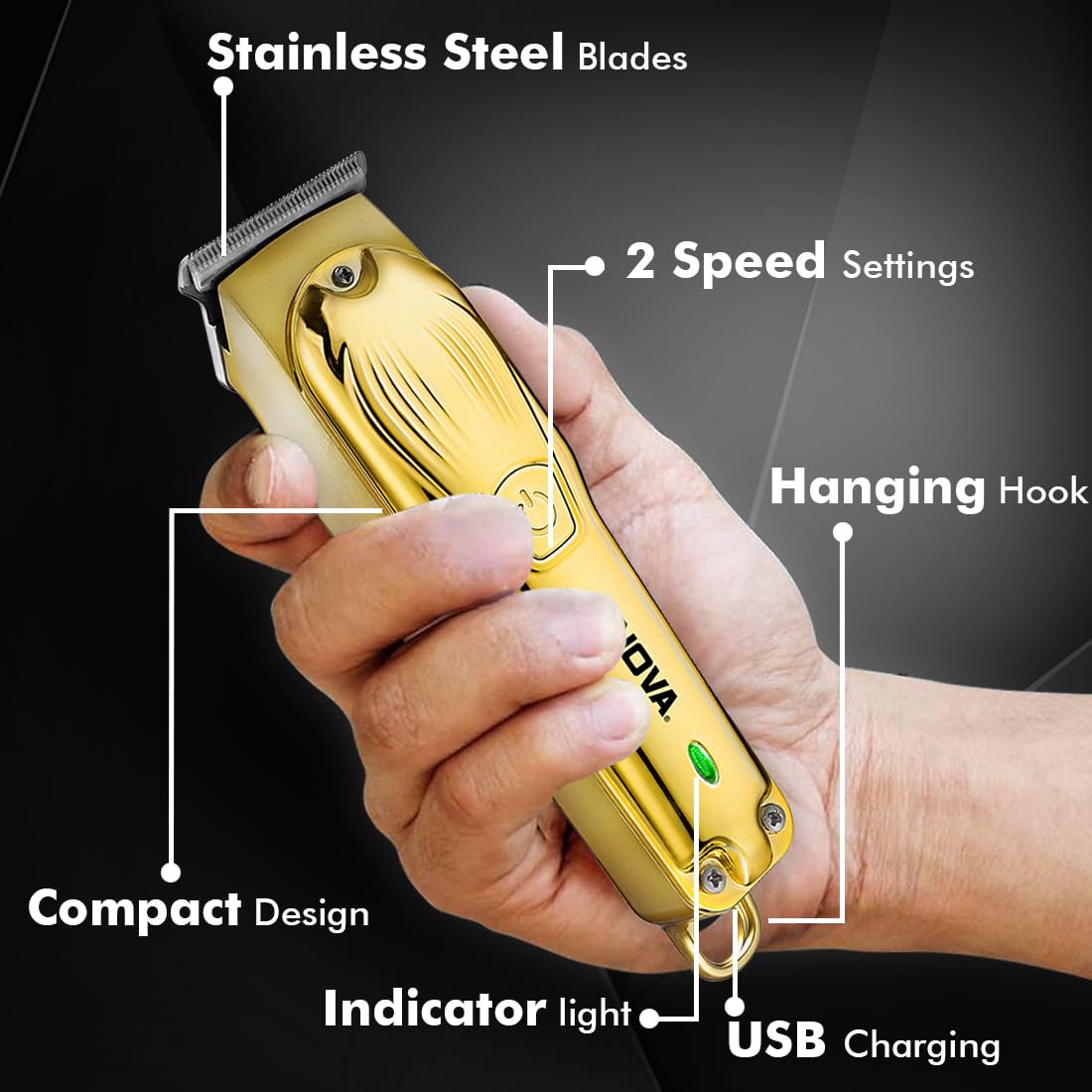
Image 5.2: Trimmer charging via USB Type-C.
5.2 Twaħħil tal-Moxtijiet Gwida
The trimmer comes with 3 guide combs for different hair lengths:
- 1mm comb
- 2mm comb
- 3mm comb
To attach a guide comb, align the comb with the trimmer head and push it firmly until it clicks into place. To remove, gently pull the comb away from the trimmer head.
6. Istruzzjonijiet Operattivi
6.1 Turning On/Off and Speed Settings
- To turn the trimmer on, press the power button once. The trimmer will start at the default speed setting.
- To switch between the 2 available speed settings, press the power button again while the trimmer is running.
- To turn the trimmer off, press the power button until it stops.
6.2 Funzjoni Turbo
For increased power, activate the Turbo Function:
- While the trimmer is running, double-press the power button to engage the turbo mode.
- Double-press again to return to normal speed.
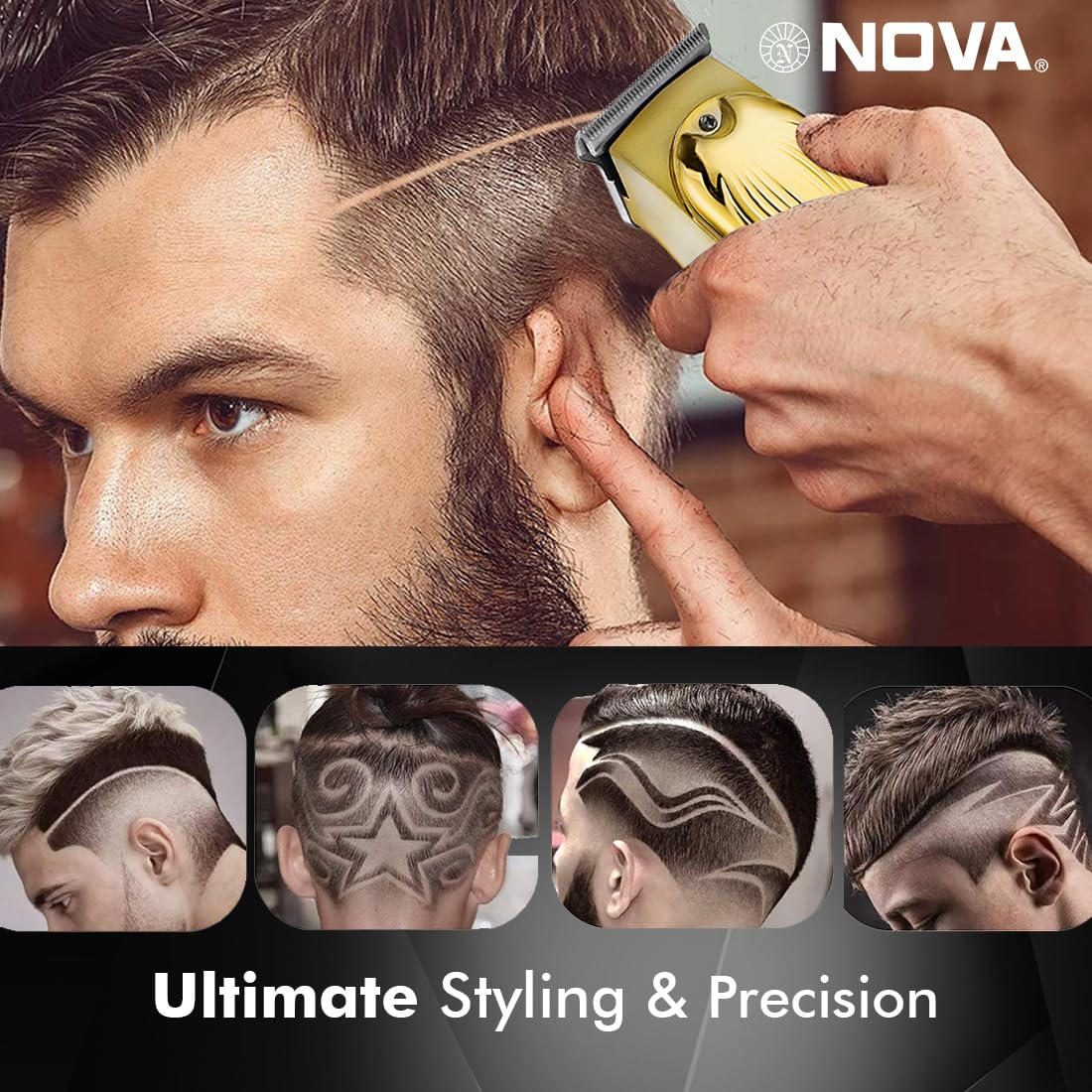
Image 6.1: Illustration of the Turbo Function.
6.3 Tirqim
Ensure hair is clean and dry before trimming for optimal results.
- Mingħajr Moxt Gwida: For precision trimming and close cuts (0.5mm), use the trimmer without any guide comb attached.
- Bil-Moxt Gwida: Select the desired guide comb (1mm, 2mm, or 3mm) and attach it securely.
- Hold the trimmer with the blades flat against the skin and move it slowly against the direction of hair growth.
- For best results, stretch the skin taut with your free hand.
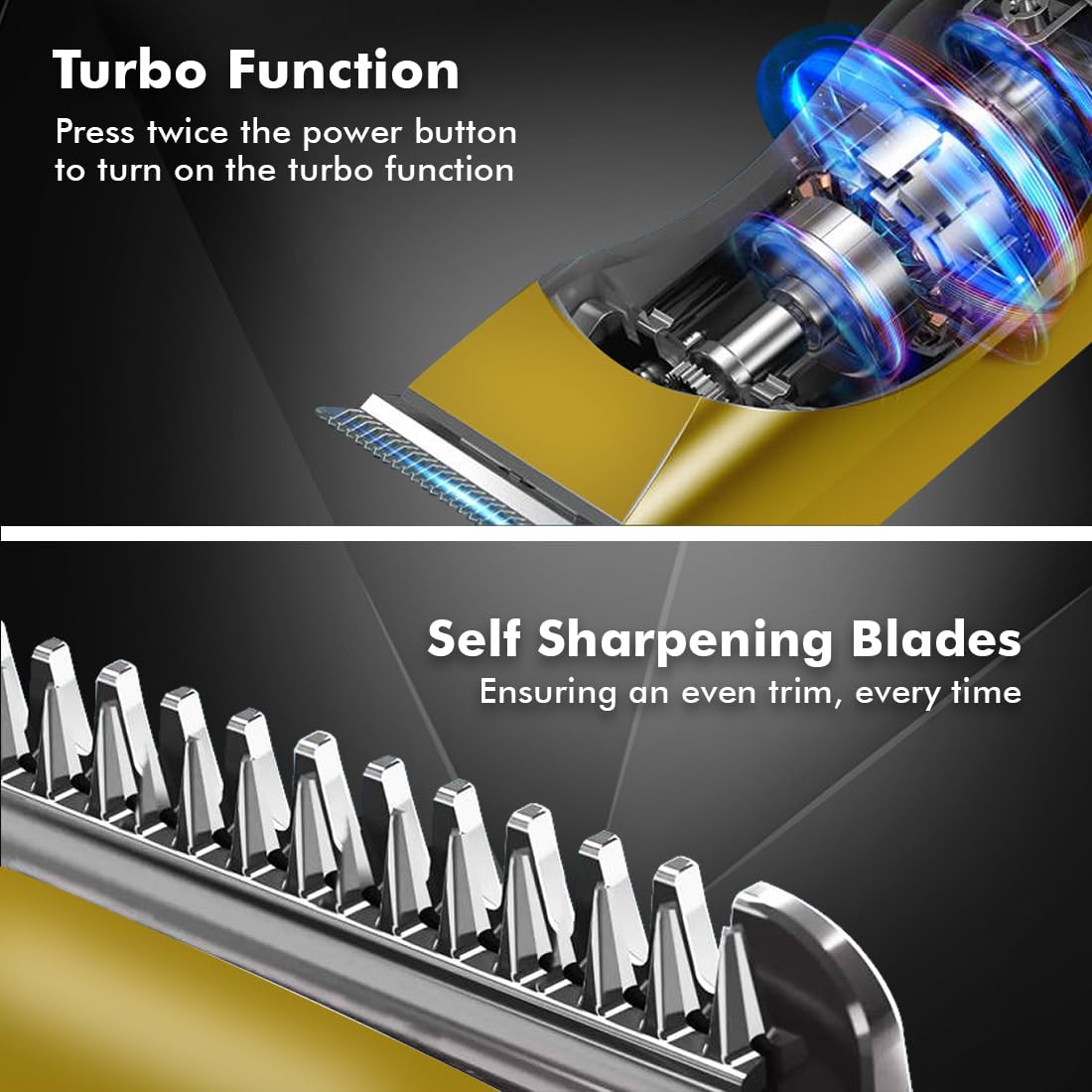
Image 6.2: Demonstrating hair trimming with the device.
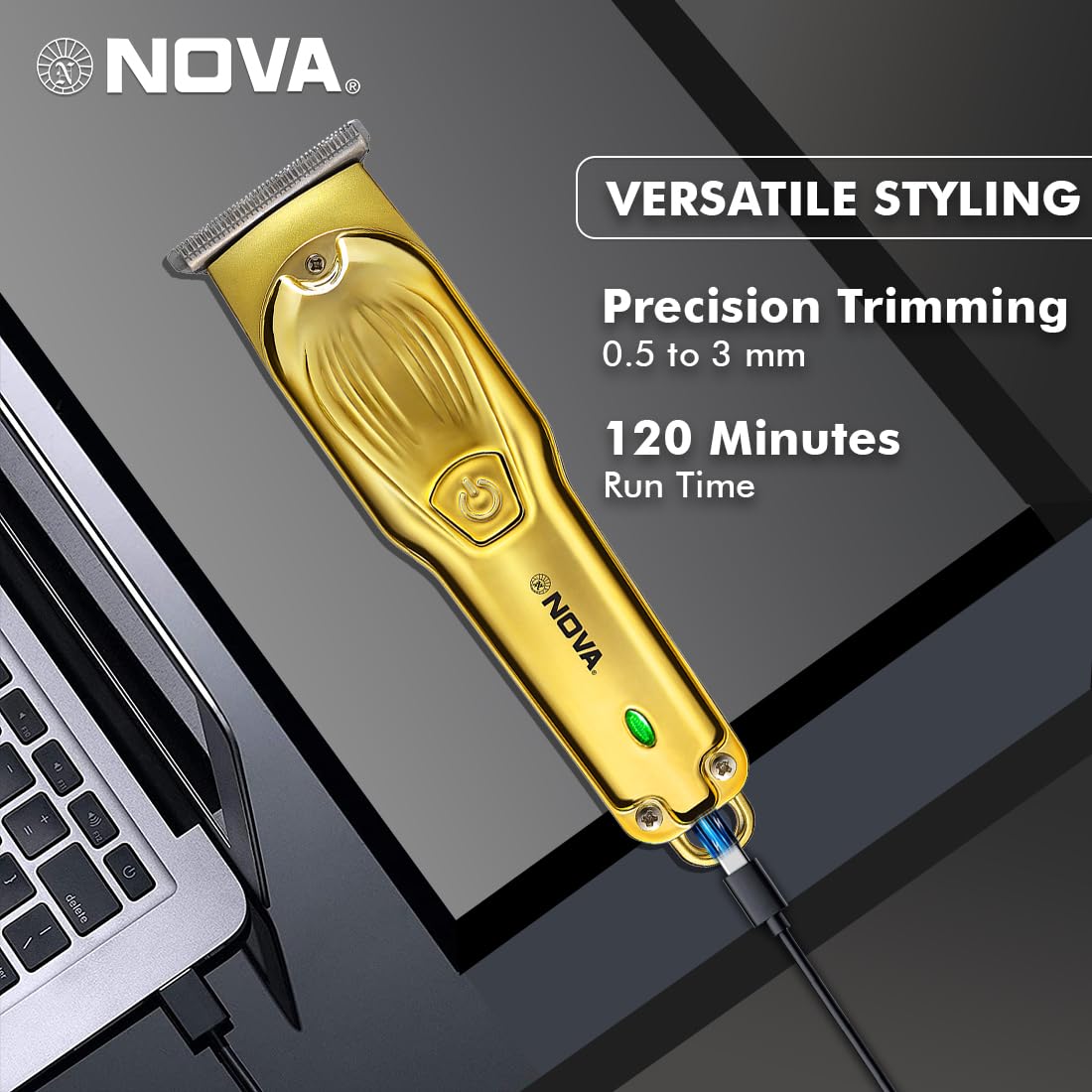
Image 6.3: Demonstrating beard trimming with the device.
7. Manutenzjoni
7.1 Tindif tax-Xfafar
Tindif regolari jiżgura prestazzjoni u iġjene ottimali.
- Itfi t-trimmer u skonnettjah mis-sors tal-enerġija.
- Carefully remove any attached guide comb.
- Use the provided cleaning brush to remove hair clippings from the blades and the trimmer head.
- The blades are self-sharpening, reducing the need for manual sharpening.
7.2 Lubrikazzjoni
To maintain blade performance, apply a small drop of lubricating oil (if included) to the blades after every few uses. Turn the trimmer on for a few seconds to distribute the oil evenly.
7.3 Ħażna
Store the trimmer in a cool, dry place, away from direct sunlight and moisture. Ensure the trimmer is clean and dry before storage.
8 Issolvi l-problemi
| Problema | Kawża Possibbli | Soluzzjoni |
|---|---|---|
| Trimmer ma jixgħelx. | Il-batterija hija skarikata. | Iċċarġja t-trimmer għal mill-inqas sagħtejn. |
| Il-buttuna tal-qawwa mhux ippressata sew. | Kun żgur li tagħfas sew il-buttuna tal-qawwa. | |
| Prestazzjoni fqira tat-tirqim. | Ix-xfafar huma mblukkati bix-xagħar. | Naddaf ix-xfafar bil-pinzell tat-tindif. |
| Ix-xfafar jeħtieġu lubrikazzjoni. | Applika qatra żejt lubrikanti max-xfafar. | |
| Il-batterija mhix qed tiċċarġja. | Il-kejbil jew l-adapter tal-iċċarġjar huwa difettuż. | Ipprova kejbil USB tat-Tip Ċ jew adapter tal-enerġija differenti. |
| Il-port tal-iċċarġjar huwa bil-ħsara. | Ikkuntattja l-appoġġ tal-klijent. |
9. Speċifikazzjonijiet
| Karatteristika | Dettall |
|---|---|
| Mudell | NHT 1102 |
| Materjal tax-xafra | Stainless Steel |
| Tulijiet tal-Qtugħ | 0.5mm (without comb), 1mm, 2mm, 3mm (with guide combs) |
| Tip ta 'batterija | Jonju tal-litju (600 mAh) |
| Ħin tal-Iċċarġjar | Appross. 2 sigħat |
| Runtime | Sa 120 minuta |
| Interface tal-iċċarġjar | USB Tip-Ċ |
| Settings tal-veloċità | 2 |
| Karatteristiċi Speċjali | Turbo Function, Self-Sharpening Blades, Cordless Operation, Hanging Hook |
| Dimensjonijiet (L x W x H) | 9 x 11 x 14 ċm |
| Piż tal-oġġett | 480 g |
| Manifattur | Nova Manufacturing Hong Kong |
| Pajjiż ta' Oriġini | Iċ-Ċina |
10. Garanzija u Appoġġ
For detailed warranty information, please refer to the warranty card included with your product or the official Nova website. For technical support, service, or replacement parts, please contact Nova customer service through the contact information provided on your product packaging or the official brand channels.


