Introduzzjoni
This manual provides essential instructions for setting up, operating, and maintaining your Back Bay Audio Tempo 30 Wireless Earbuds. Please read thoroughly before use.
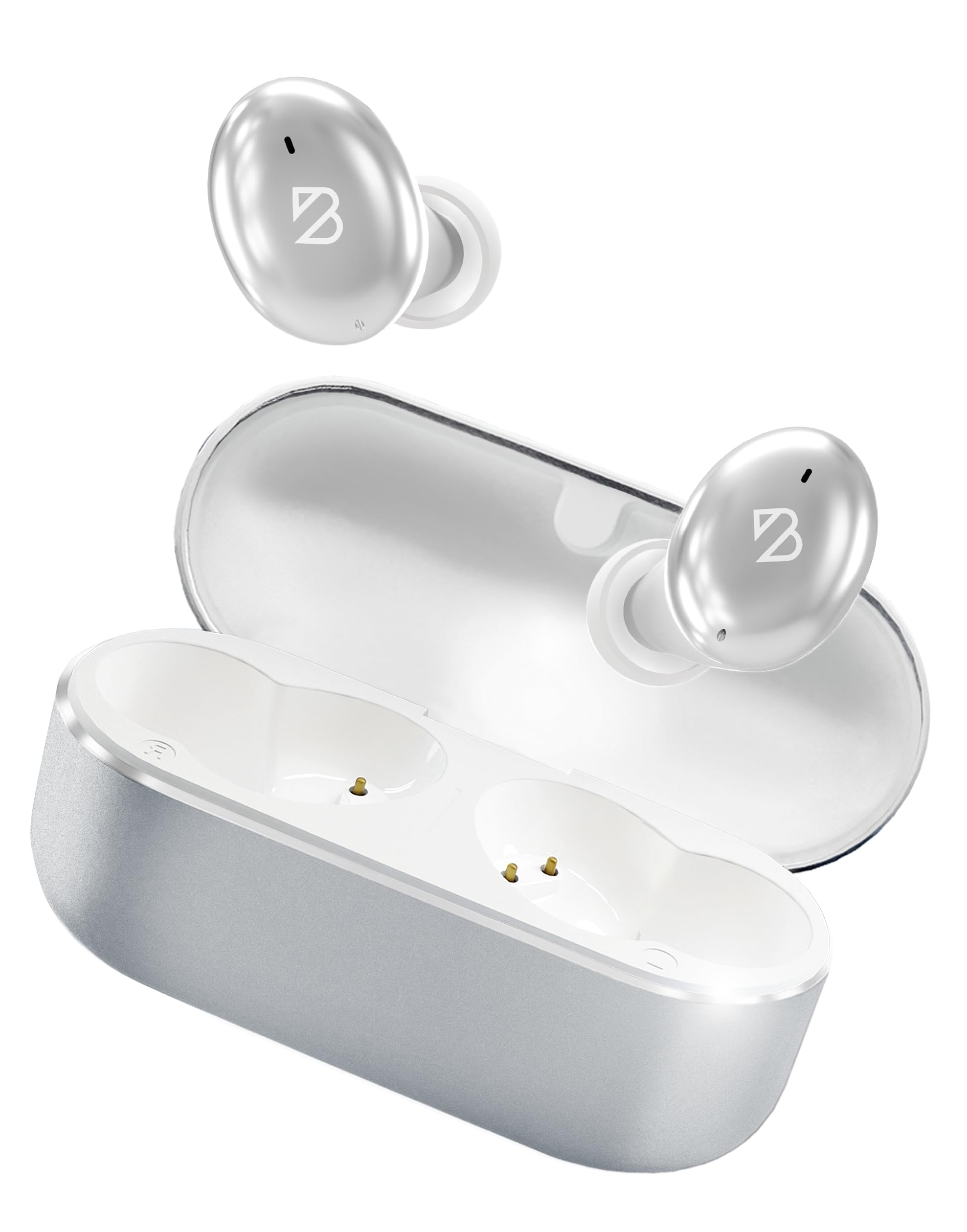
Image: Back Bay Audio Tempo 30 Wireless Earbuds in silver, showcasing id-disinn eleganti tagħhom.
X'hemm fil-Kaxxa
- Back Bay Audio Tempo 30 Wireless Earbuds
- Kawża tal-Iċċarġjar
- Cable tal-Iċċarġjar tal-USB-C
- Daqsijiet Multipli ta' Eartips (6 pari)
- Manwal għall-Utent

Image: The Tempo 30 earbuds in their charging case, accompanied by a selection of different sized eartips for a customized fit.
Setup
1. Iċċarġjar tal-Earbuds u l-Kaxxa
Before first use, fully charge your Tempo 30 earbuds and charging case. The charging case provides an additional 24 hours of battery life, extending total playtime to 32 hours.
- Qabbad il-kejbil USB-C provdut mal-port tal-iċċarġjar fuq il-kaxxa u ma' sors tal-enerġija.
- The LED indicator on the case will flash while charging and turn solid when fully charged.
- Place the earbuds into the charging case to charge them. The case display will show the charge level.

Image: The Tempo 30 charging case with earbuds, illustrating the USB-C charging port and the digital battery display.
2. It-tqabbil mat-Tagħmir Tiegħek
The Tempo 30 earbuds are designed for simple pairing with any Bluetooth-enabled device.
- Ensure earbuds are charged and inside the charging case.
- Iftaħ l-għatu tal-kaxxa tal-iċċarġjar. Il-earbuds jidħlu awtomatikament fil-modalità ta' tqabbil.
- On your device (phone, computer, etc.), go to Bluetooth settings and select "Back Bay Tempo 30" from the list of available devices.
- Once connected, you will hear an audio prompt "Device Connected".
3. Optimal Fit for Small Ears
The Tempo 30 earbuds come with 6 different ear-tip sizes to ensure a comfortable and secure fit, especially for smaller ear canals. Experiment with different sizes to find the best seal for optimal sound quality and comfort.

Image: A close-up of the Tempo 30 earbuds highlighting the multiple ear-tip options designed for a comfortable fit in small ears.
Istruzzjonijiet Operattivi
Touch Kontrolli
The Tempo 30 earbuds feature intuitive touch controls on each earbud for managing audio playback, calls, and sound modes.
| Azzjoni | Earbud tax-Xellug | Earbud tal-lemin |
|---|---|---|
| Kontroll tal-Volum | Single Tap: Volume Down | Single Tap: Volume Up |
| Play/Pawsa | Double Tap (either earbud) | |
| Kanzunetta li jmiss | Żomm għal 2 sekondi | |
| Modalità Bass Mixgħul/Mitfi | Tektek triplu | |
| Assistent tal-Vuċi | Tektek triplu | |
| Modi ta' Kontroll tal-Ħoss | Hold for 2 seconds (cycles through Transparency, Noise Blocking, Off) | |
| Qawwa mixgħul/mitfi | Hold for 5 seconds (either earbud) or place in charging case | |
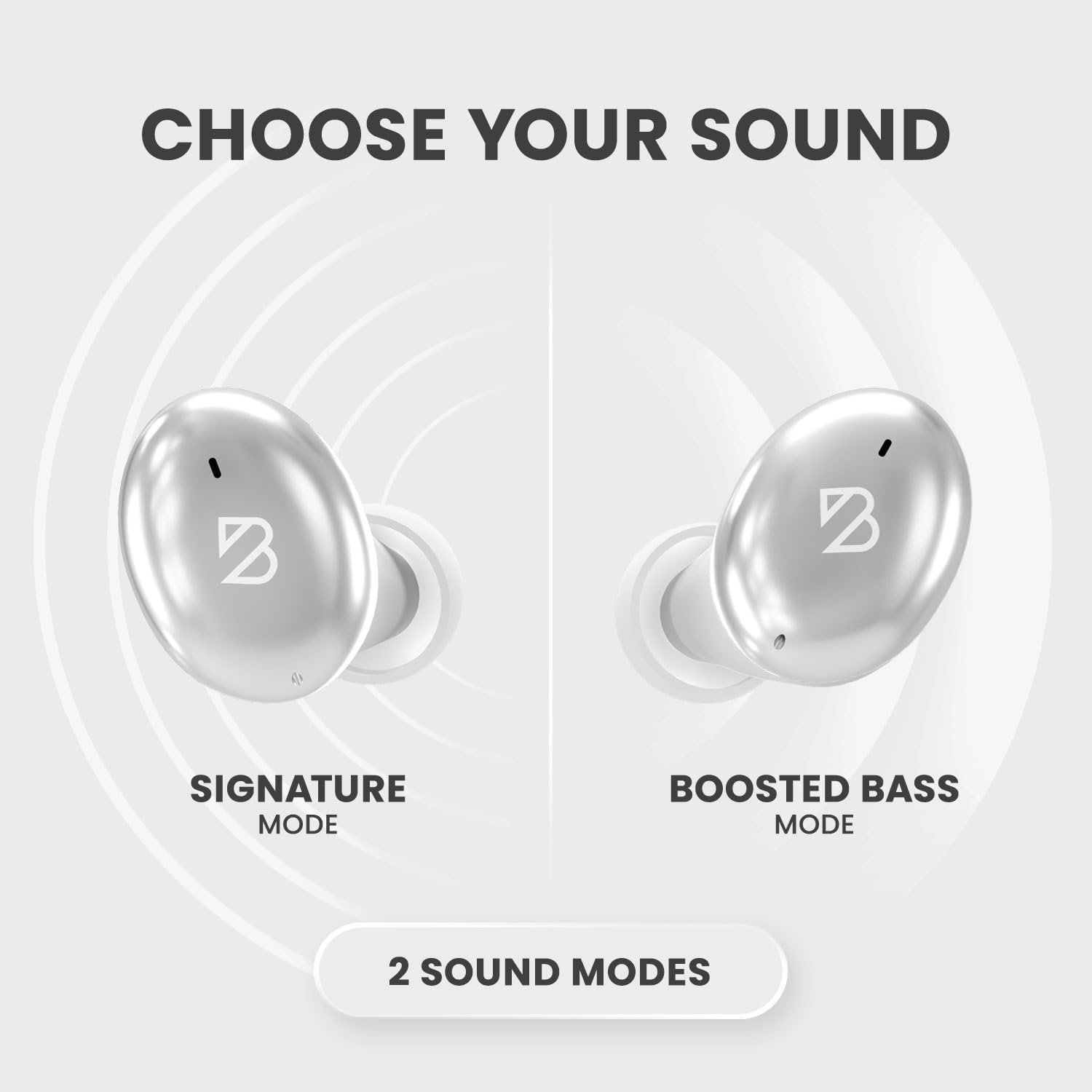
Image: A visual representation of the Tempo 30 earbuds, illustrating the two available sound modes: Signature Mode and Boosted Bass Mode.
Modi tal-Ħsejjes
- Modalità tal-Firma: Provides a balanced audio experience.
- Boosted Bass Mode: Enhances low frequencies for a more powerful sound, ideal for workouts or gaming. Activate by triple-tapping the right earbud.
Kontroll tal-Ħoss
The Tempo 30 offers three noise control modes:
- Modalità ta' Trasparenza: Jippermetti li l-ħsejjes ambjentali jgħaddu, u jżommok konxju ta' dak li jkun qed jiċċirkola madwarek.
- Noise Blocking Mode: Actively reduces external noise for an immersive listening experience.
- Mitfi: Disables noise control features.
Cycle through these modes by holding the left earbud for 2 seconds.
Manutenzjoni
- Tindif: Regularly clean the eartips and charging contacts with a soft, dry cloth.
- Reżistenza għall-Ilma: The Tempo 30 earbuds are IPX7-rated waterproof, making them resistant to sweat and rain. They are not designed for swimming.

Image: The Tempo 30 earbuds shown with water droplets, emphasizing their IPX7 water-resistant rating.
Issolvi l-problemi
- No Sound/Pairing Issues: Ensure earbuds are charged. Turn off and on your device's Bluetooth, then re-attempt pairing.
- Earbud wieħed mhux jaħdem: Place both earbuds back in the charging case, close the lid, and wait for 10 seconds. Then open and try again.
- Kwalità tal-Ħoss Fqira: Check ear-tip fit. Ensure earbuds are clean and free of debris.
Speċifikazzjonijiet
- Isem tal-Mudell: Back Bay Tempo 30
- Teknoloġija tal-Konnettività: Bluetooth 5.0
- Ħajja tal-batterija: Up to 32 hours (8 hours earbuds + 24 hours charging case)
- Livell ta' Reżistenza għall-Ilma: IPX7 (Sweatproof, Water Resistant - Not for Swimming)
- Kontroll tal-Ħsejjes: Sound Isolation (Transparency Mode, Noise Blocking Mode)
- Tip ta' Driver Awdjo: Sewwieq Dinamika
- Mikrofonu: Built-in for calls with CVC 8.0 Mic Noise Cancelling
- Metodu ta' Kontroll: Mess
- Materjal: Metal, Premium ABS Plastic
- Piż tal-oġġett: 45 Gram (1.59 uqija)
- Dimensjonijiet tal-Prodott: 1.1 x 2.9 x 1.8 pulzieri

Image: Diagram showing the dimensions of the Tempo 30 earbuds and their charging case.
Vidjo Uffiċjali tal-Prodott
Video: An official product video from Back Bay Brand showcasing the Tempo 30 Wireless Bluetooth Earbuds and their features for workouts.
Garanzija u Appoġġ
For warranty information and customer support, please refer to the contact details provided in the packaging or visit the official Back Bay Audio websit.


