1. Prodott Aktarview
The DBPOWER Smart WiFi Bluetooth Projector (Model: E2) offers a native 1080P Full HD resolution with 300 ANSI lumens brightness and a 10,000:1 contrast ratio. It features a 6-layer high-refractive lens for enhanced clarity and reduced eye strain. This projector is designed for versatile home and outdoor use, providing a large display experience with integrated smart features.
Karatteristiċi ewlenin:
- Native 1080P Resolution & 300 ANSI Brightness: Delivers stunning visuals with true Full HD and vibrant clarity.
- Built-in Smart Apps: Stream content directly from Netflix, YouTube, Prime Video, and more without an external TV stick.
- Fast Dual-Band 5G WiFi & Bluetooth 5.2: Ensures stable streaming and wireless audio connectivity with soundbars, headphones, or speakers.
- Large Display & Easy Setup: Projects a 40-200 inch screen with ±15° keystone correction, manual focus, and 50% digital zoom for effortless alignment.
- Dolby Audio: Integrated dual speakers with Dolby Audio support provide immersive sound.
- Kompatibilità Wiesgħa: Features HDMI, USB, AV, and audio ports for connecting various devices like phones, laptops, and gaming consoles.
2. Kontenut tal-Pakkett
Your DBPOWER Smart WiFi Bluetooth Projector package includes the following items:
- DBPOWER Smart WiFi Bluetooth Projector (Model: E2)
- Kontroll mill-bogħod
- Korda tal-Enerġija
- Cable HDMI
- AV Cable
- Kap tal-Lenti
- Cleaning Kit (Q-tips)
- Manwal għall-Utent
- Kawża tal-Ġarr

Image 2.1: The DBPOWER Smart WiFi Bluetooth Projector with its included carrying case and a smartphone displaying Bluetooth and WiFi icons.
3. Gwida ta' Setup
3.1 Physical Placement and Adjustments
Place the projector on a stable, flat surface. Ensure there is adequate ventilation around the device. The projector can be placed on a table, mounted on a tripod, or ceiling-mounted.
- Aġġustament tal-Għoli: Use the adjustable screw on the bottom of the projector to fine-tune the projection height.
- Korrezzjoni Keystone: Use the keystone adjustment ring/slider on the projector to correct trapezoidal distortion, ensuring a rectangular image. The projector supports ±15° keystone correction.
- Focus Manwal: Dawwar iċ-ċirku tal-fokus fuq il-lenti tal-proġettazzjoni sakemm l-immaġni pproġettata tidher qawwija u ċara.
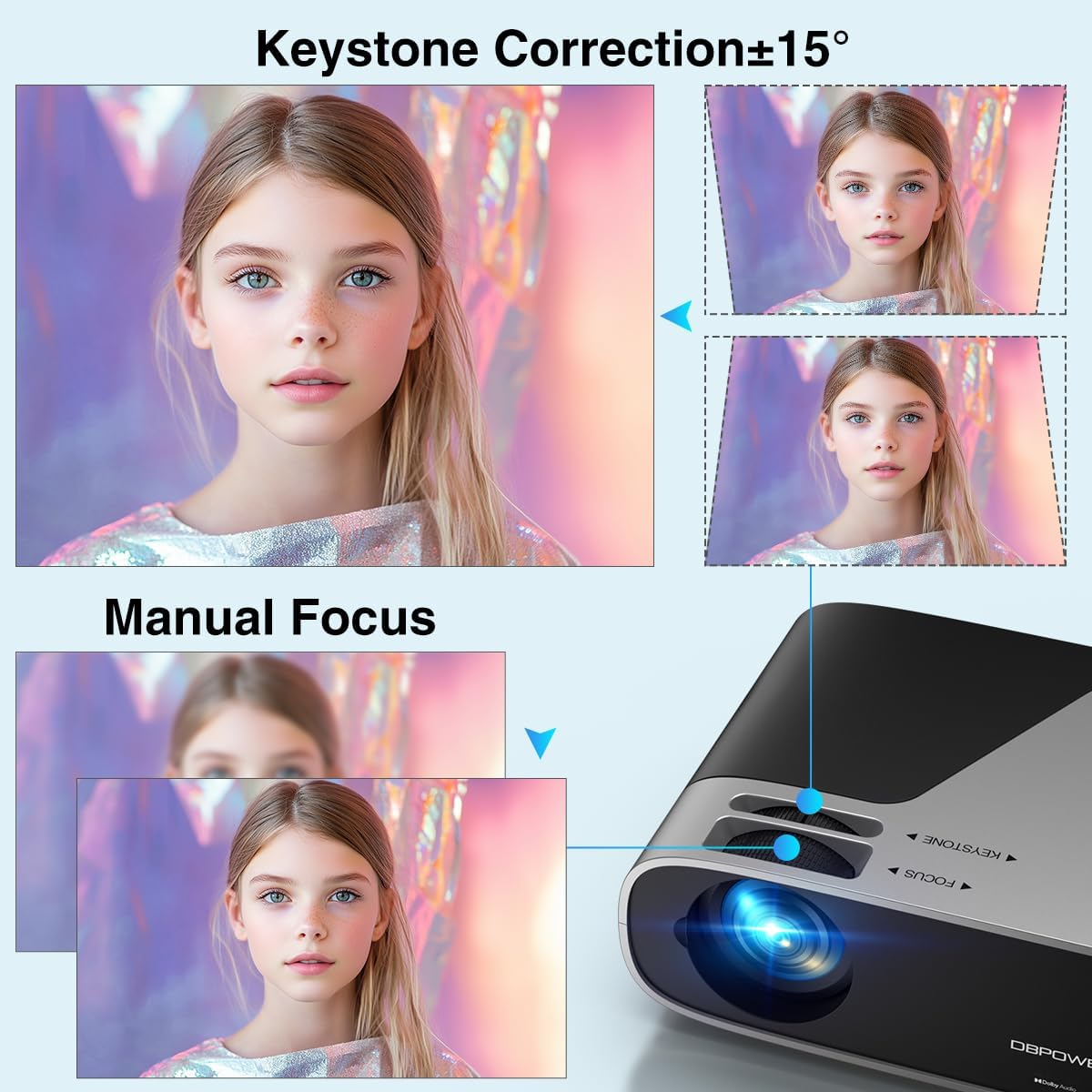
Image 3.1: Visual representation of keystone correction and manual focus adjustments on the projector.
3.2 Ixgħel u Konfigurazzjoni Inizjali
- Qabbad il-korda tal-enerġija mal-proġettazzjoni u mbagħad ma' sokit tal-enerġija.
- Agħfas il-buttuna tal-qawwa fuq il-proġekter jew il-kontroll mill-bogħod biex tixgħel l-apparat.
- Follow the on-screen prompts to select your preferred language and connect to your Wi-Fi network (2.4G/5G Dual-Band supported).
3.3 Konnessjoni ta' Apparati Esterni
Il-proġettur joffri diversi għażliet ta' konnettività:
- HDMI: Connect devices like laptops, gaming consoles (PS5), or TV sticks using an HDMI cable.
- USB: Plug in USB drives for media playback.
- TA’: Use the AV port for older devices.
- Out tal-Awdjo: Connect external speakers or headphones via the 3.5mm audio jack or Bluetooth.

Immaġni 3.2: Fuqview of the projector's input/output ports and various compatible devices.
3.4 Konnettività Bluetooth
To connect Bluetooth audio devices:
- Ensure your Bluetooth device (e.g., soundbar, headphones) is in pairing mode.
- On the projector's home screen, navigate to the Bluetooth settings.
- Agħżel it-tagħmir tiegħek mil-lista ta' tagħmir disponibbli biex tqabbad.

Image 3.3: The projector demonstrating Bluetooth 5.2 connectivity with various audio devices.
4. Istruzzjonijiet Operattivi
4.1 Navigazzjoni tal-Interfaċċja tal-Utent
Use the remote control or the physical buttons on top of the projector to navigate the user interface. The remote control provides direct access to apps like Netflix and YouTube.
4.2 Using Built-in Streaming Apps
The projector comes pre-licensed with popular streaming apps. Simply connect to Wi-Fi, log in to your accounts, and start streaming.

Image 4.1: The projector's smart interface showing various pre-installed streaming applications.
4.3 Screen Mirroring
Mirror your smartphone or tablet screen wirelessly:
- Apparati iOS: Use the ScreenSharer function. Ensure your iOS device and projector are on the same Wi-Fi network.
- Apparat Android: Use the ScreenCast function. Ensure your Android device and projector are on the same Wi-Fi network.
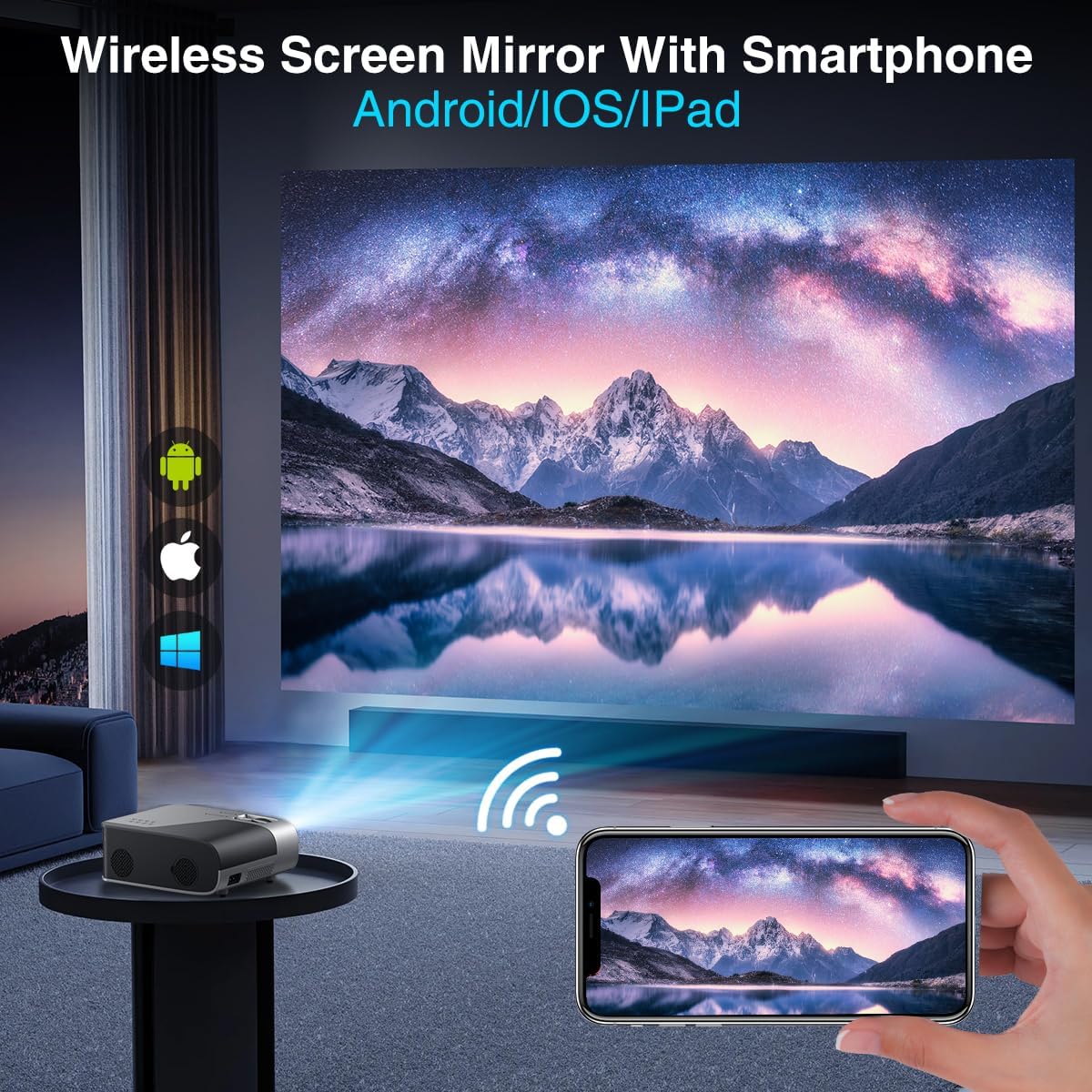
Image 4.2: A smartphone wirelessly mirroring its screen to the projector, compatible with Android and iOS devices.
4.4 Modi ta' Projezzjoni
The projector supports multiple installation methods and projection modes:
- Projezzjoni minn Quddiem: Standard setup where the projector is in front of the screen.
- Projezzjoni ta' wara: Projector is behind a translucent screen.
- Ceiling Mount (Front/Rear): Projector is mounted upside down from the ceiling. Adjust settings in the Projection Settings menu to flip the image.
4.5 Funzjoni Zoom
The projector features a 50% digital zoom function, allowing you to adjust the screen size without physically moving the projector. This can be accessed via the remote control or projector settings.

Image 4.3: Illustration of the projector's 50% digital zoom feature, showing various screen sizes from 60 to 200 inches.
4.6 Xenarji ta' Użu
The DBPOWER projector is suitable for various entertainment and presentation needs:
- Ċinema fid-Dar: Gawdi films u programmi televiżivi fuq skrin kbir.
- Logħob: Connect gaming consoles for an immersive experience.
- Divertiment ta' barra: Perfect for backyard movie nights.
- Preżentazzjonijiet: Can be used for displaying content from laptops or PCs.
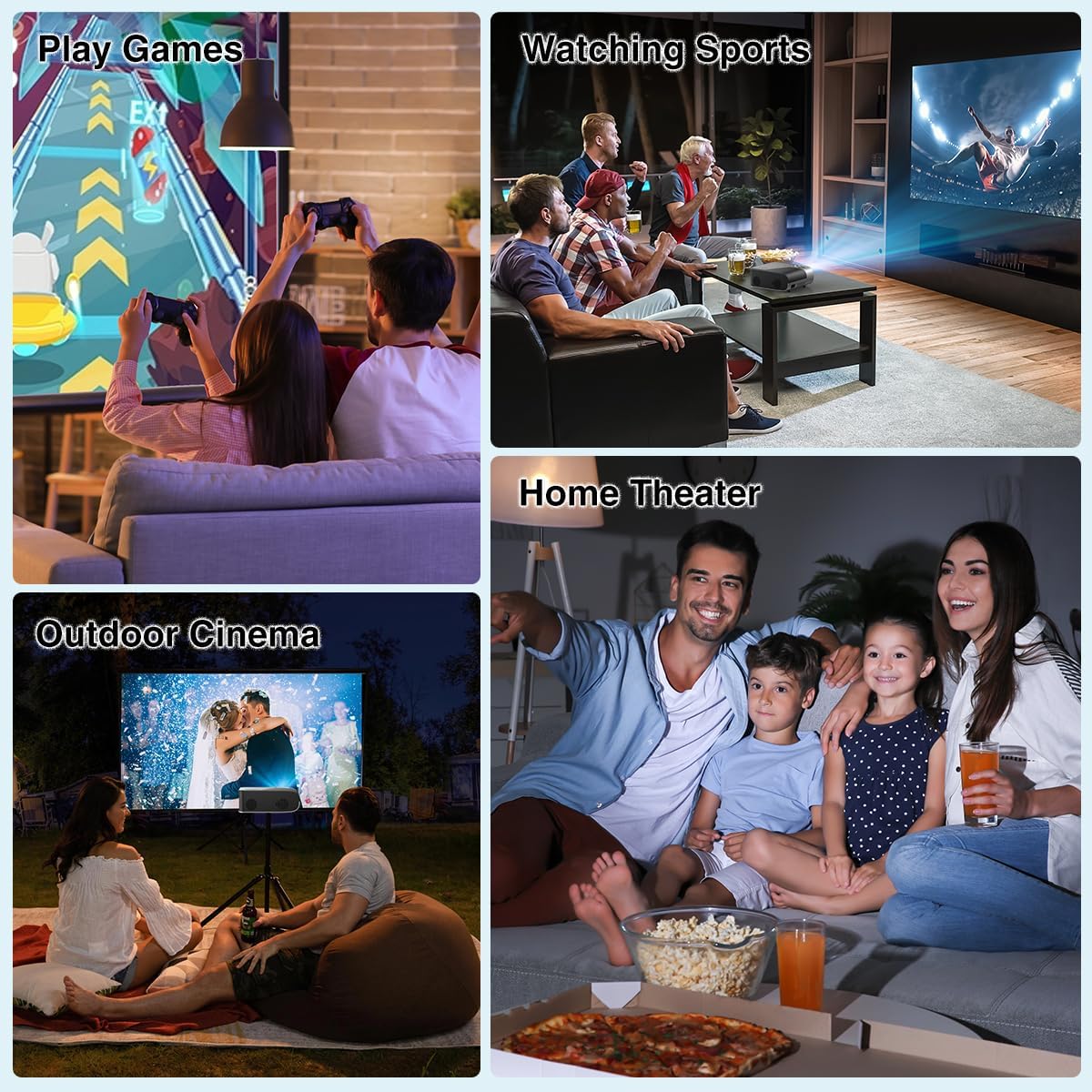
Immaġni 4.4: Eż.amples of the projector's use in different settings, such as gaming, sports viewing, home theater, and outdoor cinema.
5. Manutenzjoni
5.1 Tindif tal-Lentijiet
Regularly clean the projector lens to ensure optimal image clarity. Use a soft, lint-free cloth or the provided cleaning kit. Avoid abrasive materials or harsh chemicals.
5.2 Tindif tal-Filtru tat-Trab
The projector has a removable dust filter to prevent dust buildup inside the device. Periodically remove and clean the filter to maintain proper airflow and prevent overheating. Refer to the detailed instructions in the included user manual for specific steps on removing and cleaning the filter.
6 Issolvi l-problemi
Jekk tiltaqa' ma' problemi bil-proġettur tiegħek, ikkunsidra s-soluzzjonijiet komuni li ġejjin:
- Immaġni mċajpra: Adjust the manual focus ring until the image is sharp. Ensure the projector is placed at an appropriate distance from the screen.
- Trapezoidal Image: Use the keystone correction feature to adjust the image corners until it is rectangular.
- Ebda Sinjal: Check all cable connections (HDMI, AV, USB). Ensure the correct input source is selected on the projector.
- Problemi ta' Konnettività Wi-Fi/Bluetooth: Ensure the projector is within range of your Wi-Fi router or Bluetooth device. Restart both the projector and the external device.
- Sound Sync Issues: If using external Bluetooth speakers, ensure a stable connection. Sometimes, restarting both devices can resolve minor sync issues.
- Black Spots on Screen: This may indicate dust on the lens or inside the projector. Refer to the maintenance section for cleaning instructions.
7. Speċifikazzjonijiet
| Karatteristika | Speċifikazzjoni |
|---|---|
| Brand | DBPOWER |
| Riżoluzzjoni tal-Wiri | 1920 x 1080 (1080P Nattiv) |
| Luminożità | 300 lumens ANSI |
| Proporzjon ta' Kuntrast | 10,000:1 |
| Teknoloġija tal-Konnettività | HDMI, USB, AV, Bluetooth 5.2, 5G/2.4G Wi-Fi |
| Karatteristiċi Speċjali | Built-In Speaker, Built-In Wi-Fi, Dolby Audio, ±15° Keystone Correction, 50% Digital Zoom |
| Użi Rakkomandati | Home Cinema |
| Piż tal-oġġett | 5.17 liri |
| Dimensjonijiet tal-Pakkett | 13.07 x 9.92 x 4.76 pulzieri |
| Kulur | Iswed |
8. Garanzija u Appoġġ
Specific warranty details and support contact information are typically provided in the product packaging or on the manufacturer's official website. Please refer to these resources for the most accurate and up-to-date information regarding your DBPOWER Smart WiFi Bluetooth Projector.
9. Vidjo Uffiċjali tal-Prodott
Vidjo 9.1: Reviżjoni dettaljataview of the DBPOWER E2 Smart Projector, demonstrating its features, setup, and performance in various environments.


