Introduzzjoni
The Talkpod A36SE is a versatile GMRS handheld radio designed for reliable communication. It features multi-band reception, NOAA weather alerts, and a durable design suitable for various outdoor and professional environments. This manual provides detailed instructions for the proper setup, operation, and maintenance of your A36SE radio.
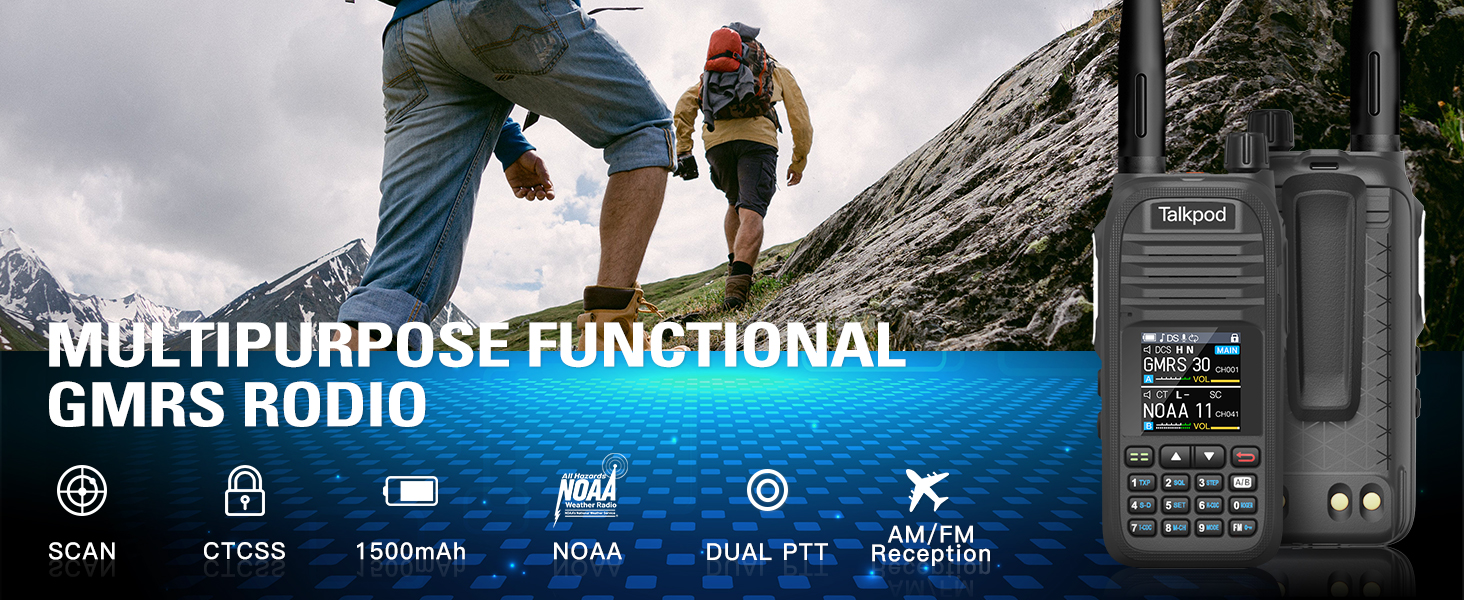
Immaġni: Fuqview of the Talkpod A36SE's exceptional performance features.
Setup
Komponenti Inklużi
Iċċekkja li l-oġġetti kollha li ġejjin huma inklużi fil-pakkett tiegħek:
- 1 x Talkpod A36SE GMRS Radio Handheld
- 1 x 1500mAh Type-C Battery
- 1 x 805 Short Antenna
- 1 x 15.12-inch 771 AM Antenna (120/300MHz)
- 1 x Earpiece
- 1 x Desk Charger
- 1 x USB-C Charger & Cable
- 1 x K-Port Cable
- 1 x Klipp ta 'wara
- 1 x Manwal għall-Utent
- 1 x Lanyard
Prodott Overview

Image: Detailed diagram of the Talkpod A36SE radio with all components labeled and dimensions.
Installazzjoni u Iċċarġjar tal-Batterija
To install the battery, align the battery pack with the compartment on the back of the radio and slide it into place until it clicks. To remove, press the release latch and slide the battery out.

Image: The 1500mAh Type-C rechargeable battery.
The A36SE radio can be charged using the included desk charger or directly via a USB-C cable. Ensure the radio is powered off during charging for optimal battery life.

Image: Multiple charging options for the Talkpod A36SE, including desk charger and USB-C direct charging.
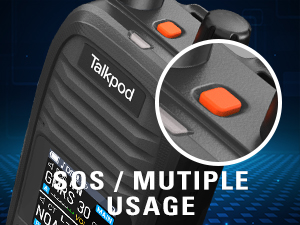
Image: Detail of the Type-C charging port on the Talkpod A36SE.
It-twaħħil tal-antenna
Screw the desired antenna clockwise onto the antenna connector on top of the radio until it is finger-tight. Do not overtighten.

Image: The 771 long antenna for extended range and the 805 short antenna for compact use.
The A36SE includes both a 771 long antenna for extended range communication and an 805 short antenna for situations where a compact size is preferred, such as indoor use or when ultra-long-distance communication is not required.
Istruzzjonijiet Operattivi
Kontrolli Bażiċi
- Pum tal-Qawwa/Volum: Rotate to turn the radio on/off and adjust the volume.
- Buttuna PTT (Push-to-Talk): Agħfas u żomm biex tittrażmetti, itlaq biex tirċievi.
- Buttuna SOS: Press for emergency alert functions.
- Buttuni tal-Ġenb (1 & 2): Customizable functions, refer to the programming section.
- Tastiera: Used for frequency input, menu navigation, and feature activation.
- Menu/Confirm Key: Jaċċessa l-menù u jikkonferma l-għażliet.
- Tasti 'l fuq/'l isfel: Navigate through menu options and channels.
Channel and Frequency Management
The A36SE supports 512 channels. It operates on GMRS frequencies (Tx: 462/467MHz) and has a wide receive range (Rx: 136-520MHz).
Entering Your Favorite Channel
- Press and hold the Menu button to switch to VFO mode.
- Enter the desired channel number on the keypad. The channel will be displayed on the screen.
- Briefly press the Menu button and use the "Up" key to navigate to menu option 09.
- Press the "Up" key to find the channel (e.g., CH-011) and then press the Menu button to save.

Image: Step-by-step guide for entering and saving a favorite channel.
Clearing Memory Channels
- Press the Menu button briefly and press the Up button to go to menu option 20.
- Press the Up button to find the channel you want to delete.
- Press the Menu Key to save the deletion.

Image: Step-by-step guide for clearing memory channels.
Karatteristiċi Avvanzati
- Riċeviment b'ħafna faxxa: Enjoy AM/FM radio reception, NOAA Weather alerts, and Air Band receiving capabilities.
- DTMF Lock & Roger Beep: Enhance communication control and signal confirmation.
- Scrambler: Provides basic voice privacy.
- VOX (Skambju Operat bil-Vuċi): Allows hands-free transmission.
- Funzjoni tar-Ripetitur: Extends communication range through repeaters.
- Skennja: Automatically scans through channels or frequencies.

Image: The Talkpod A36SE supports Aviation Band receiving.
Single-Key Frequency Matching (Crack Frequency)
This feature allows you to quickly capture and match frequencies during transmission.
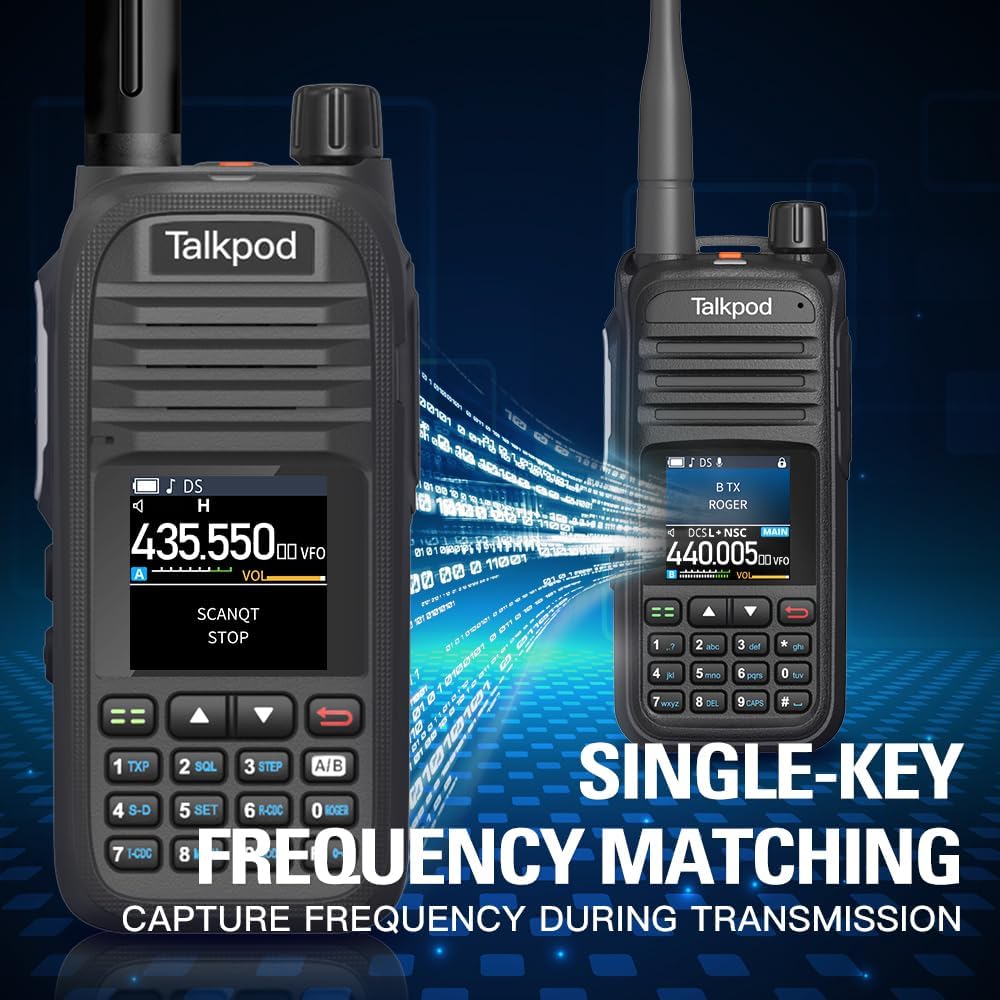
Image: Single-Key Frequency Matching for quick frequency capture.
Modalità Monitor
To monitor other radios, press and hold Side Key 3 to enter Monitor mode, which instantly opens the squelch.

Image: Using Monitor mode to listen to other radios.
Programmazzjoni tar-Radju
The A36SE can be programmed using a K-Port Cable with CHIRP software or Talkpod's dedicated programming software. This allows for advanced customization of channels, frequencies, and features.
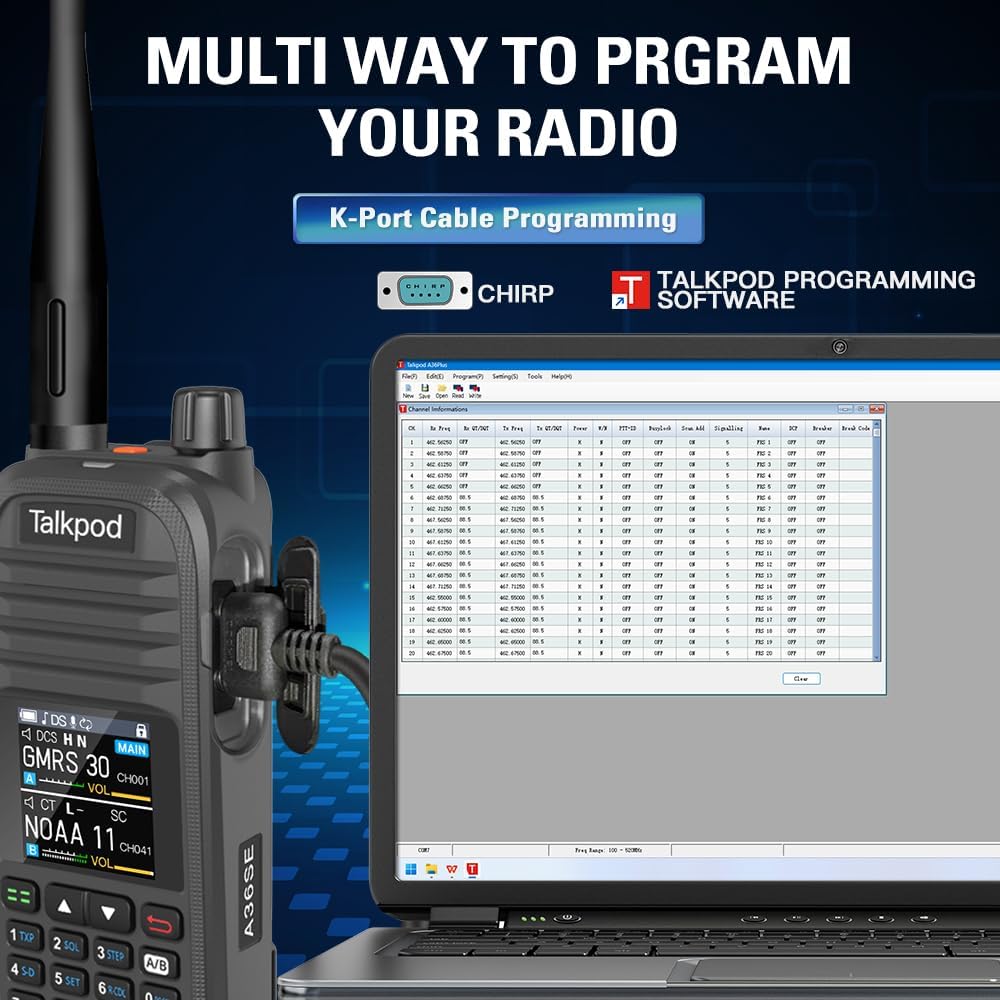
Image: Programming the Talkpod A36SE using a K-Port cable and CHIRP software.
Vidjo tal-Prodott Fuqview
Video: An official product video demonstrating various features and uses of the Talkpod A36SE GMRS Handheld Radio.
Manutenzjoni
Kura tal-batterija
- Iċċarġja l-batterija kompletament qabel l-ewwel użu.
- Evita li tiċċarġja żżejjed jew tbattal kompletament il-batterija biex ittawwal il-ħajja tagħha.
- Aħżen il-batterija f'post frisk u niexef meta ma tkunx qed tużaha għal perjodi twal.
Tindif u Ħażna
- Naddaf il-barra tar-radju b'ċarruta ratba u driegħ.amp drapp. Tużax kimiċi ħarxa jew solventi.
- Kun żgur li l-portijiet kollha huma niexfa qabel ma tiċċarġja jew tqabbad l-aċċessorji.
- Store the radio in a dry environment, away from extreme temperatures and direct sunlight.
Issolvi l-problemi
If you encounter issues with your Talkpod A36SE radio, consider the following basic troubleshooting steps:
- Ebda Qawwa: Ensure the battery is properly installed and charged. Check the power/volume knob.
- Ma nistax nittrażmetti/nirċievi: Verify the antenna is securely attached. Check the selected channel/frequency. Ensure you are within range of other radios or repeaters.
- Kwalità tal-Awdjo Fqira: Adjust the volume. Check the antenna connection. Ensure there is no interference.
- Kwistjonijiet ta' Programmazzjoni: Ensure the K-Port cable is correctly connected and the programming software is compatible and up-to-date.
For more complex issues, refer to the Customer Support section.
Speċifikazzjonijiet
| Karatteristika | Speċifikazzjoni |
|---|---|
| Numru tal-Mudell | A36SE |
| ID tal-FCC | 2ADQZGMRS1 (Part 15B and Part 95E) |
| Piż tal-oġġett | 1.28 liri |
| Dimensjonijiet tal-Pakkett | 9.21 x 7.01 x 2.52 pulzieri |
| Batteriji | 1 batterija tal-jone tal-litju meħtieġa (inkluża) |
| Numru ta 'Kanali | 512 |
| Karatteristika Speċjali | Dual Band, Multi-band Receiving (AM/FM, NOAA, Air Band) |
| Firxa ta' Frekwenza (Tx) | 462/467MHz |
| Frequency Range (Rx) | 136-520MHz |
| Talking Range Massimu | 10 Mile (approximate, varies by terrain) |
| Livell ta 'Reżistenza għall-Ilma | Mhux Reżistenti għall-Ilma |
| Apparati Kompatibbli | Earpieces, Antennas, Devices supporting DTMF and Roger Beep features |
Informazzjoni dwar Garanzija
Talkpod products are manufactured to high-quality standards. This product comes with a standard manufacturer's warranty against defects in materials and workmanship. Please retain your proof of purchase for warranty claims. Specific warranty duration and terms may vary by region and retailer. For detailed warranty information, please contact Talkpod customer support.
Appoġġ għall-Klijent
Should you encounter any problems while using your Talkpod A36SE two-way radio, our professional technical team is available to provide assistance. Please do not hesitate to contact us for a satisfactory solution.
Informazzjoni ta' Kuntatt:
- Via Amazon messaging system (if purchased through Amazon)
- Via email (refer to product packaging or official Talkpod website for email address)


