1. Introduzzjoni
The LOFREE Zero ARTZ Mechanical Keyboard is a 75% layout keyboard designed for versatile use across multiple operating systems. It features a rechargeable battery, hot-swappable switches, and offers three connection types: Bluetooth, 2.4G wireless, and USB-C wired. This manual provides essential information for setting up, operating, and maintaining your keyboard.

Image: The LOFREE Zero ARTZ keyboard, showcasing its unique Terrazzo-inspired design and minimalist aesthetic.
2. X'hemm fil-Kaxxa
Jekk jogħġbok iċċekkja l-kontenut tal-pakkett biex tiżgura li l-oġġetti kollha huma preżenti:
- LOFREE Zero ARTZ Mechanical Keyboard
- Kejbil USB (għall-iċċarġjar u l-konnessjoni bil-fili)
- 2.4G Wireless Receiver (typically stored in the keyboard's magnetic silo)
3. Setup
3.1 Iċċarġjar inizjali
Before first use, connect the keyboard to a power source using the provided USB-C cable. The keyboard features a long-lasting battery life. An LED indicator will show charging status.
3.2 Għażliet ta' Konnettività
The LOFREE Zero ARTZ keyboard supports three connection methods:
- Bluetooth: Pair with up to three devices.
- 2.4G bla fili: Use the included USB receiver for a stable connection.
- USB-C bil-wajer: Connect directly via the USB-C cable.
The keyboard is compatible with MacOS, iOS, Windows, and Android operating systems.
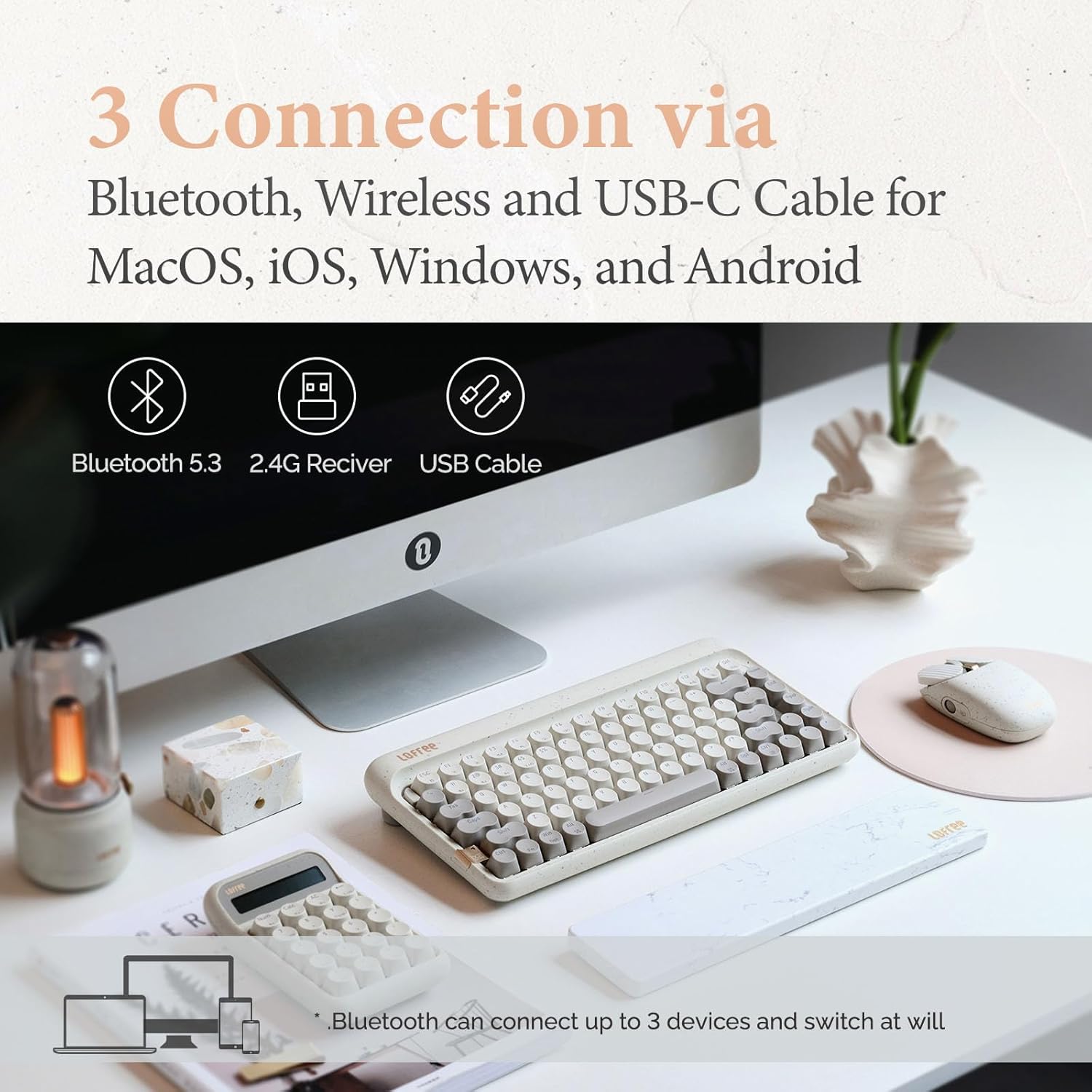
Image: Visual representation of the three connection types: Bluetooth, 2.4G wireless, and USB-C cable, highlighting multi-device compatibility.

Image: The keyboard illustrating efficient switching between various scenarios and devices.
4. Istruzzjonijiet Operattivi
4.1 Użu Ġenerali
The 75% layout provides a compact yet functional typing experience. The keyboard features dual-color PBT keycaps for durability and aesthetic appeal. Its gasket mount design contributes to a softer typing feel and purer sound.

Immaġni: Close-up view of the keyboard's dual-color PBT keycaps.

Image: An exploded diagram illustrating the gasket mount structure of the keyboard, highlighting its various layers for improved typing experience.
4.2 Rata tal-Votazzjoni
The keyboard supports up to a 1000Hz polling rate, ensuring quick and responsive input, particularly beneficial for tasks requiring precision.

Image: The keyboard in use, with a display indicating a 1000Hz polling rate for fast response times.
4.3 Dawl ta' wara
The keyboard features backlighting with 7 distinct lighting effects, 4 brightness levels, and 4 blink frequencies. Adjust these settings to your preference using the designated function keys.
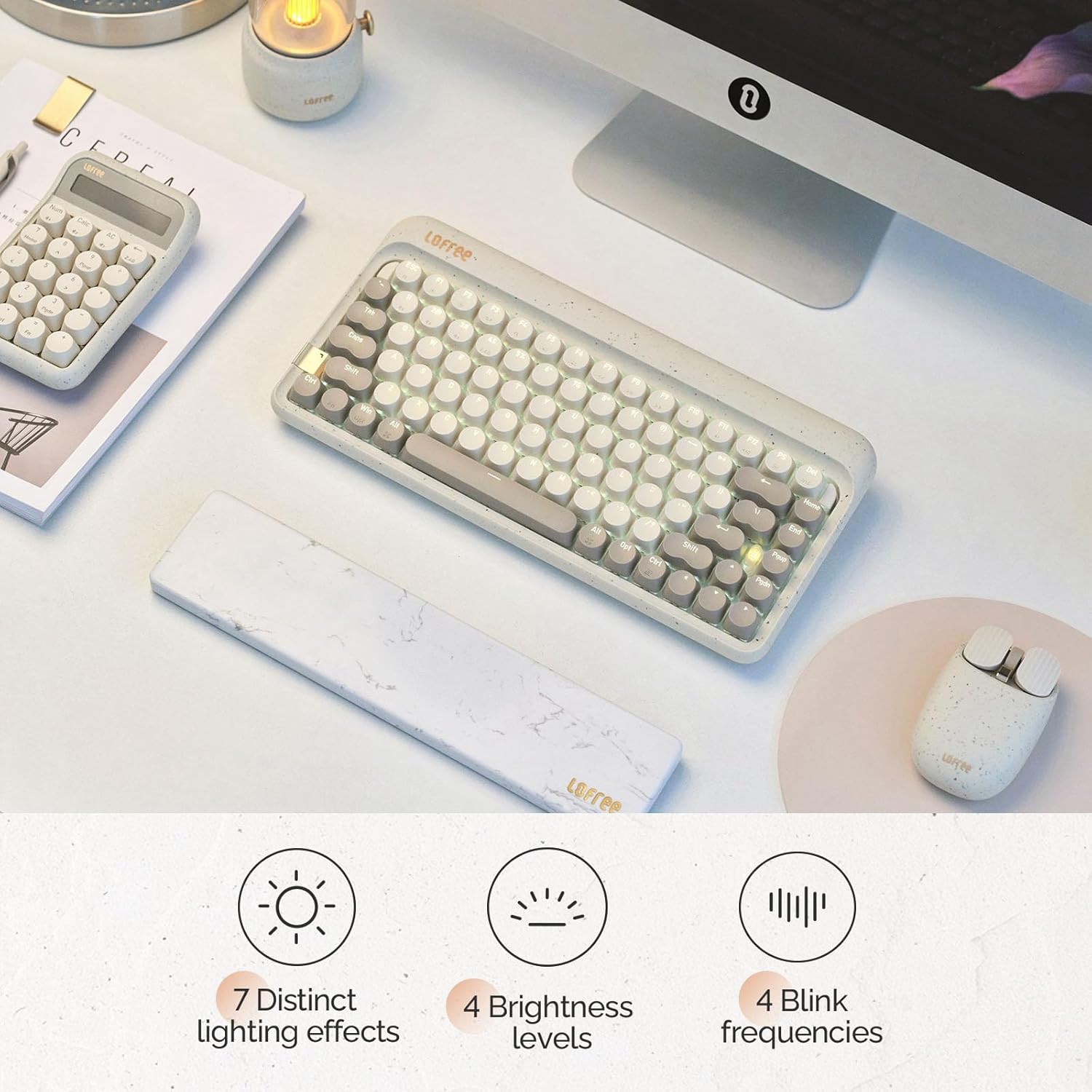
Image: The keyboard illuminated, highlighting its various backlighting features including distinct effects, brightness levels, and blink frequencies.

Image: The keyboard's keys glowing, described as resembling fireflies shining on rocks, emphasizing the aesthetic quality of the backlighting.
4.4 Swiċċijiet li jistgħu jinbidlu bis-sħana
The LOFREE Zero ARTZ keyboard is equipped with full POM hot-swappable switches, allowing users to easily change switches without soldering. This feature enables customization of typing feel and sound.
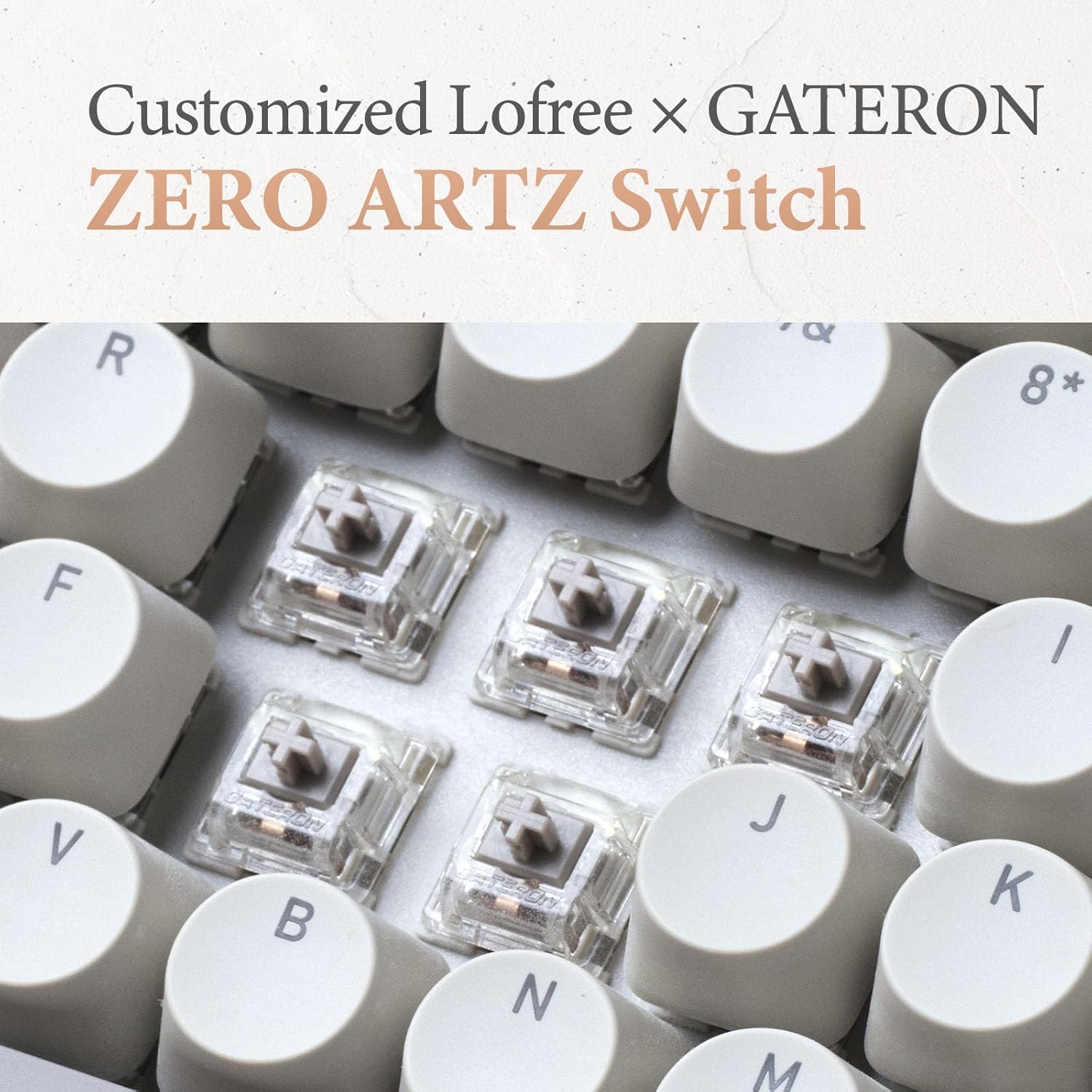
Image: A close-up of the customized LOFREE x GATERON ZERO ARTZ switches, visible beneath the keycaps.

Image: The keyboard highlighting its FULL POM switches and hot-swappable capability.
5. Manutenzjoni
Biex tiżgura l-lonġevità u l-prestazzjoni ottimali tat-tastiera tiegħek:
- Tindif: Use a soft, dry cloth to wipe the keyboard surface. For deeper cleaning, remove keycaps and use compressed air to clear debris.
- Kura tal-batterija: Avoid extreme temperatures. For long-term storage, charge the battery to approximately 50% and store in a cool, dry place.
- Ħażna: Keep the keyboard away from direct sunlight, excessive moisture, and dust.
6 Issolvi l-problemi
If you encounter issues with your LOFREE Zero ARTZ keyboard, consider the following:
- Kwistjonijiet ta' Konnettività: Ensure the keyboard is charged. For Bluetooth, re-pair the device. For 2.4G wireless, ensure the receiver is securely plugged in and try a different USB port. For wired, check the USB-C cable connection.
- Ċwievet li ma jirrispondux: If a specific key is not responding, ensure it is properly seated. For hot-swappable switches, try reseating or replacing the switch.
- Backlight Mhux Taħdim: Check the brightness settings. Ensure the keyboard has sufficient battery charge.
- Lag/Delay: For wireless connections, ensure there are no strong interference sources nearby. For optimal performance, especially in gaming, consider using the wired connection with its 1000Hz polling rate.
7. Speċifikazzjonijiet
| Karatteristika | Dettall |
|---|---|
| Dimensjonijiet tal-Prodott | 12.8 x 6.32 x 1.75 pulzieri (12.8"T x 6.32"W x 1.75"Għ) |
| Piż tal-oġġett | 2.88 liri |
| Manifattur | LOFREE |
| Numru tal-Mudell tal-Oġġett | OE914 |
| Batteriji | 1 batterija tal-Lithium Polymer meħtieġa (inkluża) |
| Apparati Kompatibbli | Laptop (and other devices supporting Bluetooth/USB-C) |
| Teknoloġija tal-Konnettività | Bluetooth, 2.4G Wireless, USB-C |
| Deskrizzjoni tat-Tastiera | Mekkaniċi |
| Użi Rakkomandati | Business, Everyday Use, Personal |
| Karatteristika Speċjali | Backlit, Hot-swappable switches, Gasket mount |
| Kulur | Terrazzo Grey |
| Appoġġ tal-Kulur tal-Backlighting tat-Tastiera | Kulur Uniku |
| Stil | Klassiku |
8. Prodott Aktarview Video
Video: This official LOFREE video provides an overview of the Zero ARTZ Terrazzo Keyboard and Mouse series, showcasinid-disinn u l-karatteristiċi tiegħu.
9. Garanzija u Appoġġ
Specific warranty details are not provided in the product information. For warranty claims, technical support, or further assistance, please refer to the official LOFREE webis-sit jew ikkuntattja lis-servizz tal-konsumatur tagħhom direttament. Żomm l-irċevuta tax-xiri tiegħek bħala prova tax-xiri.


